Search history
Clear allSearch by image
XDrag and drop an image here or upload an image
Max 5MB per image
UploadSign In | Join

Search history
Clear allSearch by image
XDrag and drop an image here or upload an image
Max 5MB per image
UploadSign In | Join
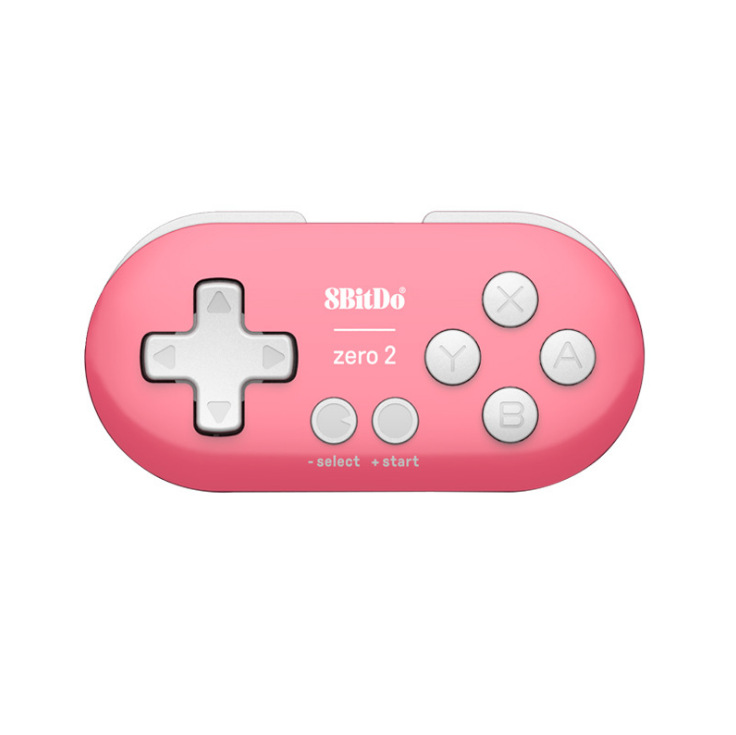
 pink
pink
粉色 |
CN¥ 0.0 |
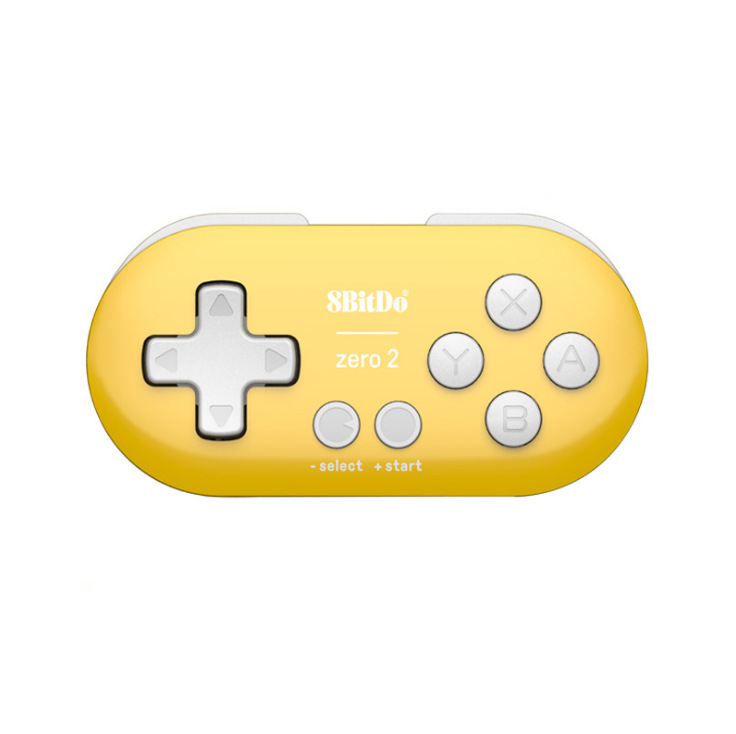
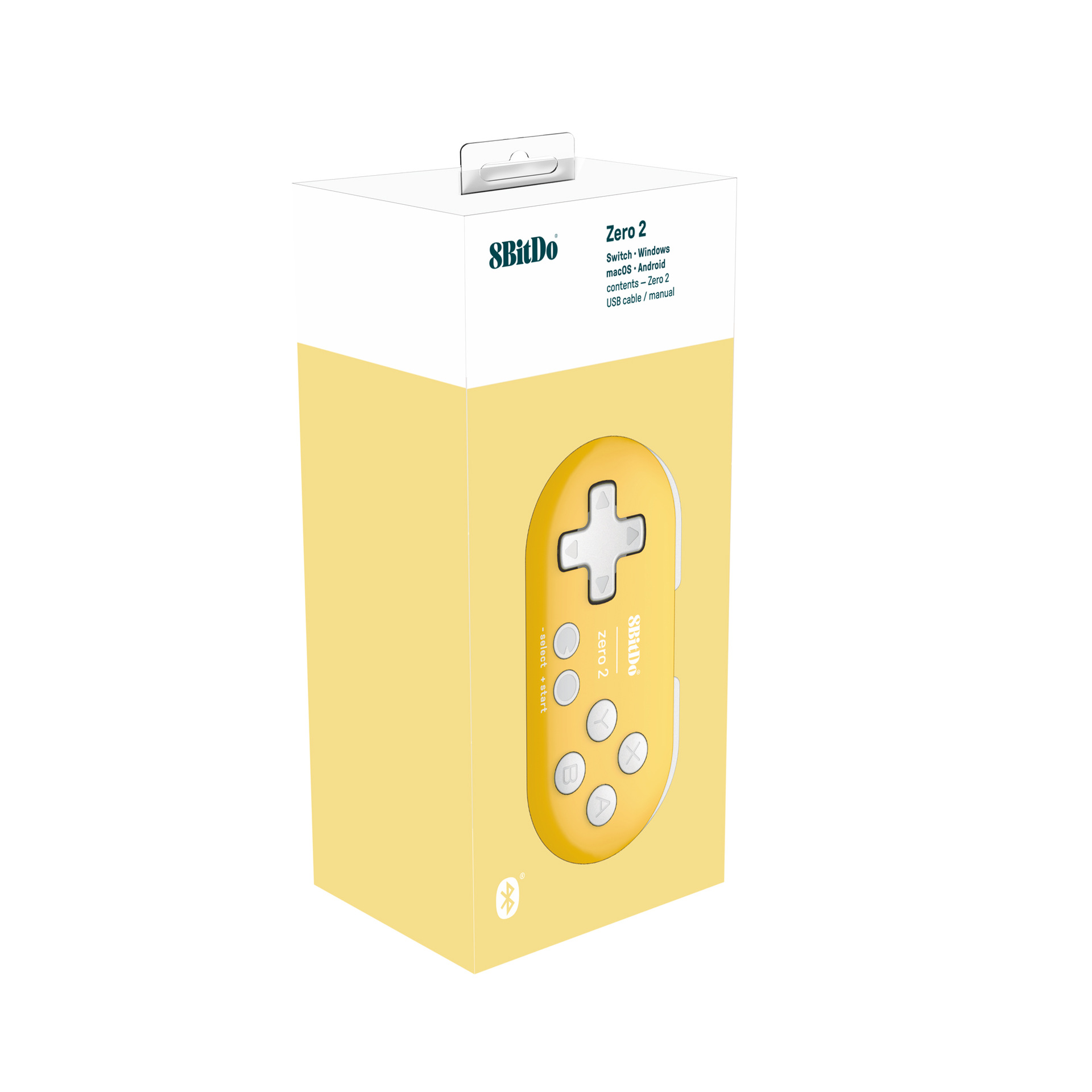
 yellow
黄色 |
CN¥ 0.0 |
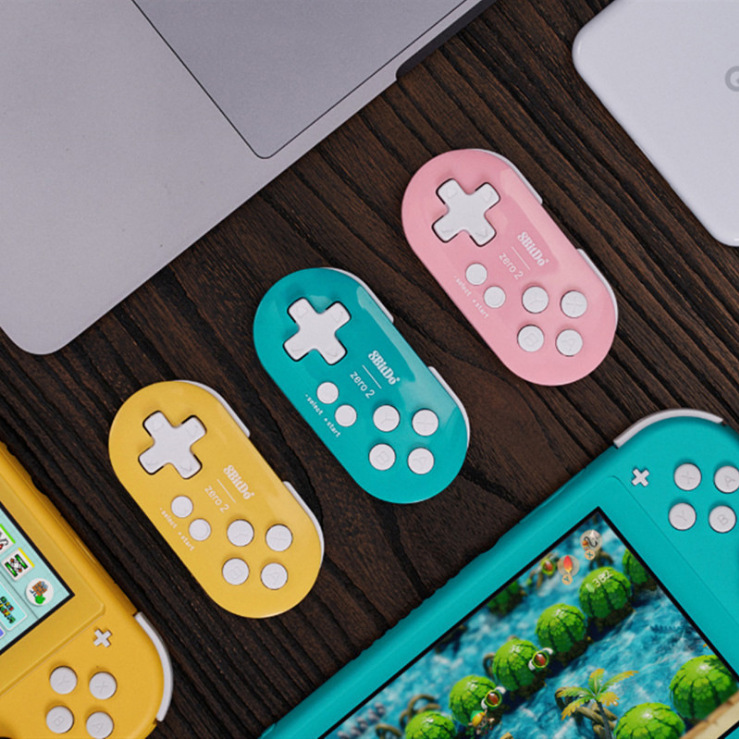
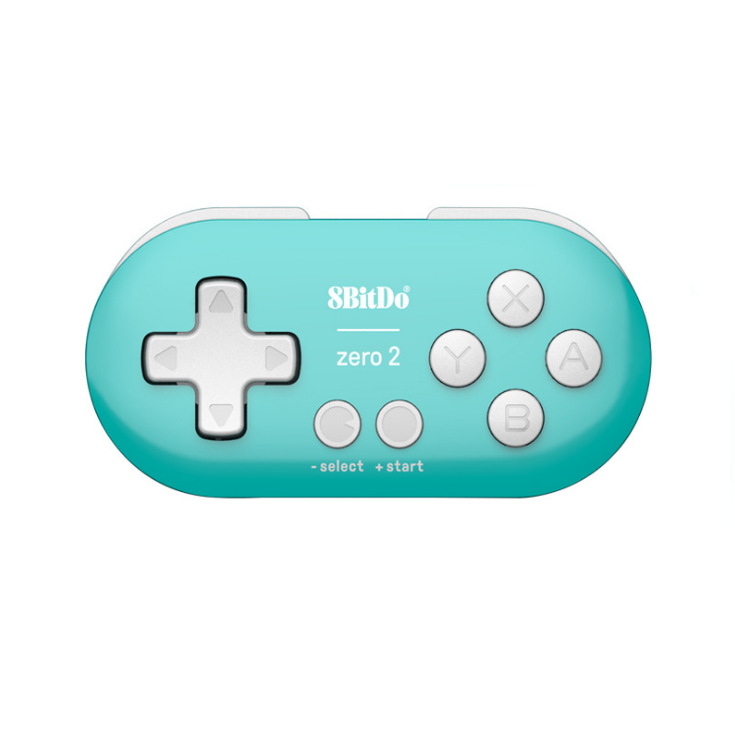
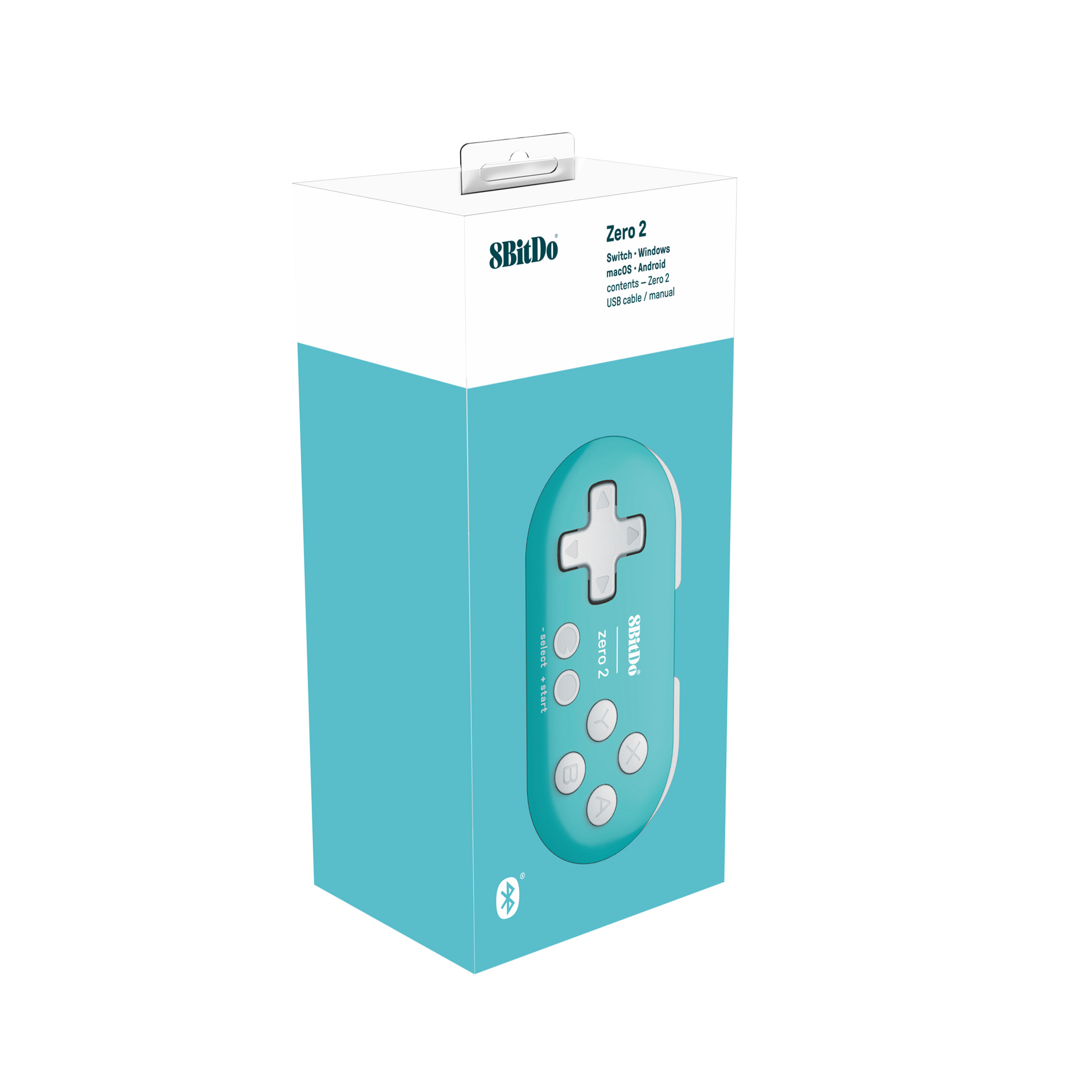
 blue and green
蓝绿 |
CN¥ 0.0 |
Zero2 Bluetooth Controller
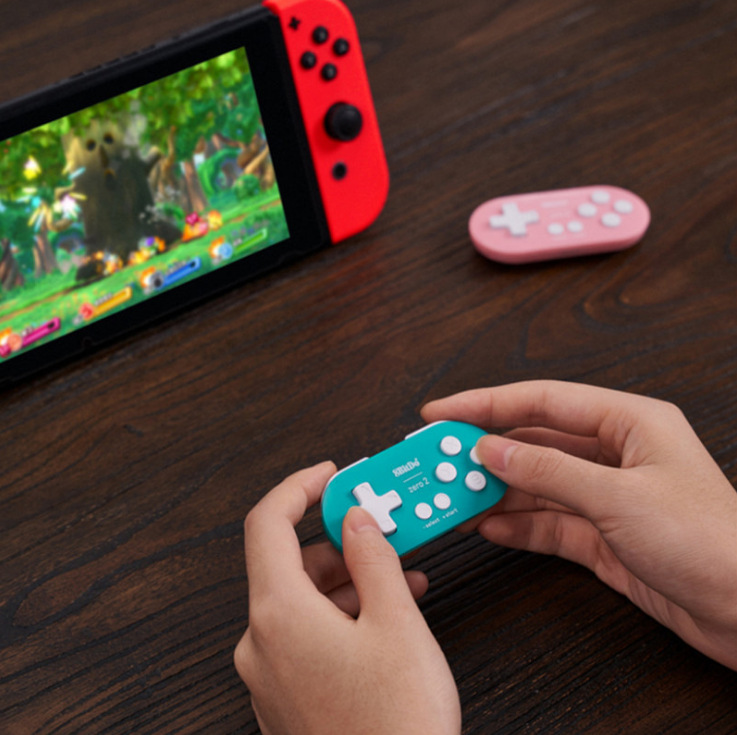
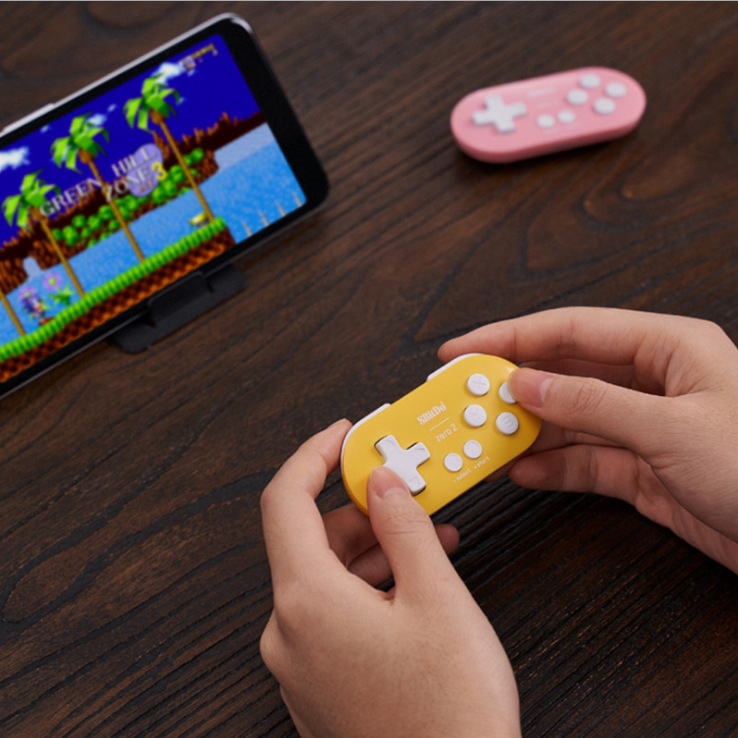
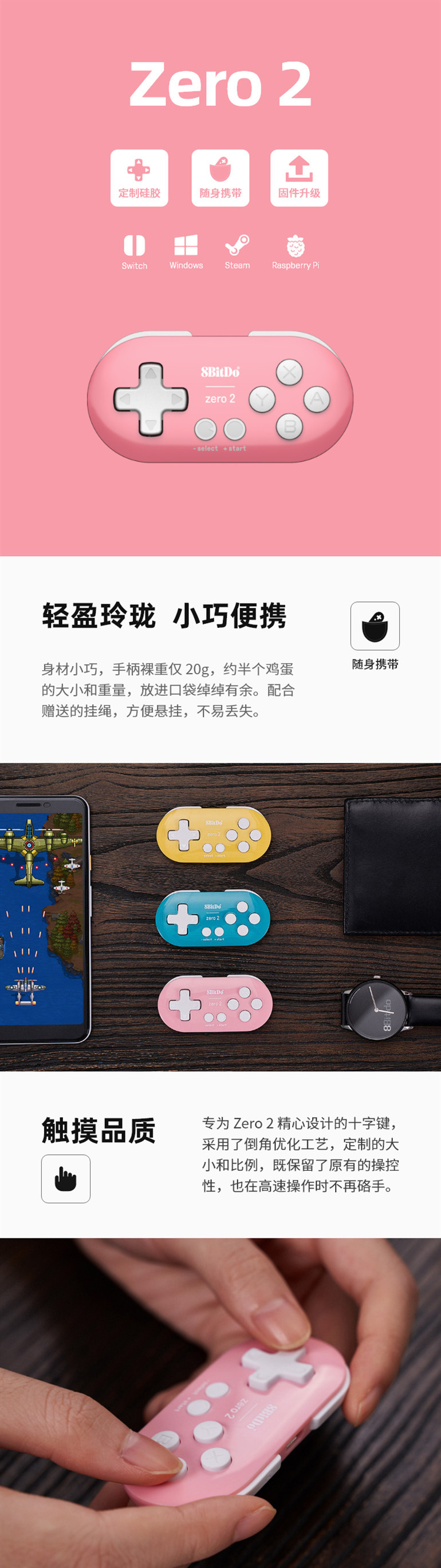
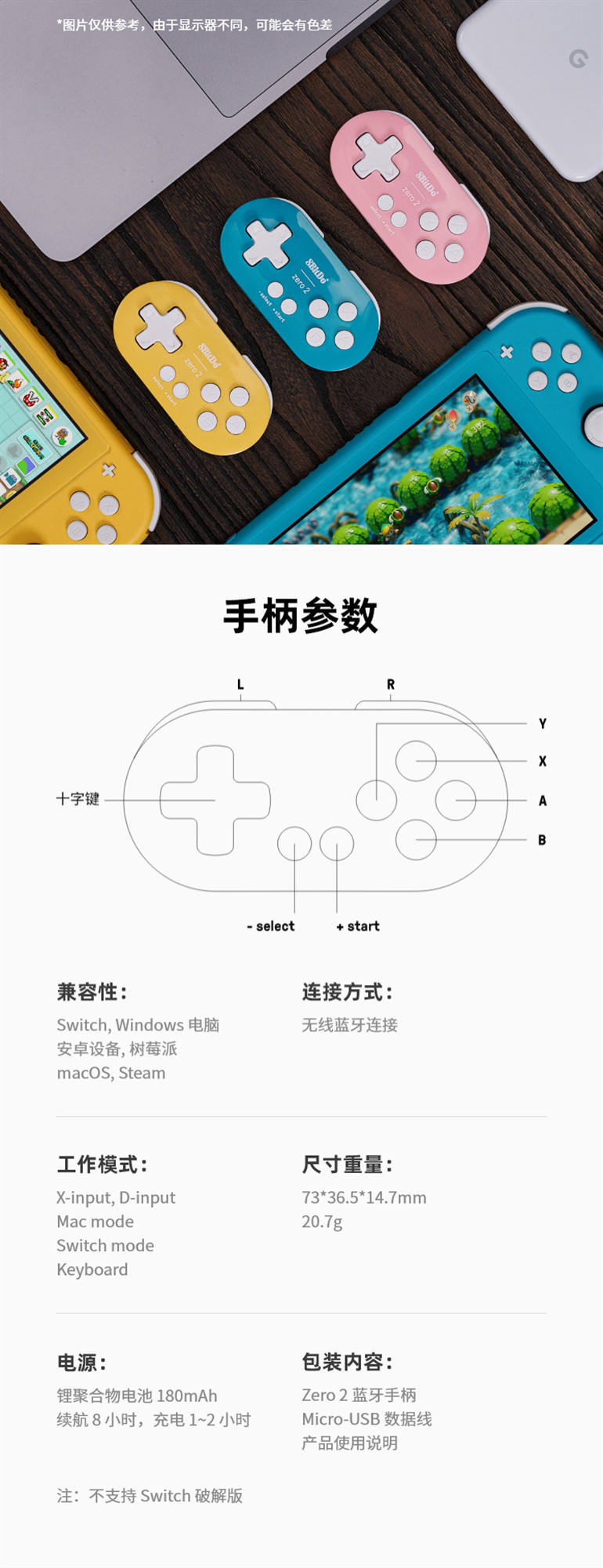
The EightWin Zero 2 will continue the Zero series' highly distinctive features: a compact design, fresh color schemes, and multi-platform support. It will also bring new hardware, support for firmware upgrades, and support for Switch, Android, Windows, Steam, macOS, and even Raspberry Pi.
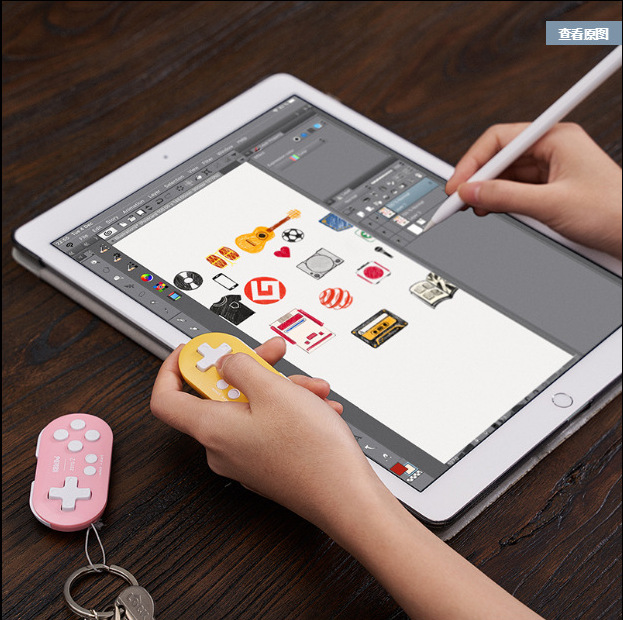
The device is compact with a handle weight of only 20g, about the size and weight of half an egg, easily fitting into a pocket. With the included lanyard, it is convenient to hang and is less likely to be lost.
Usage Method
Switch
Press {Y+start} to turn on the controller, and the blue indicator light will blink 4 times per cycle.
2. Press and hold the {select} button for 3 seconds to enter pairing mode, and the blue indicator will flash rapidly.
3. Successfully paired and connected, the next time you use it, press the {start} button to turn it on and it will automatically reconnect.
Press the select + Dpad-down combination to activate the Home button on the Switch, and press the select + start combination to activate the ZL + ZR buttons on the Switch.
★Windows (X - input]
1. Press the [X + start] button to turn on the controller, and the blue indicator light will blink 2 times per cycle.
2. Press the [select] button for 3 seconds to enter pairing mode, and the blue indicator light will flash rapidly.
3. Turn on the Bluetooth on your Windows device and search for [8BitDo Zero 2 gamepad] to connect. After the connection is complete, the blue indicator light will stay on continuously.
Successful pairing connection established. Next time, press the [start] button to turn on and it will automatically reconnect.
* select + Dpad-down combination key is Home key.
Android
1. Press the [B+ start] button to turn on the controller, and the blue indicator light will blink once per time.
2. Press and hold the [select] button for 3 seconds to enter pairing mode, and the blue indicator light will flash rapidly.
3. Turn on the Bluetooth on the Android device, search for the {8BitDo Zero2 gamepad} and connect, after the connection is completed, the blue indicator light will stay on. Press the [start] button to start and it will automatically reconnect.
4. Successfully paired and connected, the next time you use it, press the {start} button to turn it on and it will automatically reconnect.
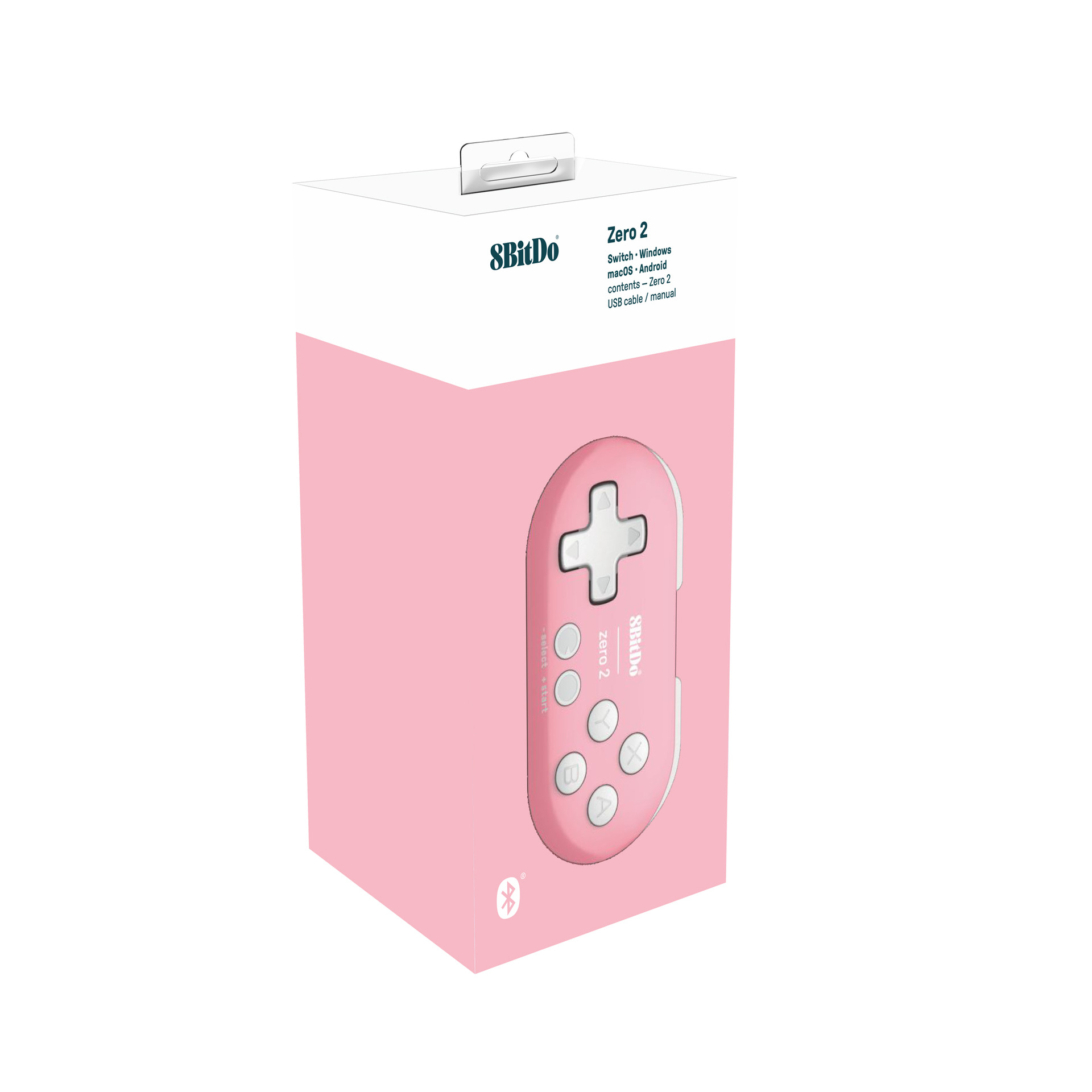
Packed size: 5.3*10.8*3.6cm
Packed weight: 53g, Unpacked weight: 31g


Packed size: 5.3*10.8*3.6cm
Packed weight: 53g, Unpacked weight: 31g


Update time:


TOP