Search history
Clear allSearch by image
XDrag and drop an image here or upload an image
Max 5MB per image
UploadSign In | Join

Search history
Clear allSearch by image
XDrag and drop an image here or upload an image
Max 5MB per image
UploadSign In | Join
2. How to use the countdown function:
1. Press the CLOCK/TIMER key to switch to the countdown interface;
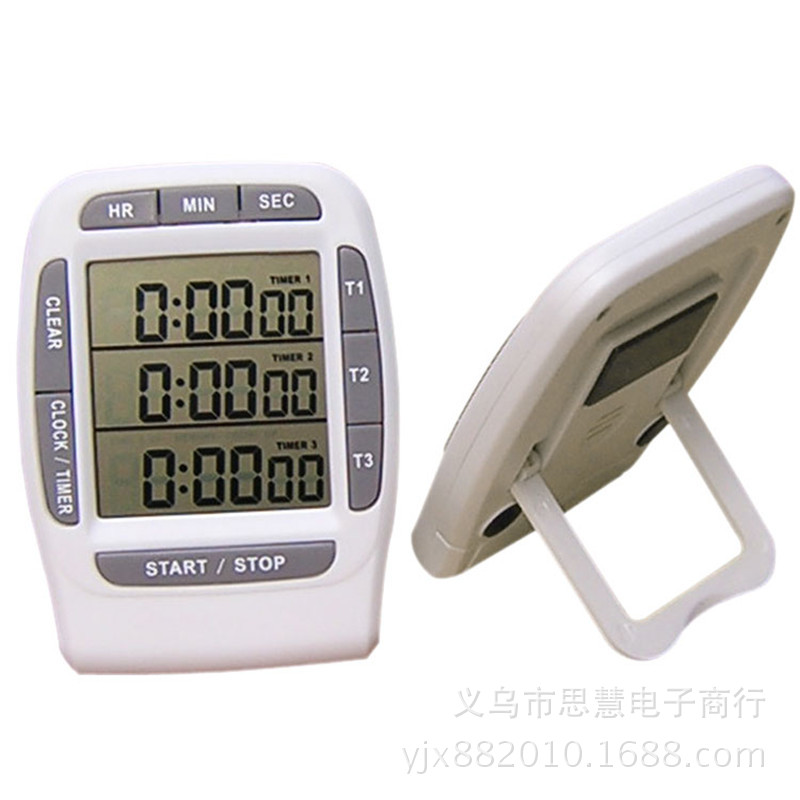
2. If only a single countdown is required, press the T1 key (or T2 or T3 keys, same below) for two seconds. The “0:0:0” display on the first row will flash. Press the HR, MIN, and SEC keys above to set the hours, minutes, and seconds respectively. Press the T1 key to confirm, then press T1 again to start the countdown for that channel. Press T1 once more to pause it (the CLEAR key cannot be pressed during the paused state, otherwise the counted time will be cleared). After the countdown ends, the channel will flash, and the time elapsed since the actual start time will be displayed via audio alert for one minute. Press T1 to stop the alarm sound and the real-time counting; at this point, the screen will show the elapsed time and flash. Press the CLEAR key to return the channel to the initial 0:0:0 state. If you want to repeat the countdown, press the T1 key once—the preset countdown time will be displayed, and pressing T1 again will initiate another countdown.......
3. If you wish to start two or three countdown sequences simultaneously, follow the above setup method to set the countdown times for T1, T2, and T3 channels respectively. Press the START/STOP button, and each channel will begin its countdown at the same time. After each channel completes its countdown, the time after the countdown ends will be displayed. After the countdown stops, press the CLEAR button to reset each channel individually. Then, pressing the START/STOP button again will restore the preset countdown times for each channel. Pressing the buttons for each channel (T1, T2, T3) will initiate the countdown for that specific channel.
4. If 2 or 3 sets of time countdown are required, and the start times are not simultaneous, you can set them separately. Then, operate each channel individually by pressing its corresponding key—the channels do not affect each other.
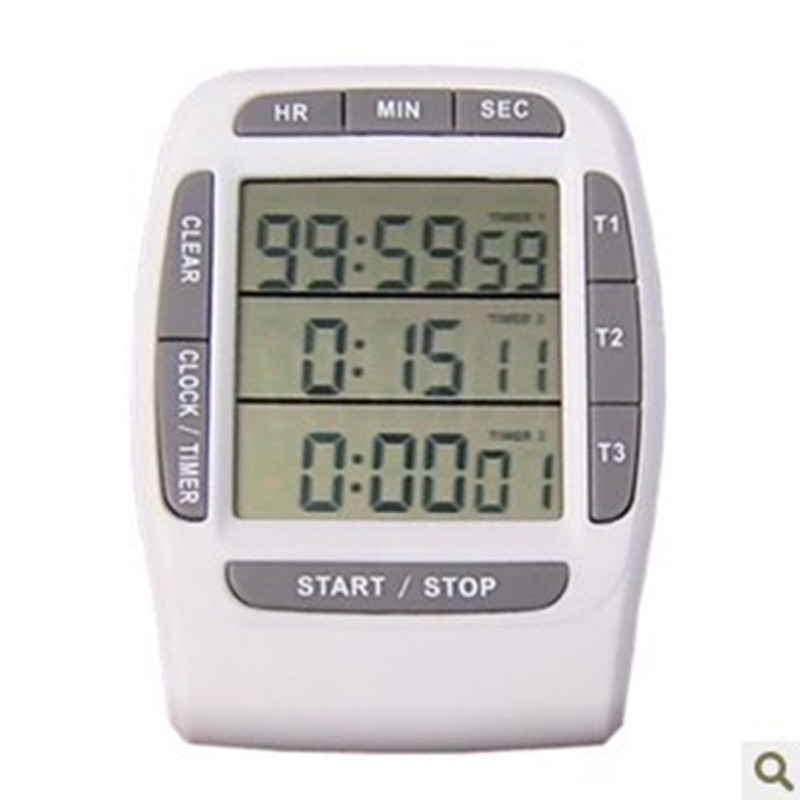
Key Instructions:
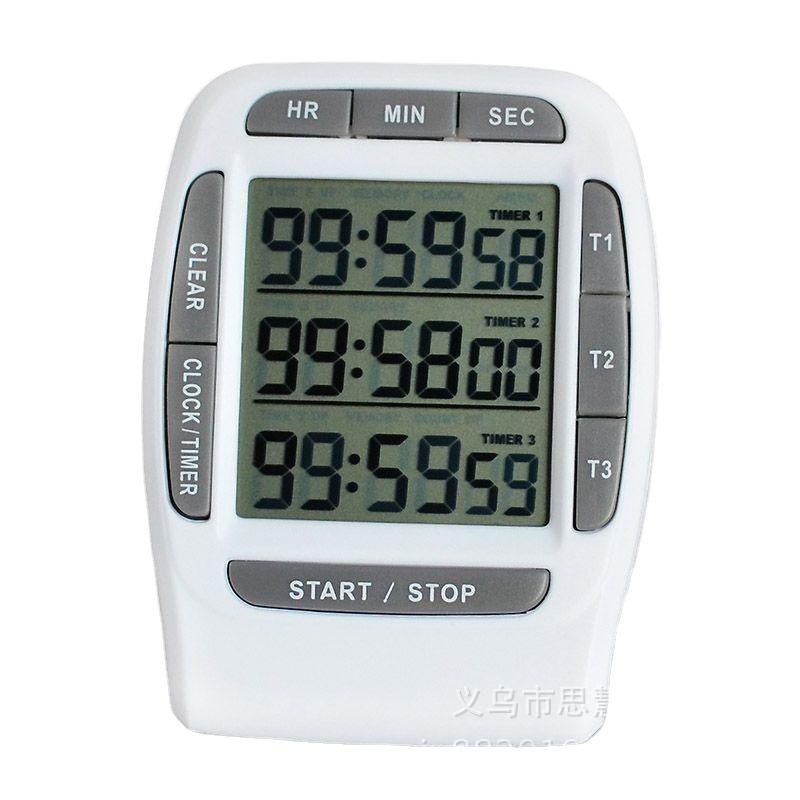
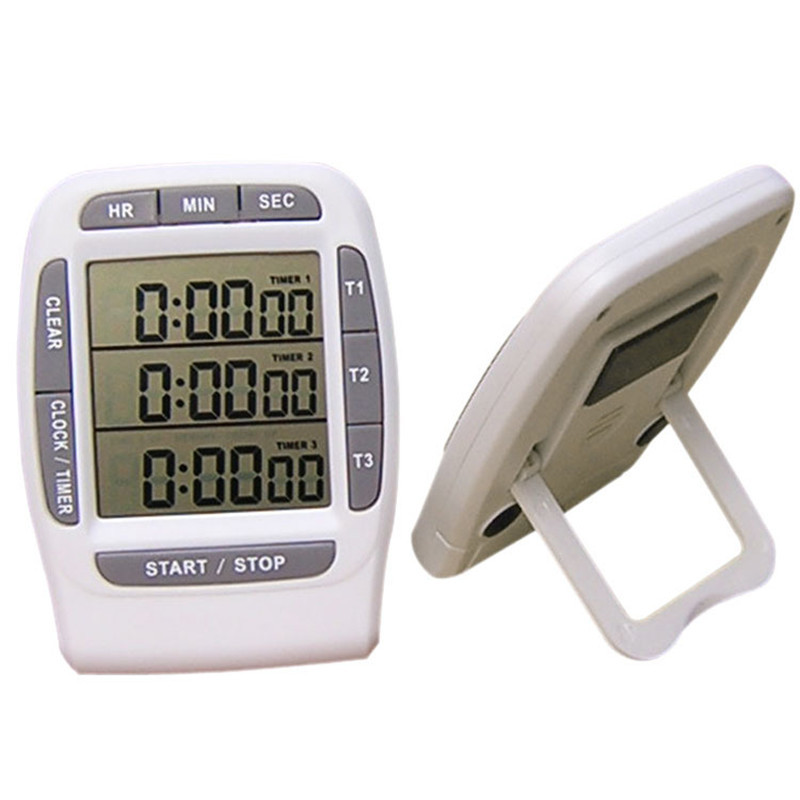
T1, T2, T3: Channel keys
HR, MIN, SEC: Time setting button
CLEAR: Clear Key
START/STOP: Start/Stop button, controls 1-3 channels
CLOCK/TINER: Mode Key

Update time:


TOP