Search history
Clear allSearch by image
XDrag and drop an image here or upload an image
Max 5MB per image
UploadSign In | Join

Search history
Clear allSearch by image
XDrag and drop an image here or upload an image
Max 5MB per image
UploadSign In | Join
X Email Mobile
Zhejiang Alfaga Intelligent Technology Co., Ltd 3yr.
Contacts:mr.xia Chat
Mobile:86-15727969036
E-mail:2021083678@qq.com
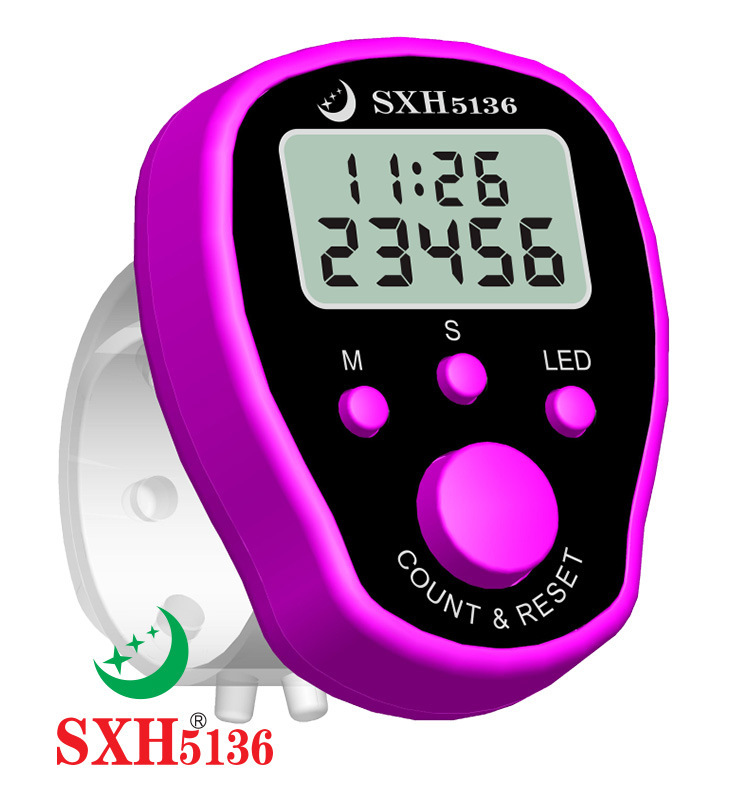
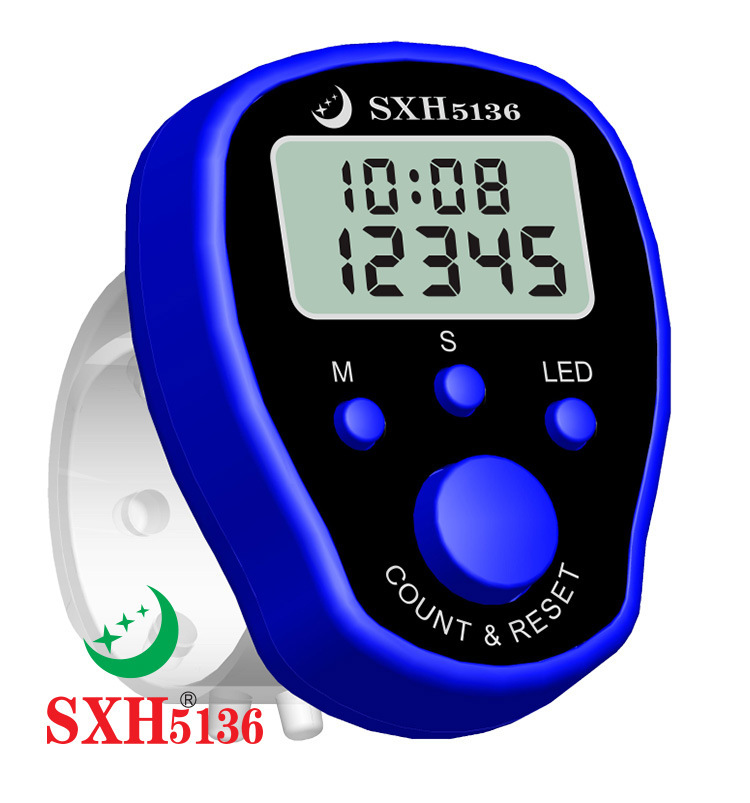
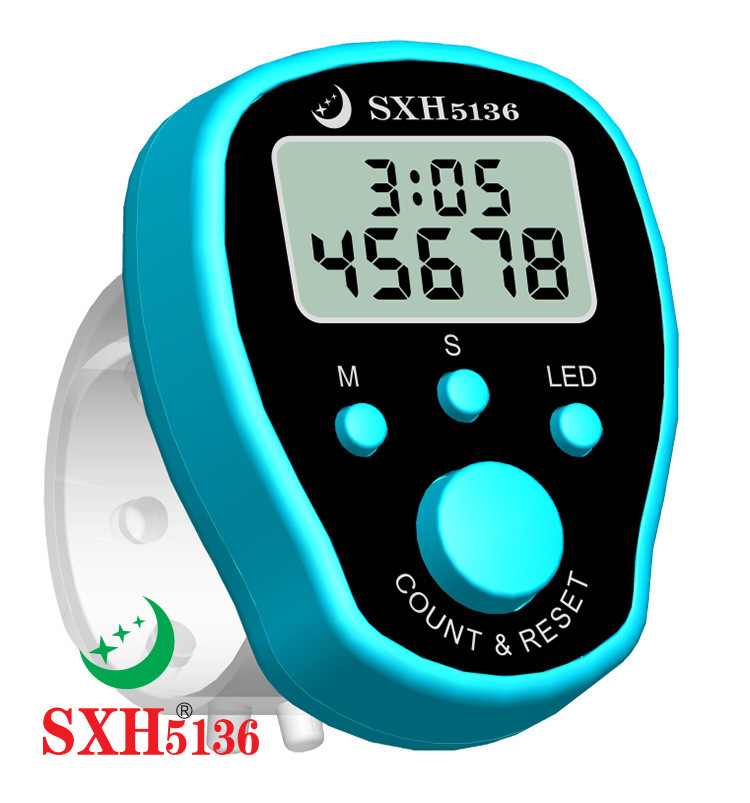
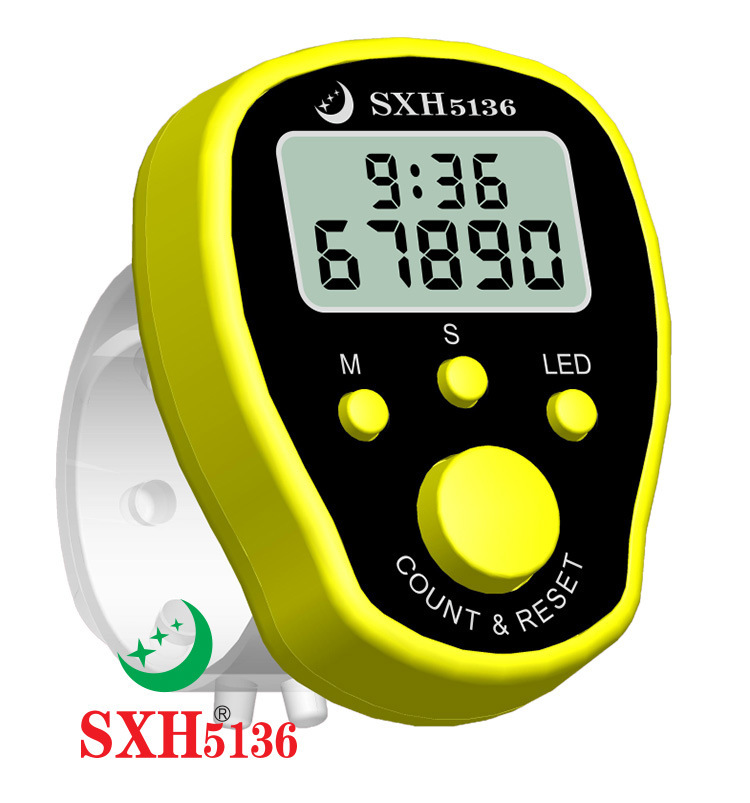
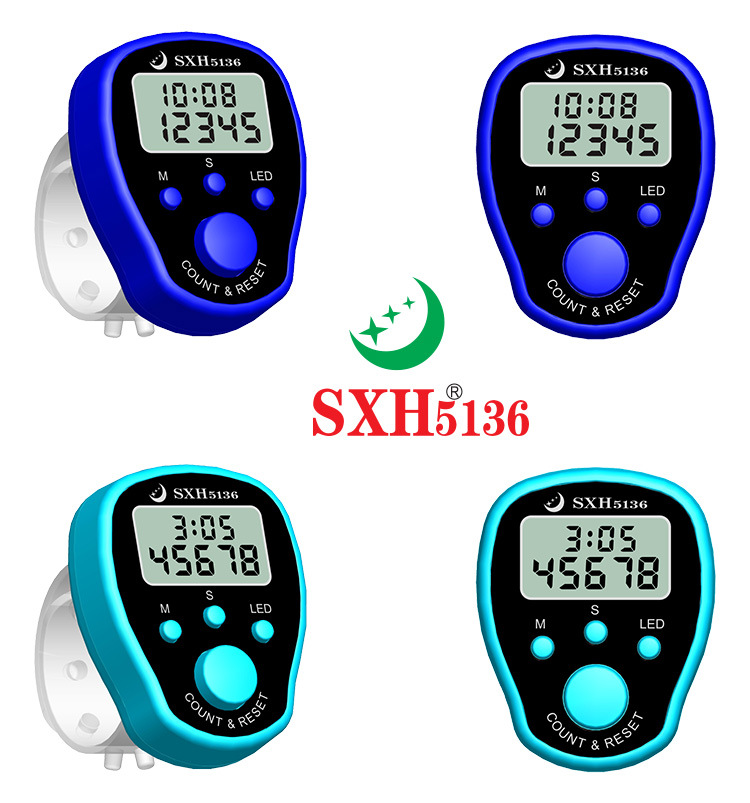
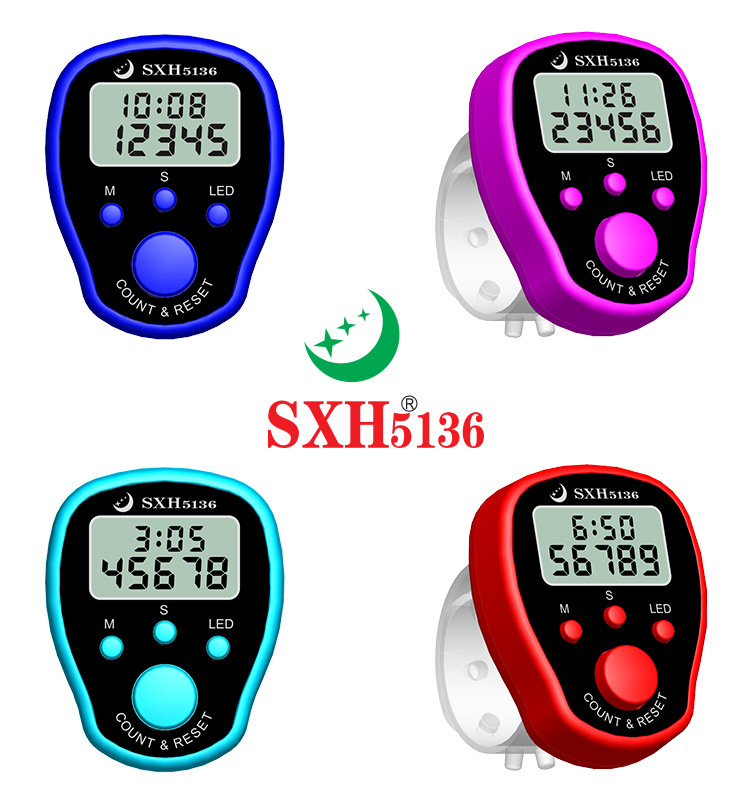
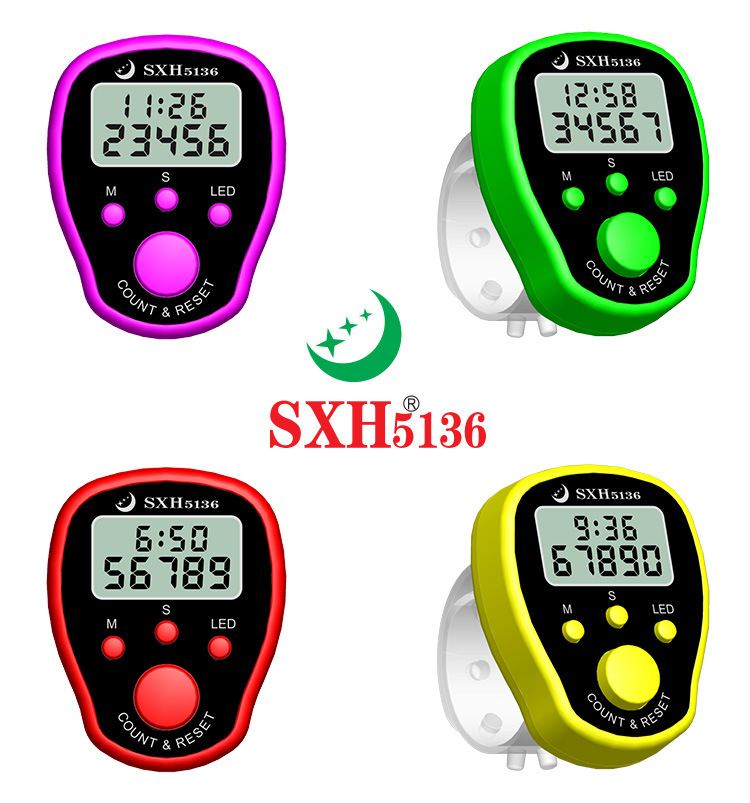
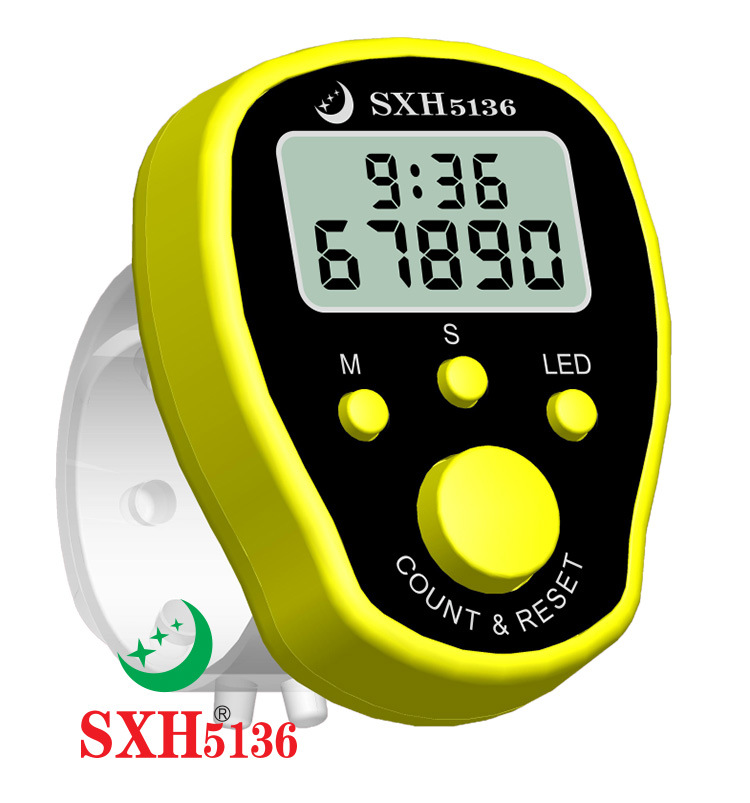
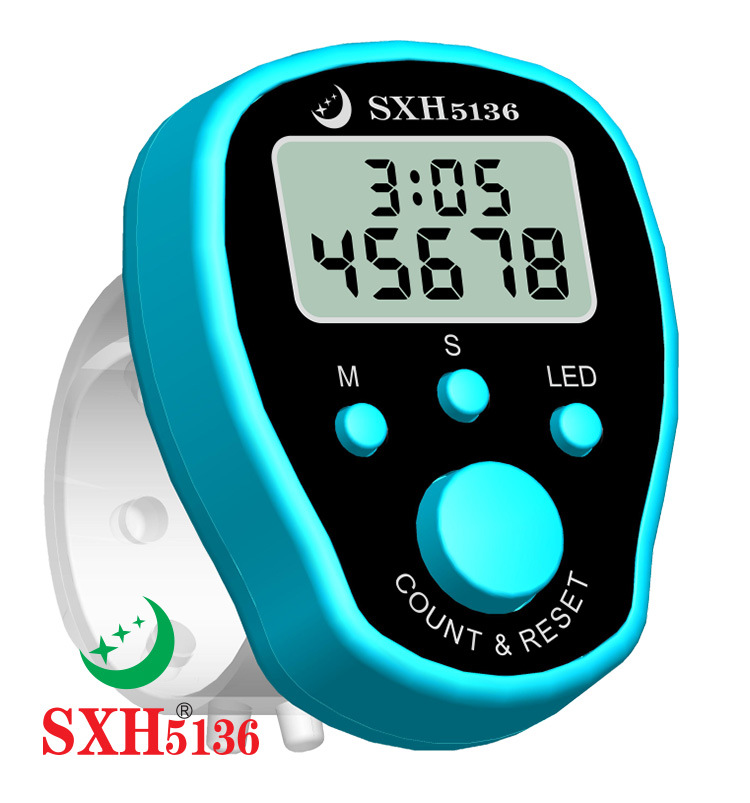
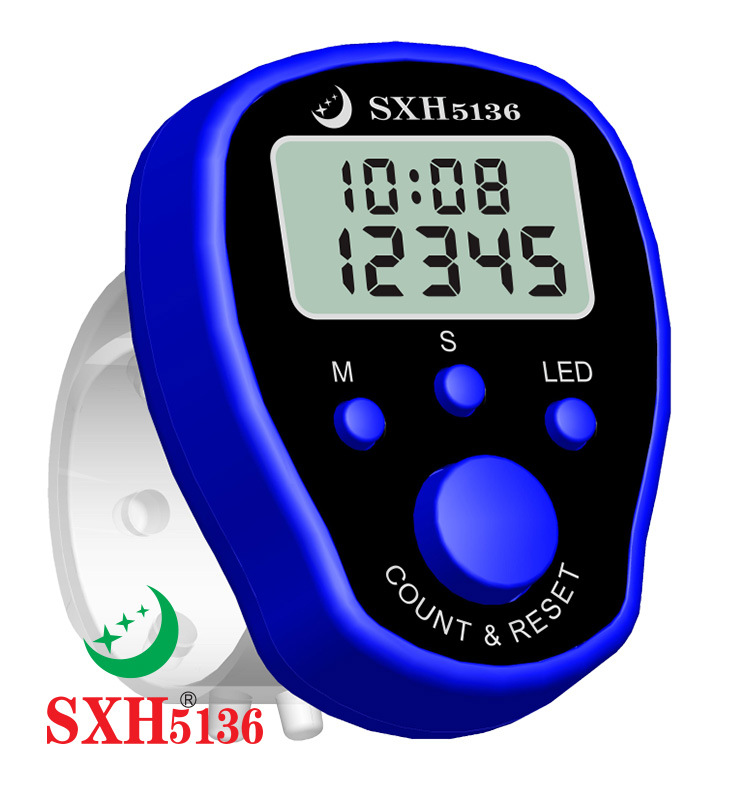
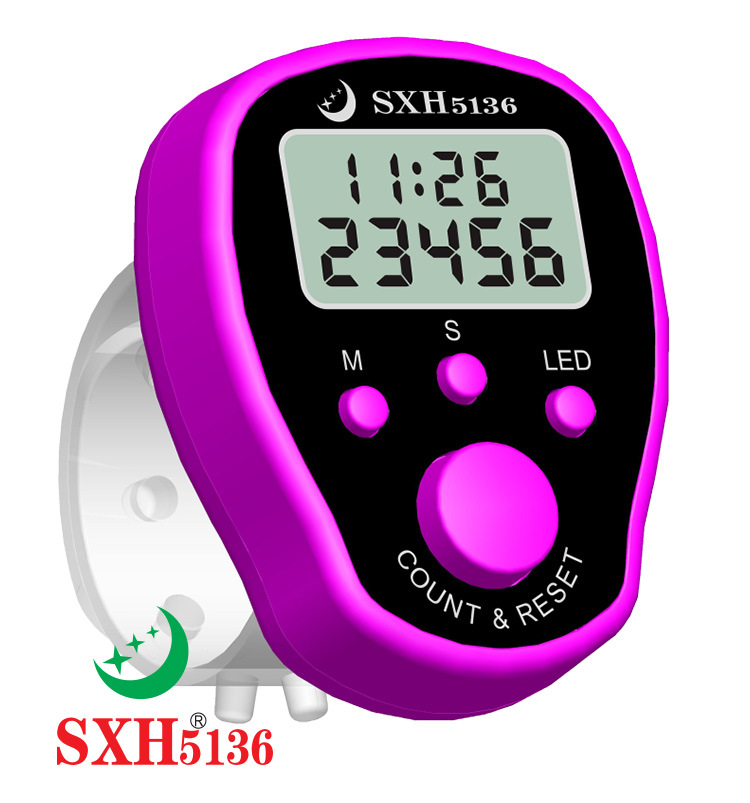
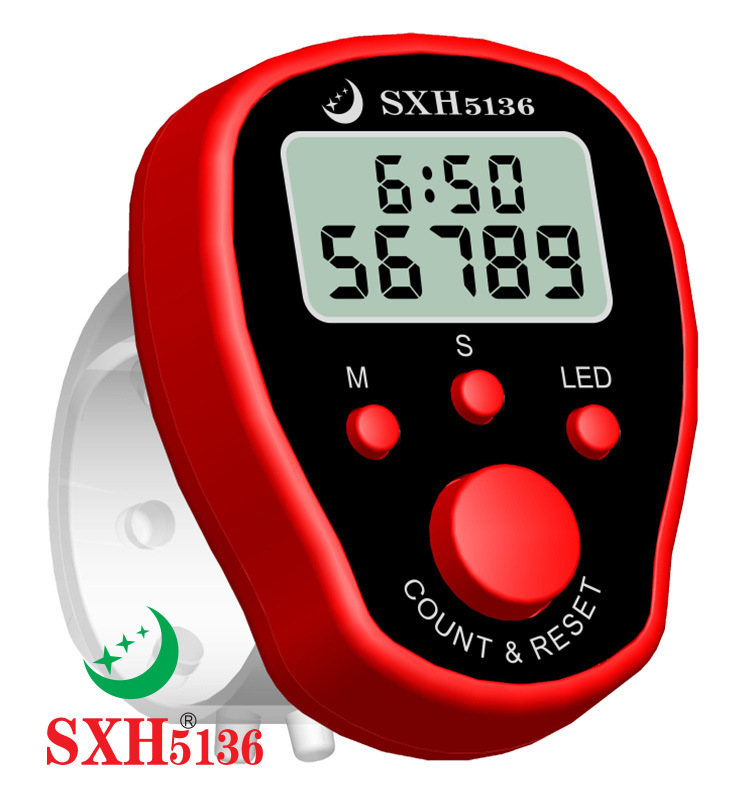
Instructions: Operate the 'counter&reset', 'm', 's', and 'LED' buttons.
Counter & Reset Button: Short press for value increase by 1, long press for 3 seconds to reset.
LED key: Press to turn on the LED backlight for 5 seconds, then it will automatically turn off.
M and S respectively represent the Mode and Adjustment keys.
When the normal display time is set, press the (m) button to alternately display the time and date every second.
Press (S) once to view the date, press (S) twice to view the seconds. When displaying the time normally, press twice (M) to enter the date and time setting, press (S) to adjust the month, press (M) to switch to the day, press (S) to adjust, press (M) to switch to the hour, press (S) to adjust, press (M) to switch to the minute, press (S) to adjust, and press (M) to return to the normal display after adjusting. Press (S) to start the timer.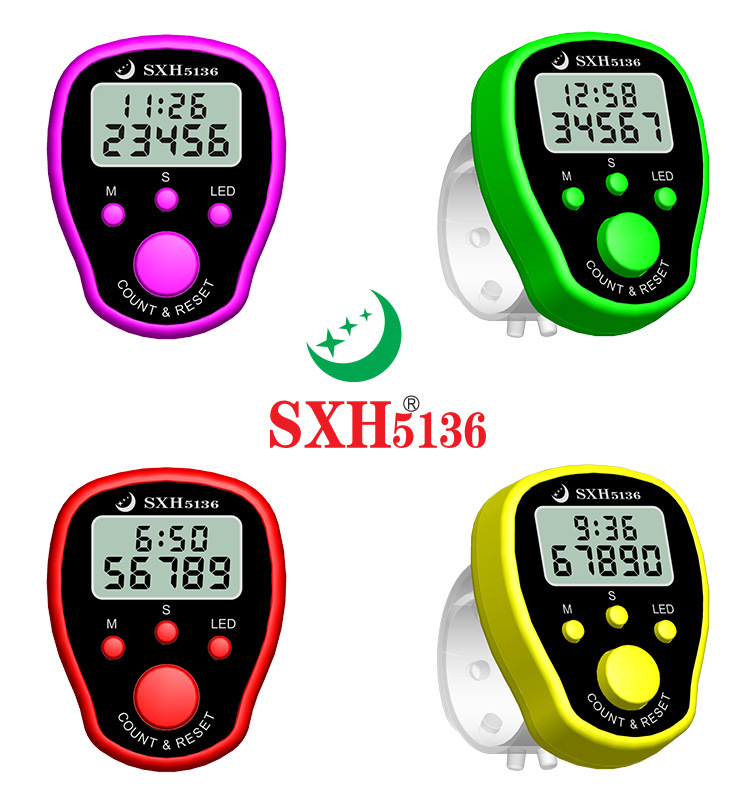

Update time:


TOP