
Search history
Clear allSearch by image
XDrag and drop an image here or upload an image
Max 5MB per image
UploadSign In | Join

Search history
Clear allSearch by image
XDrag and drop an image here or upload an image
Max 5MB per image
UploadSign In | Join
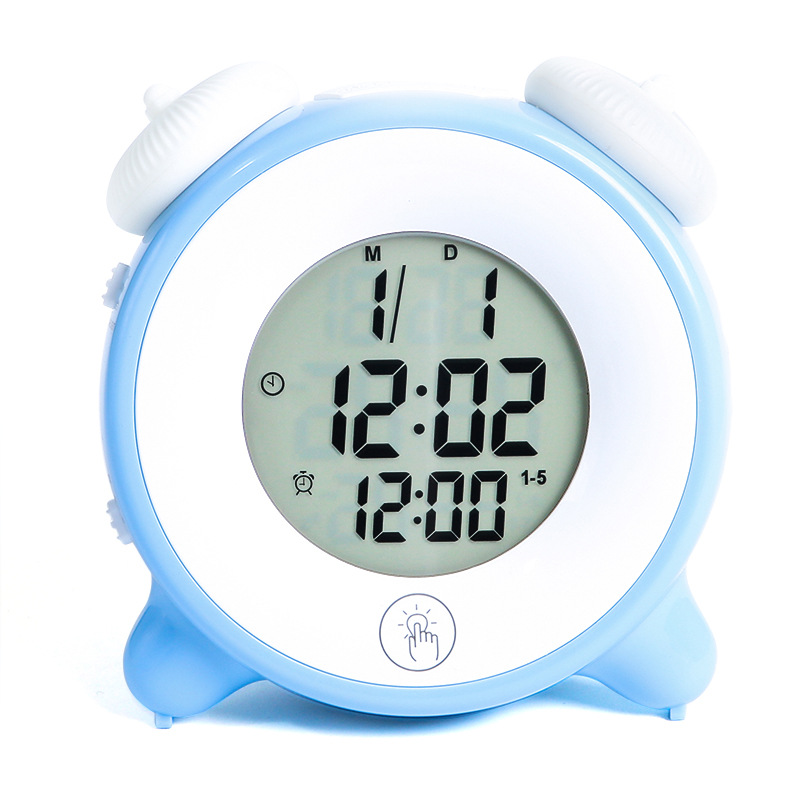
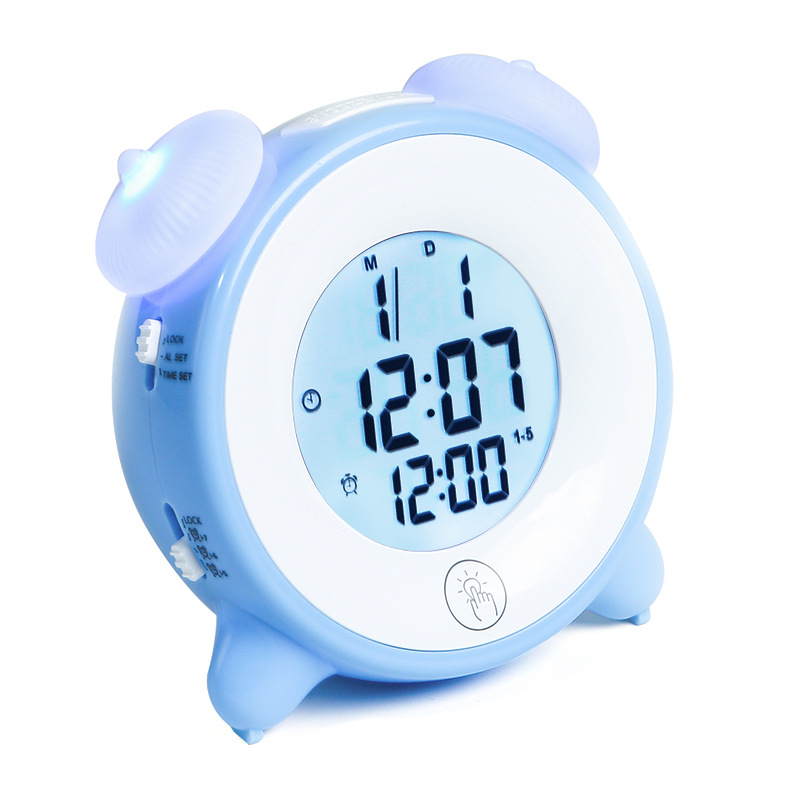
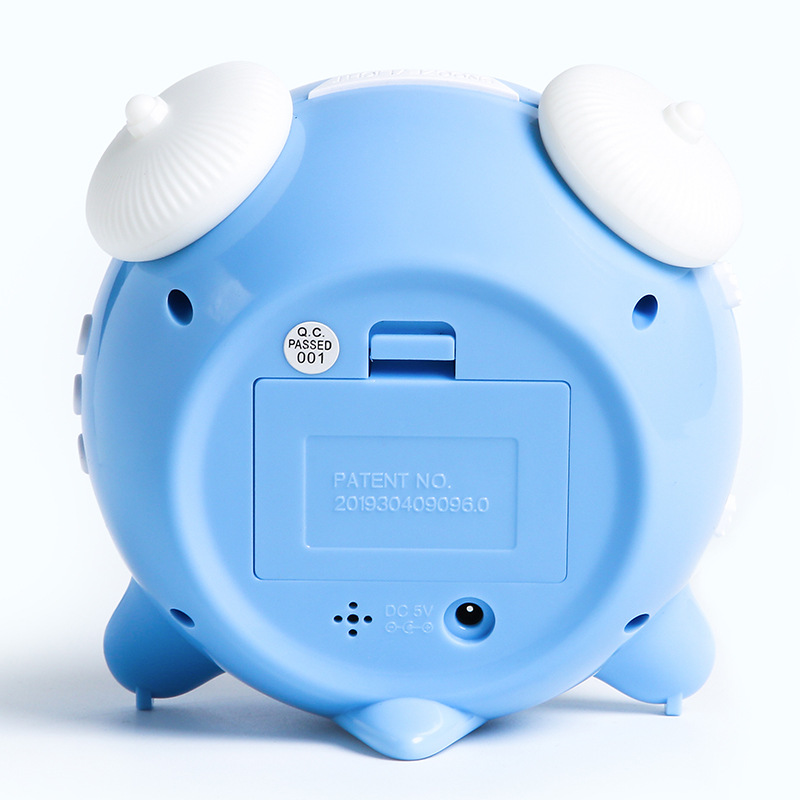
Product model: 3626 Night-light Alarm Clock
Product size: 12*12*7CM
Product weight: 227 grams
Packing Quantity: 60 units
Crate Size: 65*48.2*29.6CM
Product List:
Product + USB cable + English and Chinese instruction manual + bubble bag + color box
Function Introduction:
● Night-lightFunction: The touch key lights have four changes, the lighting sequence: monochrome red → monochrome green → monochrome blue → slow flashing rainbow → off.
● Clock Function: Supports 12/24-hour format conversion
Date function: Display "Month", "Day", and "Year" (from 2000 to 2099)
Alarm and snooze function: Set daily alarms or single-day/double-day alarms, and you can also enable the snooze function.
Backlight function: Press the SNOOZE/LIGHT key to light the backlight for 5 seconds.
● Operating Voltage: 5VSpare battery 4.5V (three AA batteries)Customer-supplied")
Basic Operations:
Battery fully charged2Second, the backlight and multi-color lights turn on at the same time, and it is accompanied byBiThe sound enters the normal time state, default time.Please provide the Chinese text you want to translate, and I will translate it into English for you.Power on full display2Second, the backlight and multi-color lights turn on at the same time, and it is accompanied byBiThe sound enters the normal time state, default time.AM12:00,2019Year1month1Alarm, set for12Hour-based12:00
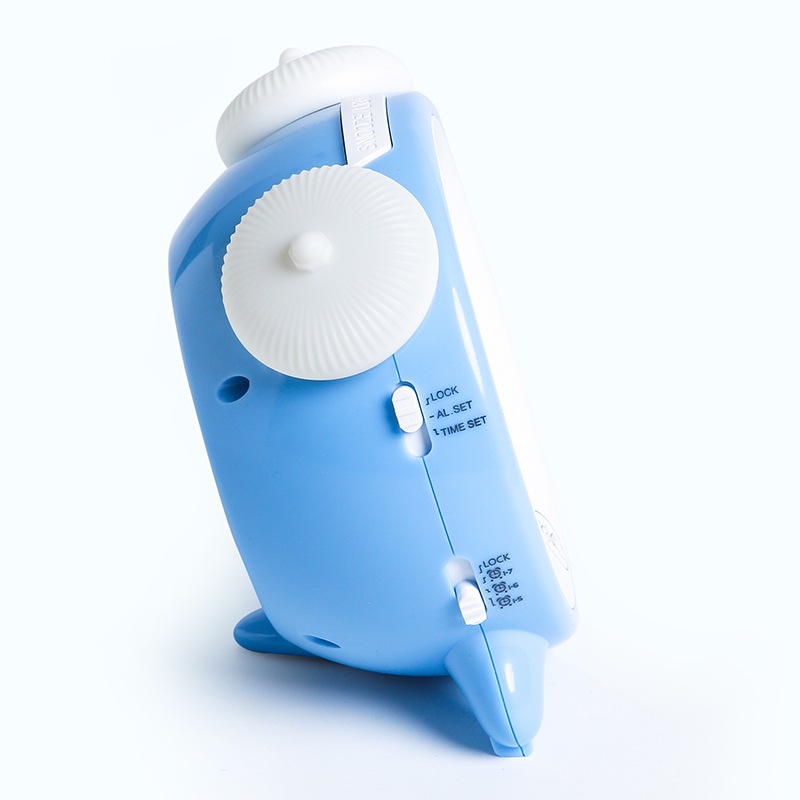
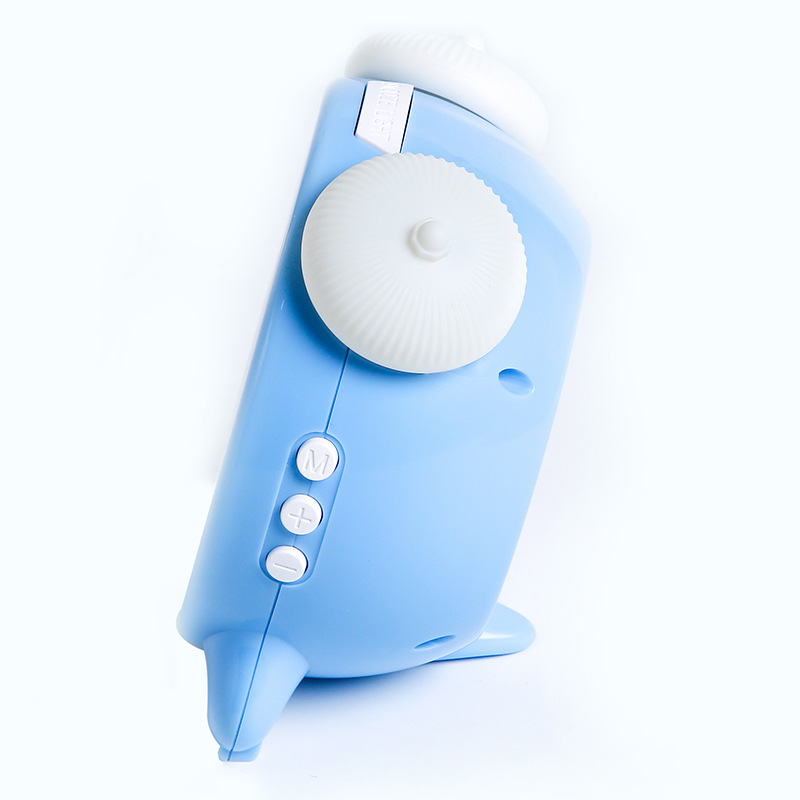
1.In normal time mode, turn the switch toTIMESETPosition, enter time setting state, pressMODEWhen switching the setting to hours, minutes, years, months, and days, press again.UP/DOWNAdjust the value by pressing, and press and hold for quick adjustment. In the normal time mode, press UPpress to proceed12/24Hour system conversion,12Hour system has afternoonPMSign. Set range:when1~12Or0 to 23Divided into00~59and the month is1~12Day1~31Year2000-2099。
2.Turn the switch toAL SETThe location has entered the alarm setting state, pressMODEWhen switching the setting to hours and minutes, press again.UP/DOWNAdjust the value by pressing, and long press for quick adjustment. Set the range.:when1~12Or0-~23Divided into00~59In the setting state, the button does not flash continuously. Move to the lock.(LOCK))Position, exit and save the set alarm time.
3.Set an alarm clock in the normal time state, turn the alarm setting switch to the corresponding workday position, and the corresponding alarm indicator will remain lit. When the alarm reaches the set time, the alarm will sound.Bi Bi Bi BiThe noise continues.60Second, pressSNOOZE/LIGHTPress Pause to silence the alarm, turn on the snooze function, and the snooze indicatorZBlinking, backlight is on.5second, 5After minutes, the alarm will ring again, and the lazy sleep flag will be set.ZDisappear. Press SNOOZE/LIGHTKey, stop ringing, greedy sleep flag old" flashes, and other keys can stop ringing, not entering greedy sleep. During the greedy sleep interval, press other keys to cancel greedy sleep.(divide by"或者"exceptSNOOZE/LIGHTDrowsy icon late" disappears. The alarm does not ring when it is in the setting state. The alarm switch is turned to AL ONAlarm appears when location is set1-7The sign is Monday.-The alarm for Sunday, set when the single-day off work day appears.1-6The sign is Monday.-The alarm set for Saturday, which appears when the weekend is reached.1-5The symbol is 'Zhou'- -Alarm set for Friday morning, set toAL OFFWhen the alarm clock is set, turn off the 'early bird' and 'lazybones' icons.
4.Press at any stateSNOOZE/LIGHTPress to turn on the backlight5Second.
5.Night-light function:Touch key lighting has four changes: monochrome red, monochrome green, monochrome blue, and slow flashing multi-color, in the order of lighting.:Single Red","单色"翻译成英文是"Single Color",所以"单色红→单色"翻译成英文是"Single Red → Single ColorGreen monochrome blueSlow Flash Multicolor → Off. When staying in any color state for more than4Touch the light again after one second to turn it off.
Update time:


TOP


