Search history
Clear allSearch by image
XDrag and drop an image here or upload an image
Max 5MB per image
UploadSign In | Join

Search history
Clear allSearch by image
XDrag and drop an image here or upload an image
Max 5MB per image
UploadSign In | Join
Shenglin Electronics Firm 15yr.
Contacts FeiHongLin Chat
Mobile 18267060859
WeChat 18267060859
Switch, Android, PC handle
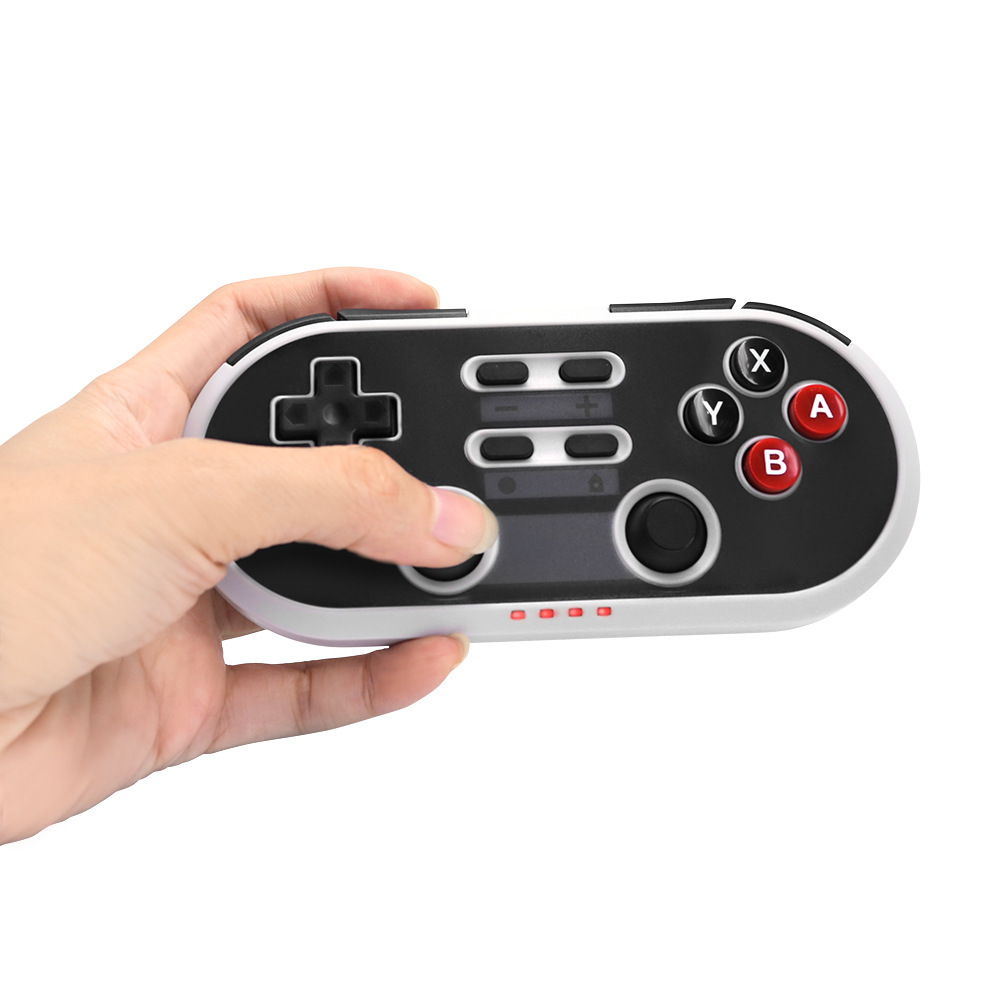
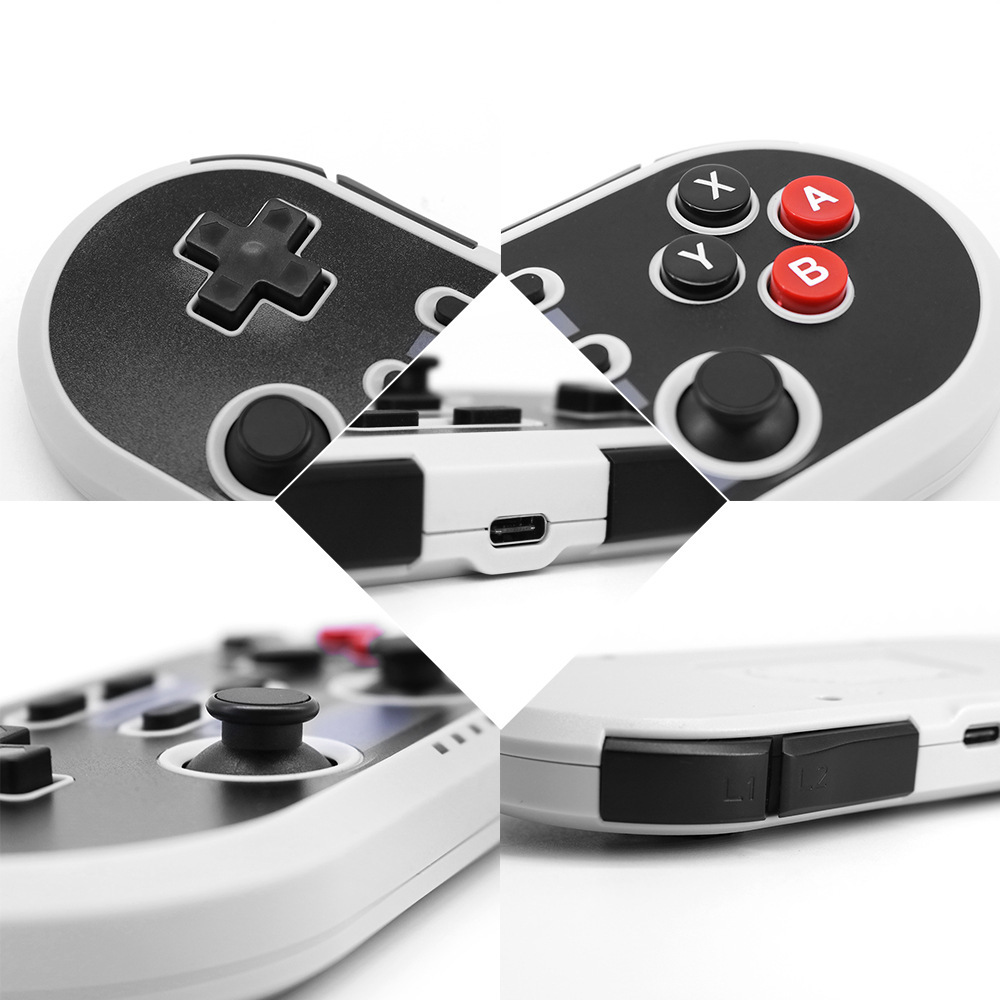
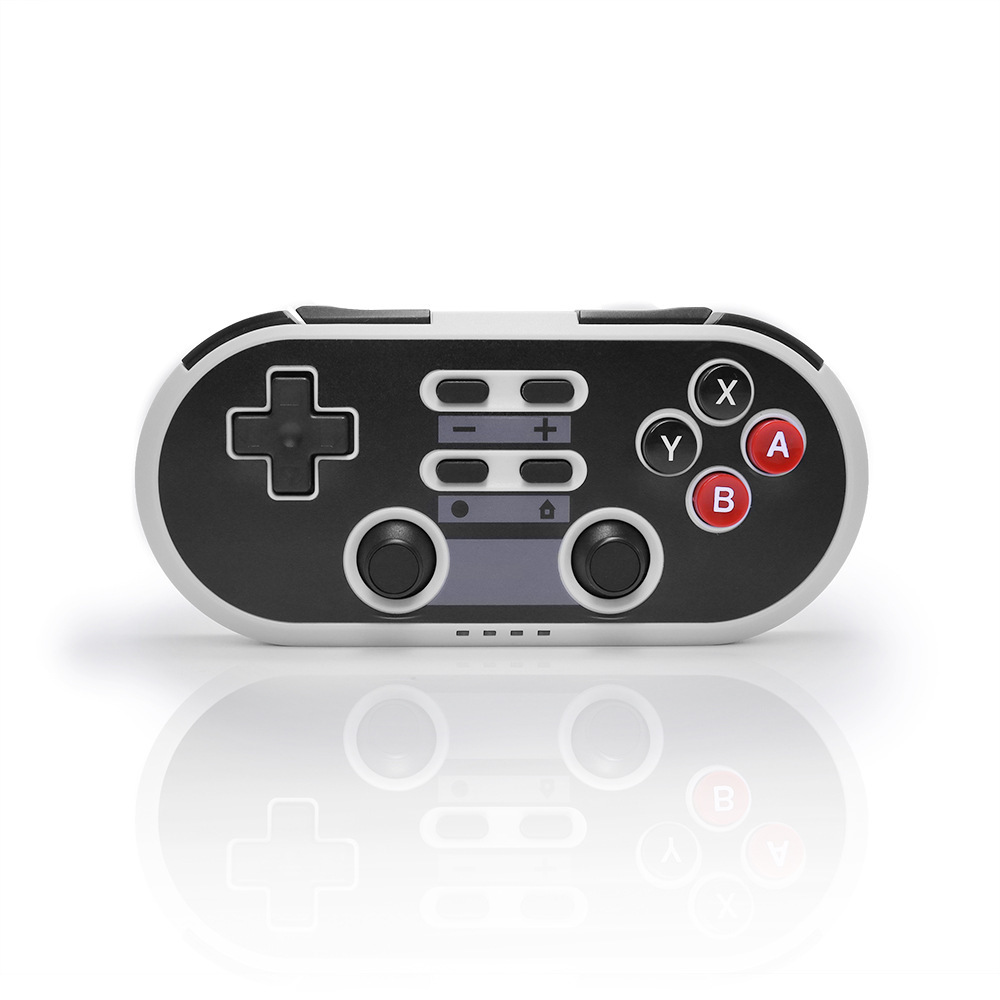
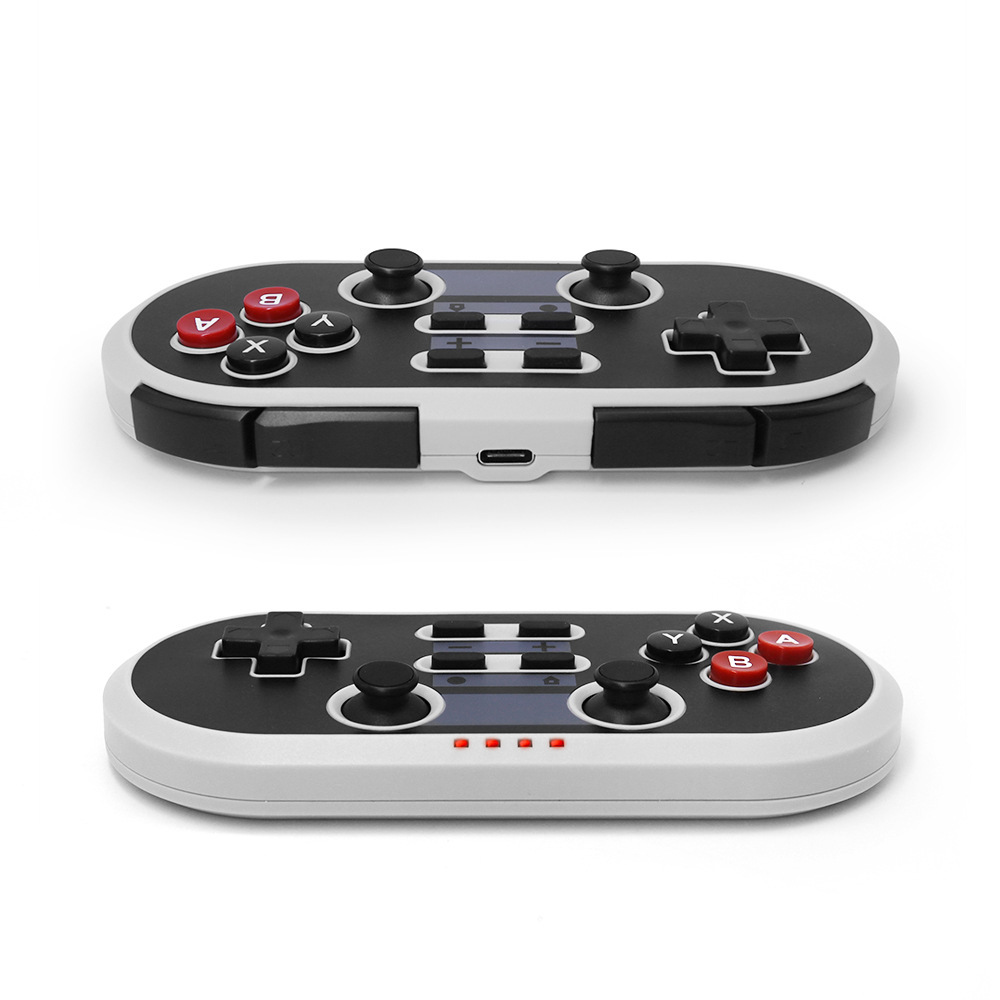
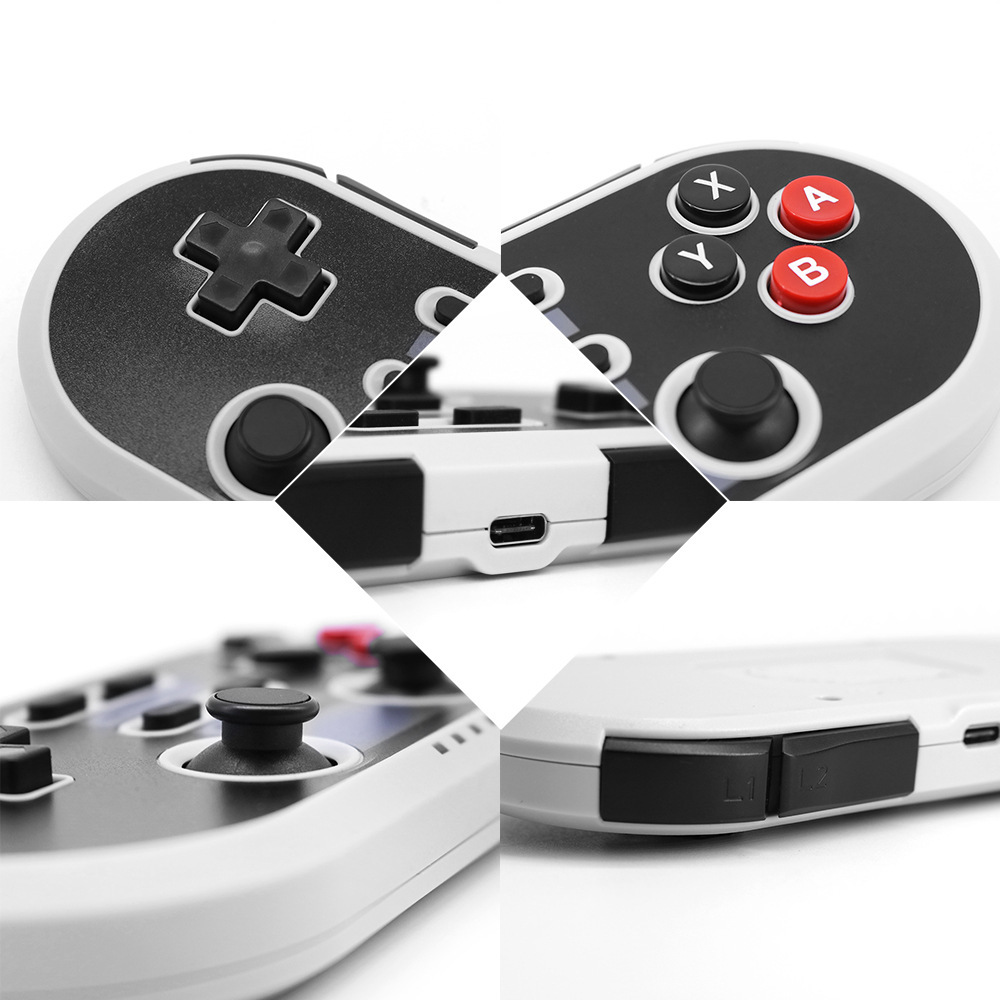
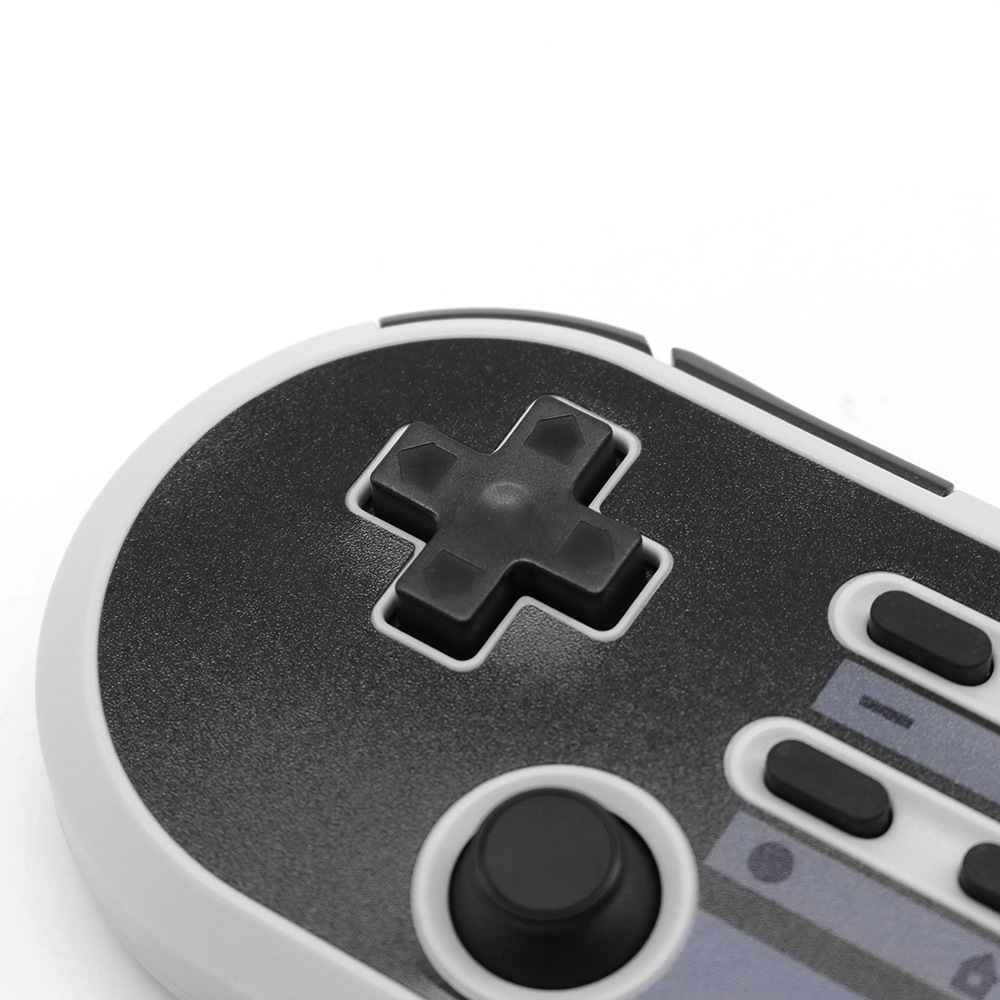
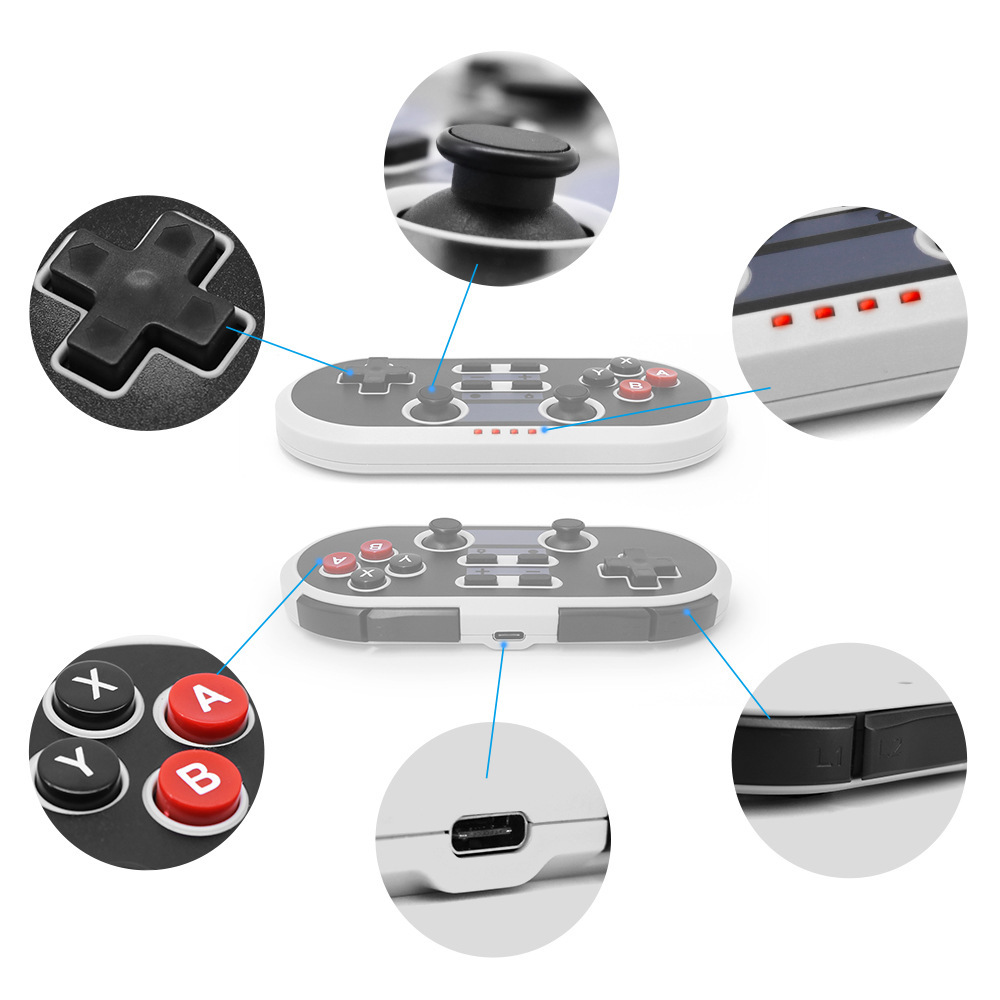
DS BOY PRO multi-function Four-in-one Bluetooth wireless game handle
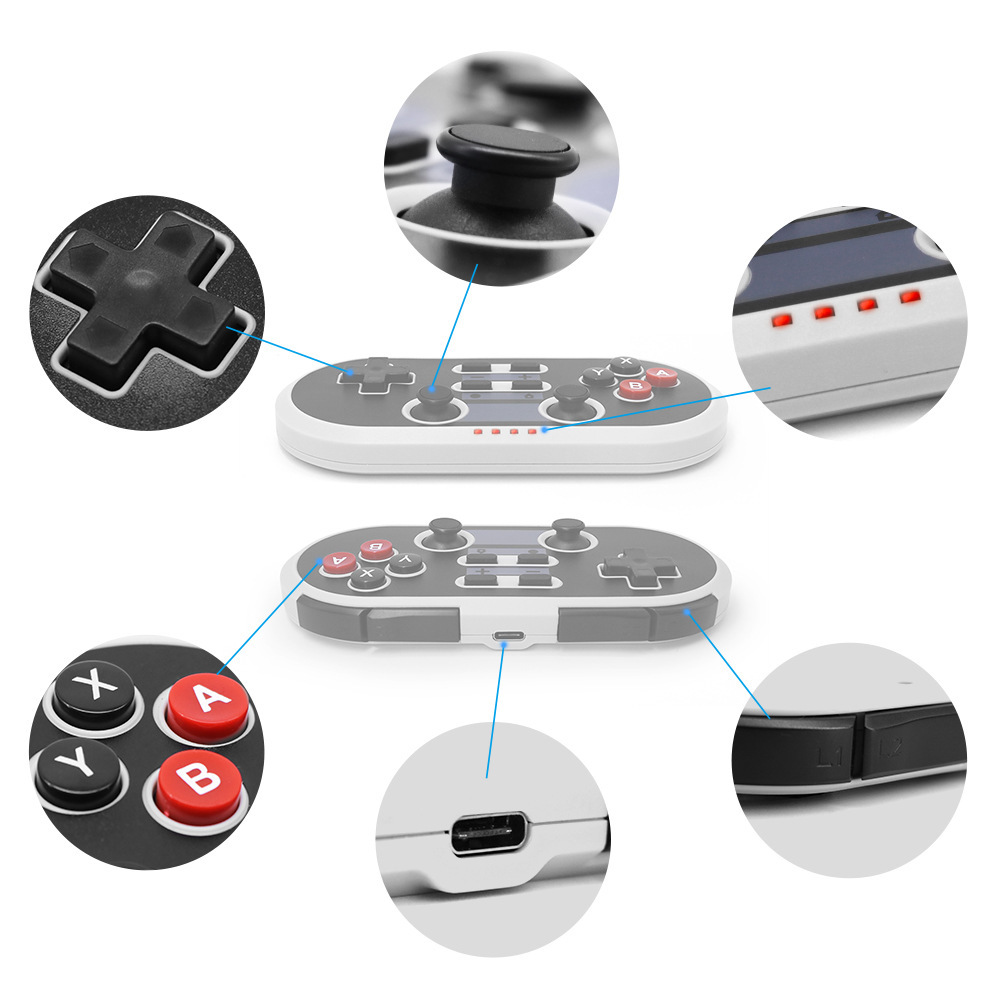
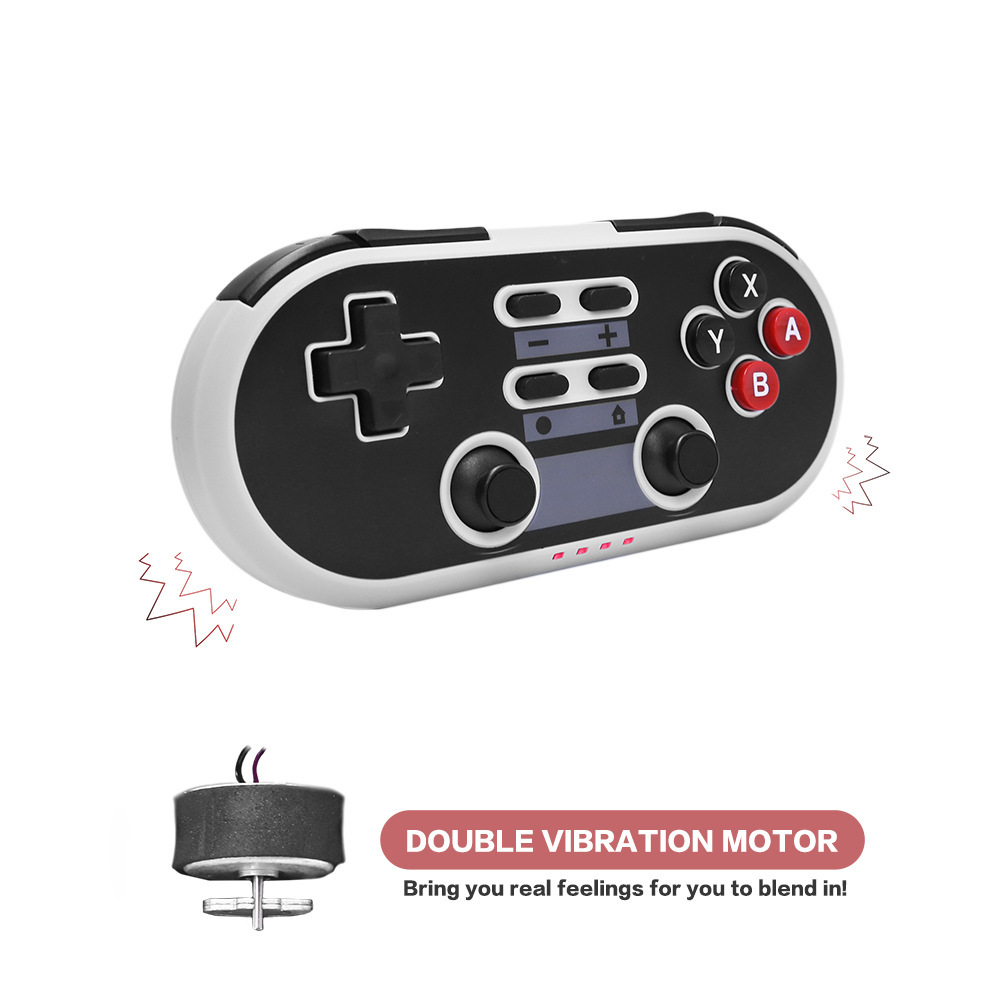
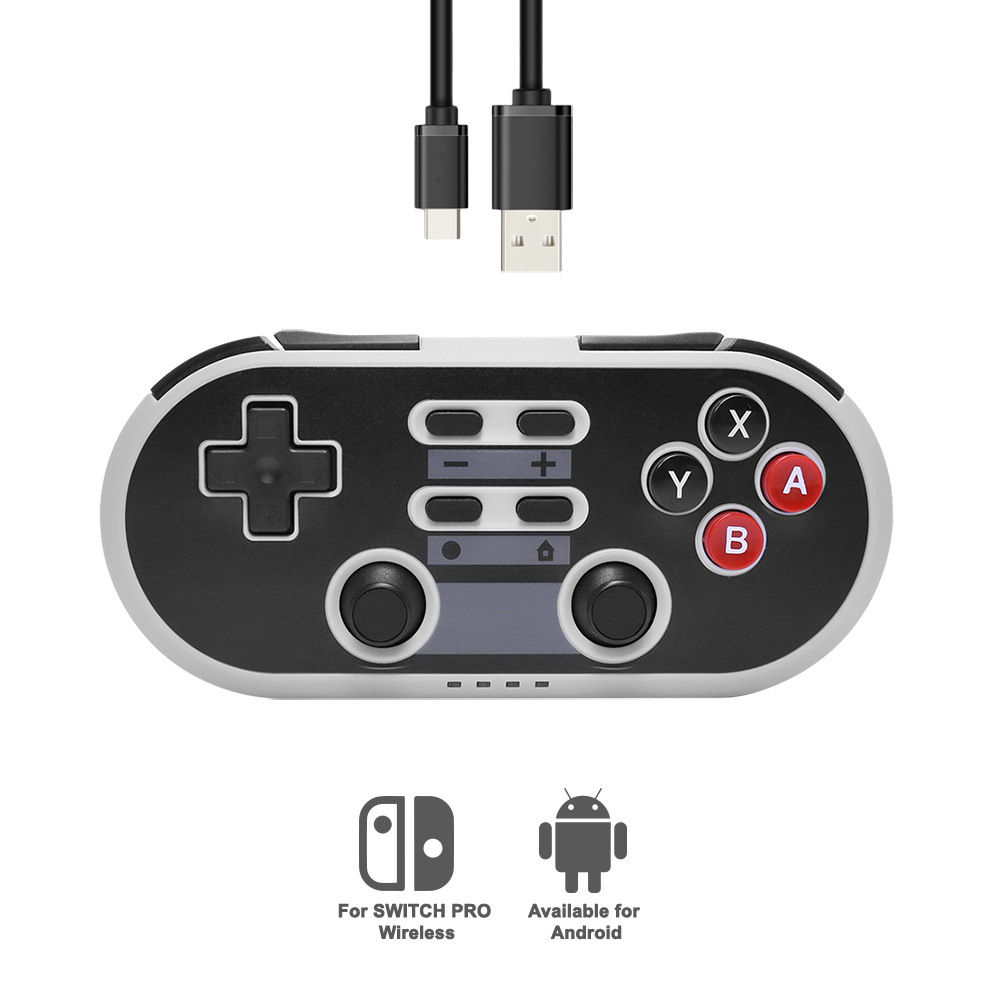
DS BOY PRO multi-function wireless handle, suitable for SWITCH master
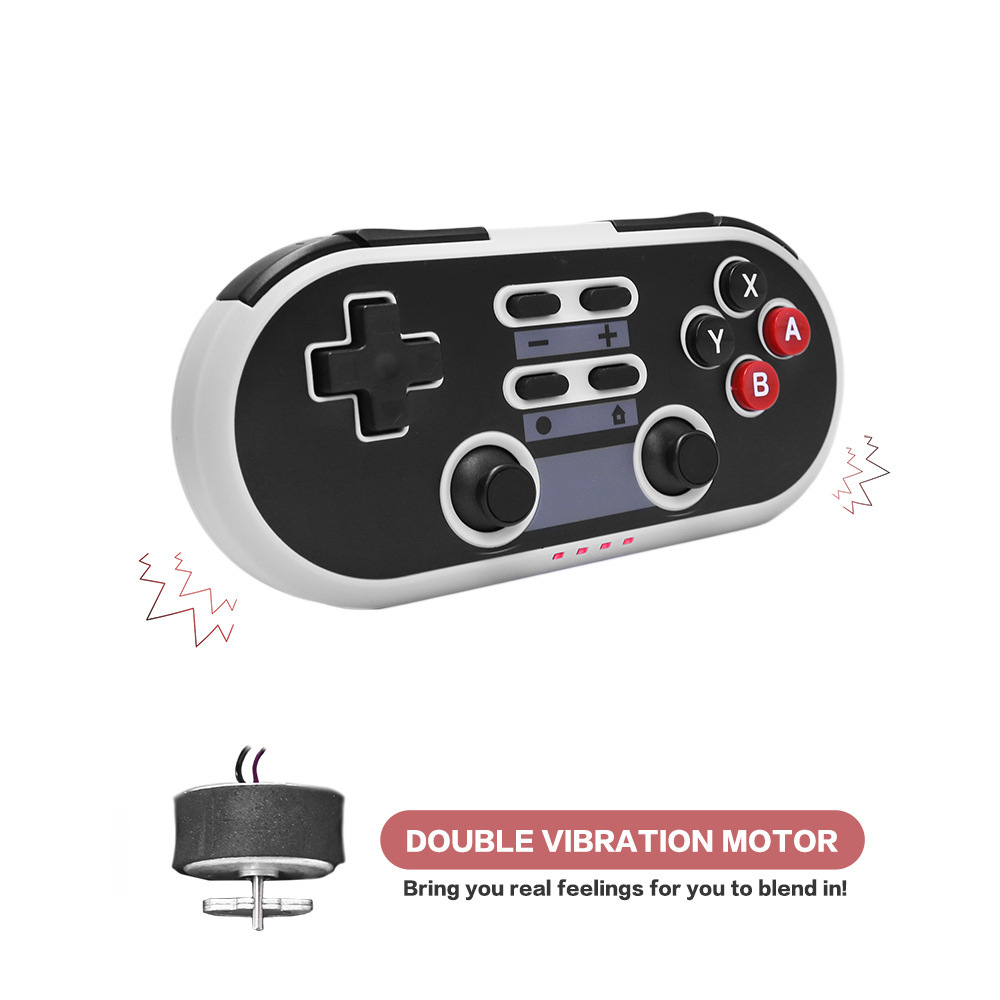
machine, Android device, PC and other equipment, with six-axis double vibration
handle, charging is TYPE-C interface
Handle connection SWITCH operation;
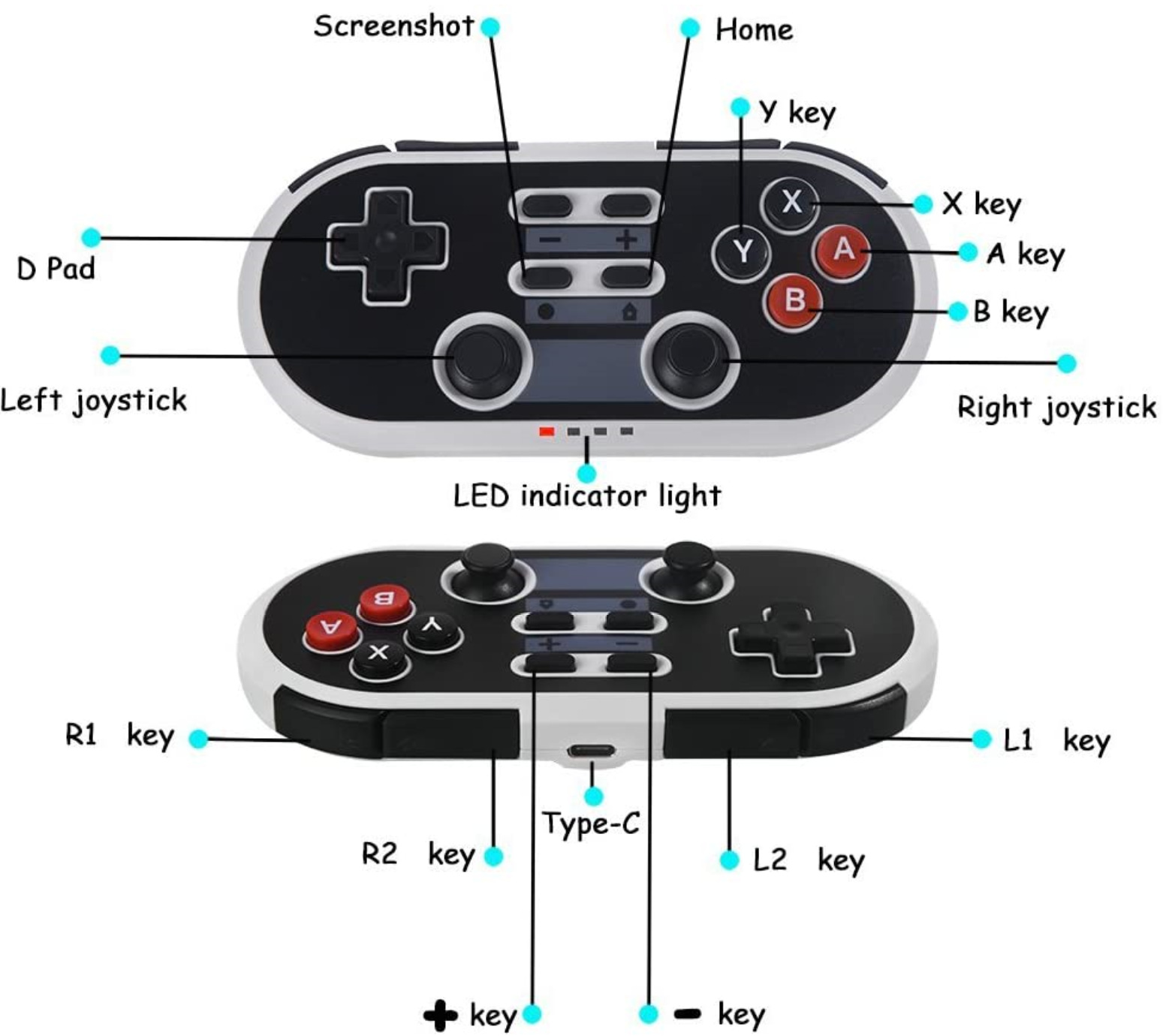
Open the connection interface in the Switch host for the first time, and press the B + HOME button for 3 seconds to turn on the pair (LED2 flash). The pair is successful and LED1 is on. Connect again and press the HOME button for 1 second. Turn on and enter the connection (LED2 flashing slowly). The matching is successful and LED1 is on.
Handle connected to laptop or Android mobile phone operation;
For the first time, press the Y + HOME button for 3 seconds to power on (LED1 flash). The phone opens the Bluetooth search Gamepad to start pairing. The pairing is successful and LED1 is on for a long time. After connecting again, press the HOME button for 1 second, turn on the boot and enter the connection (LED1 flashes slowly), the pair is successful, and LED1 is on for a long time.
Handle connected to PC desktop operation;
Press L1 + HOME button for a long time to turn on, LED 4 flashes, connect USB cable to start using. (D/X mode is supported, and D/X mode is switched by long pressing the HOME button 5S)
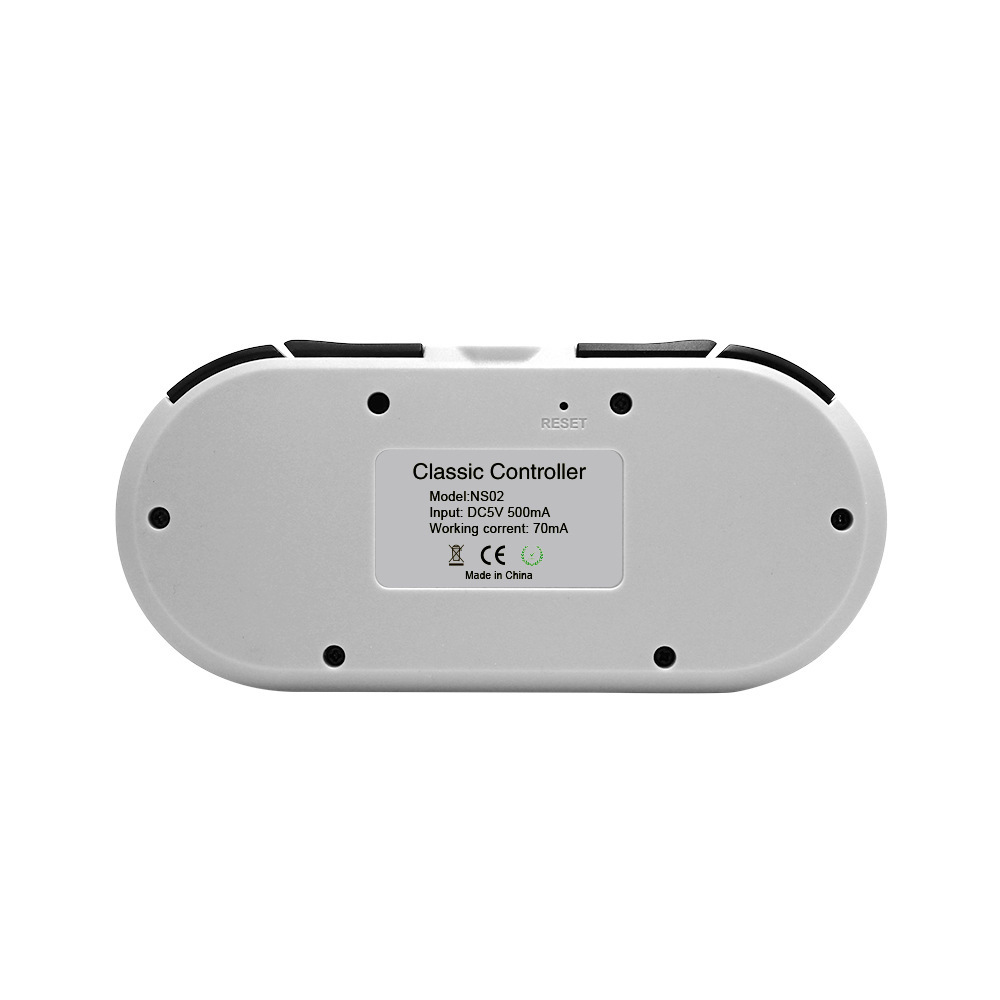
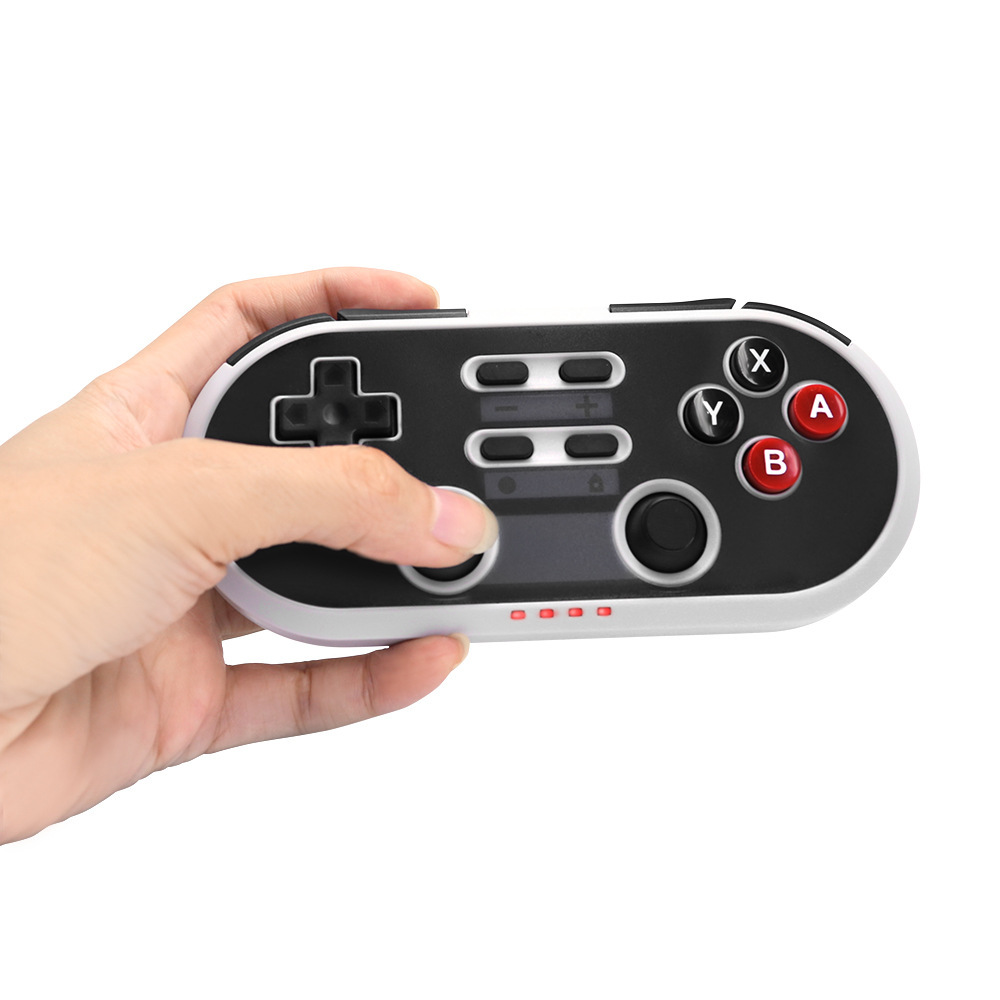
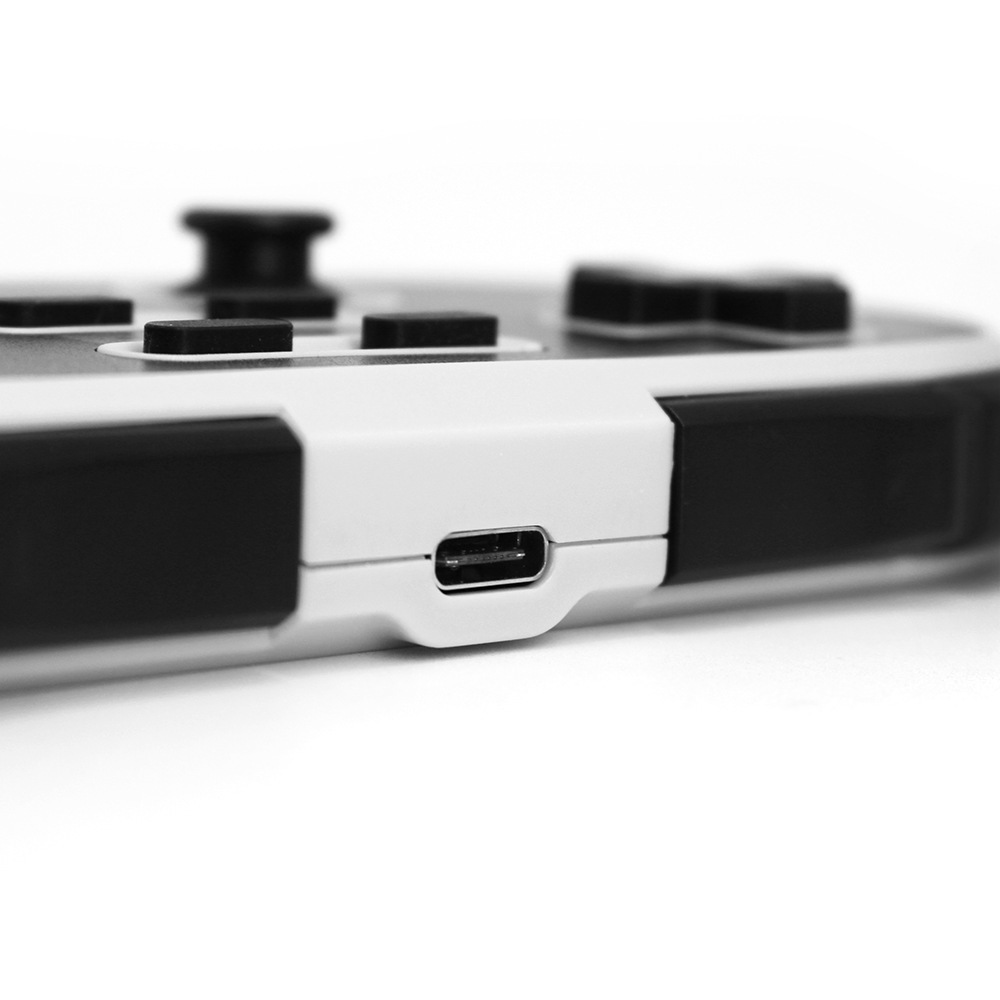
List of some products in the factory, all products support ordering, welcome to consult customer service for quotation
Update time:


TOP