Search history
Clear allSearch by image
XDrag and drop an image here or upload an image
Max 5MB per image
UploadSign In | Join

Search history
Clear allSearch by image
XDrag and drop an image here or upload an image
Max 5MB per image
UploadSign In | Join
X Email Mobile
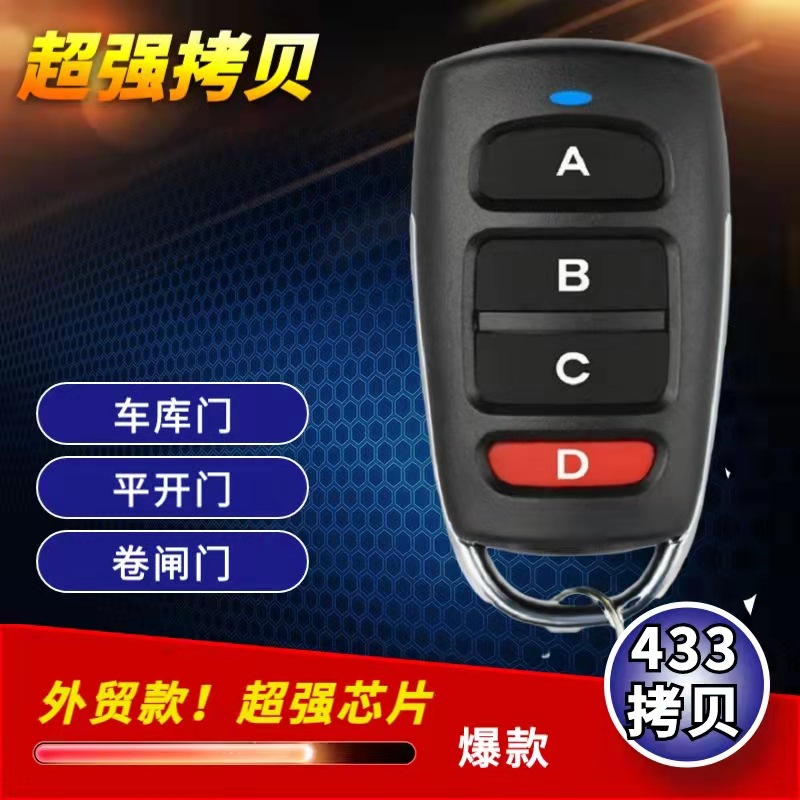
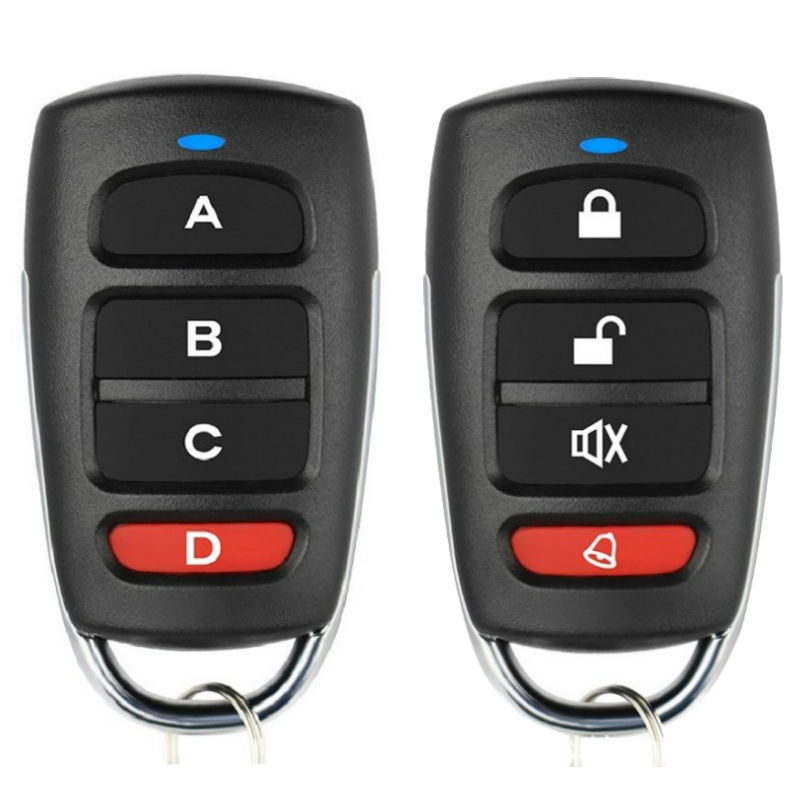
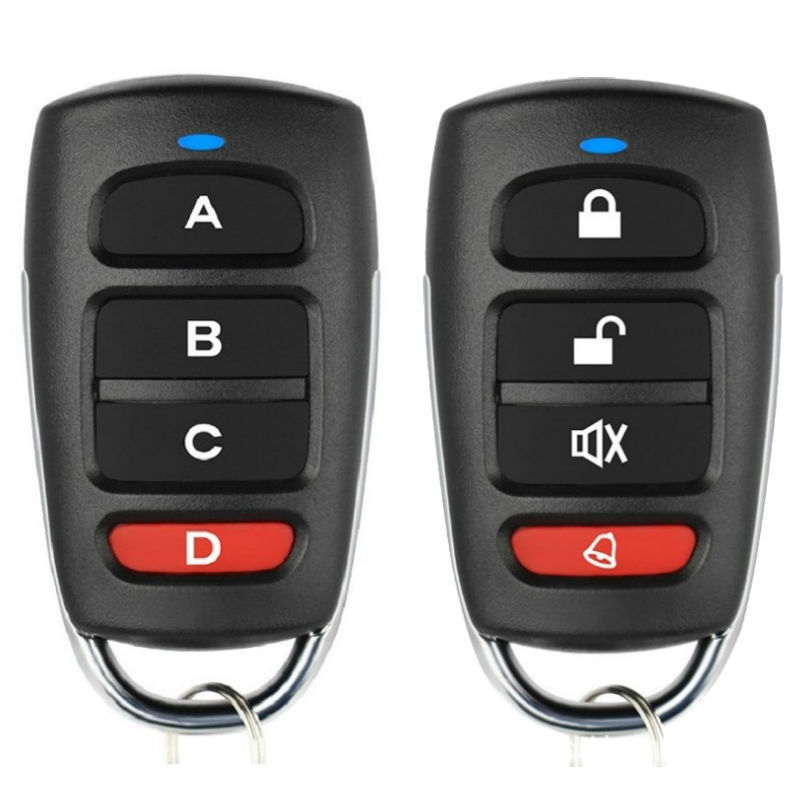
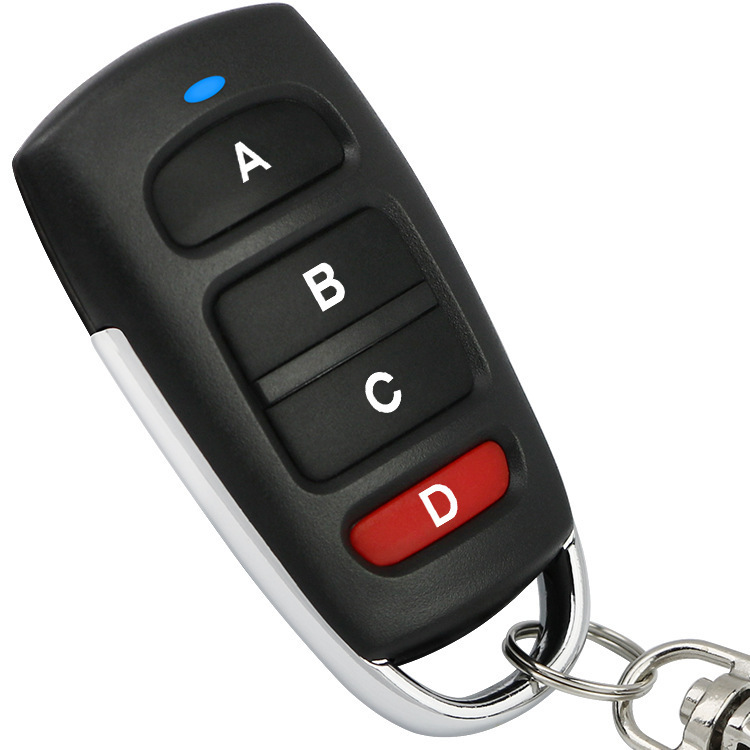
| 433mhz foreign trade (abcd button) | CN¥ 0.0 |
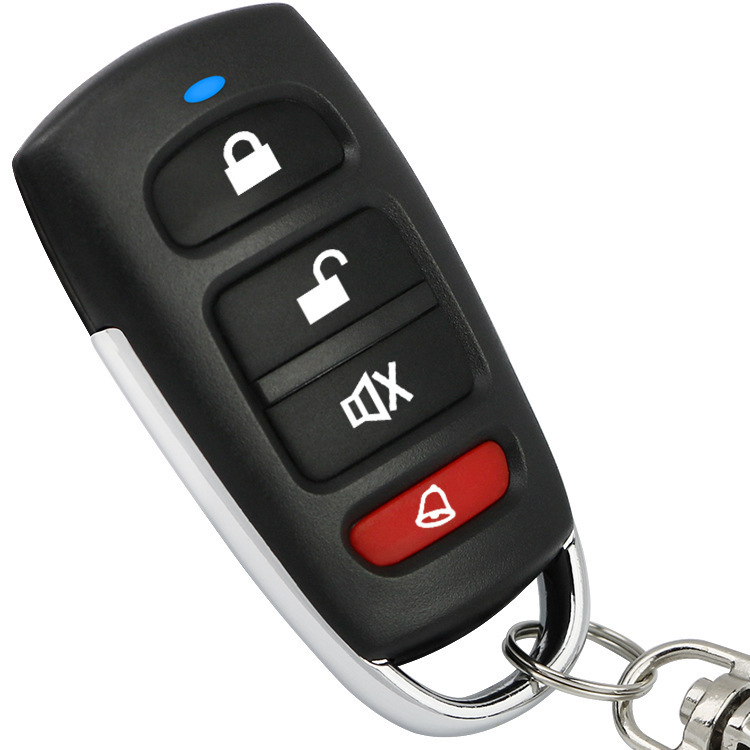
| 433mhz foreign trade (unlocking character button) | CN¥ 0.0 |
Yiwu Bolong Auto Products Firm 15yr.
Contacts 沈焕龙 Chat
Mobile 86-13777912133
E-mail shl1011@163.com
WeChat 13777912133
Packing Method: 6*9 small PP bags/PCS, 50 pieces per box plus a keychain = English instruction manual, large quantities can be custom-made according to requirements.
Export to Europe, America, the Middle East (Brazil, Russia, the Middle East, Vietnam, Africa, etc. ·····)
Copy Learning Instruction Manual
1. Chip that can be duplicated:
2260 (all manufacturers), 2262 (all manufacturers), PT2264, 5326 (all manufacturers), SC5262, HT600, HT680, HT6207, HT6010, HT6012, HT6014, SMC918 series, 527 (all manufacturers), 1527 (all manufacturers), 2240 (all manufacturers), HCS101, HCS200/HCS201 (partial codes), HCS300/HCS301 (partial codes), and some microcontrollers..........
1. Chips could be copied
2260 (all manufacturers); 2262 (all manufacturers); PT2264, 5326 (all manufacturers); SC5262, HT600, HT680, HT6207, HT6010, HT6012, HT6014, SMC918 series, 527 (all manufacturers); 1527 (all manufacturers); 2240 (all manufacturers); HCS101, HCS200/HCS201 (part code), HCS300/HCS301 (part code), part single chip microcomputer..........
2. Decoding Method:
Simultaneously press the unlock and lock buttons (some shells are the up and down buttons). The LED indicator will enter a rapid flashing state. At this time, all data in the memory will be cleared. After clearing the data, the remote control will not light up no matter which button is pressed.
2. Code cleaning method:
At the same time, press and hold the two keys of unlock and lock (some cases have two keys of up and down) and the LED indicator light will enter the state of fast flashing. At this time, all the data in the memory will be cleared. After the data is cleared, the remote control will not light up no matter which key you press.
3. Duplication Method:
One hand holds the original remote control, the other hand holds the copy remote.
Control, try to keep the two remotes close to each other, press the buttons for the desired copy operation, and after the LED indicator flashes rapidly, the copy operation is successful. The operation of other buttons is the same. Some remotes have lower transmitting power, so the original remote and the remote for copying should be operated back-to-back for a successful copy. If there are interference in the operating environment, avoid the interference and operate in a clear environment. If the copy operation is not working well, please clear the code and try again. (Important: Your remote should work normally and have the same frequency as our remote).
3. Copy method
One hand keeps the original remote controller while another keeps the copy remote control. The two remote controls should be placed as closely as possible. The ideal situation is to put the two remote controls on the desktop side by side with zero distance respectively. Press down the copy button when the LED indicator light flashes quickly after three flashes.This copy is successful, other key operating methods are the same. Some remote controls have a smaller transmitting power, so the original remote control should be placed back to the copy remote control to be operated. For the presence of noise, it should avoid interference to operate. If the copy is not successful.It should be recopied after clearing the code (Attention: Your original remote control must be able to work and the same as our remote control frequency)
Update time:


TOP