
Search history
Clear allSearch by image
XDrag and drop an image here or upload an image
Max 5MB per image
UploadSign In | Join

Search history
Clear allSearch by image
XDrag and drop an image here or upload an image
Max 5MB per image
UploadSign In | Join
Description:
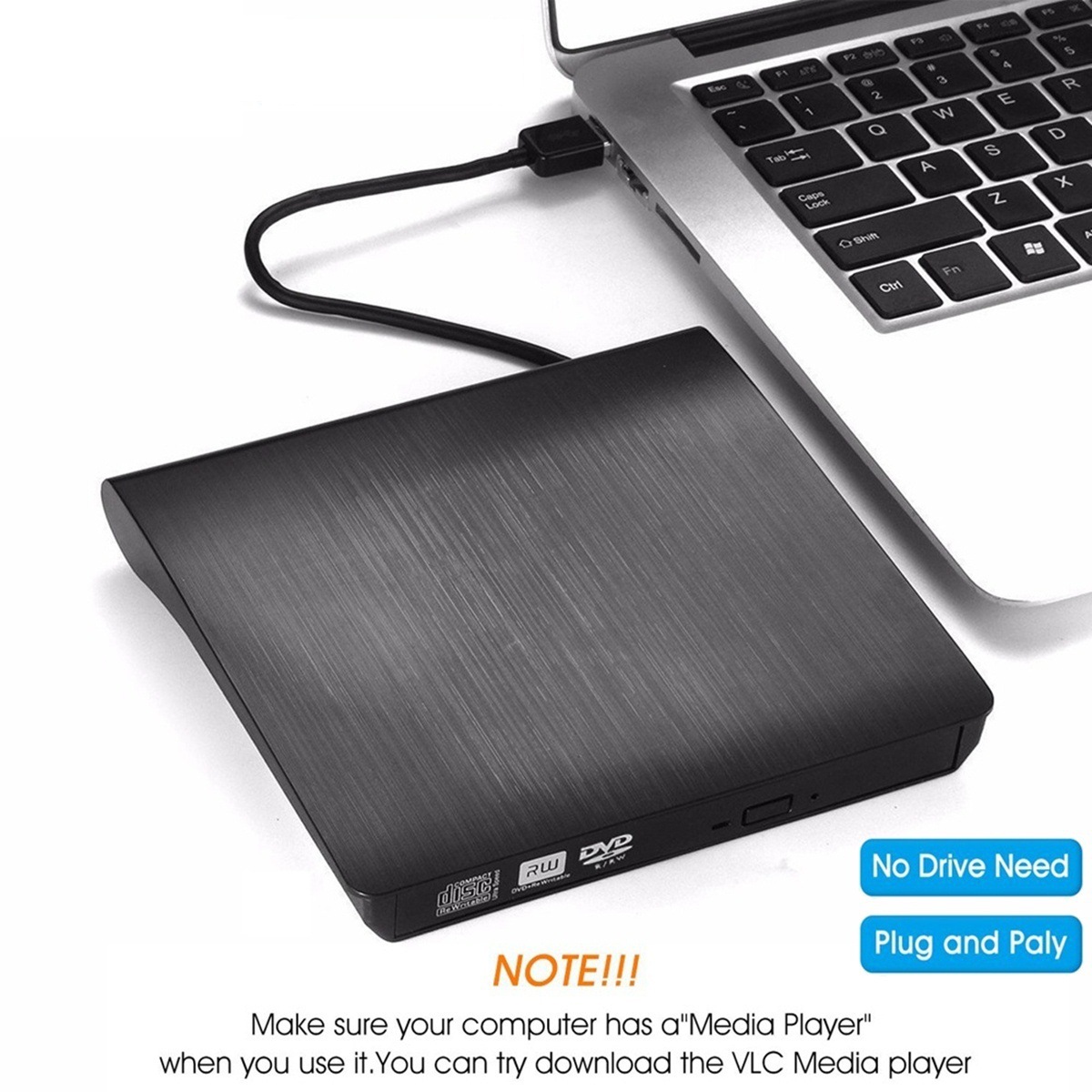
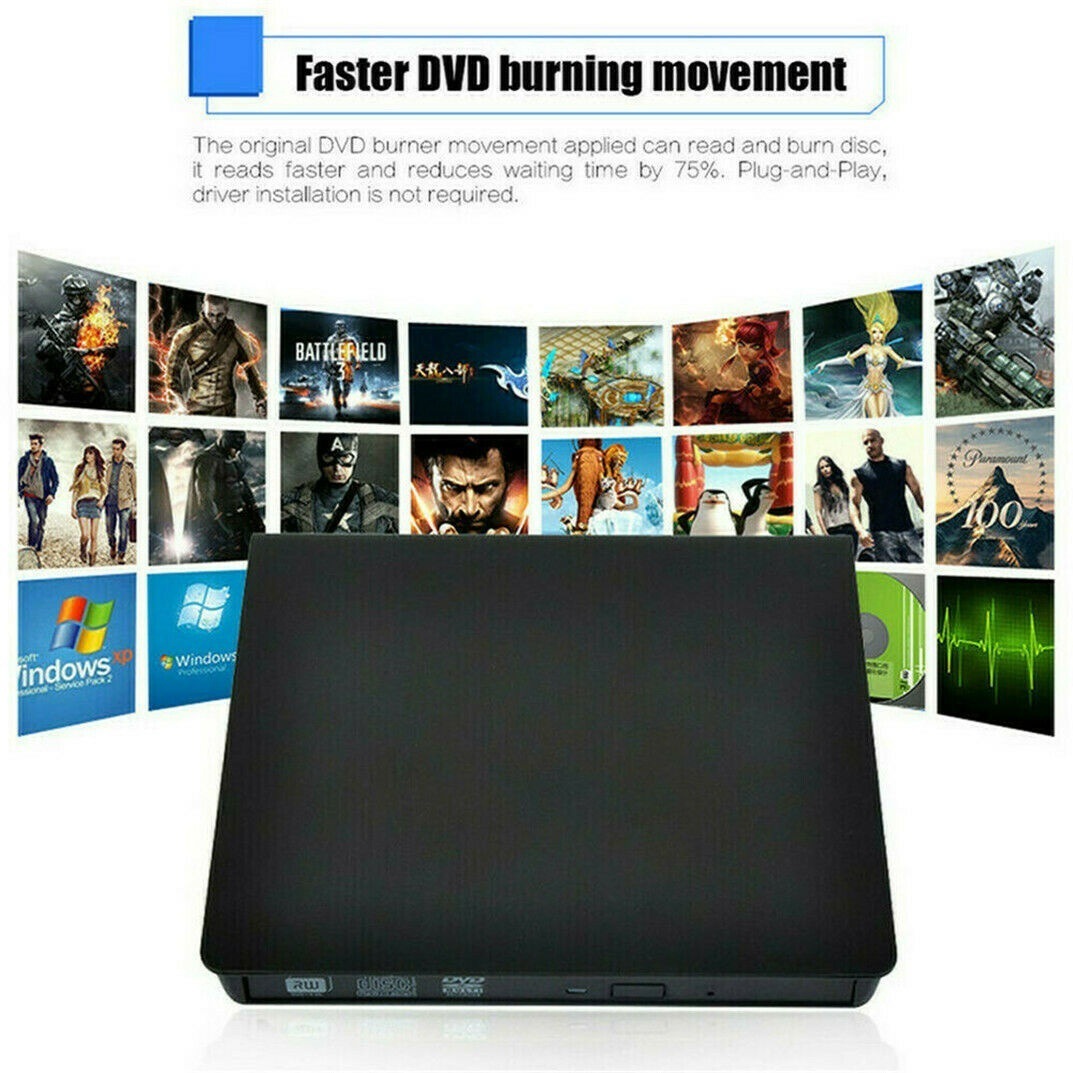
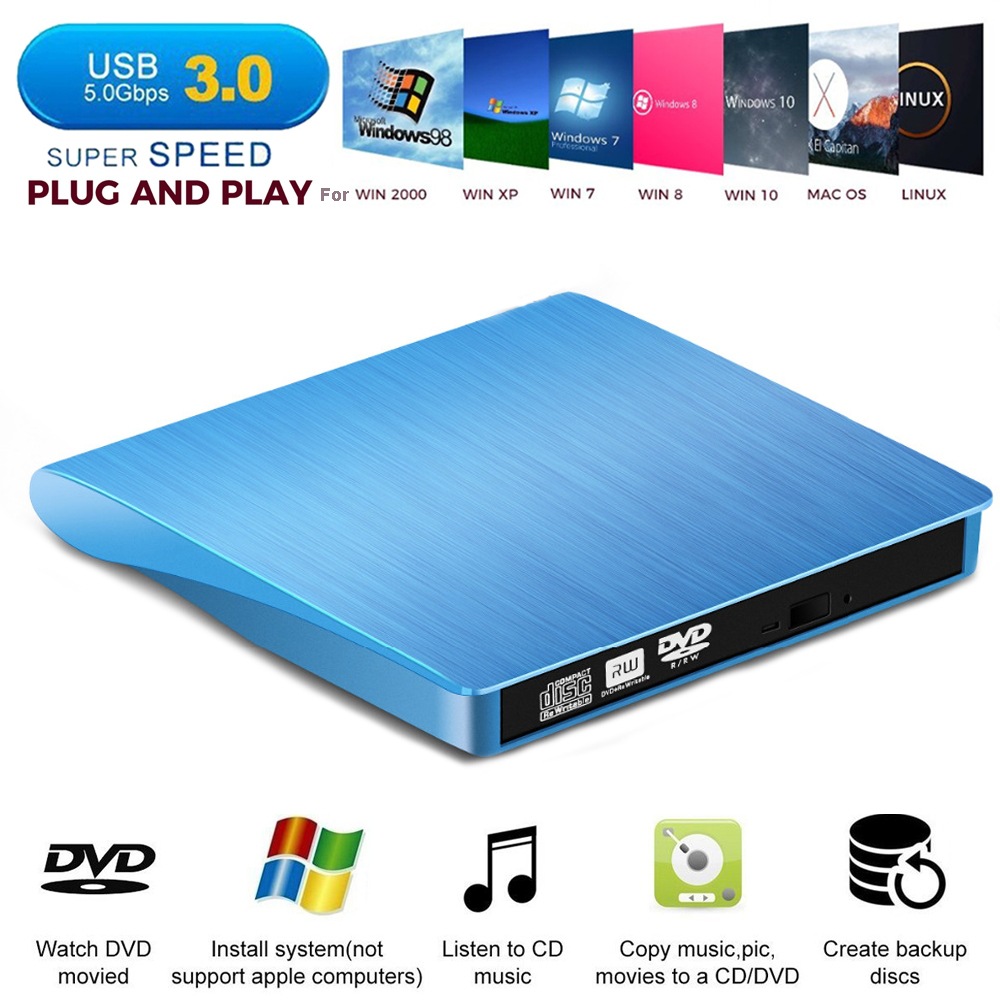
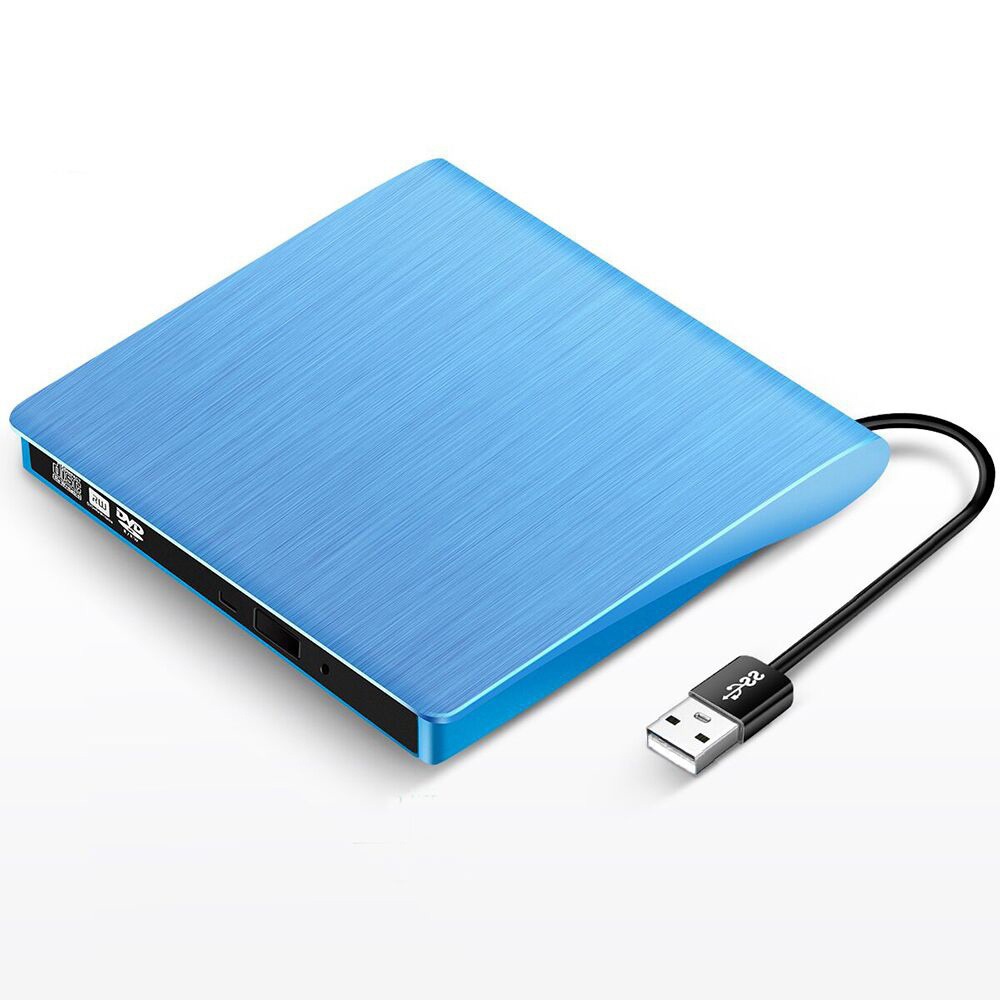
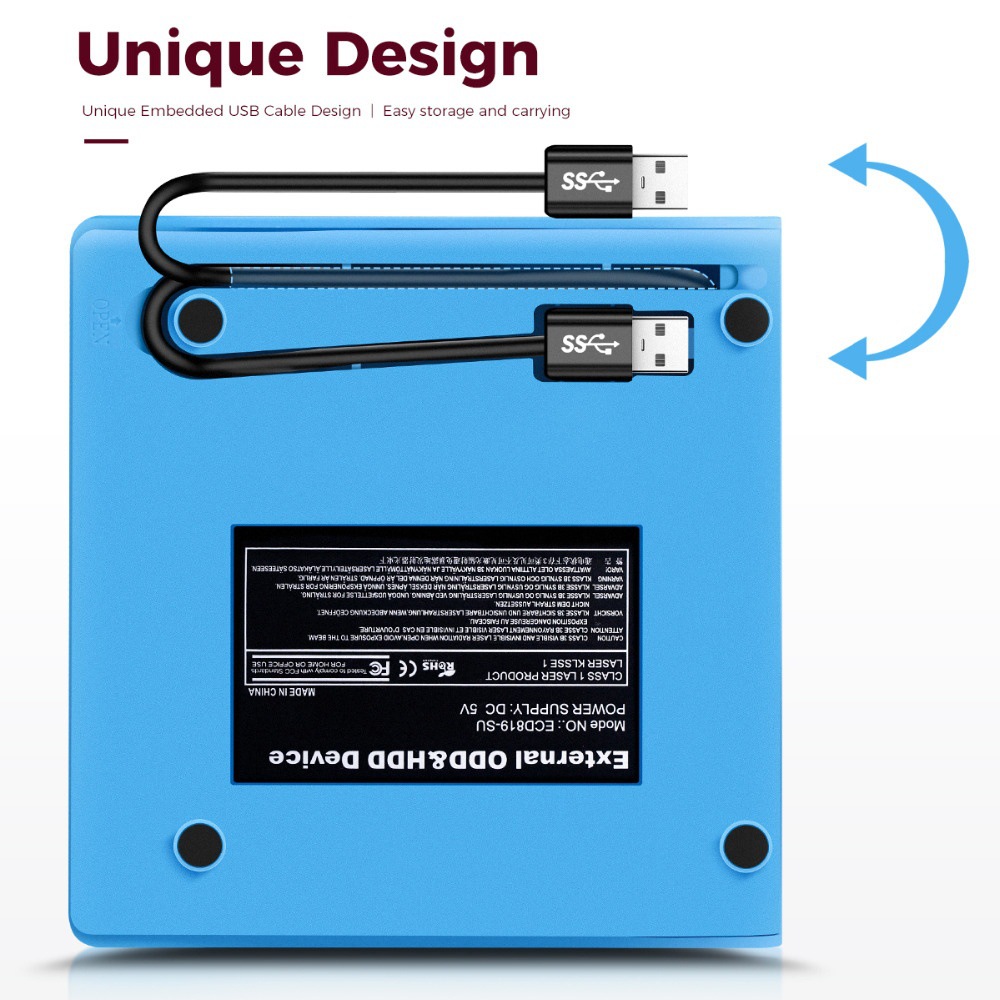
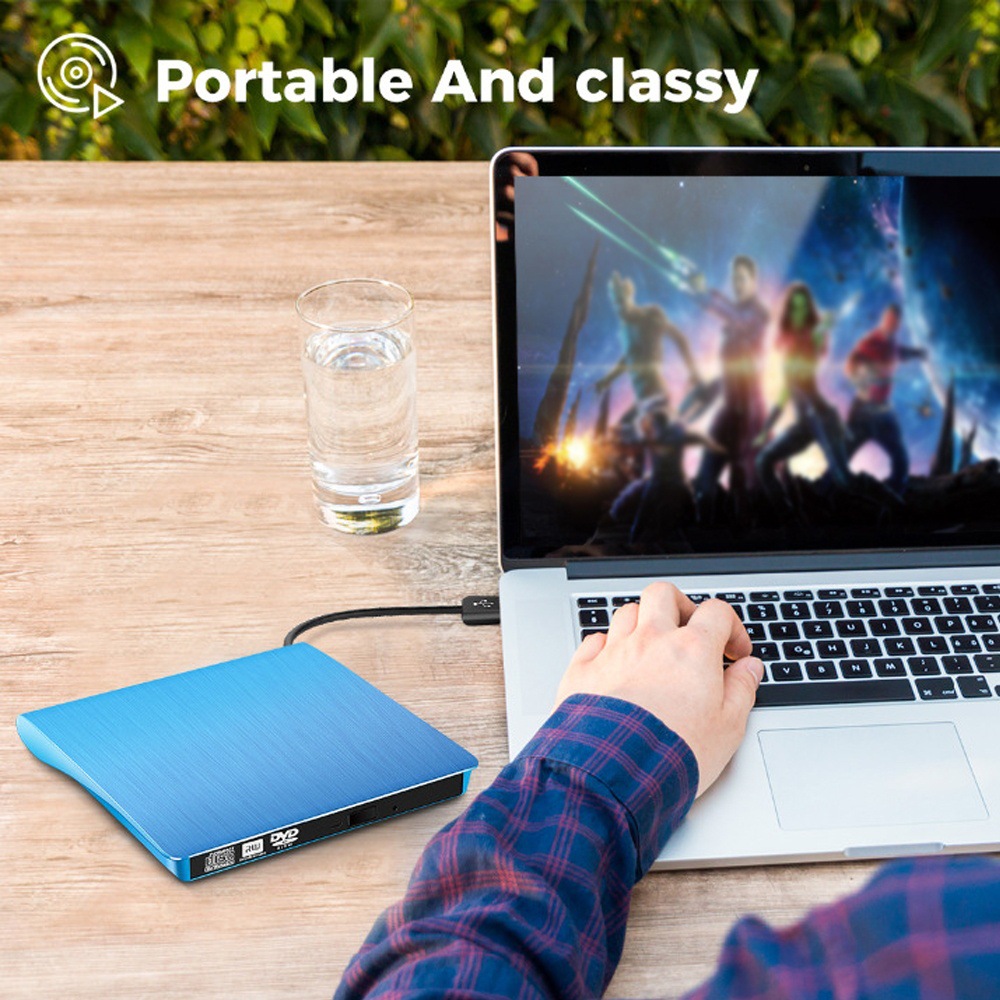
No external drive or power source is needed. As long as it is inserted into your USB port, the DVD driver will be detected.
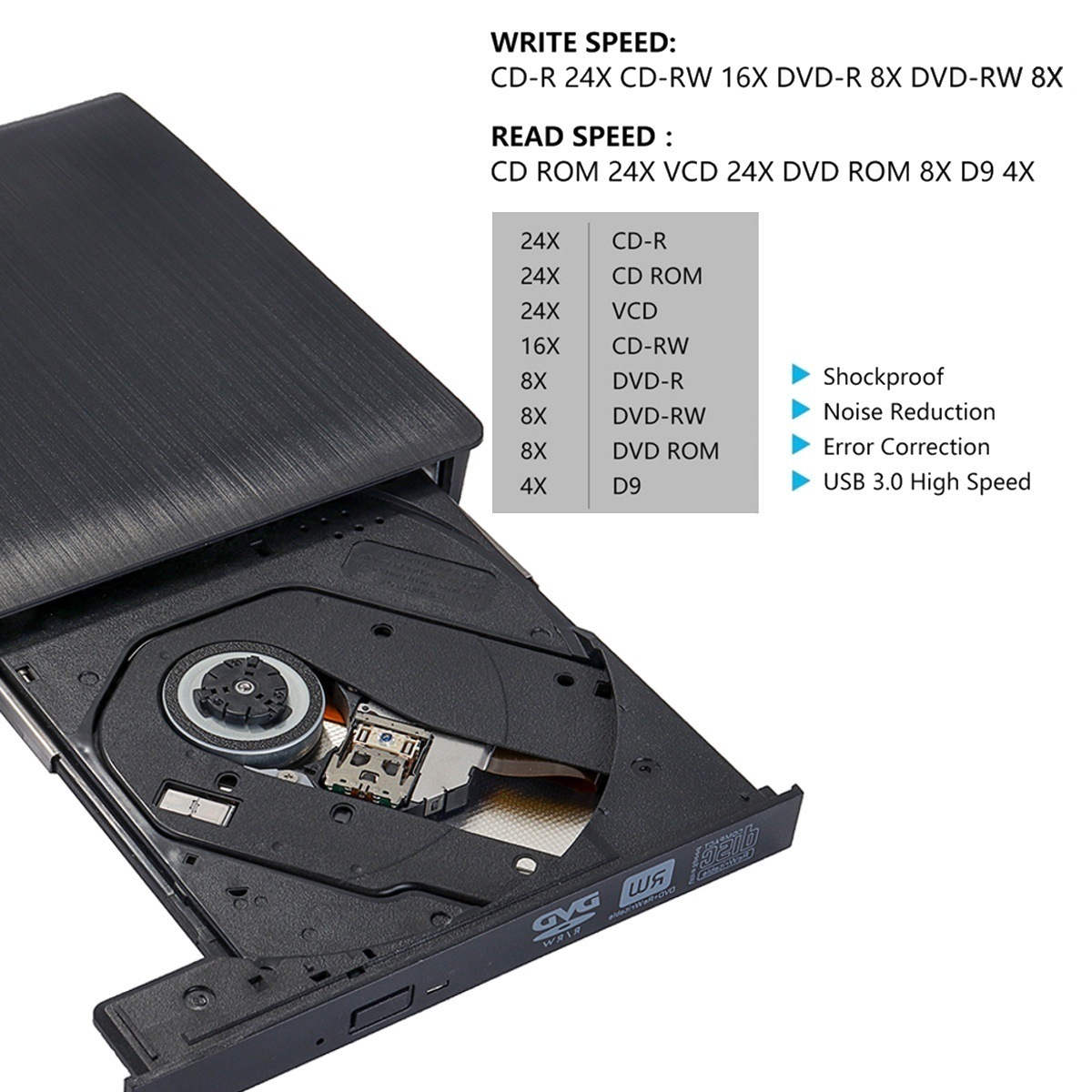
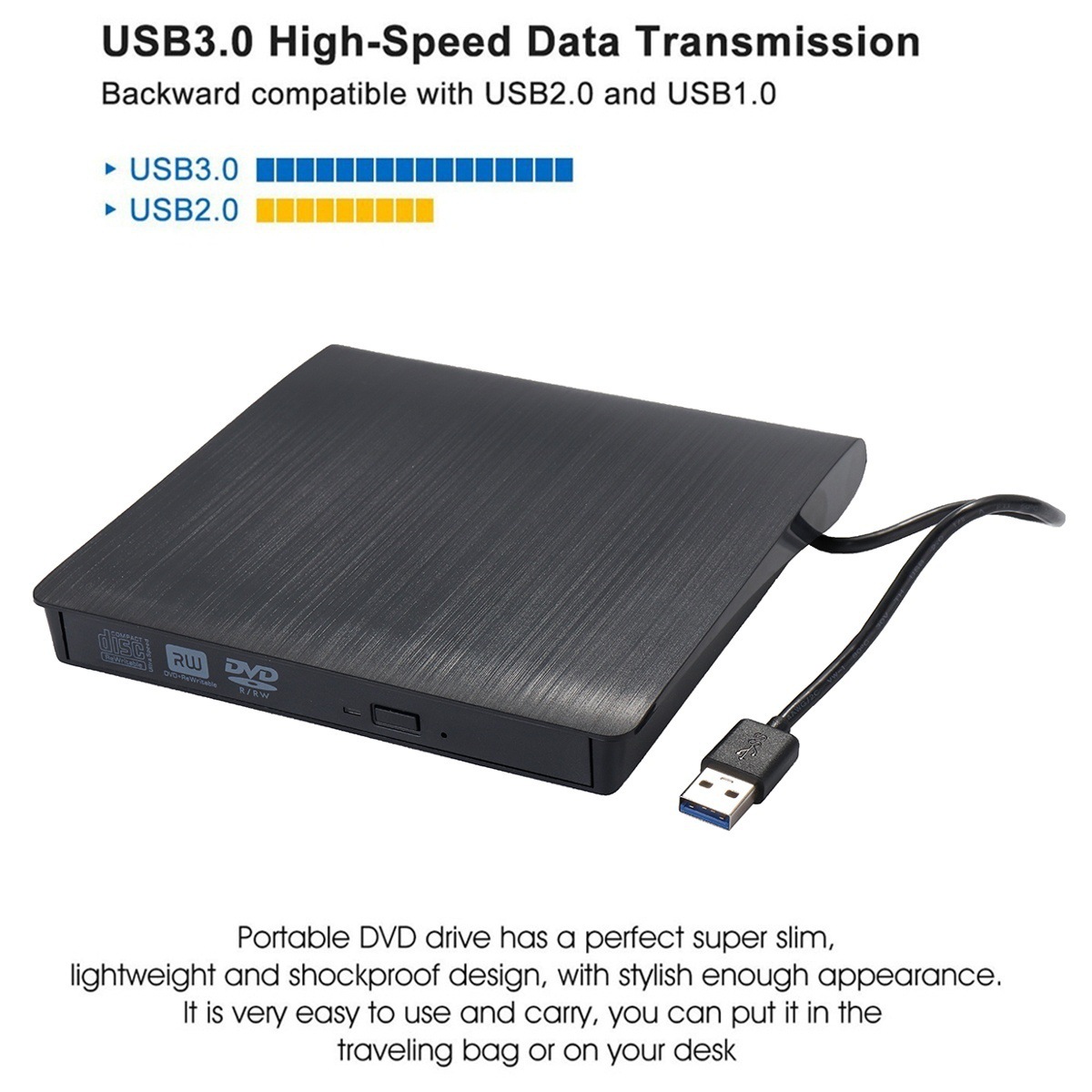
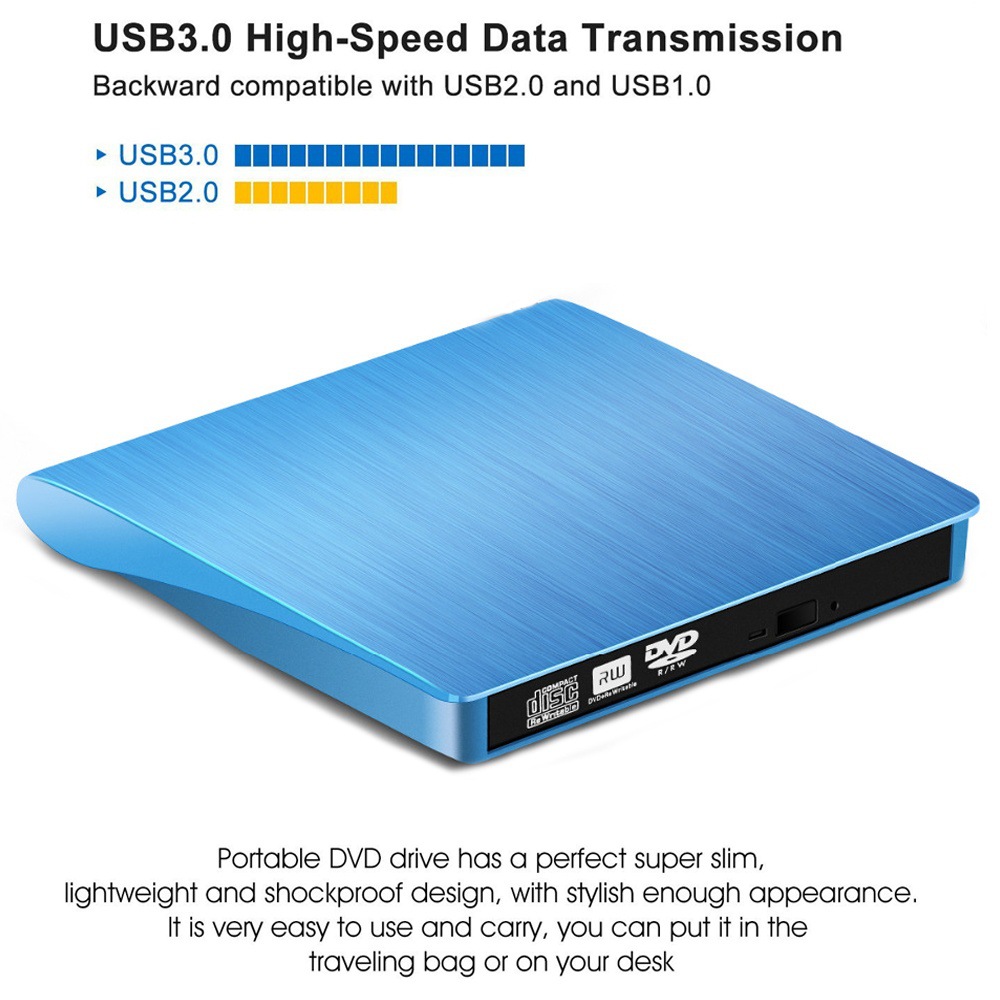
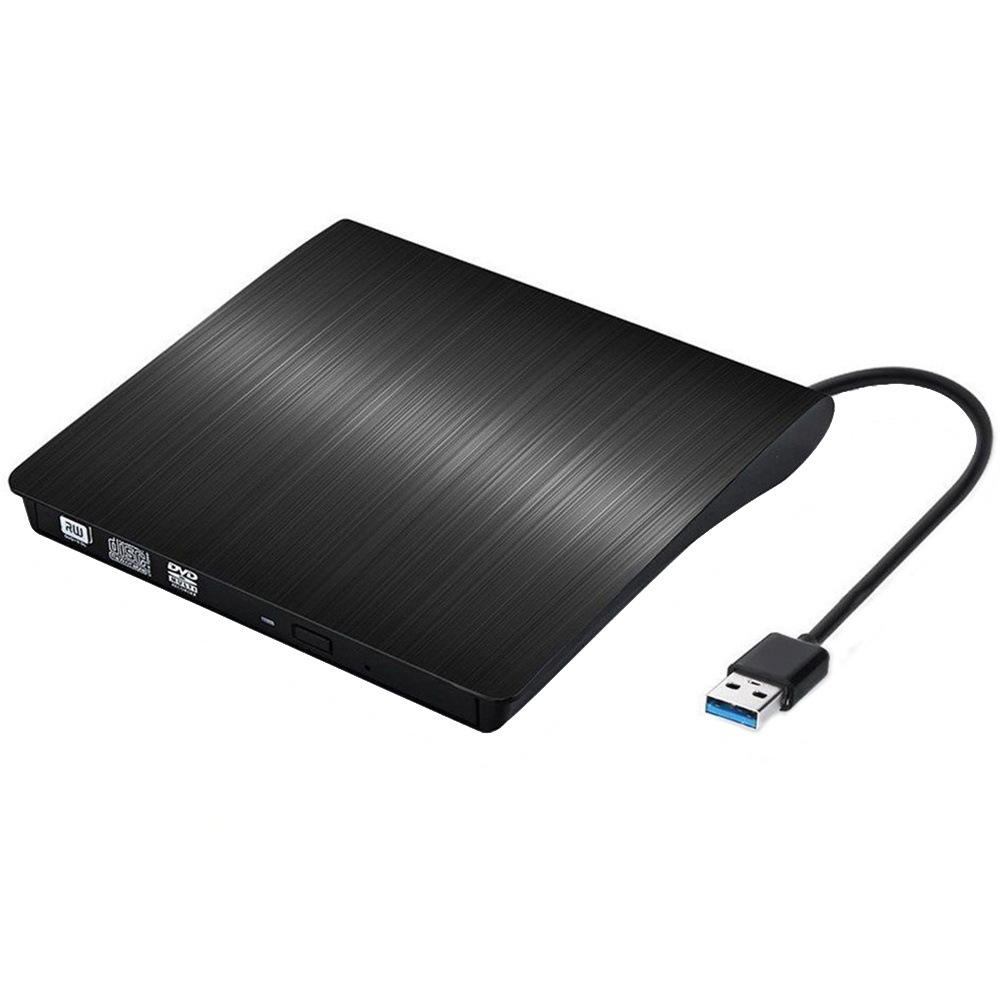
The USB 3.0 CD drive offers faster data transfer speeds, up to 5Gbps. It is backward compatible with USB 2.0.
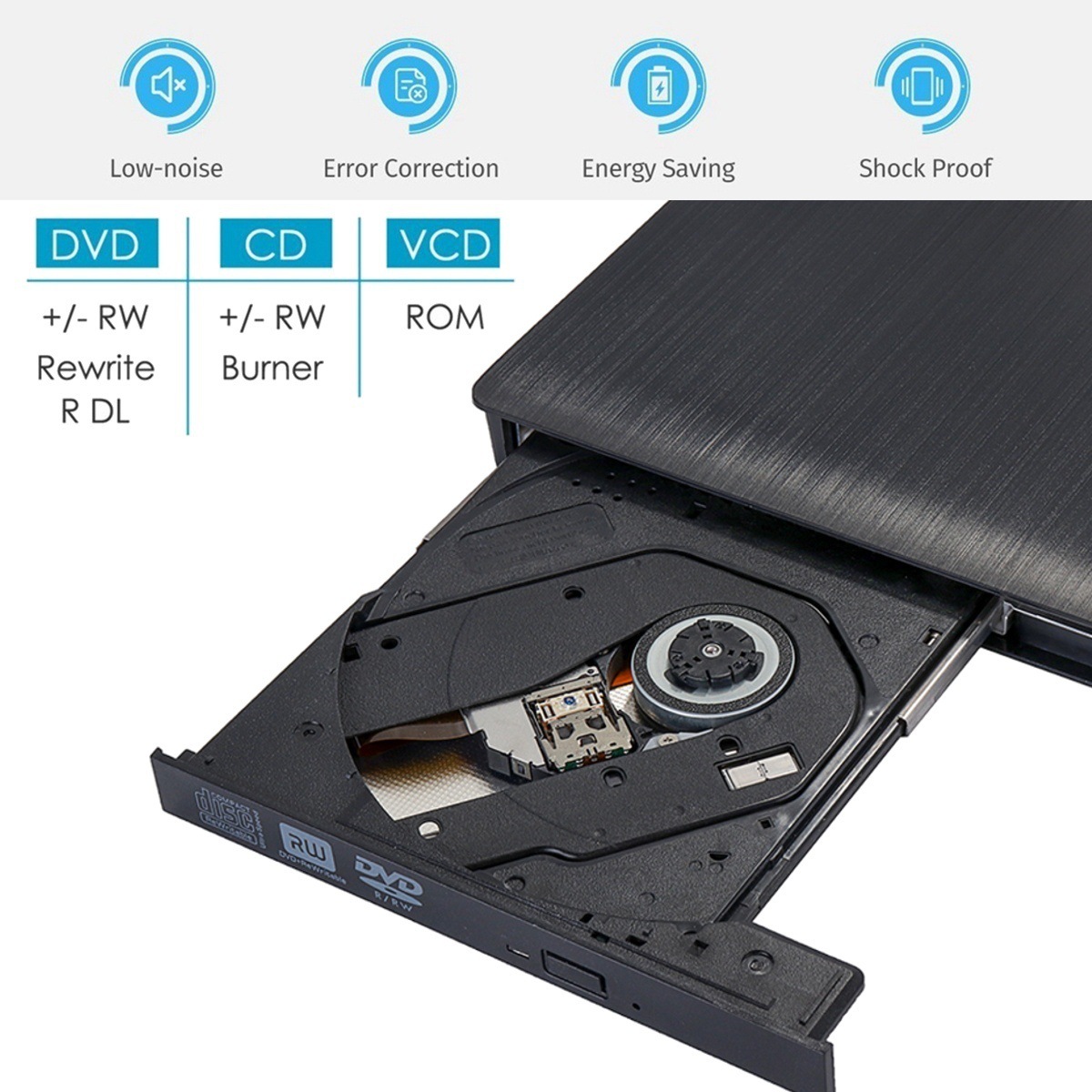
It has powerful error correction capabilities, anti-impact and noise reduction technology.
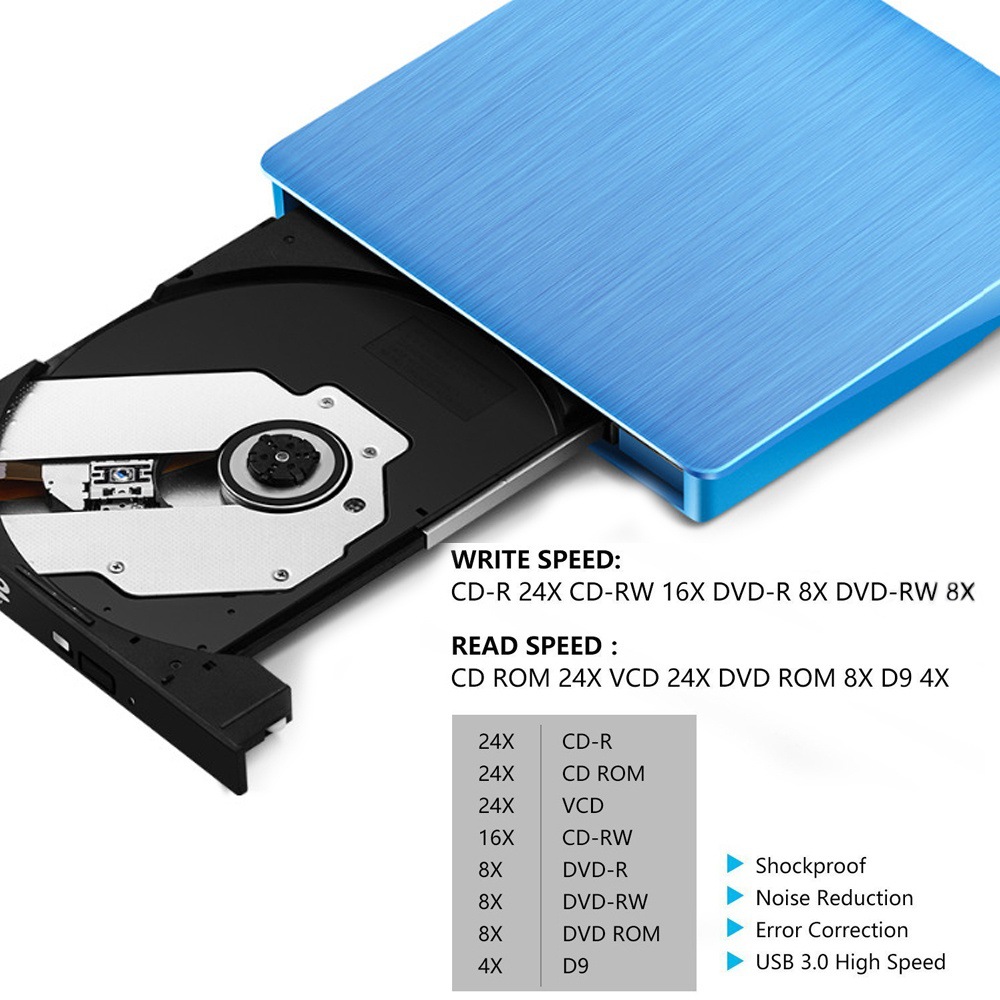
The external CD drive supports reading CD, VCD, SVCD, CD-R, CD-RW, DVD-R/DVD-RW, and writing CD-RW, CD+RW, DVD-RW, DVD+RW, etc.
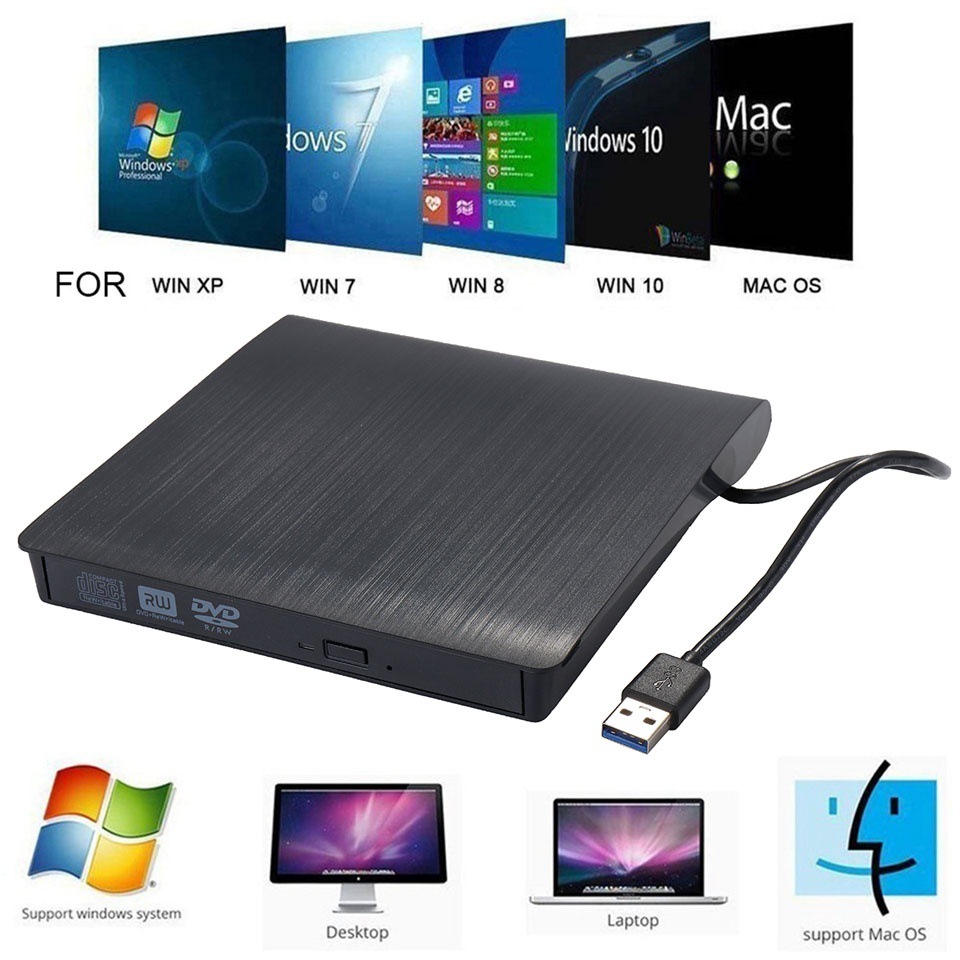
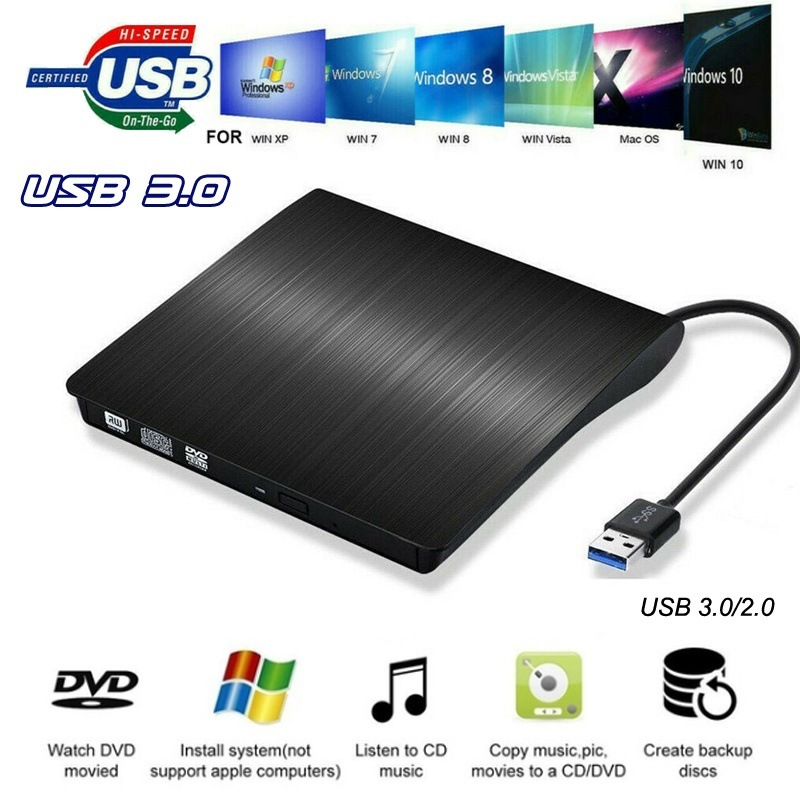
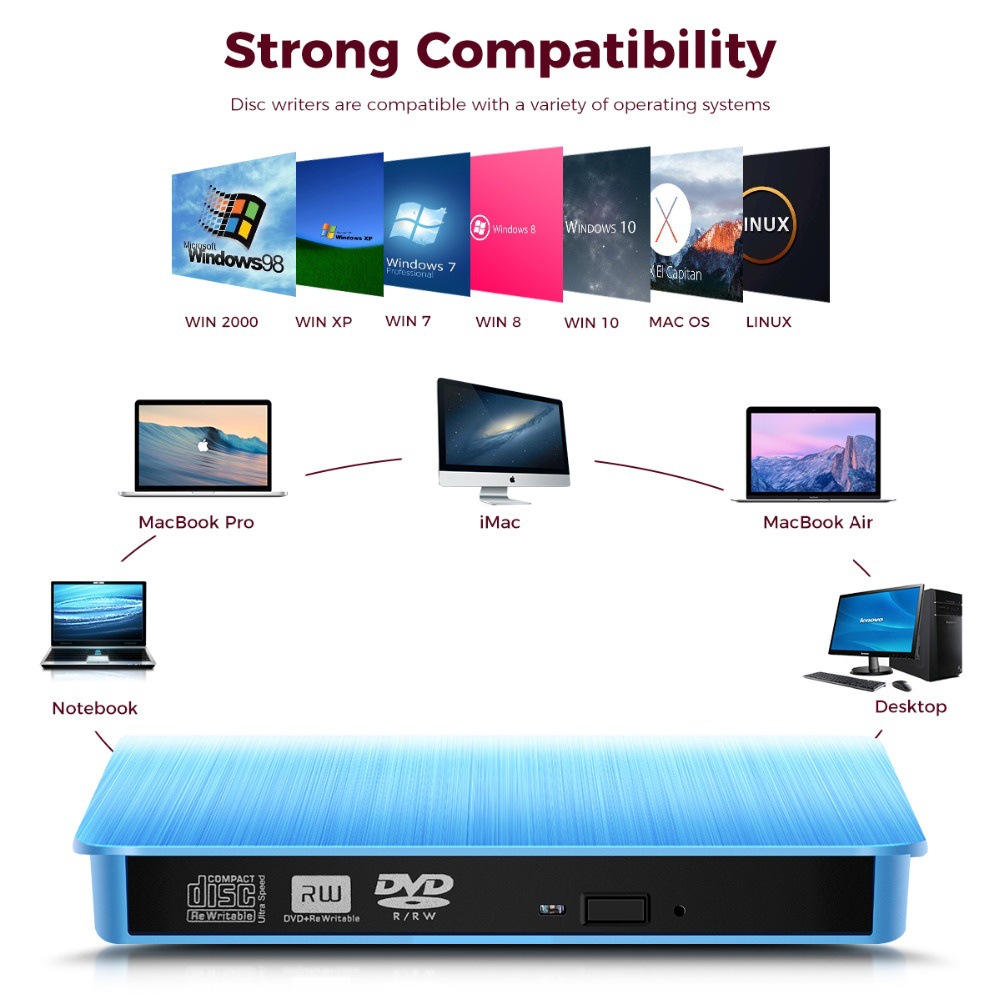
Compatible with Windows 2000 / XP / 2003 / Vista / 7 / 8.1 / 10, Linux, and all versions of Mac OS, supporting any PC, Ultrabook, and Netbook.
Specification:
Supported formats: DVD-ROM, DVD-Video, CD-R / RW, CD-ROM / XA, CD-ROM, CD-EXTRA, CD-TEXT
Supported media types: CD-ROM, CD-R, CD-RW, DVD-ROM, DVD-R, DVD-RW, DVD + RW, DVD + R, DVD + R DL, DVD-R DL, DVD RAM
Read speed: CD-ROM: up to 24x; DVD-ROM: up to 8x; DVD-ROM (DL): up to 6x
Write speed: 24x CD-R, 8x CD-RW, DVD±R: max 8x; DVD±R DL: max 4x; DVD-R±9: max 2.4x
Write speed: DVD + RW: up to 4x; DVD-RW: up to 4x; CD-RW: up to 10x; DVD-RAM: up to 3x
Memory Cache: 2M
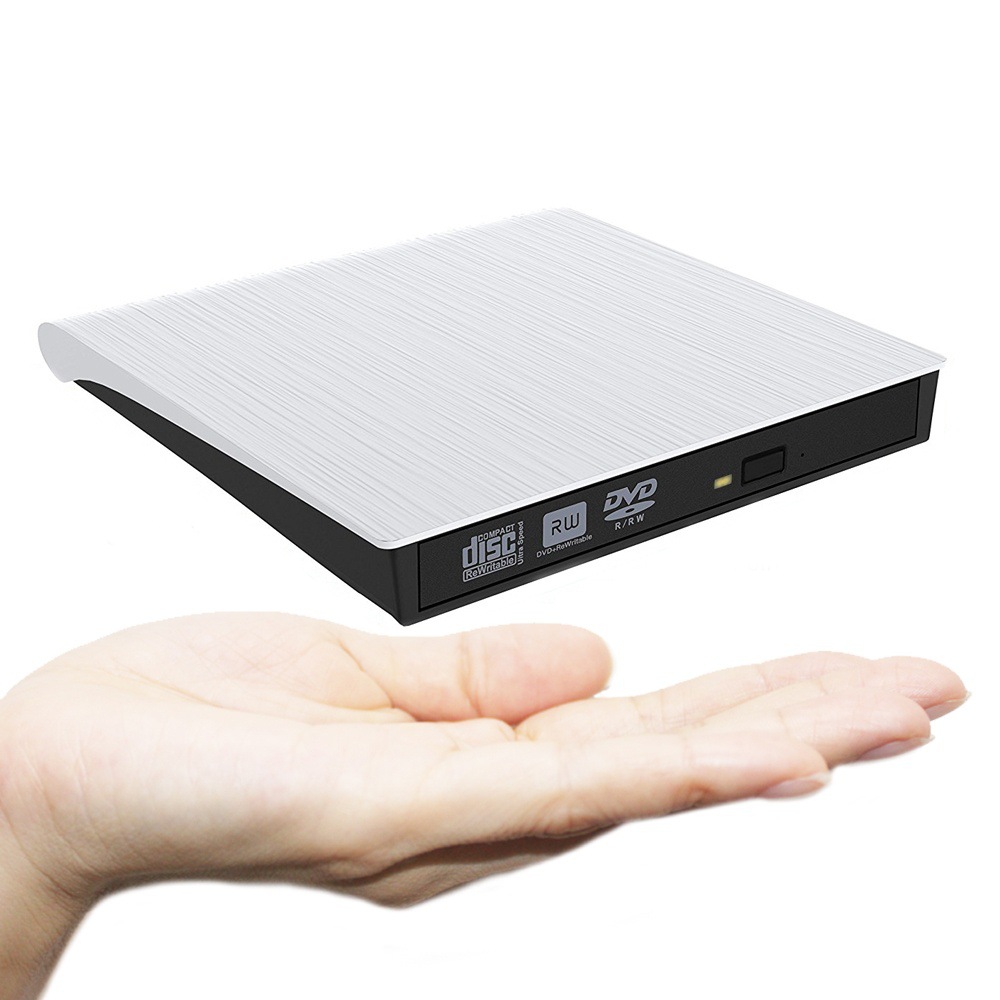
Packing Size: 17*17*3cm
Packing weight: 370g
Characteristics:
If your computer cannot recognize external devices, you need to install a CD / DVD driver.
Please ensure that the laptop's battery is fully charged, as a low battery may prevent the device from being recognized.
The newly released Windows systems have stopped using the internal DVD media player software. Customers using Windows 10 or later versions are recommended to install VLC Media Player to play DVD and CD.
Some external devices require sufficient power to operate normally, so please ensure that the notebook computer is plugged into an electrical outlet or uses an active USB hub on the notebook computer.
Packing List
1 USB CD drive (does not include CD)
1x User Manual


Update time:


TOP


