
Search history
Clear allSearch by image
XDrag and drop an image here or upload an image
Max 5MB per image
UploadSign In | Join

Search history
Clear allSearch by image
XDrag and drop an image here or upload an image
Max 5MB per image
UploadSign In | Join
|
|
|
||||
| Model | TK905 | Alarm Method | Fence alarm, speed alarm, movement alarm, vibration alarm |
Waterproof Magnetic GPS Tracker with 5000mAh Battery and Free Platform
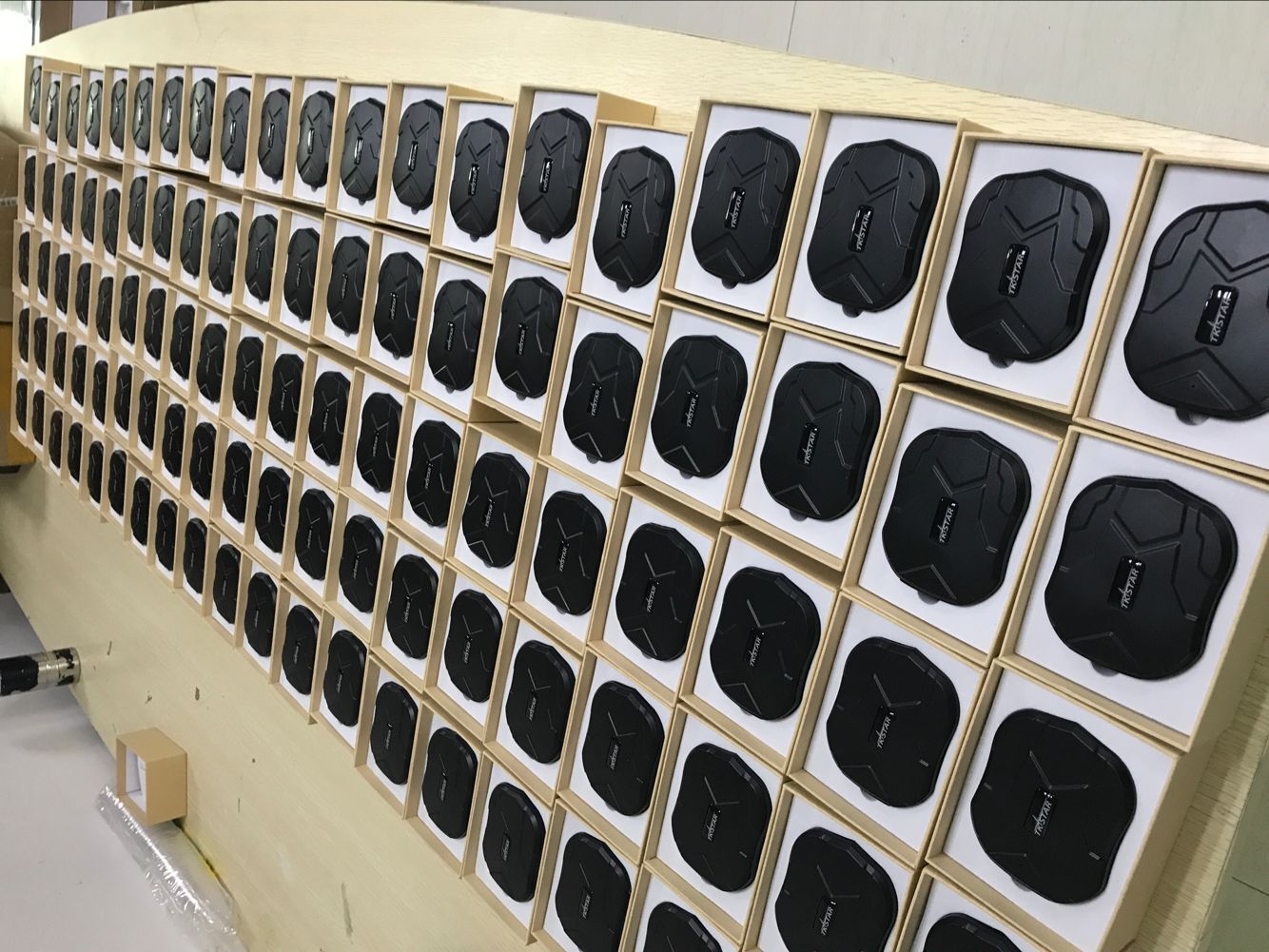
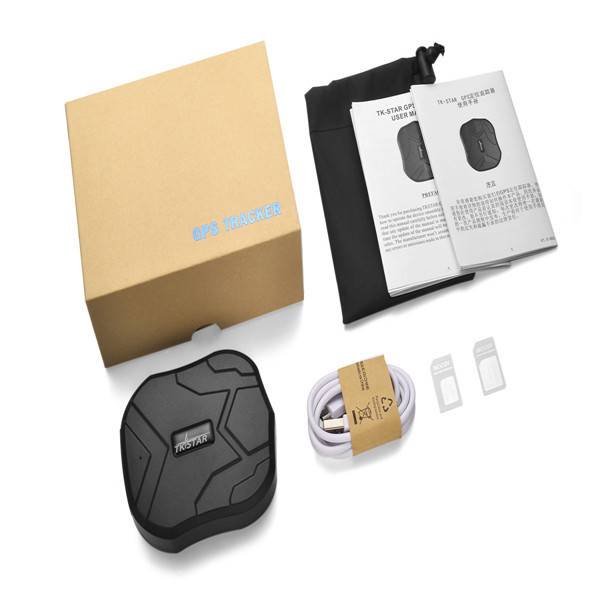
Packing site images:
Main functions:
Hardware Description:
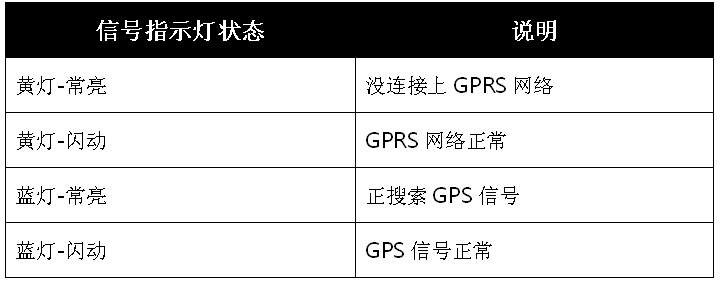
1. USB Charging Port 2. Signal Indicator Light 4. SIM Card Slot 4. Pendant Loop 5. Strong Magnet
2. Placement of the SIM card
As indicated in the diagram, open the cap, push the SIM chip up into the SIM card slot, and the device will automatically turn on.
Attention:
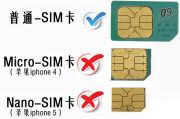
1. Please use a GSM SIM card from China Mobile or China Unicom.
2. Insert a standard-size SIM card, pay attention to the direction of the card, and follow the illustration on the shell.
3. Device Start
The device automatically powers on when the card is inserted, and the indicator light turns on, indicating that the device has started working.
After powering on for 30 seconds, the device activates the use of GPRS according to the 4.0 settings.
When the device has GPS signal, it automatically GPS location, and when there is no GPS signal, it automatically switches to LBS location.
The device will automatically start working when it senses vibration, and if there is no vibration for 5 minutes, it will enter a power-saving sleep mode.
When the SIM card is removed, the device automatically turns off.
4.0 Activation Device Starting Location
Activate the device and send a text message to turn on GPRS.
Send 'gprs123456' to the device's card number.

After the locator blinks blue and green light alternately, you can query the location of the locator. There are four query methods: mobile phone APP, website platform, WeChat, and SMS.
4.1 Use the mobile phone APP to determine the location
1. Android phones: Scan the QR code to choose Android to download and install software to your phone, or search for "TKSTAR GPS" in the Android Market to download and install it to your phone.
2. Apple phones: Scan the QR code to choose iPhone to download and install software to the phone, or search for "TKSTAR GPS" in the store to download and install to the phone.
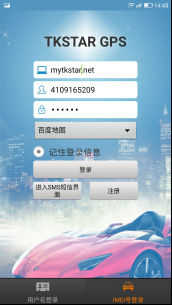
3. Select the "IMEI number login" at the bottom right.
Platform address: www.mytkstar.net
IMEI number: The IMEI number on the device back cover
Password: Default 123456 (You can log in to the platform to change the password).
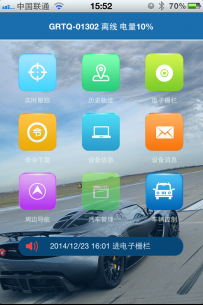
Real-time tracking: Display the last location of the device, dial the phone number inside the device to wake it up, and the device will automatically update its location to the latest position.
Historical Trajectory: Query the historical trajectory of the device by time period. (The error of LBS base station data is relatively large, you can choose to filter it or not).
Electronic Fence: Set up a fence. When the device enters or exits the fence, send an alarm to the APP and the platform.
Command issued: Set the product parameter function of the device.
Device Information: Edit device information.
Device Message: Display the alarm information generated by the device.
Peripheral navigation: Navigate to nearby public places.
Alarm Reminder: The APP pushes the alarm information.
Offline Maps: After downloading the offline map, the APP buffers faster.
4.2 Using Platform Positioning
1. Open the website: www.mytkstar.netSelect Chinese language.
2. Choose: "IMEI/ID number".
IMEI/ID number: The IMEI number on the back cover of the device
Password: Default 123456 (You can log in to the platform to change the password).
4.3 Using WeChat Location
1. Add the public account "MYTKSTAR" or scan the QR code to add.
2. After adding, follow the WeChat prompt to bind the device, and send 123 to check the location.
For example: @4109000001#123456
4.4 Using SMS positioning
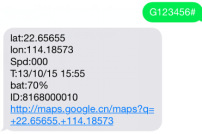
Send" G123456# "to the device's phone number, and you will receive a google link with latitude and longitude information.
For example:
Update time:


TOP


