
Search history
Clear allSearch by image
XDrag and drop an image here or upload an image
Max 5MB per image
UploadSign In | Join

Search history
Clear allSearch by image
XDrag and drop an image here or upload an image
Max 5MB per image
UploadSign In | Join
|
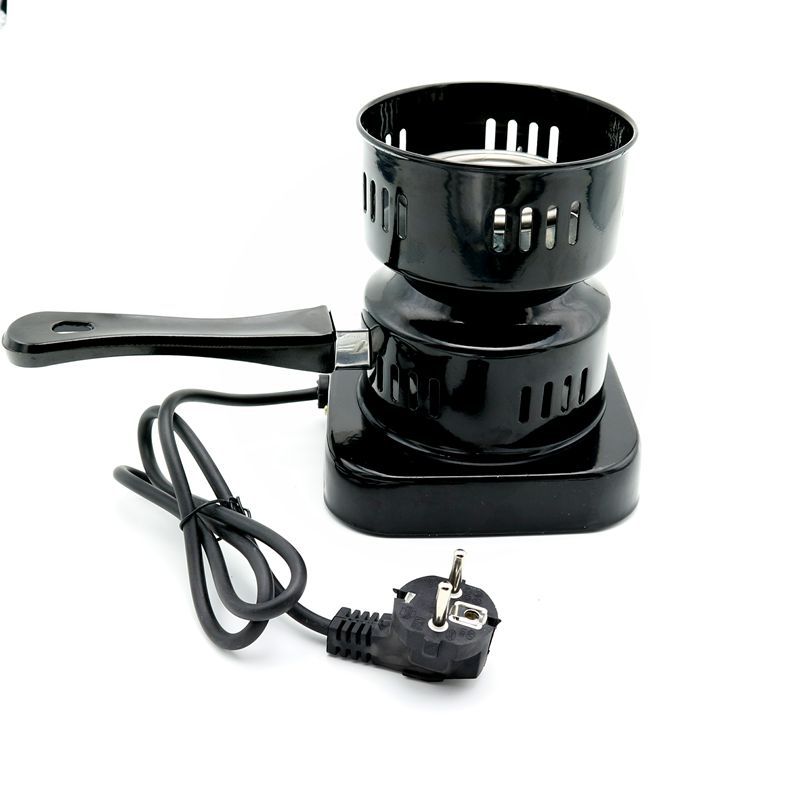
european standard two plugs
欧规两插头 |
CN¥ 0.0 |
|
domestic three plug
国内三插头 |
CN¥ 0.0 |
|
british standard junior plug
英规大三插头 |
CN¥ 0.0 |
|
american standard two plug 110v
美规两插110v |
CN¥ 0.0 |
|
australian standard three plug
澳规三插头 |
CN¥ 0.0 |
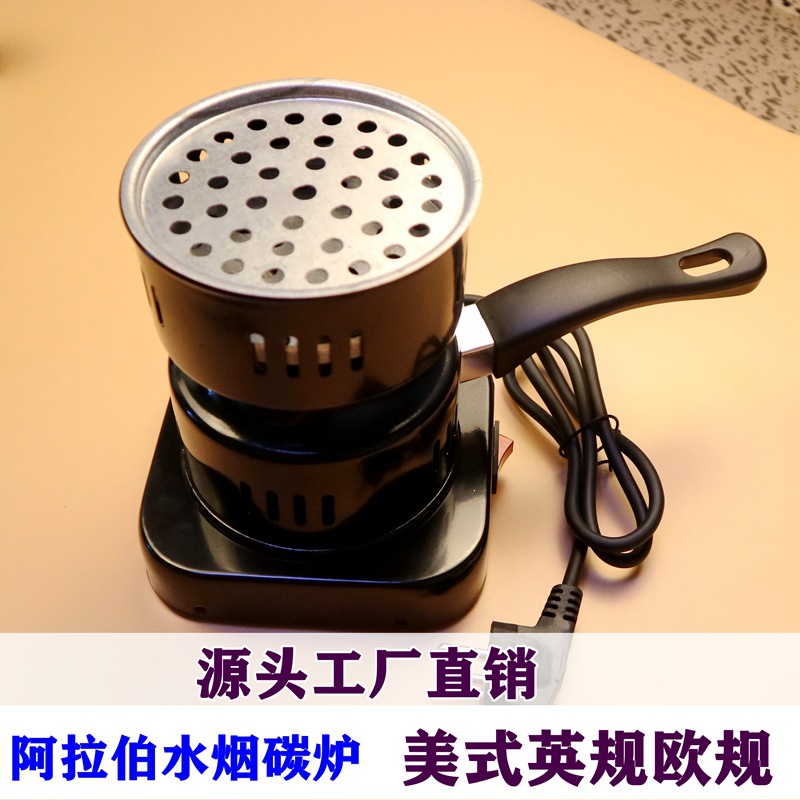
Direct sales from the factory. New and existing customers are welcome to place orders; we guarantee the quality of our products. For lower-spec products, please contact the customer directly and speak with the manager to discuss specific details.
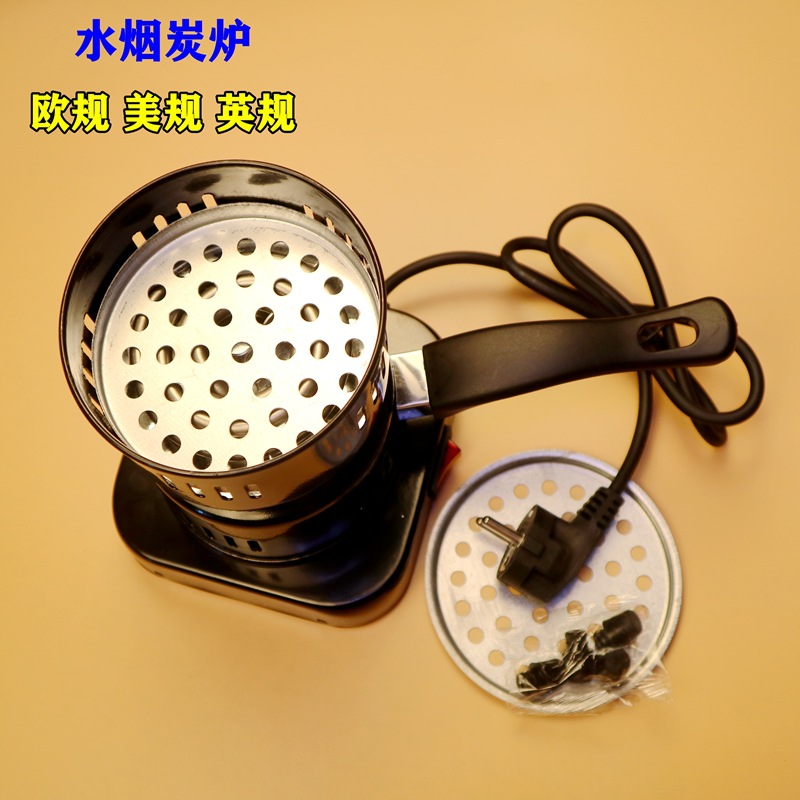
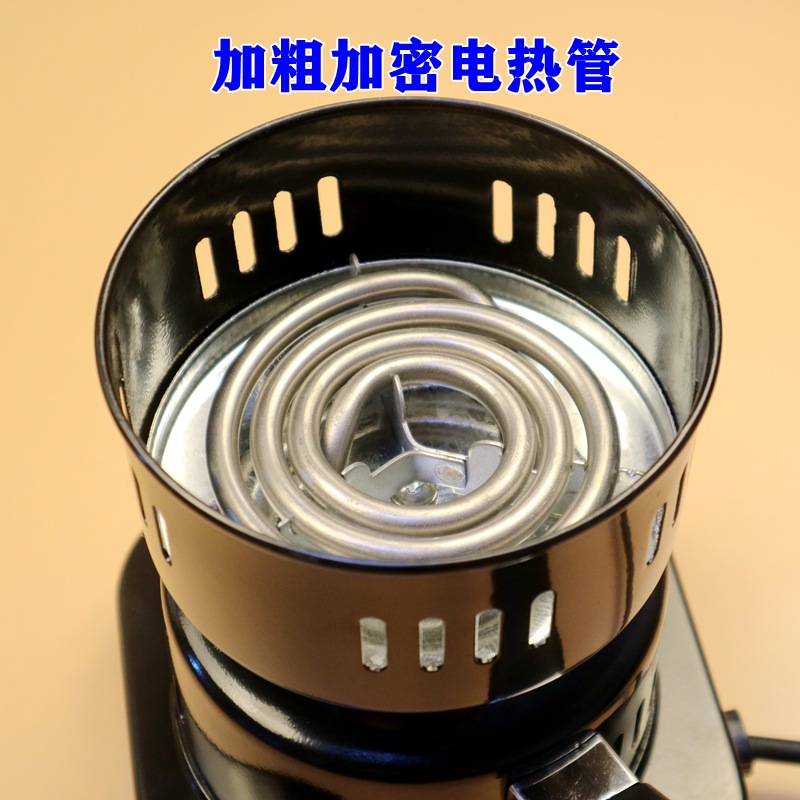
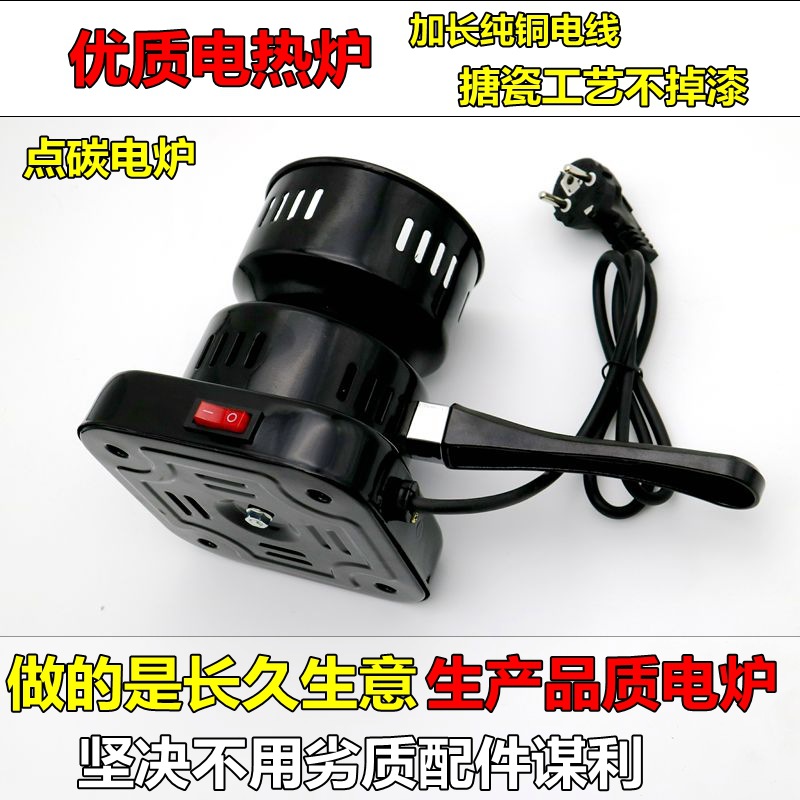
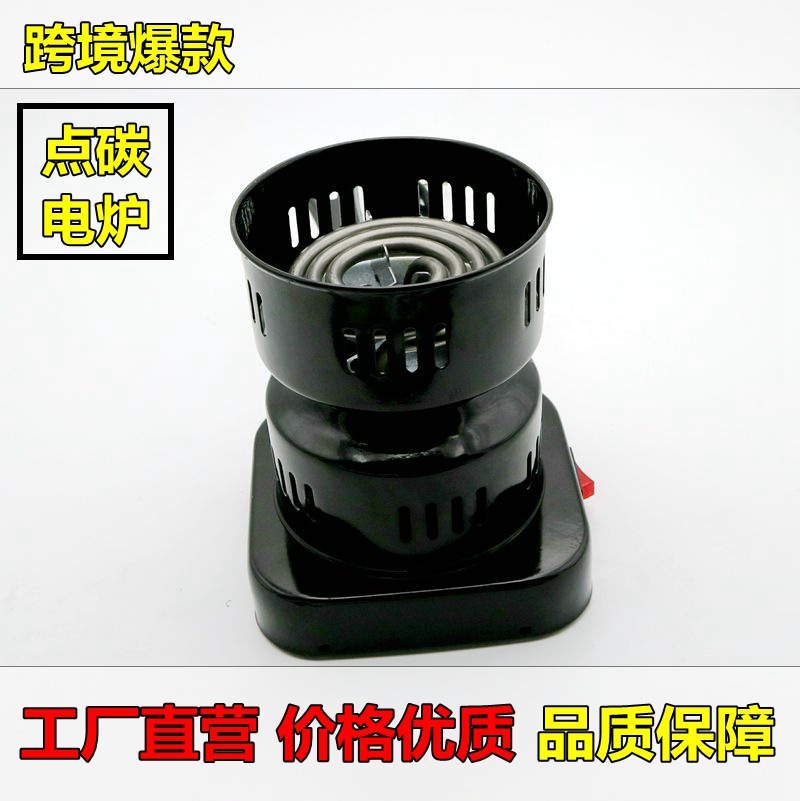
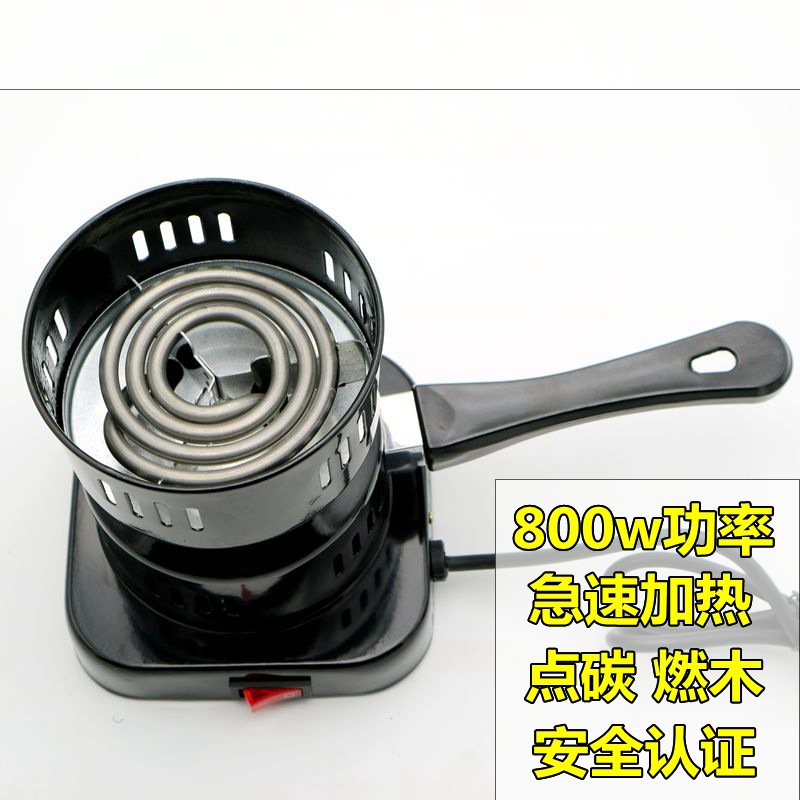
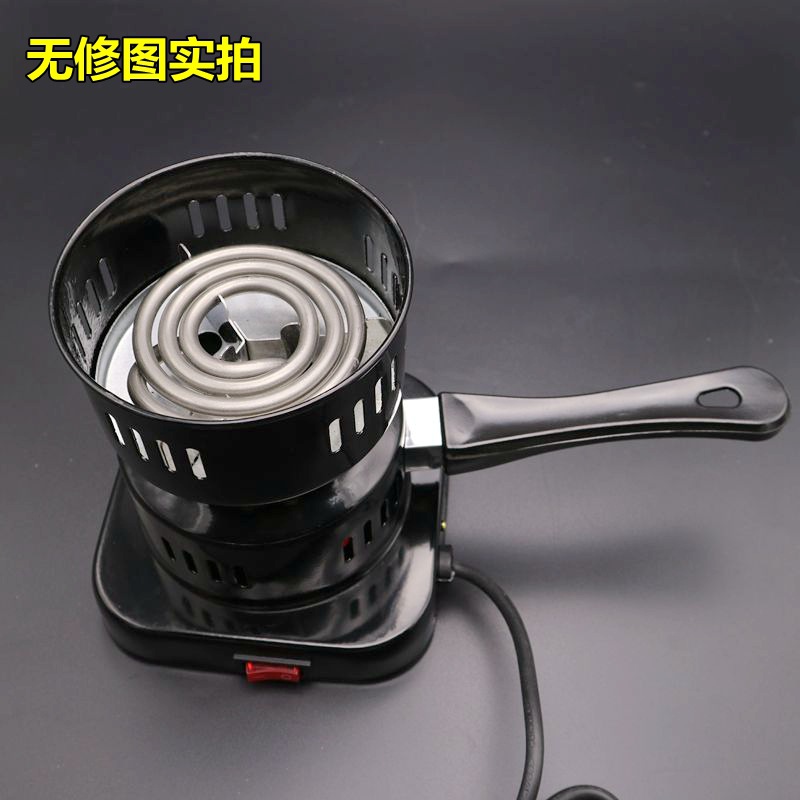
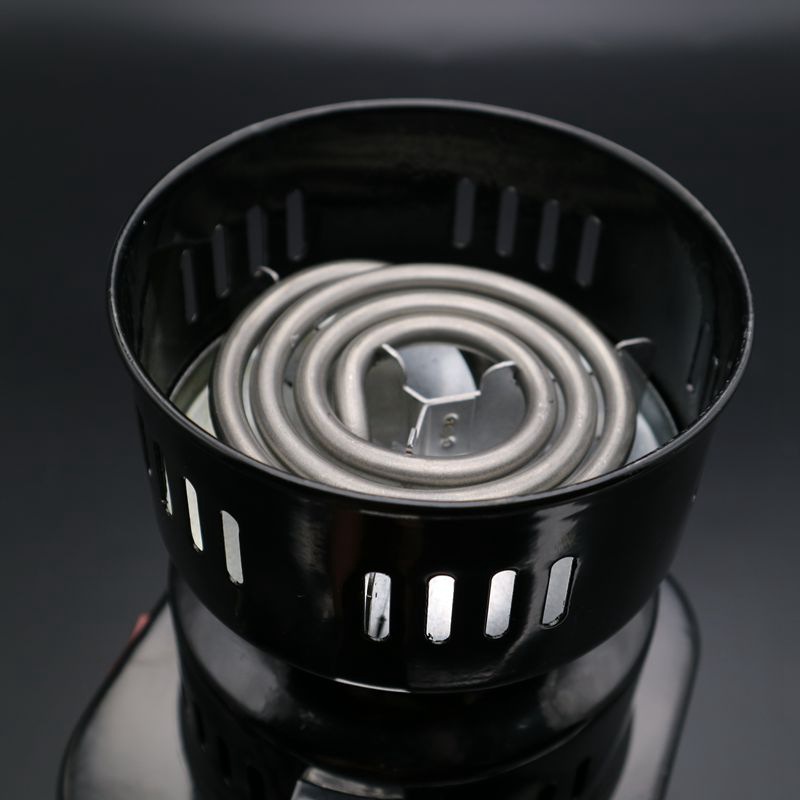
Name: Water Pipe Stove (Charcoal Furnace)
Model: WM101
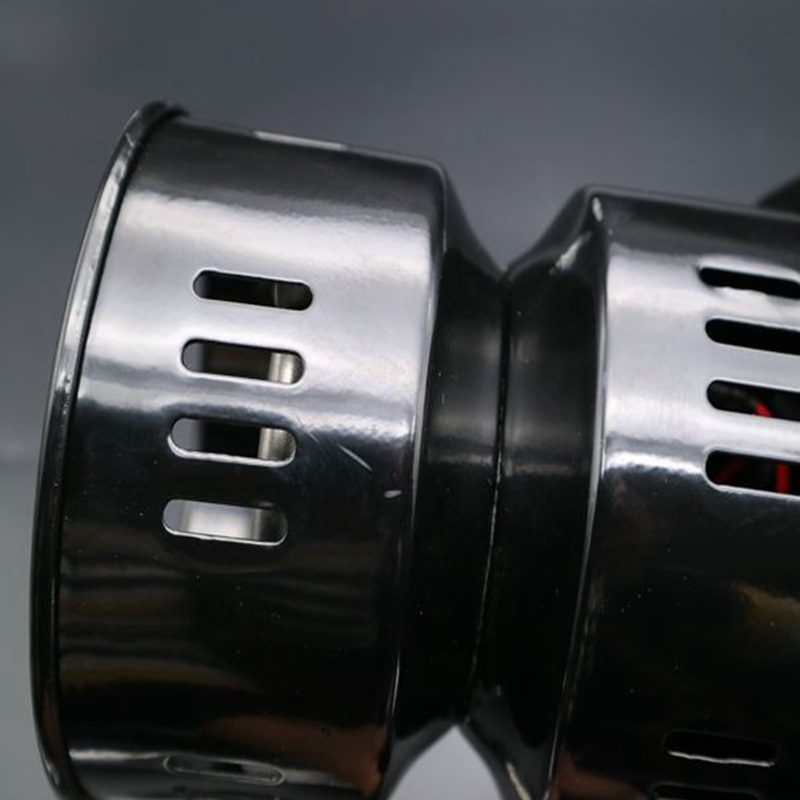
Color: Enamel Black
Weight: 814
Color box dimensions: 15.5 * 15.5 * 17.3 CM
Packaging Type: Color box
Packaging quantity: 18 PCS
Outer box weight: 17.5 KGS 


1. Operations:
1. Place the scale in a horizontal position (it must be a solid, flat surface with no strong air currents around it, such as wind, otherwise it will affect the weighing).
2. Press the power on button
3. Until the “0.00” g is displayed (the default weight unit at the factory is in grams)
4. Place the items on the scale pan (two trays are given free with the product, so remove them from the scale surface before weighing).
5. Press the Model key to switch units.
2. TASKS:
1. Place a tray or container on it.
2. Press the [T] key, and “0.00 ”g” will be displayed
3. Then, when adding items to a container or pallet, the result is merely the weight of those items.
. PCS: (To enable counting functionality, all items must have the same weight):
3.1. As described above, turn on the scale;
2. Place a sample there;
3. Press the [PCS] key repeatedly until ‘PCS’ appears briefly in the top-right corner;
4. Press the [Model / M] key to display the number of samples, then press [PCS] to confirm;
5. After that, you can place any items on it to obtain relevant values.
4. For the main causes of inaccurate weighing and malfunctions, it is usually due to low battery level, incorrect calibration, overloading, or operating on an unstable surface.
[DISPLAY] indicates error removal
【OUT2】Indicates recalibration
[EEEE] Indicates overweight; you should immediately take away the oversized items.
[UN2T] Indicates weighing with the scale placed on a more stable platform
1. Operations:
1. Place the scale in a horizontal position (it must be a solid, flat surface with no strong air currents around it, such as wind, otherwise it will affect the weighing).
2. Press the power on button
3. Until the “0.00” g is displayed (the default weight unit at the factory is in grams)
4. Place the items on the scale pan (two trays are given free with the product, so remove them from the scale surface before weighing).
5. Press the Model key to switch units.
2. TARE:
1. Place a tray or container on it.
2. Press the [T] key, and “0.00 ”g” will be displayed
3. Then, when adding items to a container or pallet, the result is merely the weight of those items.
. PCS: (To enable counting functionality, all items must have the same weight):
3.1. As described above, turn on the scale;
2. Place a sample there;
3. Press the [PCS] key repeatedly until ‘PCS’ appears briefly in the top-right corner;
4. Press the [Model / M] key to display the number of samples, then press [PCS] to confirm;
5. After that, you can place any items on it to obtain relevant values.
4. For the main causes of inaccurate weighing and malfunctions, it is usually due to low battery level, incorrect calibration, overloading, or operating on an unstable surface.
[DISPLAY] indicates error removal
【OUT2】Indicates recalibration
[EEEE] Indicates overweight; you should immediately take away the overweight items.
[UN2T] Indicates weighing with the scale placed on a more stable platform
Update time:


TOP


