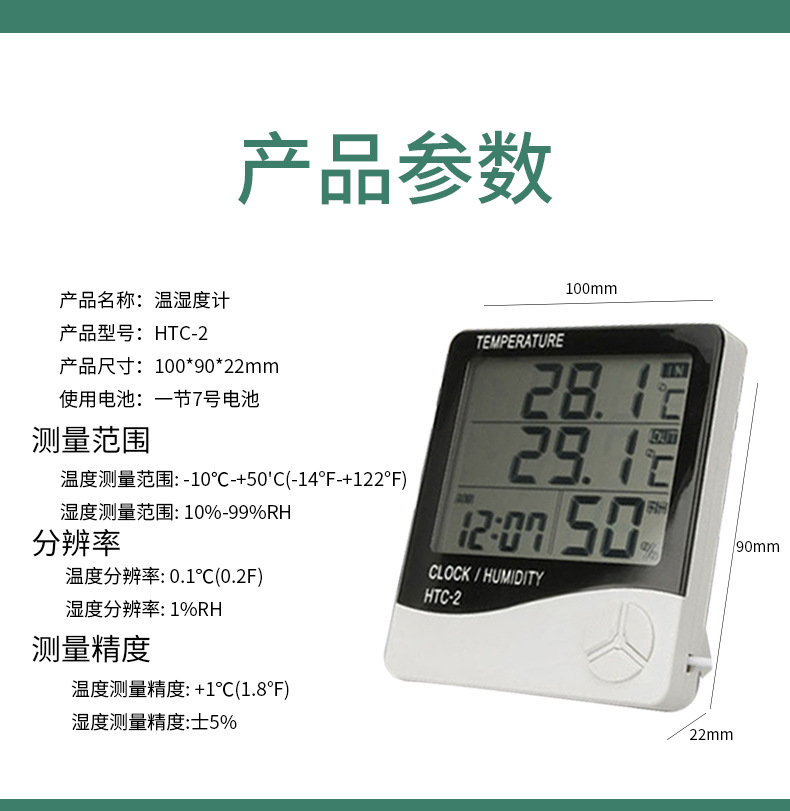
Product Specification: Temperature Measurement Range: -10°C to +50°C
Temperature measurement accuracy: ±1°C (±1.8°F)
Temperature Resolution: 0.1°C (0.2°F)
Humidity measurement range: 10%RH~99%RH
Humidity measurement accuracy: ±5%RH
Humidity resolution: 1%.
Battery: AAA 1.5V
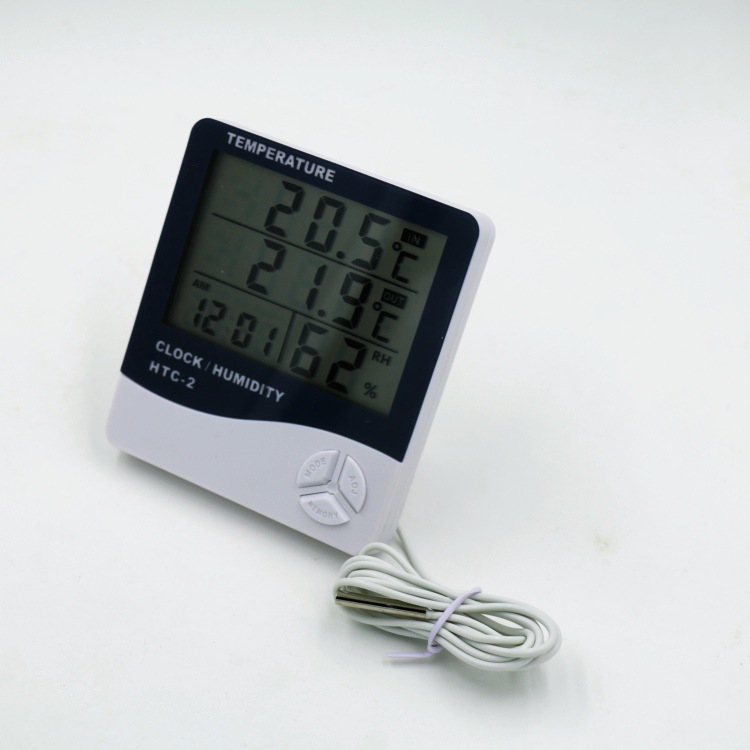
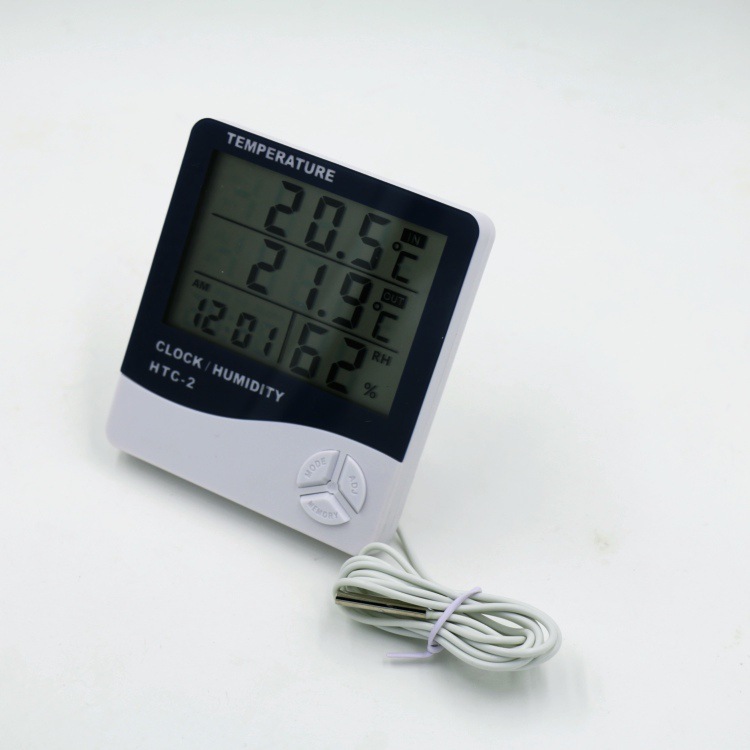
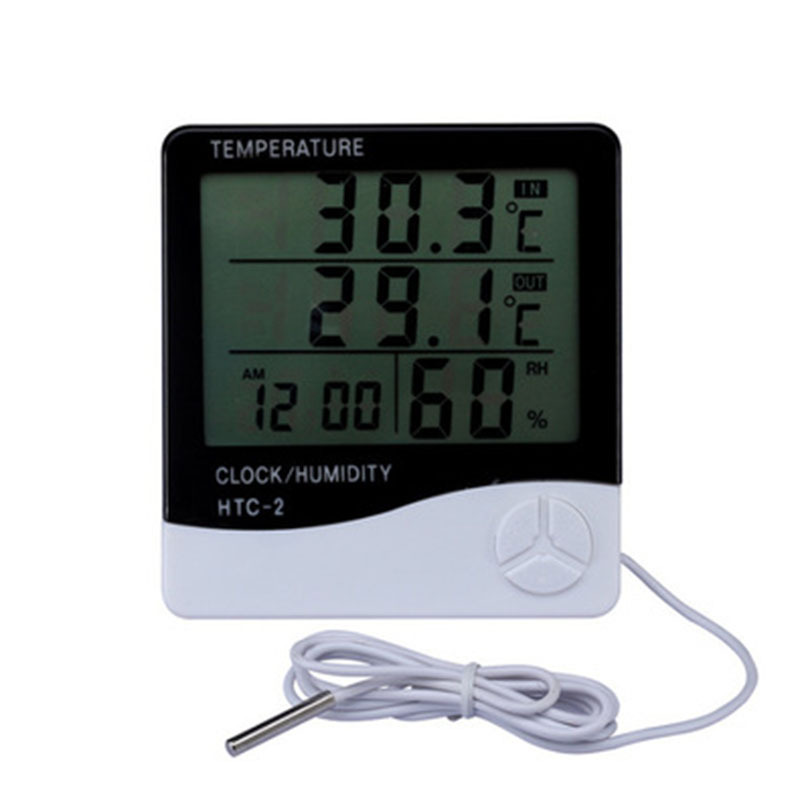
Basic Function: Temperature/Humidity Display
Celsius/Fahrenheit temperature switch display
High/Low Temperature Humidity Memory Function
12/24-hour clock
Chime Time Function
Daily Alarm Function
Calendar display function
Operation Method:
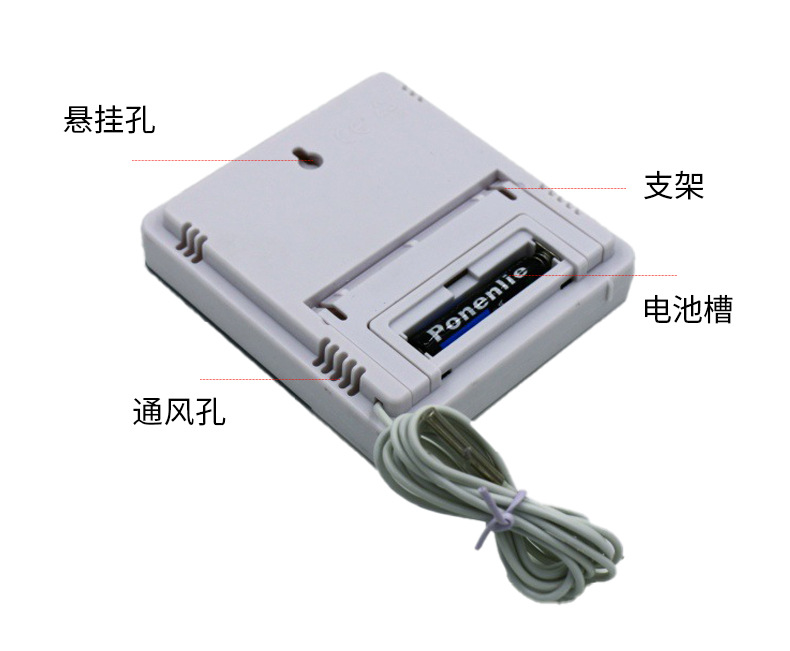
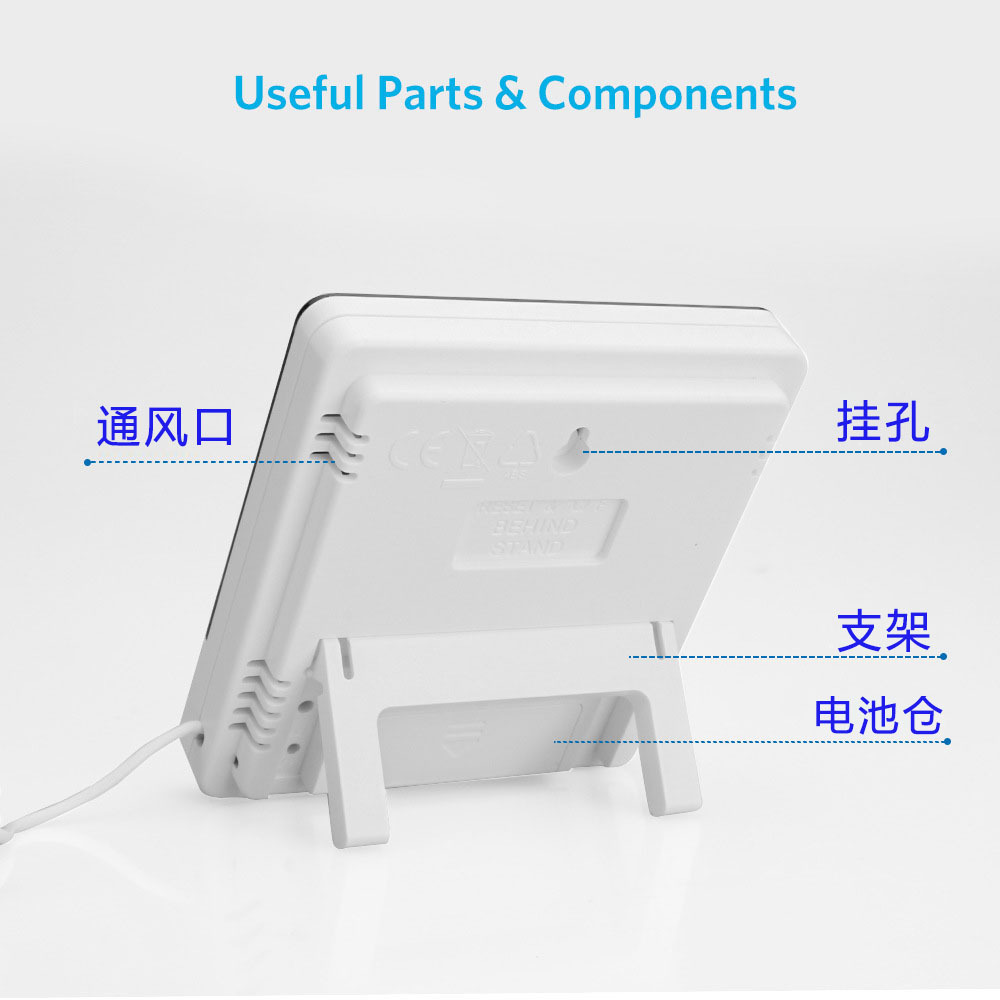
1. Open the battery door following the indication on the machine back, remove the battery separator, and then replace the battery door. The machine is ready to use.
2. Button Function: Press [MODE] to switch display modes for the clock and alarm, set the current time, alarm, 12-hour or 24-hour format, and date: Press [ADJ] to adjust the value of the set item; Press [MEMORY] to display the highest and lowest temperature and humidity values in memory, or to clear the highest and lowest temperature and humidity values in memory; Press [℃/℉] to switch the temperature unit from ℃ (Celsius) to ℉ (Fahrenheit) display.
3. Press and hold [MODE] for 2 seconds to enter the initial state, and the minute number of the current time will begin to flash. Press [ADJ] to adjust the minute number, and continuously pressing [MODE] can set the "clock", "12/24'', "month (M)", and "day (D)" respectively.
4. In the current clock mode (the two o'clock position flashes once per second), press [MODE] once to switch to the alarm mode (the two o'clock position does not flash). At this time, pressing [ADJ] can switch between the "Alarm" (Alarm) function and the "Chime" (Chime) function. Press [MODE] for 2 seconds to set the alarm time and simultaneously start the "Chime" function. The () symbol appears.
5. In the alarm mode, if no operation is performed, the current clock will automatically return after one minute. At this time, pressing the [ADJ] button once will switch to the calendar display, and after 3 seconds, the current clock will automatically return. Press the MAX/MIN button to display the maximum value since the last time the temperature/humidity was cleared (CLEAR).
6. Press [MEMORY] to display the maximum and minimum temperature/humidity values (MAX and MIN), and holding down [MEMORY] for over 2 seconds will clear the maximum and minimum values stored in memory.