Search history
Clear allSearch by image
XDrag and drop an image here or upload an image
Max 5MB per image
UploadSign In | Join

Search history
Clear allSearch by image
XDrag and drop an image here or upload an image
Max 5MB per image
UploadSign In | Join
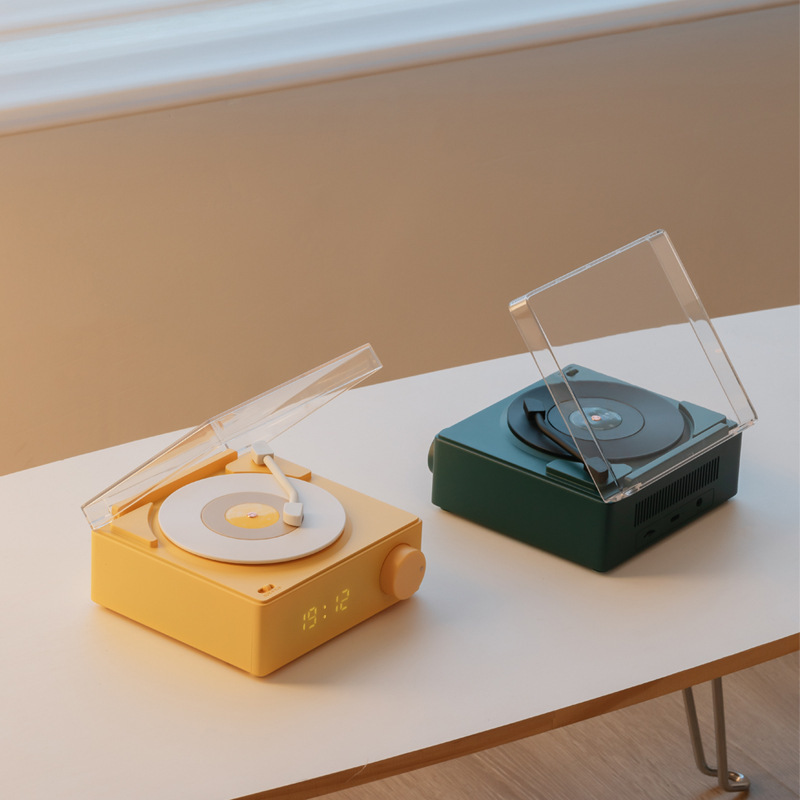
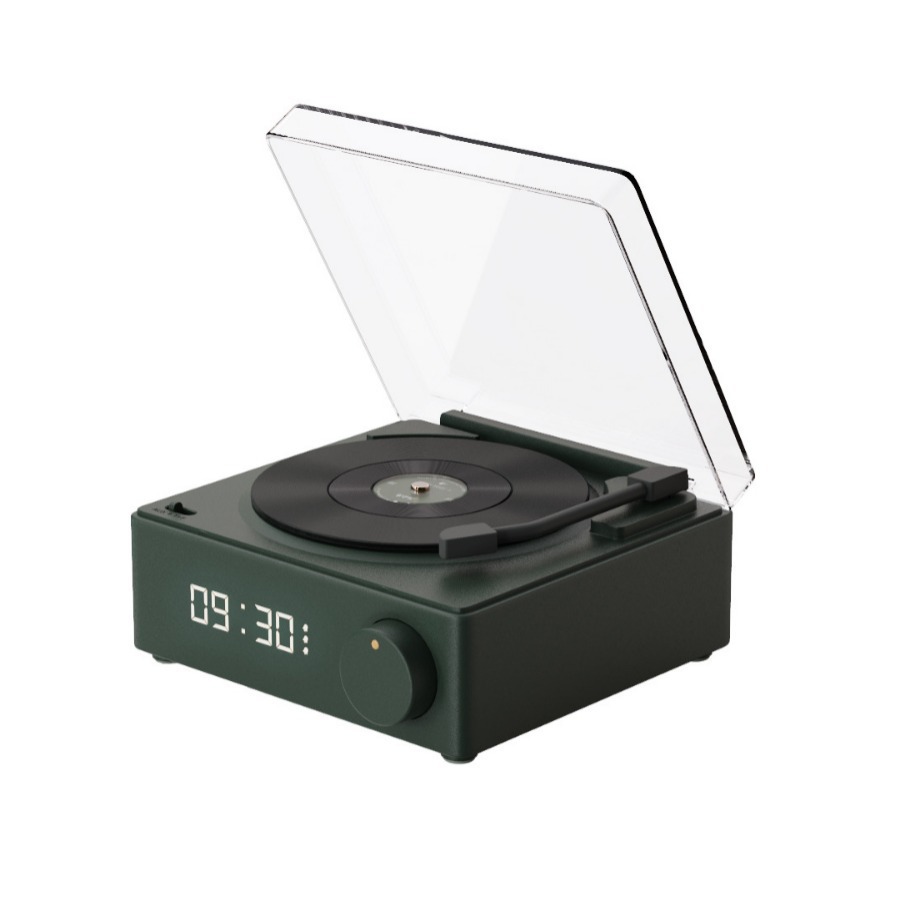
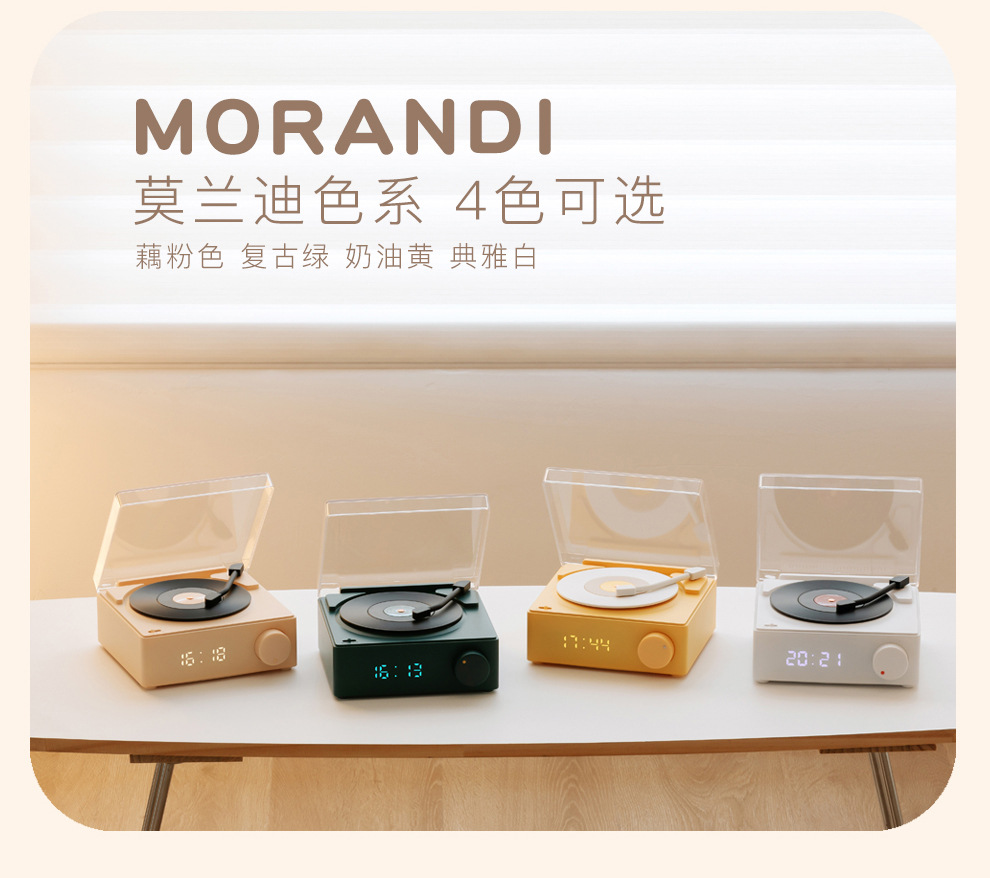
 green
green
绿色 |
CN¥ 0.0 |
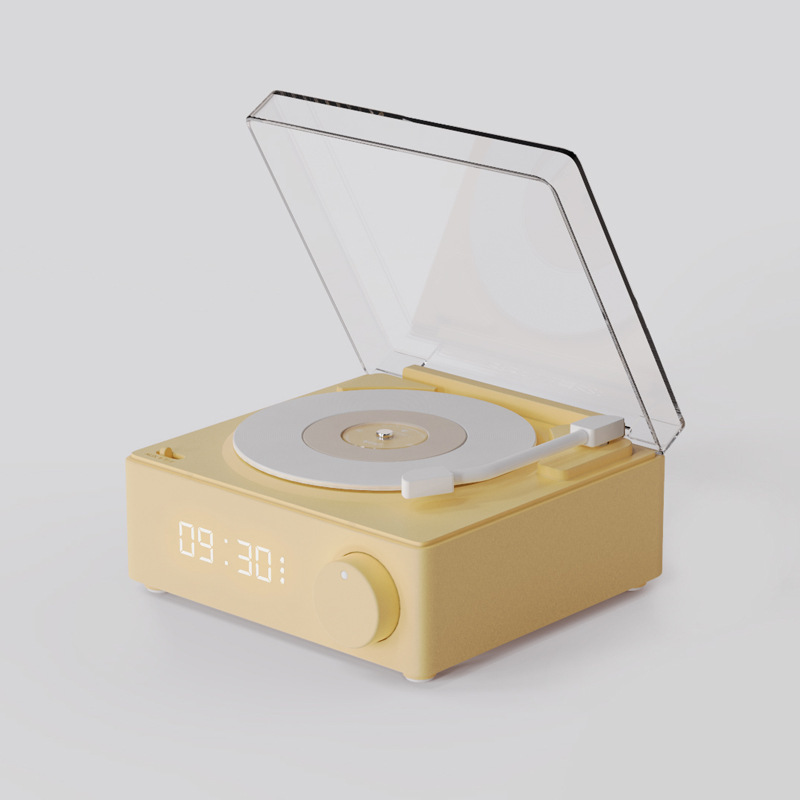
 yellow
黄色 |
CN¥ 0.0 |
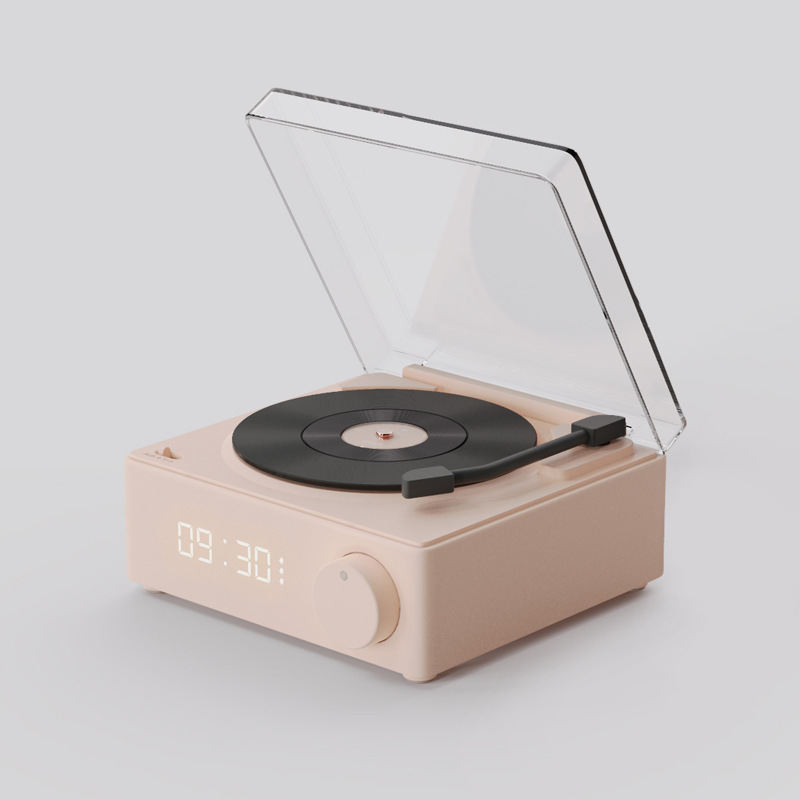
 pink
pink
粉红色 |
CN¥ 0.0 |
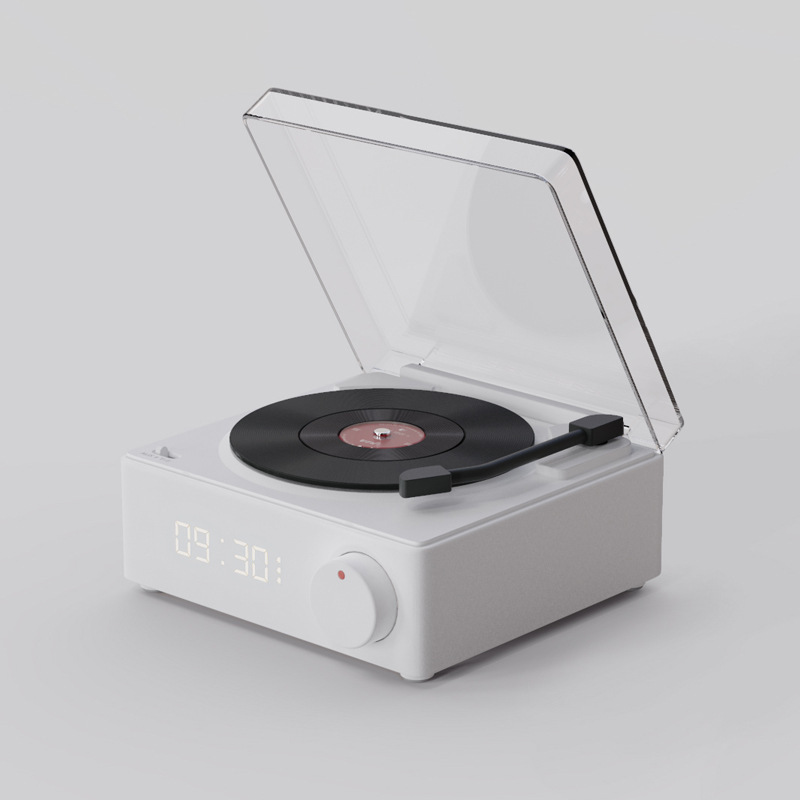
 white
white
白色 |
CN¥ 0.0 |
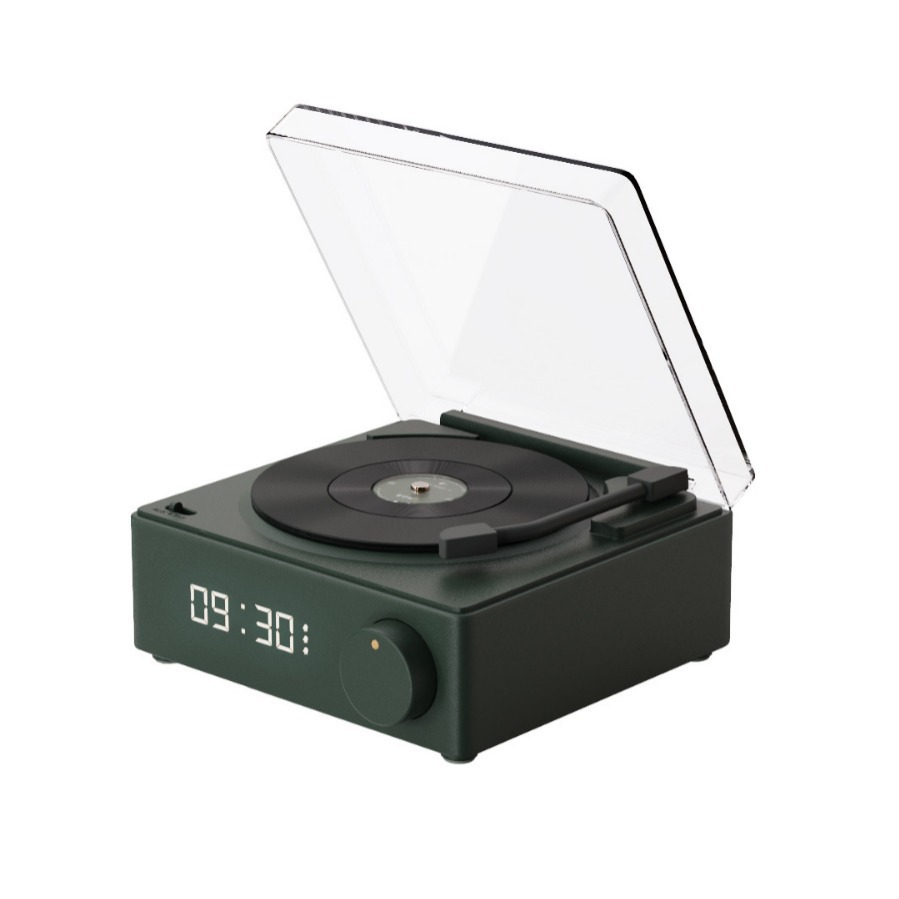
Product Model: X11
Material: Plastic (ABS) + PC
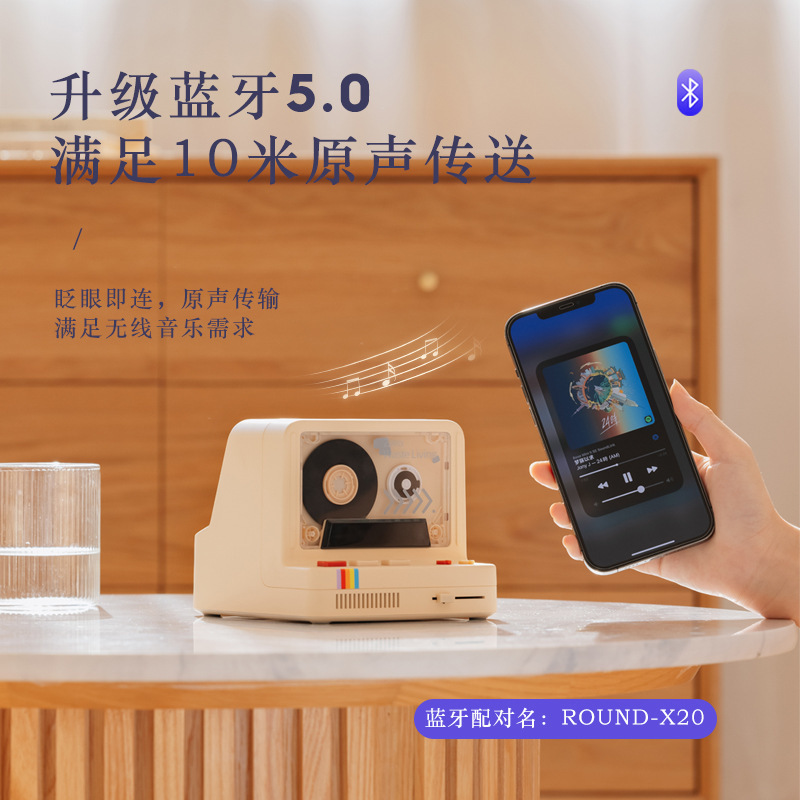
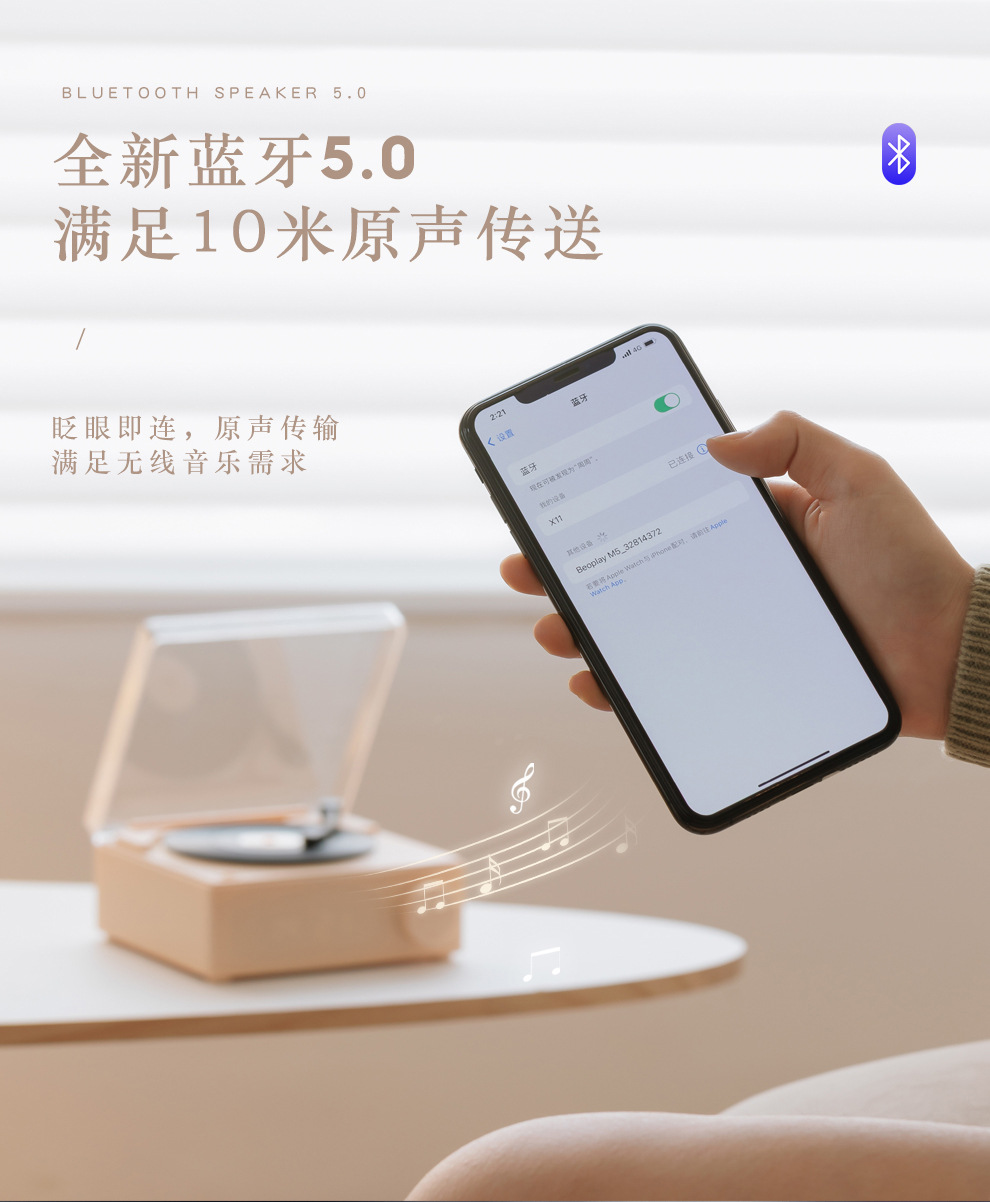
Bluetooth Version: 5.0 (EDR)
Wireless transmission distance: 10M
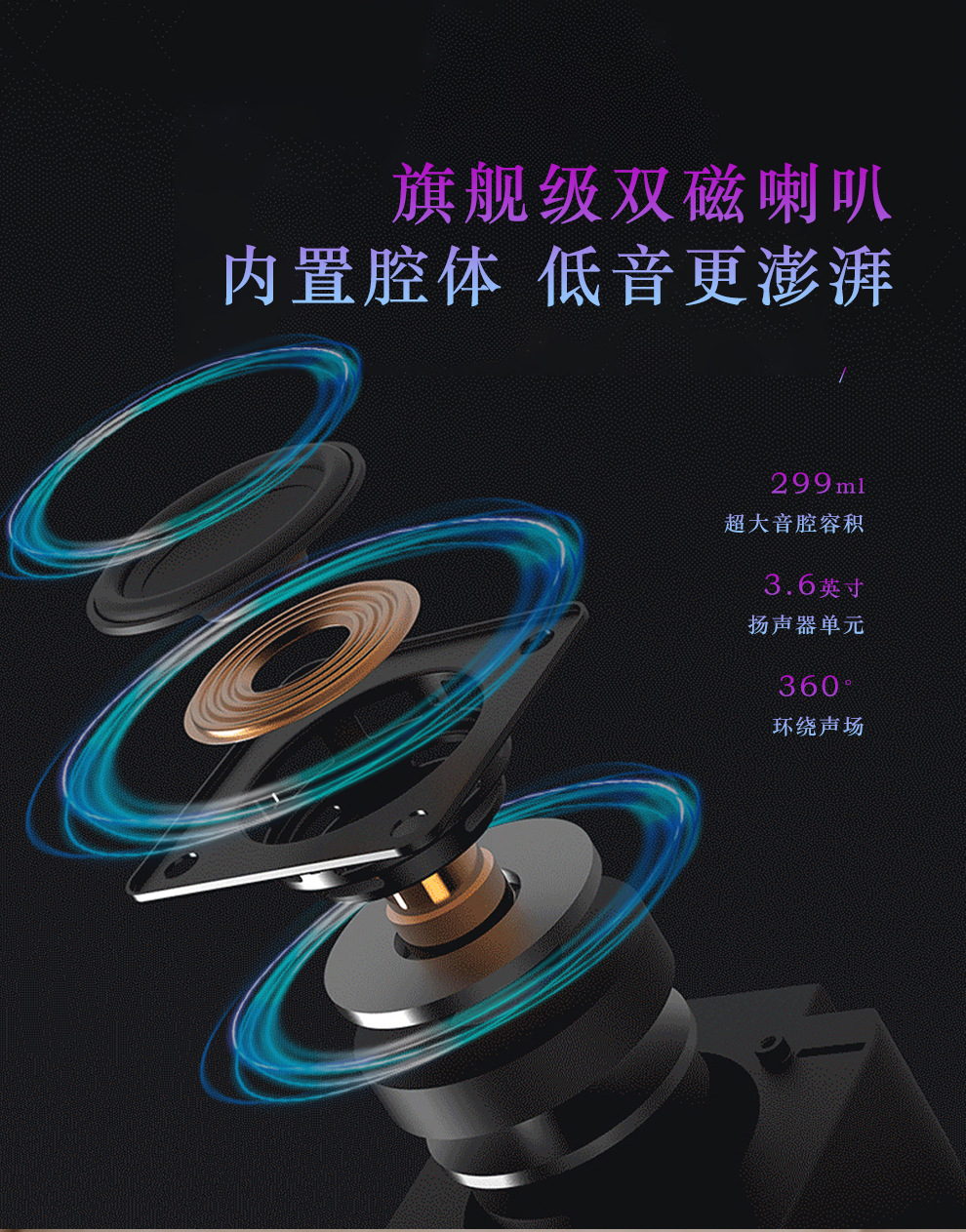
Speaker: 36mm, 4Q - 5W
Execution standard: GB8888-2011
Input parameters: 5V-1A (max)
Product power: 5W
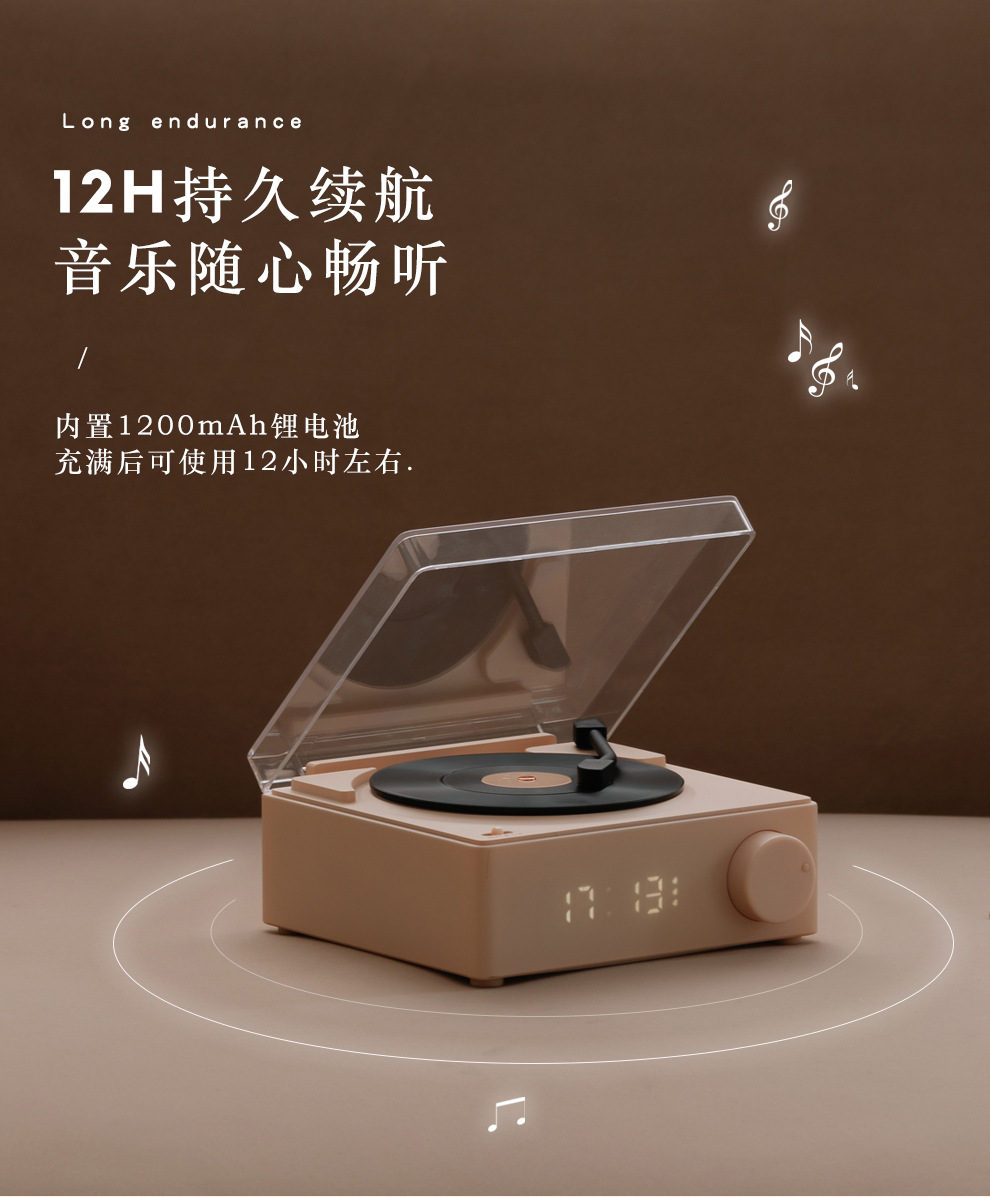
Battery capacity: Polymer鲤 cell, 3.7V/1200mAh
Audio formats: MP3, WMA, WA
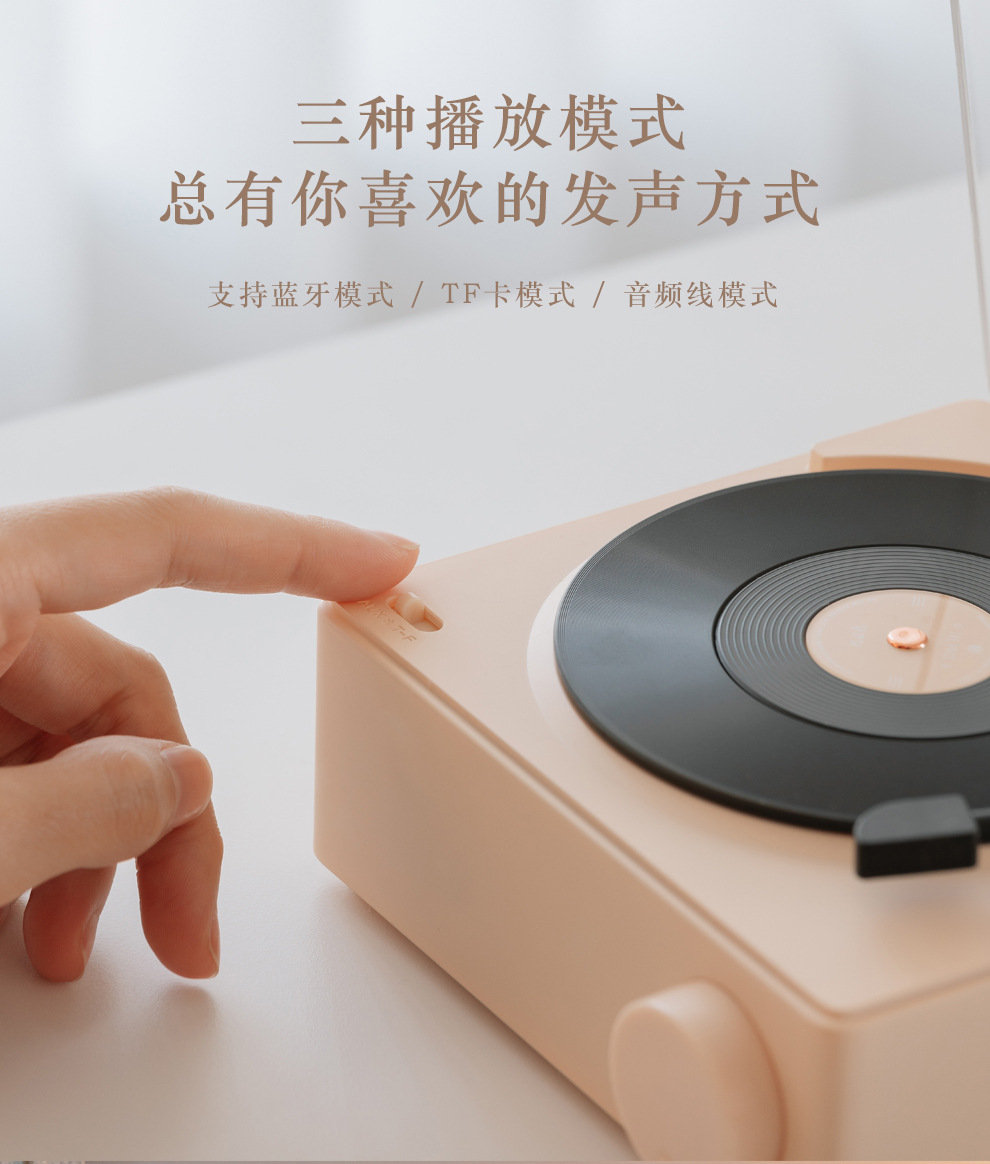
Audio input: Bluetooth, AUX, TF card
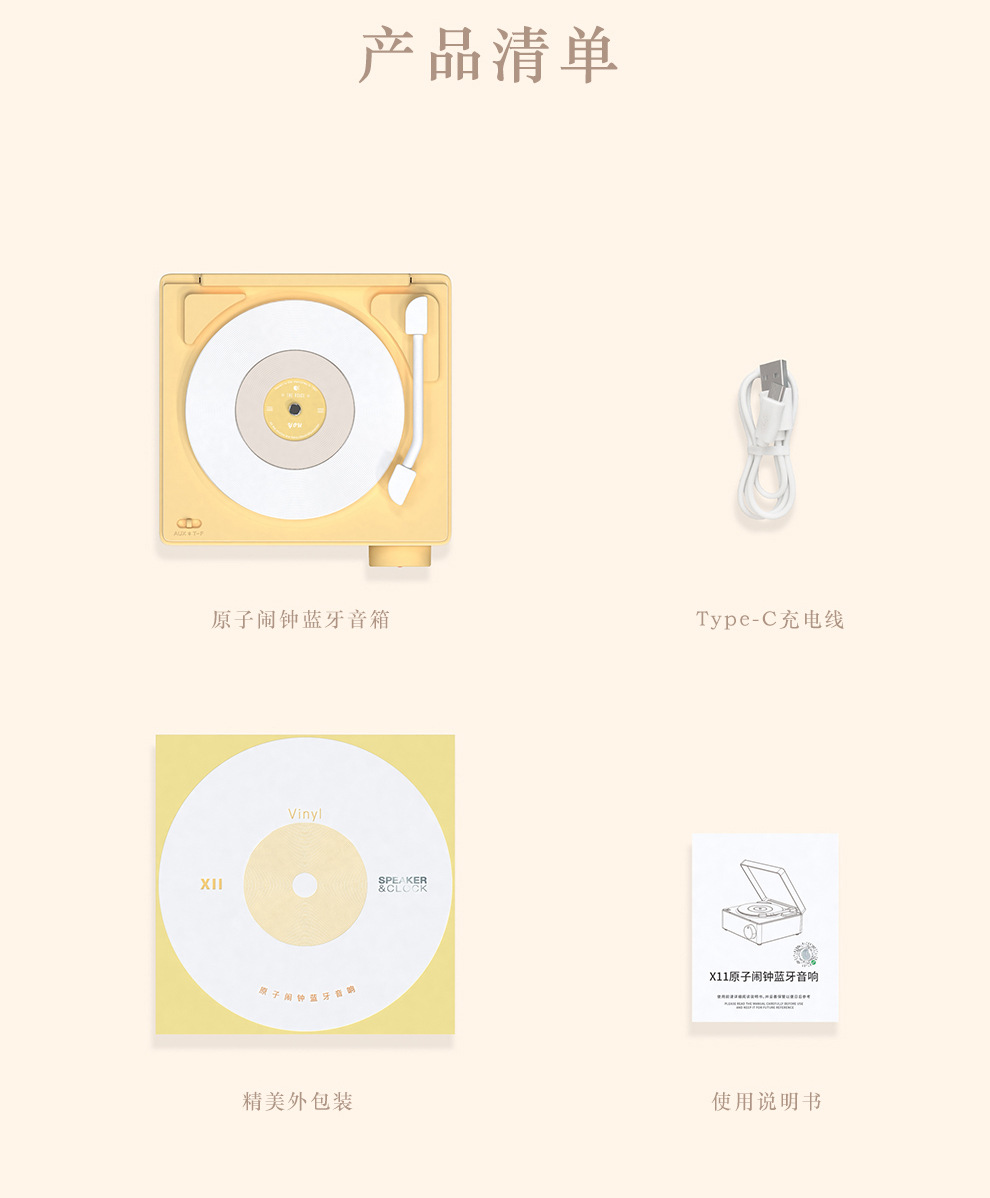
Packaging accessories: main unit of the atomic alarm clock and Bluetooth speaker, user manual, audio cable, Type-C charging cable, certification certificate, warranty card
Usage duration: 10H
Charging time: Approximately 3 hours
Product specifications
Product weight: 616g (gross weight), 456g (net weight)
Product dimensions: 1.4 * 1.3 * 6.5 cm
Color box dimensions: 17.7 * 17.7 * 7 cm
Packaging Specifications
Packaging dimensions: 54.5 * 35 * 37.1 cm
Packaging Quantity: 30 pcs
Boxing weight: 21 (gross weight), 20.5 (gross weight)
Instructions for Use
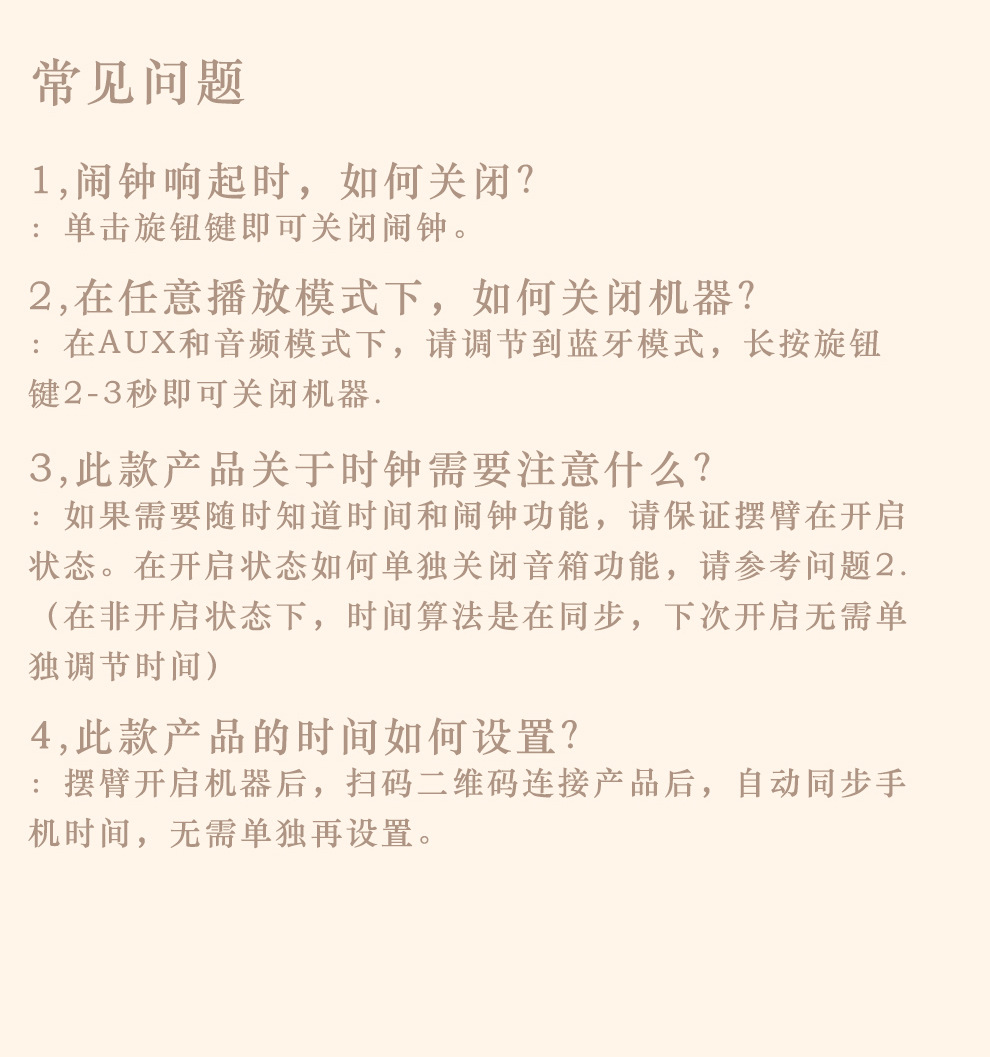
Turn the Bluetooth knob to rotate the volume control lever, press twice to turn on/off the device, press twice for audio output and TF card, press once to play the previous track, turn a vinyl record, hold long to turn off Bluetooth.
Power button
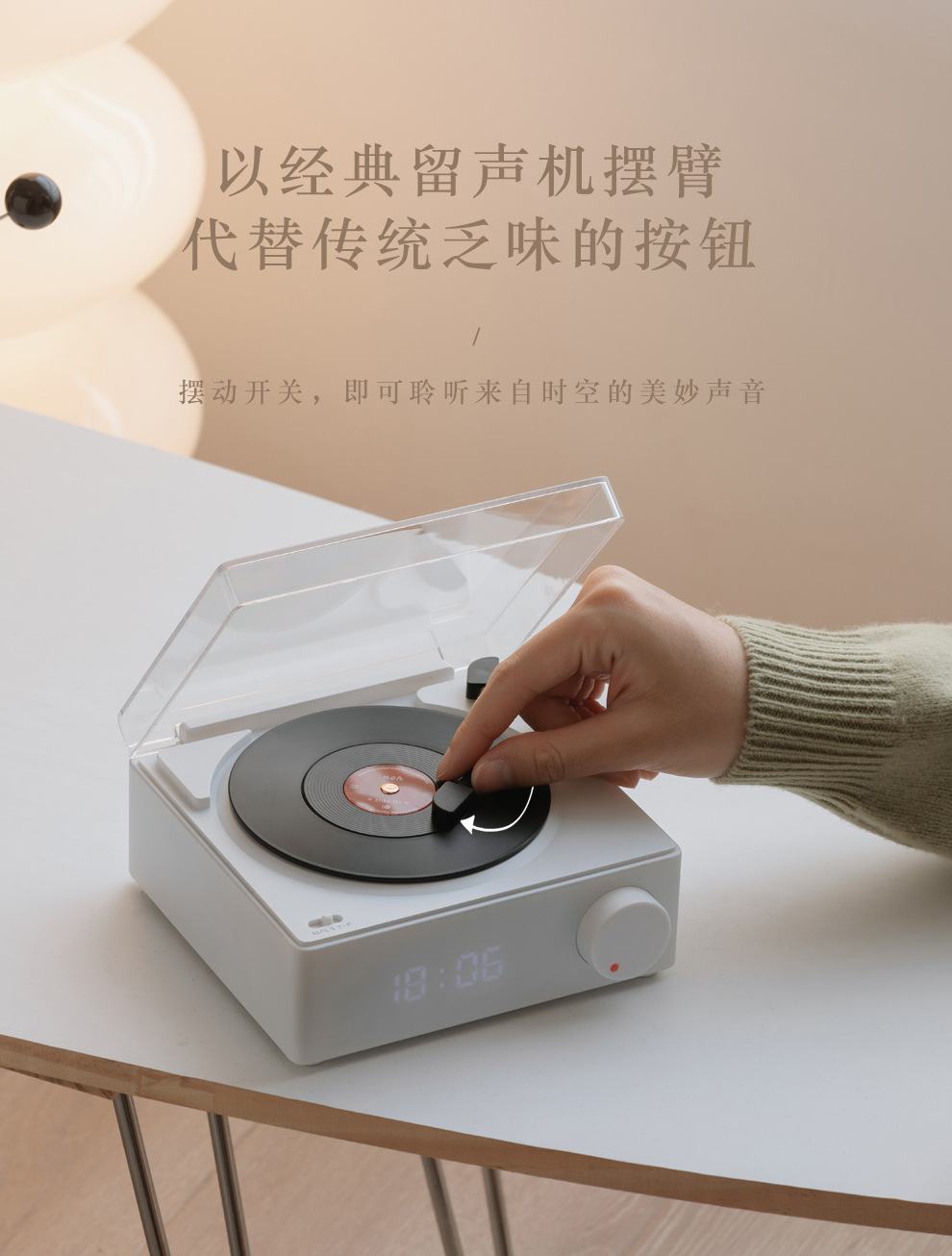
Pull the lever to the left to power on the device, and pull it back to turn off the device.
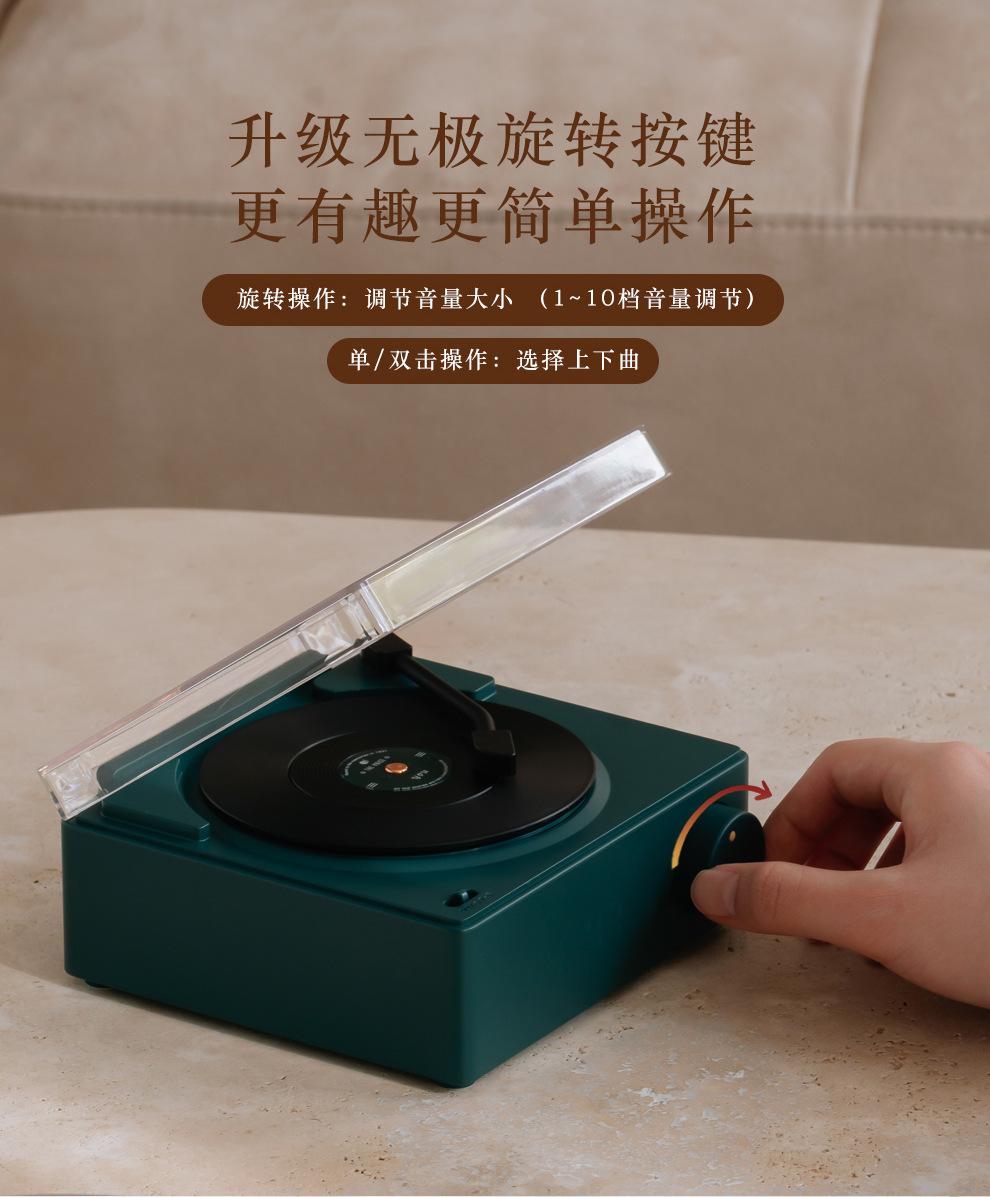
Knob key
1. Volume adjustment: Turn the knob to adjust the volume level.
2. Click the knob button, play the next track, double-click repeatedly, and play the previous track.
3. Hold the knob button for a long time to turn off Bluetooth, then hold it again to turn on Bluetooth. (For other modes, please switch back to Bluetooth mode.)
Mode Key
In the middle is Bluetooth mode; sliding to the far left is aux mode, and sliding to the far right is TF card mode.
Bluetooth pairing
After turning on the device, set the mode to Bluetooth mode, enable the phone's Bluetooth search, click on the Bluetooth pairing name: Roundx11, and then click to connect.
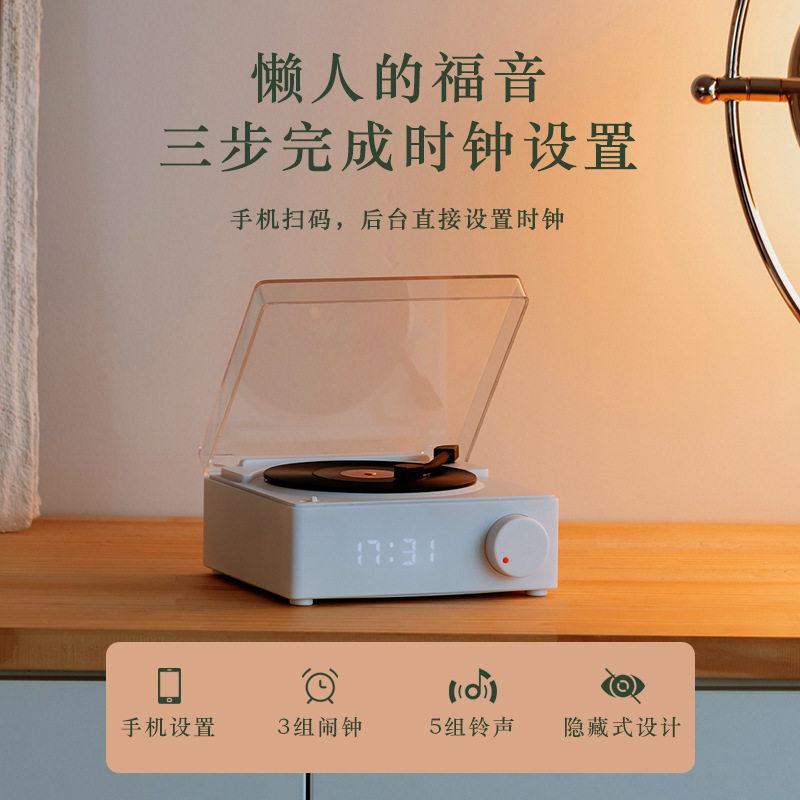
Alarm/Time Settings:
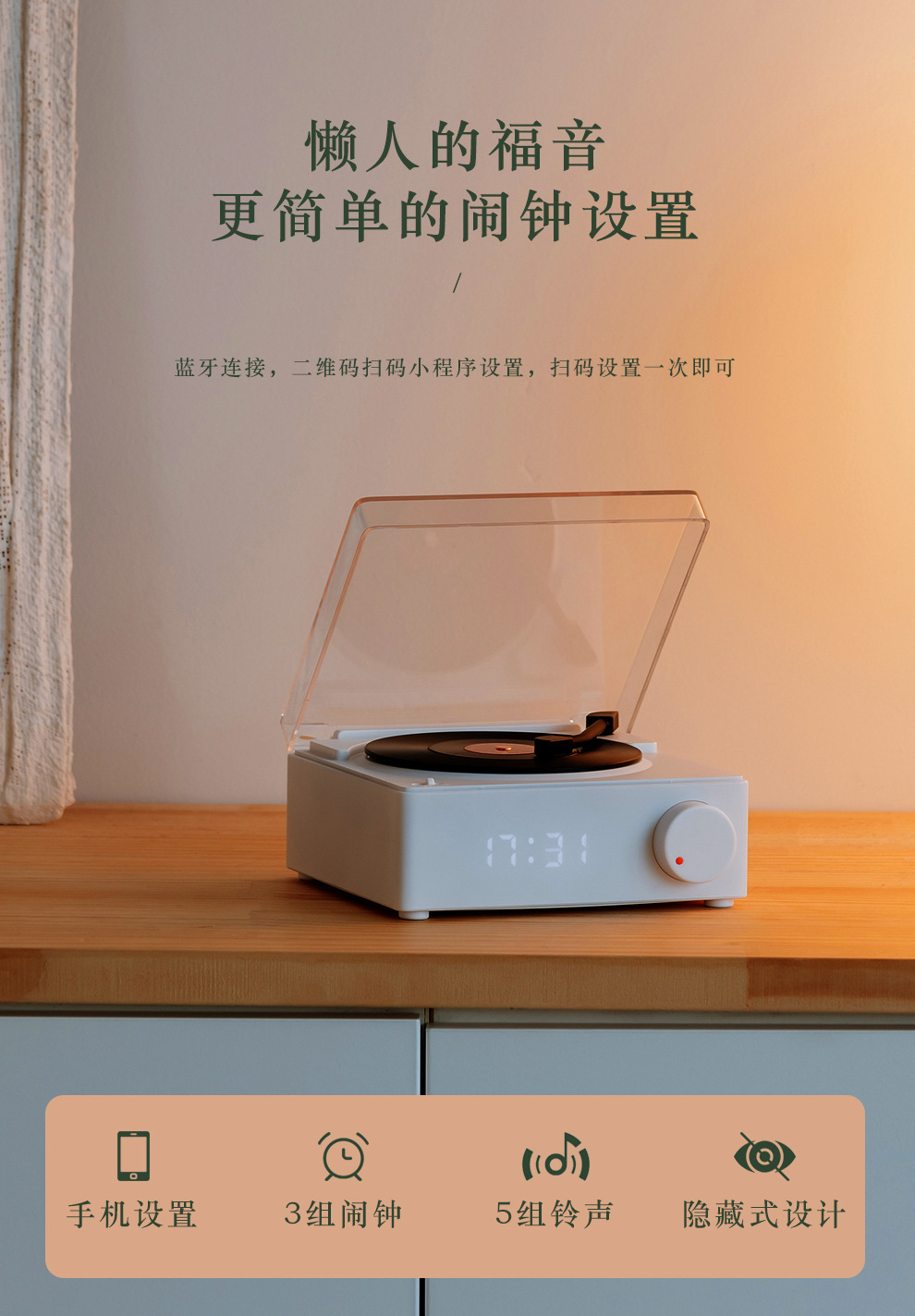
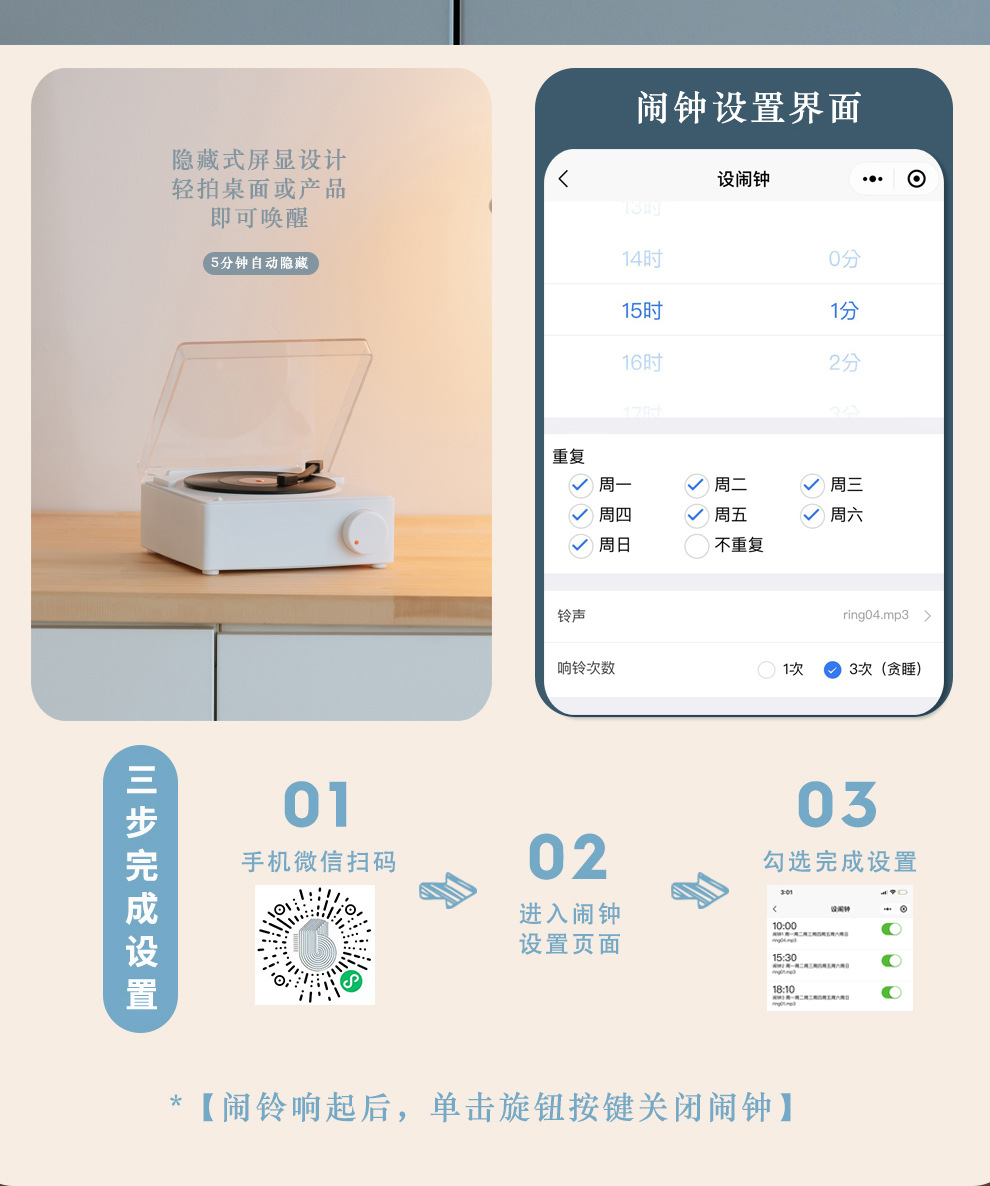
Open the WeChat app on your phone, scan the QR code (or search for the mini-program "Retro Luxury Smart Alarm Clock" on WeChat), click to enter the mini-program. After entering the interface, open the Atomic Alarm Clock and complete the device time settings. You can also set three alarm schedules in the background interface.


Update time:


TOP