Search history
Clear allSearch by image
XDrag and drop an image here or upload an image
Max 5MB per image
UploadSign In | Join

Search history
Clear allSearch by image
XDrag and drop an image here or upload an image
Max 5MB per image
UploadSign In | Join
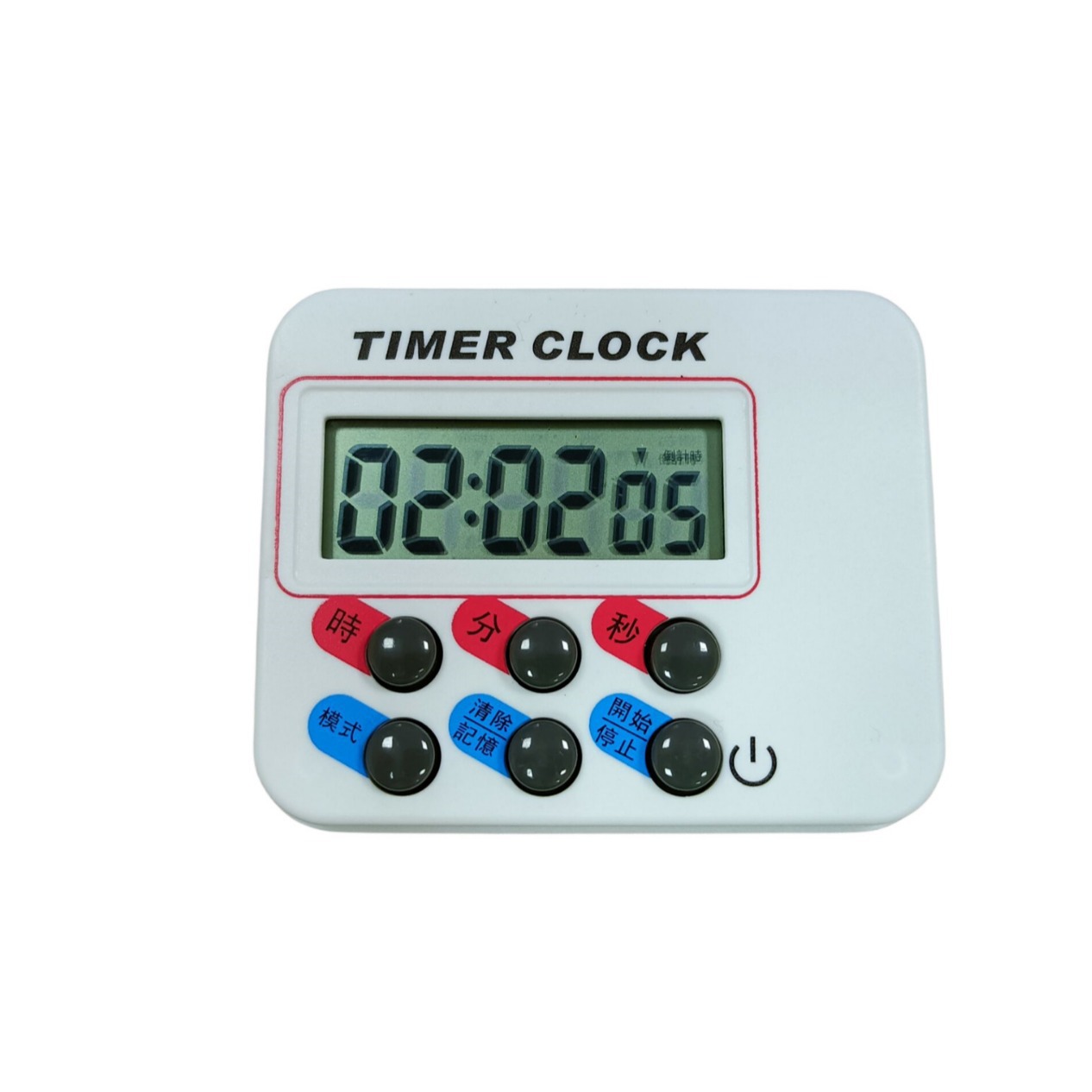
 7.3*6 * 1.7cm
|
CN¥ 0.0 |
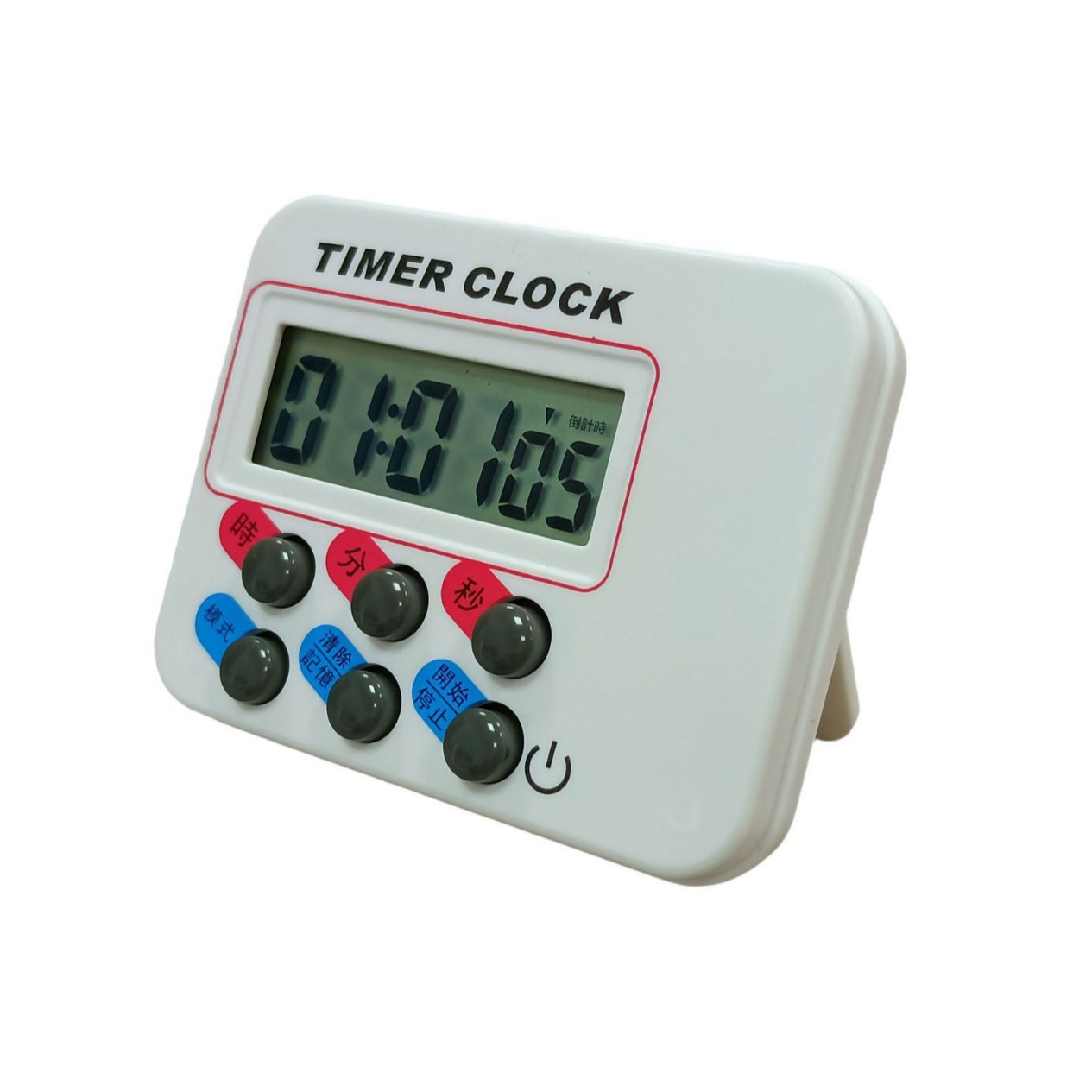
Product size: 7.3*5.9*1.7CM
Weight per unit: 38 grams (excluding battery)
Packed weight: 52 grams (excluding battery)
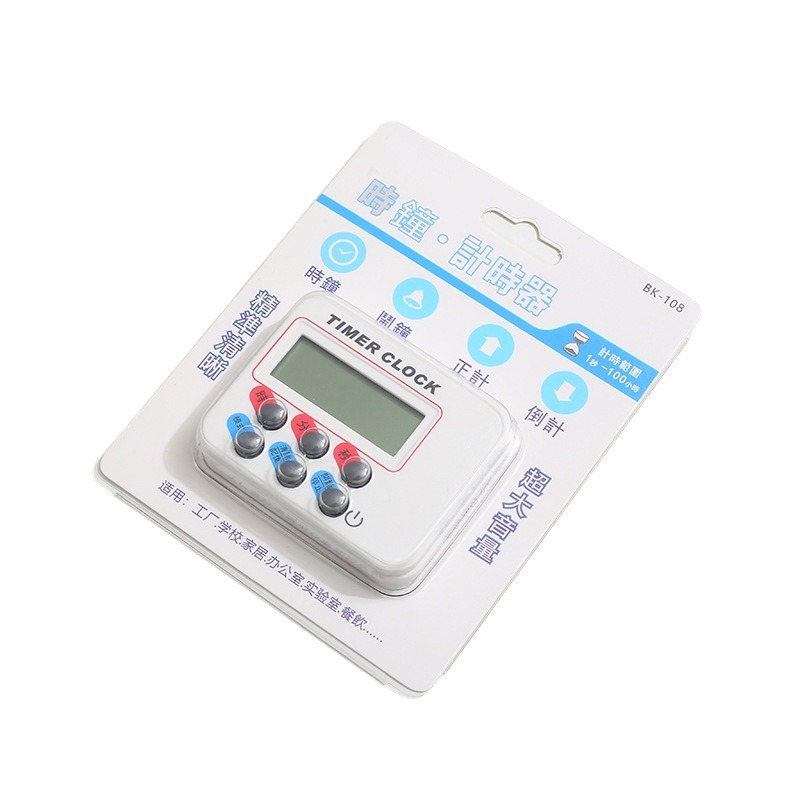
Packing Size: 58*31*26.5CM/200PCS
Gross Weight of the Whole Case: 11.4KG
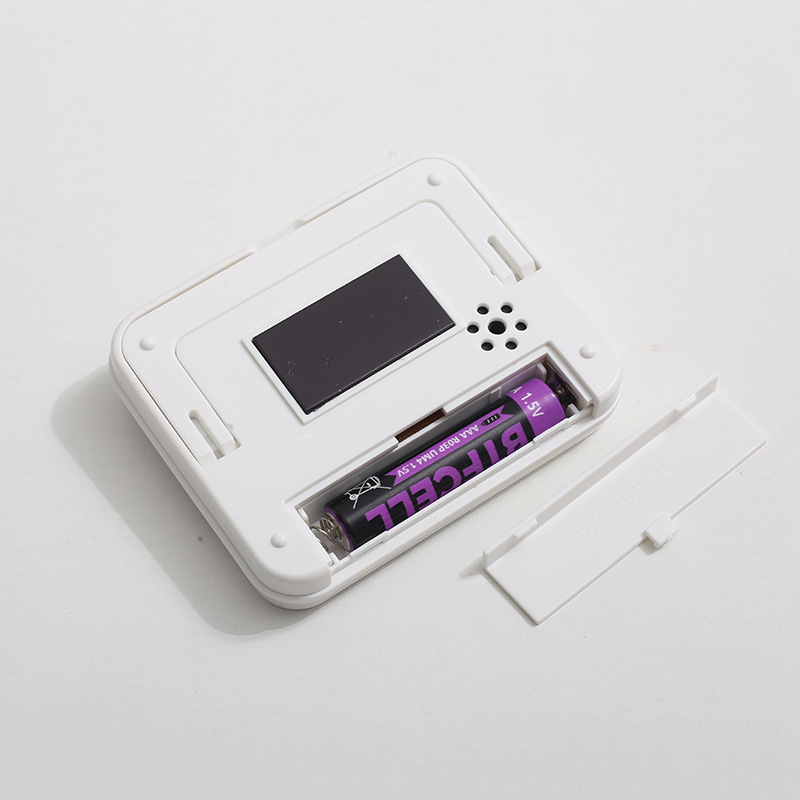
The price does not include batteries. The alarm is over 80 dB!


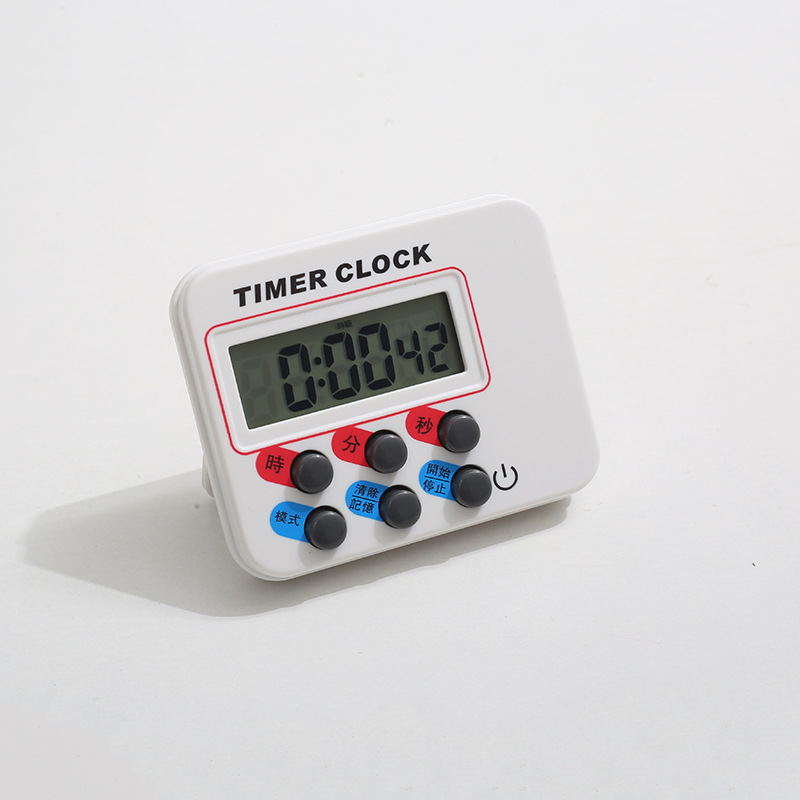
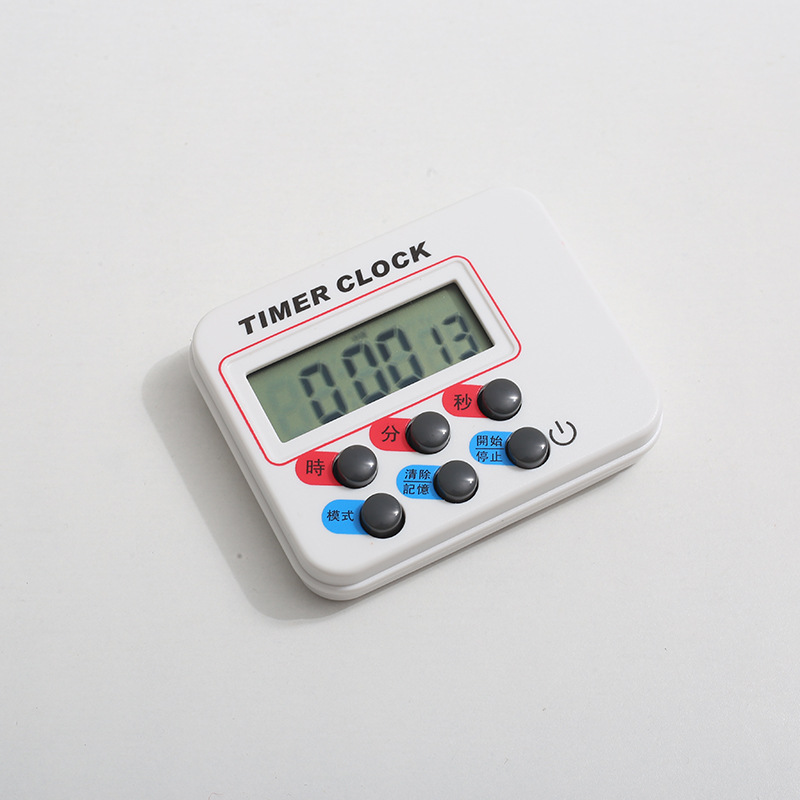

1: Product Features:
Working voltage: 1.5V.
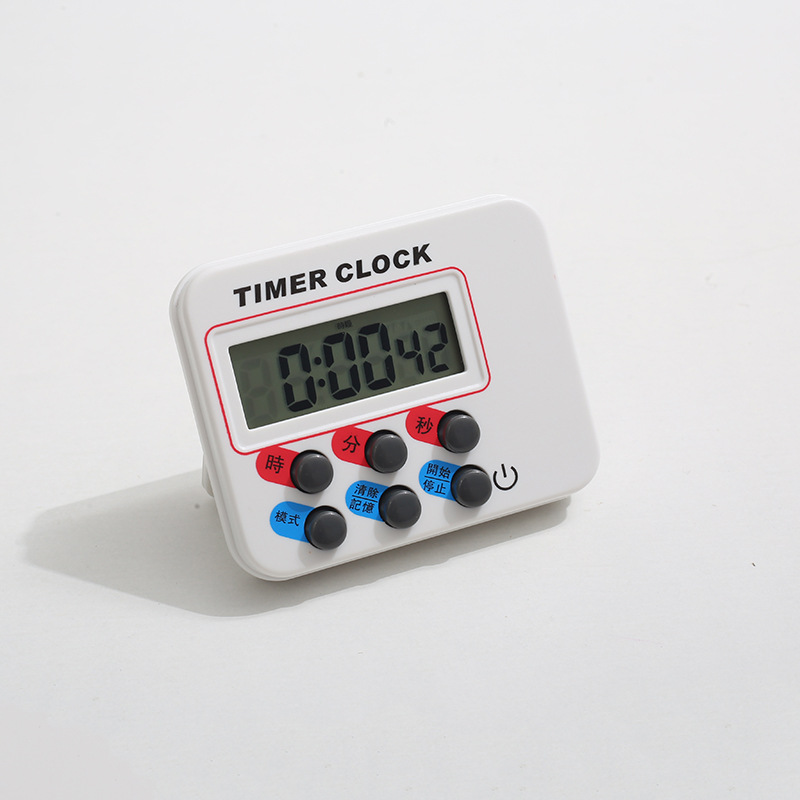
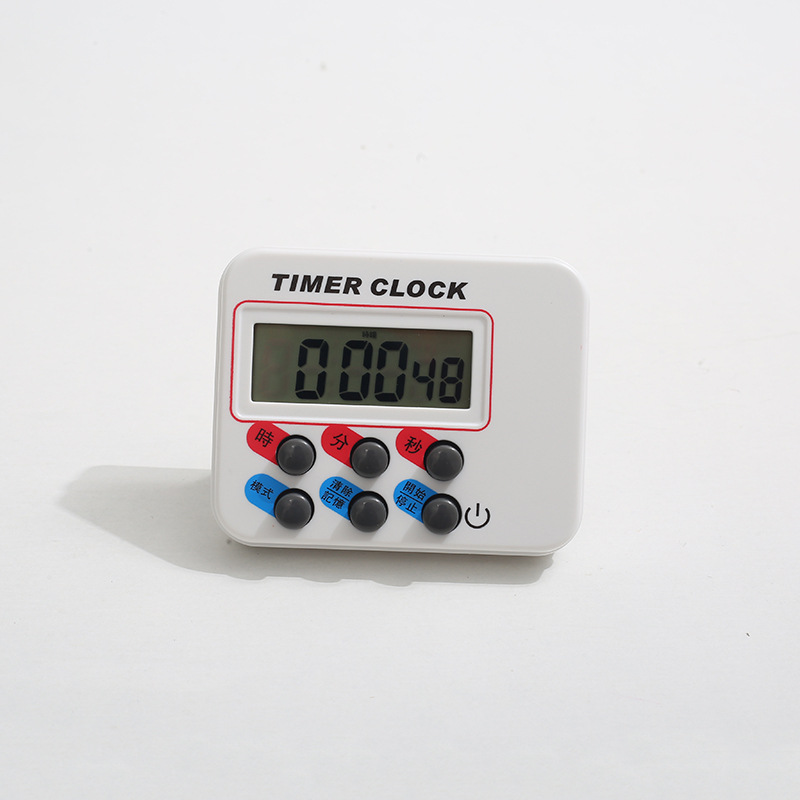
Three modes: Clock Mode, Alarm Mode, and Countdown Mode.
(3)LCD display
Section Two: Clock and Alarm Mode
In clock mode. Press and hold the mode key to enter the clock settings. Hours, minutes, and seconds flash. Press the hour key to set the hour. Press the minute key to set the minutes. Long press for quick setting. Press the mode key to enter the alarm time mode. At this time, hours and minutes flash. Press the hour key to set the hour. Press the minute key to set the minutes. Long press for quick setting. Press the mode key to exit the setting state and return to the clock mode.
Alarm on/off
In the alarm mode, long-press the mode key to turn on the alarm. The alarm symbol will appear. Long-press the mode key again to turn off the alarm. The alarm symbol will disappear. Short-press the start key can also turn on and off the alarm. When the alarm time comes, the alarm will ring for 1 minute. Press any key to stop the alarm.
Four: Timing Mode
(1) Normal Timer: In clock mode, press the Start key to start normal timing. Press Pause, then press Continue to resume timing. Press Clear to reset the digits to zero. The timing maximum is 99 hours, 59 minutes, and 59 seconds. When it reaches the maximum value, it starts timing from 0 again.
Countdown: In the timer mode, press the 'hour/minute/second' key to set the countdown time. Press the 'start' key to begin the countdown. The maximum countdown is 99 hours, 59 minutes, and 59 seconds. When the countdown time is up, the alarm will sound for 1 minute. Press any key to stop the alarm in the middle.
Five: Turn off the screen
Press and hold the start/stop button for 3 seconds to turn off the display. The screen will still work normally after turning on. Press any key to turn on the screen.
Update time:


TOP