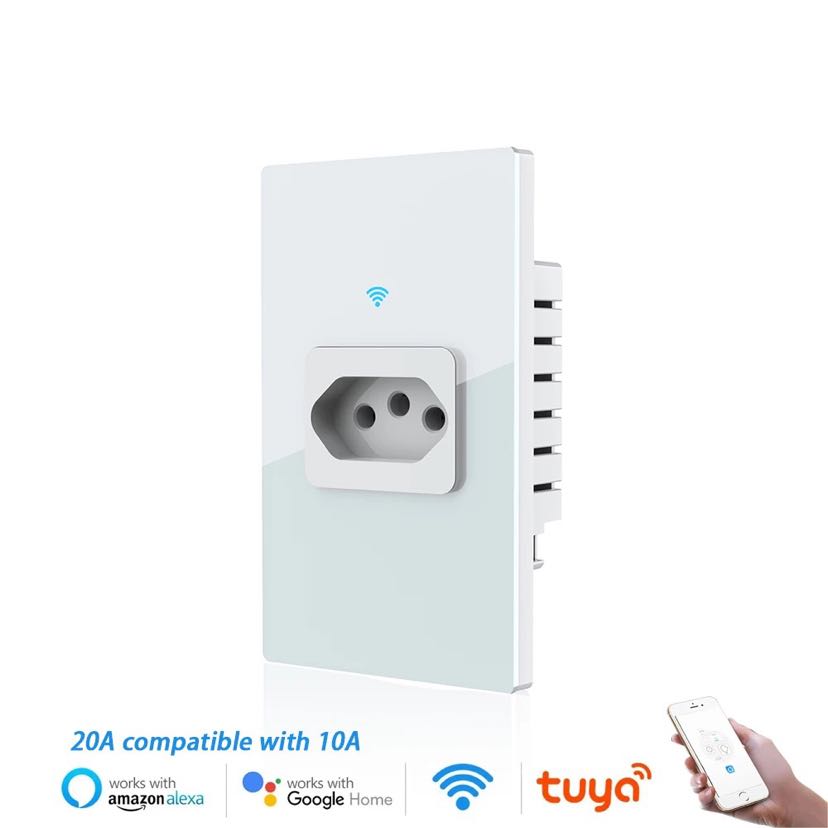
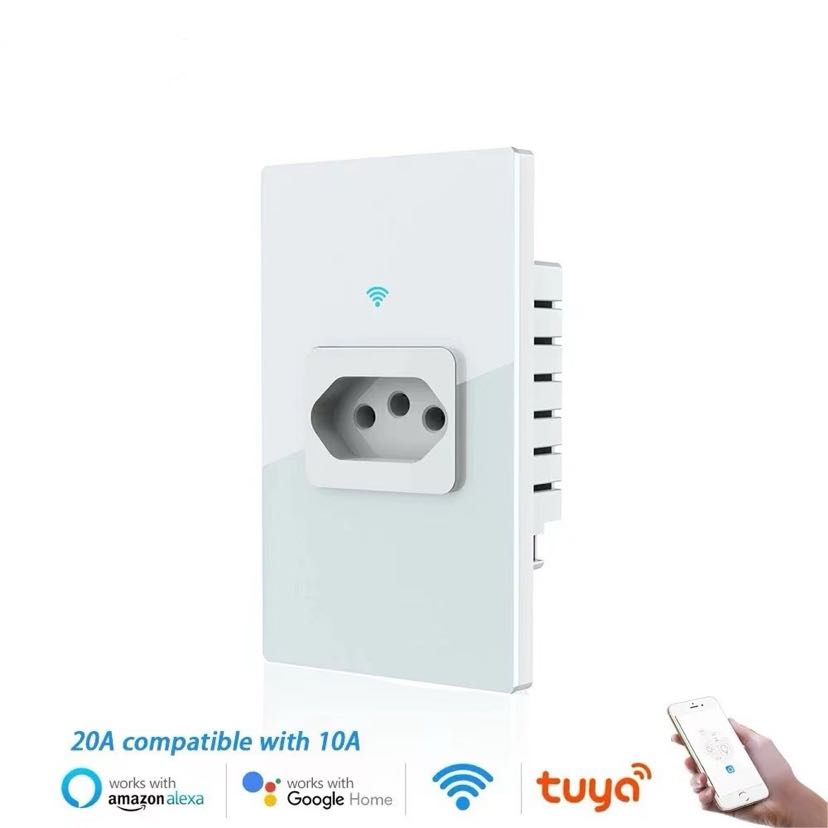
WiFi smart monitor for power statistics, 20A plug socket, glass panel, Alexa, Google Assistant
Specifications:
Color: White/Black
N.W: 200 grams
Input voltage: 90–250V, 50–60Hz
Maximum current: 20A, compatible with 10A slot
Maximum rated power: 4400W
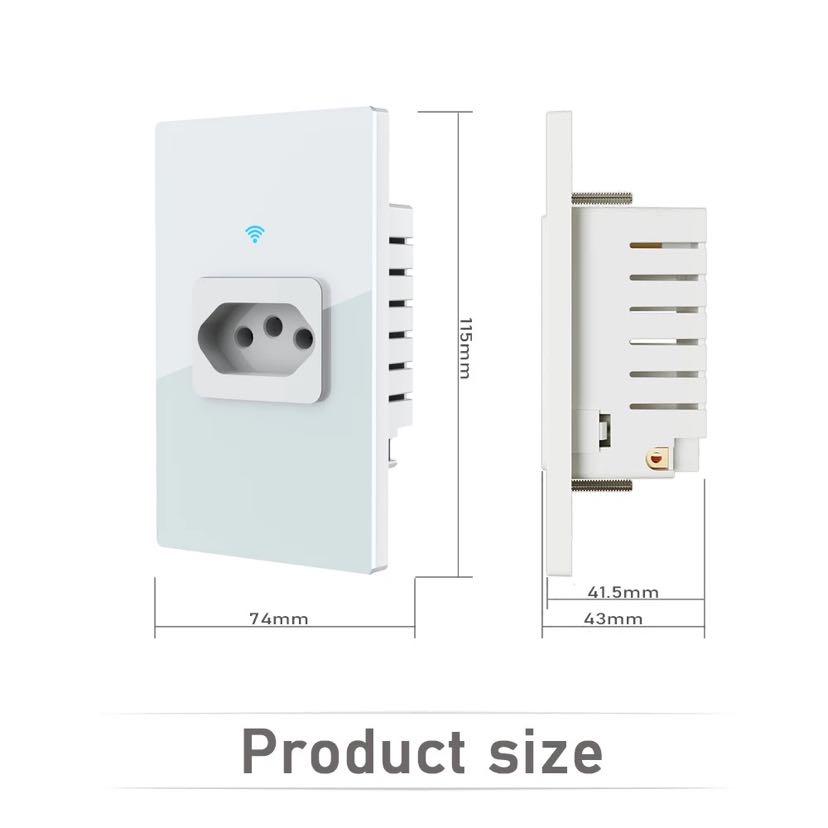
Product dimensions: 5.5*3.86*2.6 inches
Lightning protection level: 1680J
Scheduling function
Timer function
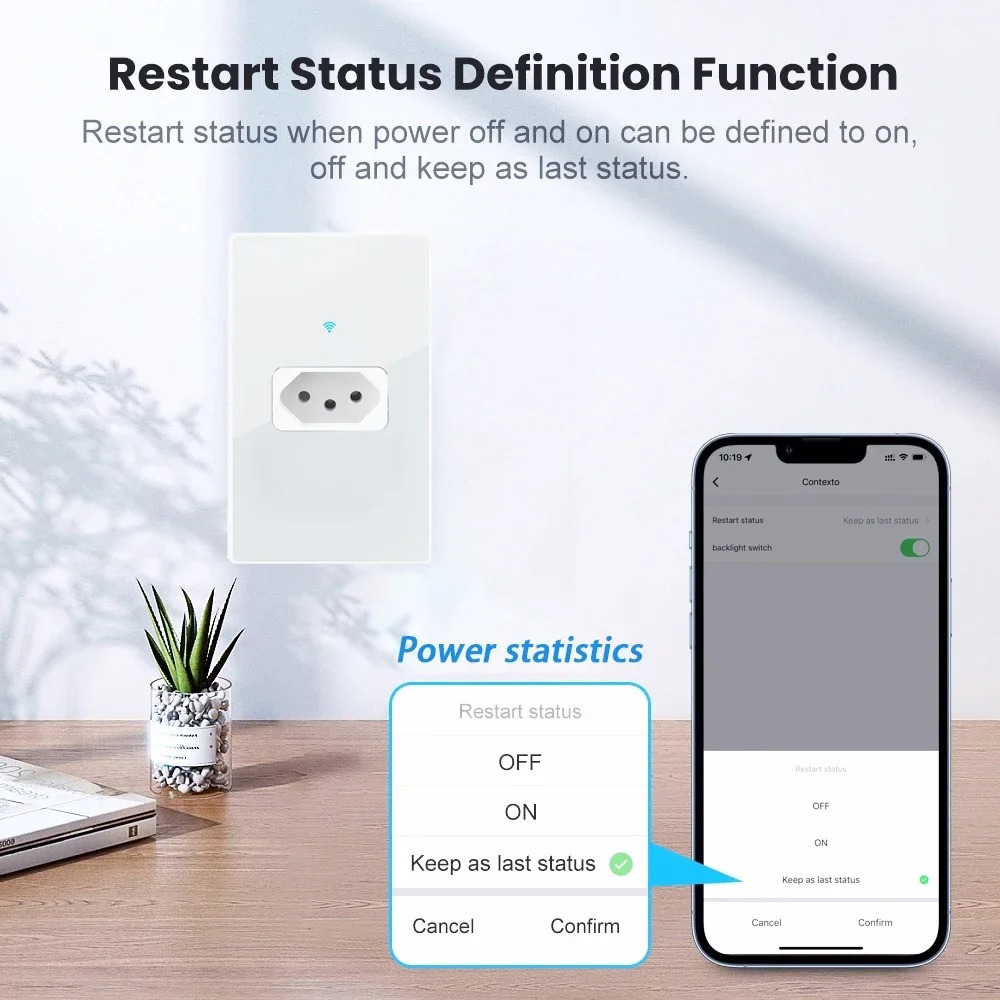
Energy efficiency
Compatible with Smart Life/Tuya APP
Fashionable design allows control from anywhere
Works with Alexa and Google Assistant
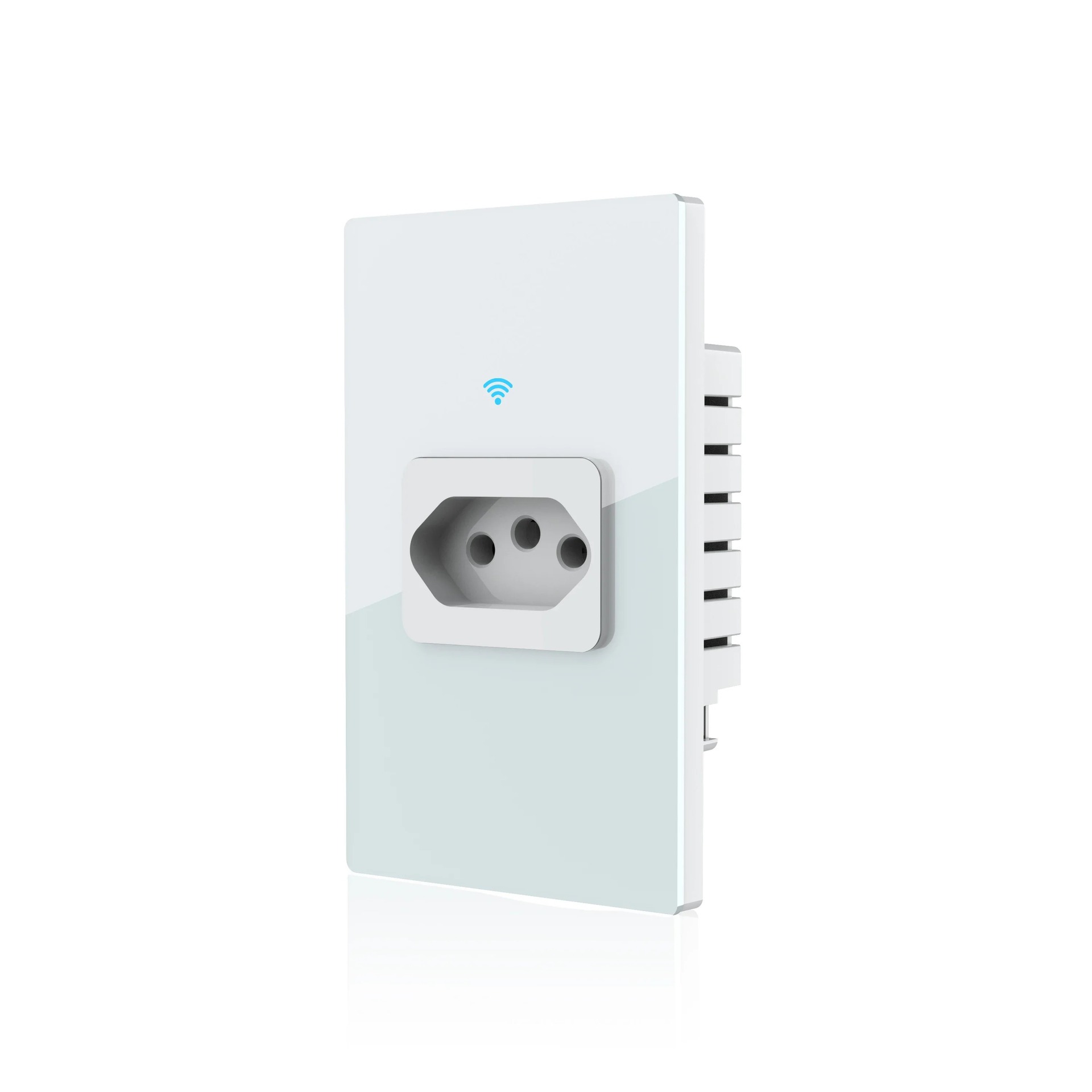
All your favorite smart plugs now in a stylish wall-mounted outlet. By installing smart Wi-Fi power outlets in bedrooms, living rooms, garages, etc., you can save space and create a natural smart home environment.
Features:
– Set timers and share or create schedules with family. These features will free up your hands, making your life easier and more intelligent.
– Smart Wi-Fi plugs and Wi-Fi switches use your existing home Wi-Fi network, allowing wireless control of your devices from anywhere in the world.
No subscription or center required:
Just install wall sockets and start controlling your devices from your phone or tablet. Use the free smart home app, and whether you are anywhere, you can turn on and off lights and set schedules. With its wall-mounted design, easy to plug in and remove, it also reduces unnecessary wall sockets. The built-in smart voltage sensing circuit detects and responds to the power requirements of devices, and safety features such as the thermal fuse that shuts down the system in case of emergencies ensure your devices are protected. Additionally, the safe shutdown technology uses a thermal fuse to shut down the system, preventing fires and other damages when extreme overvoltage or surge protection periods expire.
Compatibility: Utilize simple voice commands with your wall-mounted smart plugs and Microsoft Edge. It occupies minimal space, making it an ideal choice for your living room, kitchen, or even your bedroom.
Certification and Warranty: CE/ROHS/FCC certification ensures comprehensive protection. You can purchase with confidence. If you encounter any technical issues, please contact us at any time, and we will do our best to assist you. Smartphones with the Meross app (iOS and Android). It’s like having a universal remote in your pocket. You can check the status of connected devices anytime, anywhere.
Assisting the lives of people with disabilities and the elderly
People with disabilities and the elderly can use their mobile phones to control electrical devices, turning on/off lights, air conditioners, and fans. They can also control them via voice commands, and it is backward compatible with Amazon Alexa, Amazon Echo Dot, and Google Assistant. It will make life easier for people with disabilities and the elderly.
Interconnected Smart Living/TUYA App
Step 1: Search for “Smart Living” on the App Store or Google Play, or scan the QR code on the user manual to download and install the app.
Step 2: Connect the plug to your local 2.4G Wi-Fi, and link your phone to it.
Step 3: Set up your smart living account.
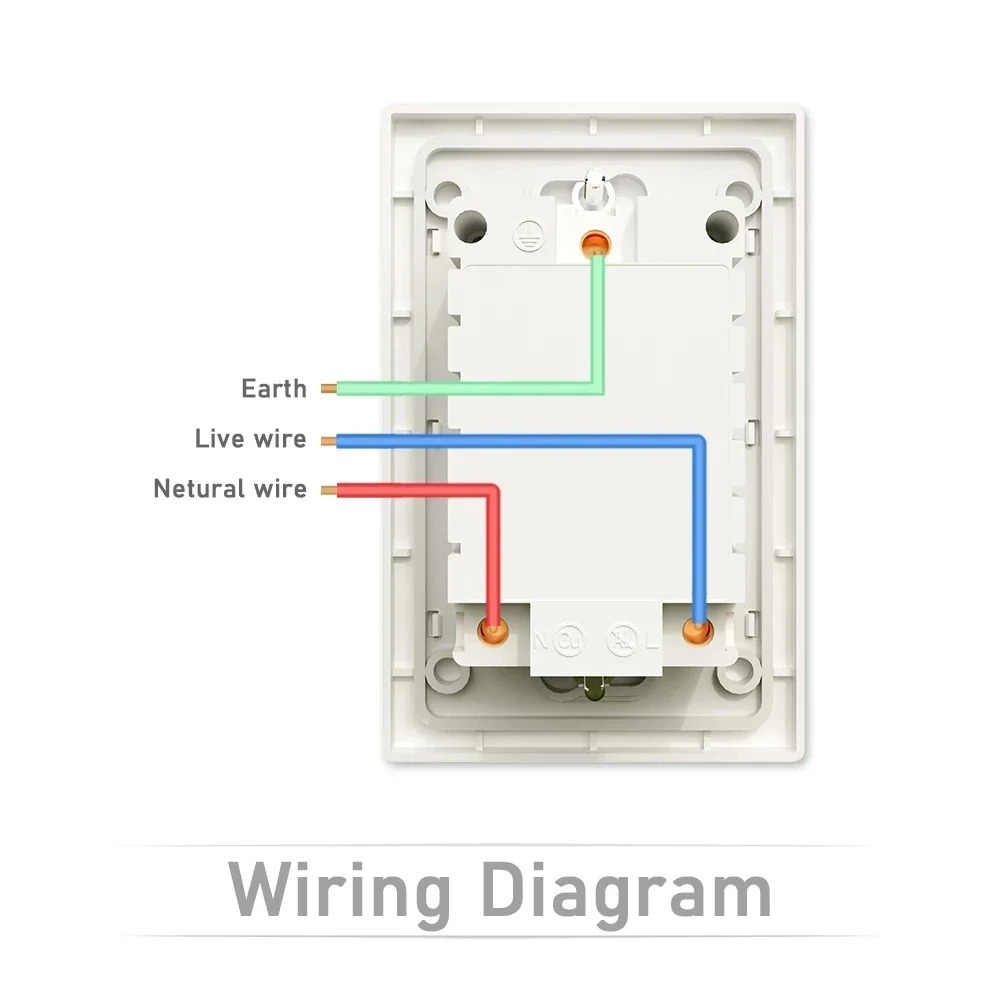
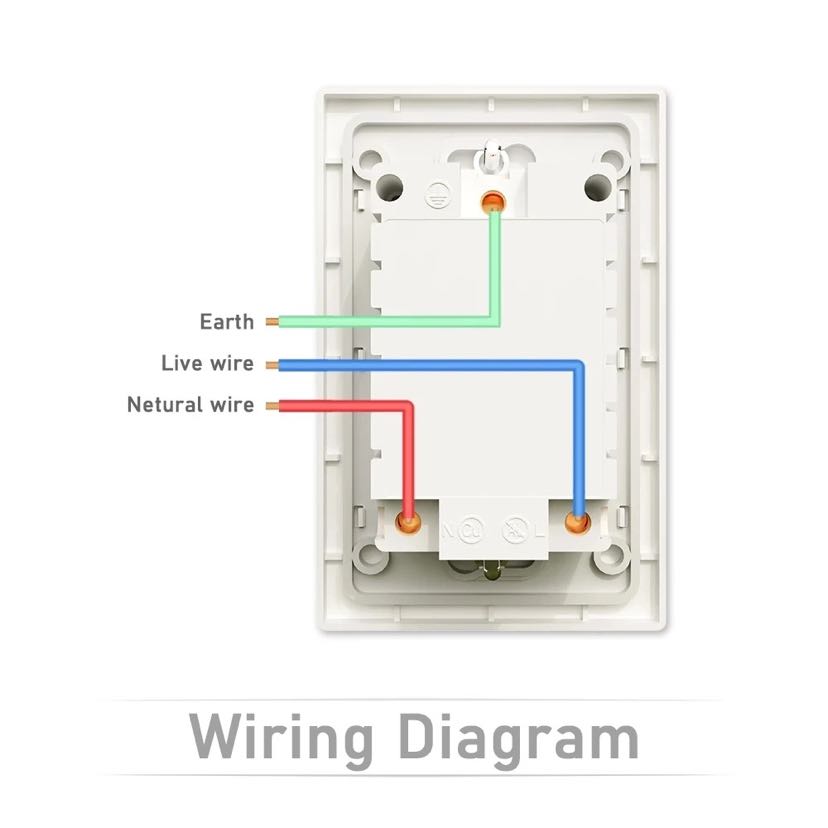
Step 4: Install the Mianmian Wall Socket properly in a standard wall box.
Step 5: Add a device > Power Socket, and confirm the device in the app.
Step 6: Use the Simple Mode or AP Mode (long-press the device power button for about 5 seconds).
Step 7: Arrange your appliances.
Package List:
1 *Multi-socket with switch
1 *User manual
1*Cardboard box




 wws407-white