Search history
Clear allSearch by image
XDrag and drop an image here or upload an image
Max 5MB per image
UploadSign In | Join

Search history
Clear allSearch by image
XDrag and drop an image here or upload an image
Max 5MB per image
UploadSign In | Join
X Email Mobile
| 94.8g | CN¥ 0.0 |
| 94.8g | CN¥ 0.0 |
zhejiang zheda hardware co., ltd 9yr.
Contacts lisa Chat
Mobile 86-13566918302
E-mail info@zdkitchen.com
13566918302

WhatsApp +86 13566918302

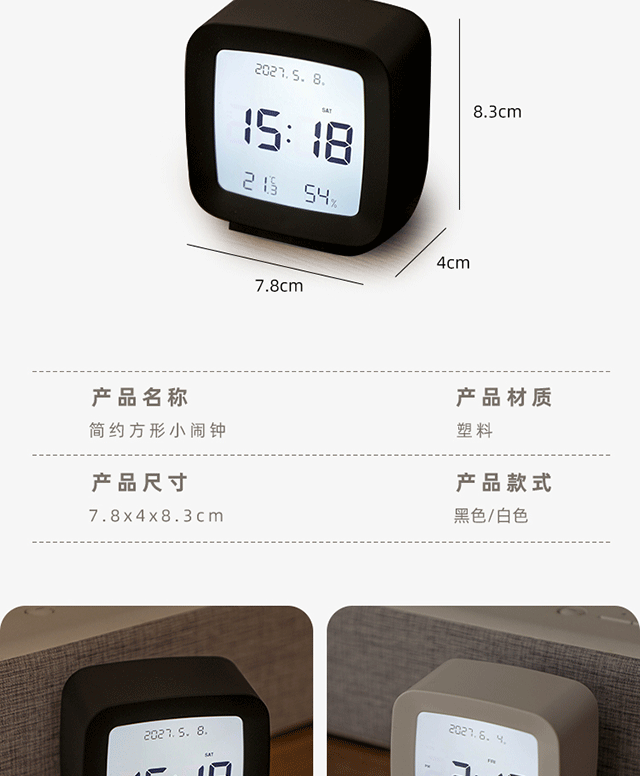
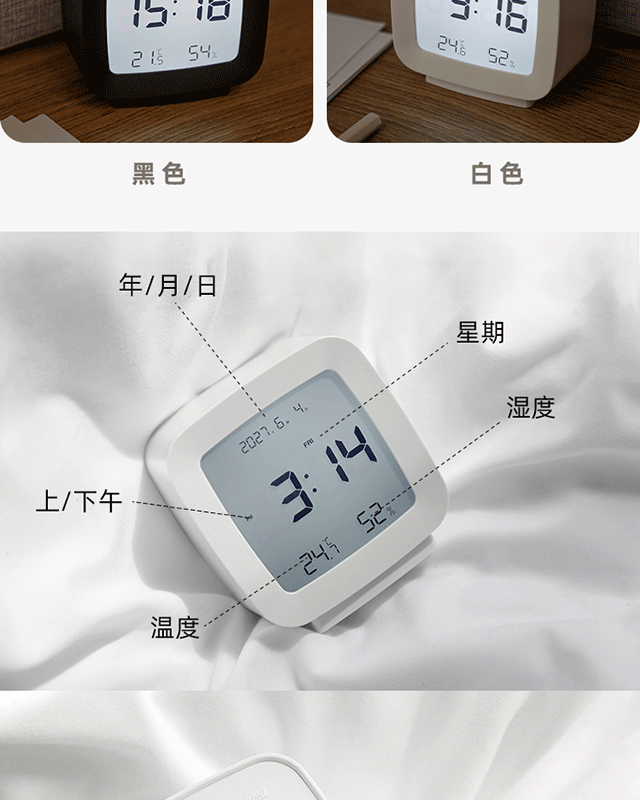


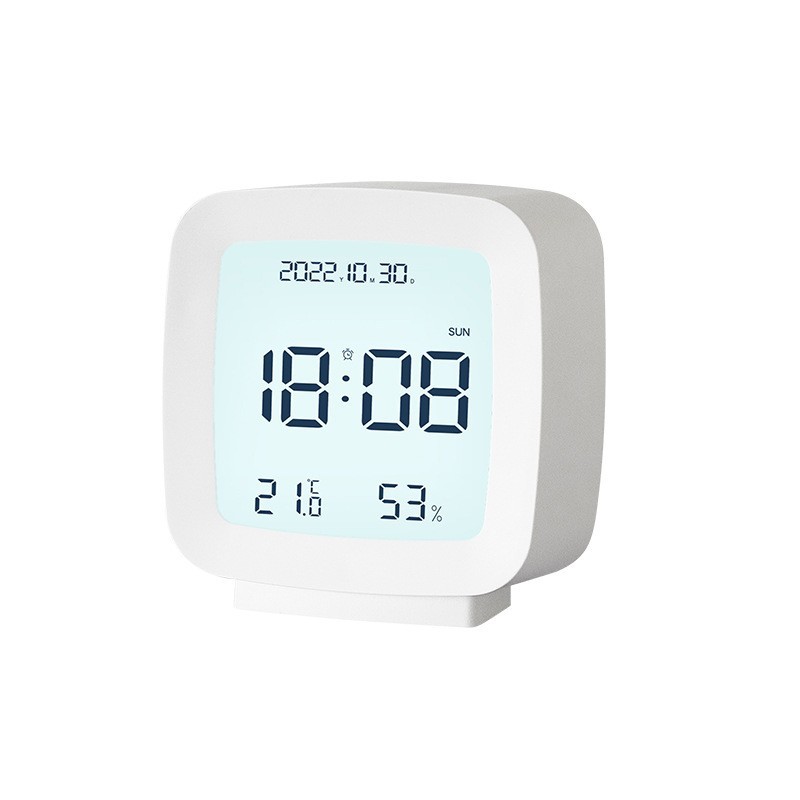
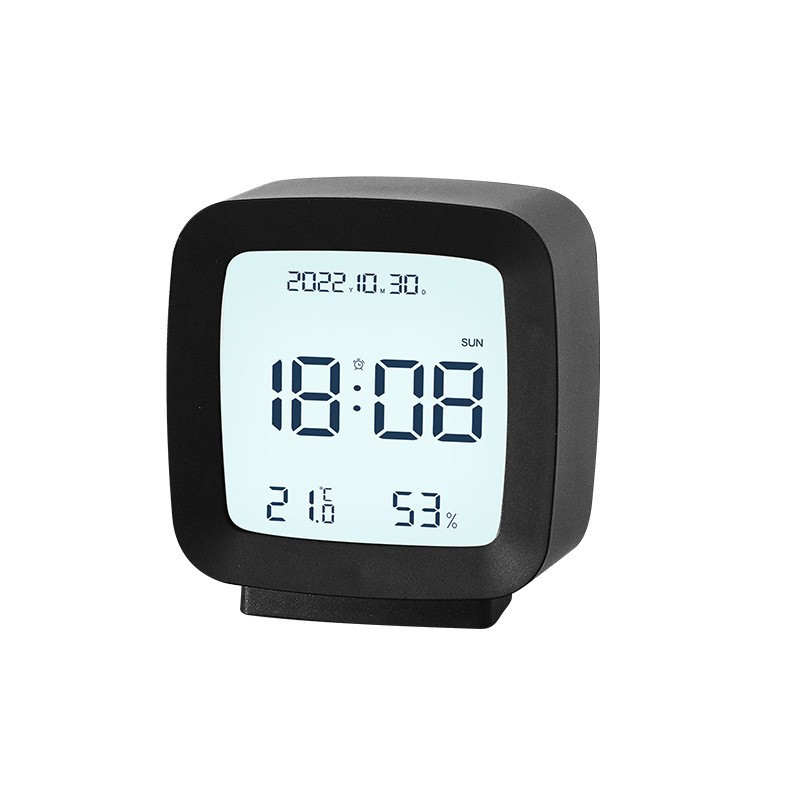
1. Normal display time, including year, month, day, and day of the week, and can be converted between 12-hour and 24-hour formats.
2. Alarm Mode: You can set the alarm time for each day, and also set the snooze time extension.
3. Voice control function, normal sound waves can activate the backlight for ten seconds.
4. Humidity and Temperature Function.
2. Detailed Operation Instructions:
1. The device will power on and display all information, with all LED lights blinking for 2 seconds. Then, it will enter the normal time display, showing the 12-hour AM format at 12:00, along with the year, month, day, and day of the week, as well as temperature and humidity.
2.A. Press MODE for two seconds, and the screen will display 12H. This allows for the conversion between 12-hour and 24-hour formats.
B. Setting the hour, minute, year, month, and day by pressing MODE.
3.A. Press AL to turn the alarm on or off. B. Press AL for two seconds to set the alarm.
"AL→Hour→Minute→Sleepy Delay→Exit
4. UP key: Set the time and alarm time by pressing this key to increase.
5.DOWN: Set the time and alarm time by pressing this key to decrease.
6. LiGHT/SWZ: Press this button when the alarm goes off to activate the snooze function.
Press the UP key to switch between Fahrenheit and Celsius.
Update time:


TOP