Search history
Clear allSearch by image
XDrag and drop an image here or upload an image
Max 5MB per image
UploadSign In | Join

Search history
Clear allSearch by image
XDrag and drop an image here or upload an image
Max 5MB per image
UploadSign In | Join
Tonghui Electronic Factory 4yr.
Contacts Liu Guiming Chat
Mobile 18712057328
18712057328

WhatsApp 1871207328
Manufacturer Direct Supply - Quality Guarantee
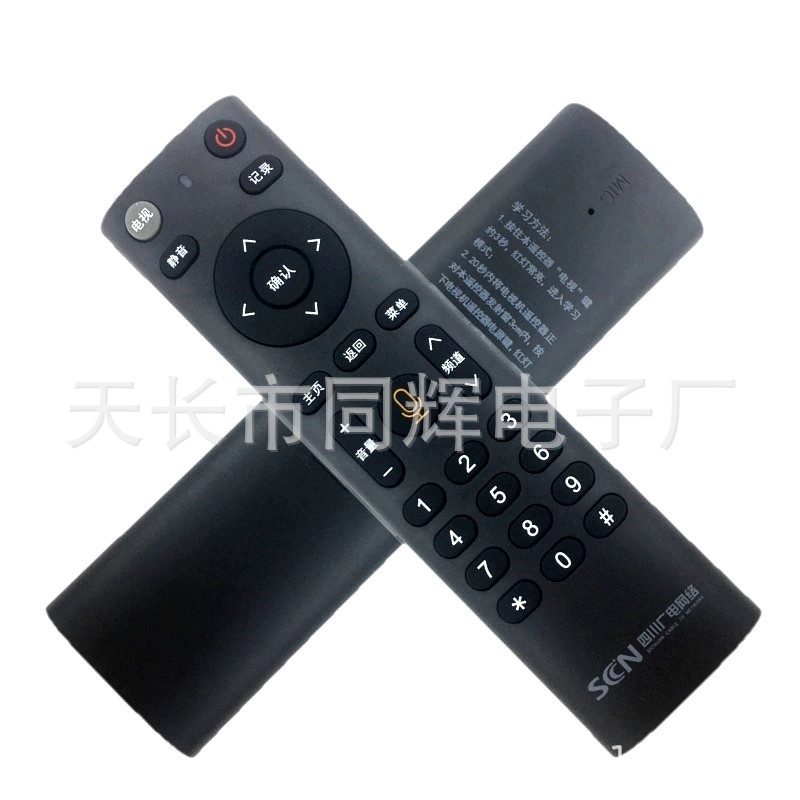
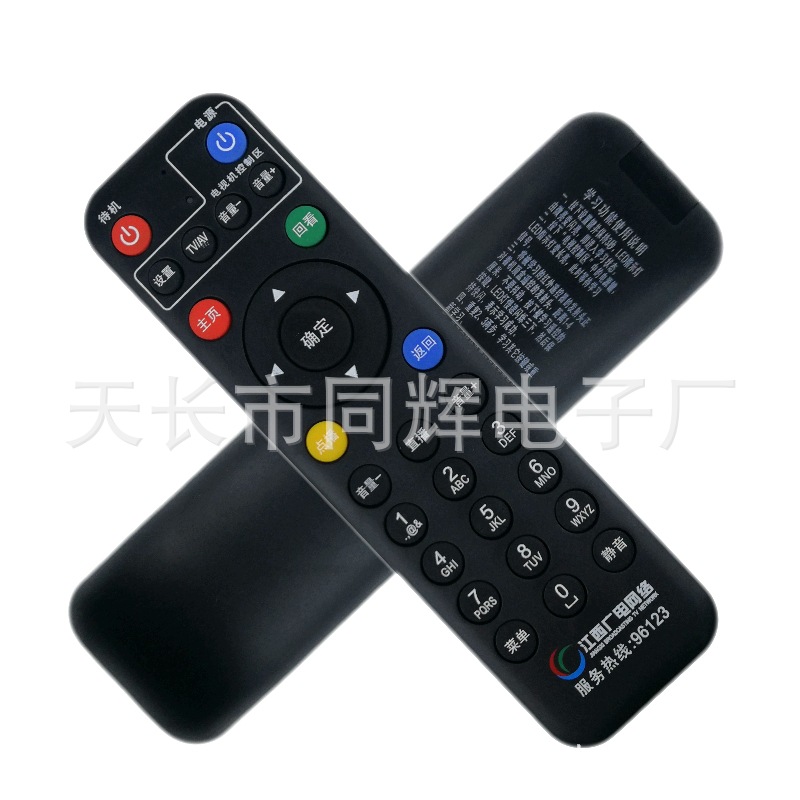
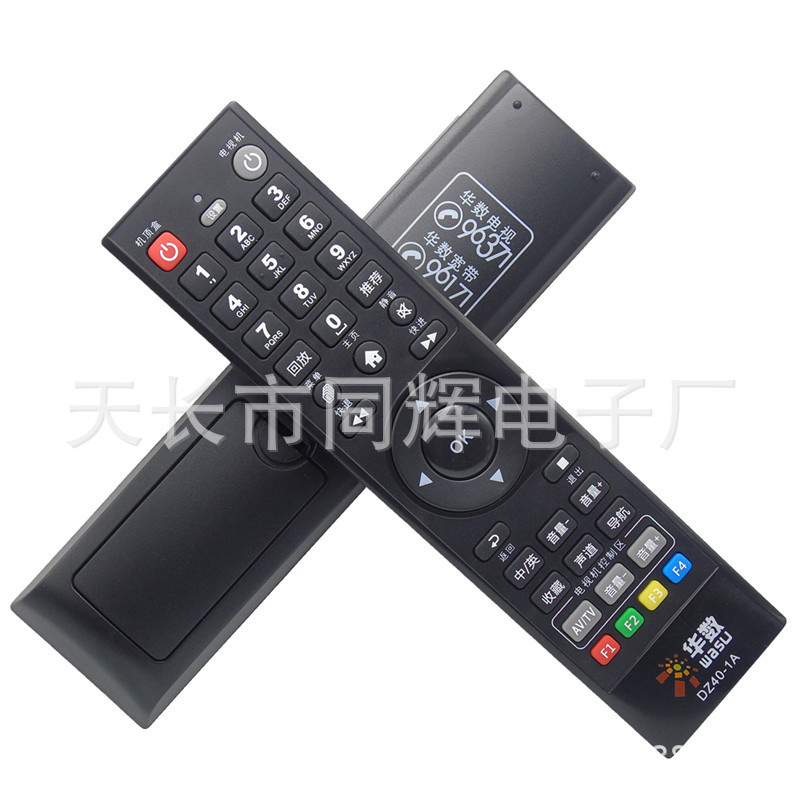
Suitable for Sichuan Radio & TV Network, suitable for Changhong, Jiugong DVB-C8000BH/BSC HC3200 set-top box remote control with learning function.
Provide national television and radio stations, China Telecom, China Mobile, China Unicom; custom-made original shape set-top box remote control

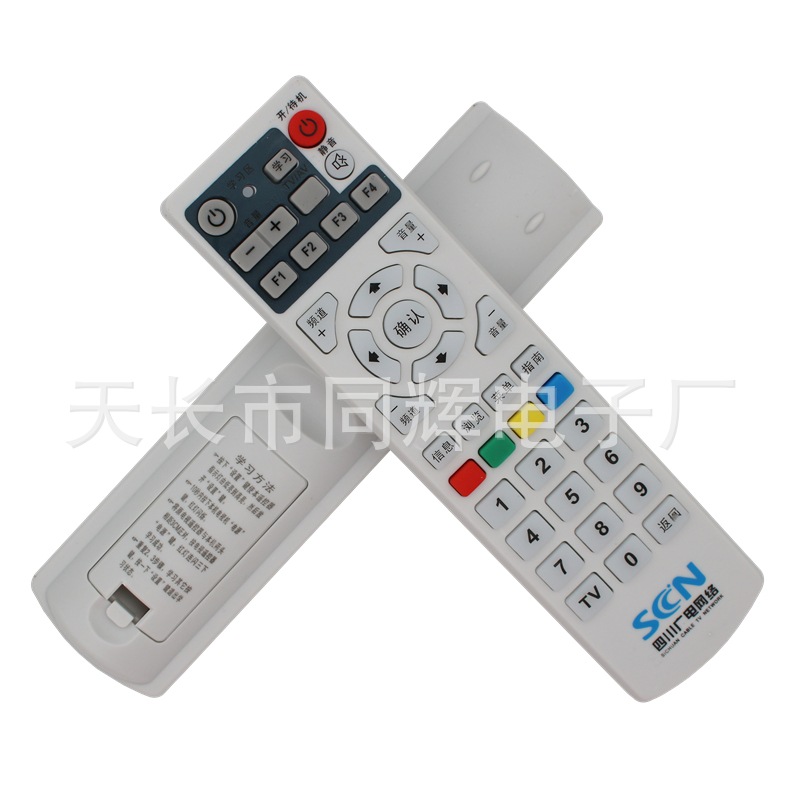


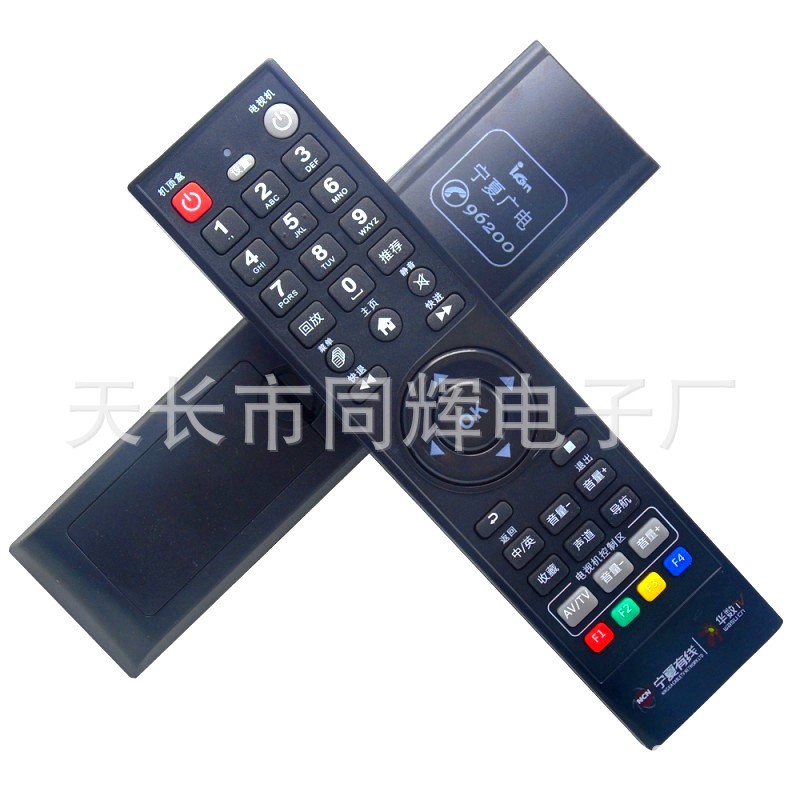


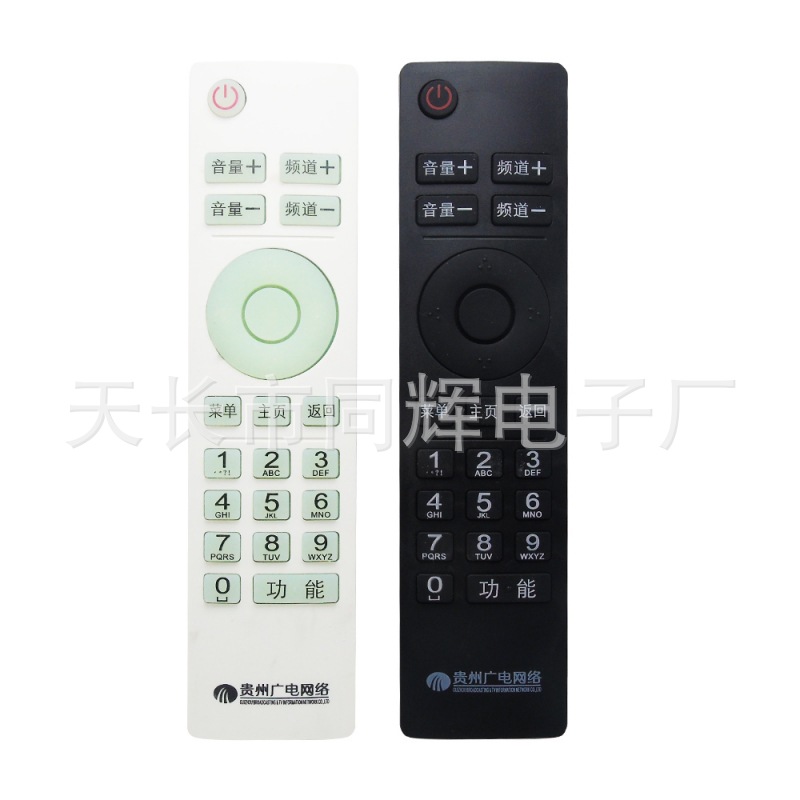


Set-Top Box Remote Control Learning Zone Functional Usage Method
Television Button Area
—— This is a simple TV remote control replacement area, which is used to learn and replace the 8 main button functions on the TV remote control one by one, that is, the TV.Menu, Volume Up, Volume Down, AV/TV, Confirm, Channel
Channel
And so on.
1、Press the "Setup" button on the remote control of your TV set-top box for about 3 to 4 seconds, and the learning indicator on the side of the "TV key area" will stay on or blink continuously. Then release it.
2、Point the front of the television remote control at the front of the set-top box remote control, with a distance of 1cm to 8cm between them.
3、Press the power button on the TV remote control, and when the TV's indicator light flashes once and then stays on continuously, release the button.
4、Press the television power button on this machine and release it. The indicator light will blink and then stay on continuously. This state indicates that the power button learning has succeeded.
5、Follow the steps 3-4 to complete the remaining button learning operation.
6、Press the "Settings" button on the remote control of this set-top box, and the learning indicator light will go out, exiting the learning state.
Attention:
The setting button itself cannot be used to learn any button functions of the television remote control;
After learning, you can use the 8 buttons in the 'TV remote control area' except for the 'setting' key to replace the original TV remote, forming a simple new TV remote. However, when operating the set-top box to watch digital TV programs, these buttons are generally not used.
Product Features
1.Learning-oriented set-top box remote: A set-top box remote + a television remote in one;
2.With learning function, the remote control has reserved the television remote control learning area, and it can control the TV through learning.
3.The buttons in the learning area can be repeated learned, new learning codes cover the original learning codes, and the power-off permanent storage;
4.Microcomputer processor (MCU) control, low power consumption, long range, simple operation, convenient use;
5.The appearance is beautiful and the feel is comfortable.
6.Large buttons with a comfortable feel, suitable for use by the whole family.
7.Battery Type: 2*AAA (7-cell batteries)
Update time:


TOP