Search history
Clear allSearch by image
XDrag and drop an image here or upload an image
Max 5MB per image
UploadSign In | Join

Search history
Clear allSearch by image
XDrag and drop an image here or upload an image
Max 5MB per image
UploadSign In | Join
Shenglin Electronics Firm 15yr.
Contacts FeiHongLin Chat
Mobile 18267060859
WeChat 18267060859
All our products do not support personal retail, but only cross-border sellers. Do not place orders for personal retail,
there is no way to deliver the goods even if you place an order! Thank you for your support!
This product is only available in foreign versions. Do not buy it in China and cannot be used!
Sales Wangwang: love packing details
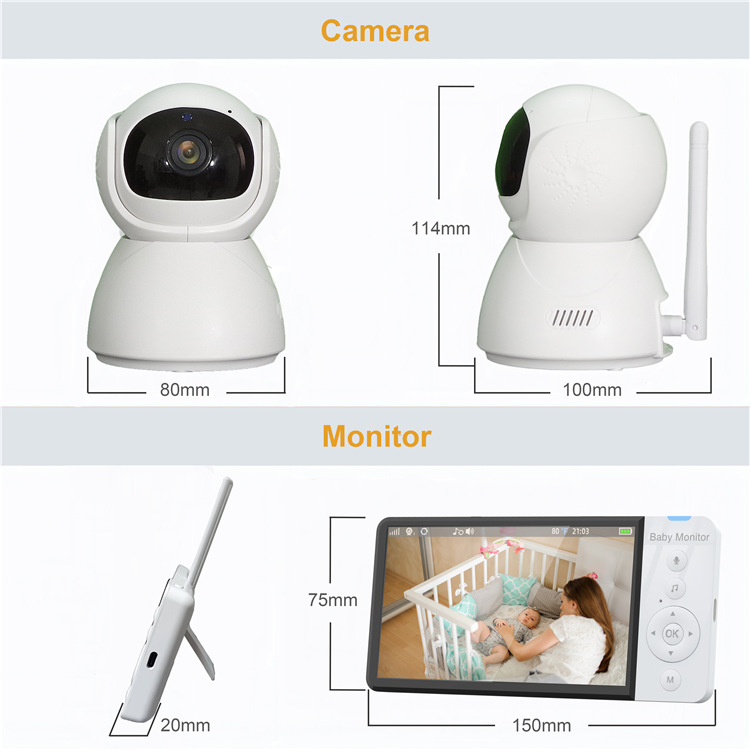
carton size: 460 x380x430(mm)
quantity per box: 24 sets
weight: 17KG
color box size: 180 x105x130(mm)
A set of weight: 700g
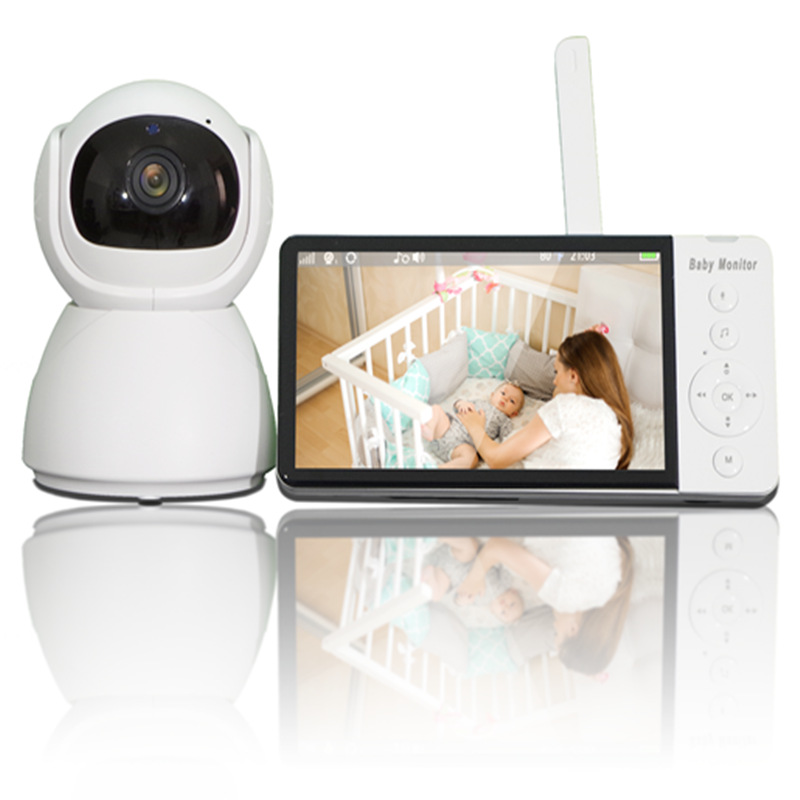
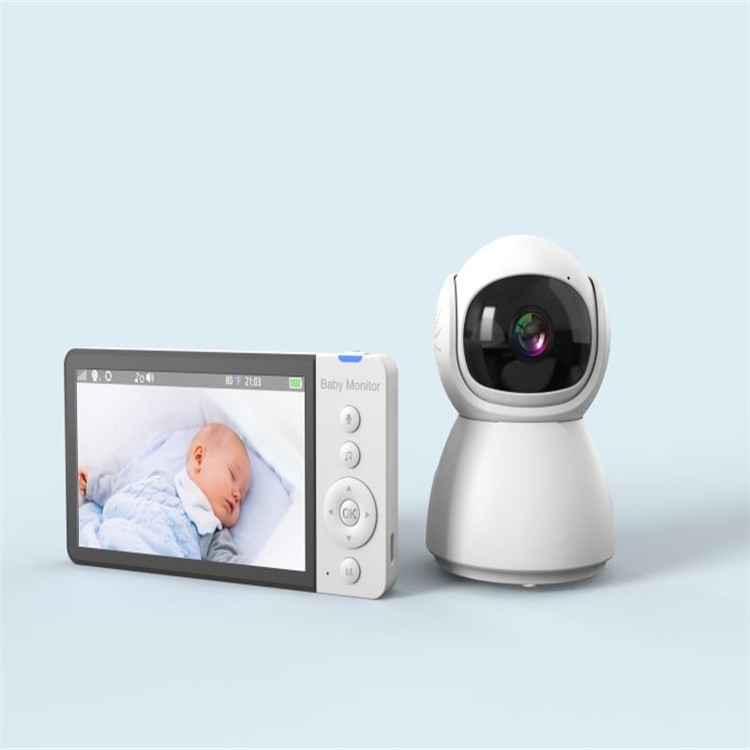
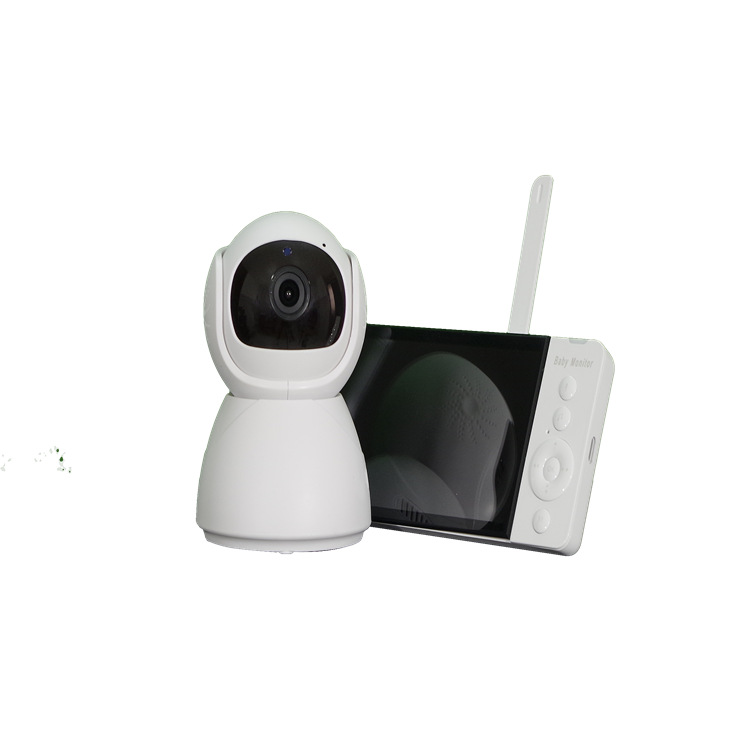
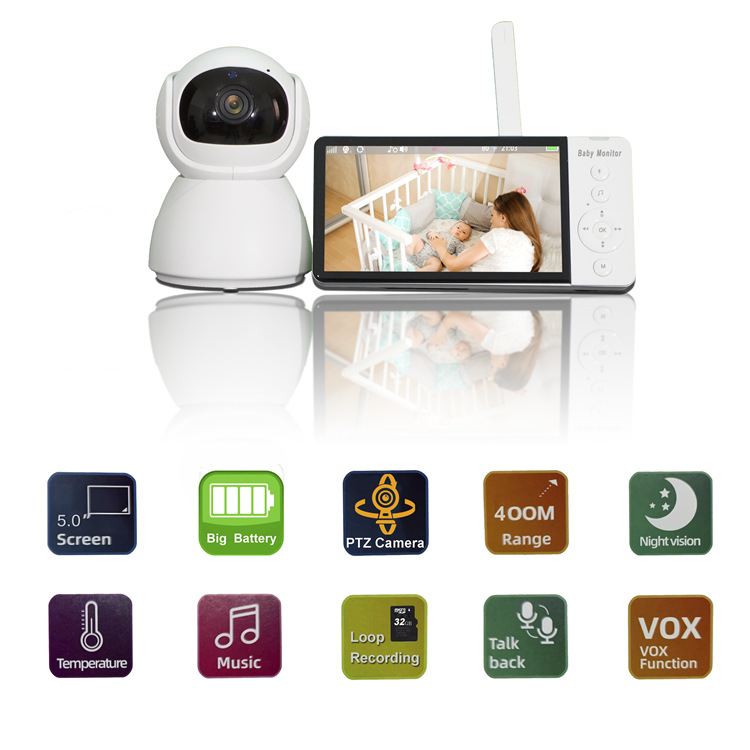
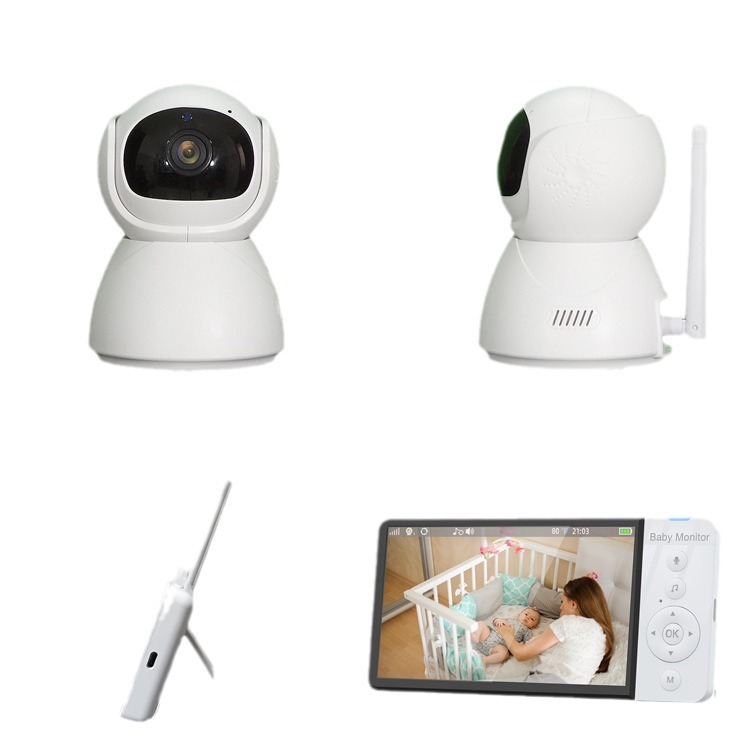
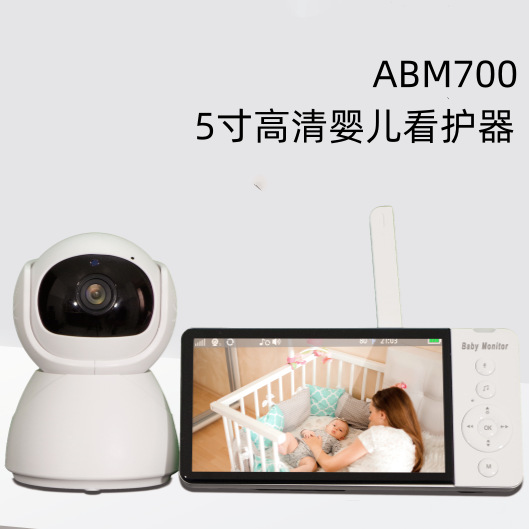
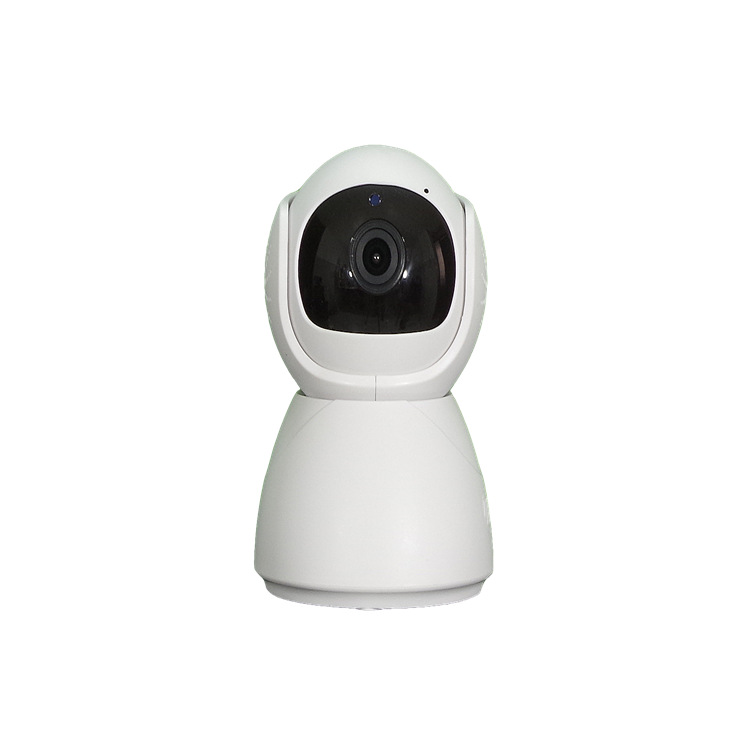
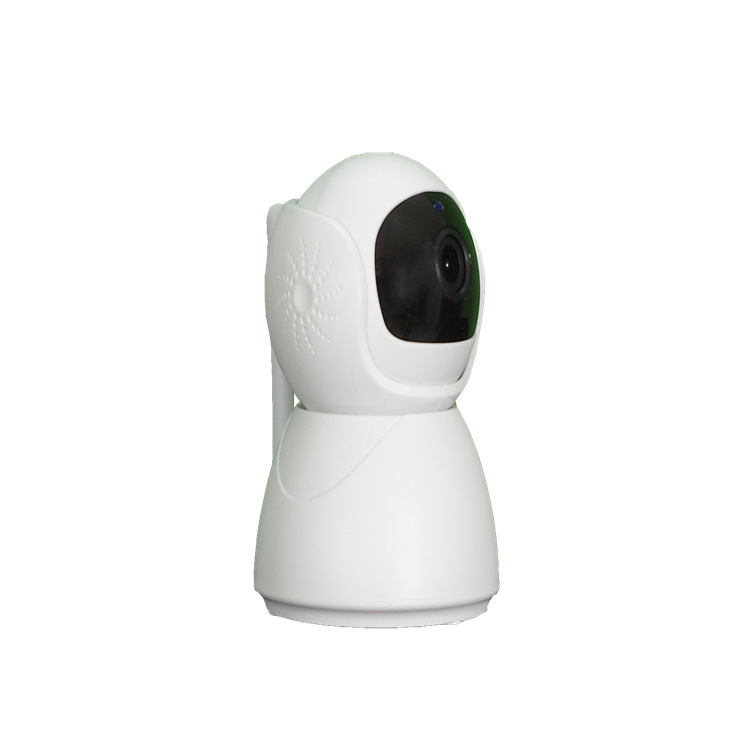
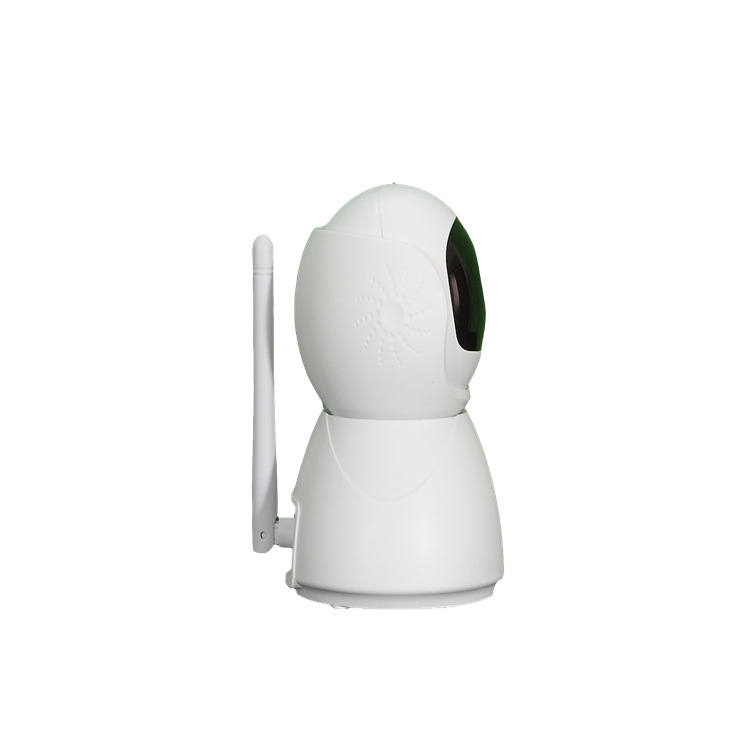
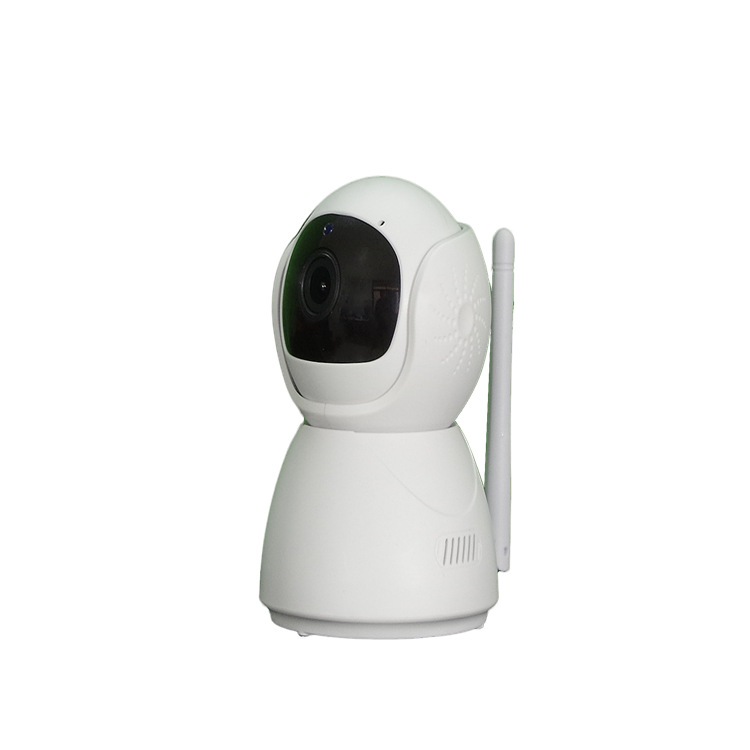
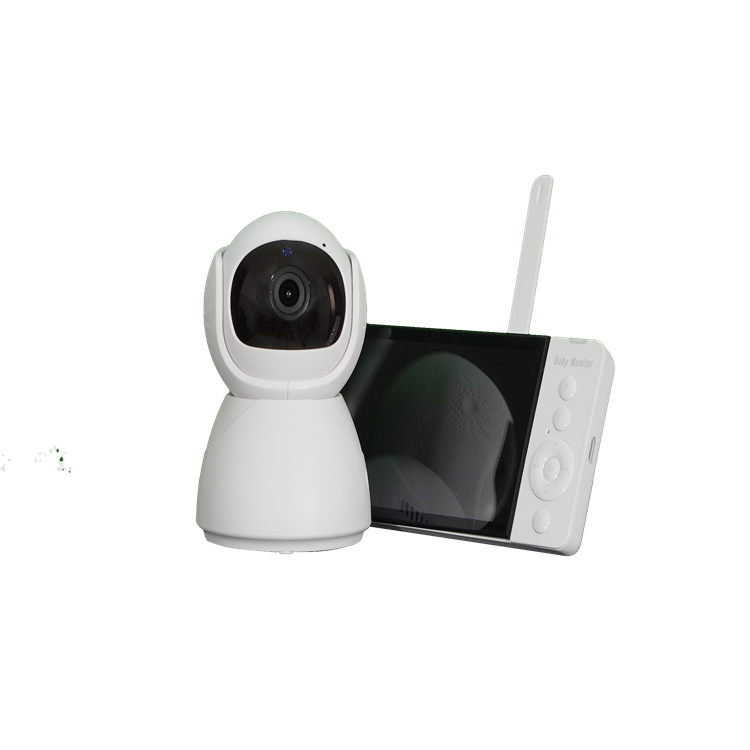
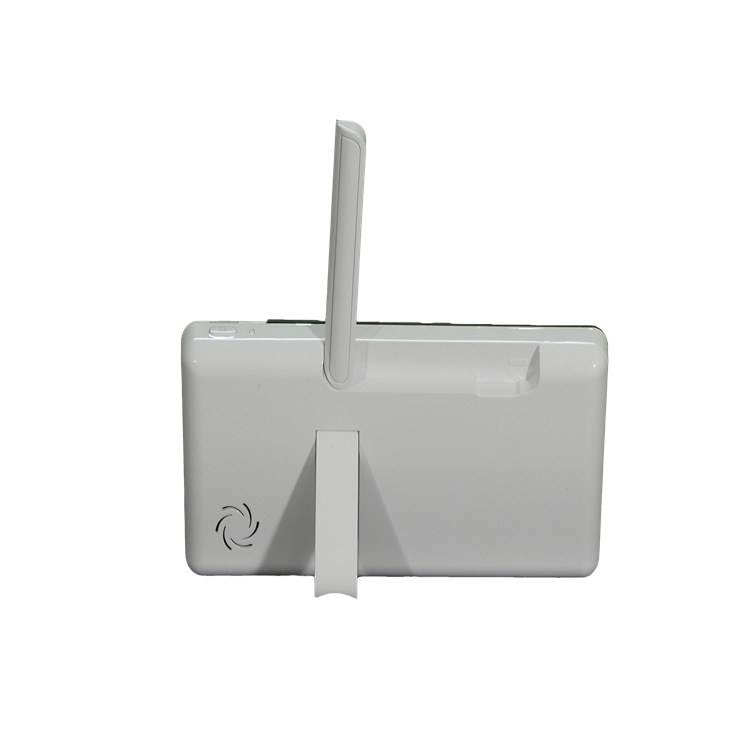
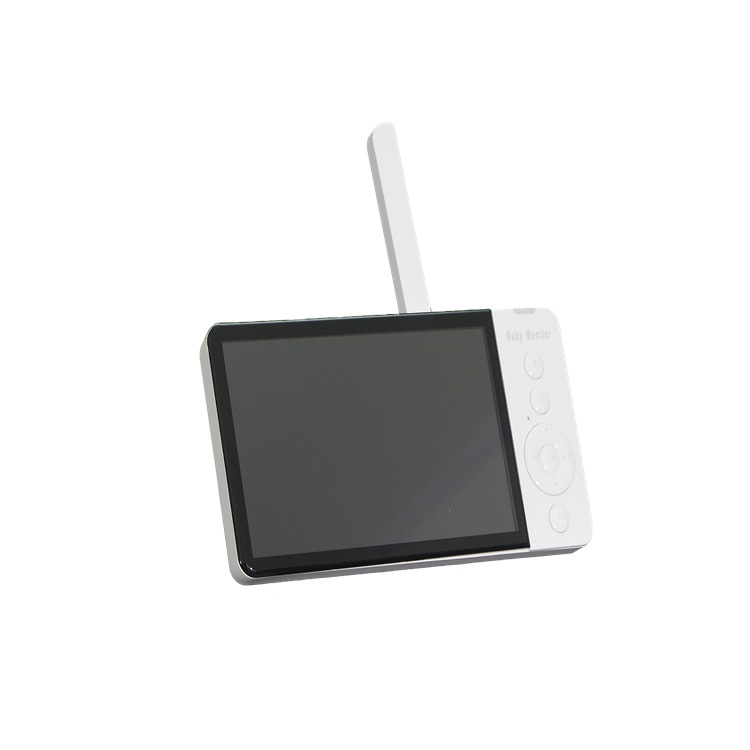
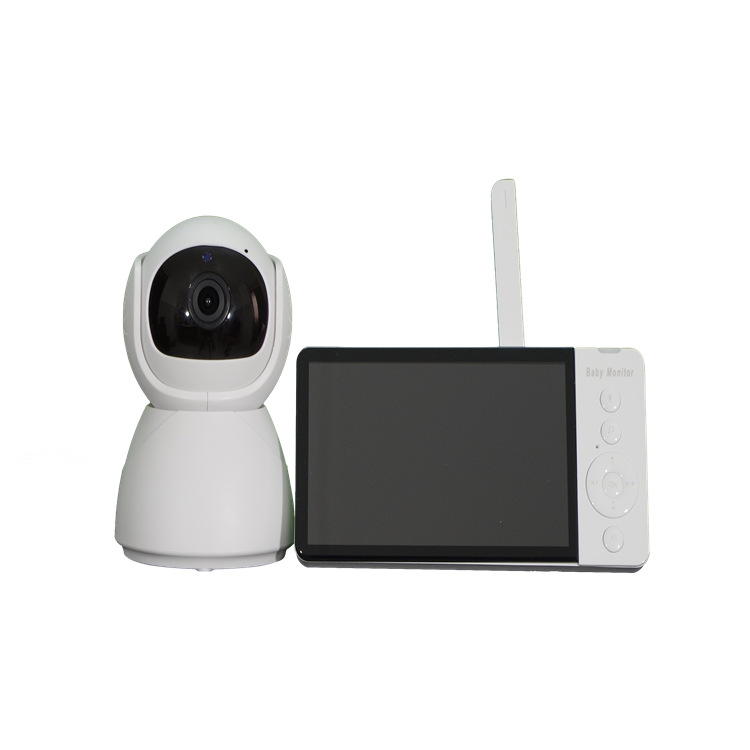
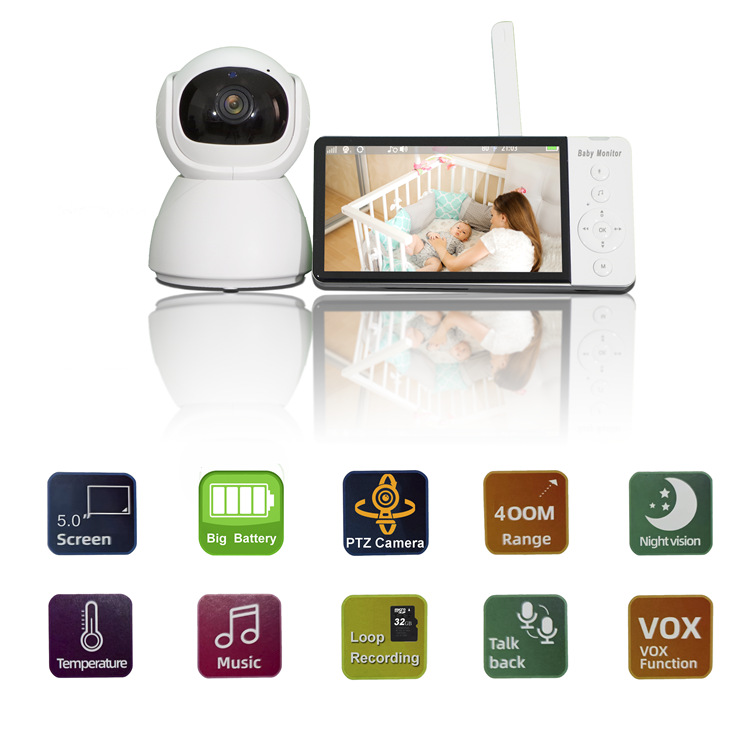
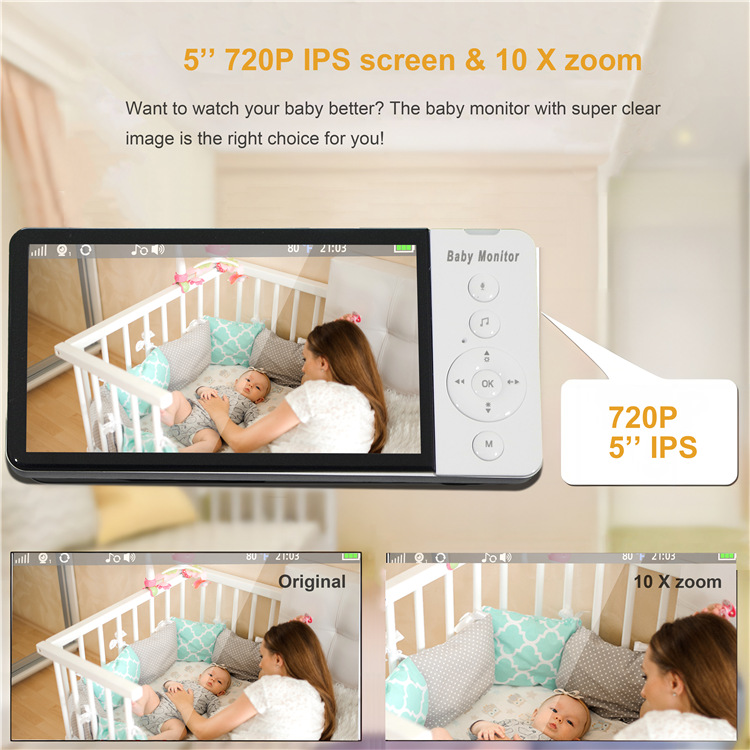
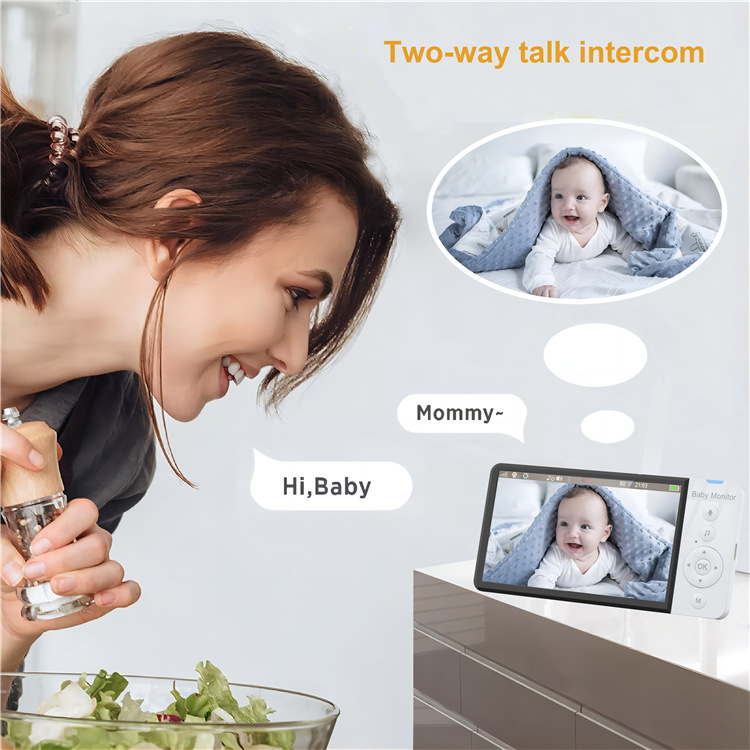
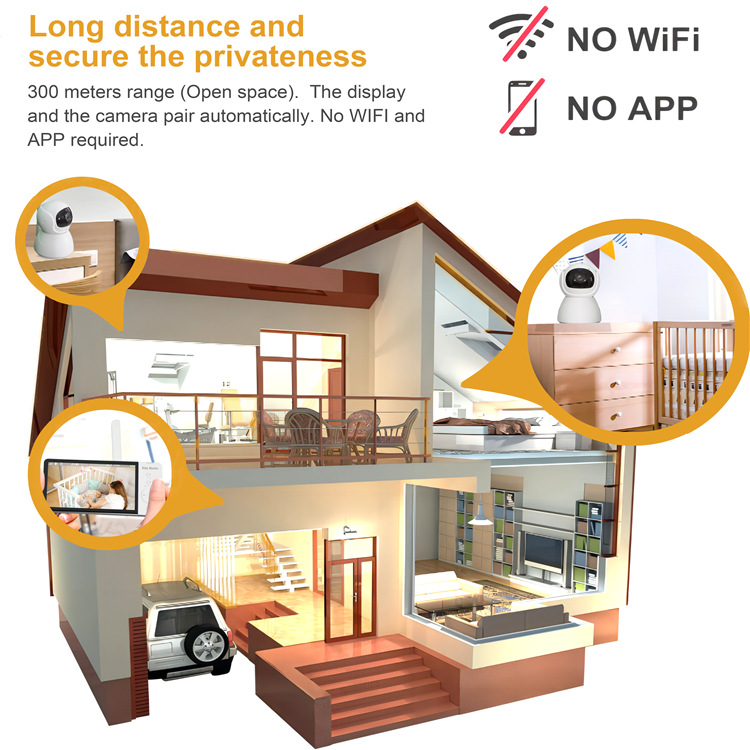
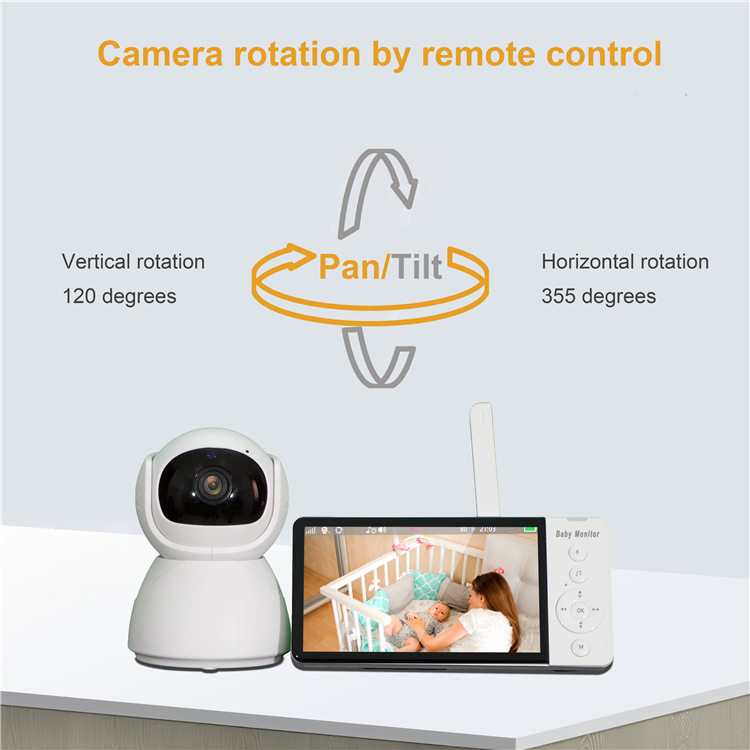
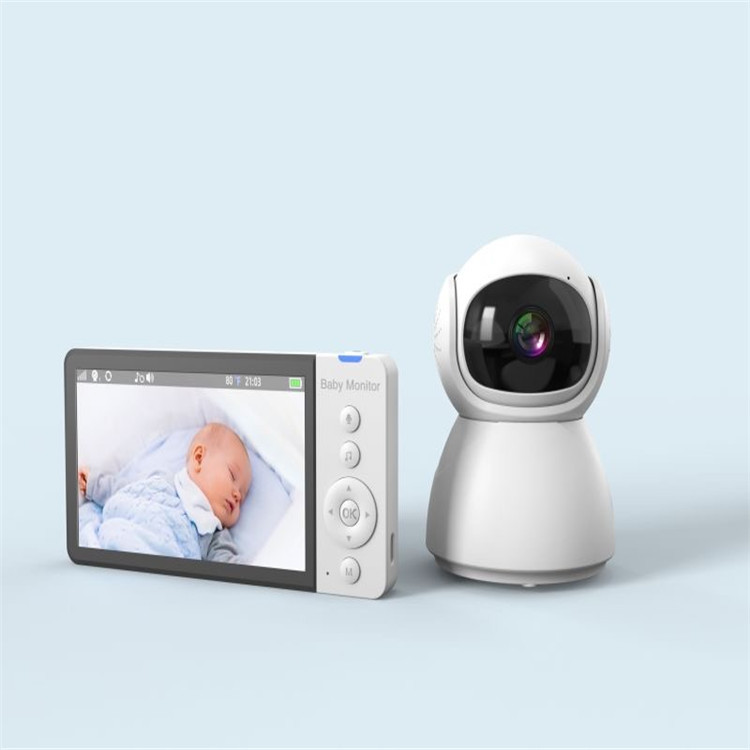
. Function introduction 1. The baby's voice and image are transmitted to the display terminal in real time. Adults can monitor the baby's condition in real time. When pressing the intercom button on the display terminal, they can send language to the baby terminal, etc.
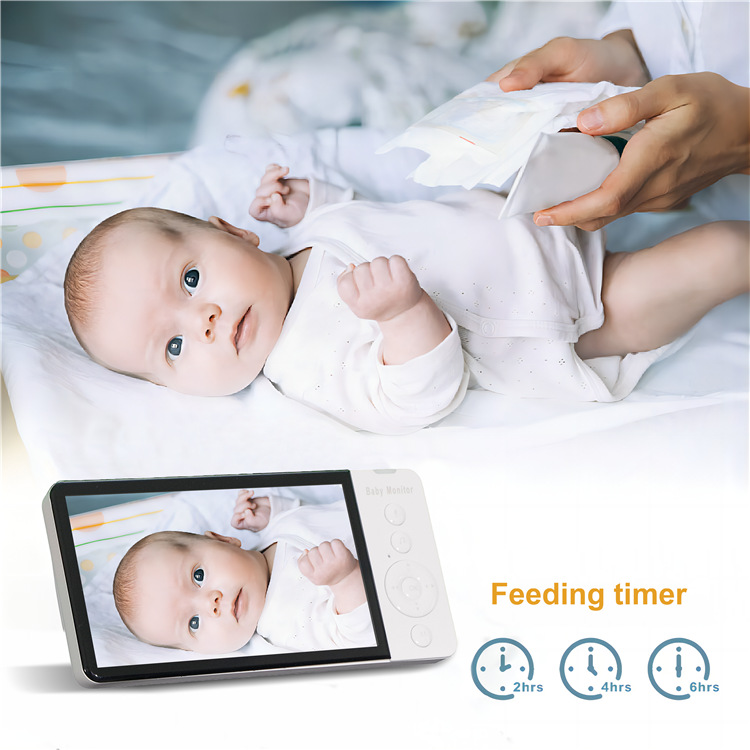
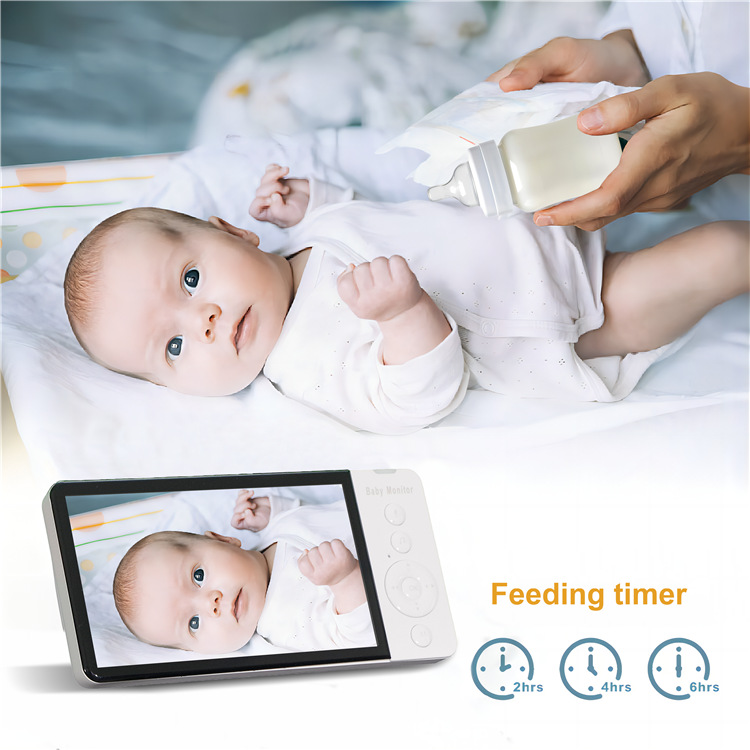
2. Nursing reminder function: when it is set to 0:30h and 30 minutes backward from the current time, there are images and sound alarms on the display to remind busy adults that the baby should be fed, time and so on
3. The display side can select 8 pieces of Cradle Music for the baby side to play
4. Set the time according to different time zones
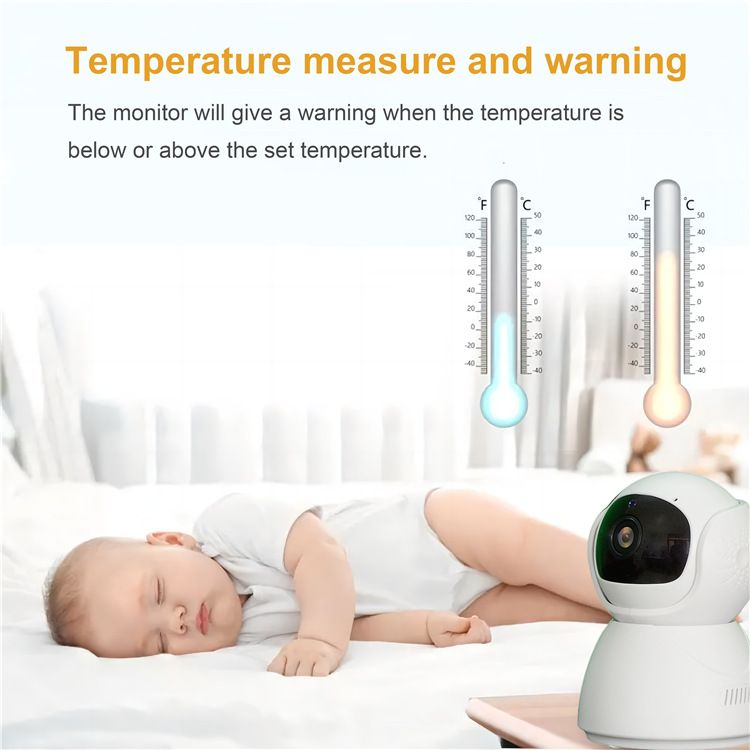
5. Set the display temperature according to personal habits: ℃/℉
6. You can select the baby terminal to be displayed. If two baby terminals are connected at the same time, you can switch the display automatically or manually,
7.VOX mode: the default is off. When the baby's environment sound is less than the set value, the display screen of the display end is off after 30S. When the baby's environment is located
8. When the sound is greater than the set value, the display screen on the display can be selected according to the environment: HIGH/MDE/LOW
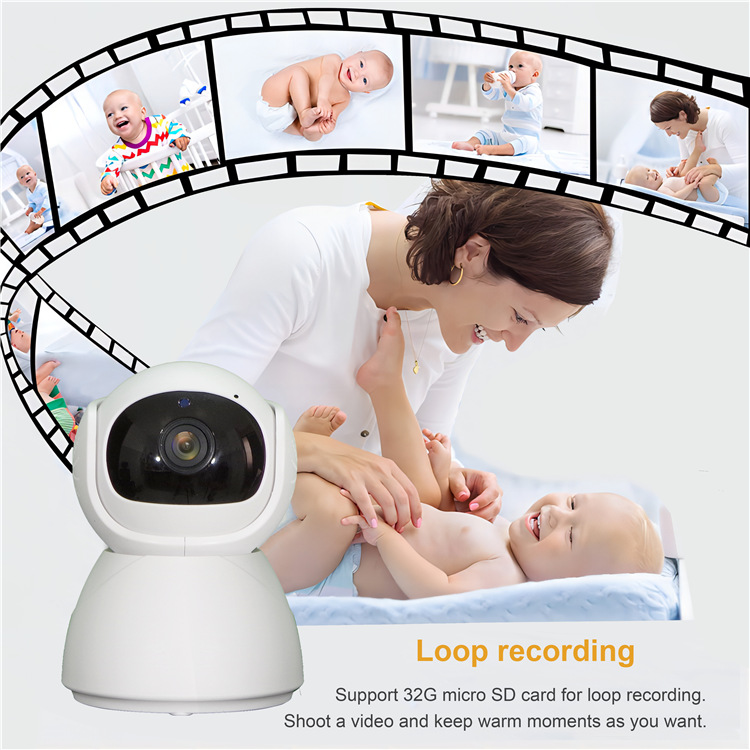
9. After inserting the memory card, the menu bar is not displayed. Press OK to enter the video recording mode. Click OK again to end the video recording (the display side cannot look back at the video)

Update time:


TOP