Search history
Clear allSearch by image
XDrag and drop an image here or upload an image
Max 5MB per image
UploadSign In | Join

Search history
Clear allSearch by image
XDrag and drop an image here or upload an image
Max 5MB per image
UploadSign In | Join
X Email Mobile
| wdy-1 | CN¥ 0.0 |
Haining Dingdu Automation Equipment Co., Ltd. 2yr.
Contacts:Yang Bochao Chat
Mobile:86-13588876188
E-mail:13588876188@qq.com

Technical parameters:
Working Power Supply: AC220V
Power: 50 W
Delay Range: 0.01s~999.9s (Similar Products)The time usually only lasts for 99 seconds.
Counting range: 1 to 59999 times
Work Mode: Power-on Delay Data Program Setting
Display mode: top row shows filling time, middle row shows interval time, bottom row shows count.
Dimensions: 160*250*330mm
Weight: 5.5kg
Traffic: 4 liters/minute (flow rate: 12 liters/minute, 16 liters/minute, etc.)
Filling Head Diameter: Inner Diameter 6mm (Customizable to 4mm or 8mm upon request)
Body Material: Stainless Steel

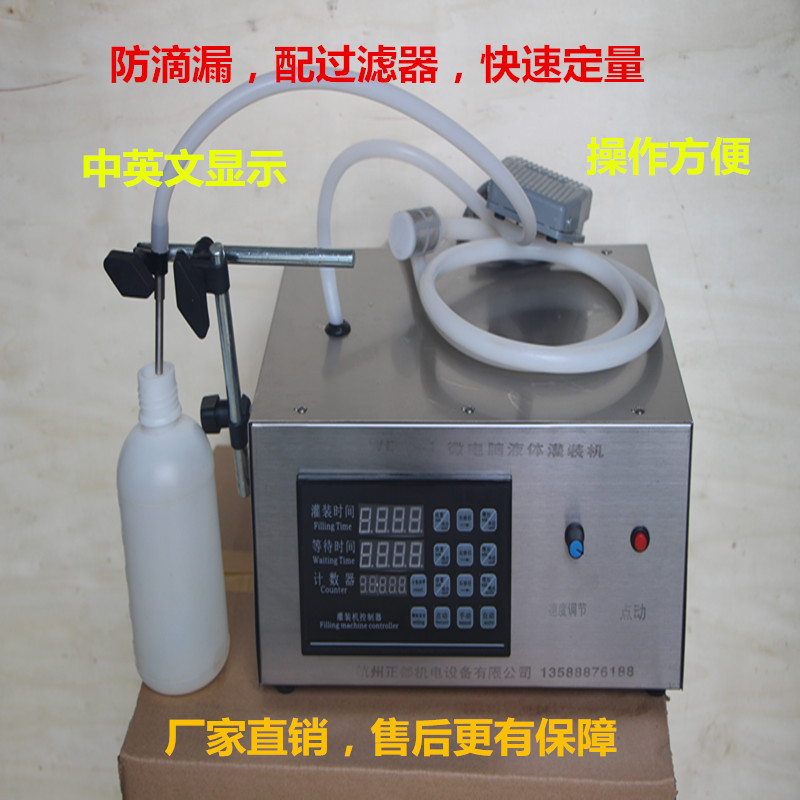
Name: Microcomputer Liquid Multi-Functional Filling Machine
Model: WDY-1
This machine uses a micro-suction pump and is controlled by a microcomputer to set the working and rest periods, allowing for automatic and quantified filling. It can be used to fill antifreeze, glass cleaner, beverages, wine, daily chemicals, medicine, pesticides, and other various liquids.
The machine has a simple structure and is easy to operate. It can also extend the material nozzle and move the skin tube freely for filling, which can meet the needs of capacities over 5 grams. It is a reliable and durable filling equipment. It is often used in small enterprises, small shops, and families. It can be customized to extend the skin tube and move the filling, which is convenient and practical.
Note: This machineNot suitable for corrosive liquidsThicker liquid.

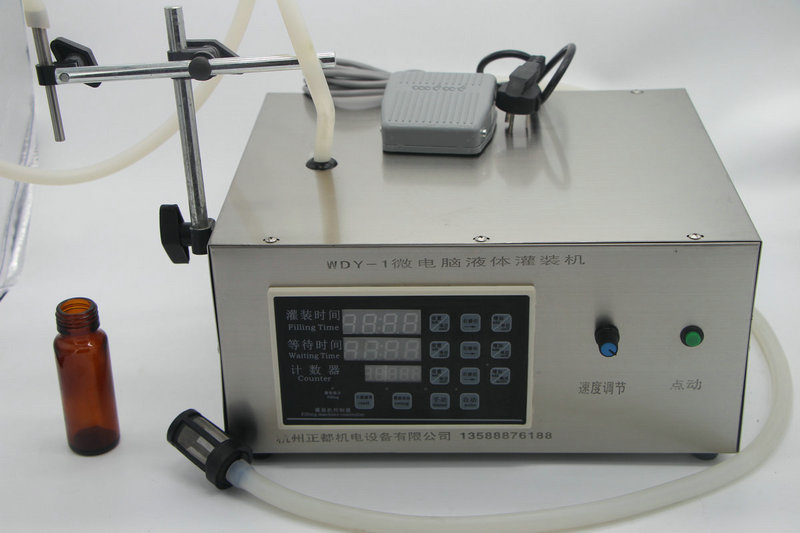
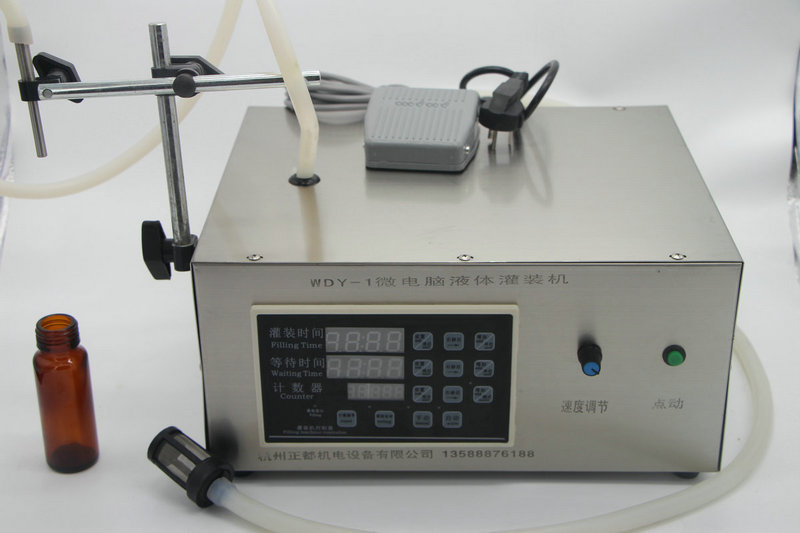
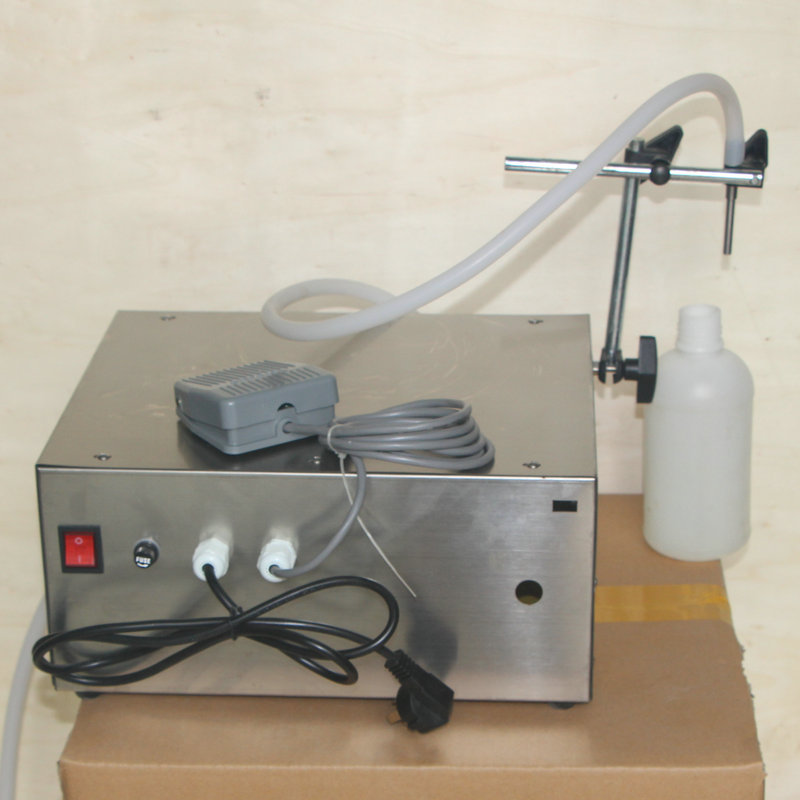
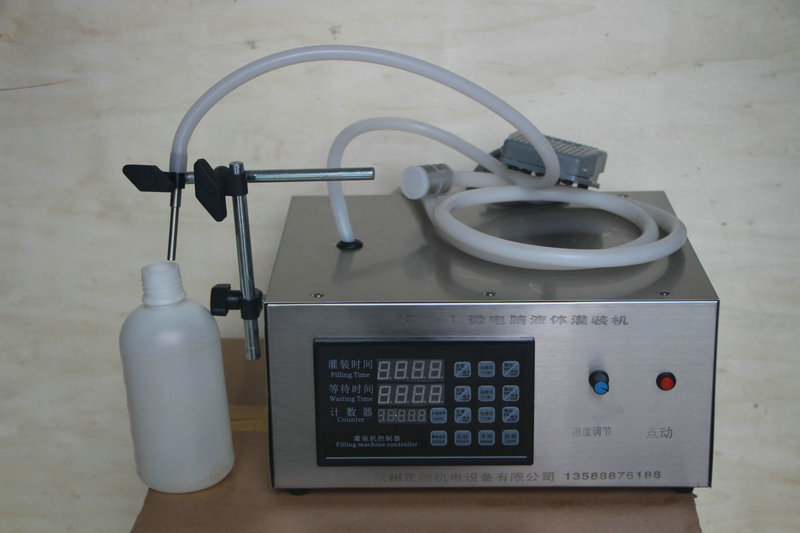
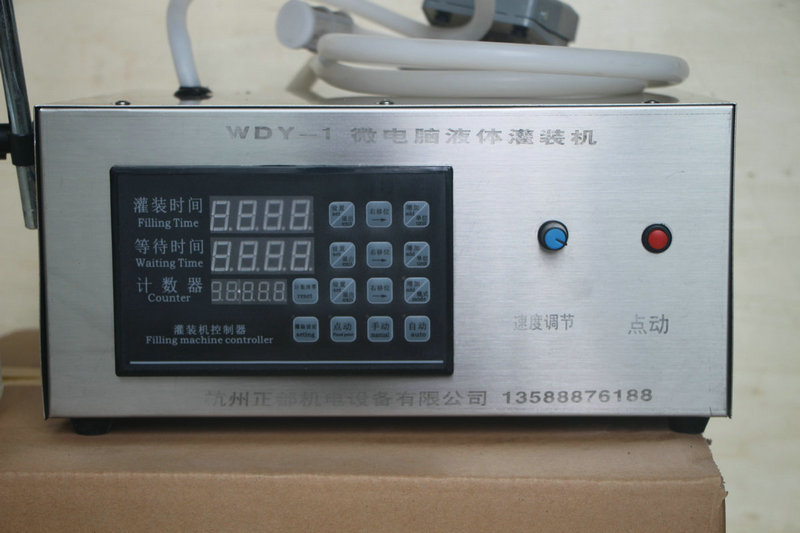
 Instructions: Prepare the liquid to be filled. Connect the 220V power supply, adjust the filling time and the interval time, set the timer. First, press the point-and-click switch to test the machine. If the motor operates normally, press the manual button and use the foot switch to control the filler. Press once to operate the filler once. Press the automatic button, and the filler will automatically and continuously operate according to the set time.
Steps
1. Time Adjustment for Filling
A, press the setting key first, and the time will flash. Then press the increase key 0-9 to set the time for that position.
Press B, then press the right shift key to the specified position, press the increase key to adjust the time for that position, and repeat the operation.
Press the unit key to move the decimal point up and down, and set the time unit
Press the exit key to complete the setup.
2. Adjustment of Intermission Time: The same as the adjustment of filling time.
3. Timer Adjustment
Press the setting button, and the timer will blink. Press the increase button 0-9 to adjust the quantity of the corresponding position, and press the right shift button to adjust the quantity of other positions. Set the required quantity.
Press the pattern key, when the light is on, the filling machine stops working when the specified quantity is reached. If the light is off, it will continue to work and count continuously.
4. Filling Setting Press the filling setting to start the filling machine. When the filling reaches the amount you need, press the filling setting key again. The time displayed on the filling time is the time required to fill the amount.
Value-added tax invoice adds 11% tax, and ordinary invoice adds 1% tax.
Update time:


TOP