
Search history
Clear allSearch by image
XDrag and drop an image here or upload an image
Max 5MB per image
UploadSign In | Join

Search history
Clear allSearch by image
XDrag and drop an image here or upload an image
Max 5MB per image
UploadSign In | Join
X Email Mobile
| ordinary discharge port | CN¥ 3600.0 |
| ordinary discharge port + hopper | CN¥ 3900.0 |
| elbow outlet | CN¥ 3800.0 |
| elbow discharge port + hopper | CN¥ 4300.0 |
Haining Dingdu Automation Equipment Co., Ltd. 2yr.
Contacts:Yang Bochao Chat
Mobile:86-13588876188
E-mail:13588876188@qq.com
-----------
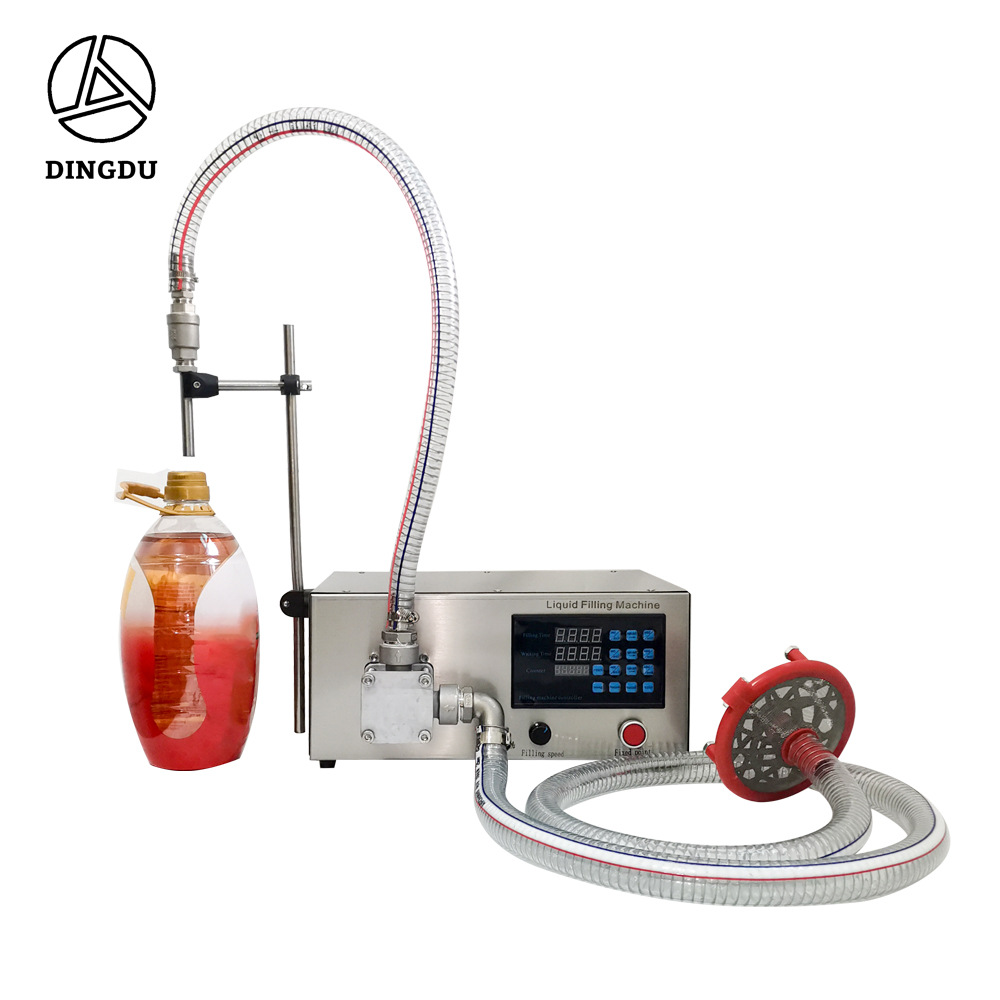
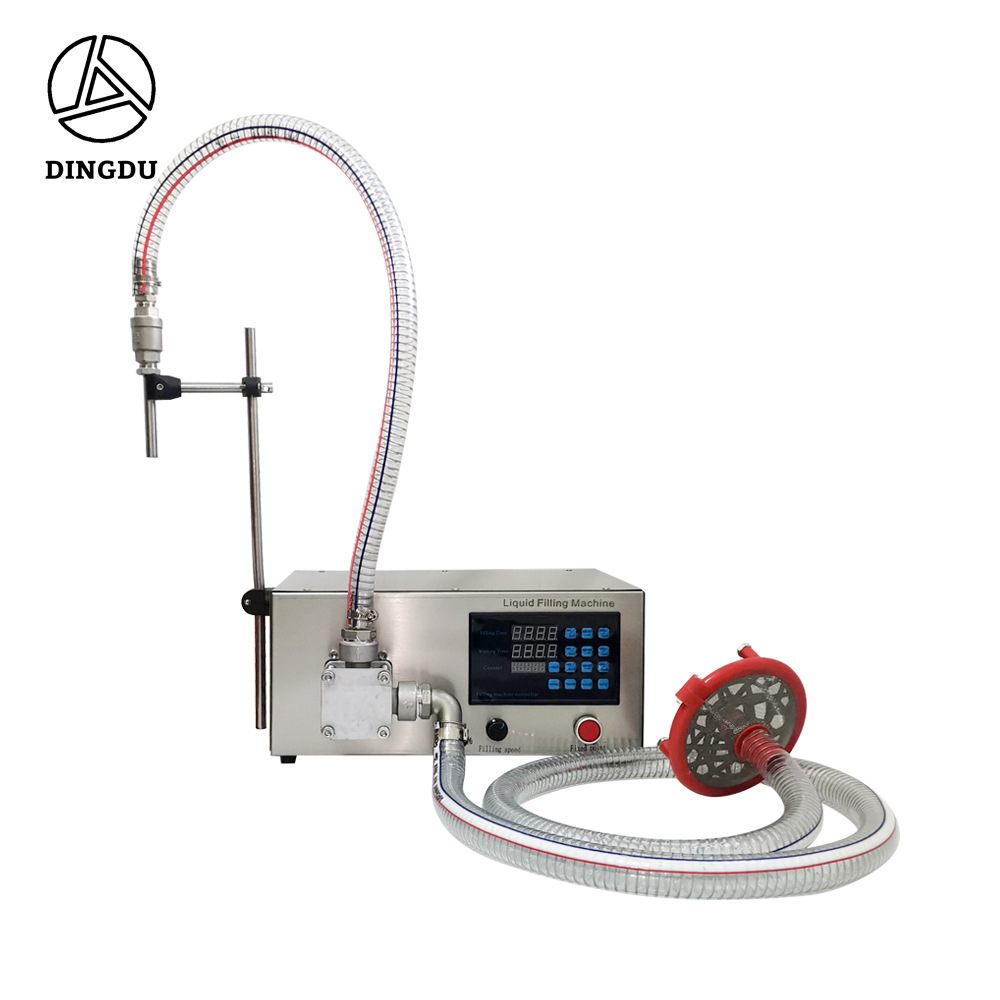
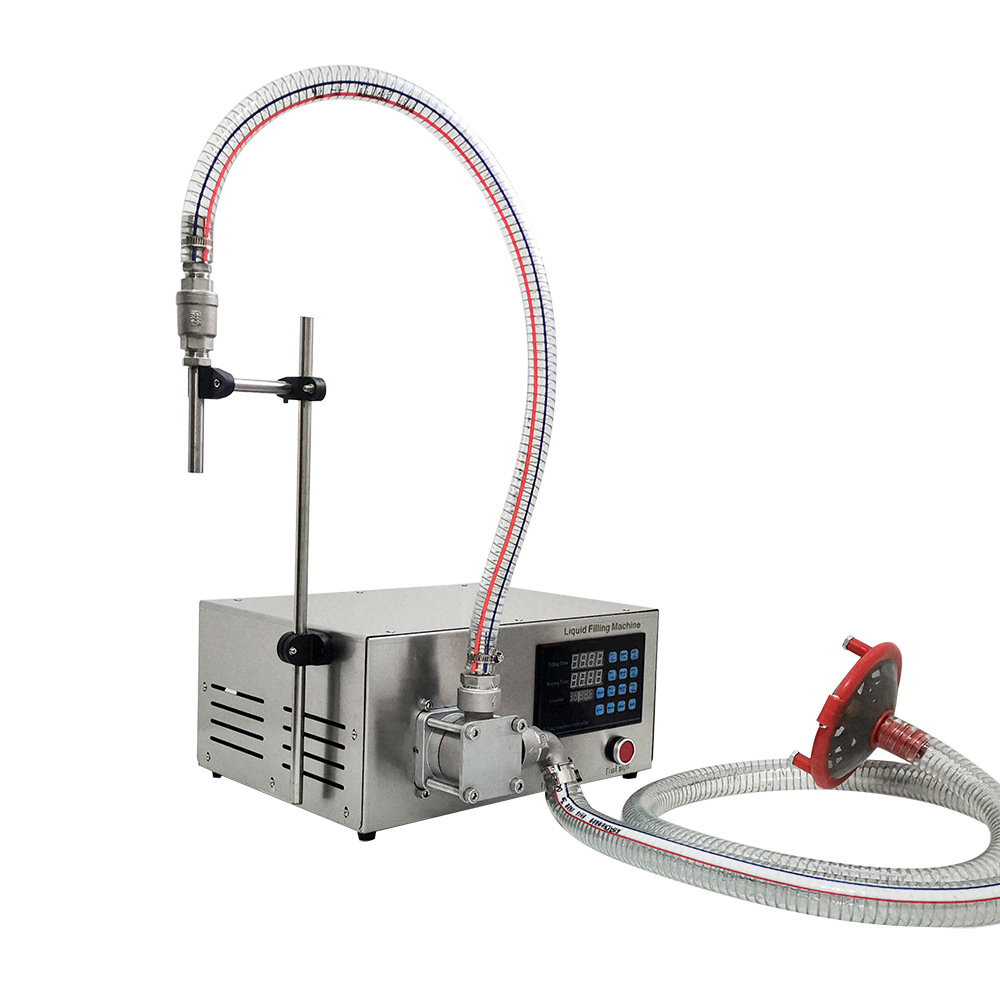
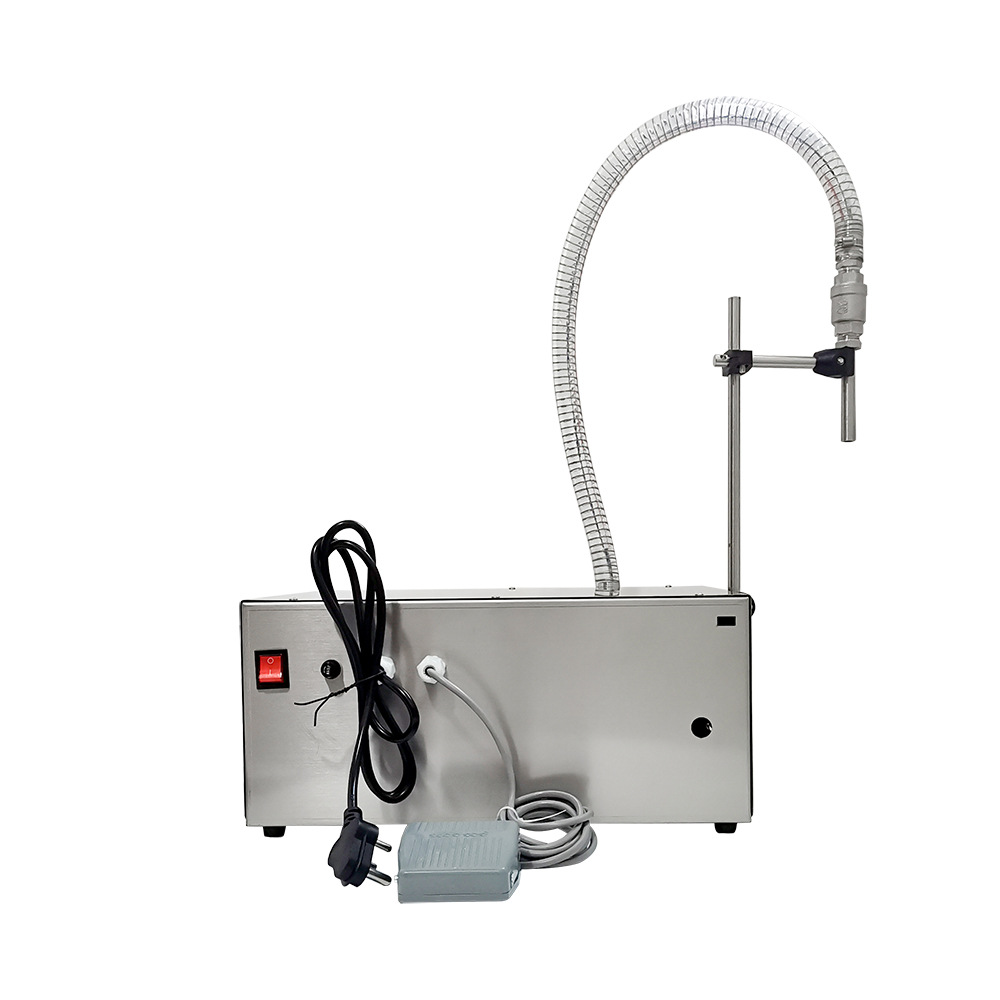
General discharge port:

-----------
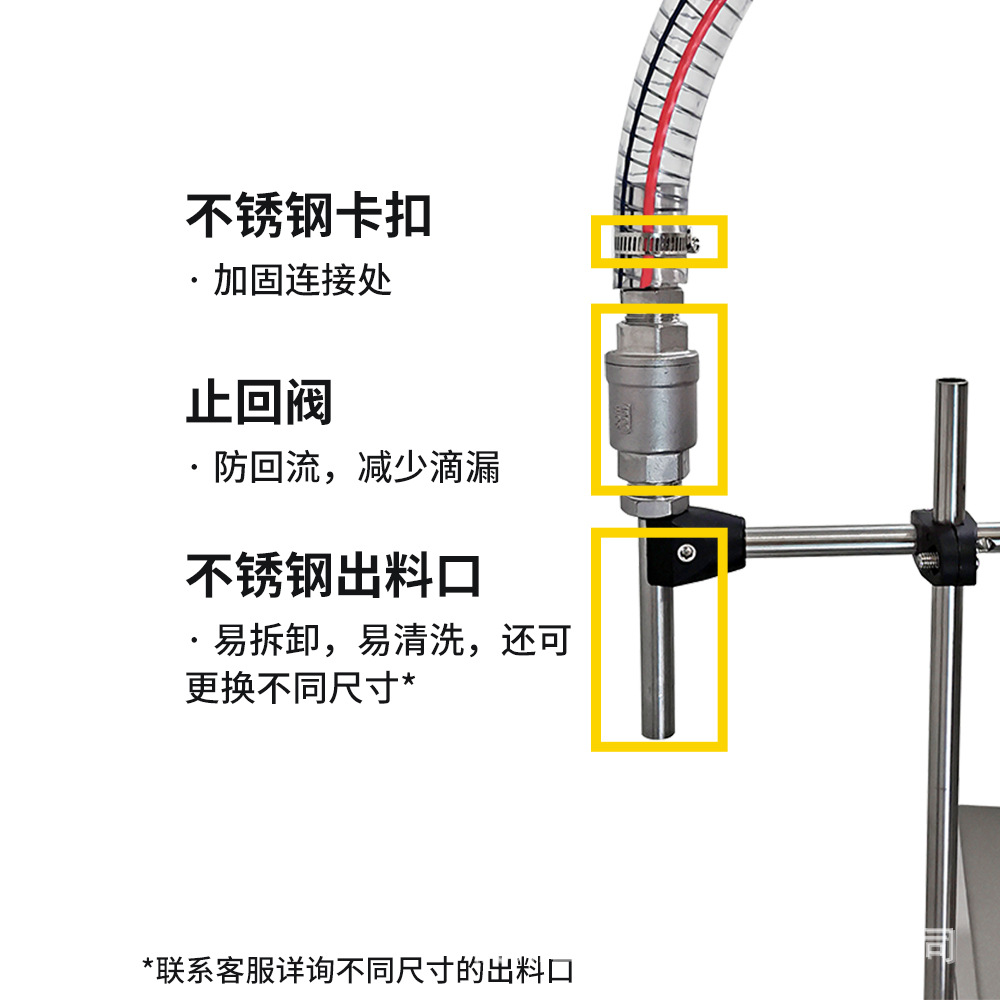
Bending tube discharge port:

-----------
General discharge port + hopper:

-----------
Bending tube discharge port + hopper:
Usage Method
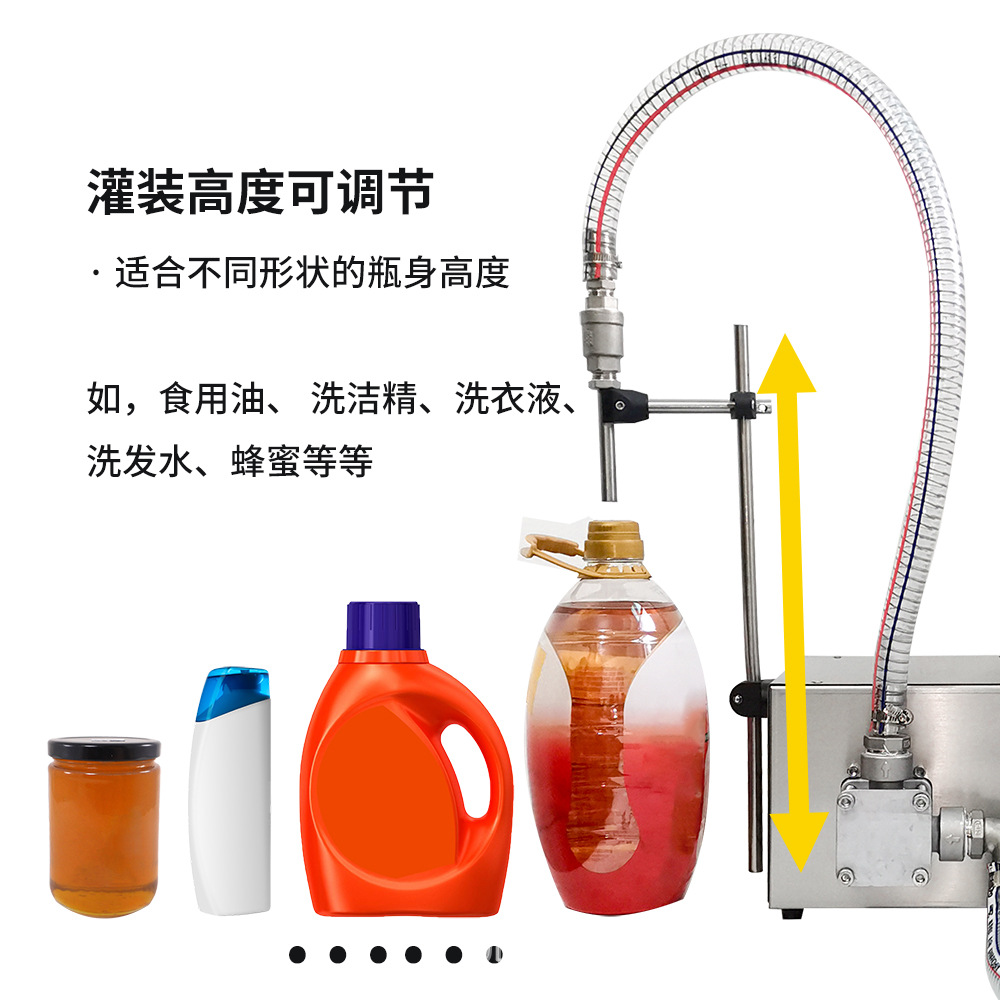
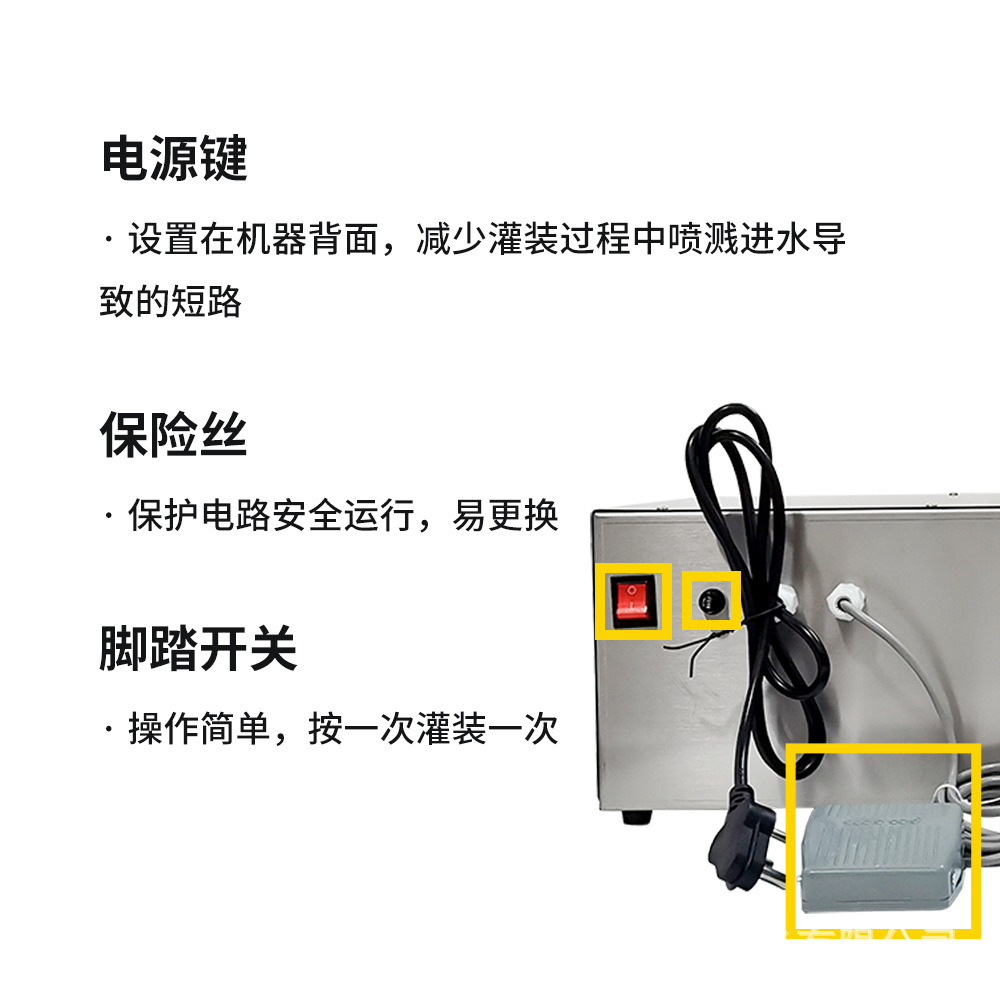
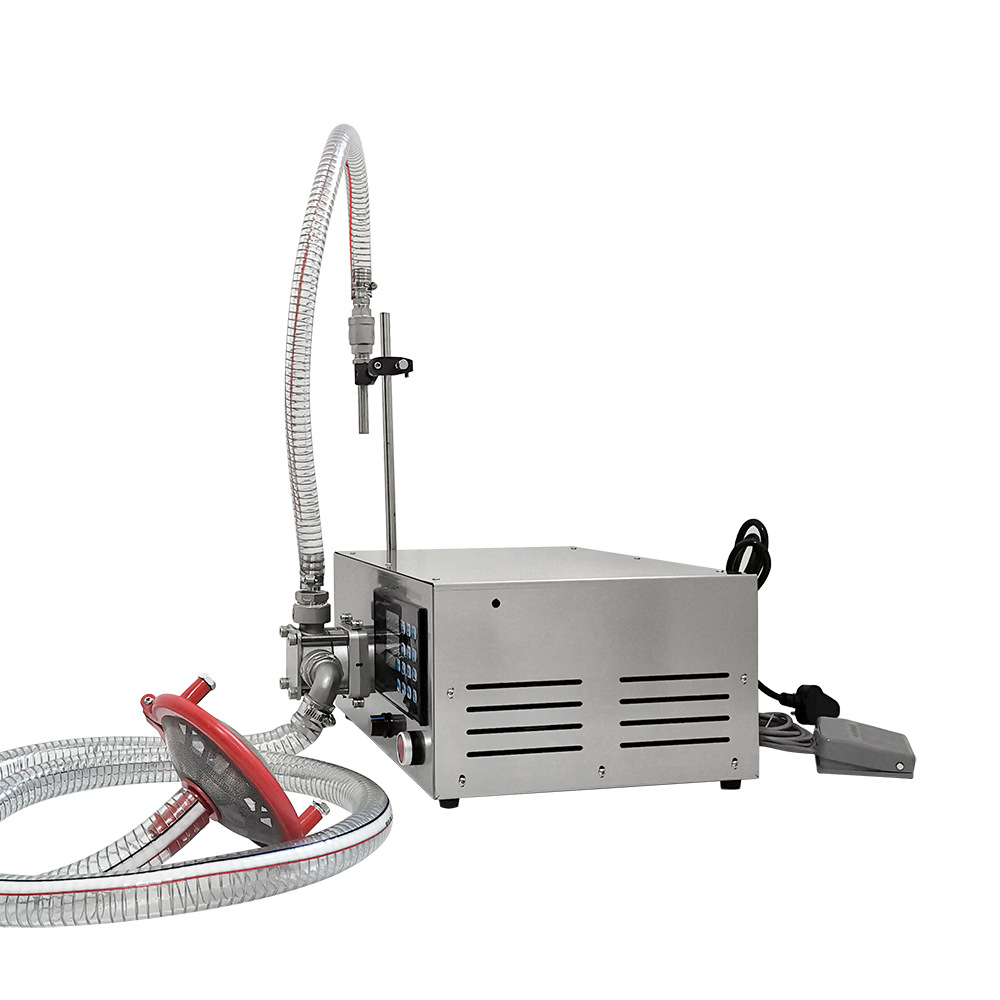
Prepare the liquid to be filled, connect the 220V power supply, adjust the filling time and the interval time, set the timer, press the point-and-click switch to test the machine, ensure that the motor is working normally, press the manual key, and control the filling machine with the foot switch, press once to operate the filling machine once, and press the automatic key to let the filling machine work continuously automatically according to the set time.

Steps
1. Time Adjustment for Filling
A. Press the setting key first, and the time will flash. Then press the increase key 0-9 to set the time for that position.
Press the right shift key again to move to the specified position, press the increase key to adjust the time for that position, and repeat the operation to achieve the desired effect.
Press the unit key to move the decimal point up and down to set the time unit.
Press the exit key to complete the setup.
2. Adjustment of Intermission Time: The same as the adjustment of filling time.
3. Timer Adjustment
Press the setting button, and the timer will blink. Press the increase button 0-9 to adjust the quantity of the corresponding position, and press the right shift button to adjust the quantity of other positions. Set the required quantity.
Press the pattern key, when the light is on, the filling machine stops working when the specified quantity is reached. If the light is off, it will continue to work and count continuously.
4. Filling Setting Press the filling setting to start the filling machine. When the filling reaches the amount you need, press the filling setting key again. The time displayed on the filling time is the time required to fill the amount.
Update time:


TOP


