Search history
Clear allSearch by image
XDrag and drop an image here or upload an image
Max 5MB per image
UploadSign In | Join

Search history
Clear allSearch by image
XDrag and drop an image here or upload an image
Max 5MB per image
UploadSign In | Join
 silver
银色 |
CN¥ 0.0 |
 black
black
黑色 |
CN¥ 0.0 |
 blue
blue
蓝色 |
CN¥ 0.0 |
 red
red
红色 |
CN¥ 0.0 |
Warm reminder:
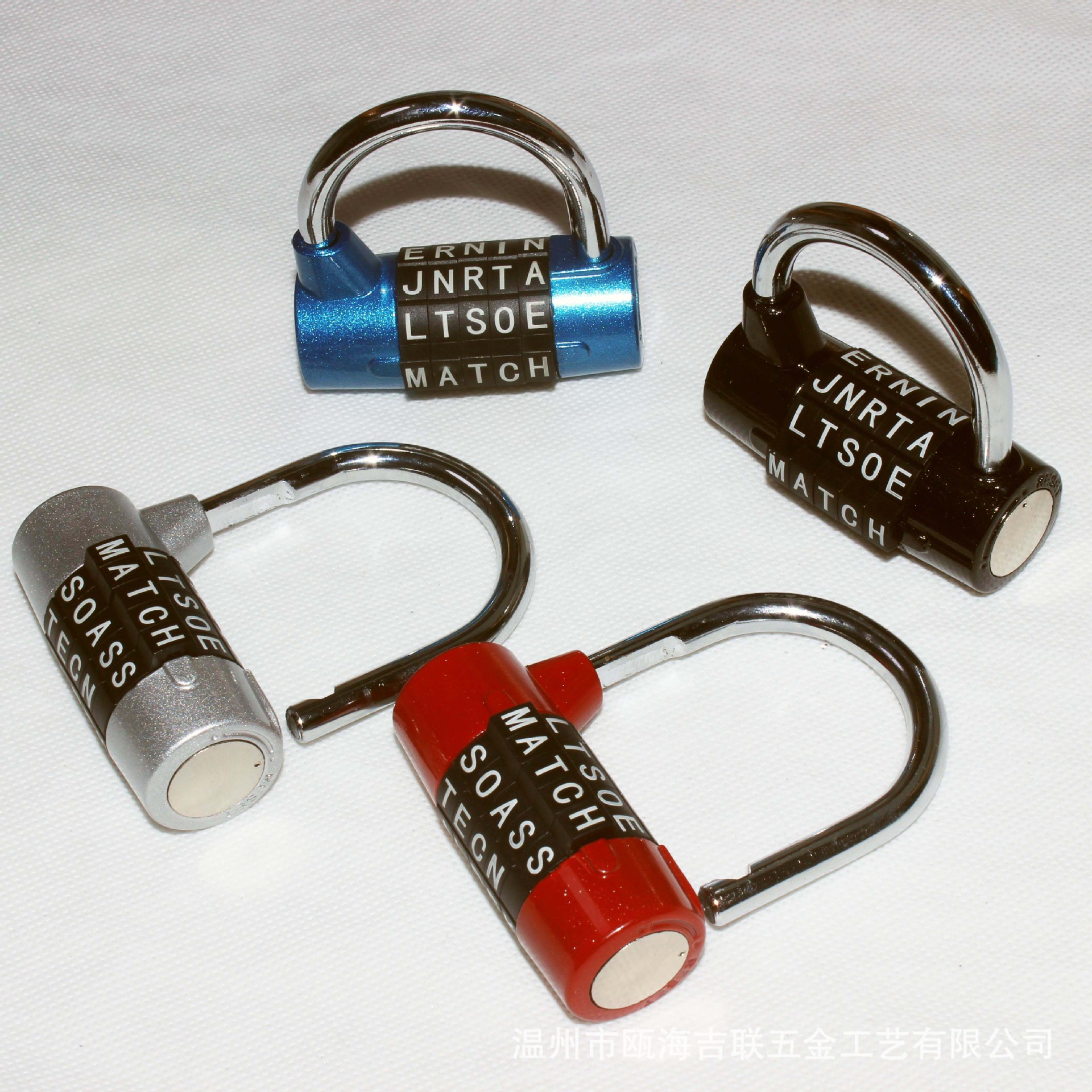
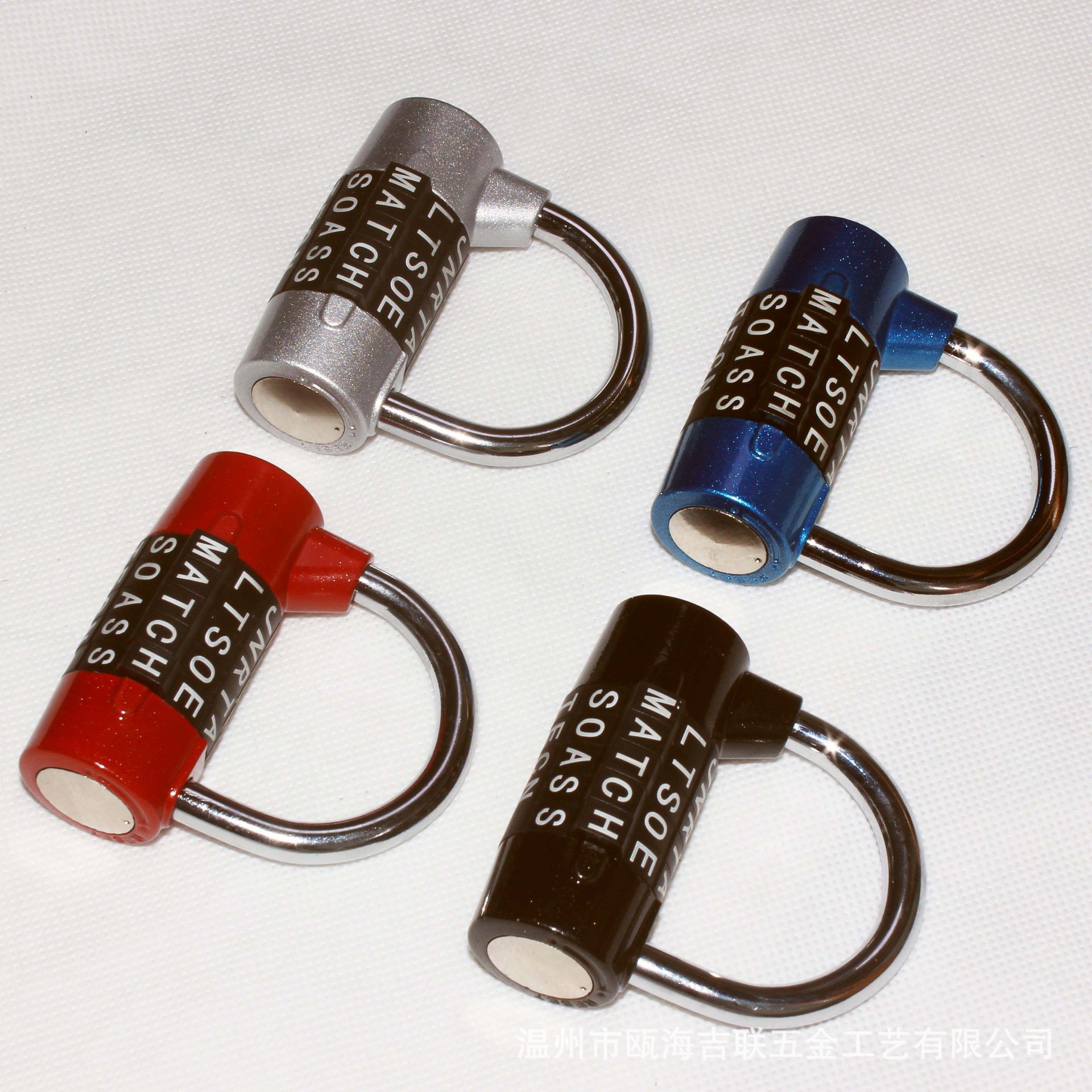
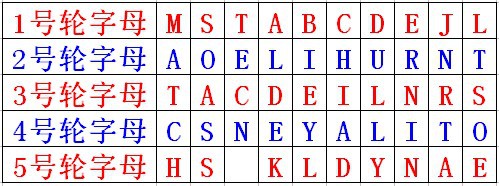
You can set your own letter combination password—convenient, secure, and reliable.Permutations and combinations can generate one hundred thousand sets of English letter codes.
◆ You can set up the password for this product yourself.
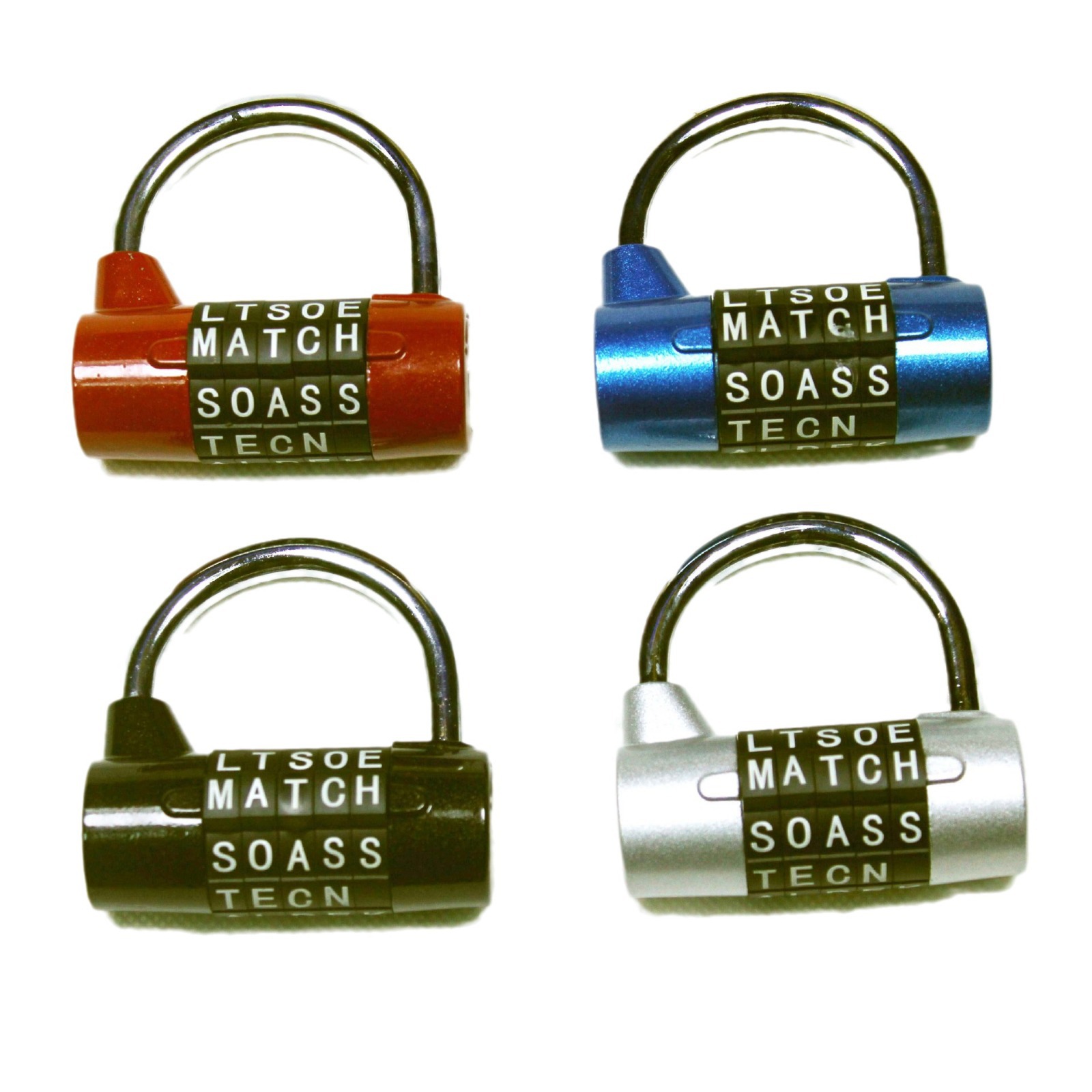
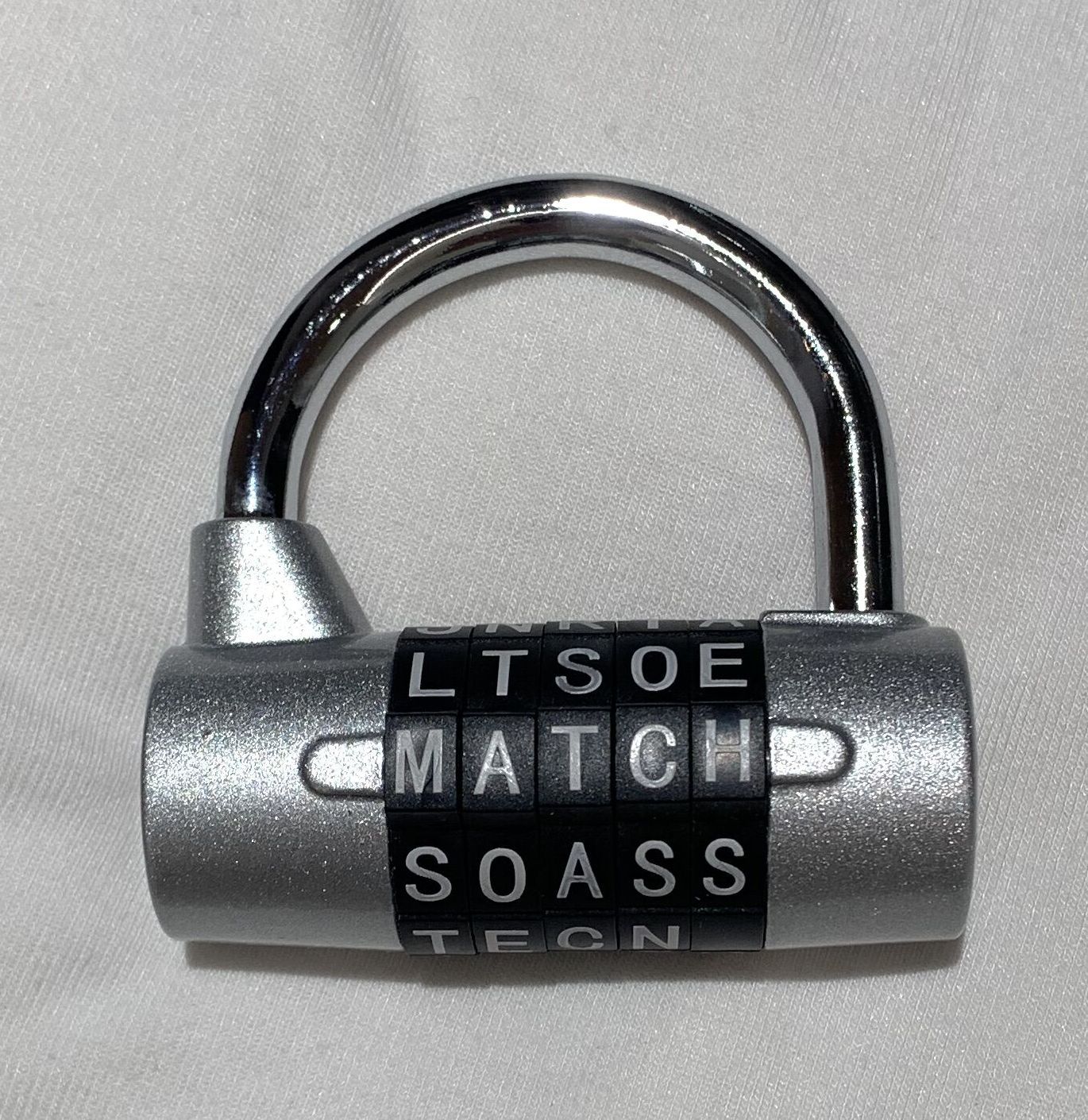
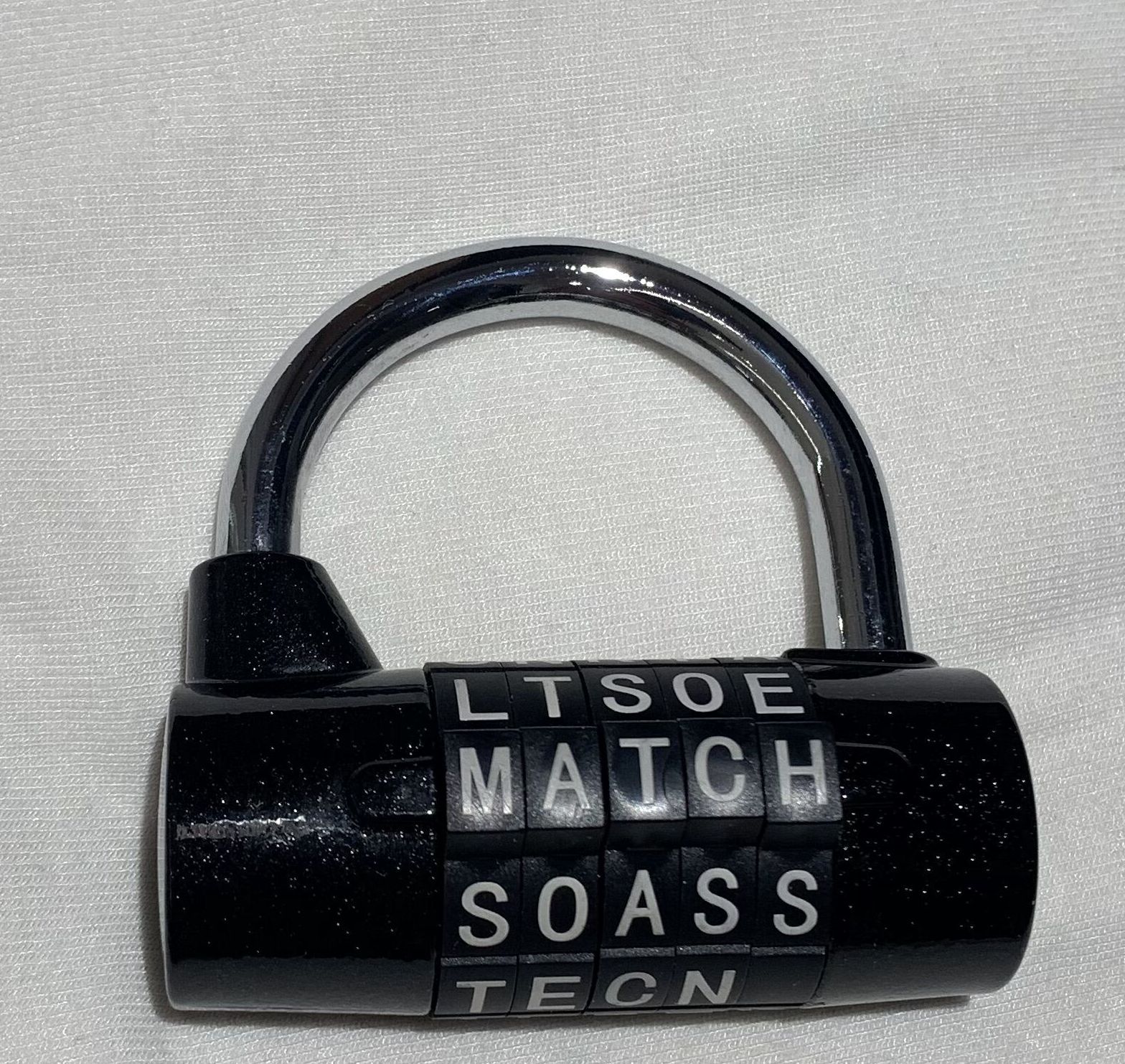
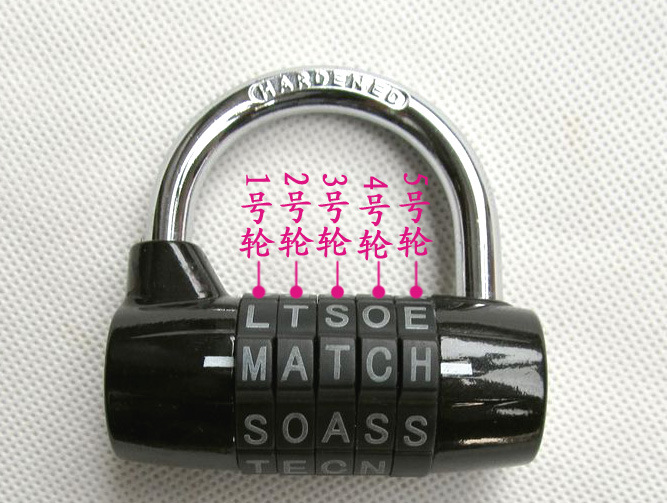
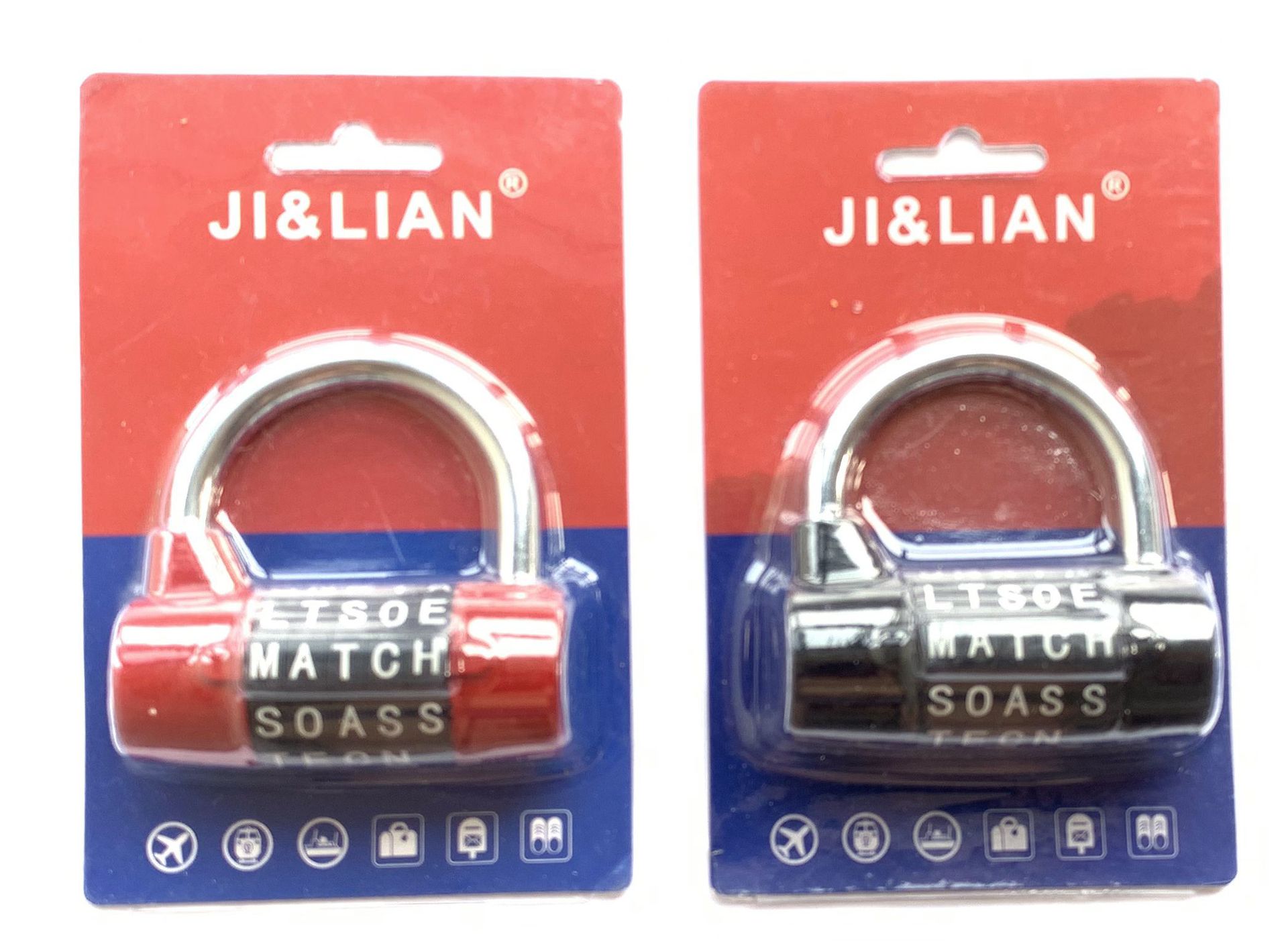
The factory password is: M A T C H
The 5 rounds of letters, from left to right, are as follows:
Specification Table:
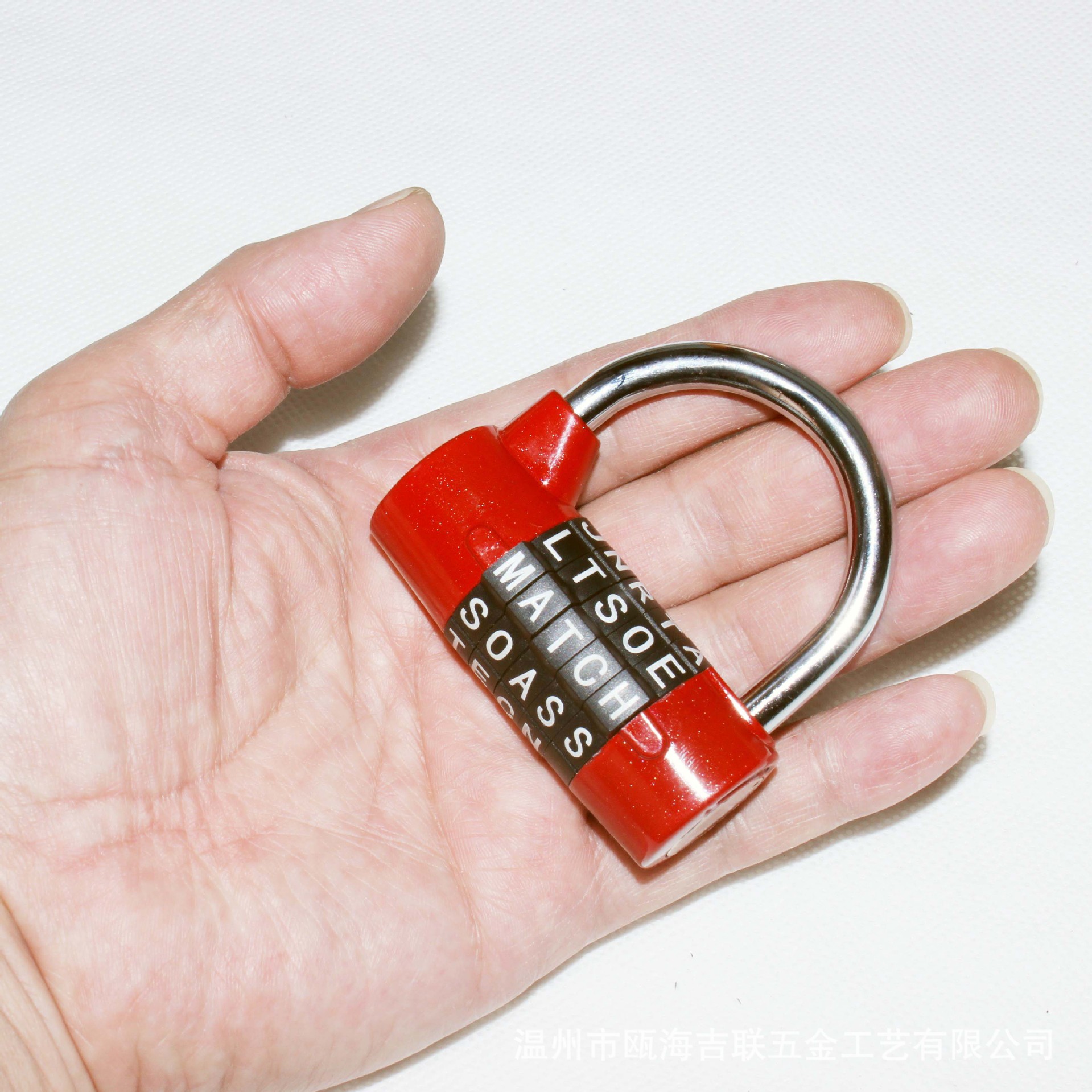
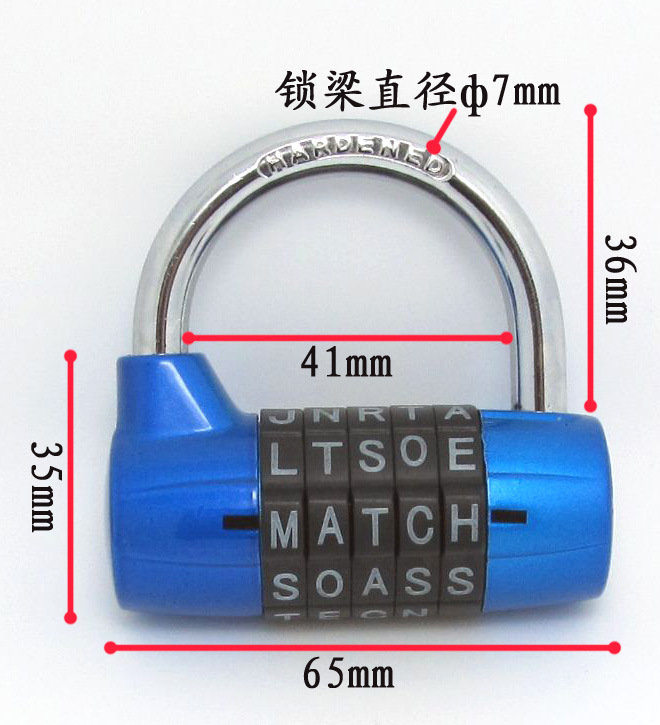
Lock total height: 63 mm _Lock body width: 65 mm_ Lock beam height: 29 mm
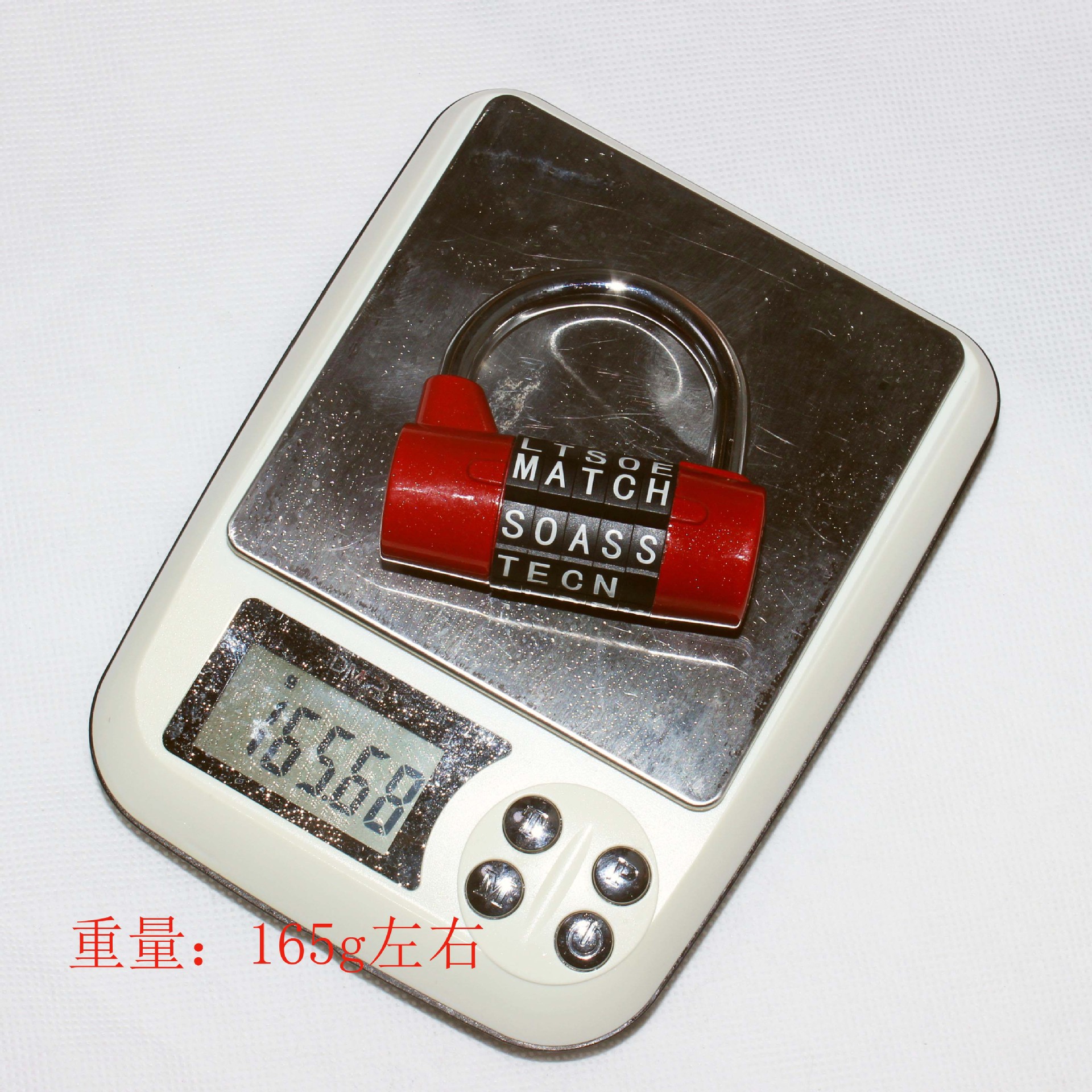
Diameter of the lock beam: ф7mm _ Weight: approximately 165 grams ◆ Zinc alloy lock body
Lock Body: Material_High-quality zinc alloy. Product dimensions: As shown in the picture.
How to Set a New Password
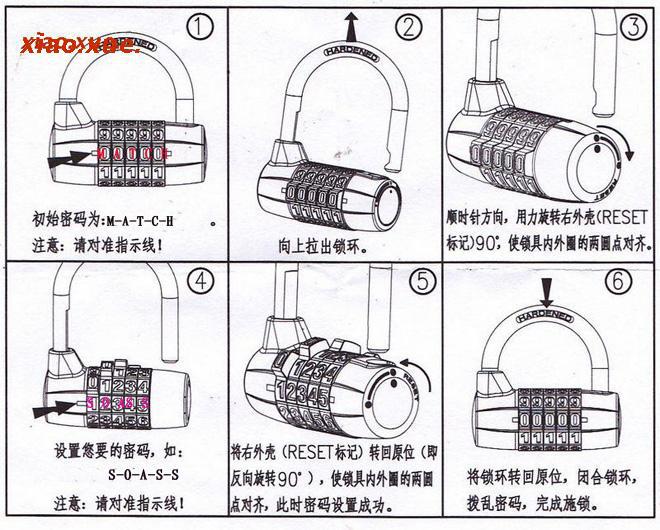
Step 1: Enter the initial password M-A-T-C-H into the indicator line, then pull out the lock beam.
Step 2: Determine the lock position and activation state
Step 3: Rotate the right lock mechanism clockwise by 90 degrees to the marked position.
Step 4: Rotate the right lock mechanism back to its original position; password setting successful.
Update time:


TOP