Search history
Clear allSearch by image
XDrag and drop an image here or upload an image
Max 5MB per image
UploadSign In | Join

Search history
Clear allSearch by image
XDrag and drop an image here or upload an image
Max 5MB per image
UploadSign In | Join
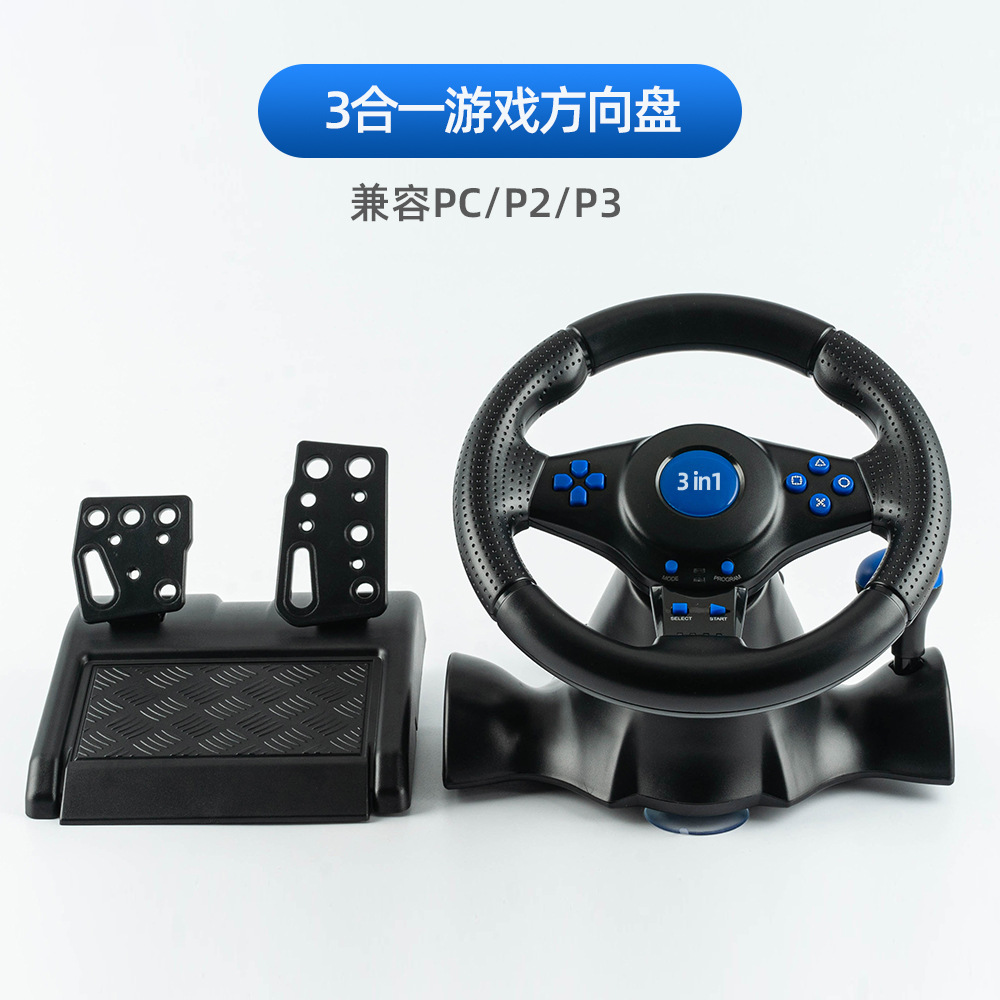
3-in-1 Racing Steering Wheel, Compatible withPS2 / PS3/PC端使用
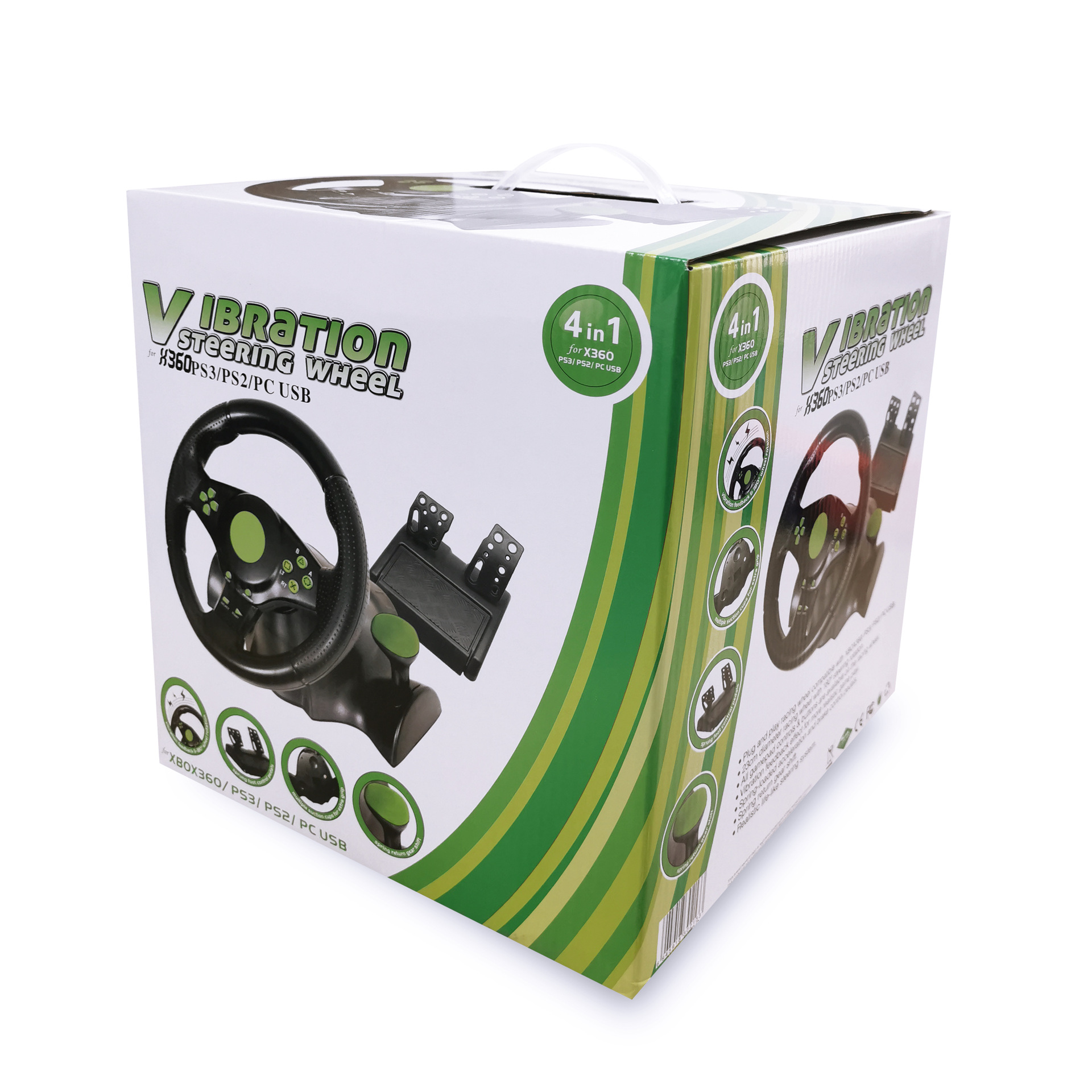
4-in-1 Racing Steering Wheel, Compatible with Xbox 360 / PS2 / PS3 / PC
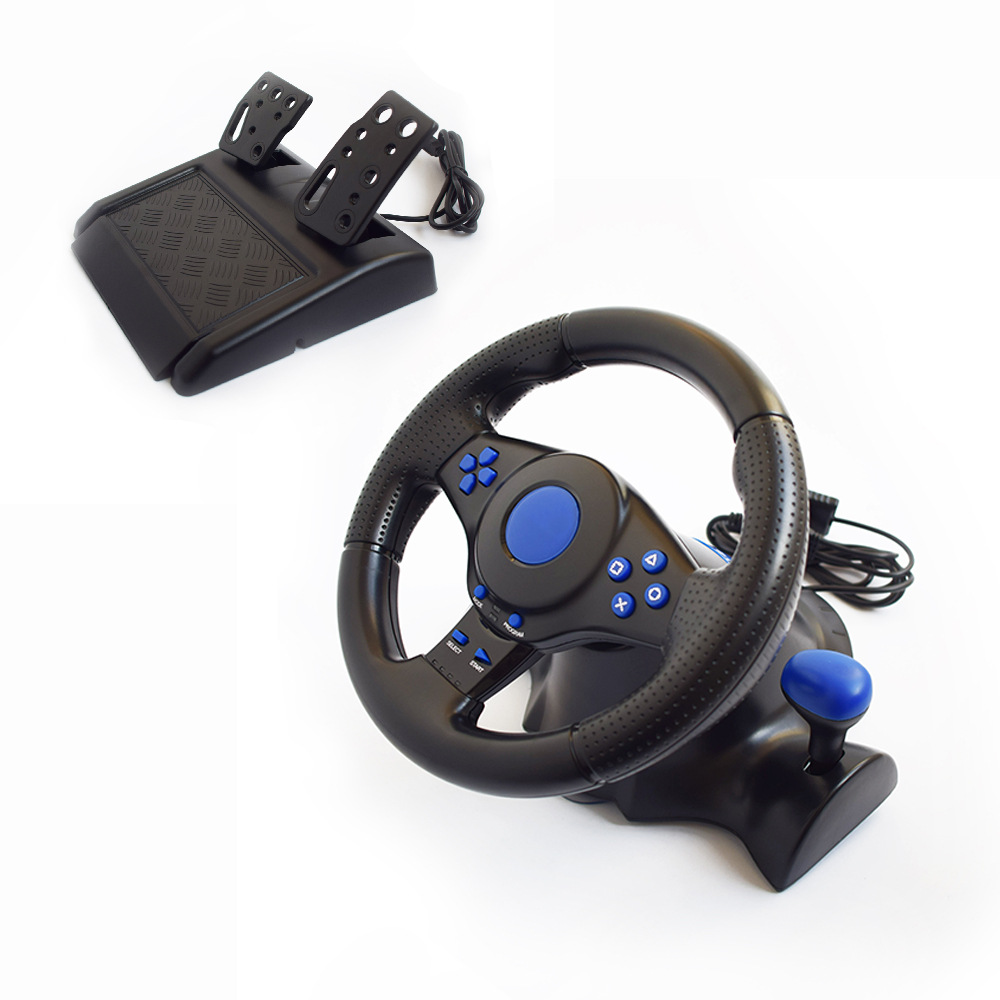
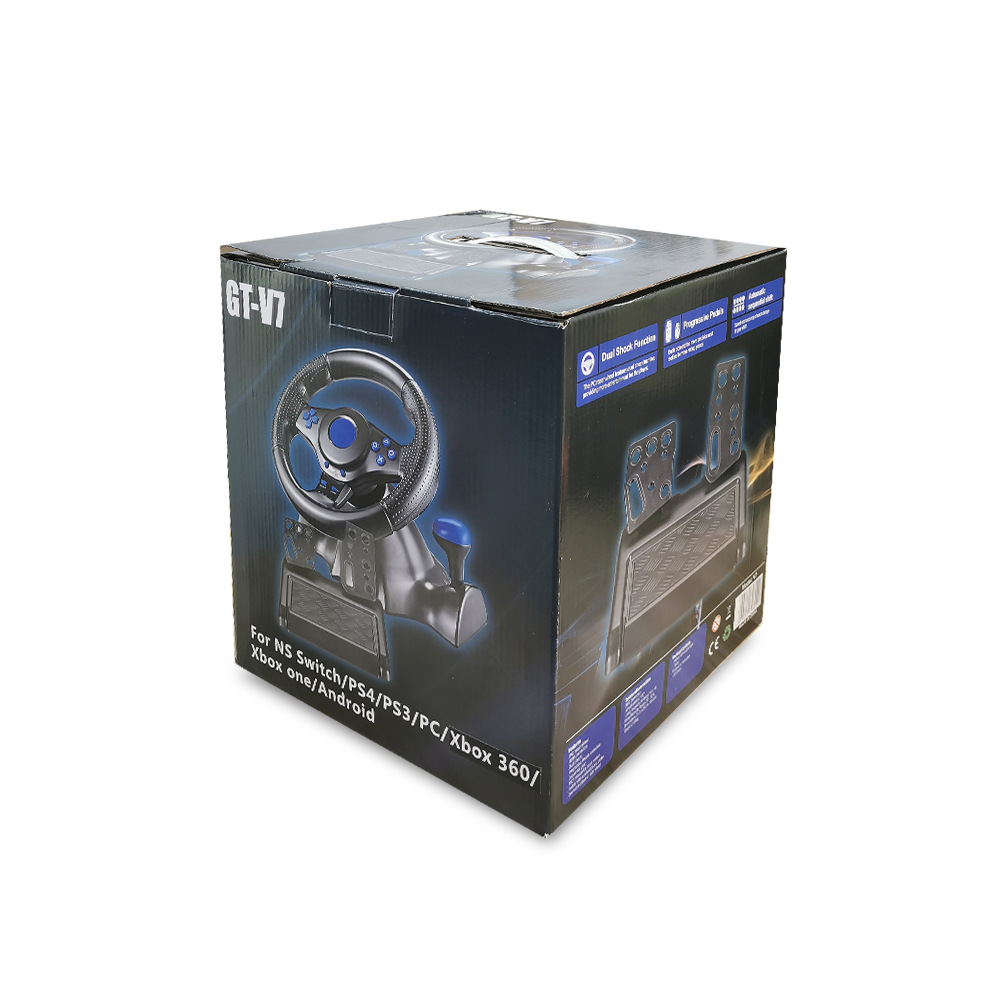
7-in-1 Racing Steering Wheel, Compatible with Switch/Xbox 360/Xbox One/PC/PS4/PS3/Android Android
1. Description:
A fully compatible USB-powered multi-format dual-vibration racing wheel with a shifter, clutch, and pedals system, elevates your racing gaming experience to the next level. All game controller buttons and controls are from your favorite console. The TurboTune Racing Wheel supports digital, analog, and steering wheel modes with vibration functionality for gaming on PlayStation 3/PlayStation 2 consoles and personal computers via USB connection.A four-way joystick that can operate Xbox 360 racing games.
* Three-in-one steering wheel drive - download from the cloud disk (for PC):
Link: https://pan.baidu.com/s/1fGKX66CUuQ03HF3Erdrj1A?pwd=grra
提取码: grra
2. Product Technical Specifications:
1) 2 axes, D-pad, 10 independent fire buttons.
2) Built-in two motors, making the control more realistic and life-like.
3) Supports 3 modes: Digital, Analog
4) Rotation angle reaches 180 degrees (left turn 90°, right turn 90°)
5) The pedal has analog functions in digital mode.
6) The pedal is equipped with a spring-loaded acceleration and braking control.
7) With manual braking and gear shifting functions.
8) Wheel and foot cable lengths are 1.8m and 1.5m respectively.
【Product Size】: 27*25.5*28.5cm
【Product Weight】: 1850g
Specifications: 55*26.8*58cm, 4pcs/box
Specifications and Weight: Net Weight: 7.3 kilograms; Gross Weight: 8.3kg
* All products in our store are exempt from tax points, and additional tax points are needed for invoicing. For details, please consult our customer service.


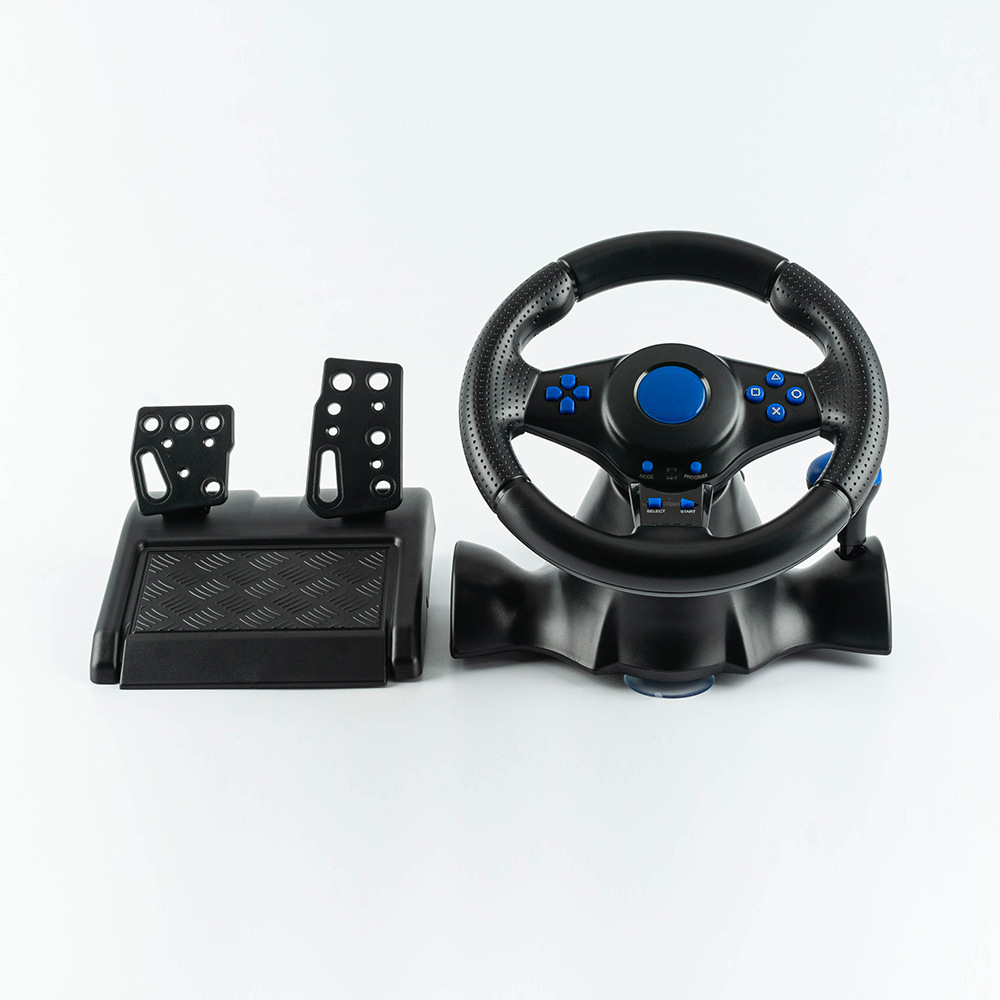
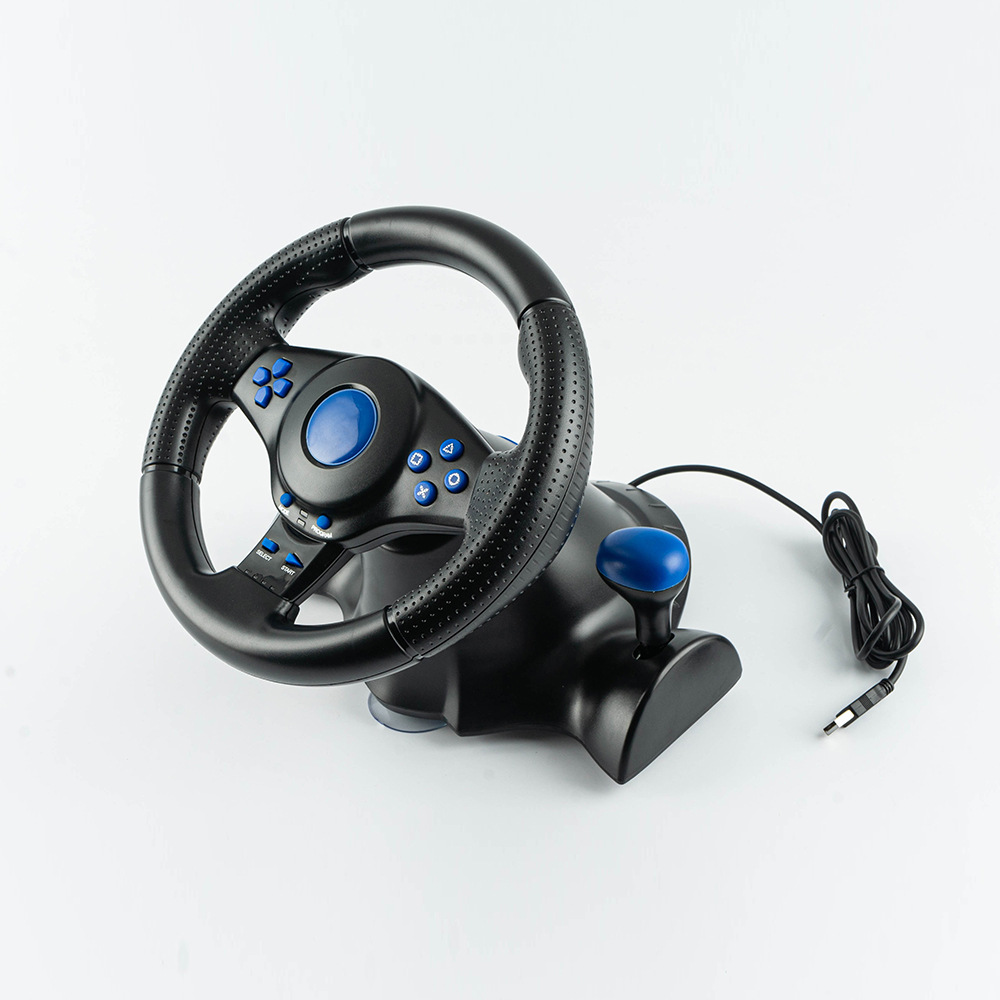
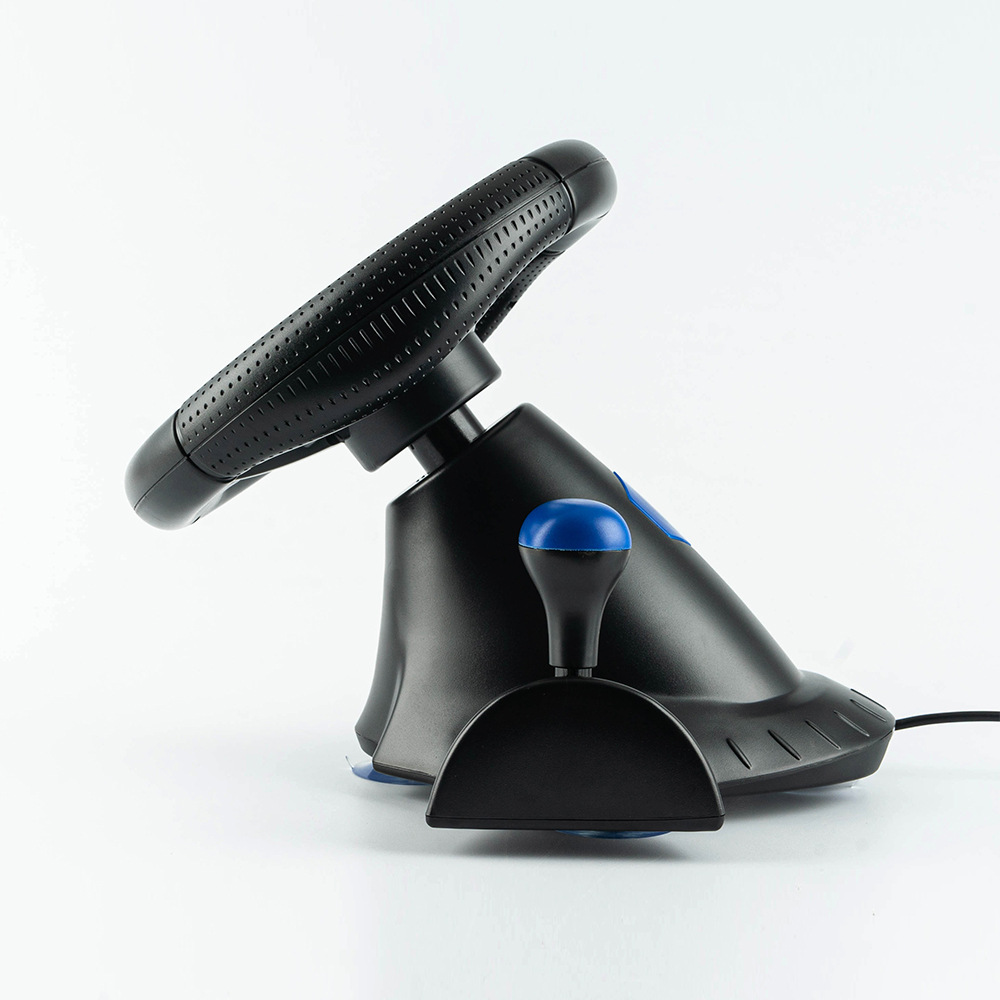
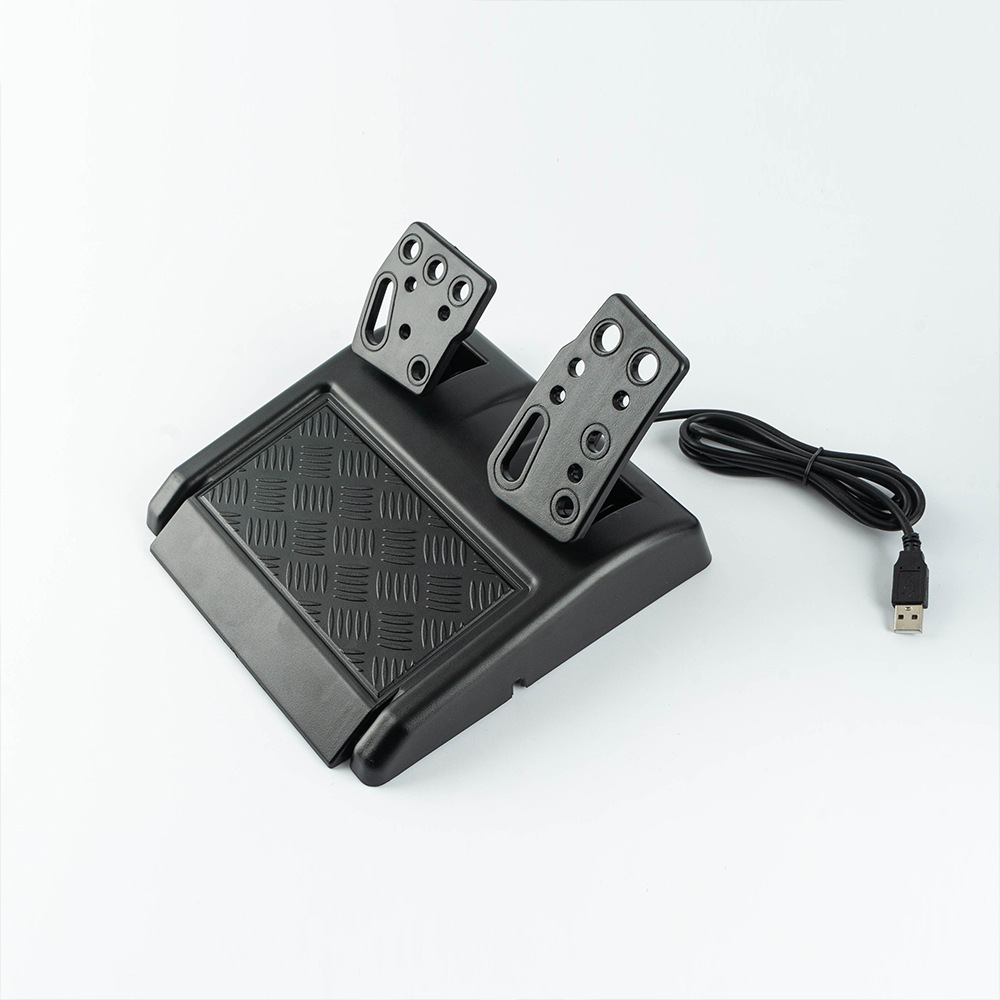
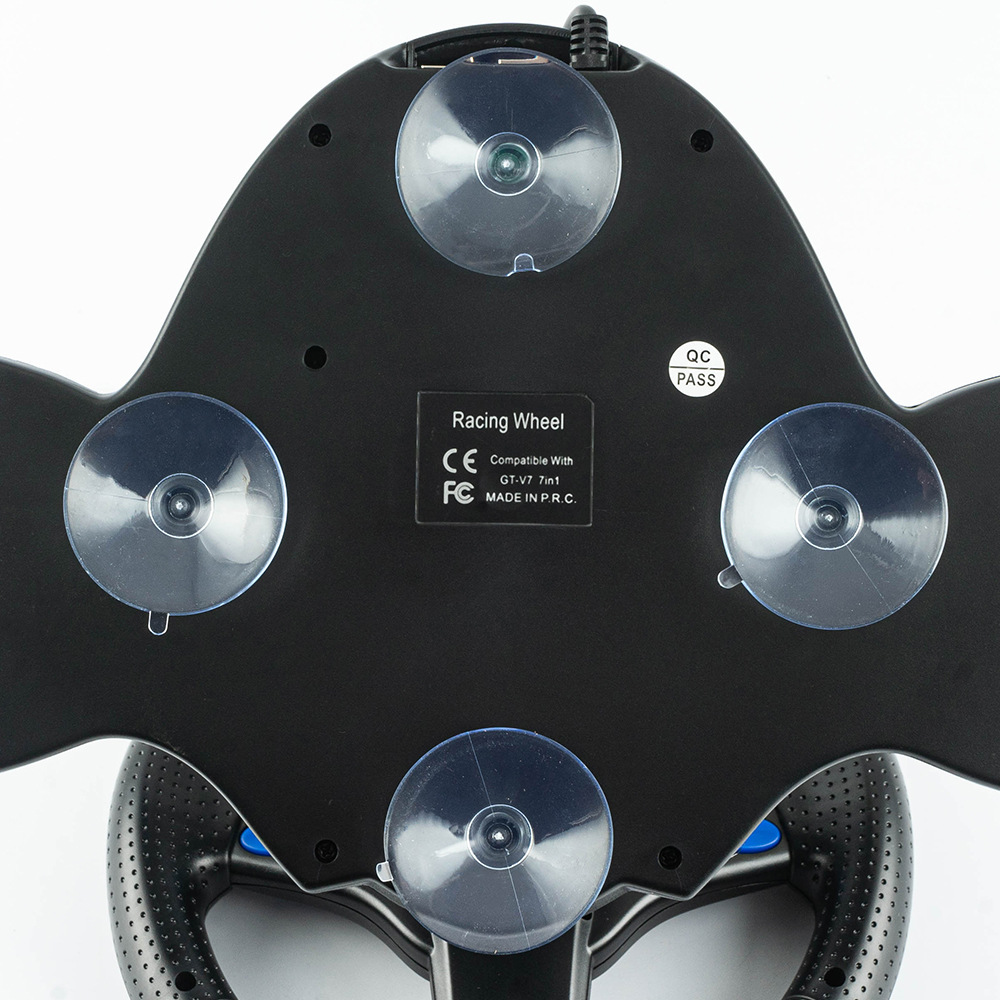
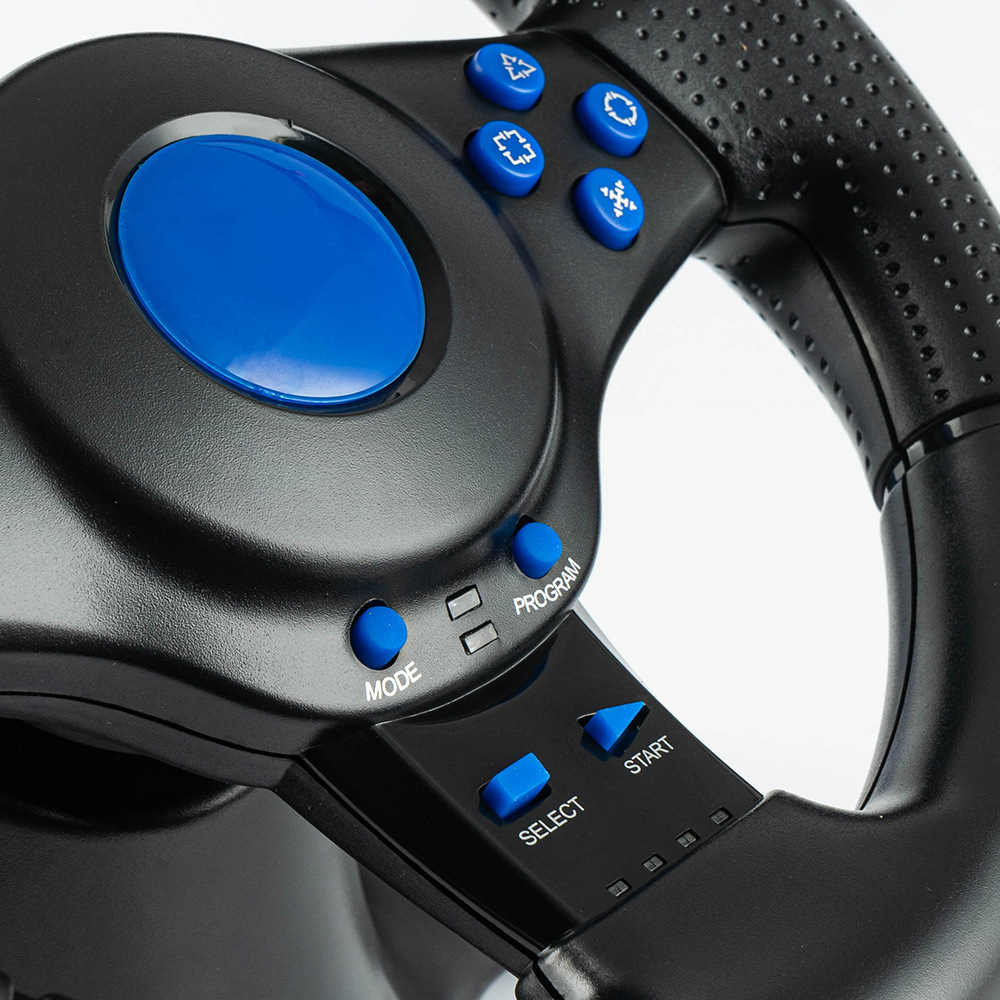



7-in-1 Racing Game Steering Wheel
Compatibleswitch/xbox360/xboxone/pc/ps4/ps3/Android
One, connect to the PC.
Insert the steering wheel's USB cable into the computer.
b) A channel LED on the steering wheel is always lit.
c) In a PC, the X input is recognized as the default mode.
Press the HOME button for 3 seconds to switch between X input and D input.
d) Install the driver program when using the d input mode
Two, play the PS3 console.
a) Insert the steering wheel's USB cable into the PS3 console.
b) When a red channel LED on the race car wheel is always lit, it can be used.
Three, connect to the NS-switch host.
a) Insert the steering wheel's USB cable into the base of the Nintendo "Switch," or through the OTG adapter (this product does not include, needs to be purchased separately)Insert the steering wheel's USB cable into the SwitchTM console.
b) When a red channel LED on the race car wheel is always lit, it can be used.
Play AndroidTM devices
a) Insert the steering wheel USB cable into your AndroidTM smart TV or set-top box, or throughOTG adapter (this product does not include, needs to be purchased separately)Insert the steering wheel USB cable into an Android smartphone.
b) When a red channel LED on the race car wheel is always lit, it can be used.
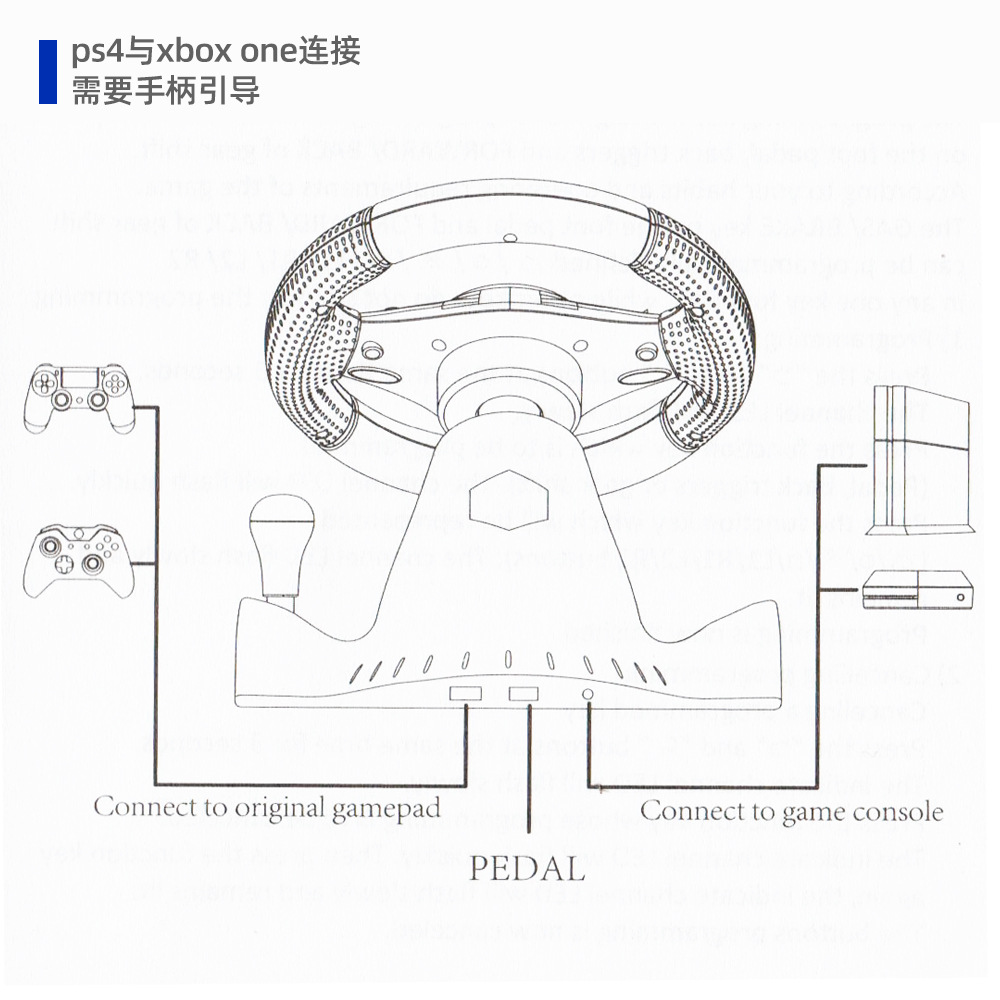
Play PS4 and Xbox One consoles
a) Connect the corresponding original game controller or third-party compatible game controller to the USB A-type port on the side of the steering wheel.
Insert the steering wheel's USB cable into the game console.
Update time:


TOP