Search history
Clear allSearch by image
XDrag and drop an image here or upload an image
Max 5MB per image
UploadSign In | Join

Search history
Clear allSearch by image
XDrag and drop an image here or upload an image
Max 5MB per image
UploadSign In | Join
|
20000 ma (5v 3a)
20000毫安(5V 3A) |
CN¥ 96.0 |
|
20000 ma (5v 3a)
20000毫安(5V 3A) |
CN¥ 96.0 |
|
20000 ma (5v 3a)
20000毫安(5V 3A) |
CN¥ 96.0 |
|
20000 ma (5v 3a)
20000毫安(5V 3A) |
CN¥ 96.0 |
|
20000 ma (5v 3a)
20000毫安(5V 3A) |
CN¥ 96.0 |
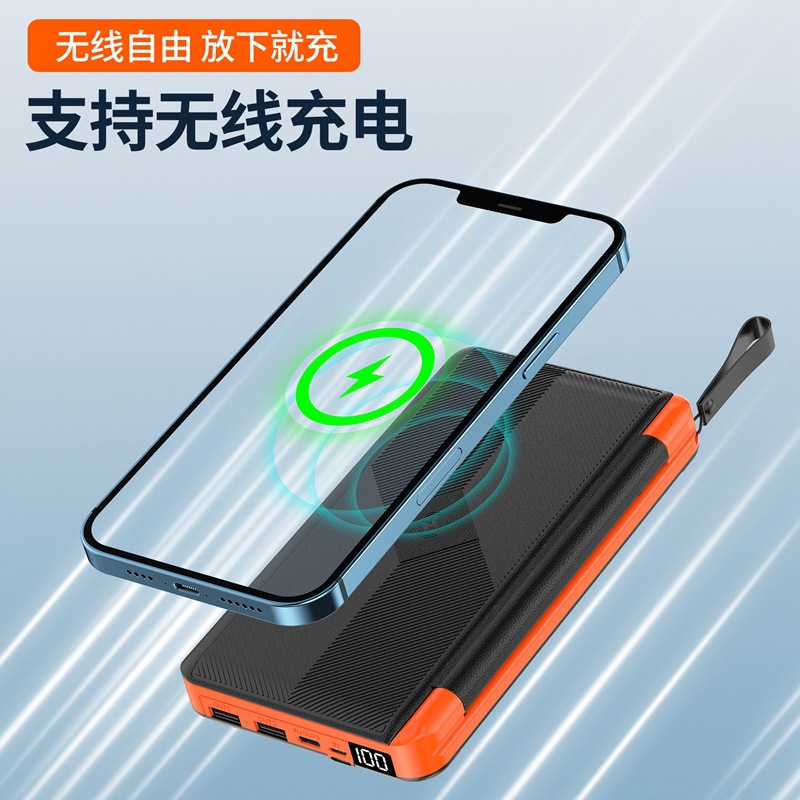
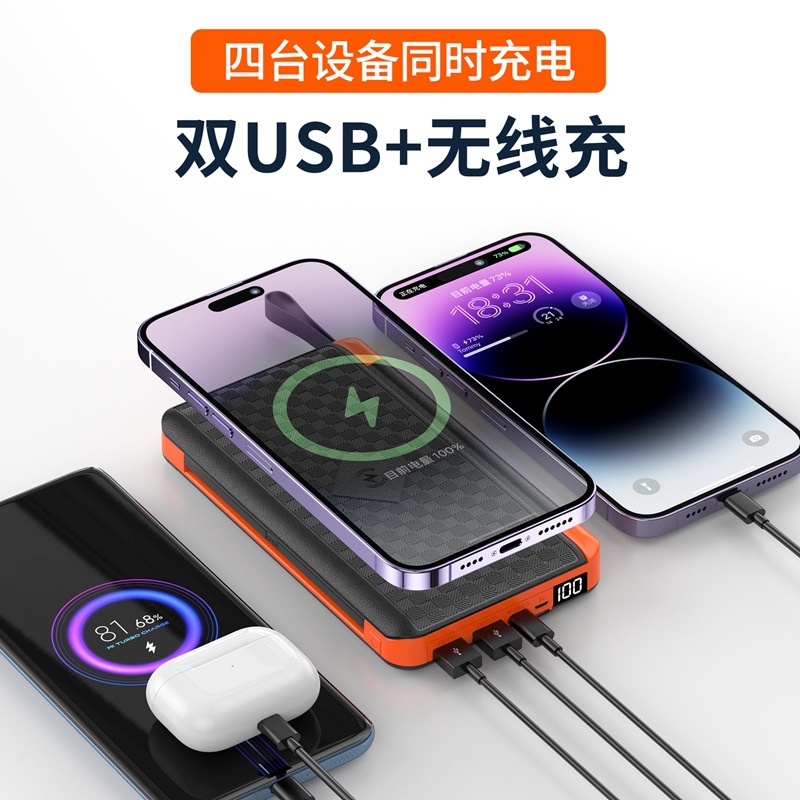
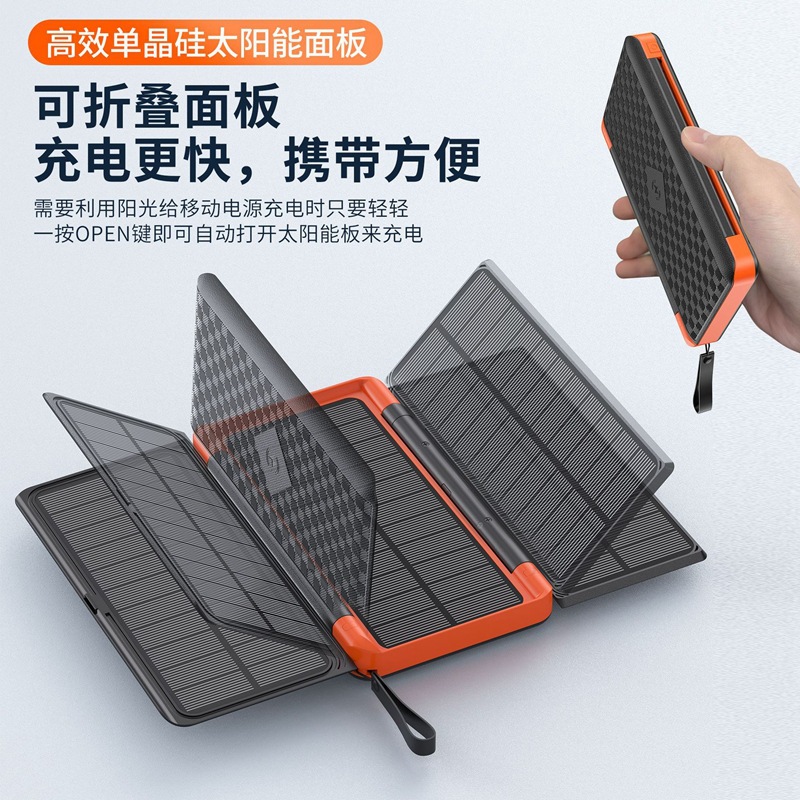
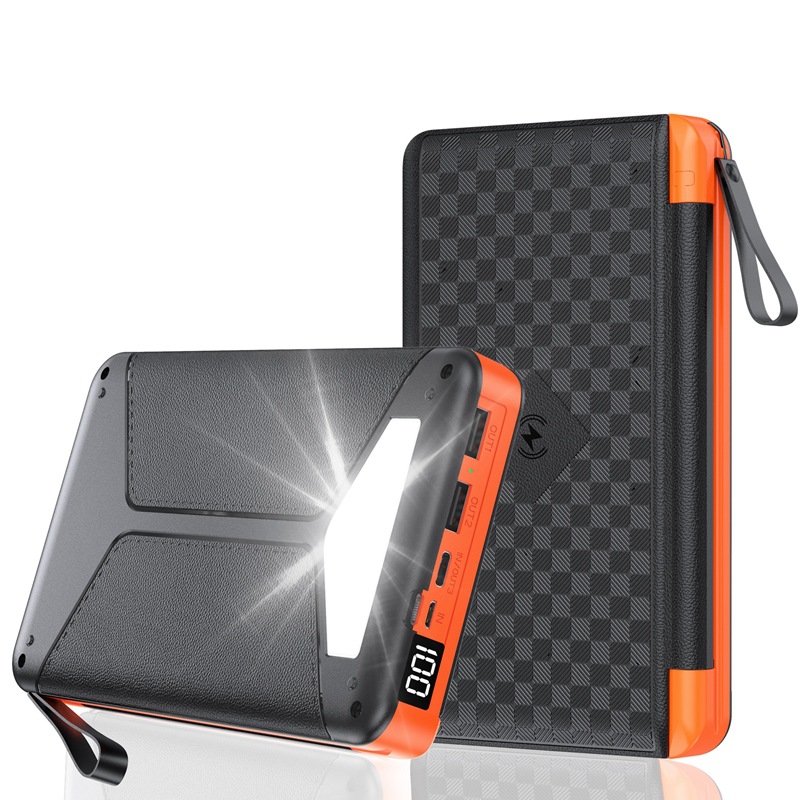
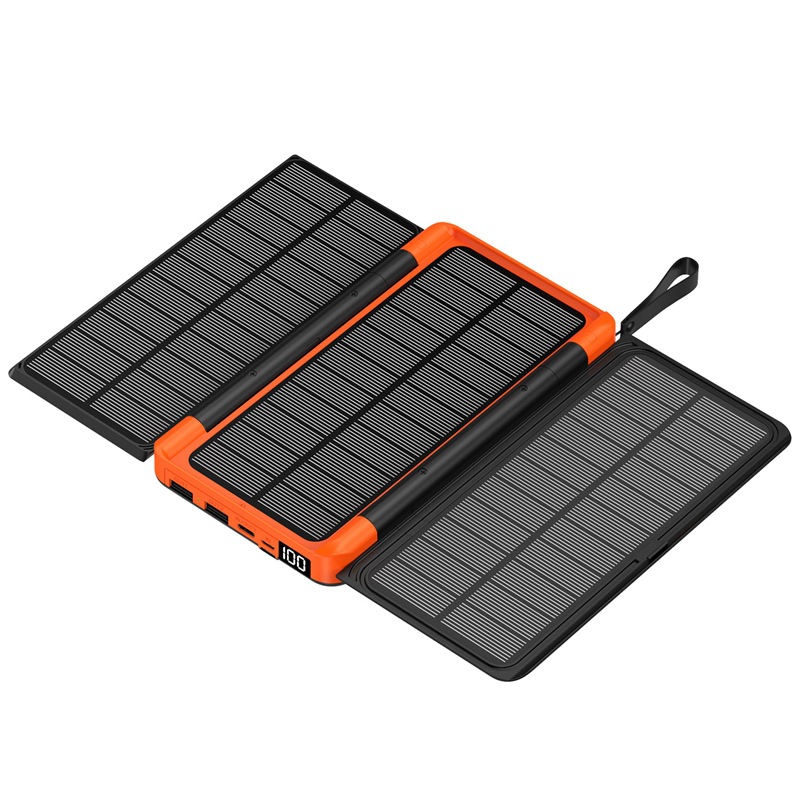
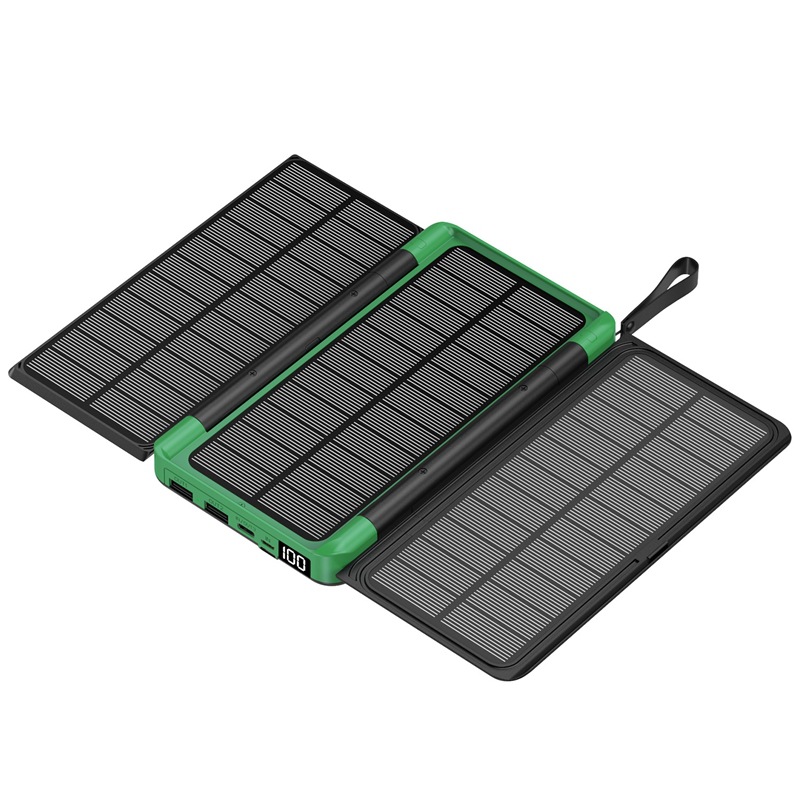
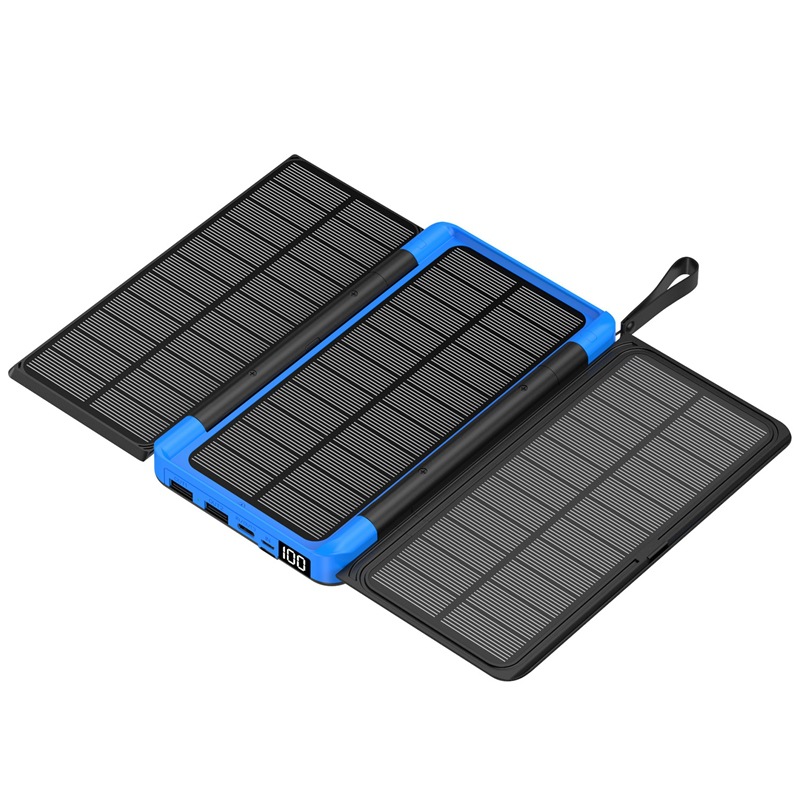
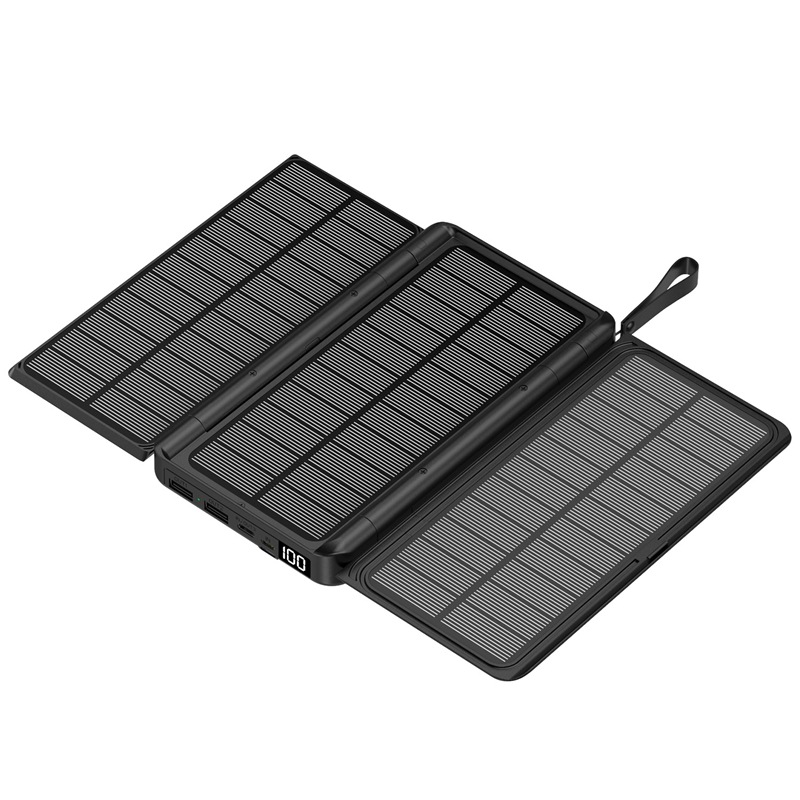
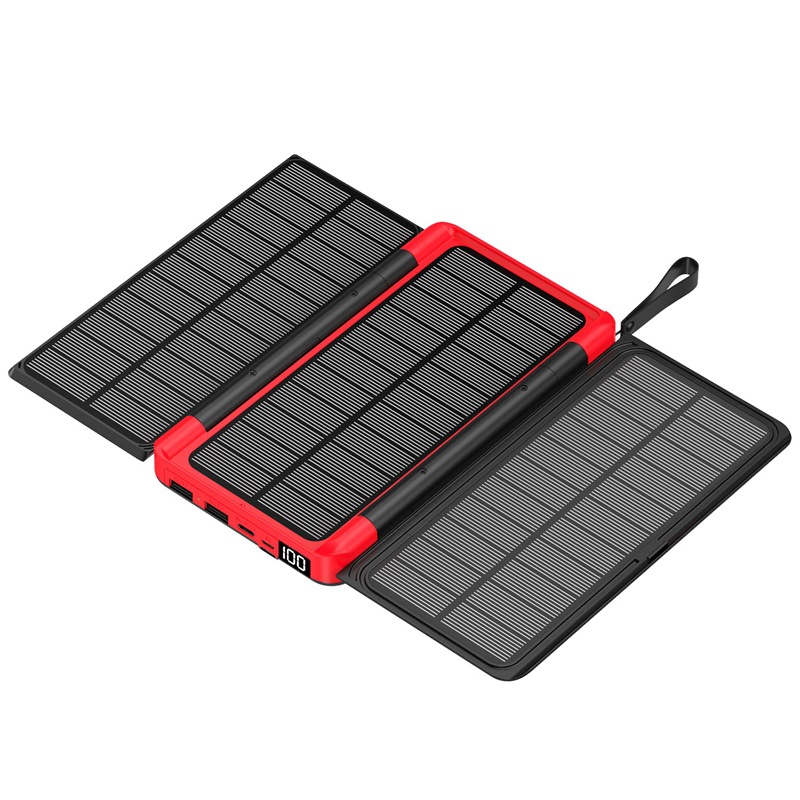
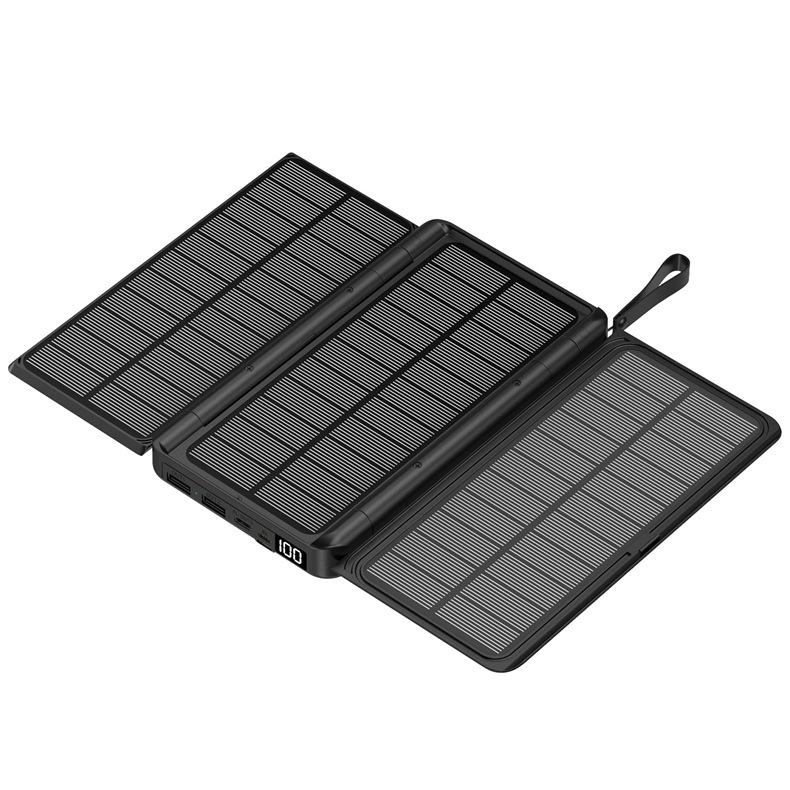
This product is a versatile, lightweight, and elegant solar power bank that is primarily designed to power iPads, MID tablets, e-readers, various mobile phones, portable game consoles, 5V digital cameras, MP3/4/5 devices, and other digital products. It can be used immediately upon insertion without any waiting time. This series of power banks is suitable for home use, travel, business trips, and field work, providing the perfect power solution for your digital devices.
Features and technical parameters:
|
Features and Technical Parameters |
Working Status |
Non-operational state |
|
Temperature |
-0℃~~+40℃ |
-20℃~~+60℃ |
|
humidity |
8%~~90% |
5%~~9.5% |
|
Seismic resistance |
600 g/2 ms |
|
|
weight |
approximately 660g |
|
|
Mechanical Structure |
Injection molding, combined upper and lower forming |
|
|
Storage medium |
Lithium battery |
|
|
Battery specifications |
Polymer battery cells |
|
|
Number of batteries |
2 pieces |
|
|
Input voltage/current |
5V/2A |
|
|
Output voltage/current |
PD15W |
|
|
Charging Time |
8 hours |
|
|
Power |
7.4Wh |
|
|
Applicable Models |
tablet, digital companion, phone, portable game console, 5V digital camera, MP3/4/5, etc. |
|



Example usage:
1. Powering 5V digital devices
1. Use the USB power cable; one end of the USB cable connects to the portable power bank, and the other end is connected to the digital device via the compatible adapter.
2. After connection, the battery indicator light turns on, and the power bank is supplying power to digital devices.
2. Charging the power bank
1. Take out the 5V power adapter and the USB cable.
2. Use a USB power cable; one end of the USB cable connects to the power adapter, and the other end connects to the DC IN of the mobile power source via Micro USB or Type-C.
3. After connection, the battery indicator light turns on. The power bank is charging.
Attachment: The USB ports on computers (including desktops and laptops) can also charge portable power banks.
Update time:


TOP