
Search history
Clear allSearch by image
XDrag and drop an image here or upload an image
Max 5MB per image
UploadSign In | Join

Search history
Clear allSearch by image
XDrag and drop an image here or upload an image
Max 5MB per image
UploadSign In | Join
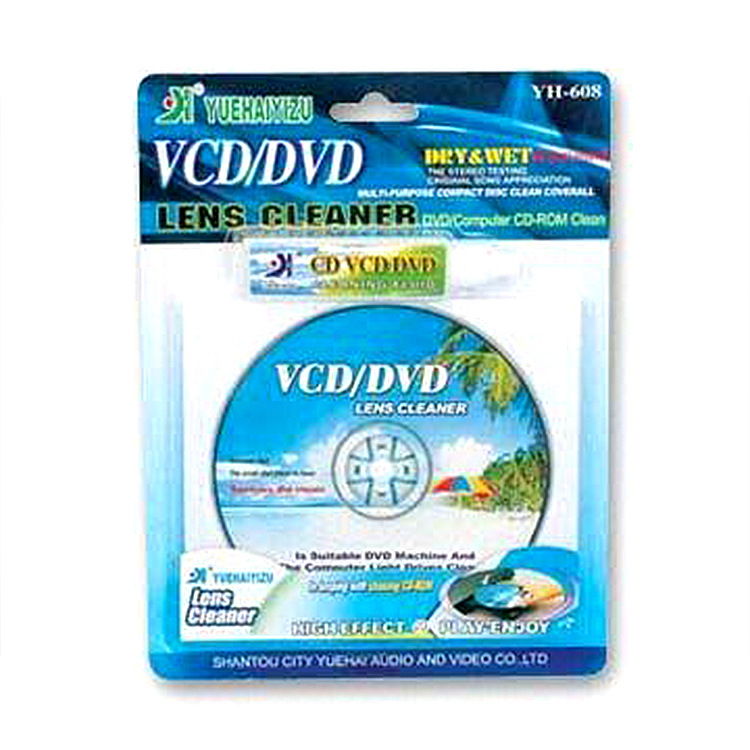
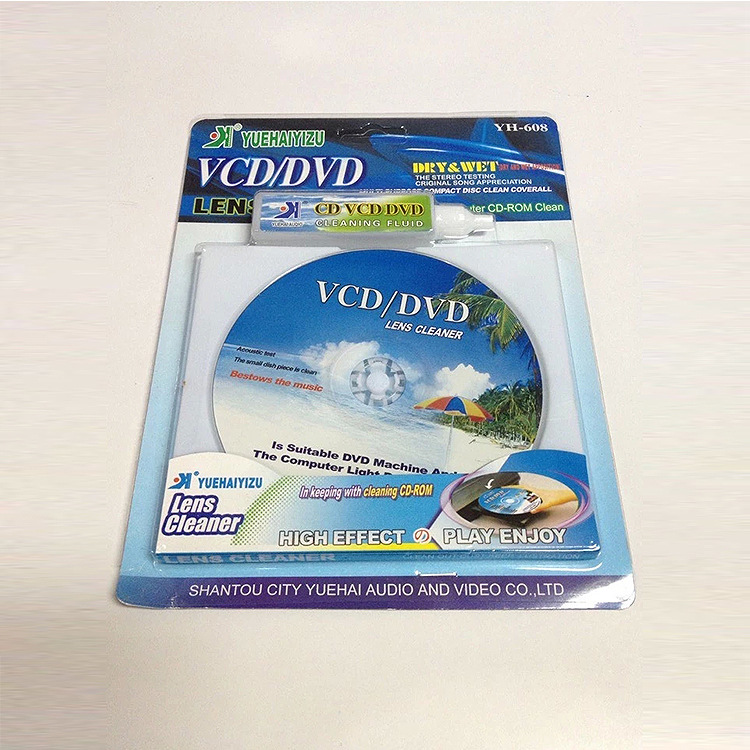
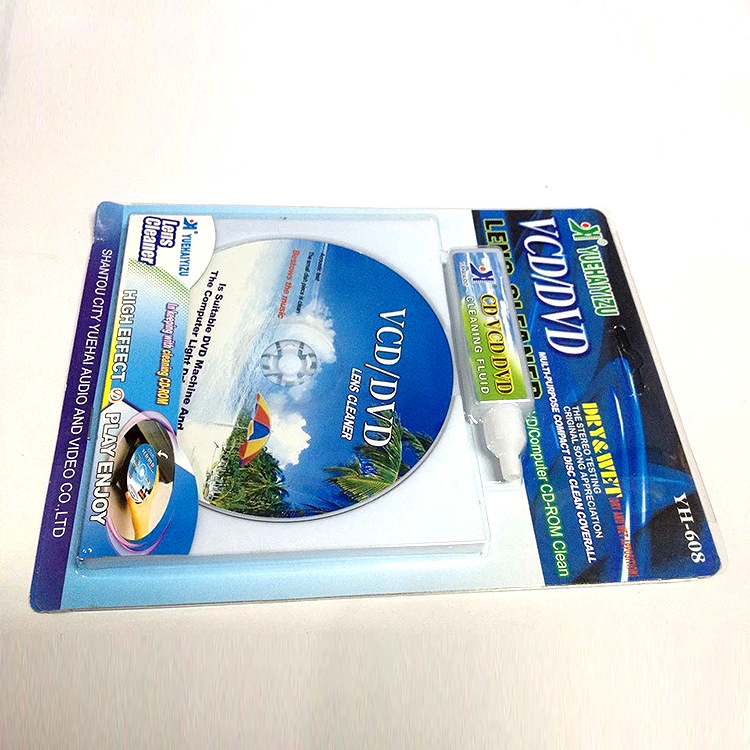
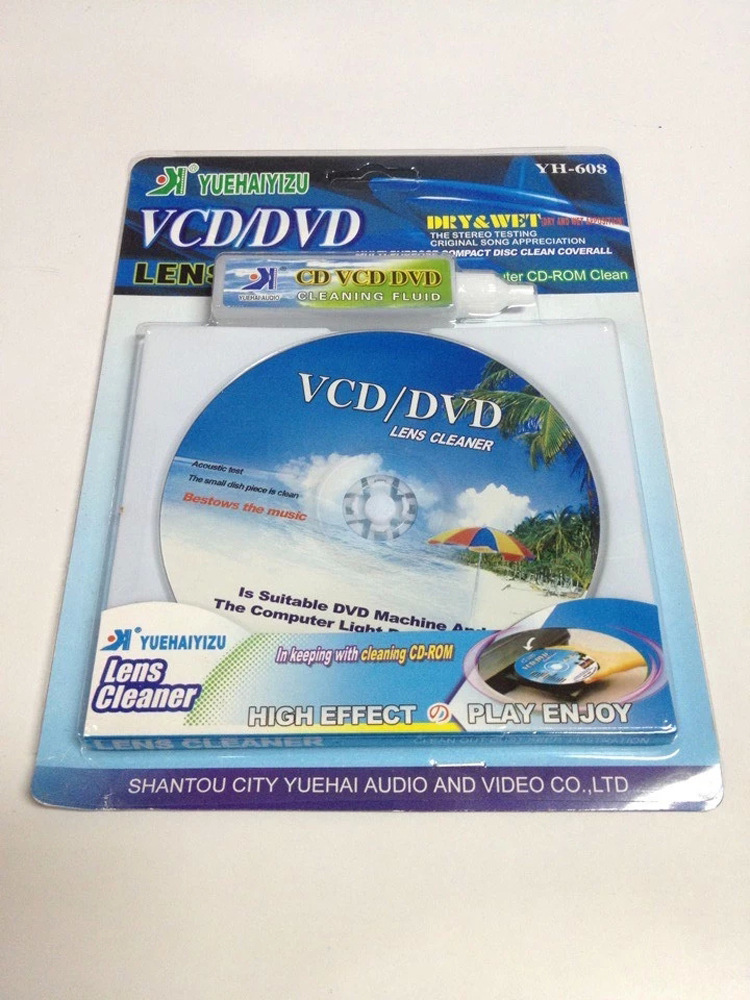
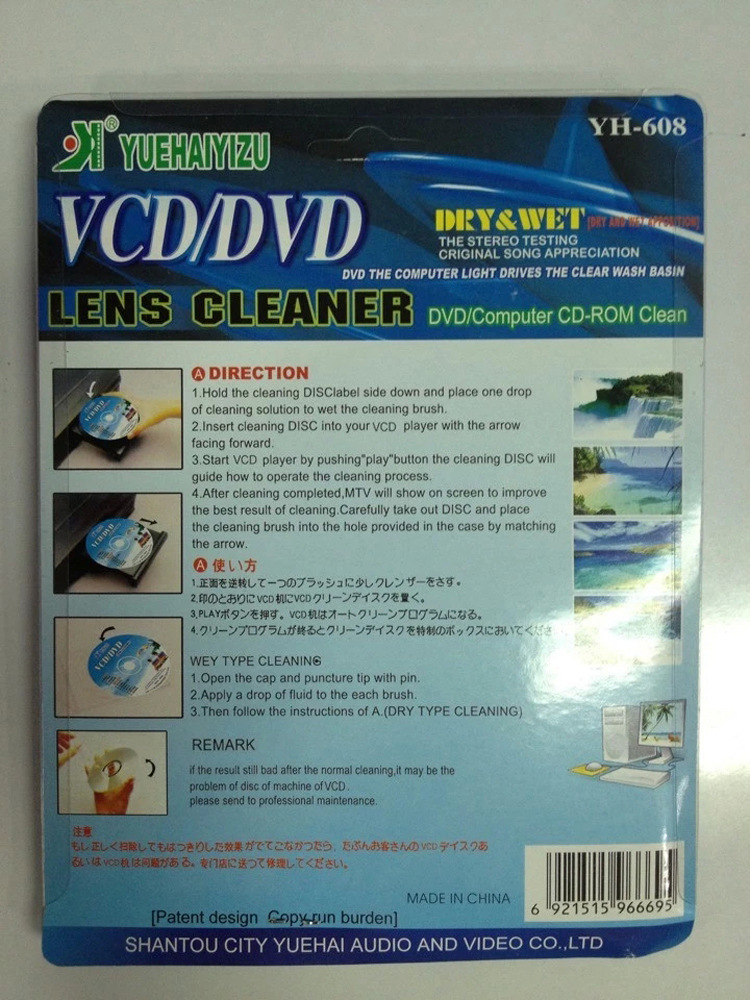
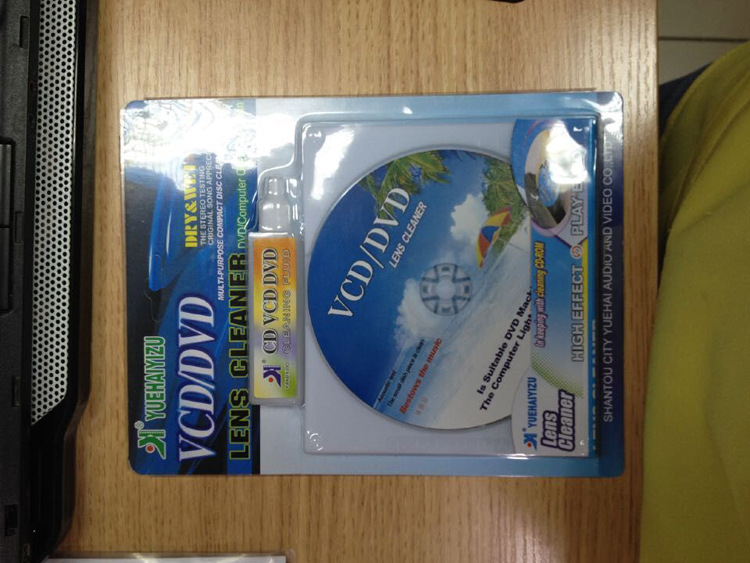
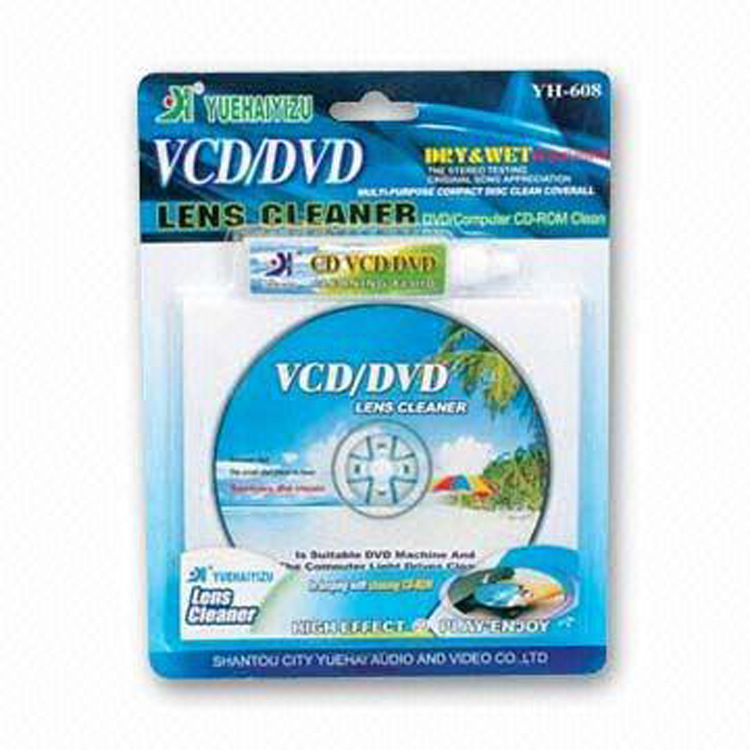
step 1 prepare cd player dedicated cleaning disc (step 2 open cd player dedicated cleaning disc dish cleaning solution
note: anhydrous alcohol (analytically pure alcohol) can also be used instead of cleaning solution. do not use chemical thinner such as windshield washer fluid and liquid to avoid damaging the bald head.
step 3 drop a drop of cleaning liquid on any brush on the cleaning disc along with the dish cleaning liquid, or drop a drop of cleaning liquid on the two brushes on the cleaning disc
note: please confirm whether the brush falls off when using it. if so, please discard the disc.
step 4 button head direction, put the cleaning disc into the cd player
note: put the cd into the button as shown in the direction of the cd player head.
step 5: there will be a voice prompt for cleaning the cd. please follow the voice prompt. after the cleaning is completed, exit the cleaning cd.
note: if the cleaning effect is not very good, you can clean it several times repeatedly.
step 6 put the cleaning cd into the protective box
note: put away the cleaning cd and the cleaning liquid along with the disc for the next use.
when using cd player, please pay attention to the cleaning of cd discs. when there are poor reading ability, poor sound jumping and shockproof ability, please use a soft cloth to gently wipe the discs before entering the discs. when confirming the cause of non-disc, you can use cd special cleaning disc to clean the optical head according to the above steps. (please note: please replace the cd cleaning disc after using it for a period of time. at the same time, too much cleaning of the cd head will also have adverse effects on cd player.
Update time:


TOP


