Search history
Clear allSearch by image
XDrag and drop an image here or upload an image
Max 5MB per image
UploadSign In | Join

Search history
Clear allSearch by image
XDrag and drop an image here or upload an image
Max 5MB per image
UploadSign In | Join
| 100 g/0.01 | CN¥ 0.0 |
| 200 g/0.01 | CN¥ 0.0 |
Zhejiang Lingwei Weighing Apparatus Firm 15yr.
Contacts hu xiaozhen Chat
Mobile 13819962173
WeChat 13819962173
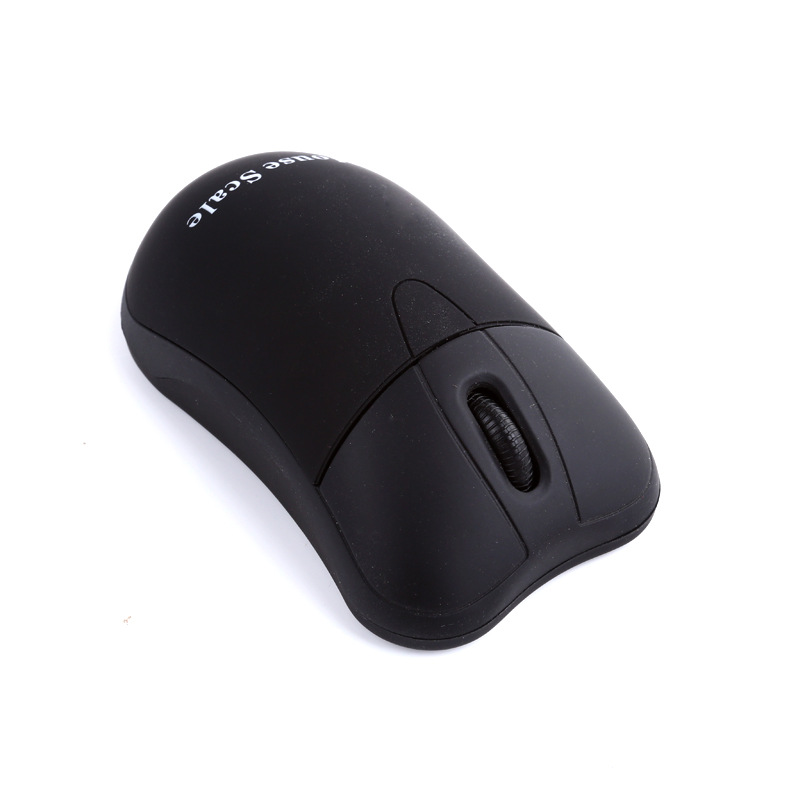
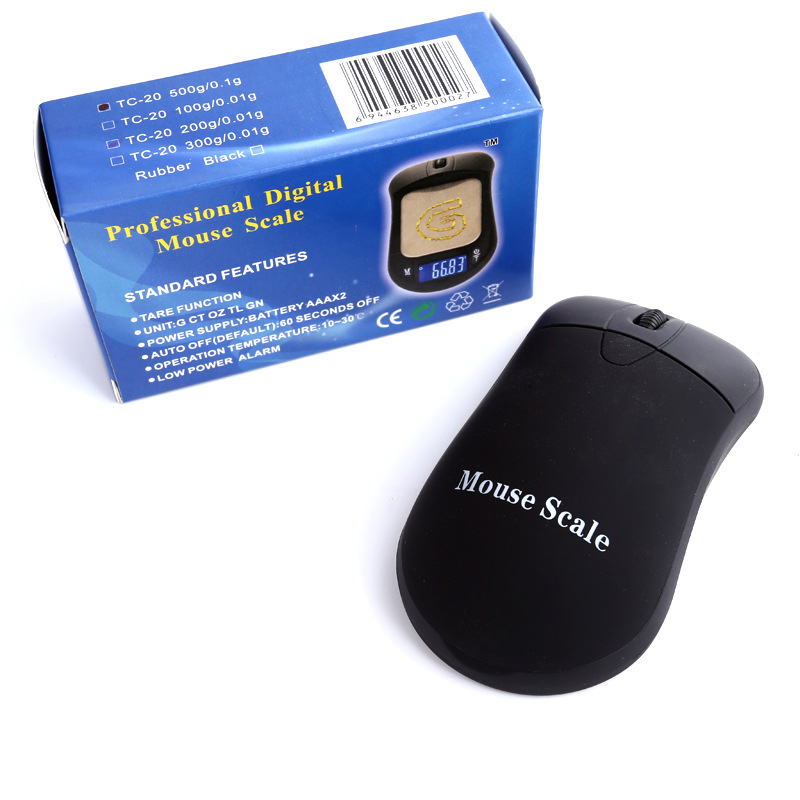
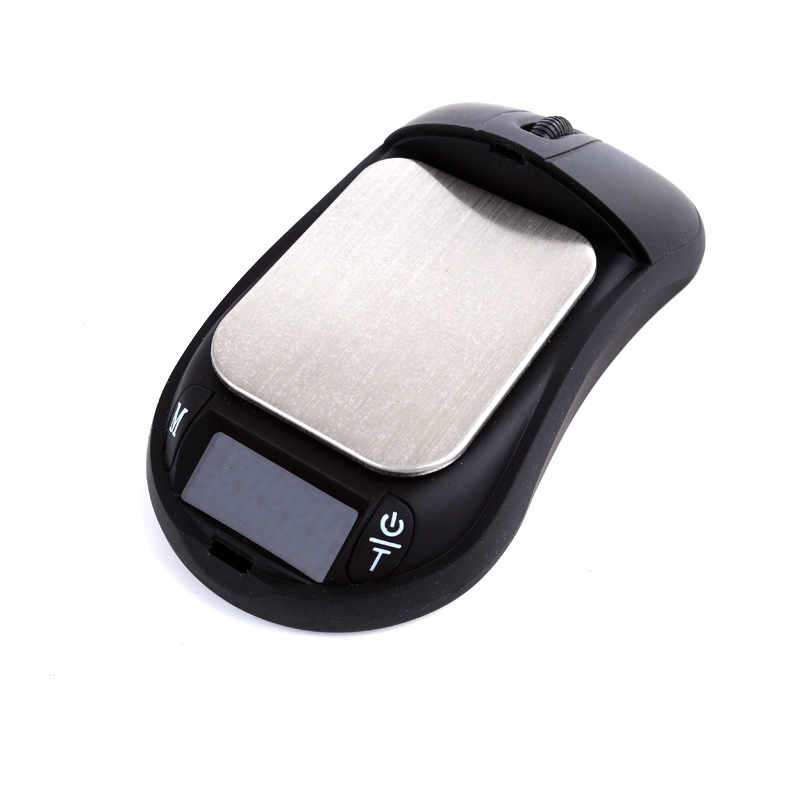
Specifications: 100g/0.01g, 200g/0.01g, 500g/0.1g
Unit: g tl oz gn <Switch by pressing M>
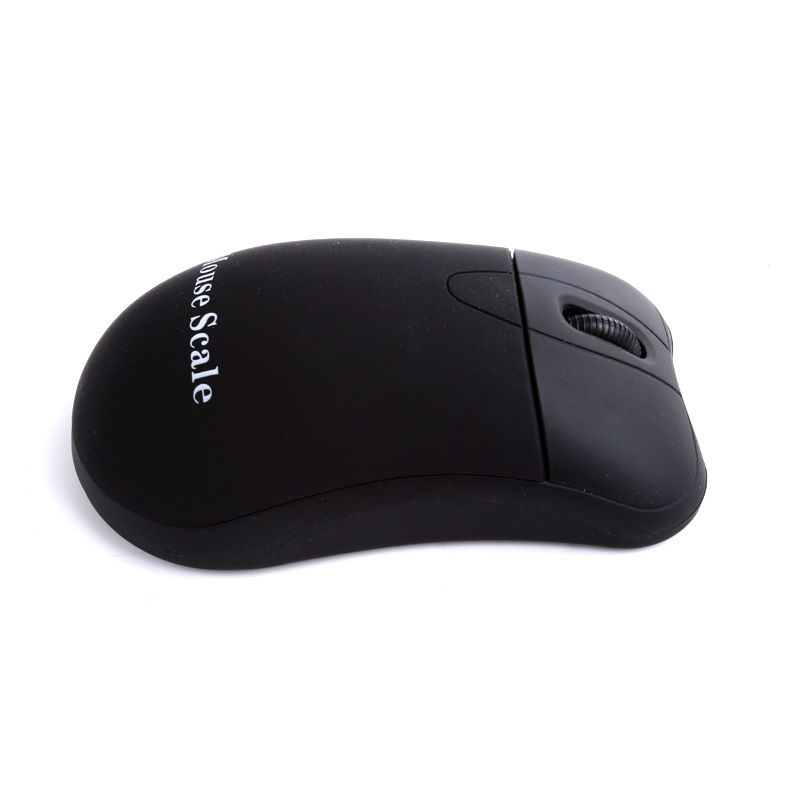
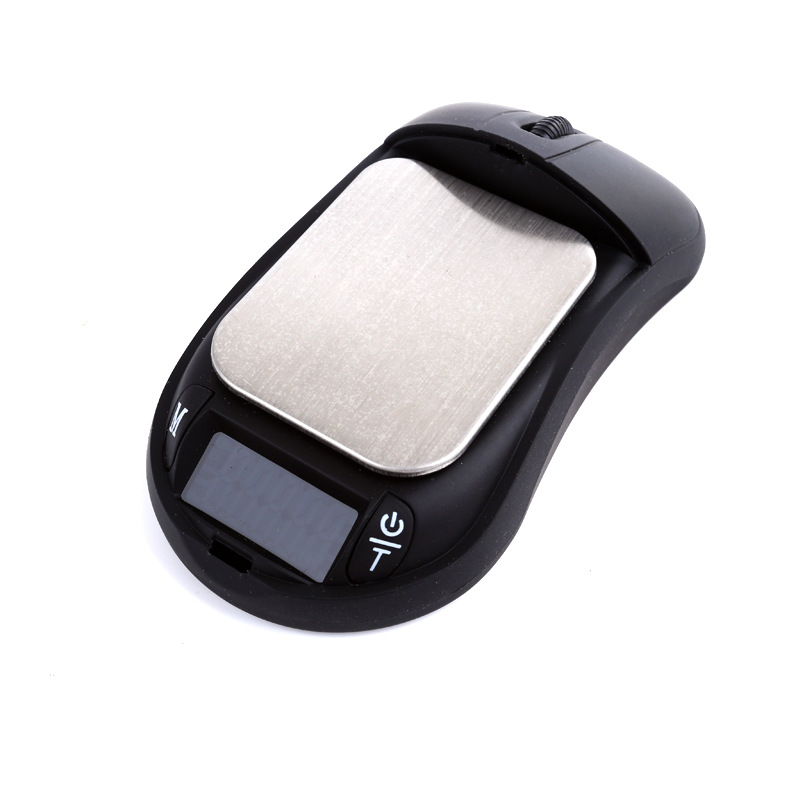
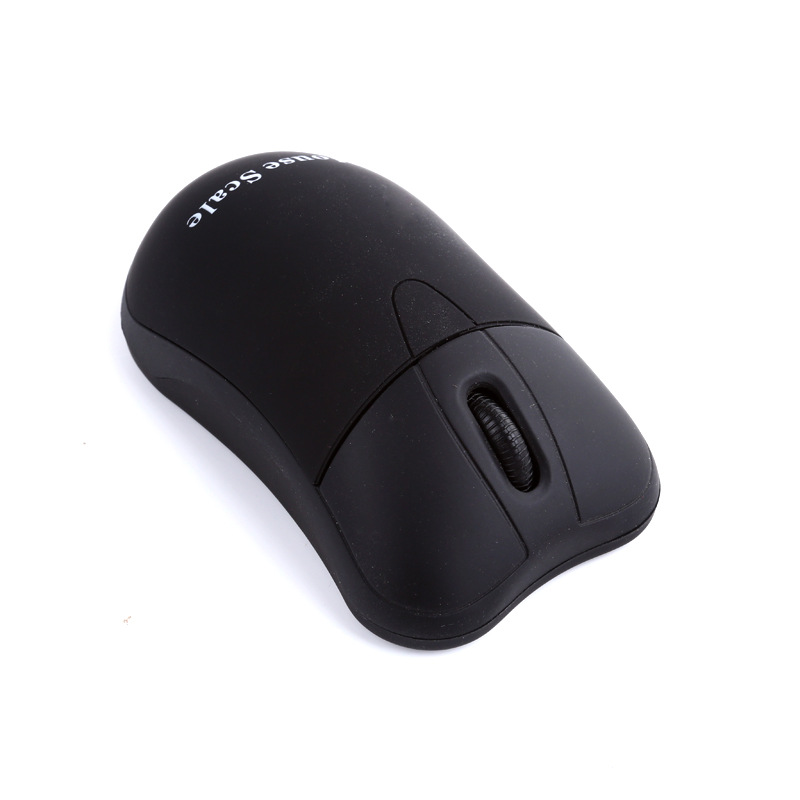
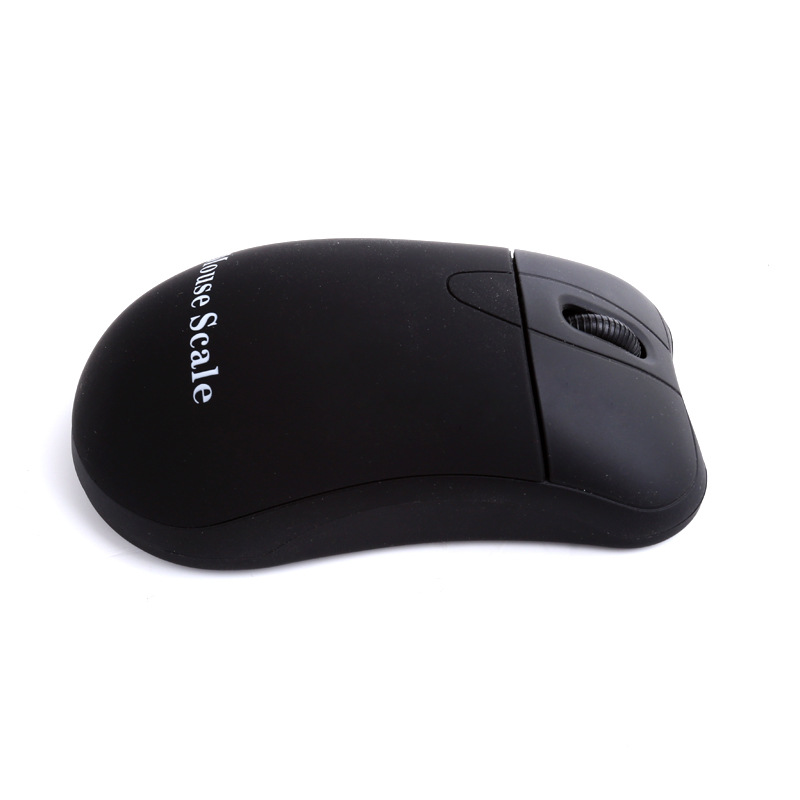
Scale body dimensions: 105*59*35.7 mm
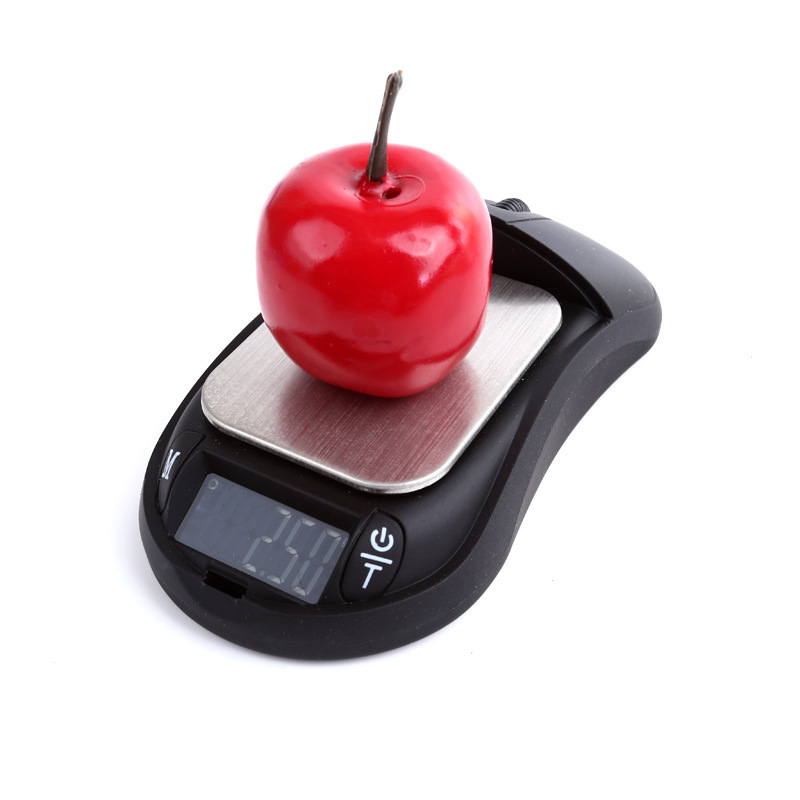
Weighing pan dimensions: 53*42 mm
Weight per unit: 9.3 g [including battery]
Packaging quantity: 50 pcs per 2 inner boxes, 100 pcs per outer box
Outer box dimensions: 40.5 * 33 * 25.5 CM
Gross weight: 11 kg/box
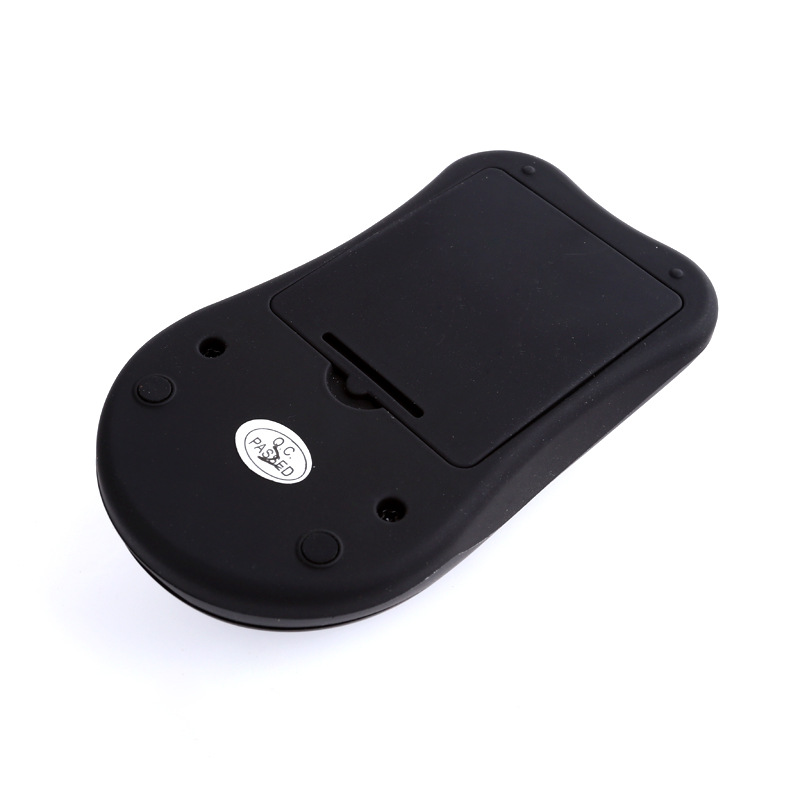
Power supply method: Two AA batteries
Operation Instructions:
Insert the battery into the battery compartment according to the instructions, and place the scale on a stable, windless surface.
1. Press the power button to turn on the device, and wait for three seconds until 0.00 is displayed;
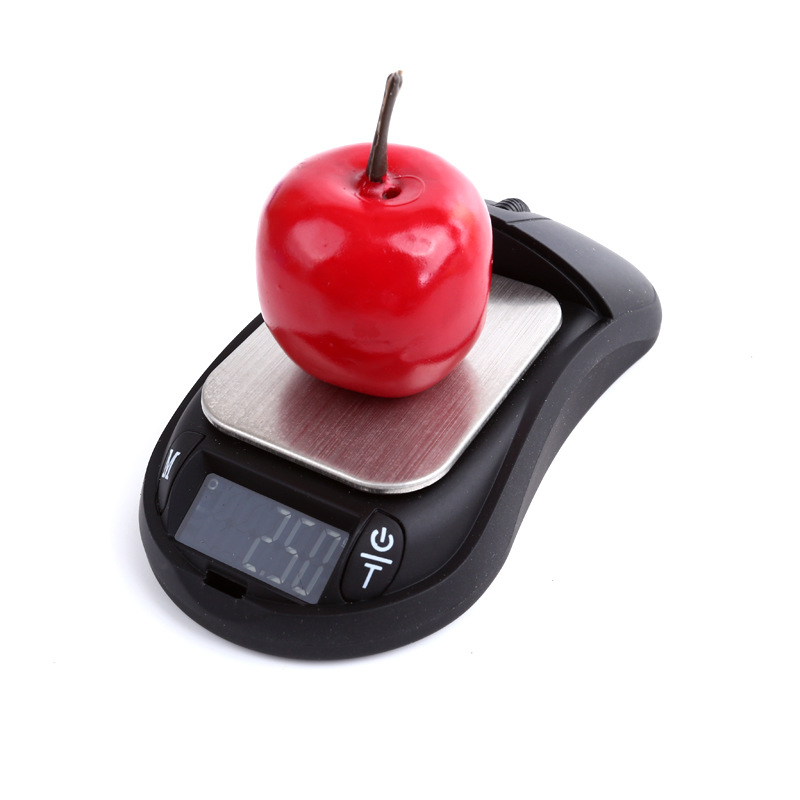
2. Place the item to be weighed on the scale pan, and read the value after it stabilizes;
3. Use the unit conversion key to change the weighing unit;
4. Press the power button while the device is on to turn it off;
Unit Conversion Key M
Press this button to select the weight measurement unit you need;
There are 5 units available for conversion.
g, carat, ounce, oz, tailian liang, gn, grain
Weight deduction
1. Power on and reset;
2. Place the weight on the scale pan;
3. When the "peel" button is pressed, showing 0.00 indicates that the weight has been deducted;
4. Then place the item to be weighed, and the reading at this point represents the net weight of the item.
Correction
Power on reset;
Hold down the M key for unit conversion until CAL is displayed;
When the unit conversion key is pressed, the weight value (100.00g) will flash shortly;
Place the corresponding weights in the center of the scale pan. Later, if "PASS" is displayed, then "100.0.0 g" will be shown. Once calibration is complete, remove the weights and weighing can proceed.
Instructions for Use:
1. The weighing capacity of this product should not exceed its maximum range plus 2%.
2. Overloading will cause long-term damage to the product.
3. The product should not be exposed to extremely cold or extremely hot environments. It functions well in normal conditions. Please allow the product to adapt to a new environment for at least one hour before use.
4. Before use, turn on the device and weigh it several times using weights to preheat the internal components of the scale, which will improve the accuracy of weighing.
5. Place the product in a clean environment, as dust, moisture, vibration, air flow, or electromagnetic interference can adversely affect the product’s stability and accuracy.
Troubleshooting:
The primary reasons for inaccurate weighing or malfunctions are insufficient battery charge, incorrect calibration, overload, or operation on an uneven surface. Please note the points mentioned above to use and maintain your product properly.
1. If the [lo] power insufficient indicator is not displayed or shown, the battery needs to be replaced;
2、【EEEEE】Overload, immediately remove the overloaded items;
3、【o_ld】Due to incorrect operation, the internal core components of the scale have been damaged (such as impacts, drops, or overload). Please try recalibrating it. If the sensor is not severely damaged, it can be used after recalibration.
4. Display 88888, please work on a stable and non-vibrating surface.
Update time:


TOP