
Search history
Clear allSearch by image
XDrag and drop an image here or upload an image
Max 5MB per image
UploadSign In | Join

Search history
Clear allSearch by image
XDrag and drop an image here or upload an image
Max 5MB per image
UploadSign In | Join
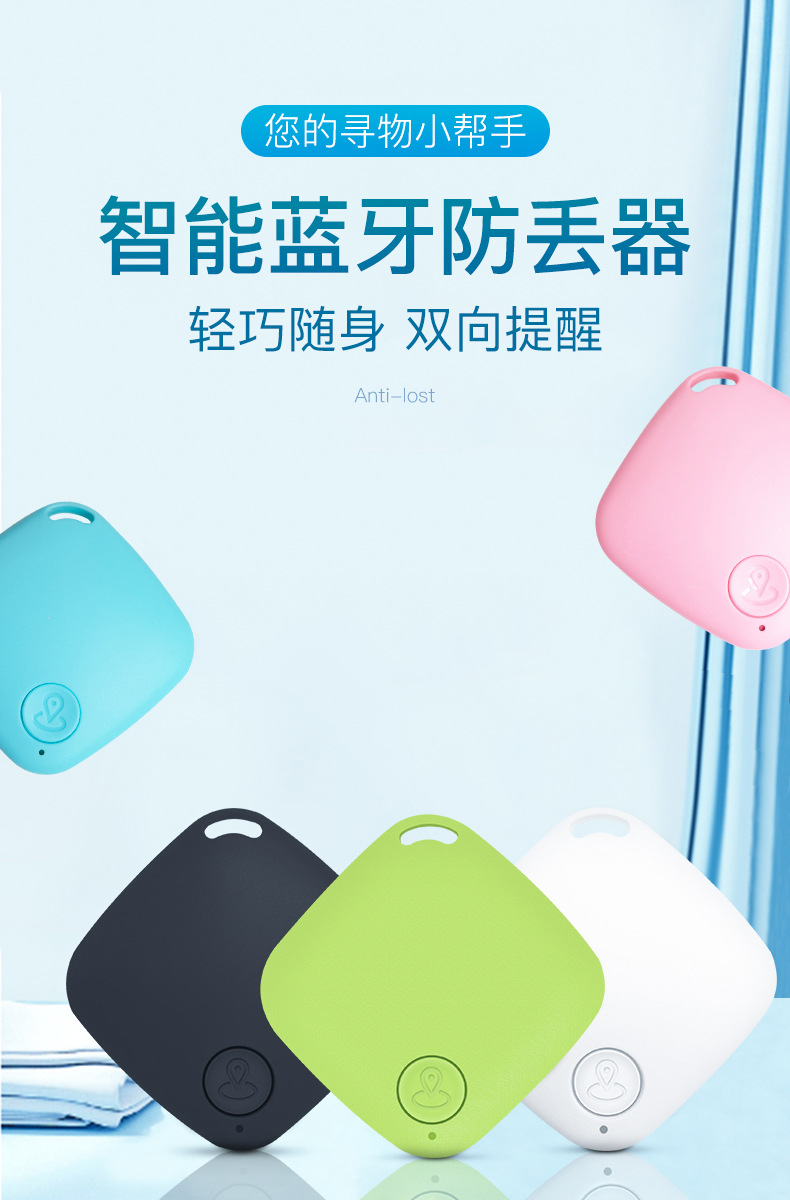
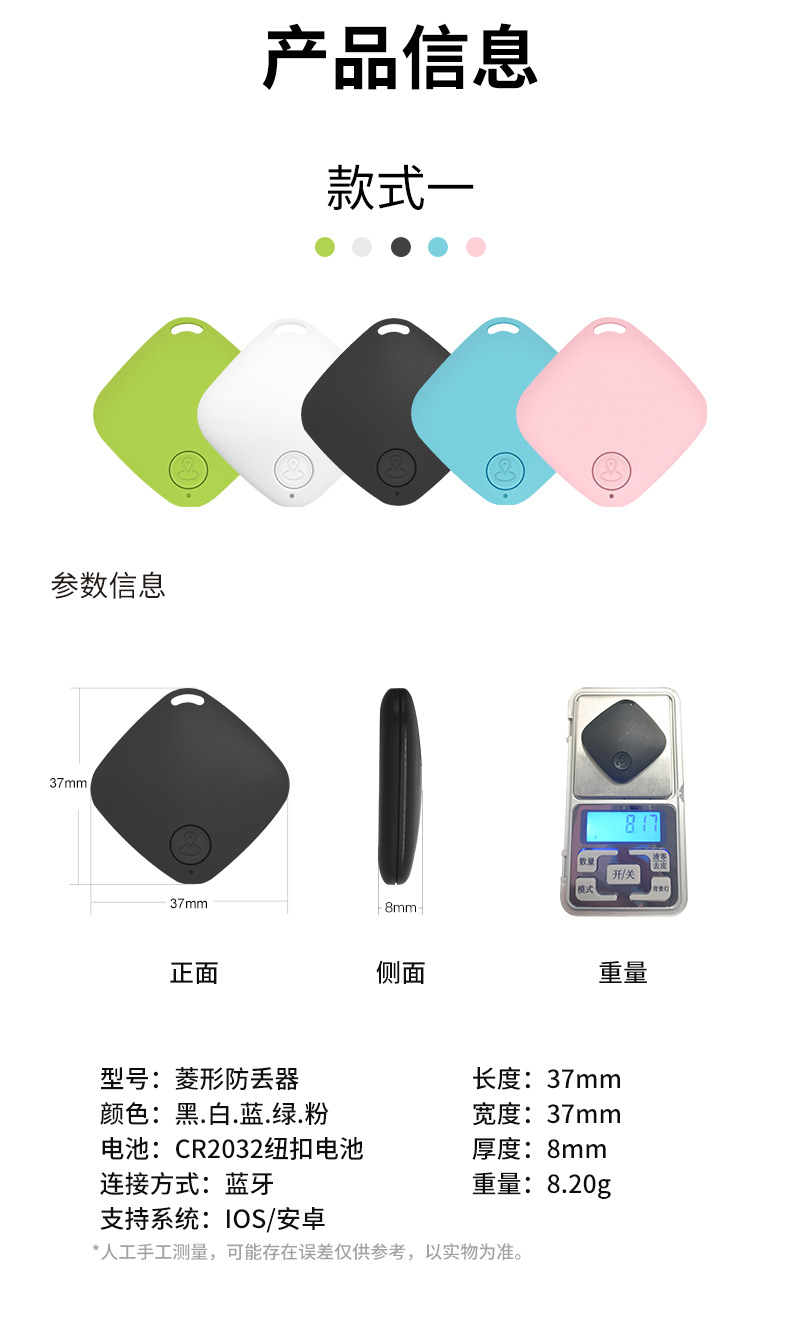
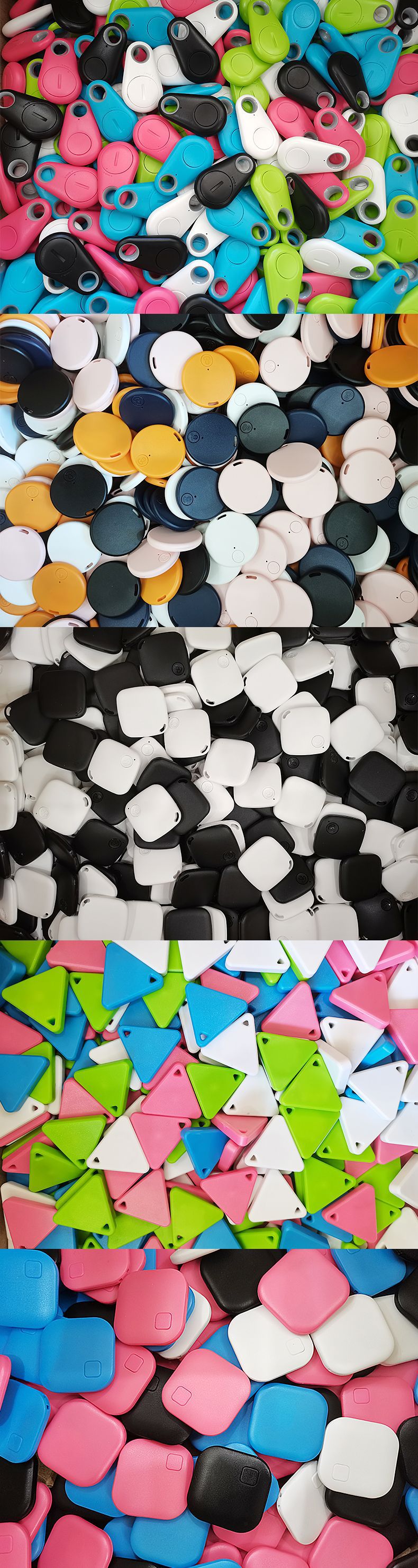
 black bare machine
黑色裸机 |
CN¥ 6.8 |
 white bare machine
白色裸机 |
CN¥ 6.8 |
 pink bare machine
粉色裸机 |
CN¥ 6.8 |
 light green bare metal
浅绿裸机 |
CN¥ 6.8 |
 sky blue bare metal
天蓝裸机 |
CN¥ 6.8 |
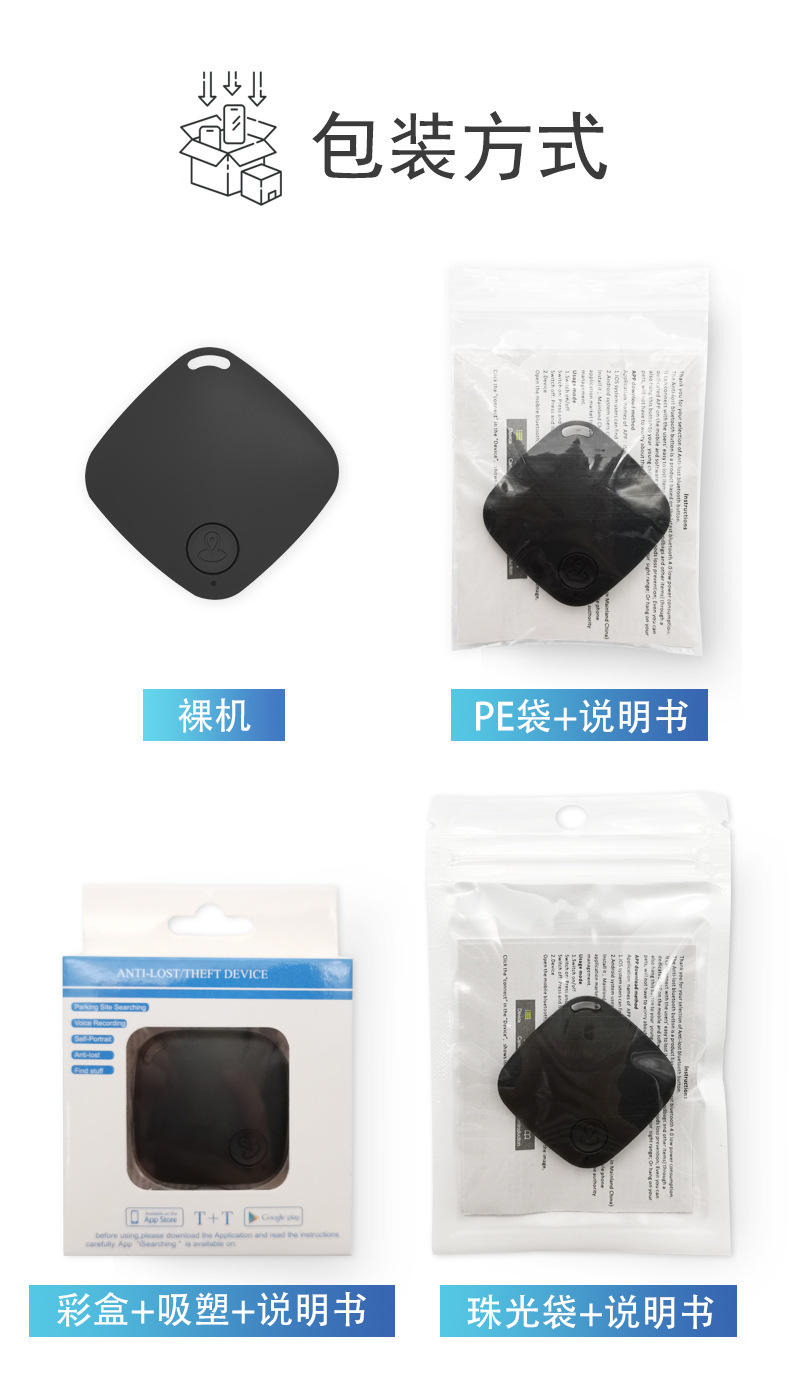
 black + color box + manual
黑色+彩盒+说明书 |
CN¥ 7.3 |
 white + color box + manual
白色+彩盒+说明书 |
CN¥ 7.3 |
 pink + color box + manual
粉色+彩盒+说明书 |
CN¥ 7.3 |
 light green + color box + manual
浅绿+彩盒+说明书 |
CN¥ 7.3 |
 sky blue + color box + manual
天蓝+彩盒+说明书 |
CN¥ 7.3 |
 black + pe bag + manual
黑色+PE袋+说明书 |
CN¥ 6.9 |
 white + pe bag + manual
白色+PE袋+说明书 |
CN¥ 6.9 |
 pink + pe bag + manual
粉色+PE袋+说明书 |
CN¥ 6.9 |
 light green + pe bag + manual
浅绿+PE袋+说明书 |
CN¥ 6.9 |
 sky blue + pe bag + manual
天蓝+PE袋+说明书 |
CN¥ 6.9 |
|
note color bare metal pearlescent bag manual
备注颜色裸机珠光袋说明书 |
CN¥ 7.0 |
What is 8.6 + 1,539,203,619?
WeChat: 1 5355 3509 32
WeChat: 1 5392 03 61 9
Shop address: 2nd District, Yiwu International Trade City, Yiwu, Jinhua, Zhejiang Province, F2-13554, 9th Street, No. 22 Gate, 2nd Floor
1 89 58 49 35 35 4 Miss Li
1_539_203_361_9 Mr. Li
【Box Specification Weight]
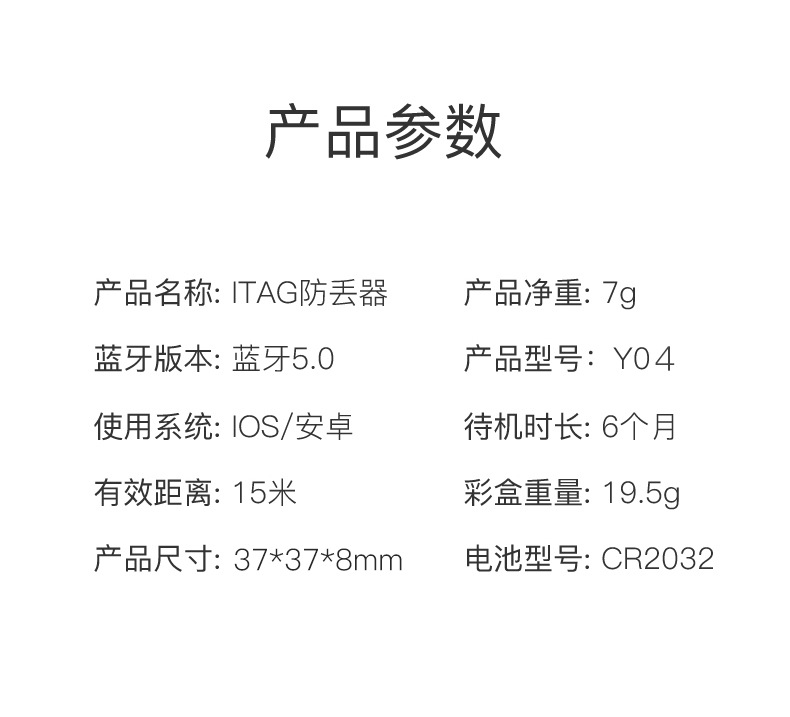
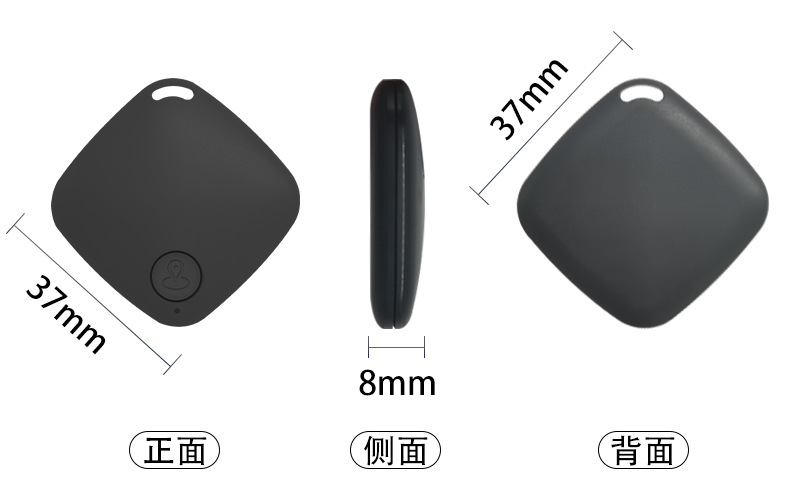
Product Weight: 7.77g
Naked Machine Packaging: 2000 pcs/16 kg
PE bag + instruction manual: 1,500 pcs / 4.6 kg
Color box Packaging: 470 pcs / 8.62 kg
Outer box Dimensions: 4.6x3.3x3.7 cm
【Usage Instructions】
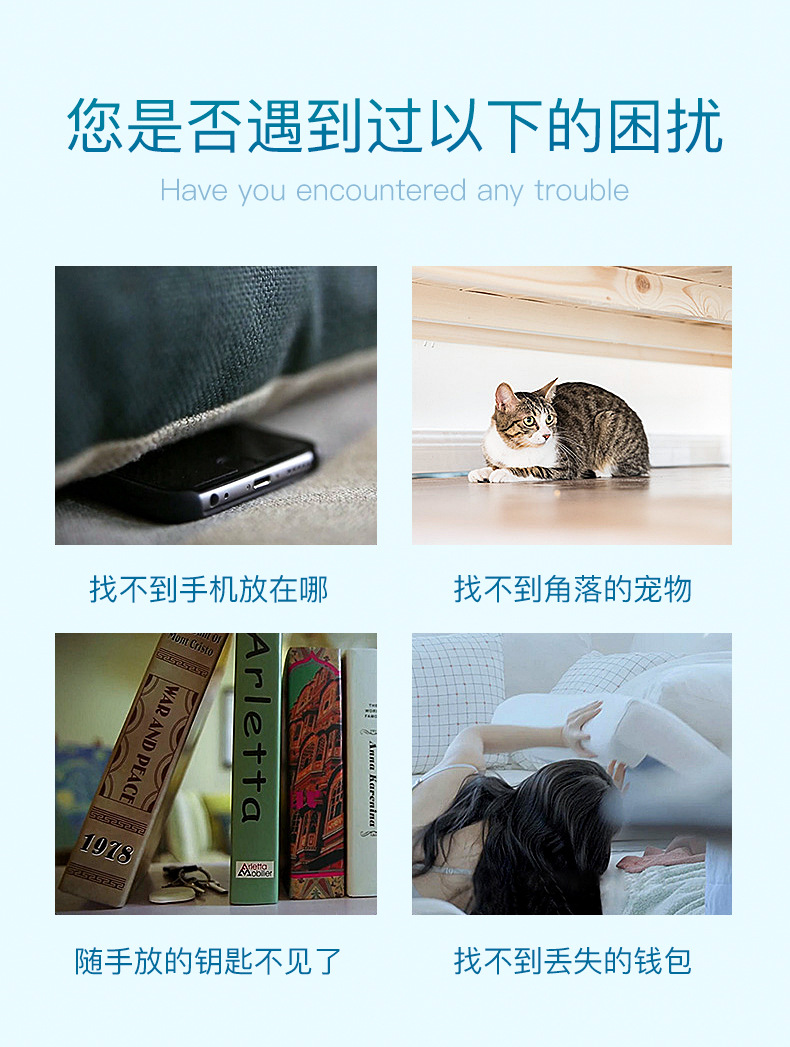
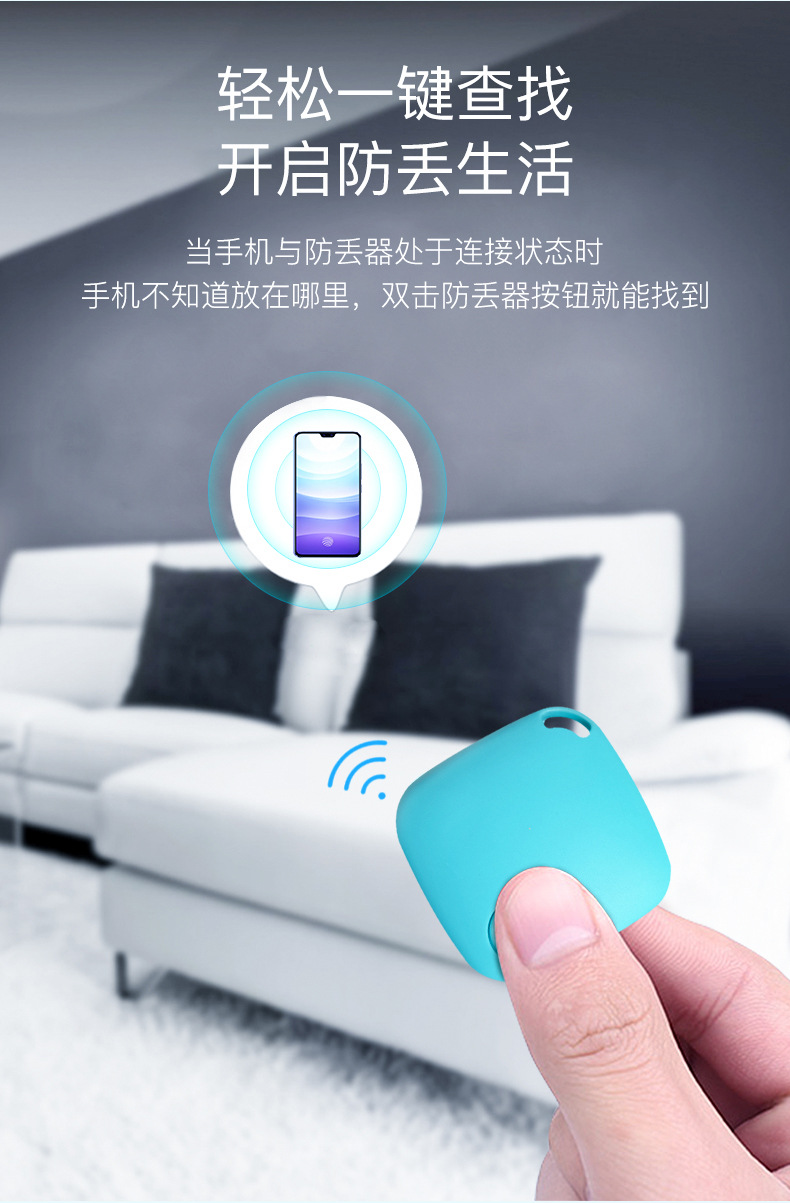
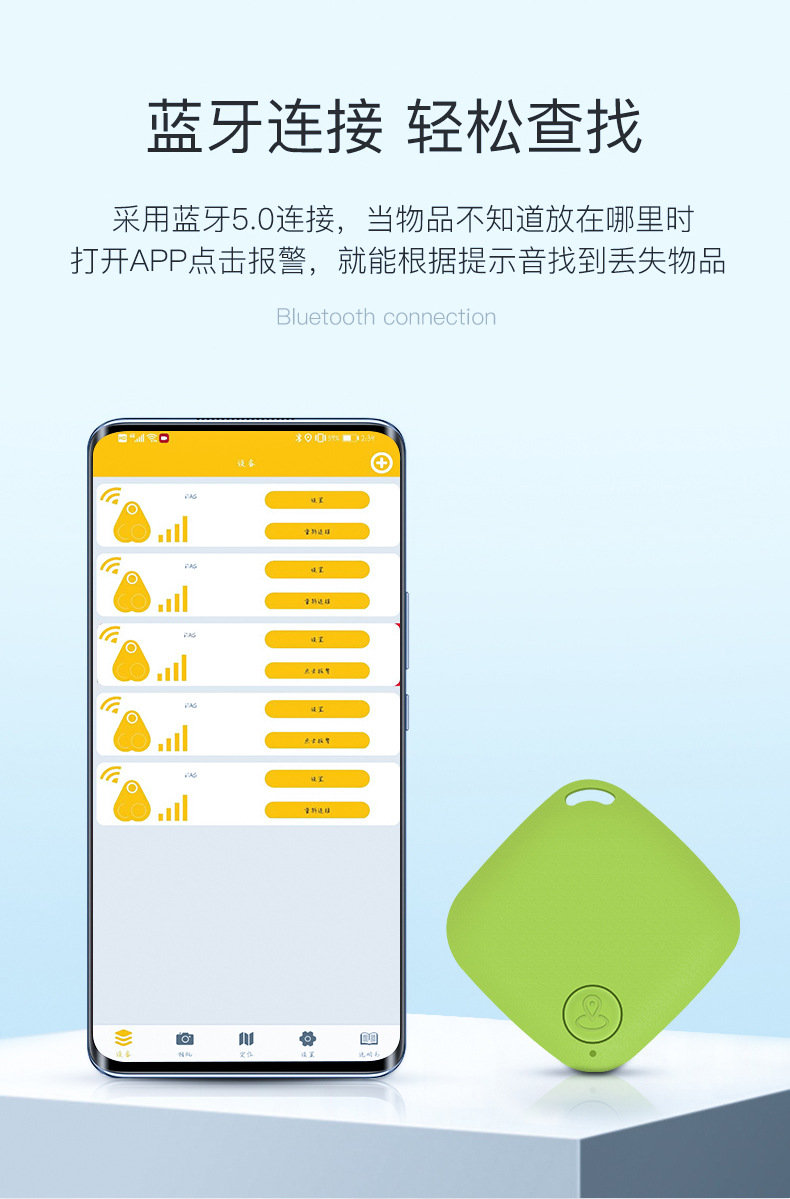
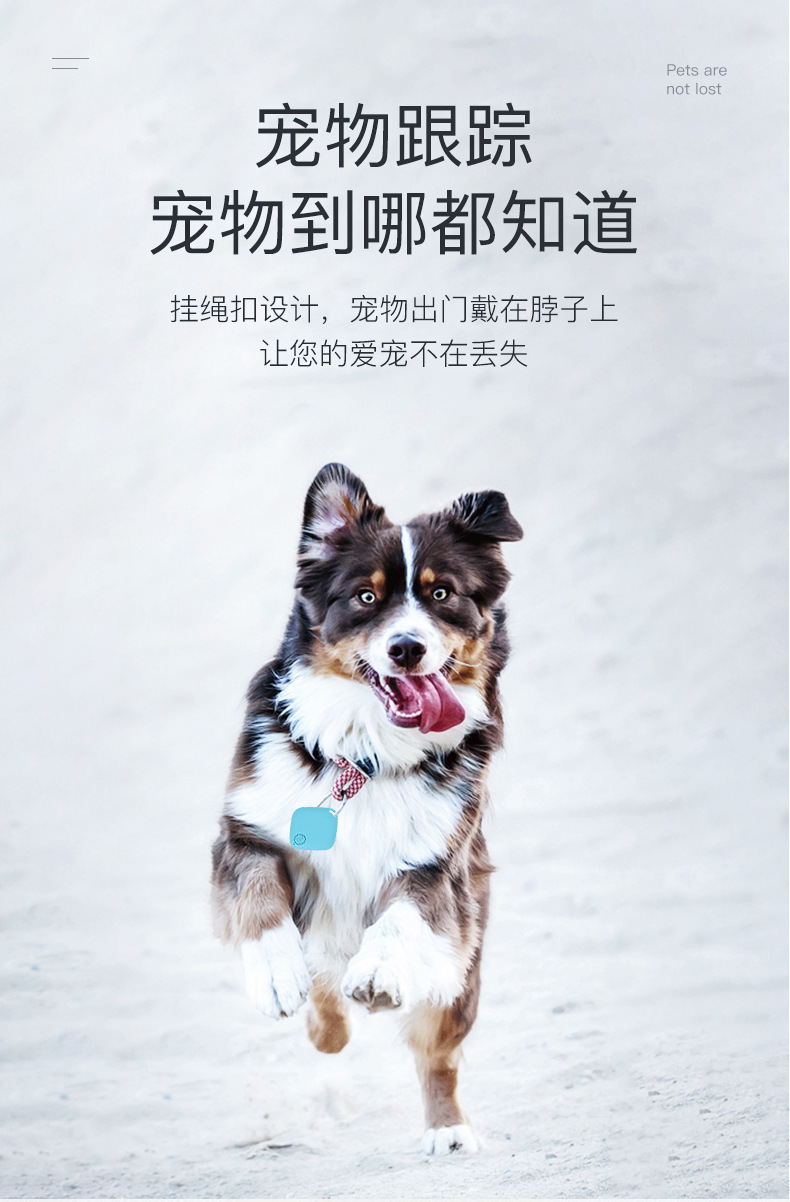
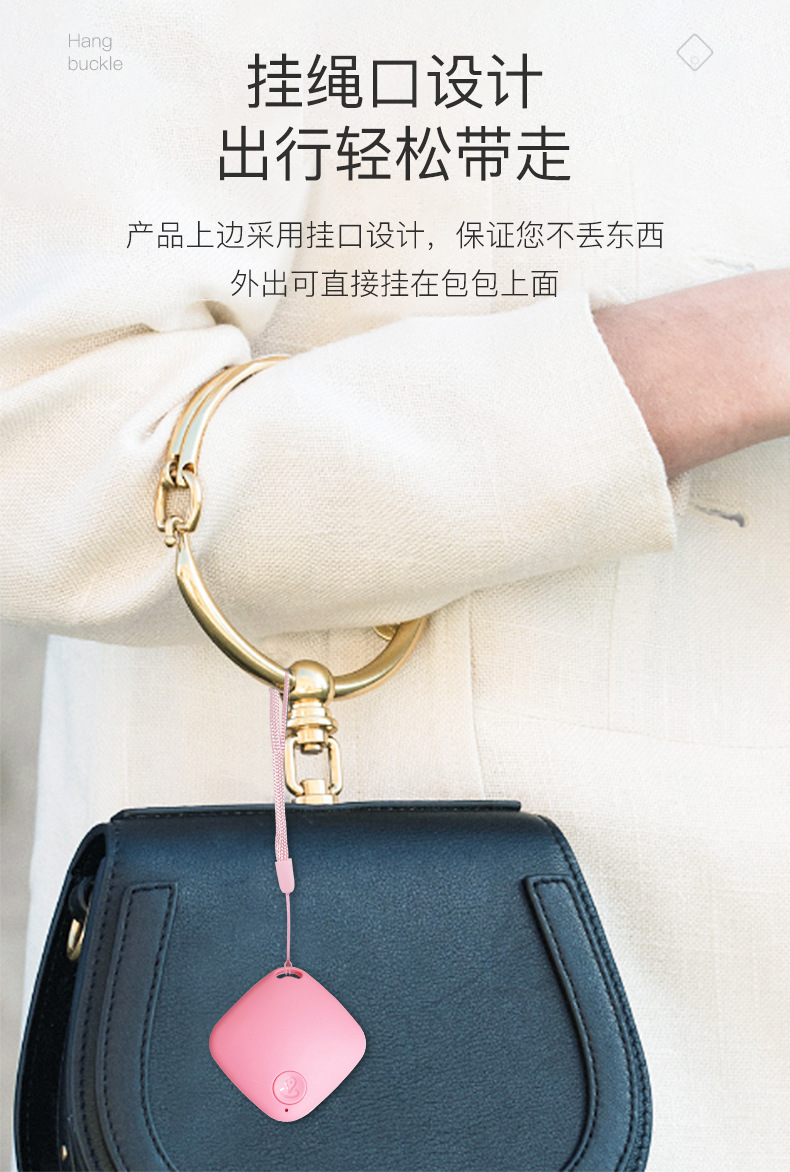
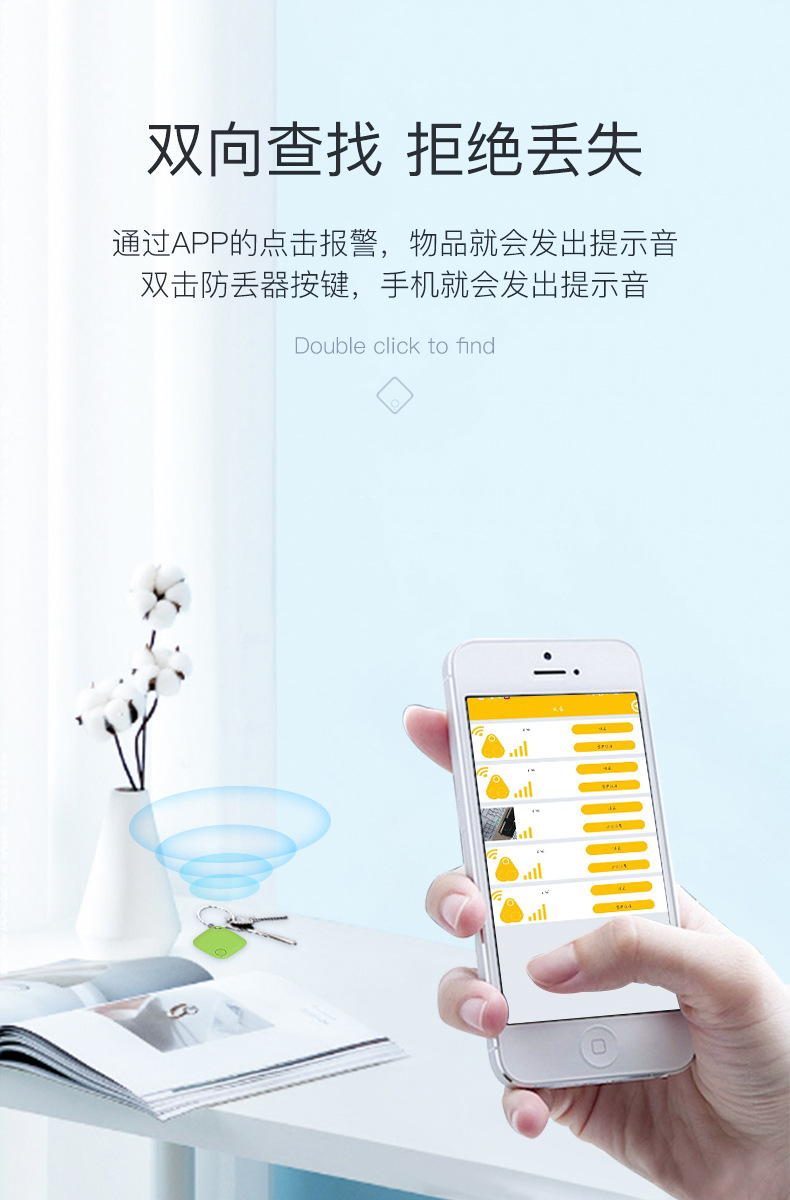
This lost item tracker is a low-power product based on Bluetooth 5.0. Through the mobile app, items that users tend to lose (such as keys or handbags) can be linked together to prevent them from getting lost. You can even attach this tracker to a child to keep them within your sight, or to your pet to avoid any concerns about them going missing.
1. Power on and off
Power on: Hold the button for about 3 seconds, then a "didi didi didi" beep will sound. The indicator light will flash rapidly for 10 seconds. Without any connection or button operation, it will continue to flash for 30 seconds every 2 seconds before turning off.
Shut down: Hold for about 3 seconds, then a long "click" sound will be heard, and the indicator light will turn off.
<t_Android>: The following operations were performed on the Redmi 5 plus with Android version 9.6.3.0; for Apple devices, on the iPhone 6S plus with IOS version 11.3.1. If there are any differences in the system settings, follow the actual usage of the phone or note any additional updates without notification.
2. Add devices
Click the "Add New Device" icon in the interface, and it will appear as shown.
3. Take photos
Use the camera function; click on the tracker to activate the photography feature.
4. Positioning
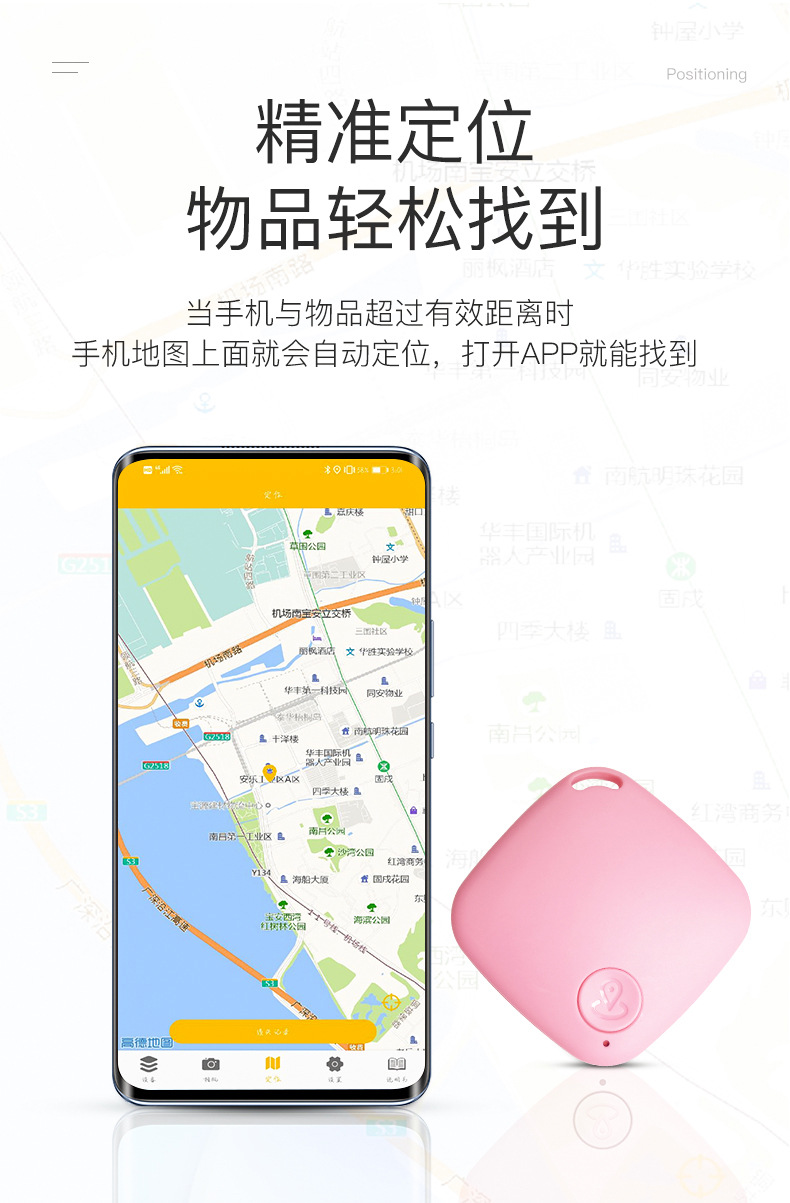
The positioning feature can only retain the location when the tracker loses connection with the phone. Position records can be found in "Lost Records". To use this feature, GPS must be enabled, and the phone must remain connected to the network.
Update time:


TOP


