Search history
Clear allSearch by image
XDrag and drop an image here or upload an image
Max 5MB per image
UploadSign In | Join

X Email Mobile
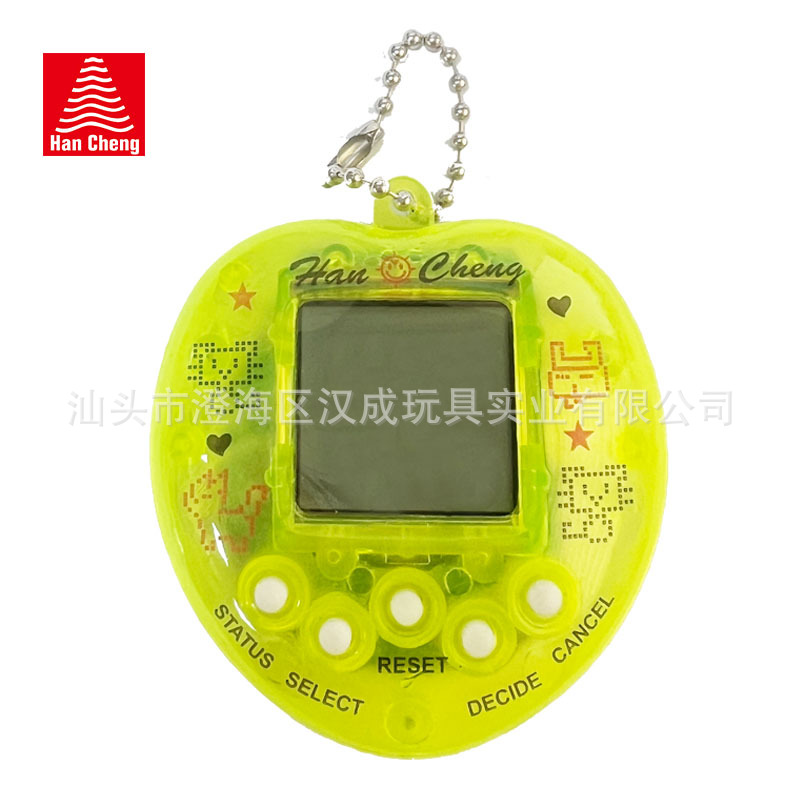
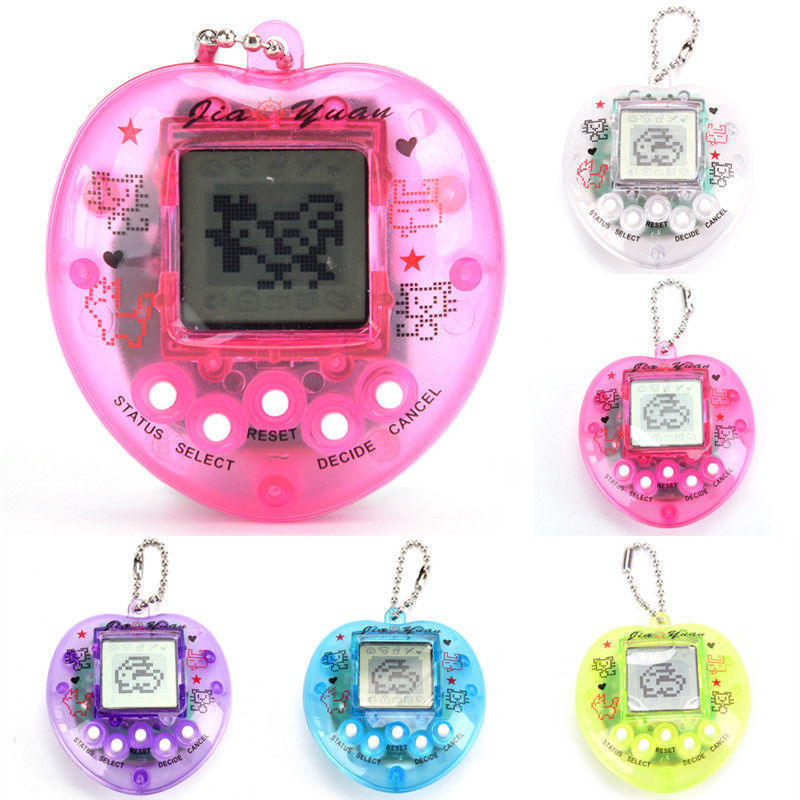
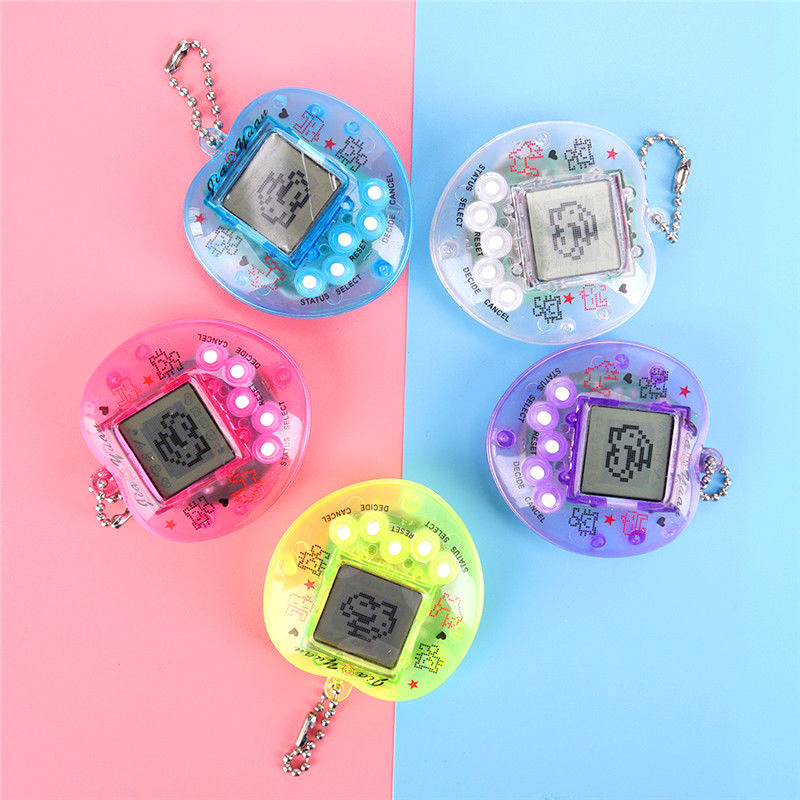
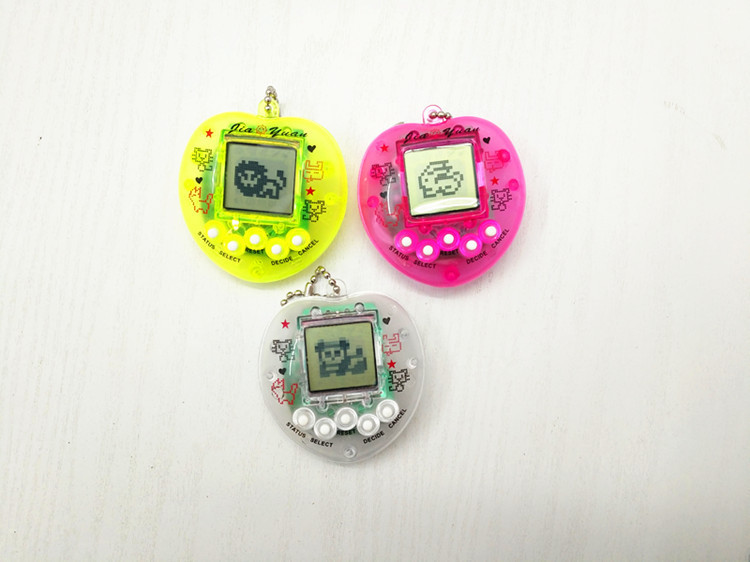
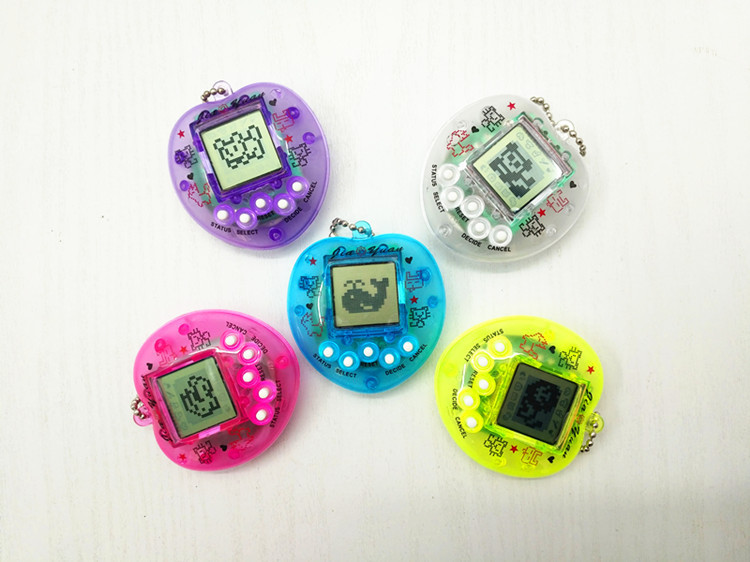
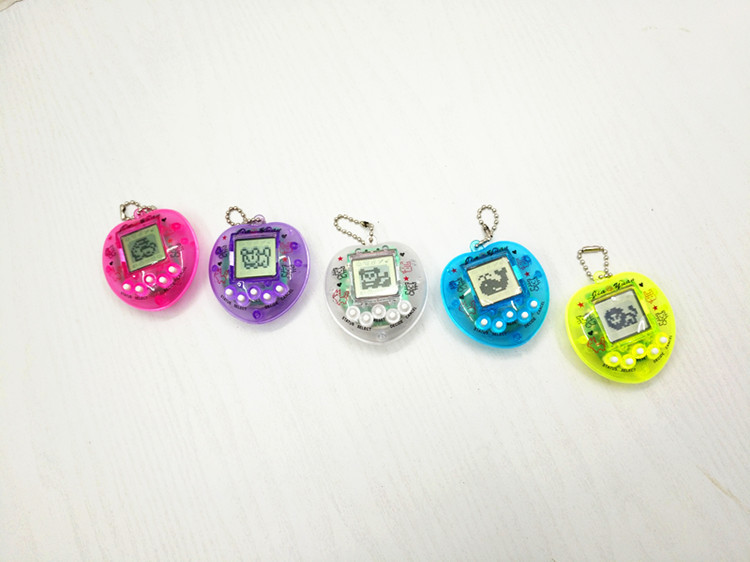
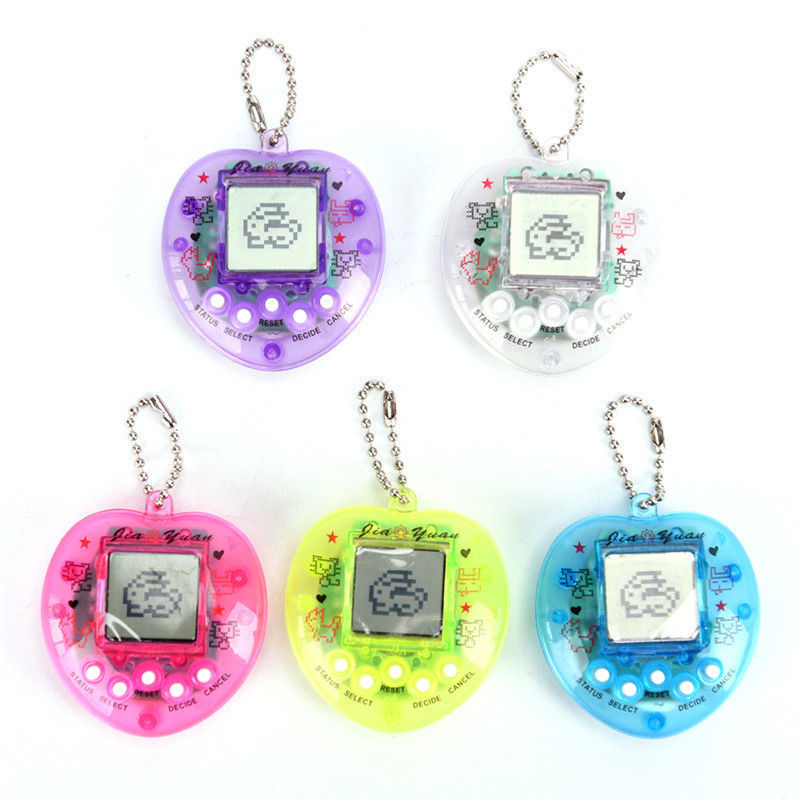
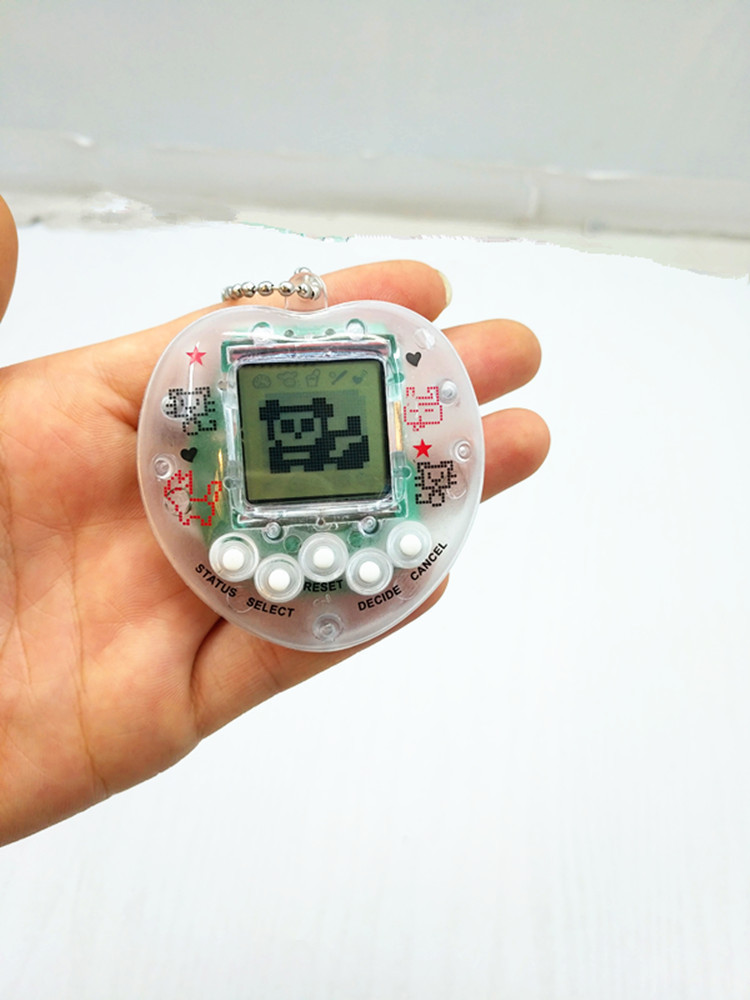
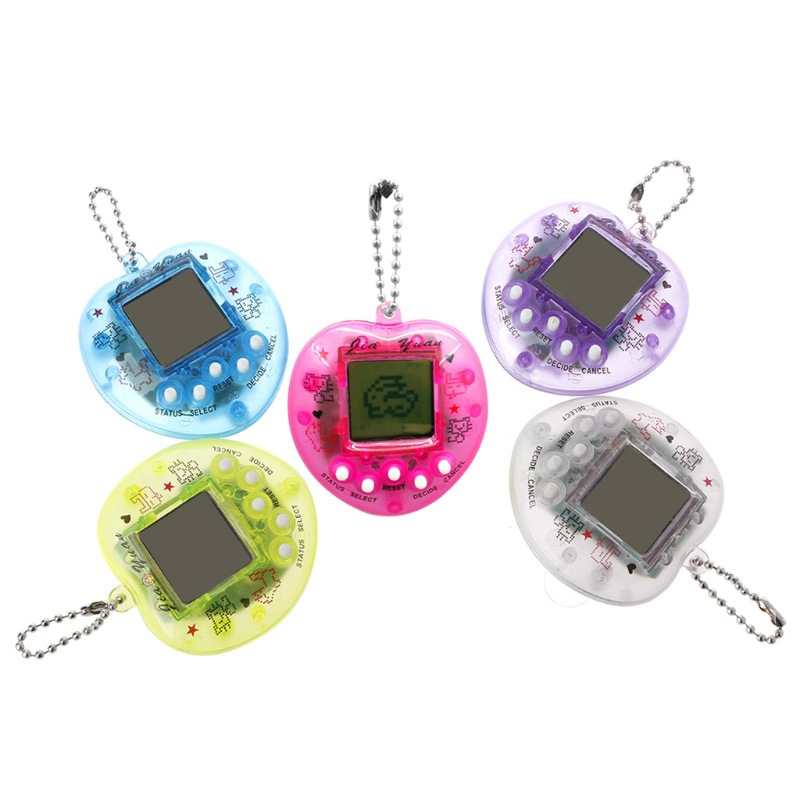
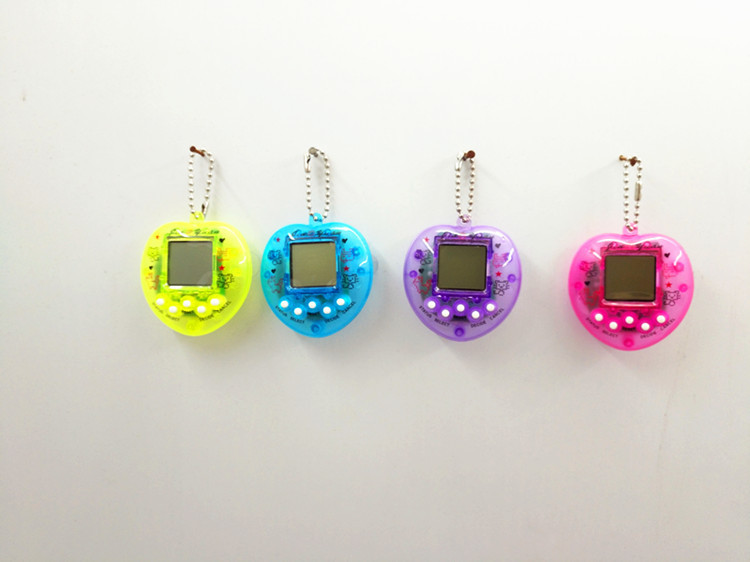
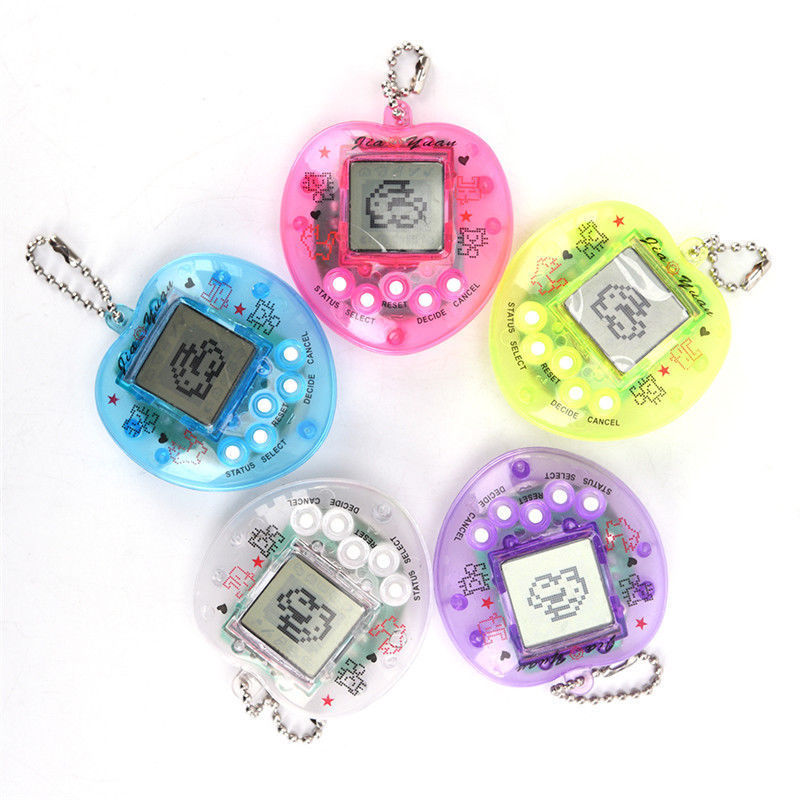
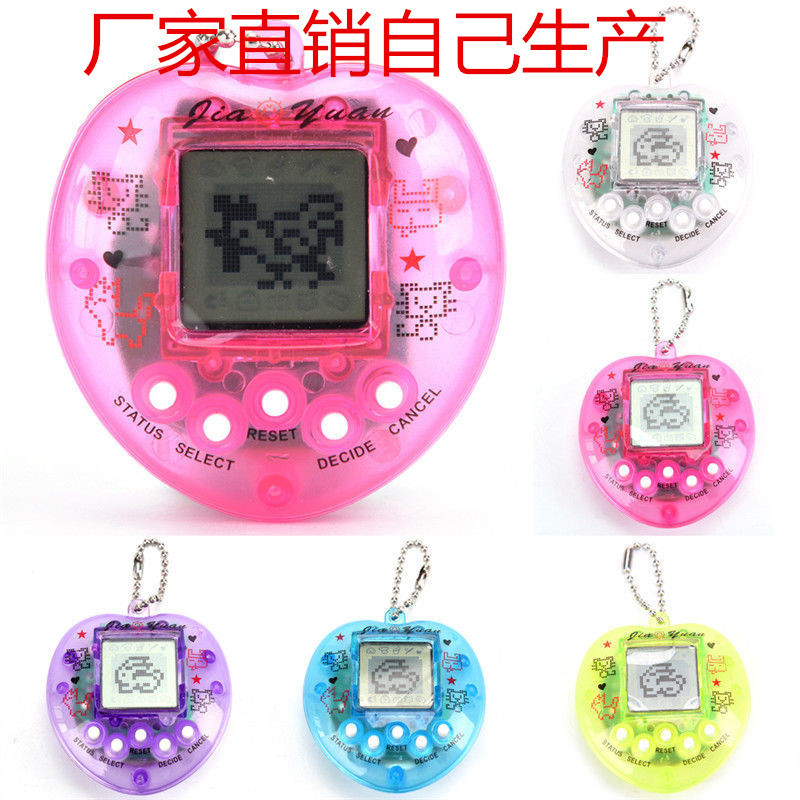
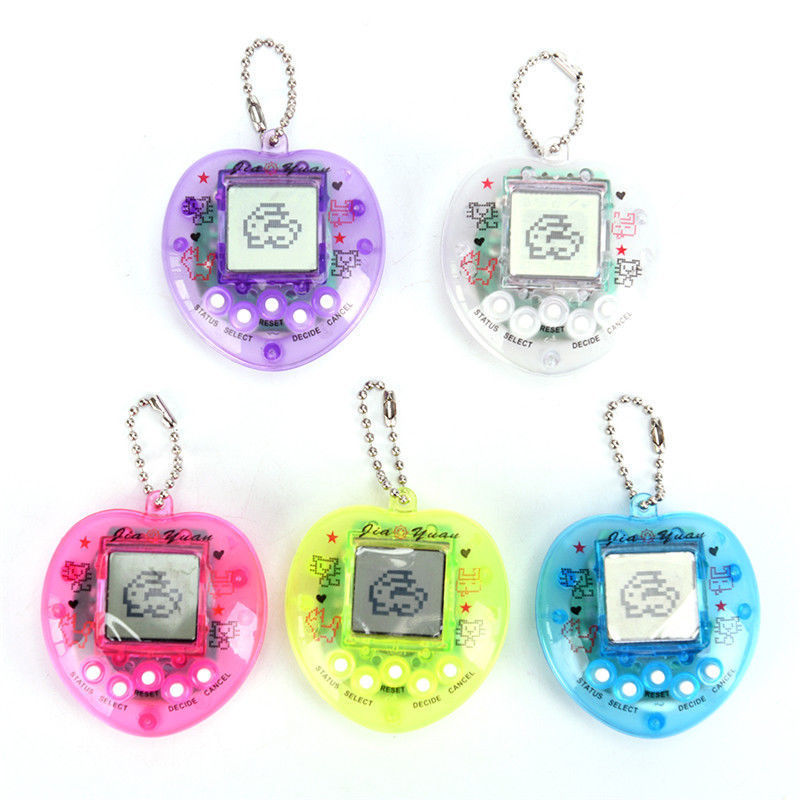
transparent light green (opp bag export packaging)
|
CN¥ 0.0 |
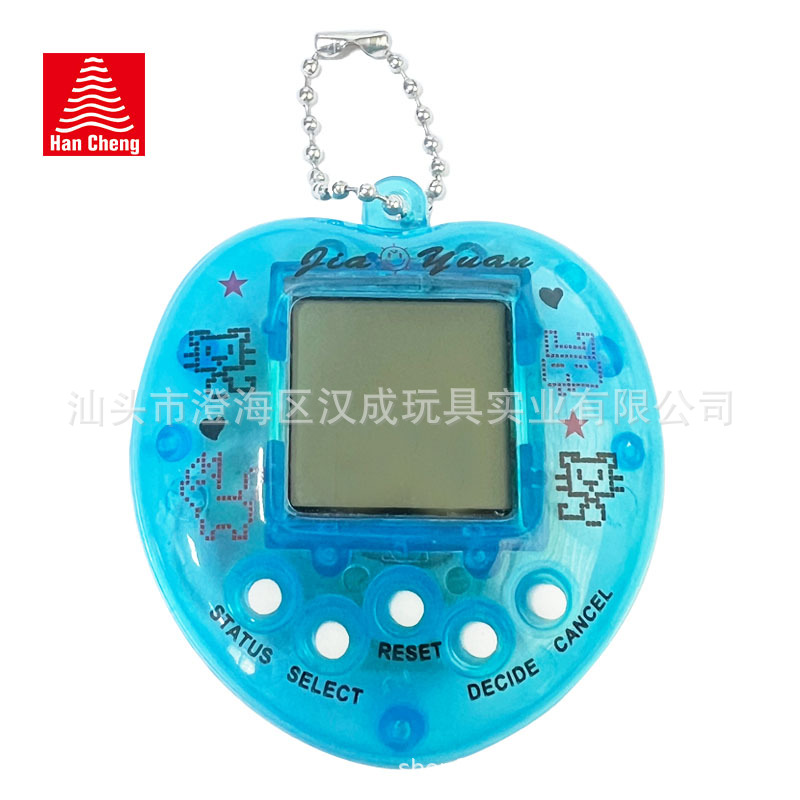
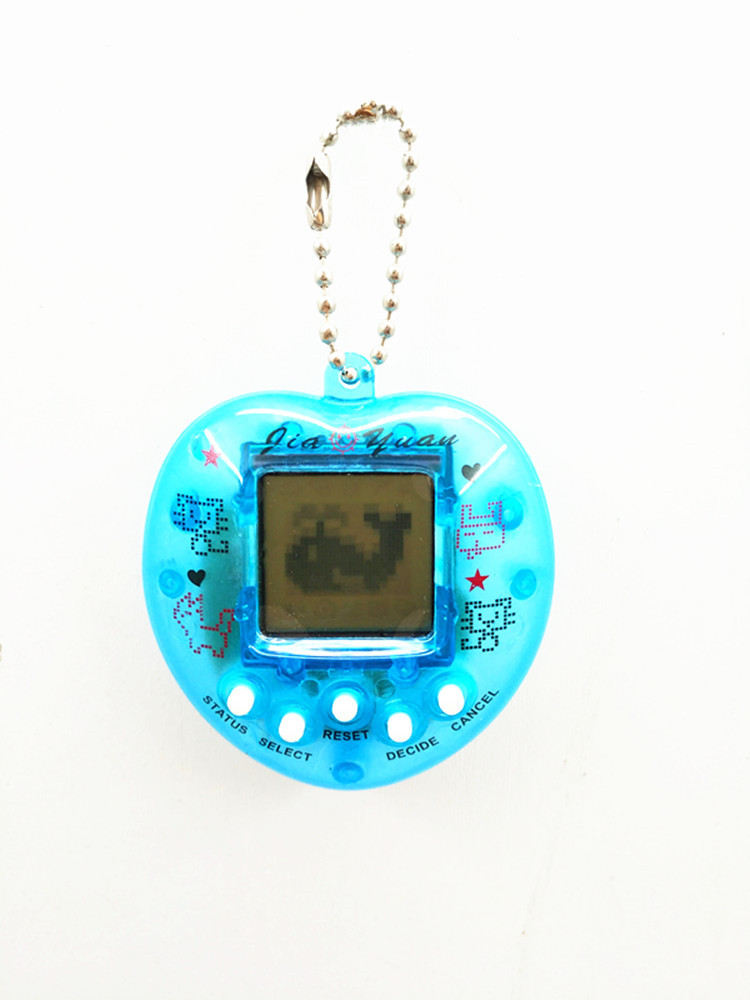
transparent blue (opp bag export packaging)
|
CN¥ 0.0 |
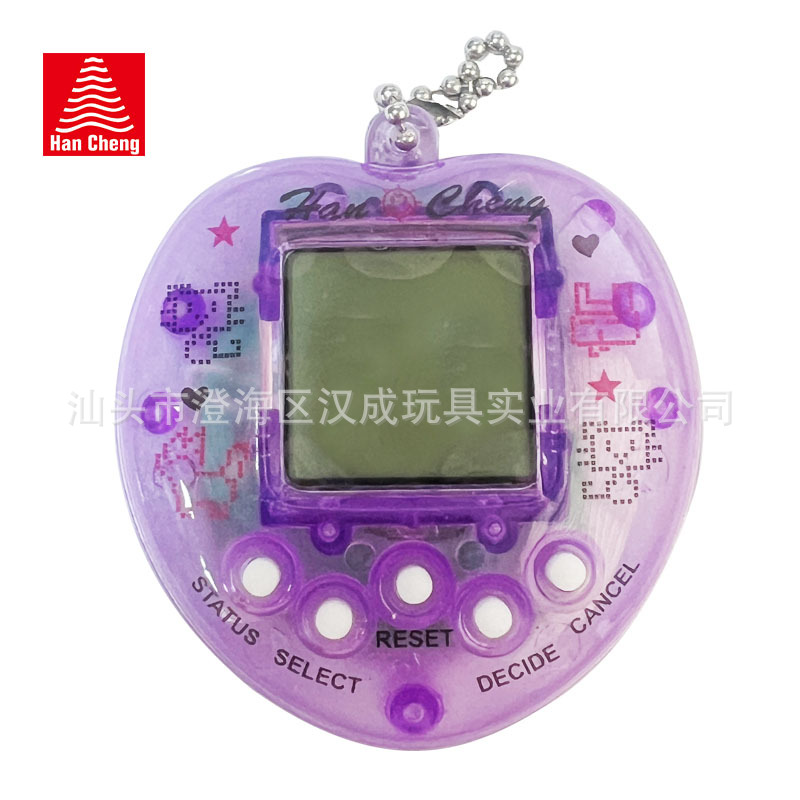
transparent purple (opp bag export packaging)
|
CN¥ 0.0 |
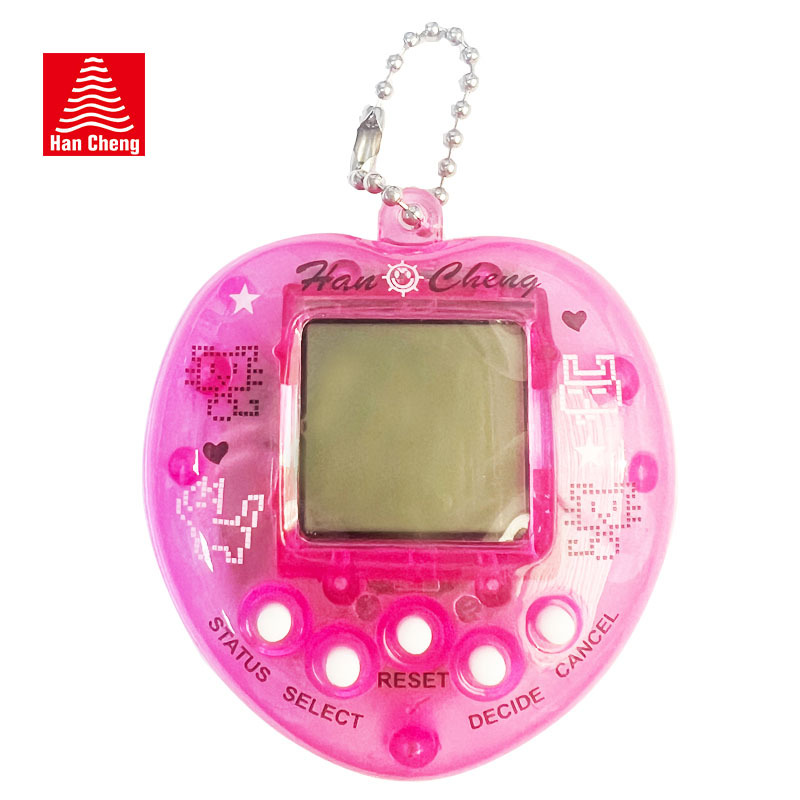
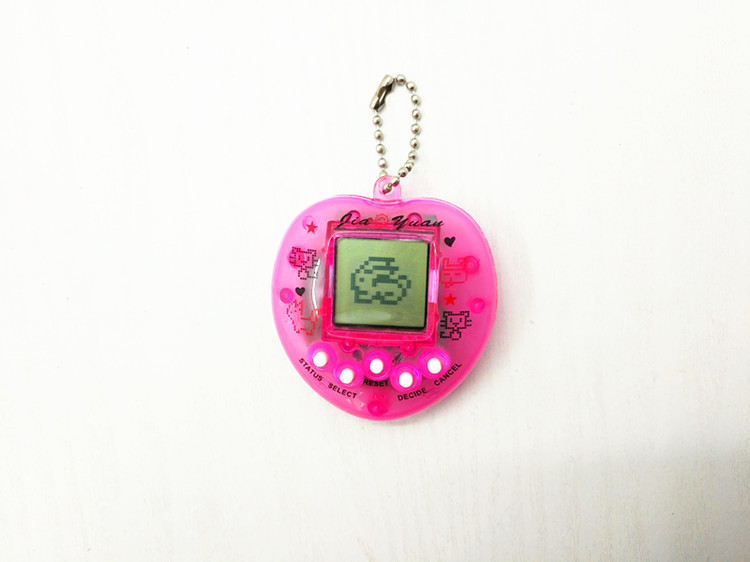
transparent pink (opp bag export packaging)
|
CN¥ 0.0 |
transparent white (opp bag export packaging)
|
CN¥ 0.0 |
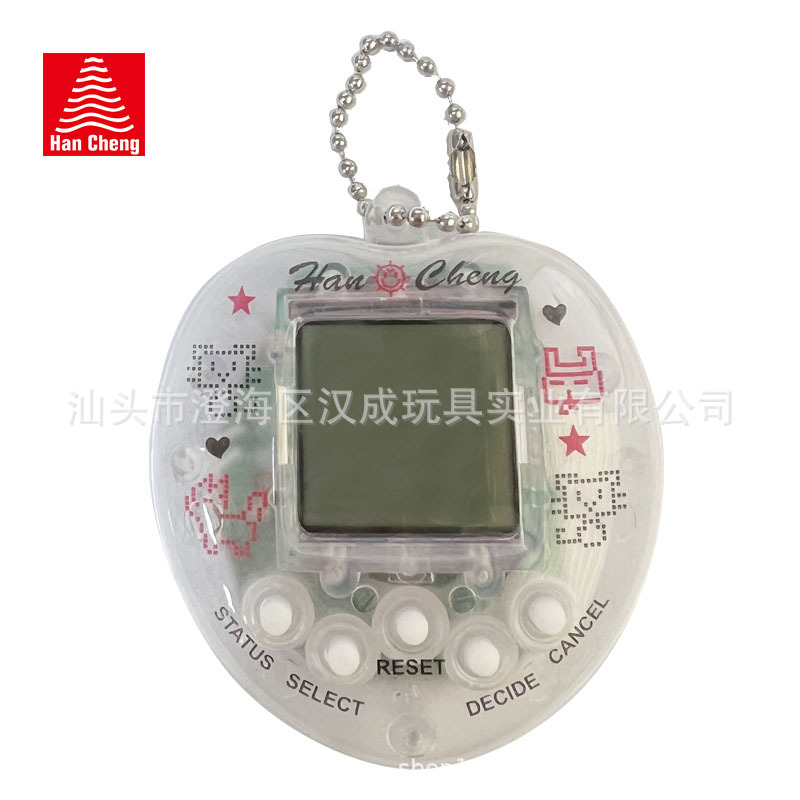
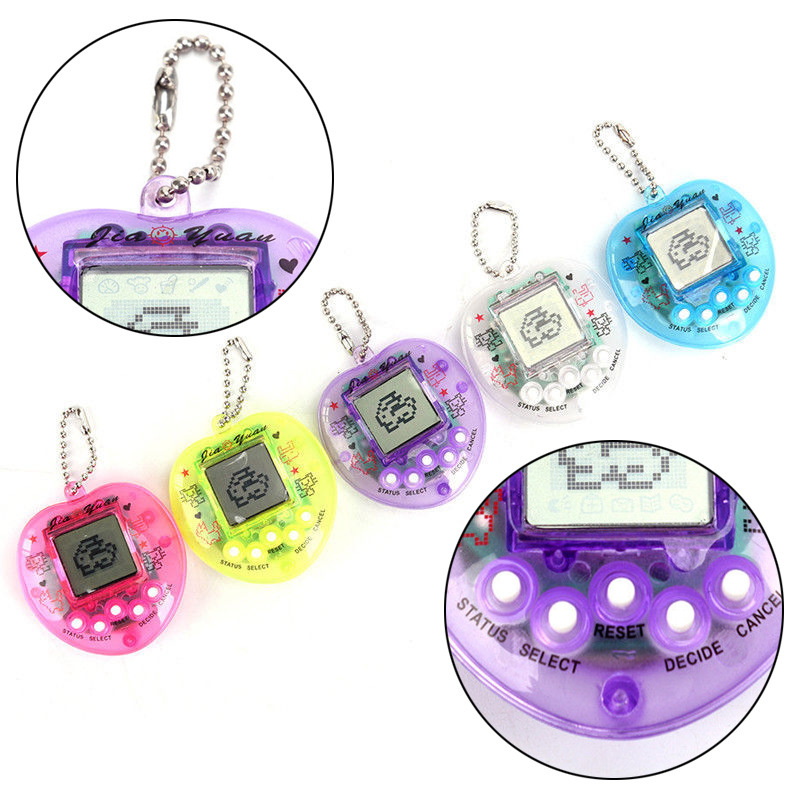
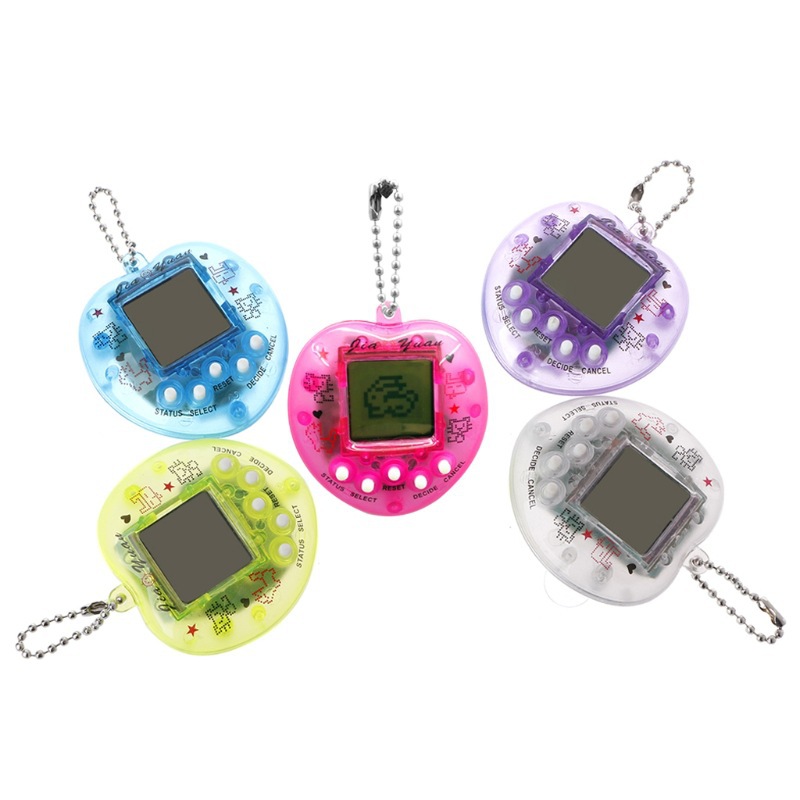
Name; Electronic Pet Game Machine
Model Number; JY-3O72
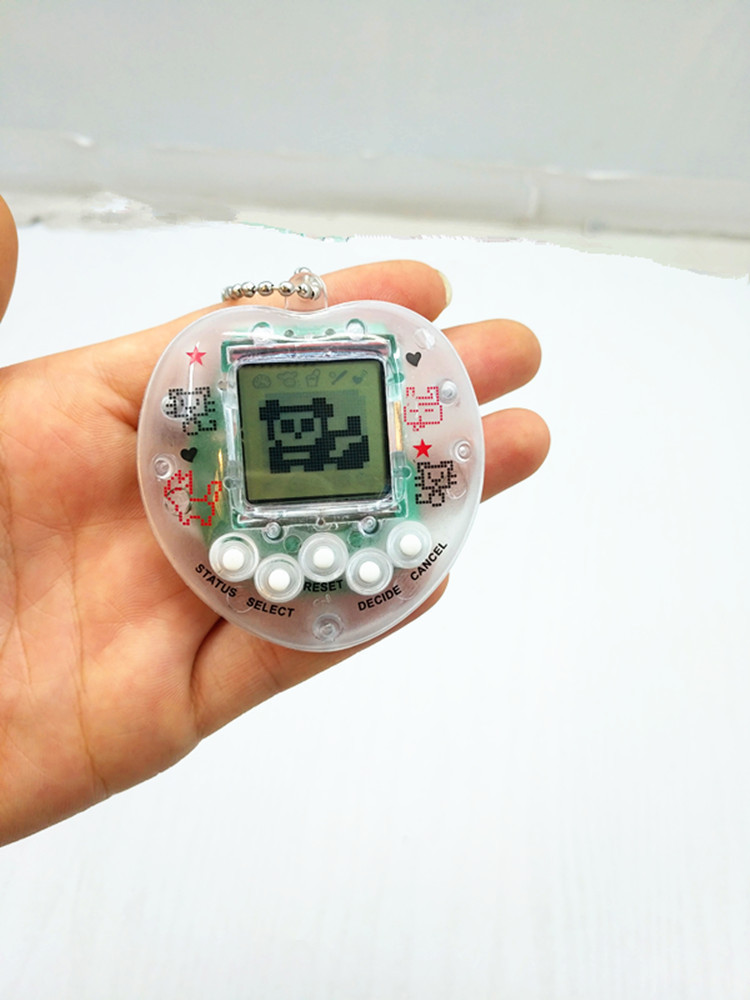
A large item; 288 pieces. Four inner boxes. Packaging; OPP bags. Product specifications; 6*5.5*2
Materials; PS environmentally friendly material Certificates; EN71/7P/621115/ENC Batteries; Package AG13 electronic, two pieces
Product features: An electronic pet game console with 168 animals for you to choose from. Adults can relive the fun of childhood, while children can improve their reaction skills and brain coordination. It’s a cost-effective toy—go ahead and bring it home for fun family games with your child.
Feature Introduction;
168-in-1 Electronic Pet
1. How to get started
After removing the separator at the back of the device, the electronic pet will automatically start, and the pet's image will appear on the LCD screen. Press keys 1 and 2 to select one of the 168 pets you want to feed, then press the C key to confirm.
2. Time Mode
In the feeding mode, pressing the C key enters the time mode. The electronic pet's time display is set to 12-hour format, with PM1 2:0:0:0 representing the start of the day. In time mode, pressing both the A and B keys simultaneously enters the time adjustment mode, where “SET” will be displayed on the screen. Pressing option key 1 or option key 2 allows you to adjust the hour numbers: PM1 2, 1, 2, ……1 1; AM1 2, 1, 2……1 1, PM1 2… Pressing the C key adjusts the minute numbers: 0 0, 0 1……5 9, 0 0, 0 1… After setting the time, press the B key to confirm and save it. During the time setting process, unless there is a need for the pet or a sudden change in weather, the setting will be temporarily interrupted, returning to either feeding mode or weather mode. Pressing the C key exits the time setting mode and returns to feeding mode.
After removing the separator from the body, the LCD screen will display an image of the pet. Press keys 1 and 2 to select your preferred pet, then press the C key to confirm. Next, a dynamic video showing the pet about to be born will appear on the screen, accompanied by music. After a short wait, the pet will be born. At birth, its age, feeding, and sleep data will all show as 0. The newborn pet has various physical and psychological needs. If the owner meets these needs promptly, it will grow smoothly. If the owner takes good care of the pet, it can grow up to 20 years old before saying “goodbye” to you.
After removing the isolation sheet, the electronic pet starts working! Congratulations! Now you are the owner of this cute electronic pet, and it needs your care. Please read the instructions below to learn how to take care of the pet.
Turn on the power
(1) Press the A or E key to select pets; there are 168 pets available for you to choose from.
(2) After displaying 168 on the screen, a pet option will appear. Press the A key to show the next pet, and then press the B key to continue showing the next pet.
(3) Press the C key to confirm the selection.
(1) Press the C key to enter the time mode.
(2) In time mode, press the A key to set the hour digits, and press the B key to set the minute digits. AM/PM will change automatically based on the selected hour digits.
(3) After setting up, press the C key to confirm and save.
*At this stage, the pet is one year old and weighs 300 grams.
General Description
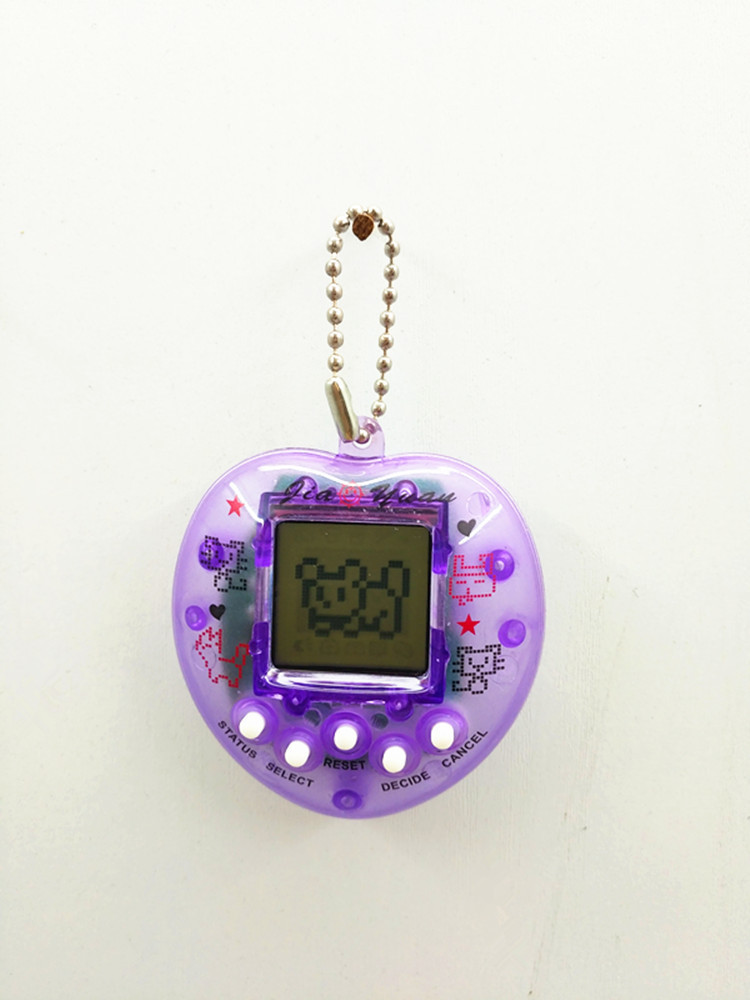
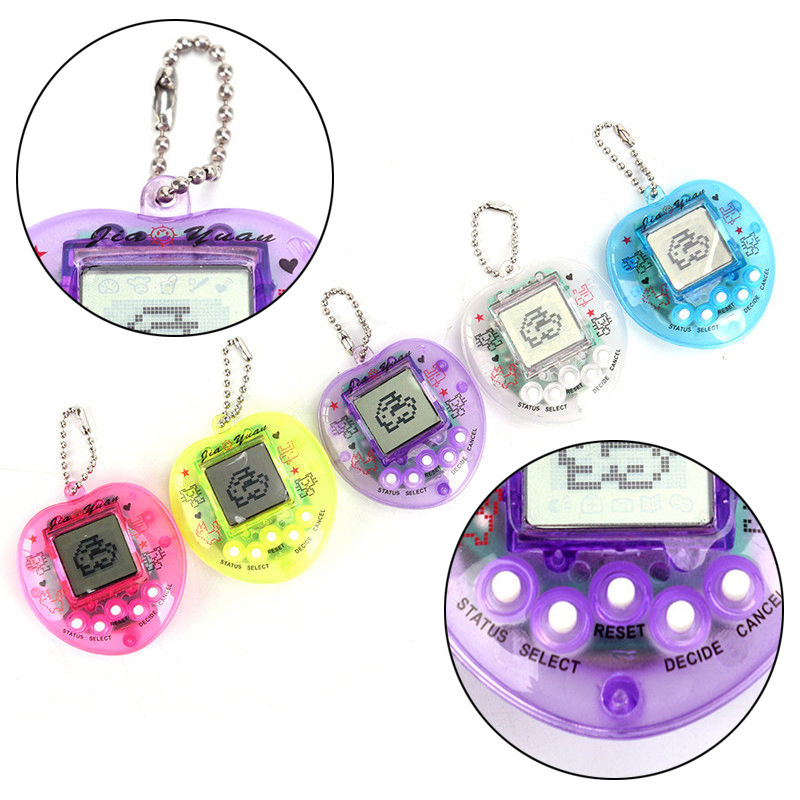
(<t_LEFT_IMAGE>)
RESET
SELECT
Status STATUS Cancel CANCEL
DECIDE
(<t_right_image>)
Use button batteries of the 2×LR4G model
Function
: Feeding
3 options
Staple food / Main meal: Feed up to 4 times a day.
Desserts: Feed up to 10 times per day.
Water: Feed up to 10 times per day.
After each feeding, the pet's weight increases by 10 grams. These two signs indicate that the pet refuses to eat and that the pet has eaten too much.
: Playing games
Press the B key to enter the game. Along with the music, a message will appear on the screen. Press the A key to move left, and press the B key to move right. After winning the game, upbeat cheerful music will play, and the screen will display—sometimes a low-pitched melody as well—along with an unhappy expression. There are a total of 9 different mood patterns for the pet.
: Listening to music
After entering the mode, the indicator will appear. Press the B key to confirm, and then a melody will be played. After a song ends, the pet will become very happy, and the corresponding mood indicator will appear. Pressing the B key allows you to continue listening to the next song. There are a total of 4 songs that play in a loop.
Scissors, Rock, Paper
Press the A key to select the game, press the B key to confirm. Music will play and a specific icon will appear on the screen. Pressing the A key will hide the icon. Pressing A twice will show the icon again, and pressing A three times will also display it. Press the B key to confirm, and a random Scissors, Rock, Paper icon will appear on the display; press the C key to retract. After winning the game, upbeat music will play, and the screen will show an icon—sometimes accompanied by a low, unhappy melody. There are a total of 9 different mood patterns for the pet.
Dancing
Pets will refuse to dance when hungry (just after birth, with snacks set to 0). Once this mode is entered, the indicator will appear. Press the B key to confirm, and a song will play while the indicator flashes up and down. When the song ends, the pet will become very happy, and the mood index will also increase. After performing 3 dances in a row, the mood index will rise by one level. Pressing the B key will start the next song. There are a total of 4 songs that repeat.
: Cleaning
After the pet defecates, its weight will decrease by 30 grams, and a specific indicator will appear. If you select the cleaning function, it will be displayed. Until you clean it, the game playing and feeding functions will not work; you can only view progress, time, and sleep status. If you choose the cleaning function when there is no need for cleaning, the pet will shake its head to indicate refusal.
: Treatment
When the corresponding icon appears, it indicates that the pet is sick, and then the treatment function must be used. Once the pet receives "treatment," the icon turns into a happy one. If the treatment function is used when the pet is healthy, the pet will shake its head to indicate refusal.
: Process
Press the A key, and it will display information that allows you to check food and health status. Press the A key twice more to view sleep conditions, with corresponding indicators. Press the A key three times to see age and weight, with corresponding indicators. Press the A key once more to view the mood index, with corresponding indicators.
: Sleep
A indicator will be displayed when entering sleep mode. Press the A key to change the sleeping orientation, and press the B key to select day or night mode. If night mode is chosen, the pet will keep sleeping until you switch to day mode. During sleep mode, all other functions will be disabled, except for the process viewing function.
Alarm Alert
When your pet needs care, a reminder music sound will play. You can check its status to see what it needs. When the health index is only half of its maximum value, the pet will get sick; if its weight is below 40 grams, the pet will die. Winning the game will increase your mood index by one level. Listening to music and dancing also increase the mood index. Performing three consecutive dances will increase the health index by one level. When the pet feels hungry, it will refuse to dance.
*As the pet gets one year older, its weight will automatically increase by 300 grams.


Update time:
TOP