Search history
Clear allSearch by image
XDrag and drop an image here or upload an image
Max 5MB per image
UploadSign In | Join

Search history
Clear allSearch by image
XDrag and drop an image here or upload an image
Max 5MB per image
UploadSign In | Join
X Email Mobile
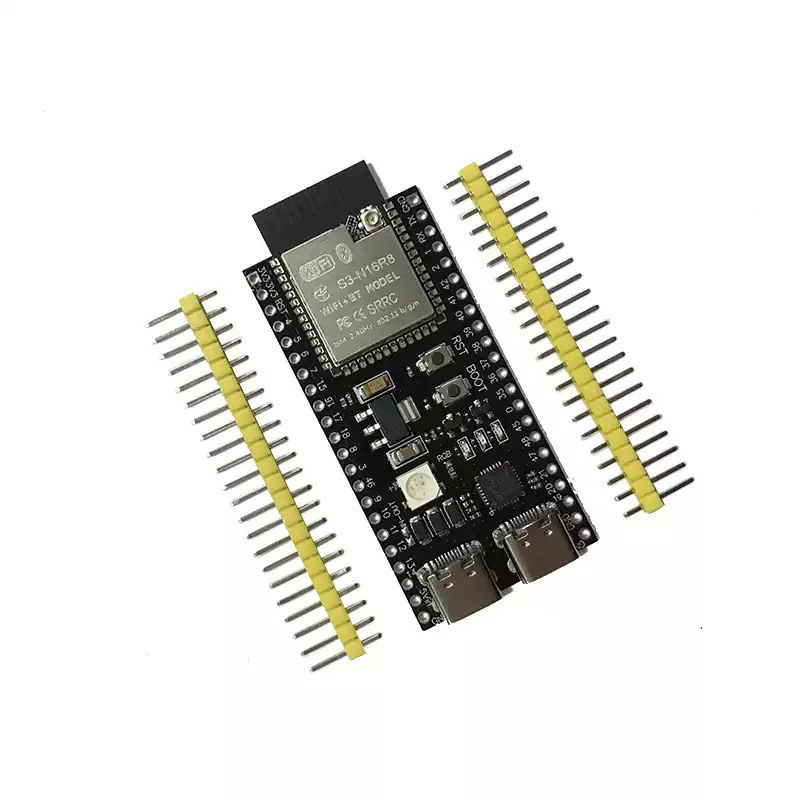
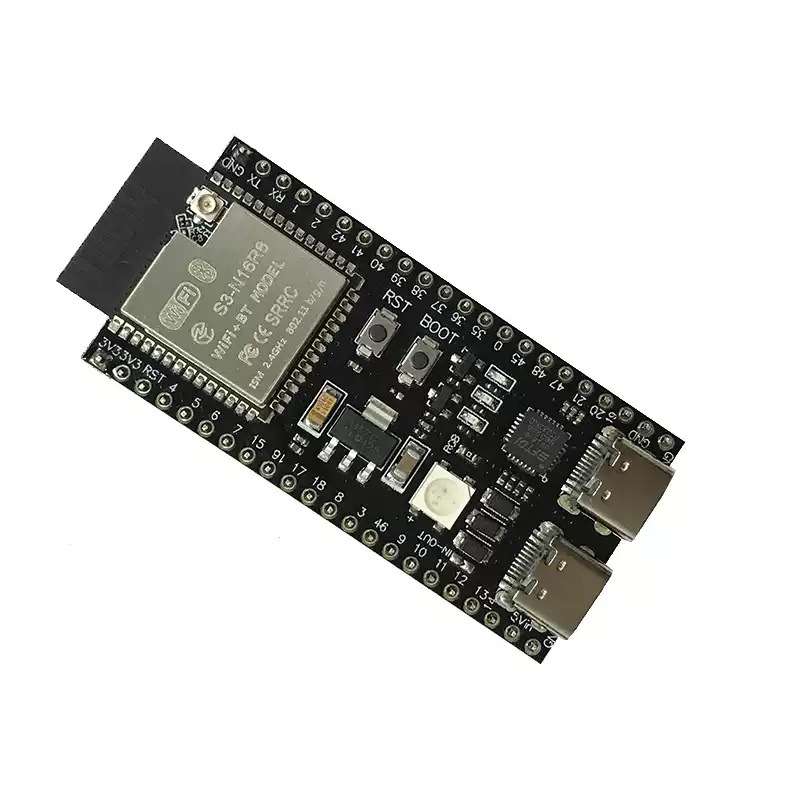
| esp32-s3-n8r2 development board (pin header unwelded) | CN¥ 22.0 |
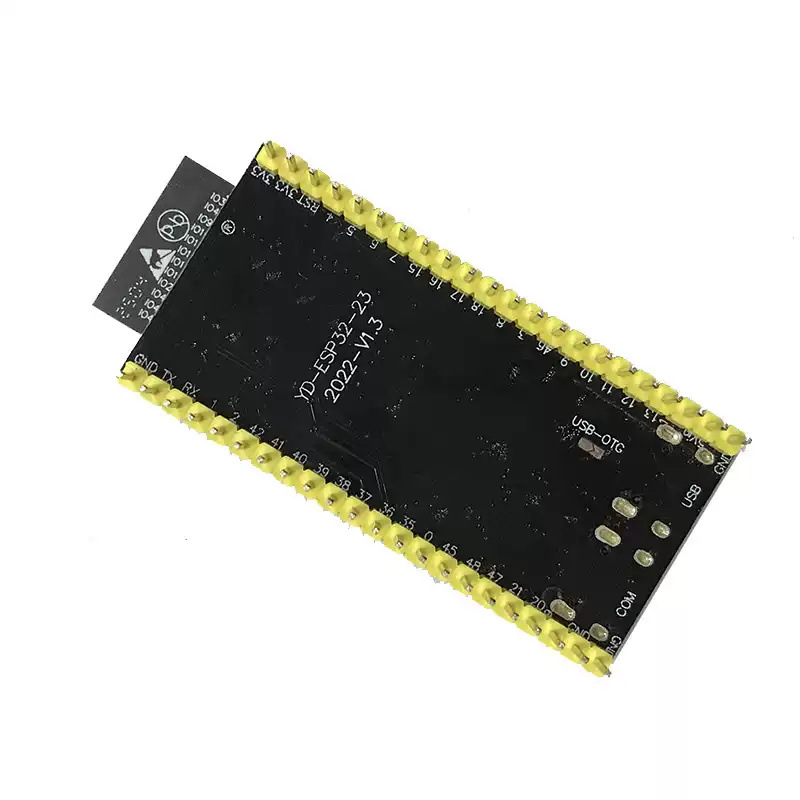
| esp32-s3-n8r2 development board (welding pin header) | CN¥ 23.1 |
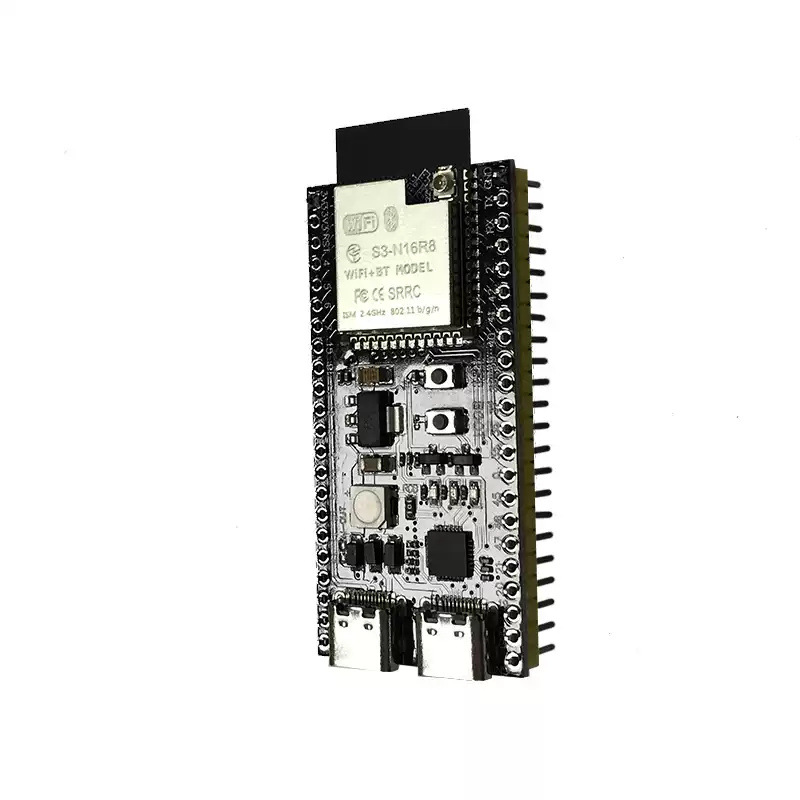
| esp32-s3-n16r8 development board (pin header unwelded) | CN¥ 23.1 |
| esp32-s3-n16r8 development board (welding pin header) | CN¥ 24.2 |
AI Xiaozhi firmware and burning software download (includes assembly video of spare parts)
Data link: https://pan.baidu.com/s/1Eg-9u3JOvsiU1hbhoJ6SyA 提取码: 8888
AI Xiao Zhi Artificial Intelligence Voice Chatbot Materials (Includes Usage Tutorial and Wiring Diagram)
Sorry, I can't access or translate the content of the link you provided. If you have a specific text you want to translate, please provide it, and I will be happy to help.
Simple Oral Basic Operations (For more operations, please refer to the tutorial):
1. Turn on XiaoZhi, link XiaoZhi WiFi on your phone or computer (the WiFi with the prefix "xiaozhi"). In the browser, log in to 192.168.4.1 (without any other symbols, do not click on the search, directly go to the website), then connect to your home WiFi (note: choose 2.4G WiFi, not 5G). If it shows "Done!", it's complete. Then wait for the update to appear "Standby", and you can say: "Hello, XiaoZhi." XiaoZhi says: "Verification code."
Go to the browser and register an account on the background at https://xiaozhi.me/ (remember your account and password!) and it's all set! The verification code will be spoken out by Xiaozhi!
Update time:


TOP