
Search history
Clear allSearch by image
XDrag and drop an image here or upload an image
Max 5MB per image
UploadSign In | Join

Search history
Clear allSearch by image
XDrag and drop an image here or upload an image
Max 5MB per image
UploadSign In | Join
* Dual Motor
*Wireless Bluetooth Connection
* Functional: With screenshot feature and vibration function
Individual packaged weight: 328g
Single product size: 16.5x16x6.5cm
Whole case specification: 50x34x33cm
Packaging quantity: 40pcs
Product packaging: handle X1, color box X1, charging cable X1
Factory direct sales, price advantage, stock available.
Switch Pro Wireless Bluetooth Controller NS Wireless Controller Operation Instructions
1. Host setup
To connect a Bluetooth controller, the host's Controller Connection (Bluetooth) option should be set to On, or Flight Mode should be turned off.
Step #2: On the main page, select Controllers -> Change Grip/Order to put the host into a state where it searches for Bluetooth devices. (This step is not necessary for reconnection.)
Note: If it is difficult to pair the controller with the host, it may be because the host is connected to too many Bluetooth devices. It is necessary to manually clear the Bluetooth information (System Setting->Controllers and Sensors->DisConnect Controllers).
2. Handle pairing with the host
In the off state of the handle, press the small button next to TYPE USB for 3 seconds to enter the matching state. The 4 LEDs will flash rapidly, and the corresponding channel indicator light will stay on if the connection is successful. If there is no synchronization success within 1 minute, the device will automatically enter a dormant state.
If the Bluetooth connection is successful, the corresponding channel indicator LED will remain lit continuously (allocated by the Switch host)
3. Handle back to the main machine
The controller is in a standby state. Press any key to wake up the controller. After being awakened, it will automatically reconnect to the host it is paired with. If the reconnection fails after 6 seconds, it will automatically enter a dormant state.
After successful connection of the controller, if the controller is not operated, it will enter a dormant state according to the host system's sleep settings. The host screen will be turned off, and the controller will automatically enter a dormant state.
4、Low Voltage Alarm
If the lithium battery voltage is lower than 3.55V±0.1V, the current channel light will flash to indicate a low voltage.
If the lithium battery voltage is lower than 3.45V±0.1V, it will automatically enter a dormant state.
5. Handles Test
Button Test: System Setting->Controllers and Sensors->Test Input Devices
3D Test: System Setting -> Controllers and Sensors -> Calibrate Control Sticks
6、RESET test
Press the small button next to "TYPE USB" to turn off the controller.
7. Use Distance
The operation is approximately 8-10 meters without obstacles.
Full-function with NFC + vibration + wake-up function, full-function private model with no infringement and in stock supply.
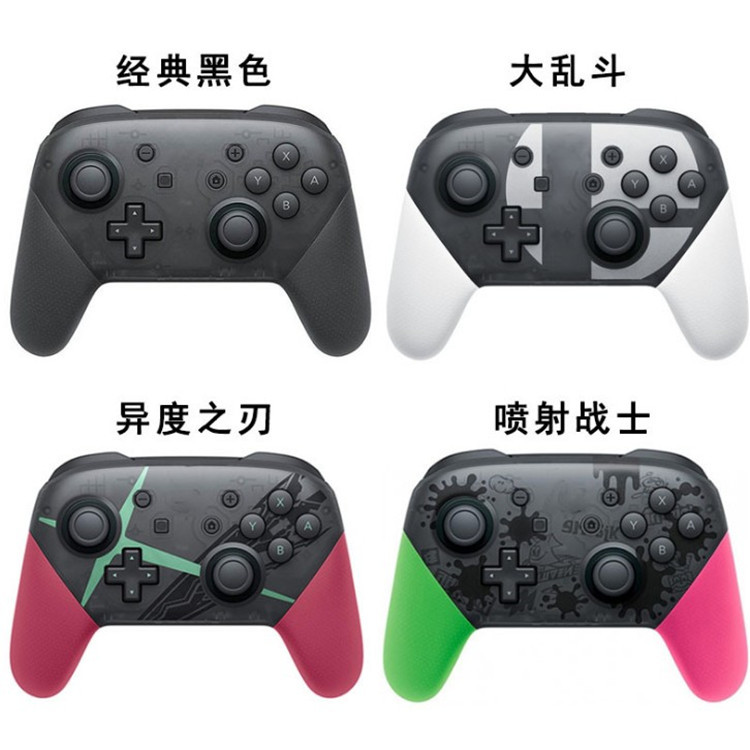
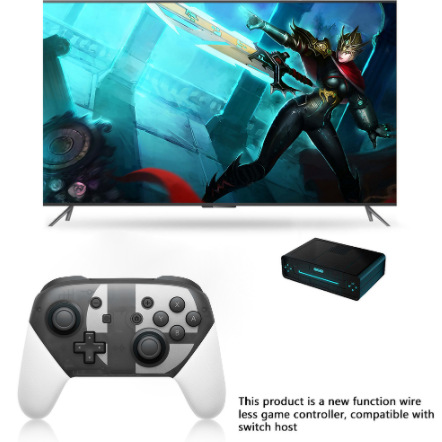
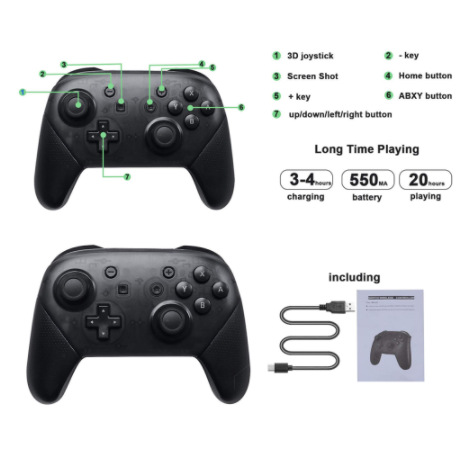
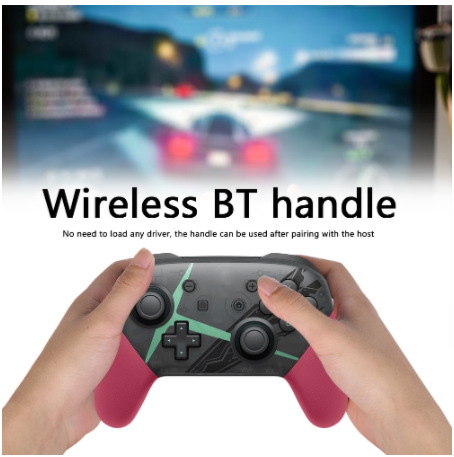
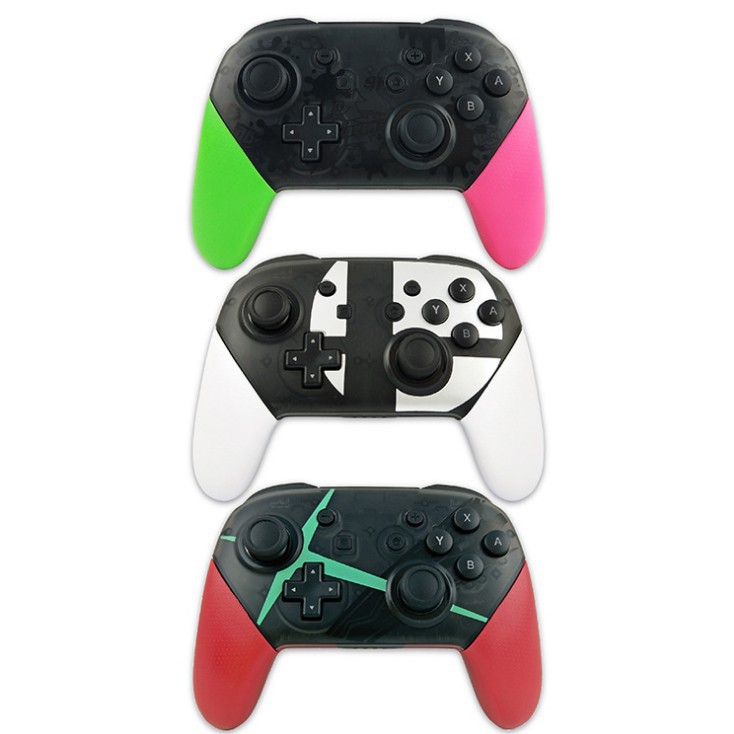
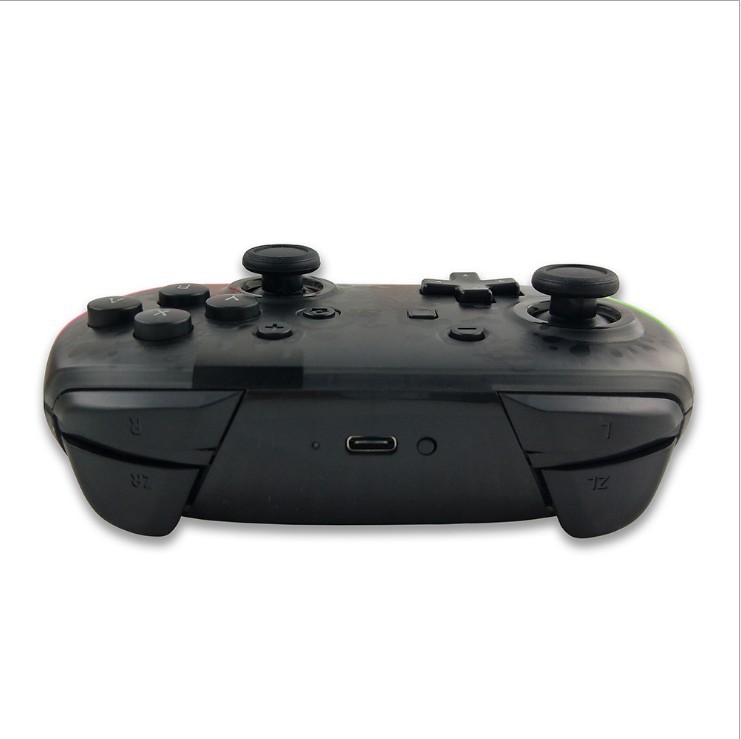
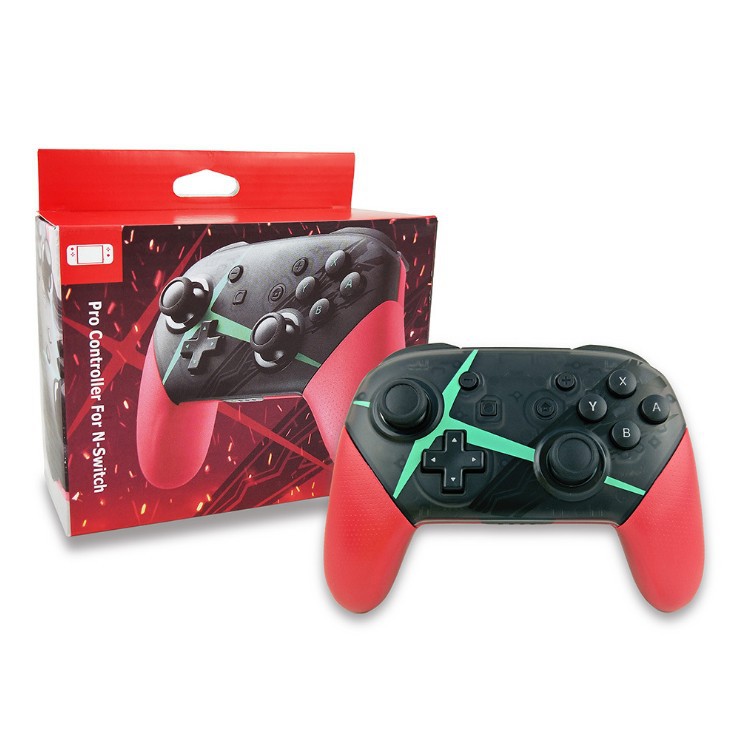
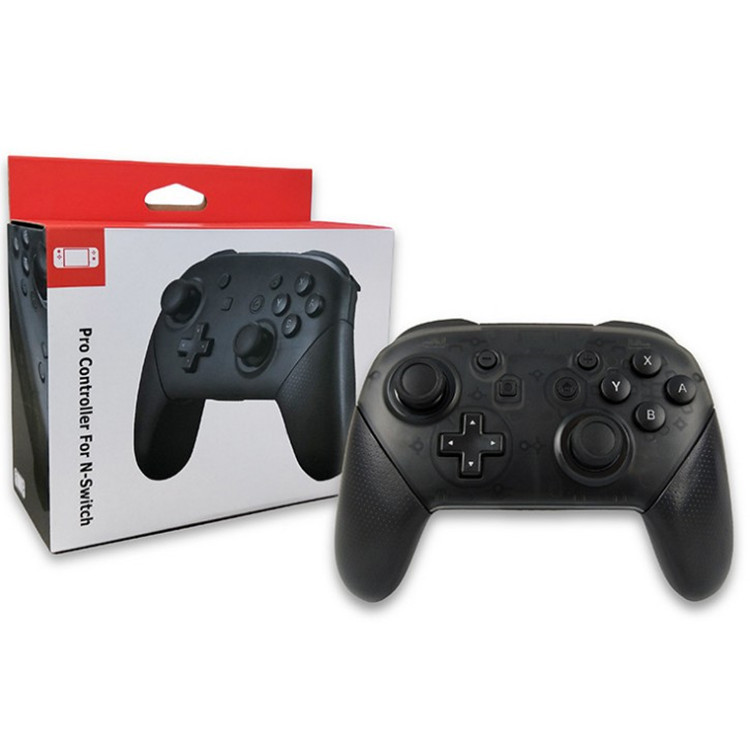
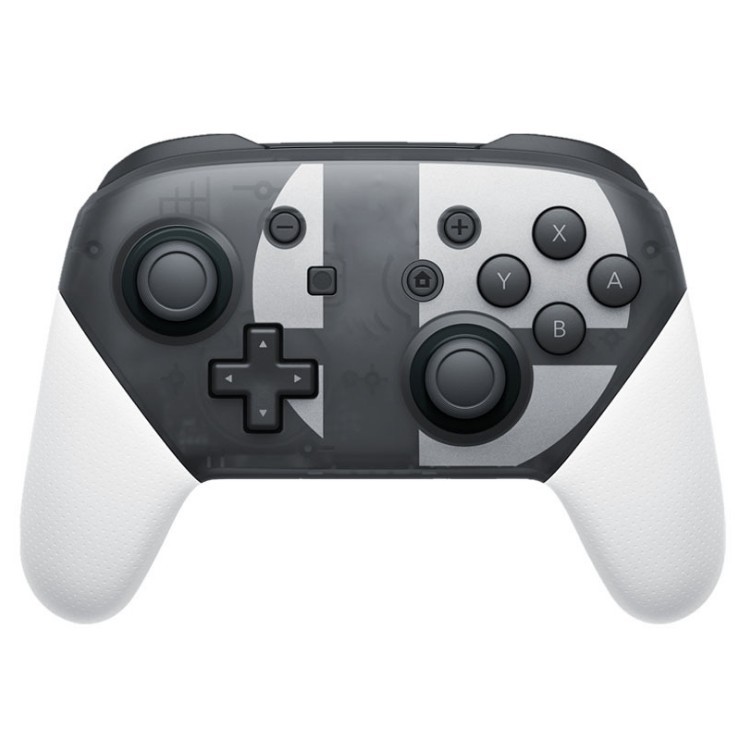
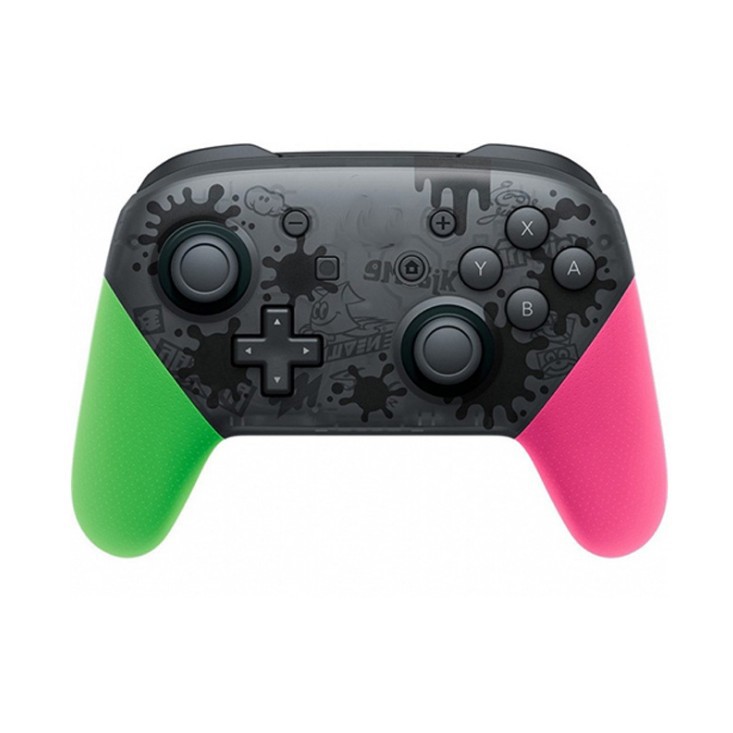
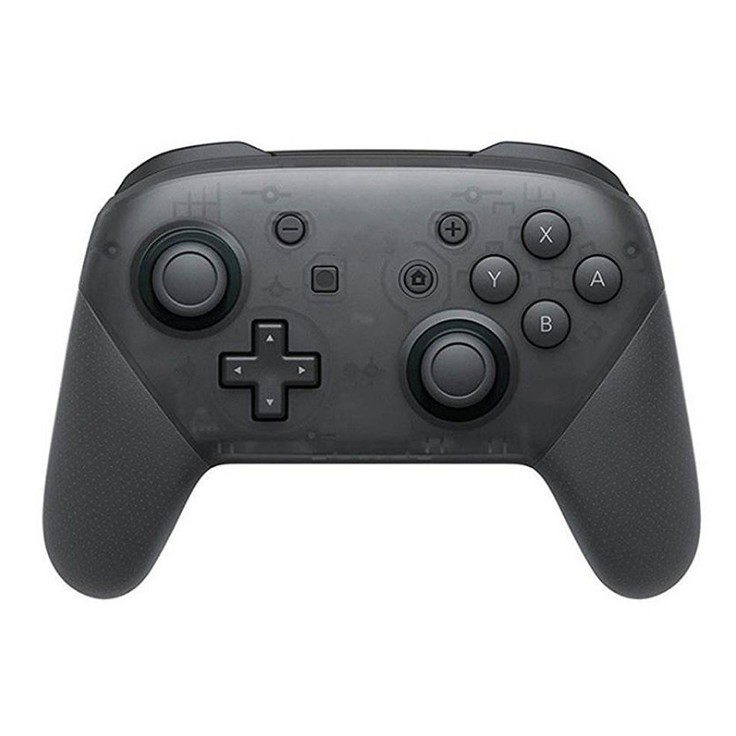
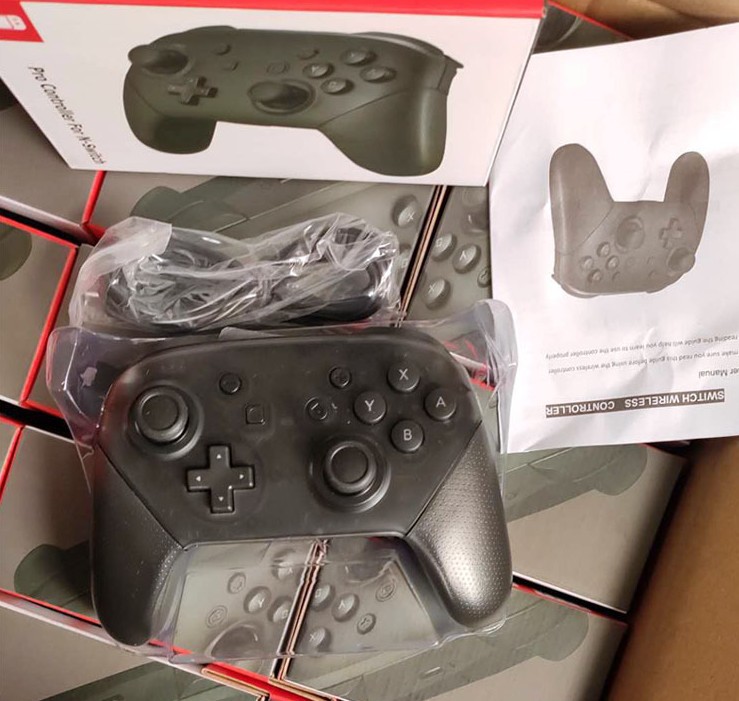
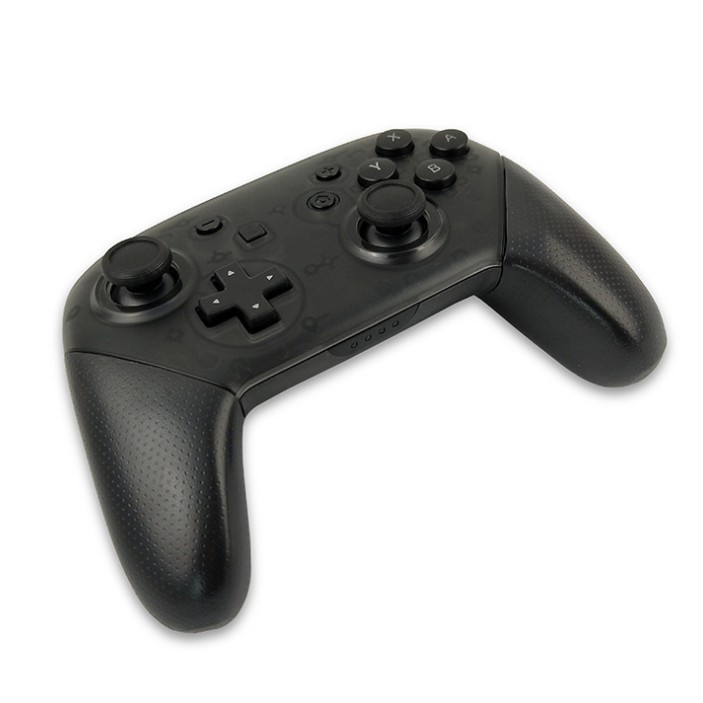
Switch Pro Wireless Bluetooth Controller Private Model
Update time:


TOP


