Search history
Clear allSearch by image
XDrag and drop an image here or upload an image
Max 5MB per image
UploadSign In | Join

Search history
Clear allSearch by image
XDrag and drop an image here or upload an image
Max 5MB per image
UploadSign In | Join
|
doctor cleaner-6 pcs
清洁博士-6 单支起 |
CN¥ 50.0 |
|
clean doctor-6: starting from 10 units, each unit…
清洁博士-6 10支起每支 |
CN¥ 45.0 |
|
cleaning doctor-6 50 pcs each
清洁博士-6 50支起每支 |
CN¥ 40.0 |
guangzhou yuelule computer co., ltd. 1yr.
Contacts Miss ling Chat
yuelule

WhatsApp 8613724093988
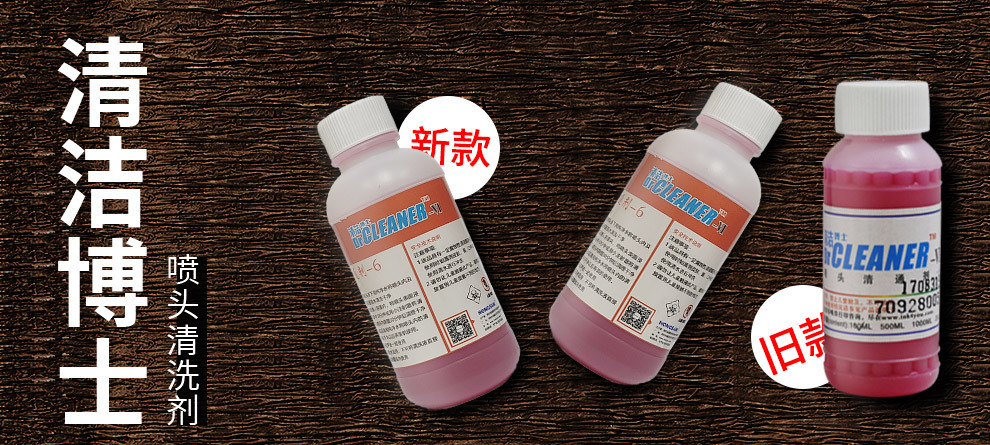
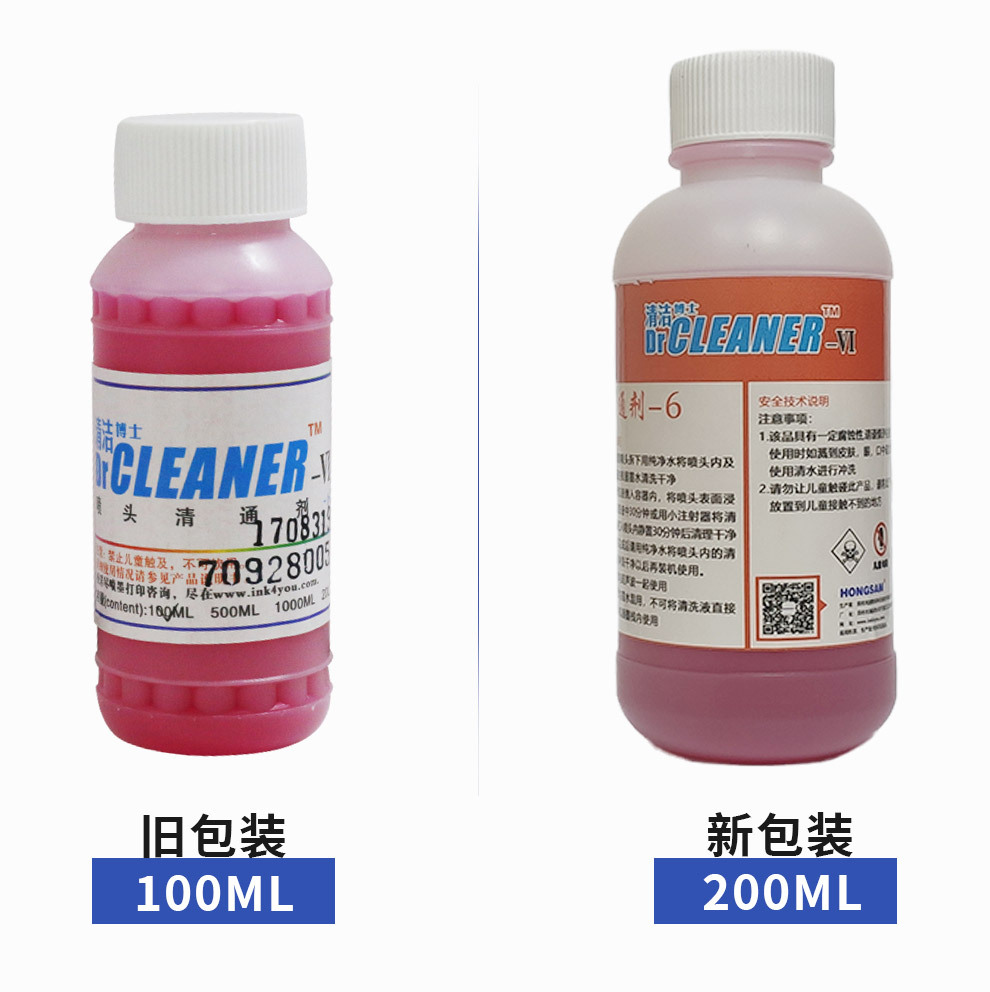
Buy cleaning fluid and get cleaning tools for free!!!
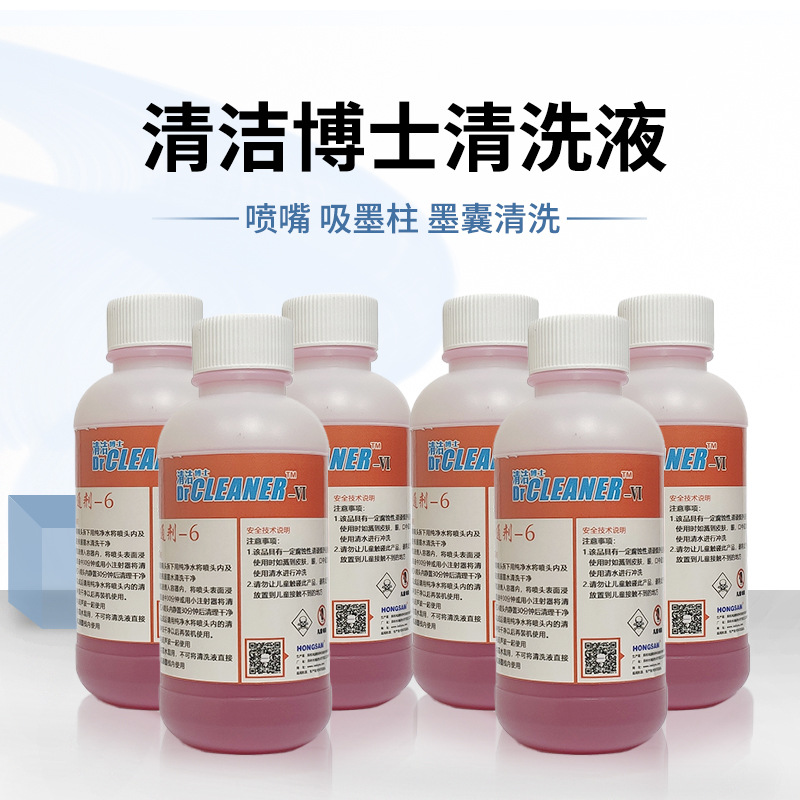
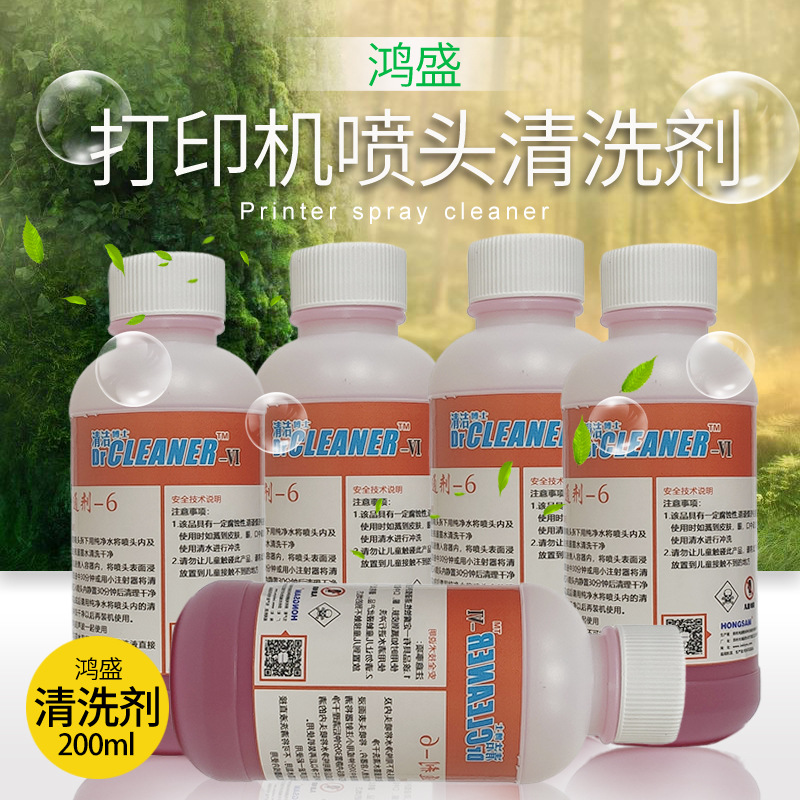
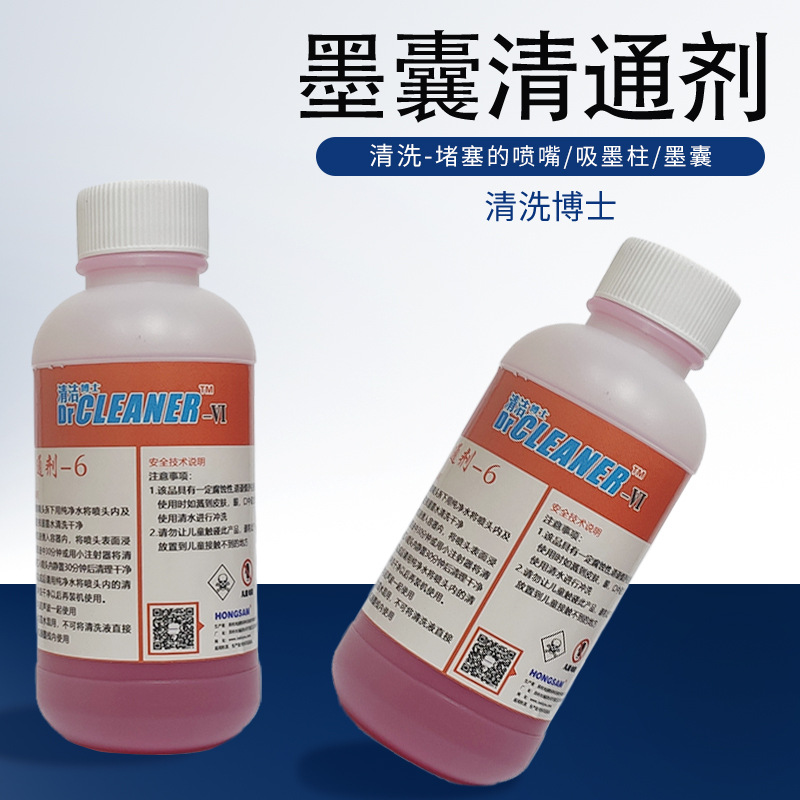
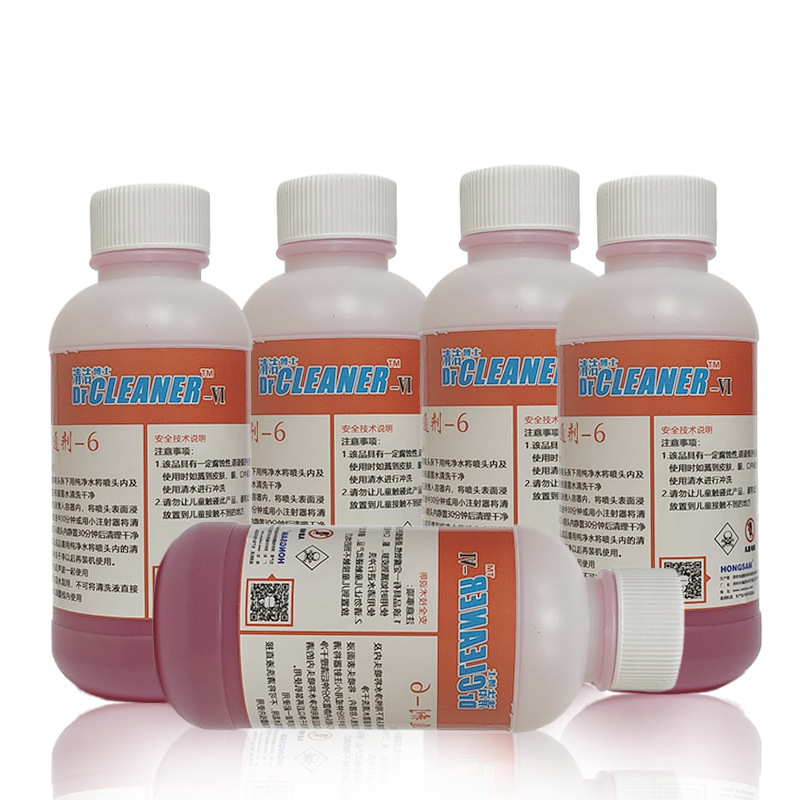
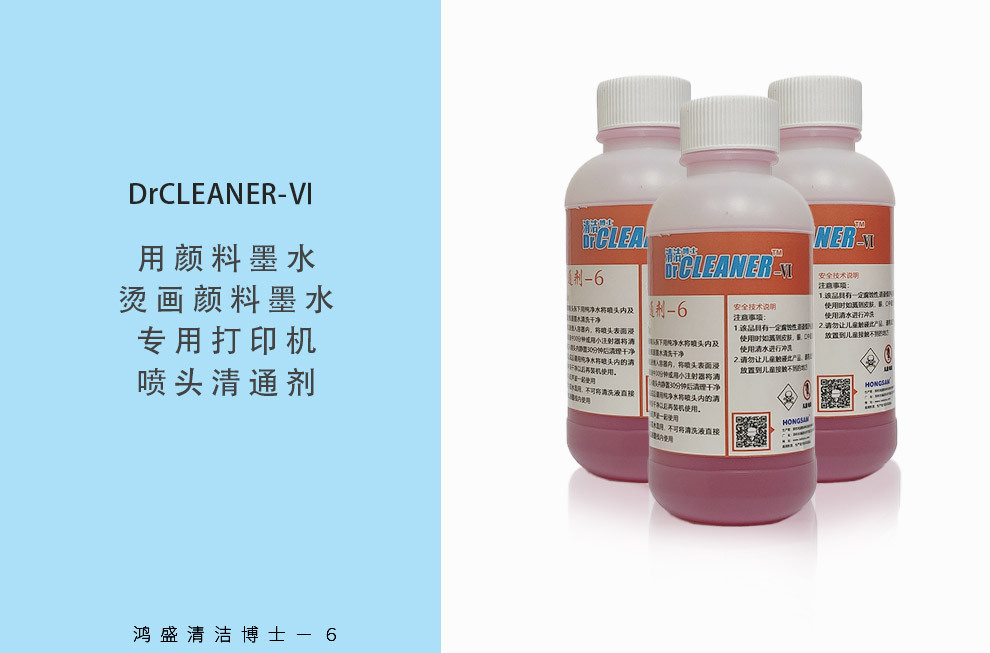
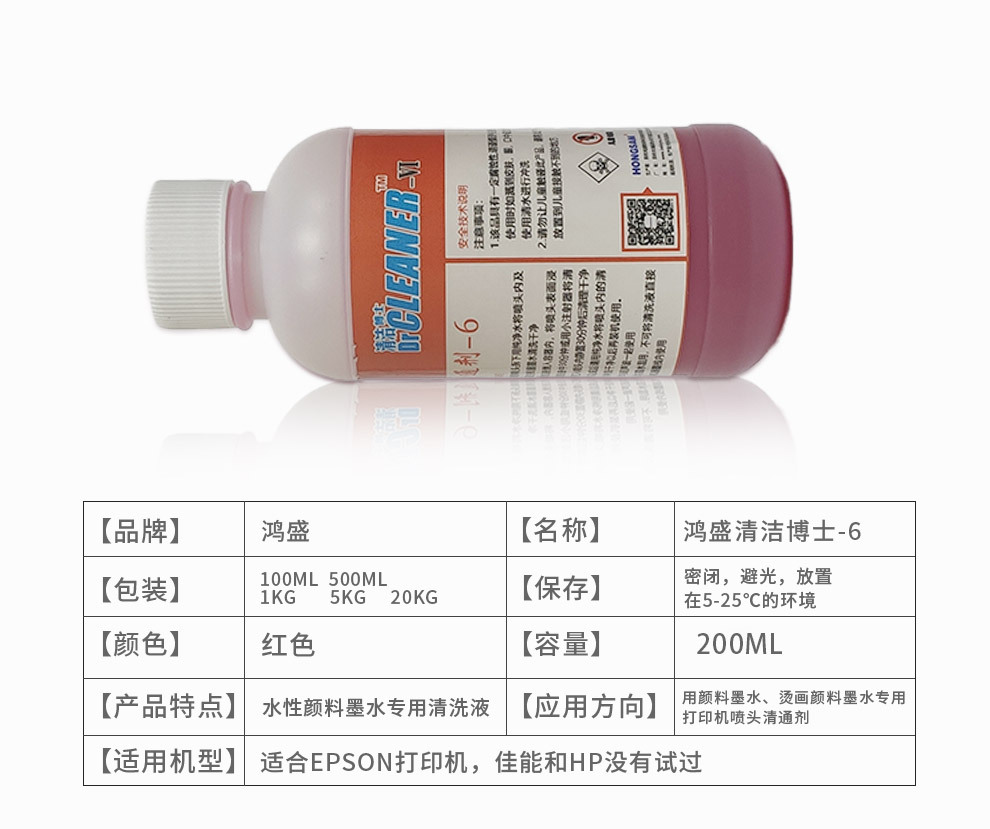
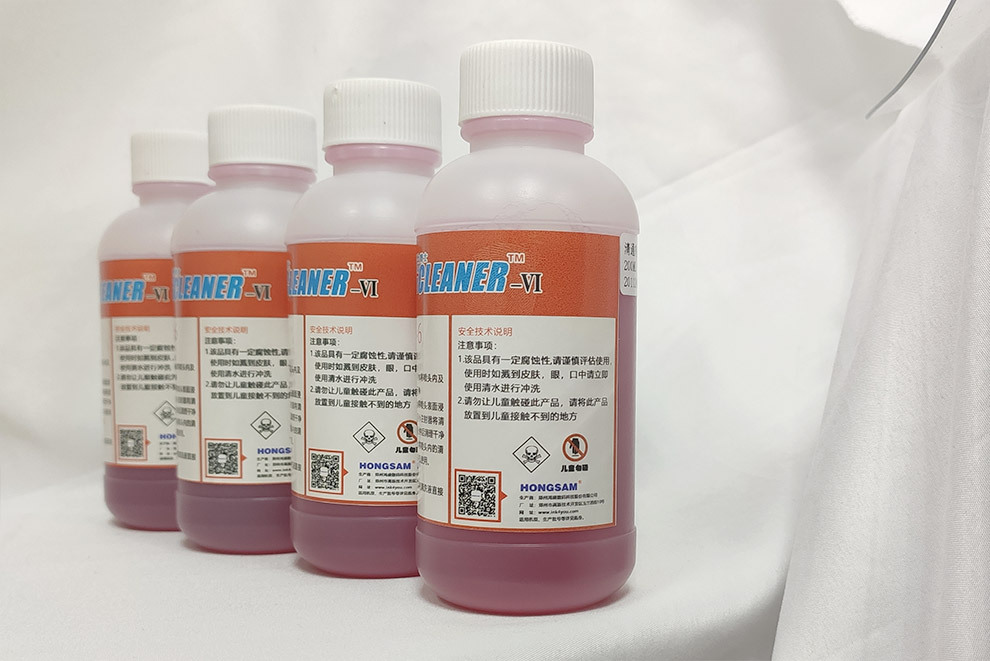
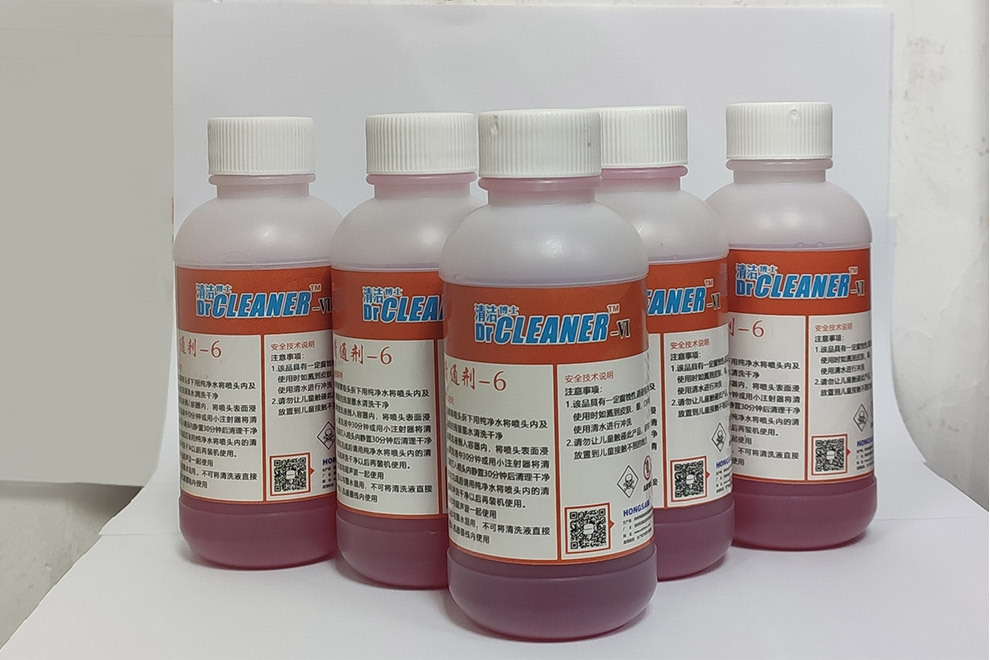
Name: Hongsheng Clean Doctor-6
Capacity: 200 ml
Manufacturer: Hongsheng Digital
Note: Not all inks can be washed out; only when the right method is used will it be effective.
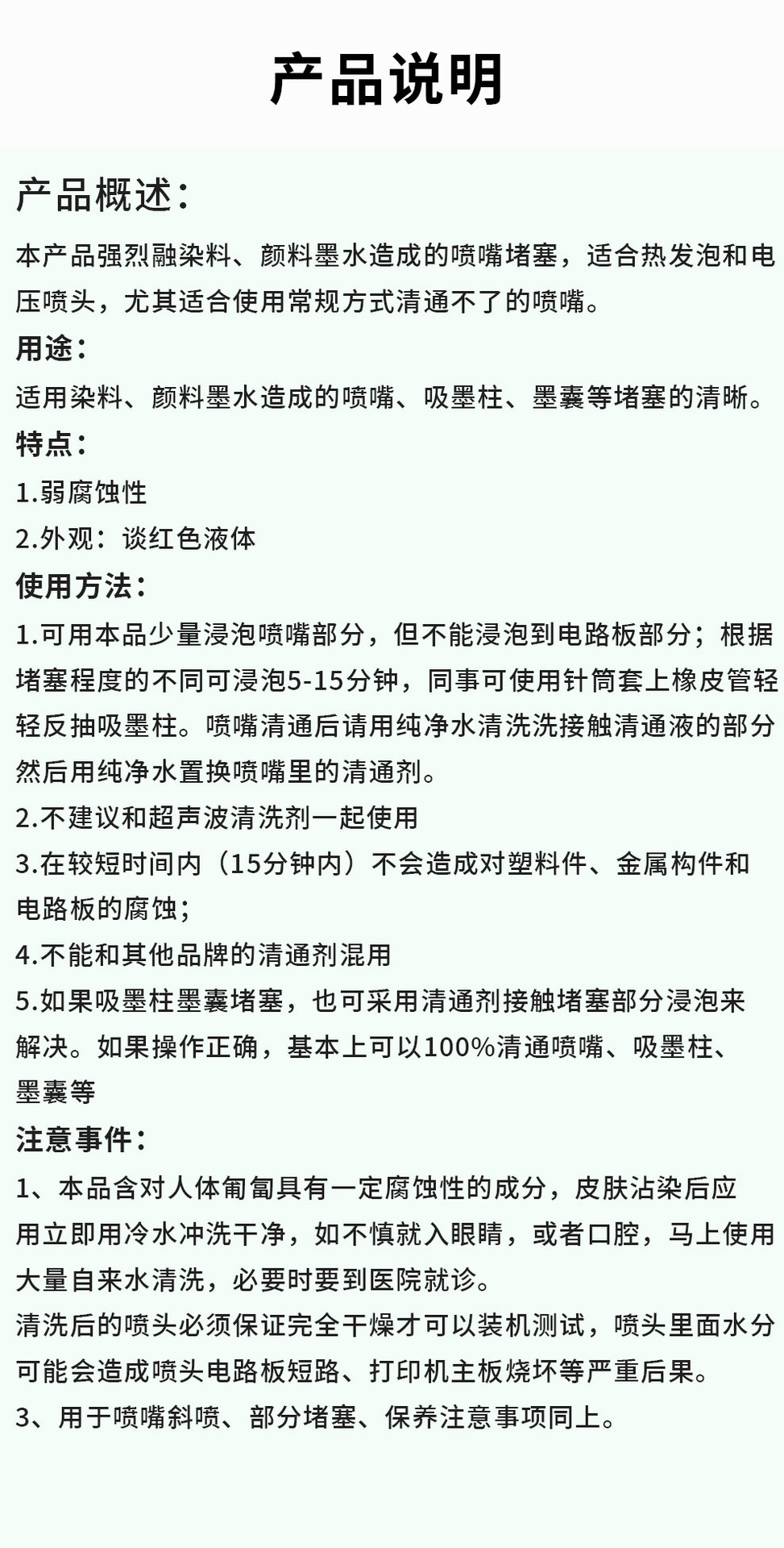
UsageCleaning a printer nozzle clogged by pigment ink or heat transfer ink.
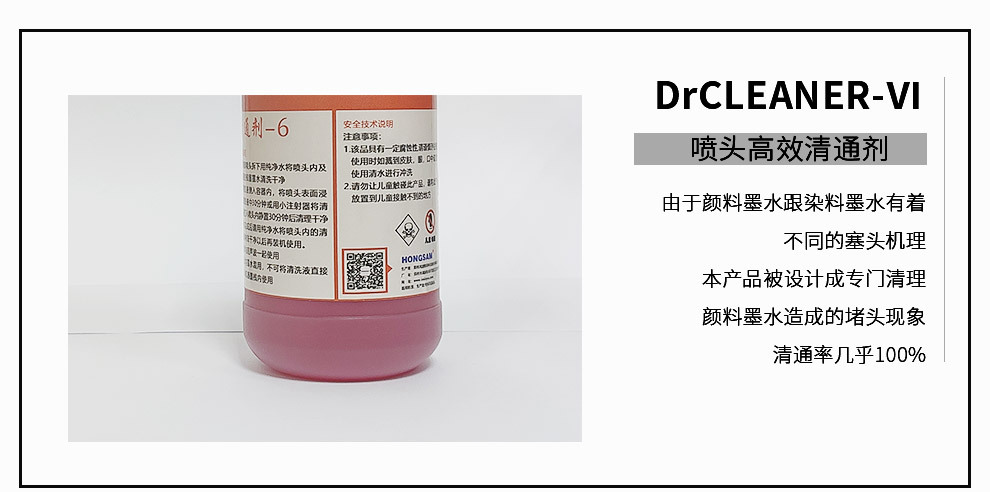
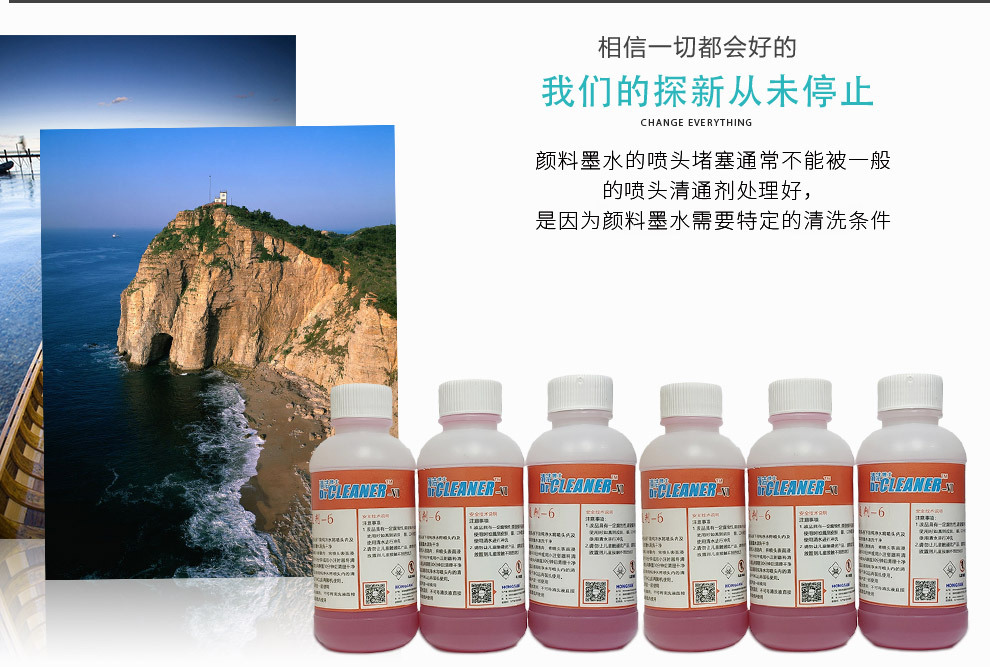
Today, more and more users are using pigment ink. It is possible for the nozzle to clog due to the accidental reasons of pigment ink, such as: the deterioration of ink, long-term non-use of the printer, the malfunction of the printer ink stack rubber, and the encounter of substances that may cause the deposition of pigment ink. To solve this problem, Hongsheng Digital has developed Clean Doctor-6, which is specially designed to clean and clear the nozzle clog caused by water-based pigment ink. It can also be used as a nozzle maintenance agent, bringing great convenience to the maintenance of your nozzle.
The nozzle of the inkjet printer clogged with pigment ink cannot be effectively cleaned by general nozzle cleaners, as pigment ink requires specific cleaning conditions. For example, if using the Dr. Clean-2, it may worsen the nozzle clogging or have no effect at all. Therefore, it is recommended to use the red "Dr. Clean-6" introduced on this page to handle the problem. After long-term experiments, it has been found that this cleaner can effectively unclog the nozzle for pigment ink, and it only takes 5 minutes!
Instruction Manual
Epson printer nozzle usage method:
1. Treatment method for mild clogging:
Printer - Move the ink cart to the middle position - remove the ink cartridge inside the machine - at this time, you can see the ink injection port of the printing head - then use the ink addition tool with a silicone hose - draw the appropriate amount of cleaning fluid - then connect the other end of the silicone hose on the injection needle to the ink injection port of the printing head - gently press the ink addition tool - slowly inject the cleaning fluid into the clogged printing head (do not exert too much force, to avoid breaking the ink injection hole) - let the cleaning fluid soak in the printing head for 5-10 minutes - so that the crystal in the printing head slowly soaks and dissolves - then draw out the cleaning fluid containing dissolved crystals - repeat several times (the number of times depends on the degree of crystallization) - move the ink cart back to the original position - turn on the machine and check the normal printing detection procedure to determine whether the crystal is completely dissolved - if there is no broken line, it means that the cleaning is completed - otherwise, repeat the above steps until it stops.
2. Treatment methods for severe clogged nozzles:
This method must be performed by skilled personnel. First, disassemble the printer's ink carriage in the usual order - remove the printing nozzle - connect a silicone hose to the ink injection tool - draw a suitable amount of cleaning fluid - then connect the other end of the silicone hose to the ink inlet of the printing nozzle - gently press the ink injection tool - slowly inject the cleaning fluid into the clogged printing nozzle (be careful not to apply too much force, to avoid breaking the ink nozzle) - let the cleaning fluid soak in the nozzle for more than 10 minutes - allow the crystals to slowly dissolve in the cleaning fluid - then draw out the cleaning fluid containing dissolved crystals - repeat this process several times (the number of times depends on the degree of crystallization) - immerse the printing nozzle both inside and outside in the cleaning fluid for a longer time to achieve complete dissolution. Ink cartridges with nozzles are usually reused, and if you really need to use cleaning fluid, it is to immerse the nozzle externally in the cleaning fluid, allowing the cleaning fluid to penetrate into the ink nozzle to dissolve the crystals blocking the ink nozzle.
Here is an example of how to operate using EPSON.
1. Press the "Tank Change" (ink drop) button on the printer, and the carriage will move to the position for replacing the ink tank. Unplug the power cord; (you can also rotate the gear by hand after power is turned off to move the ink carriage out).
2. Remove the ink cartridge;
3. With a syringe, draw some cleaning fluid.
4. Insert the small plastic tube on the syringe into the ink column of the nozzle.
Pump in 1-3 ml of cleaning fluid, and you will see ink leaking from the ink carousel. Move the ink carousel and wipe it clean with a tissue.
6. Repeat the above steps for each color individually.
7. Replace the ink cartridge back into the ink cart machine, and cover the pressure cover.
8. Drop the cleaning fluid into the sponge in the cleaning tank on the right side of the printer until it is full. Then return the nozzle to its original position, immerse the nozzle in the cleaning fluid, and leave the printer for 8 hours, ensuring that it remains off.
9.8 hours later, reconnect the power and perform the nozzle cleaning operation.
Compatible with original ink 672L310, L380, L383, L565, L551, L360 printer continuous supply
Suitable for 1390 printers, universal ink R230 refill for continuous ink supply cartridges, dye R330 ink
Compatible with 672 ink (T6721/T6722/T6723/T6724) suitable for L111/L310/L353
Hong Cai 6 heat transfer ink heat sublimation printing T-shirt printing clothes cups inkjet printer continuous ink supply ink
Hong Cai 6 Heat Transfer Ink Heat Transfer Printing T-Shirt Heat Transfer Printer Ink
Hong Cai 6E850 Water-based Dye Ink, Compatible with Epson Printers, Premium 6-color Ink, 100ml Continuous Ink Supply
鸿彩6
Hongcai 6 Ink
Hongcai 6 Large Format Dye Ink
Hongcai 6 Large Format Ink
Hongcai 6 Large Format Ink
Hongcai 6 Thermography Ink - Special for Cotton
Hongcai 6-in-1 Ink Cartridge
Hongcai 6 Special Ink
Hong Cai 6 100ml
Hongcai 6 L805 Ink
Hong Cai 6 Ink 4 Color
Hongcai 6 Ink Black
Hongcai 6 R230 Ink
Hongcai 6 R330 Ink
Hongcai 6 L805 Ink
Hongcai 6 L1800 Ink
Hongcai 6 1390 Ink
Hong Cai 6 Heat Transfer Ink
Hongcai 6 Ink
Hongcai 6 Heat Transfer Ink
Hong Cai 6 Heat Transfer Ink
Hongmei Heat Subsidence Ink
Hongmei Heat Transfer Ink
Hongcai 6 Sunscreen Ink
Hongcai 6 UV-resistant sunscreen ink
Hongcai 6 Lightfast Ink
Hongcai 6 Light-Resistant Dye Ink
Hongcai 6 Sunscreen Dye Ink
Hongcai 6 Non-Fading Ink
Hongcai 6 Dye Ink
Hongcai 6 Printer Ink
Update time:


TOP