Pattern printing:
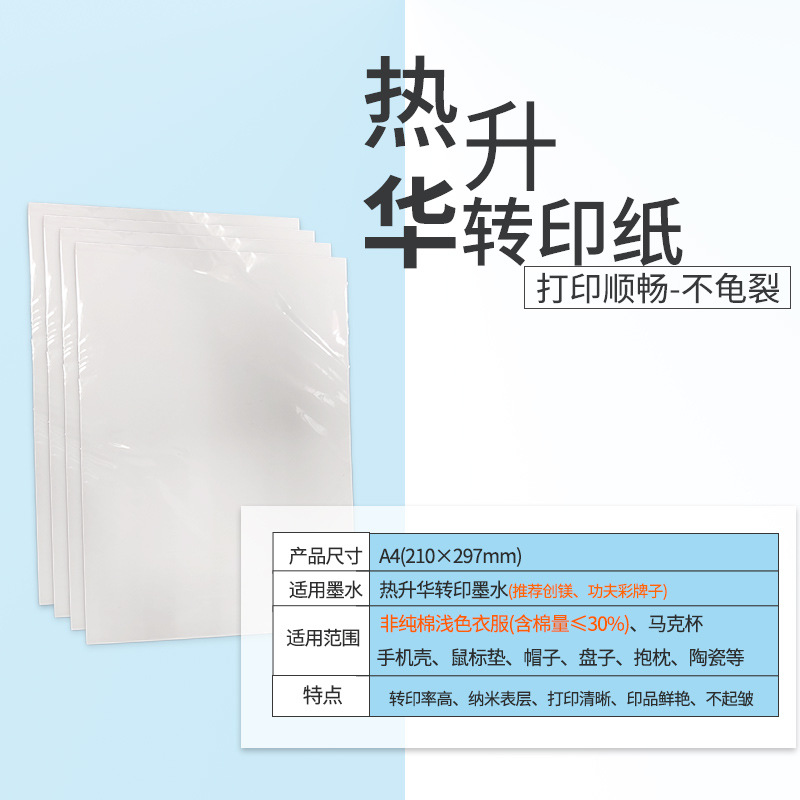
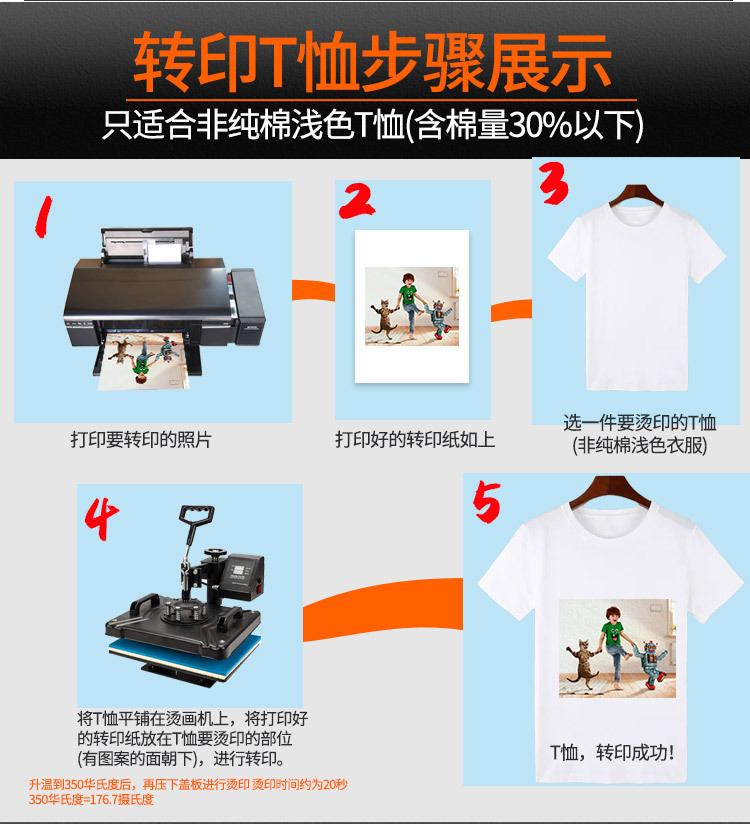
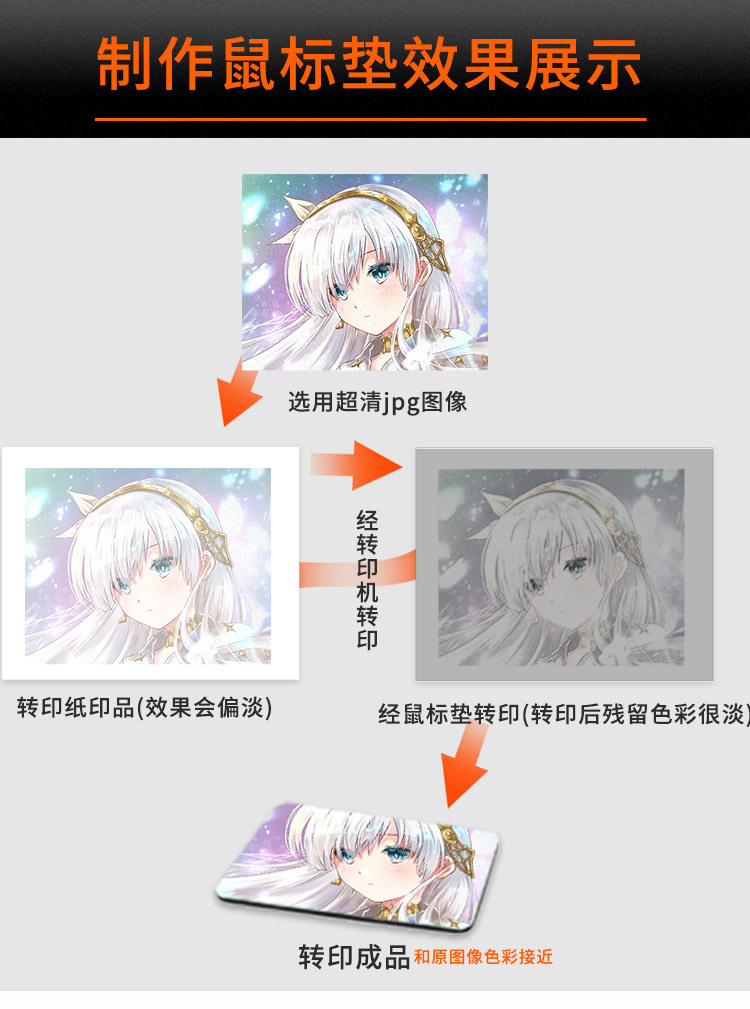
1. The pattern should be printed directly using an inkjet printer (thermal transfer ink is required).
2. It can be used with most printers, such as the Ep full series of inkjet printers.
3. Select appropriate printer settings according to the printer manual. Taking the EP printer as an example, set the printer mode to Photo (P), choose regular paper for printing, and use mirror printing.
4. After printing and allowing natural drying, it can be transferred.
Primary Uses:
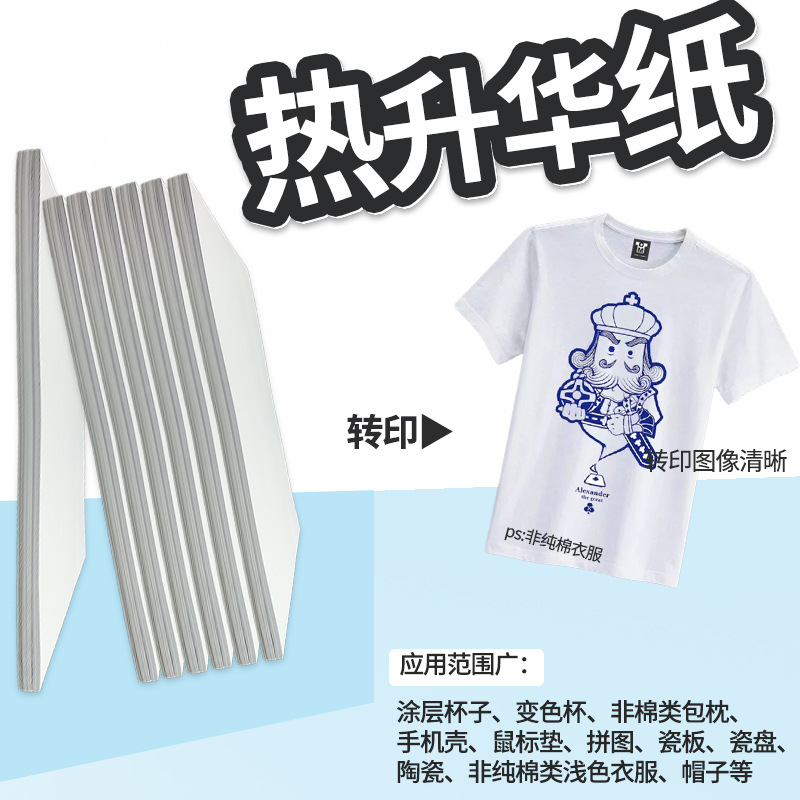
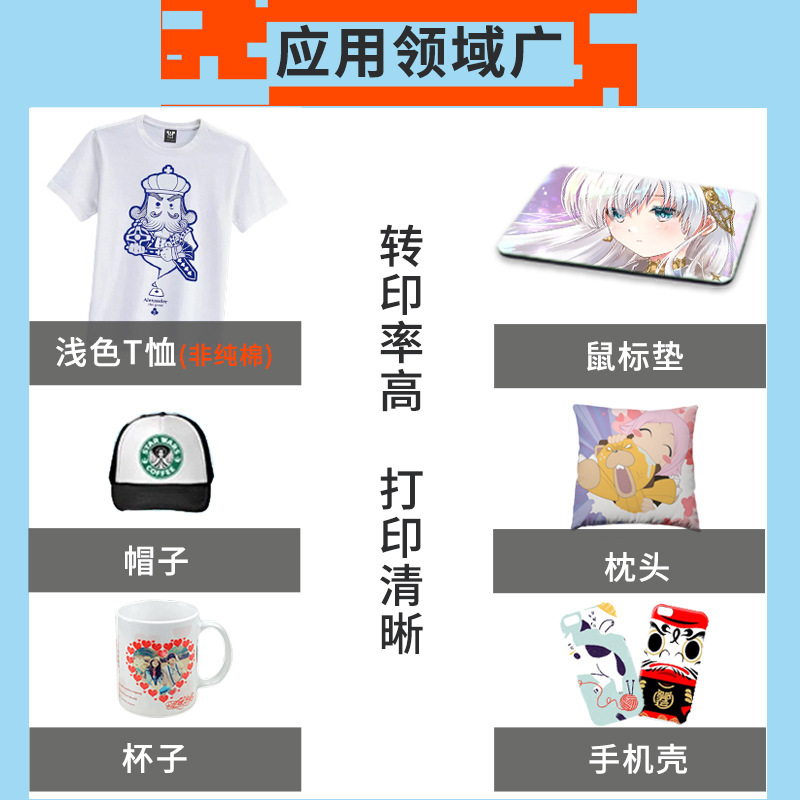
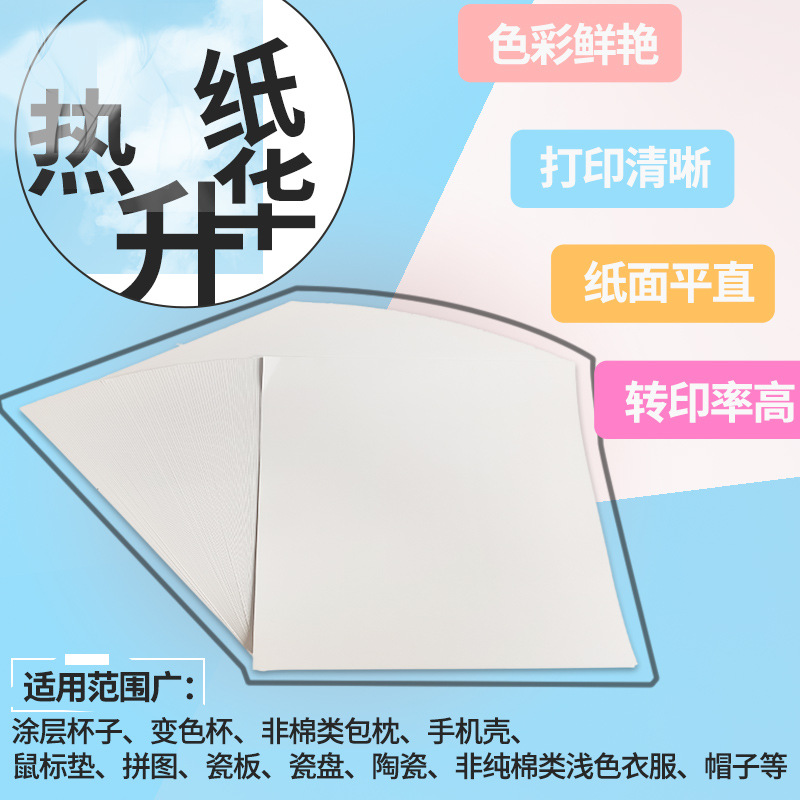
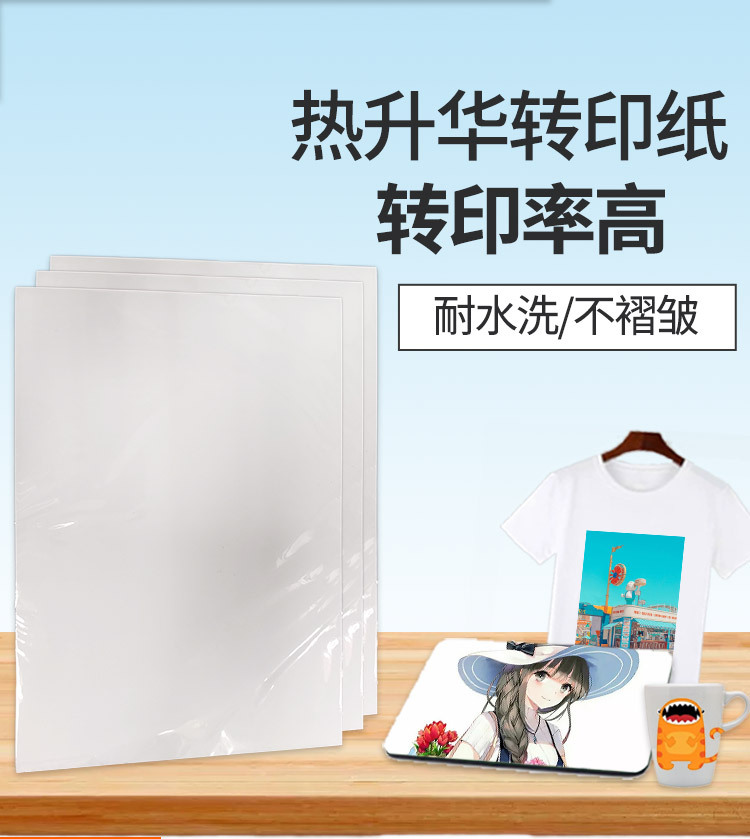
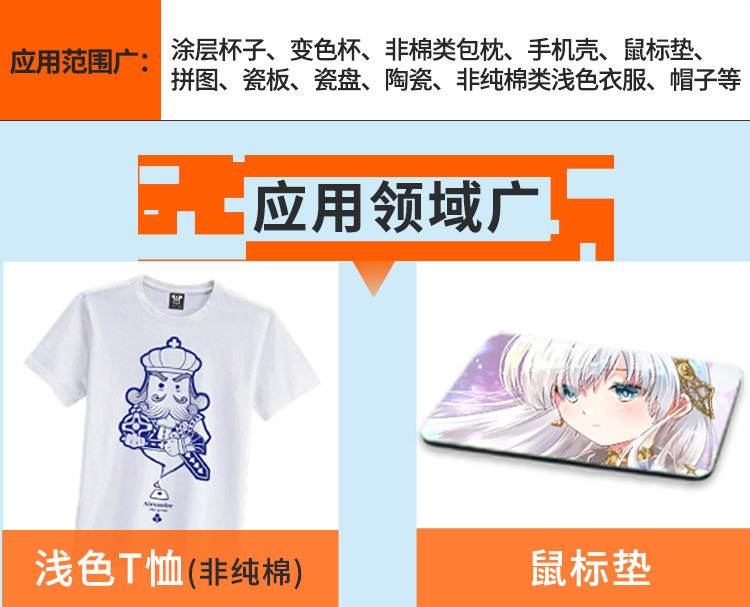
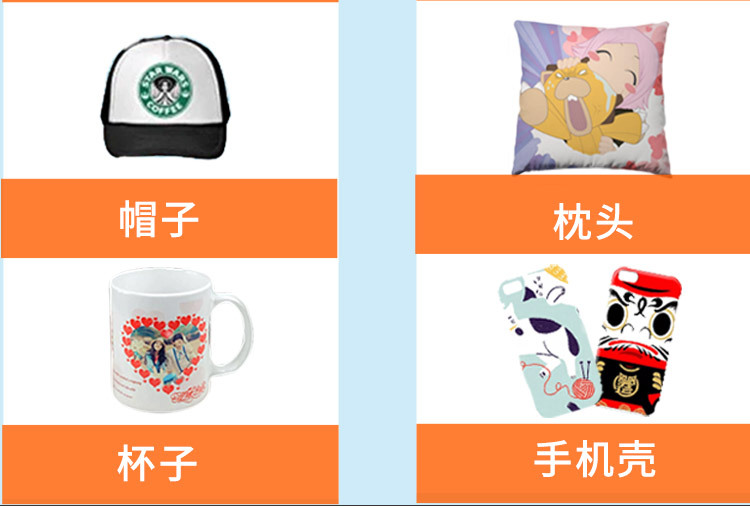
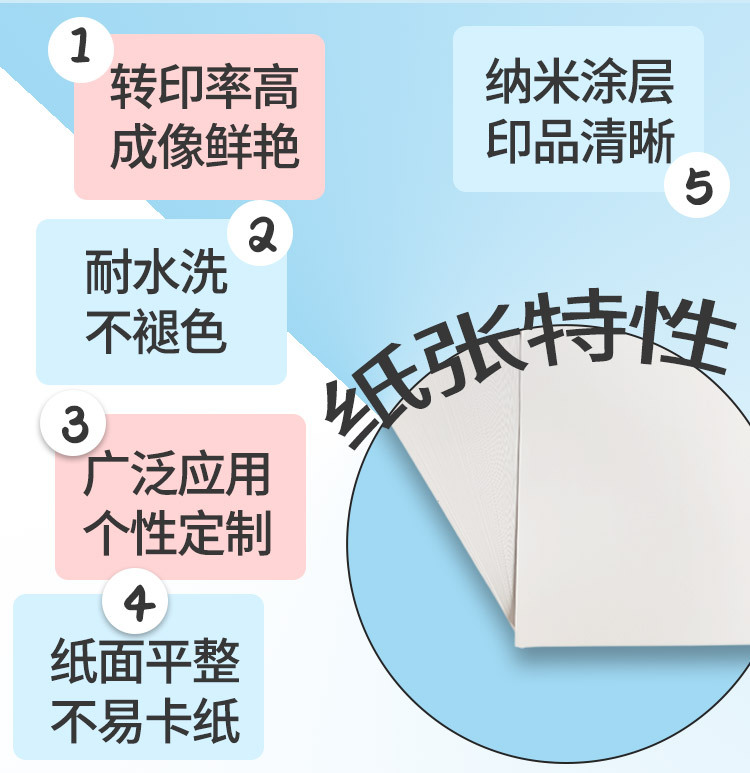
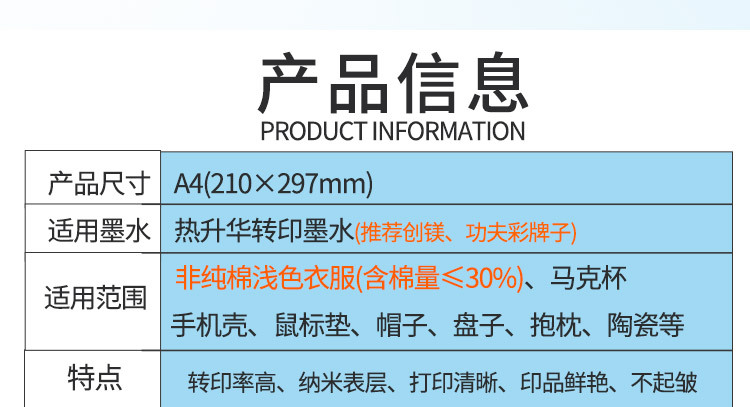
Primarily used for light-colored non-cotton clothing (synthetic fibers, polyester, jersey fabrics), coated cups, plates, hats, metals, glass, stone paintings, wood, keychains, makeup mirrors, jigsaw puzzles, and other items... lacks texture, with vibrant transfer colors and good color reproduction. Usage method:
The pattern is printed on a sticky side. After printing, it must be allowed to dry completely before transfer printing (it can be dried using a heat transfer machine or a hair dryer; natural drying takes a longer time).
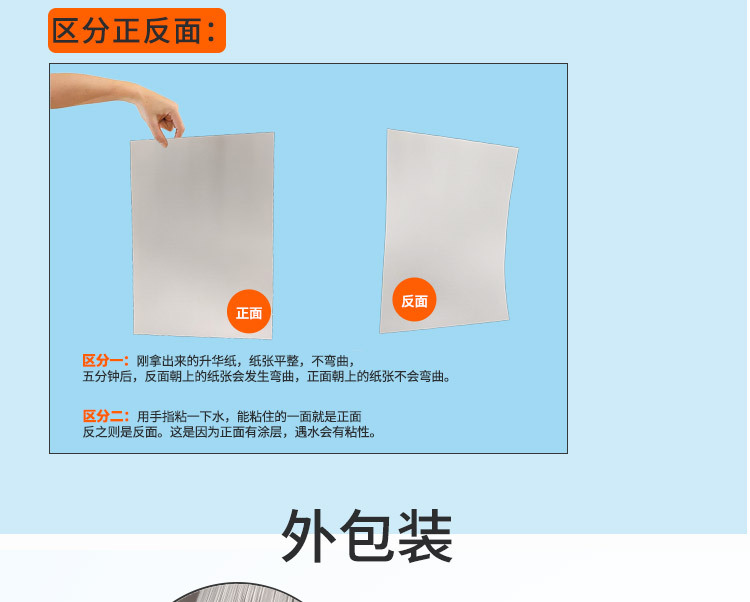
Method to distinguish front and back sides:
1. Wet your hands slightly with water, then press both sides of the paper together. The side with adhesion is the printing side.
2. Remove the paper, print both sides first. The side with a clearer pattern is the printed side.
3. A simple way to distinguish the front and back of paper: the rough surface is the printing side, while the smooth surface is the back side.
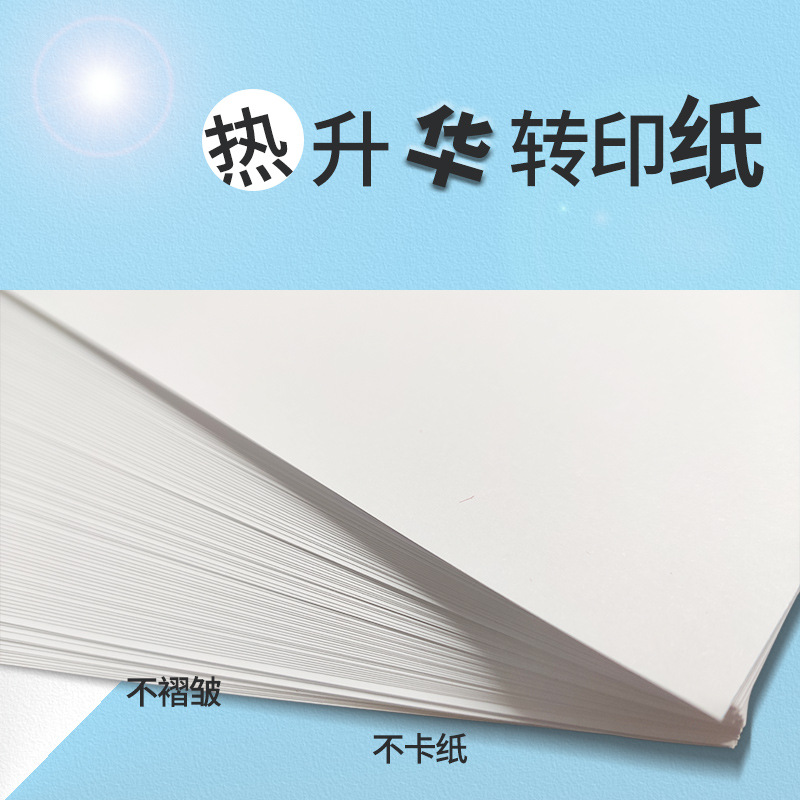
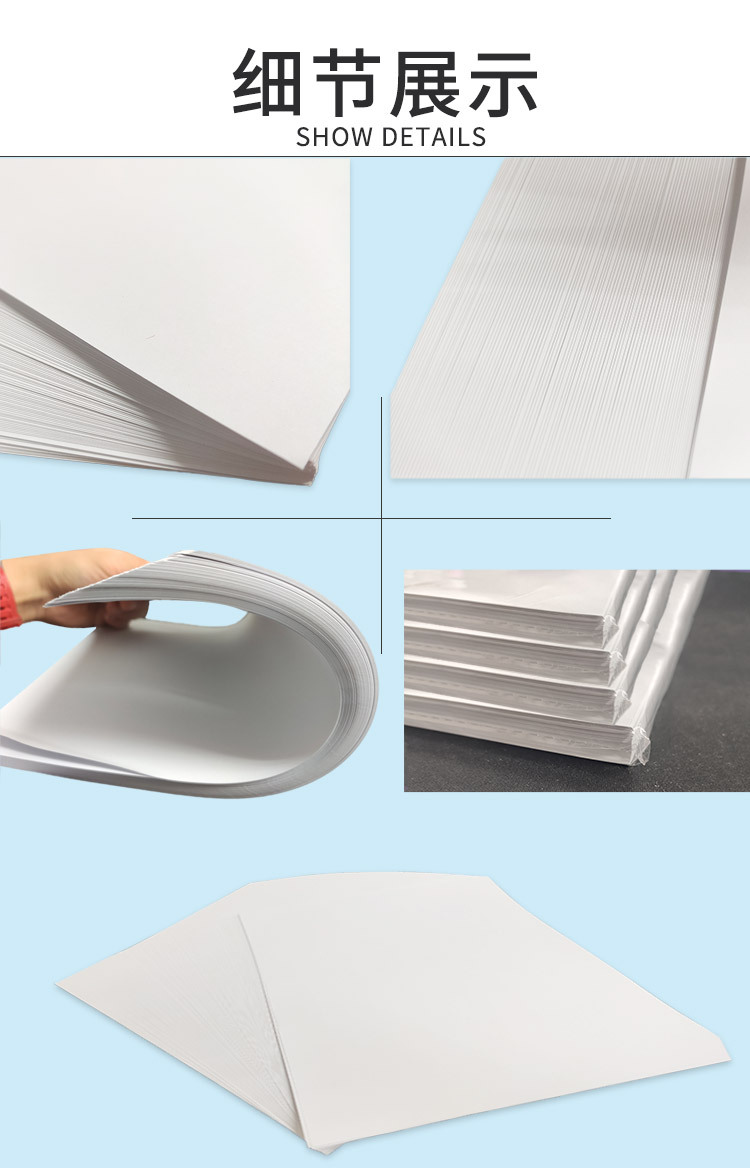
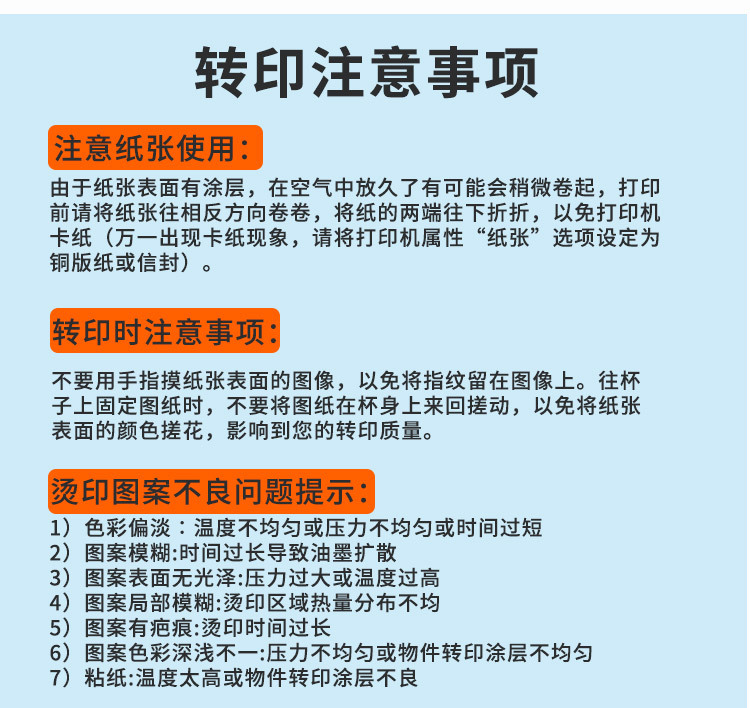
Due to the layers on the paper surface, it may slightly curl during preheating. Before printing, simply bend the paper backward and place it back in for printing. The reason why slow-drying sublimation paper requires layers is to prevent ink from directly contacting the paper (to avoid ink being absorbed by the paper), so that the ink on the paper can be more fully transferred to the printed object, resulting in brighter colors compared to other types of paper. For good heat transfer effects, the quality of the paper ink is crucial.
Special Notes:
Due to the slow drying time of sublimated paper and the special coating on its surface, ink cannot be absorbed by the paper quickly. As a result, the transferred color is more vivid than that of ordinary color-coated paper, and the transfer rate is also better. However, this also causes gear marks on the printer during printing. The greater the print volume, the deeper the gear marks. A common solution is to clean the gears with a cotton swab dipped in alcohol, or blow cold air toward the paper feed port while printing, which can slightly reduce the gear marks, but cannot completely eliminate them.
If you are just starting to use sublimation paper, please note that these are the characteristics of sublimation paper, not quality issues. Therefore, any returns or exchanges will be at your own expense.
Please note: The paper has a coating, and it may curl when exposed to heat. Please store it in a cool place. If slight curling is observed before printing, please reverse the curl of the paper before placing it back for printing.