Search history
Clear allSearch by image
XDrag and drop an image here or upload an image
Max 5MB per image
UploadSign In | Join

Search history
Clear allSearch by image
XDrag and drop an image here or upload an image
Max 5MB per image
UploadSign In | Join
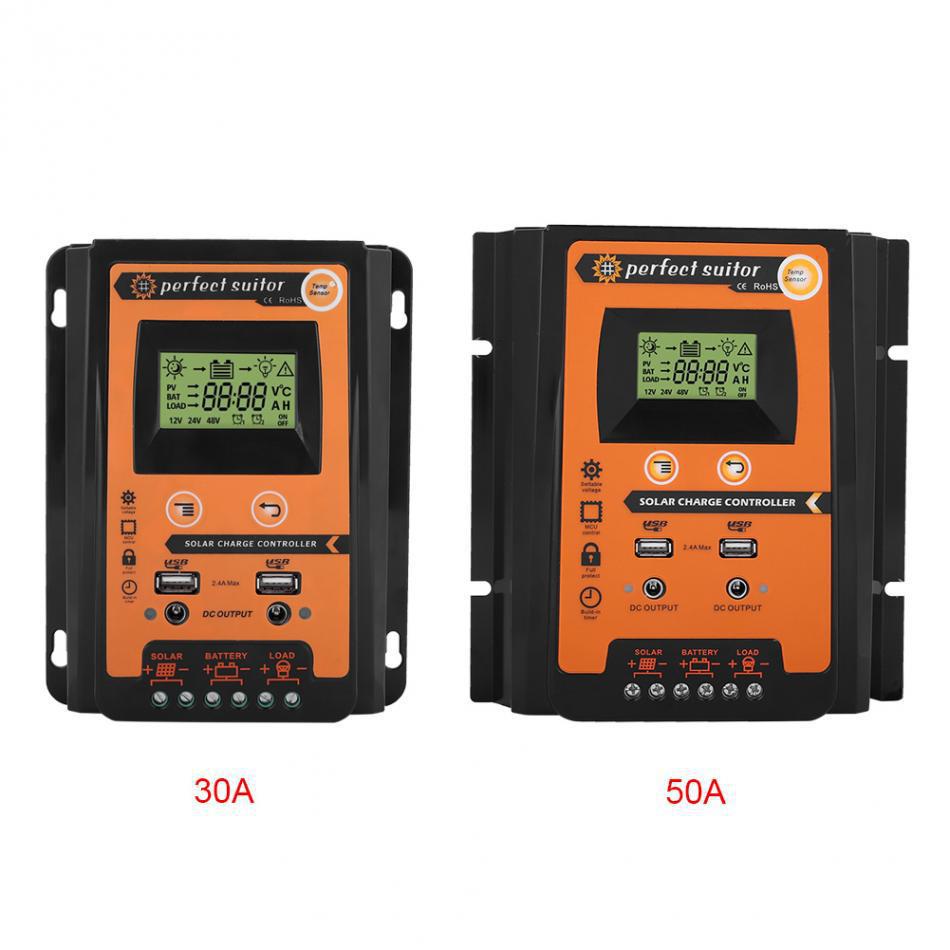
| 12v 24v 30a | CN¥ 85.0 |
| 12v 24v 50a | CN¥ 129.0 |
| 12v 24v 70a | CN¥ 179.0 |
The products sold by our company are custom-made for export. Please do not place an order if you intend to use them domestically within China.
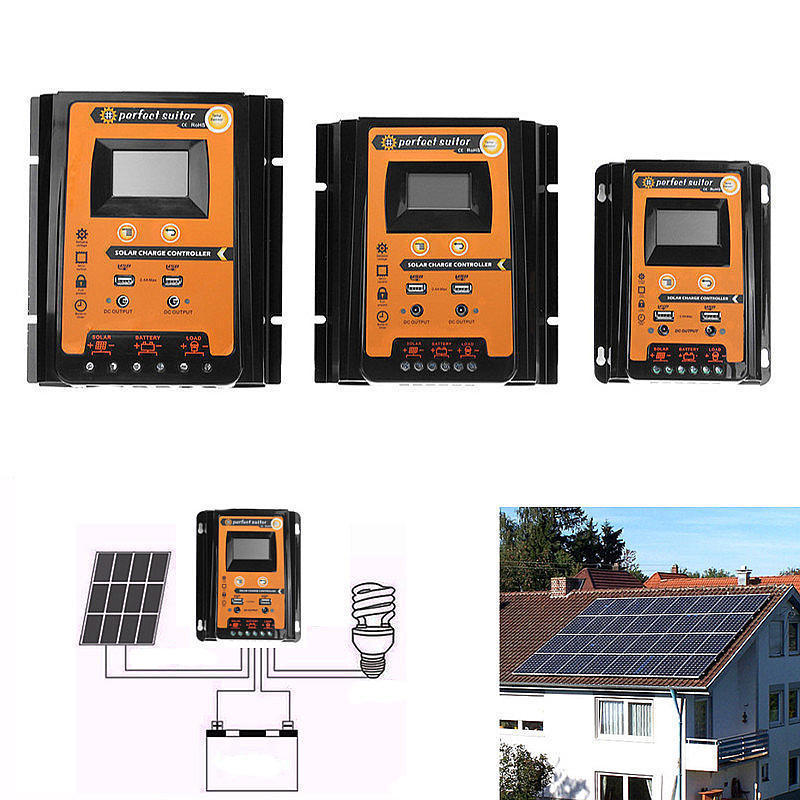
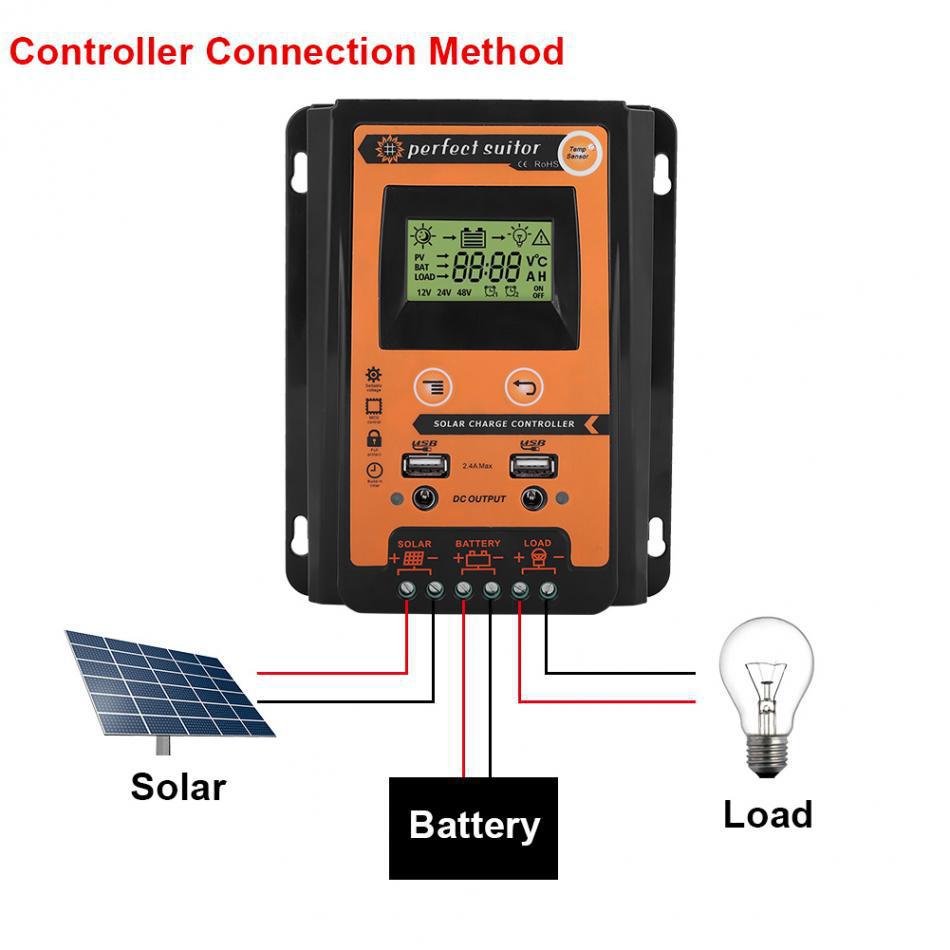
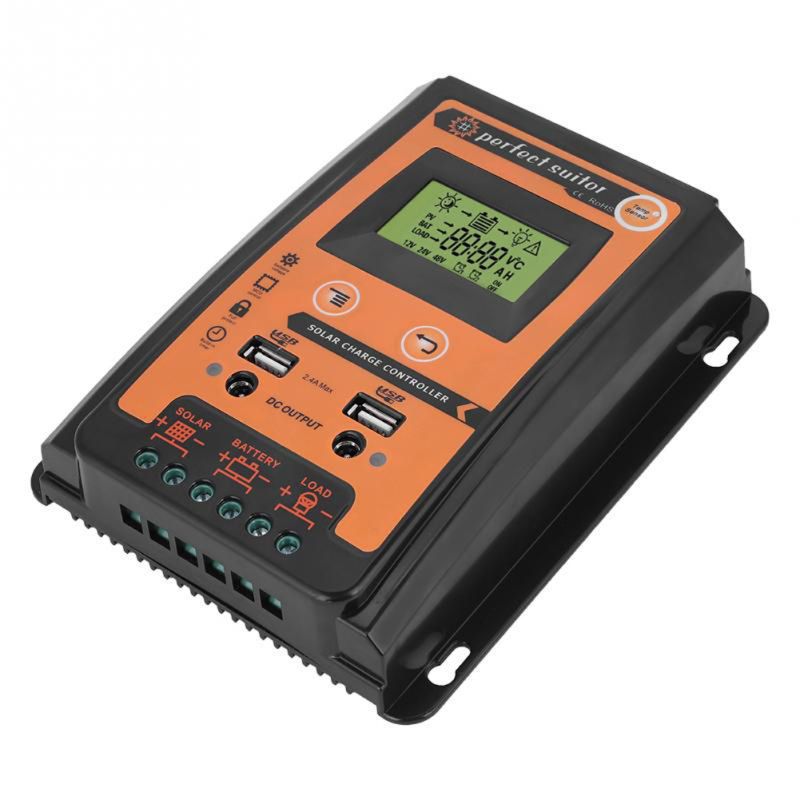
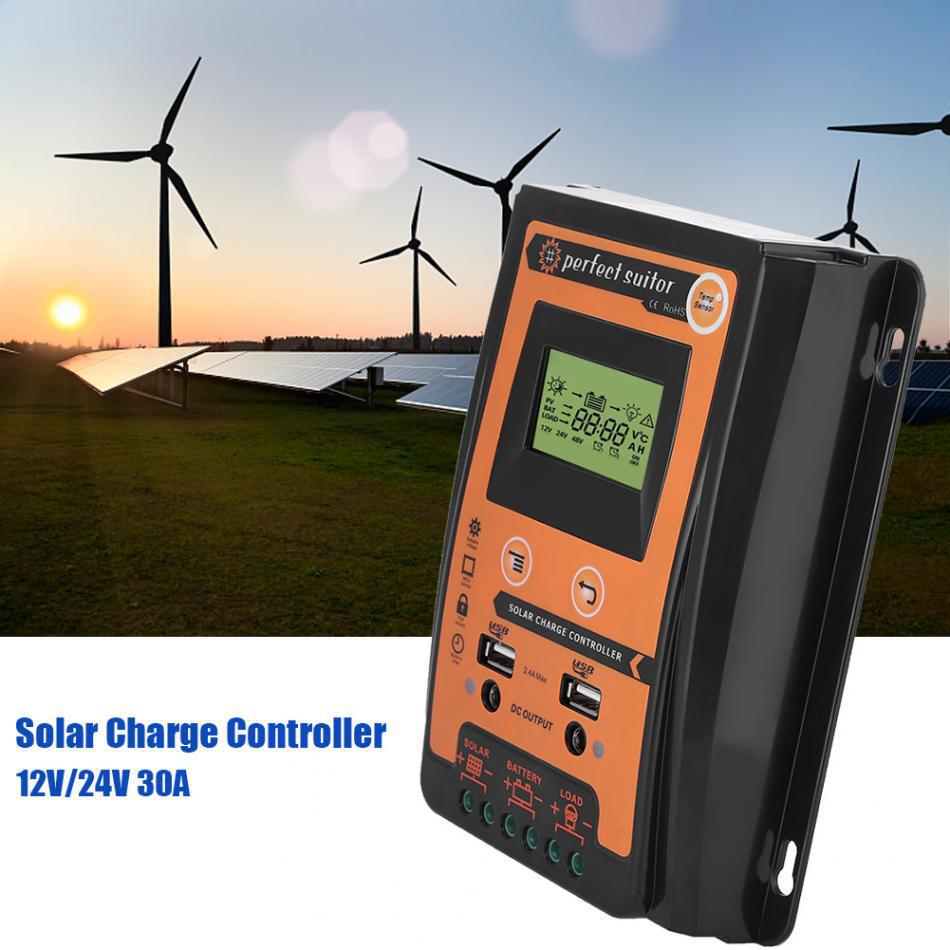
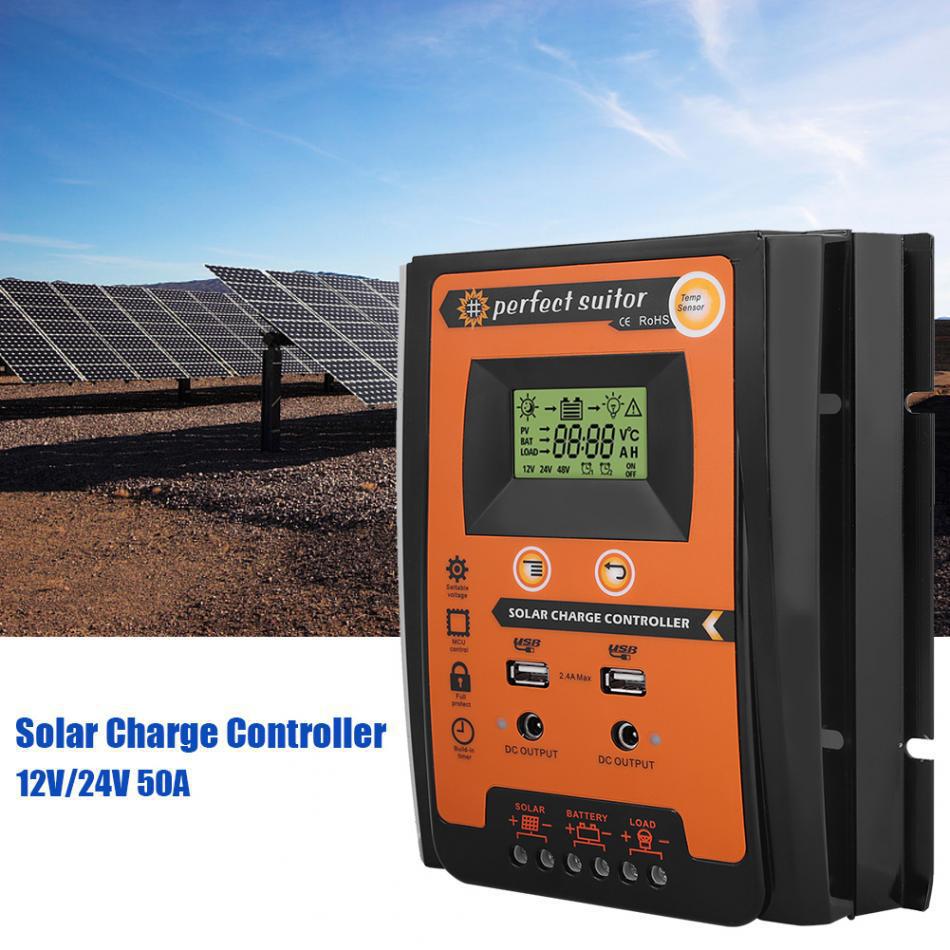
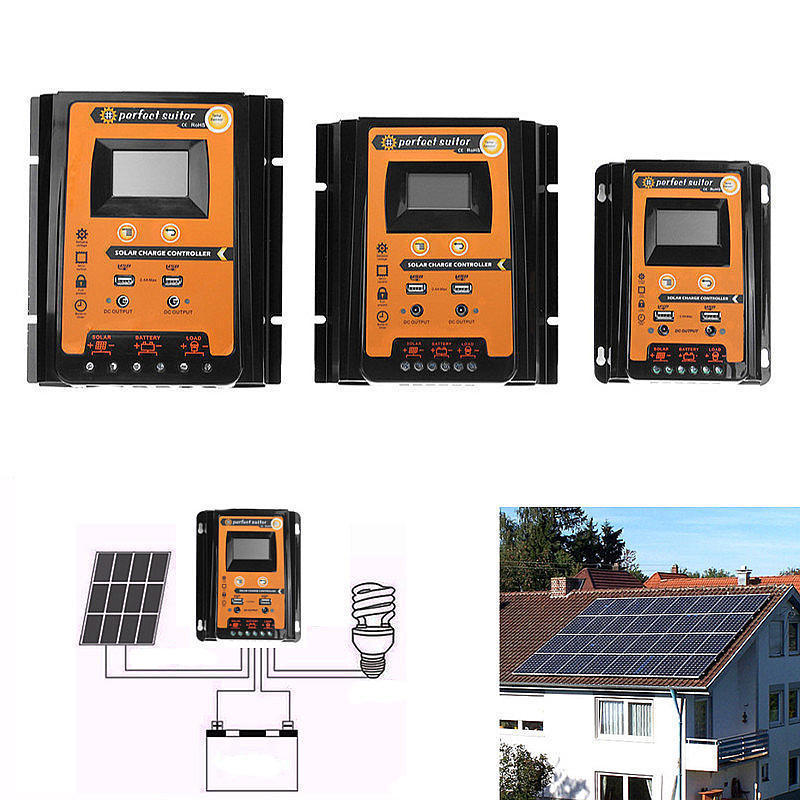
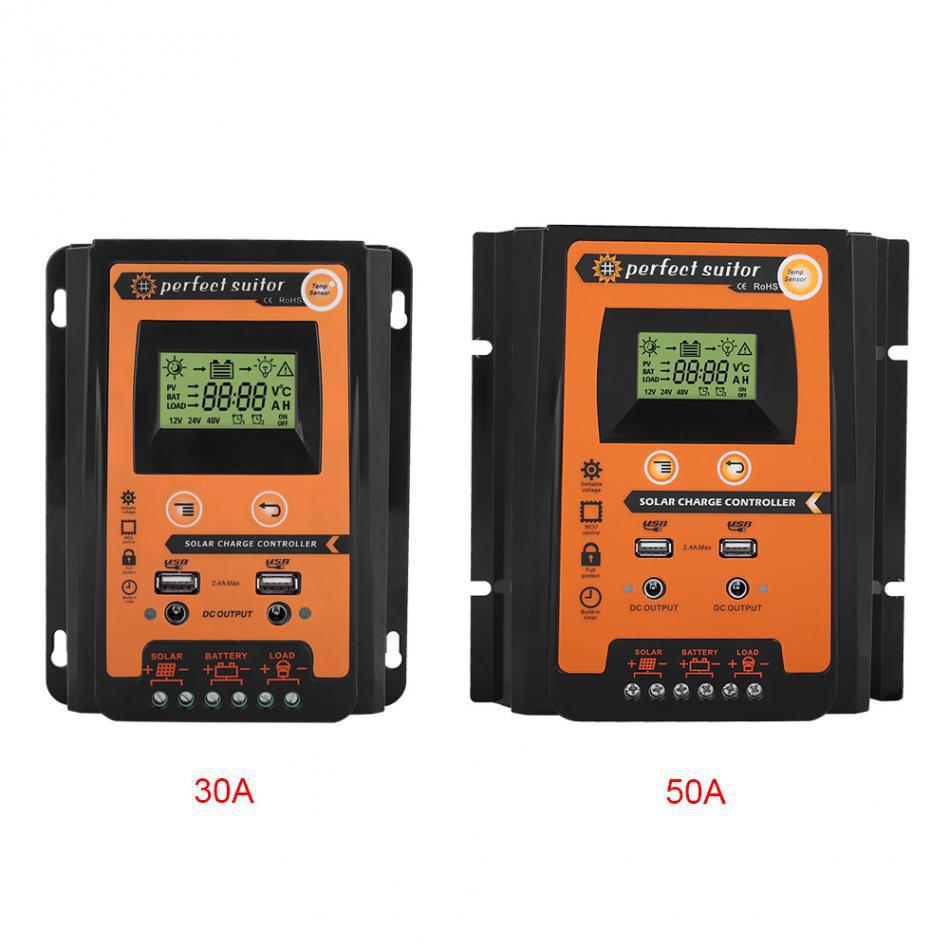
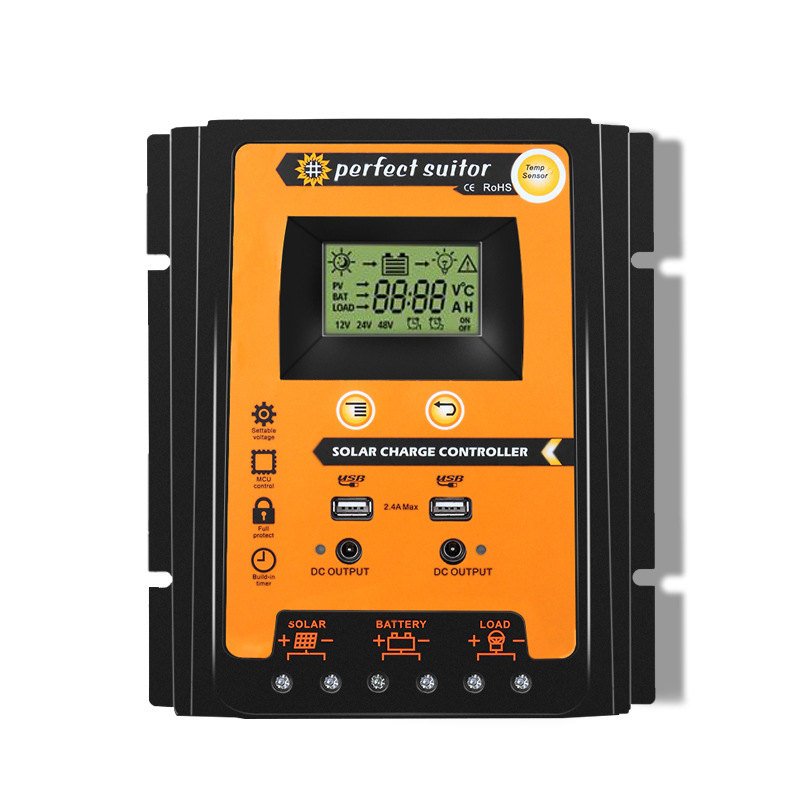
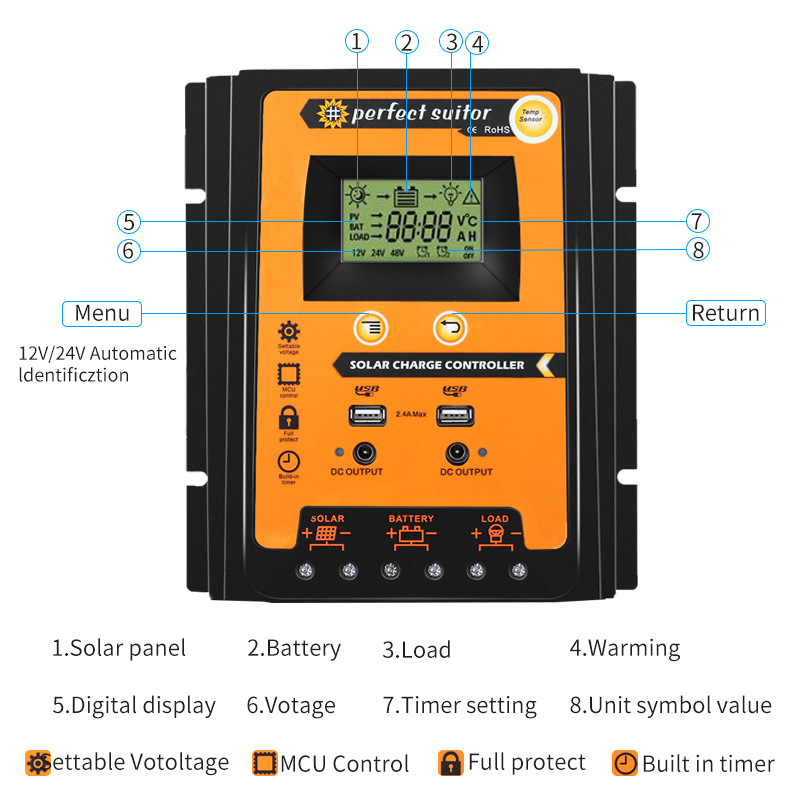
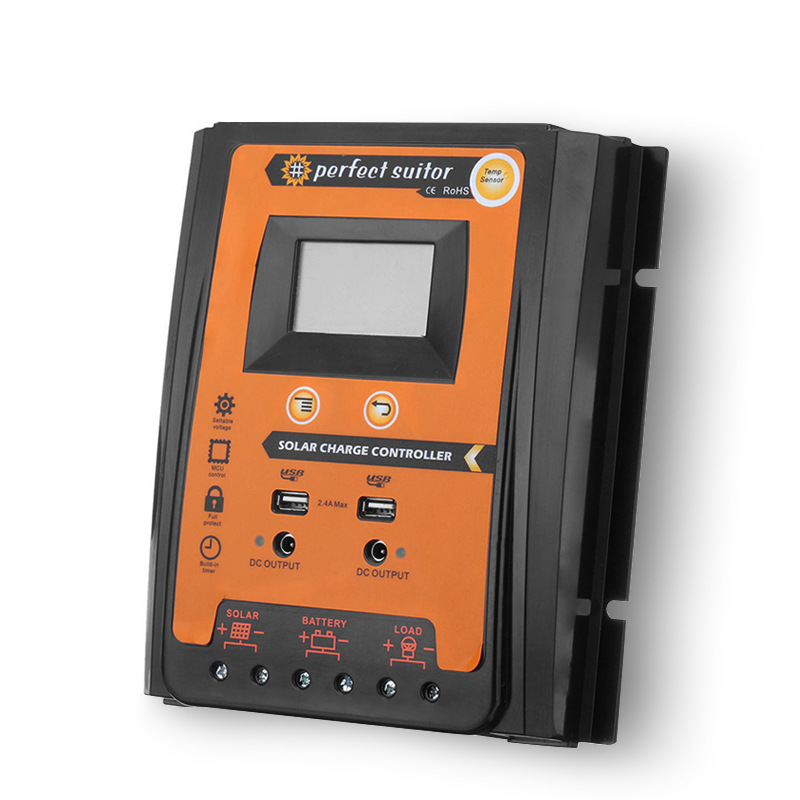
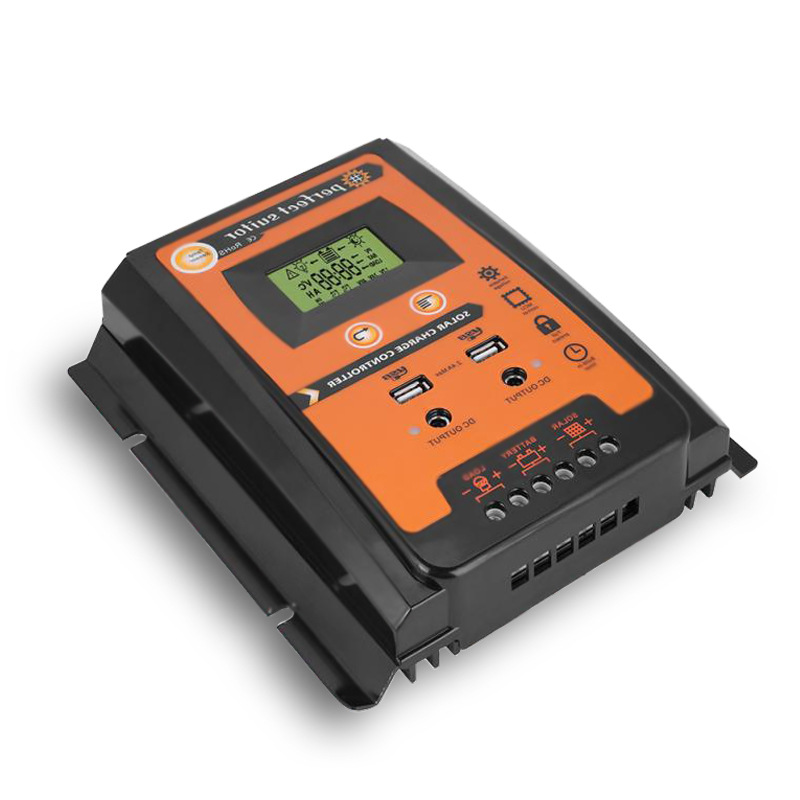
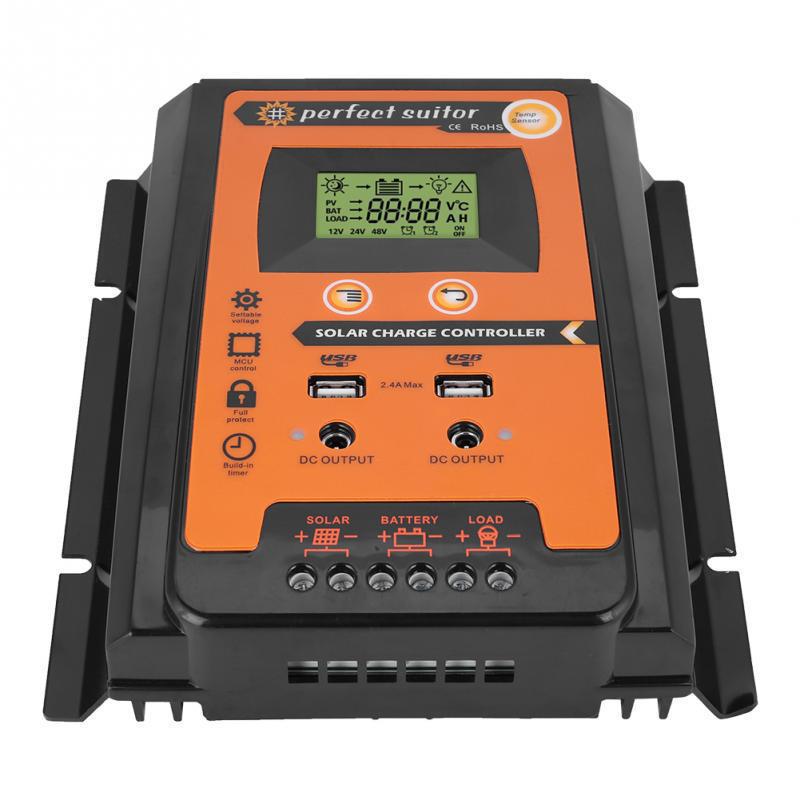
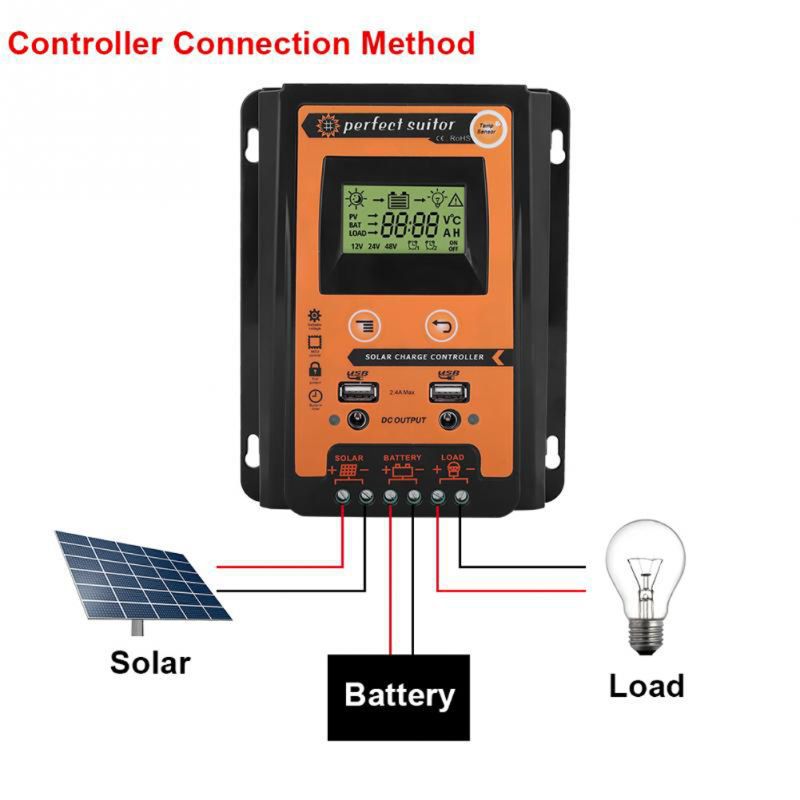
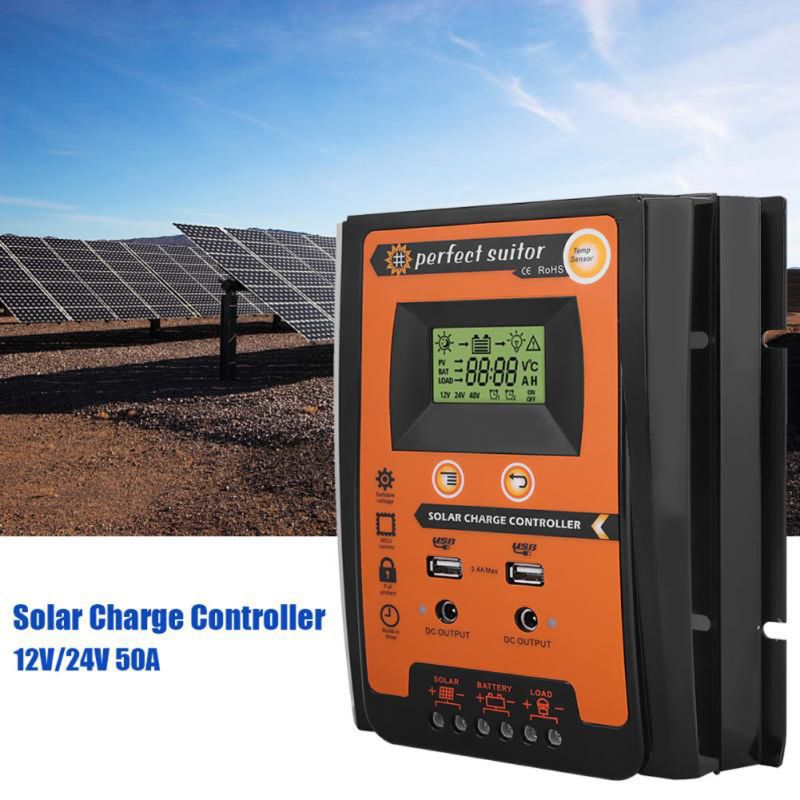
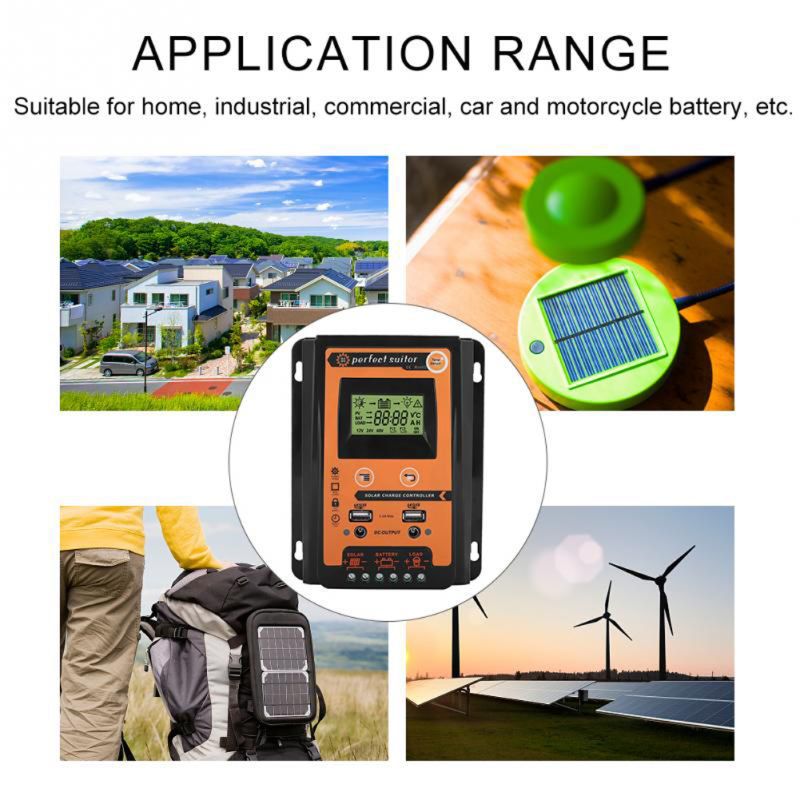
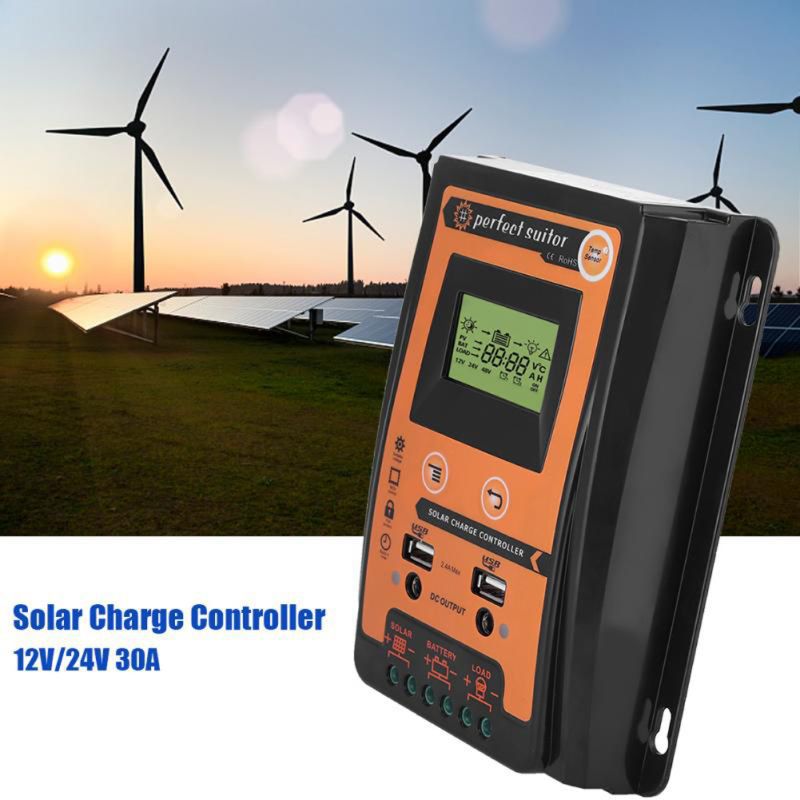
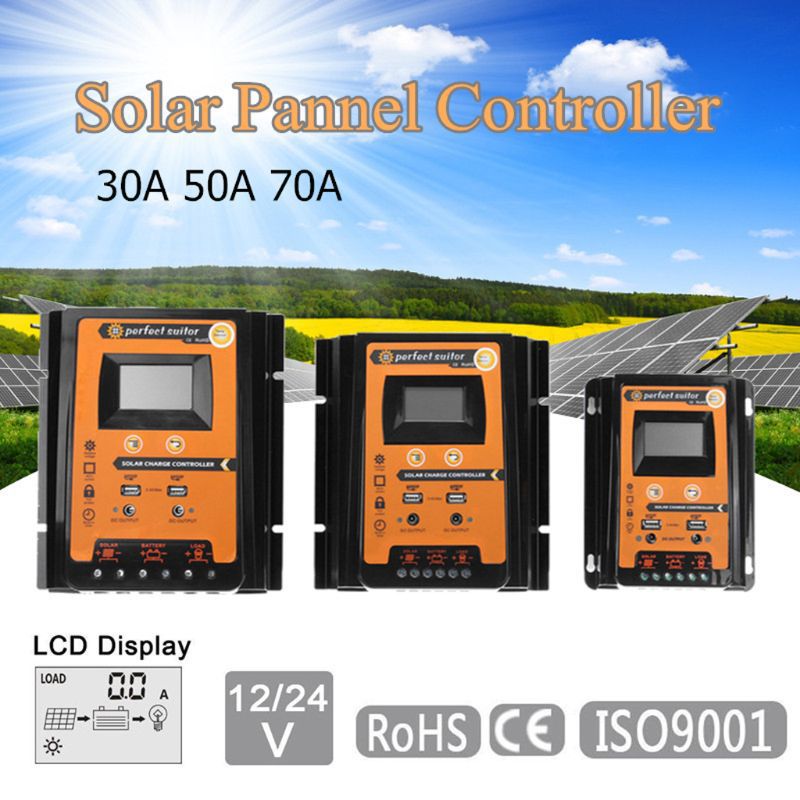
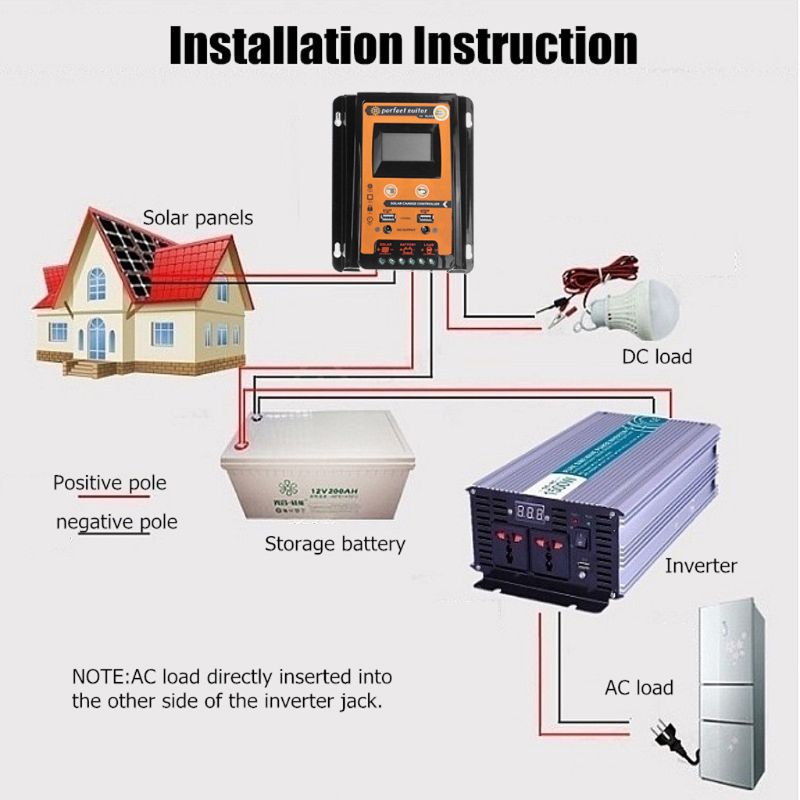
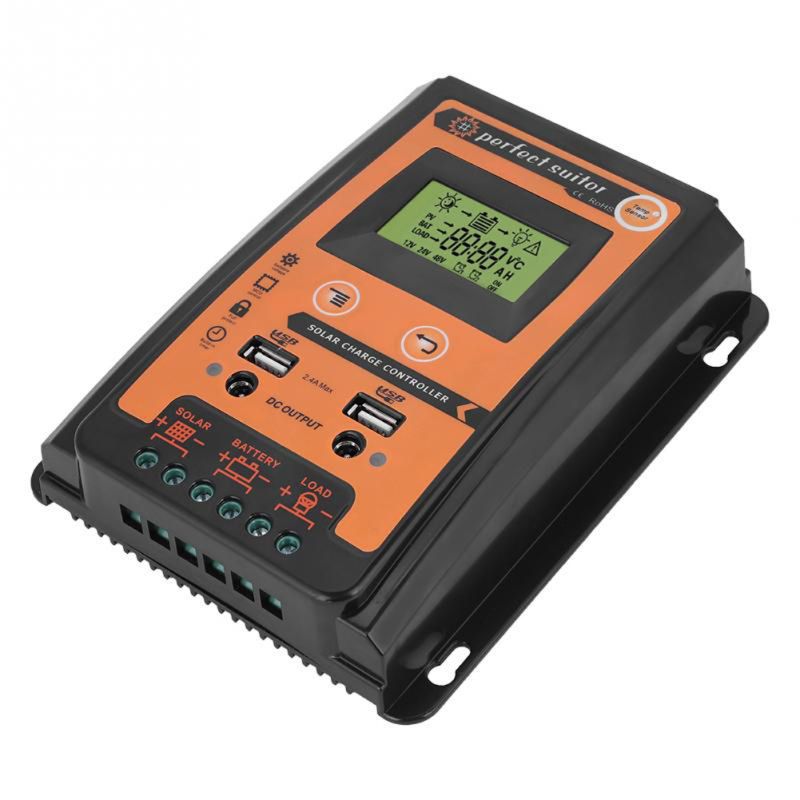
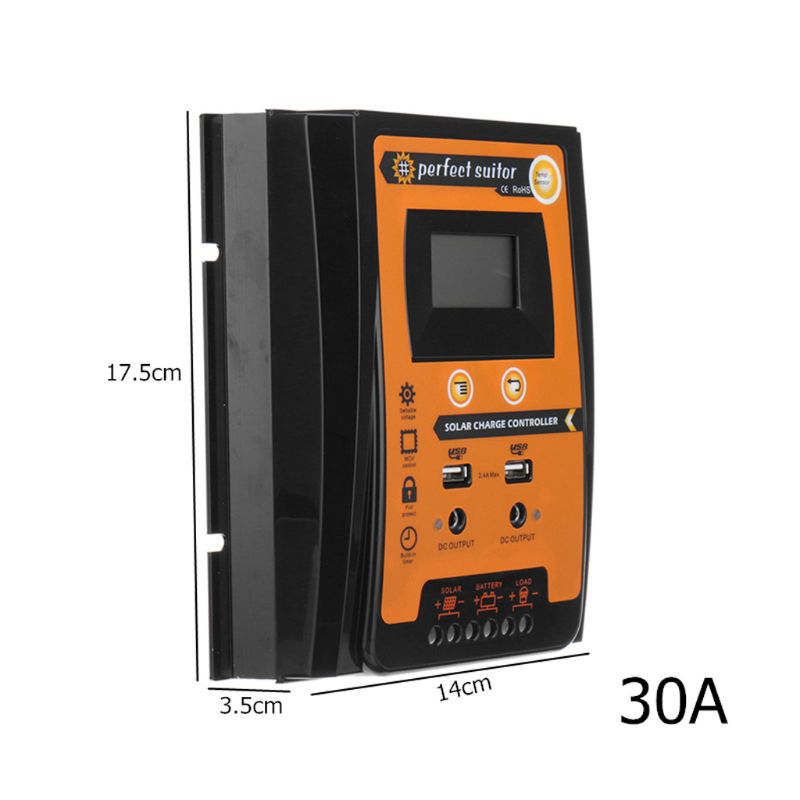
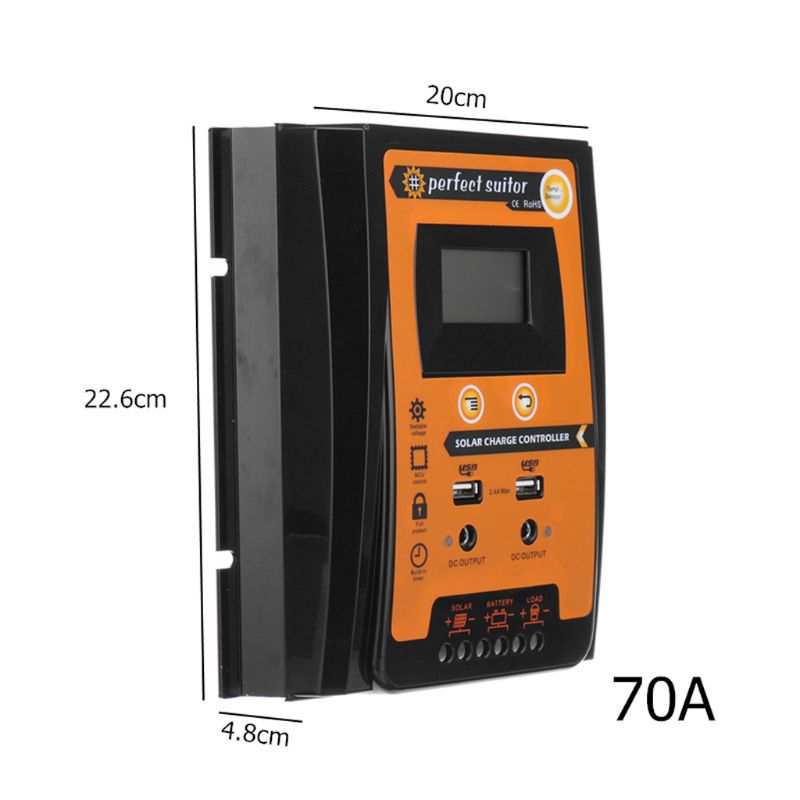
New export model hot-selling solar controller 12V/24V 30A/50A/70A available in three options with dual DC plugs and dual USB phone charging ports
Battery-free, non-magnetic, can be shipped by air.

Current: 30A, 50A, 70A (optional)
Rated voltage: 12 / 24V
USB Output: 2.4A * 2
Overcharge current (V): 13.7V / * 2 24V
Overdischarge current (V): 10.5-11V / * 2 24V
Temperature Compensation: -3mV/°C/Battery
Empty Load Loss: <45mA
Loop Voltage Drop: <200mv
Display: LCD screen
Waterproof Grade: IP32
Material: Plastic + Aluminum Alloy
Color: Black + Orange
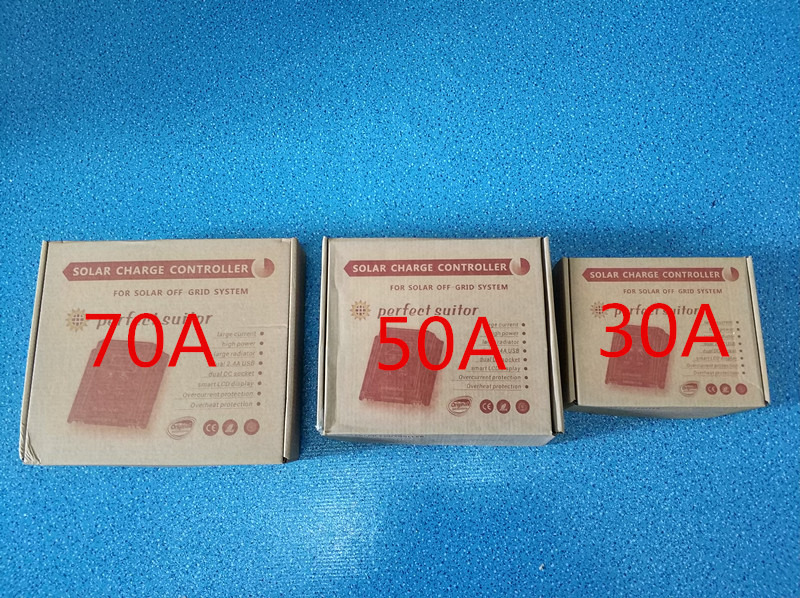
30A Neutral English Packaging Box Size: 19.5*15.5*5.5cm. Total Weight of the Box: 450g. Full English Instruction Manual
50A Neutral English Packaging Box Size: 23.5*20*6.5cm. Total Weight of the Box: 860g. Full English Instruction Manual
70A Neutral English Packaging Box Size: 28.5*24*9.5cm. Total Weight of the Box: 1380g. Full English Instruction Manual
The size of the 30A outer box is 59*46.5*27.5CM. Each box holds 45 units. Gross weight is 22kg.
50A outer box size: 52.5*47.5*26CM. Each box holds 24 units. Gross weight: 22kg
The size of the 70A outer box is 58*48.8*30.5CM. Each box holds 12 units. Gross weight is 18kg.
Attention:
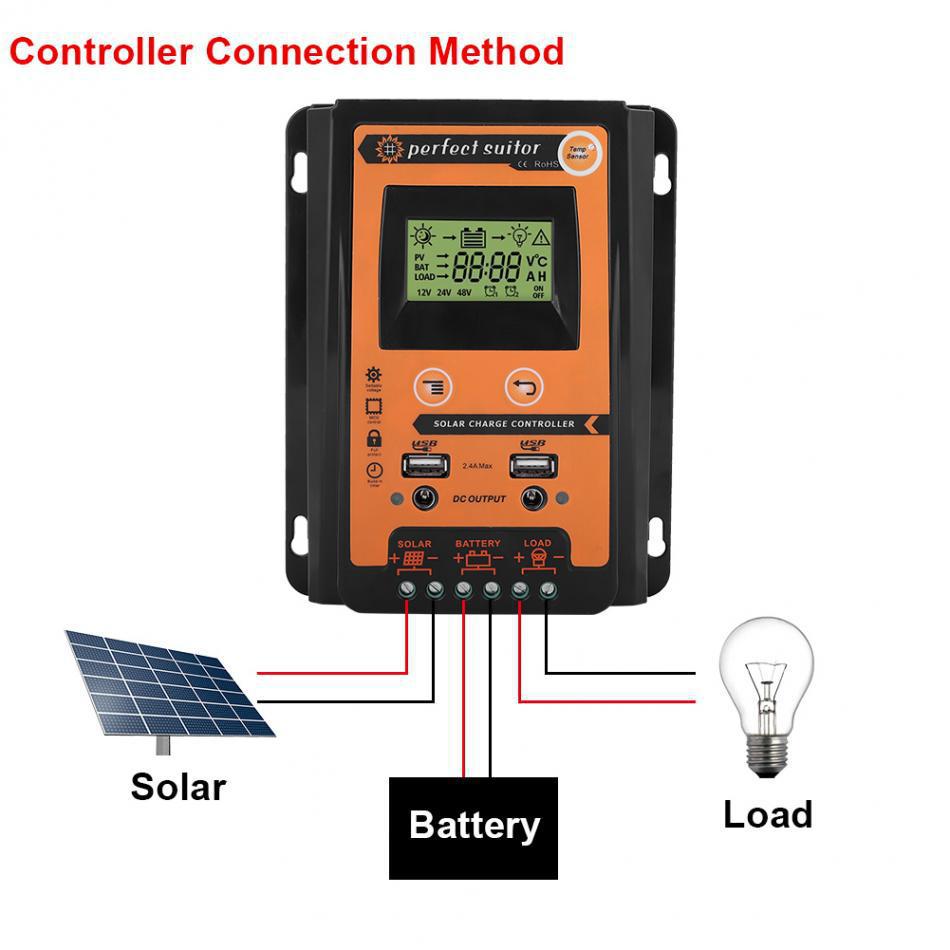
The function of the controller is to protect against voltage over-shoot and over-loading.
2. When the battery voltage is too low, the controller stops output; after the solar panel charges, the battery returns to 12.6V.
3. 12.6V is the recovery discharge voltage.
The normal voltage for the controller is 10.7V to 13.7V. These two voltage fluctuations can be manually set.
If you encounter any issues during use, please try adjusting the floating voltage to 13.7V.
First, you need to press the MCU control button for about 3-4 seconds, and then a management interface will appear on the screen.
Next, you must press the add button on the screen until the voltage reaches 13.7V.
Finally, you need to press the MCU control button again, which will save the controller's recorded data when the display screen is not flashing.

Update time:


TOP