Search history
Clear allSearch by image
XDrag and drop an image here or upload an image
Max 5MB per image
UploadSign In | Join

Search history
Clear allSearch by image
XDrag and drop an image here or upload an image
Max 5MB per image
UploadSign In | Join
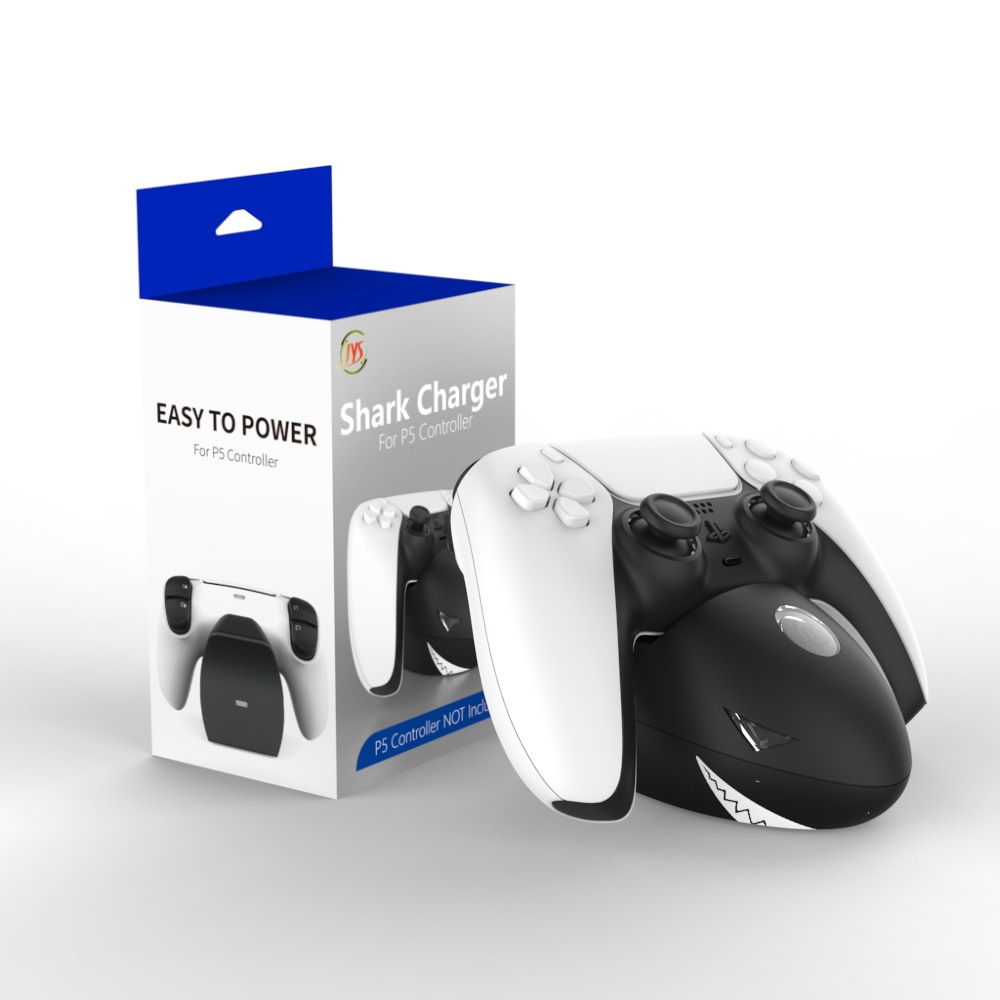
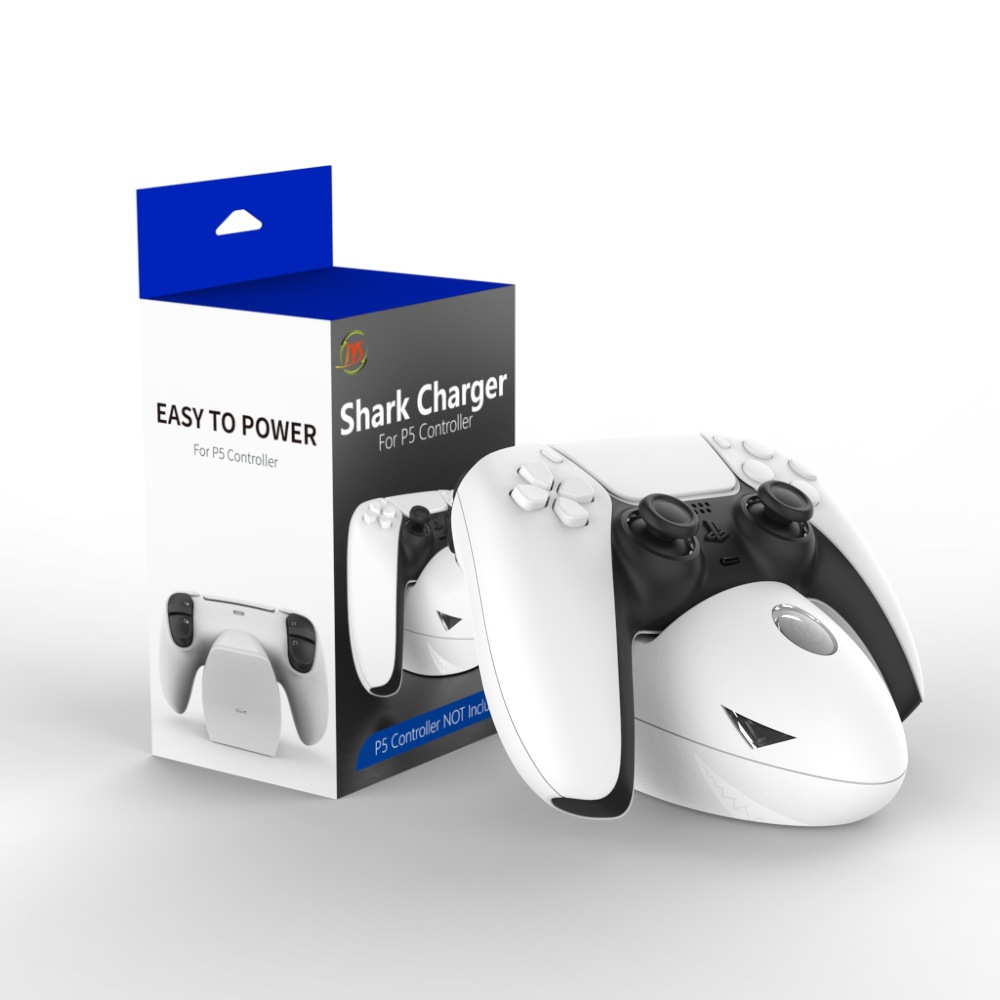
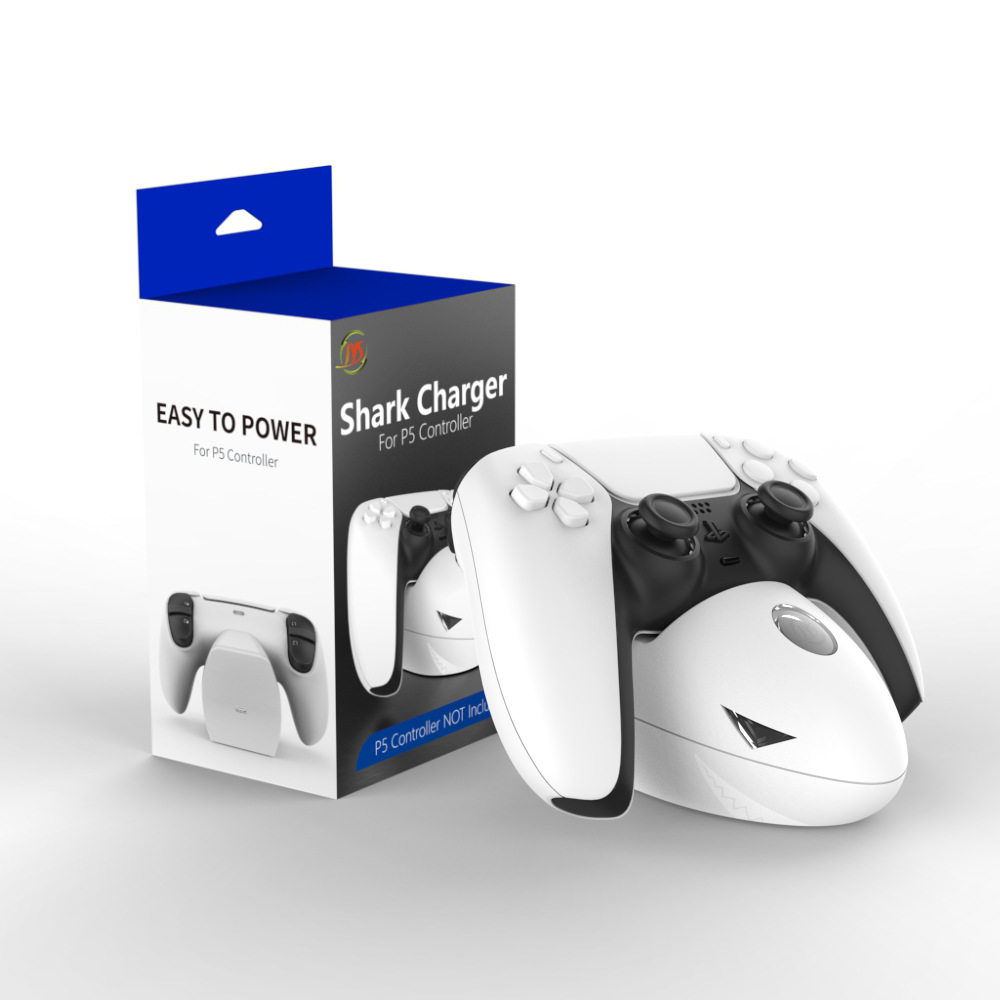 white
white
白色 |
CN¥ 0.0 |
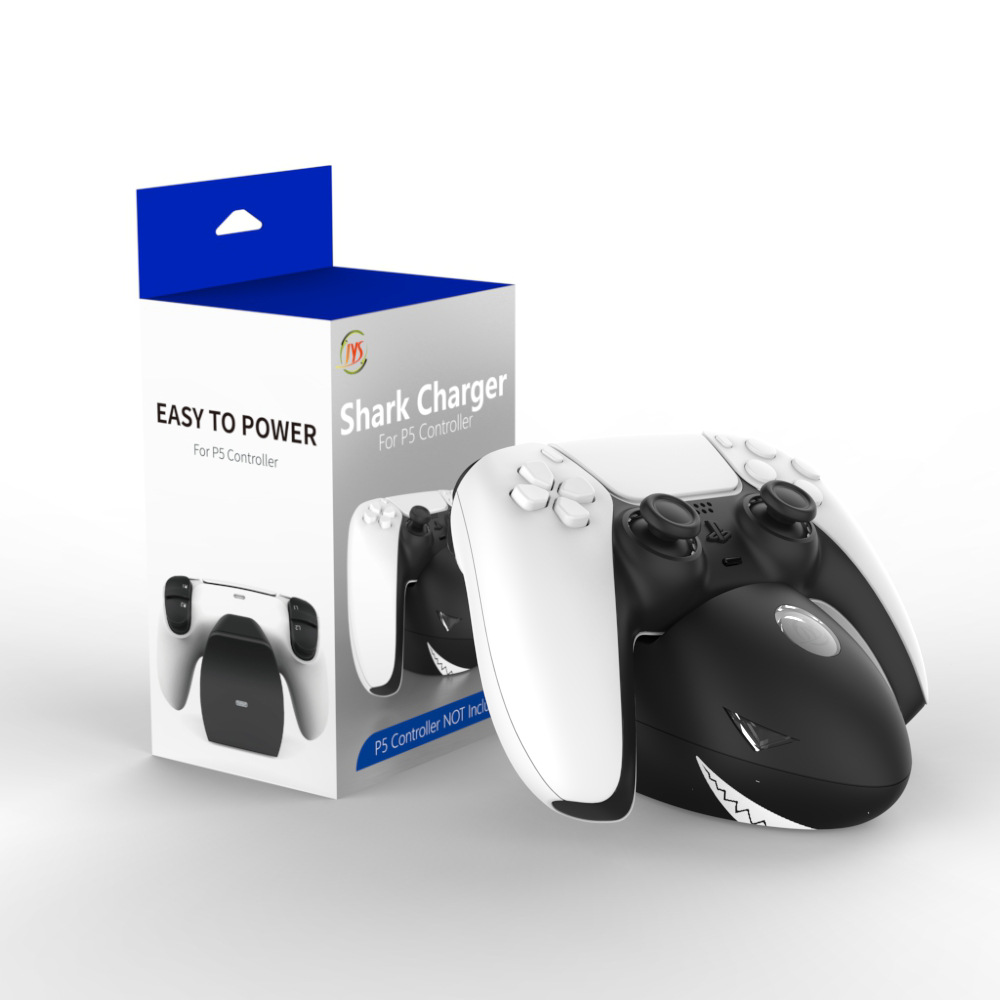 black
black
黑色 |
CN¥ 0.0 |


Applicable handle
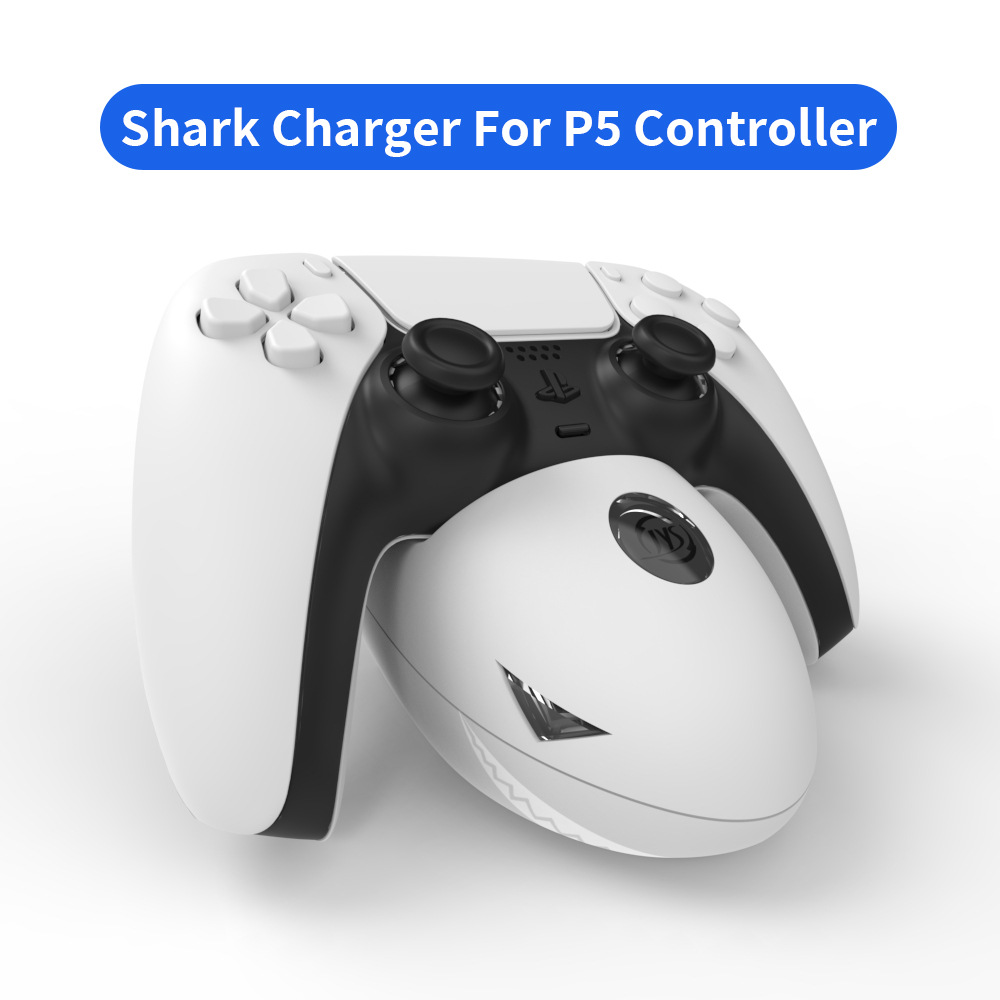
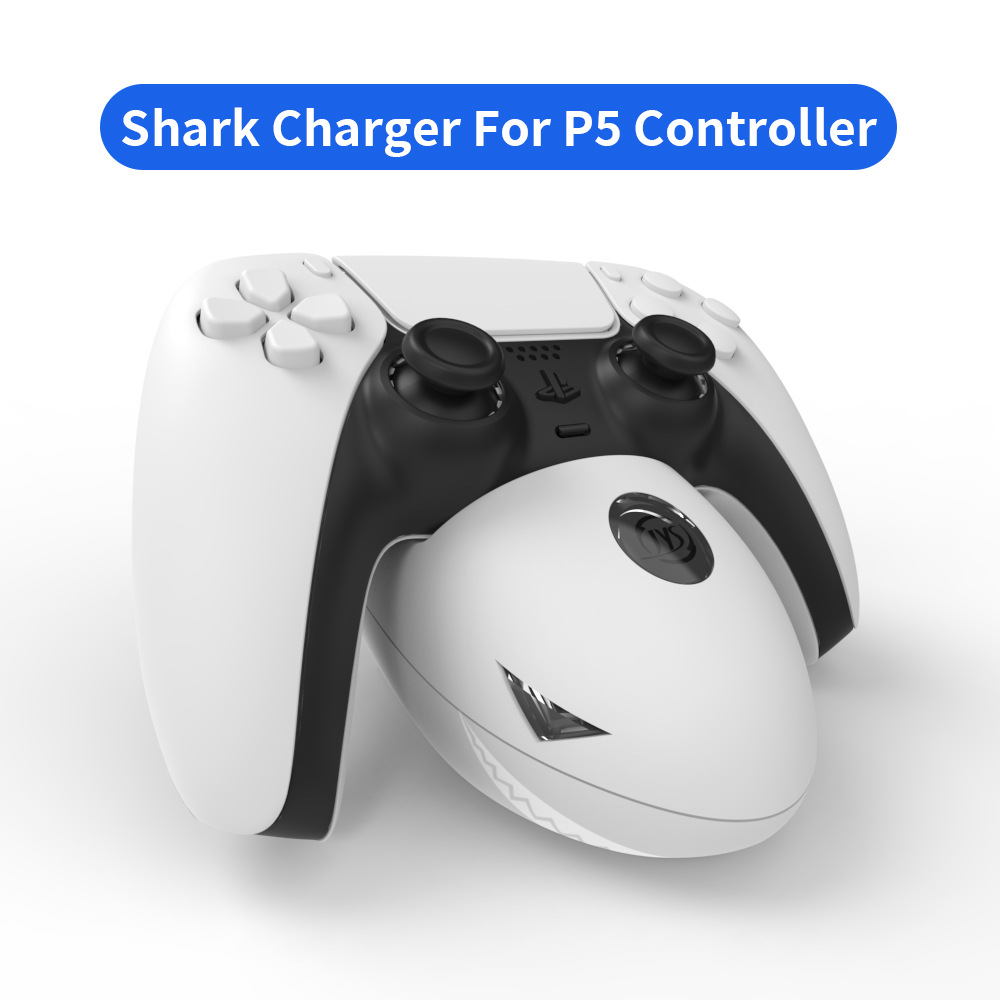
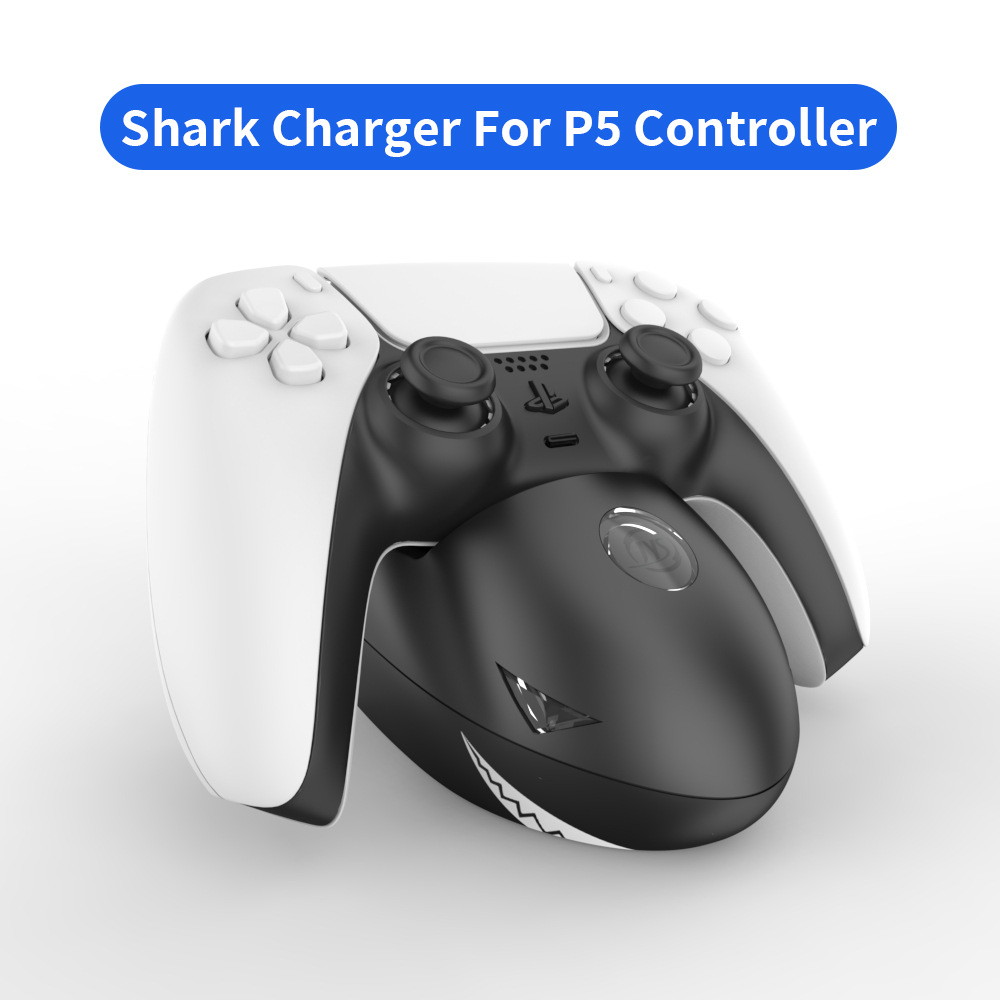
PS5 controller
How to charge the controller
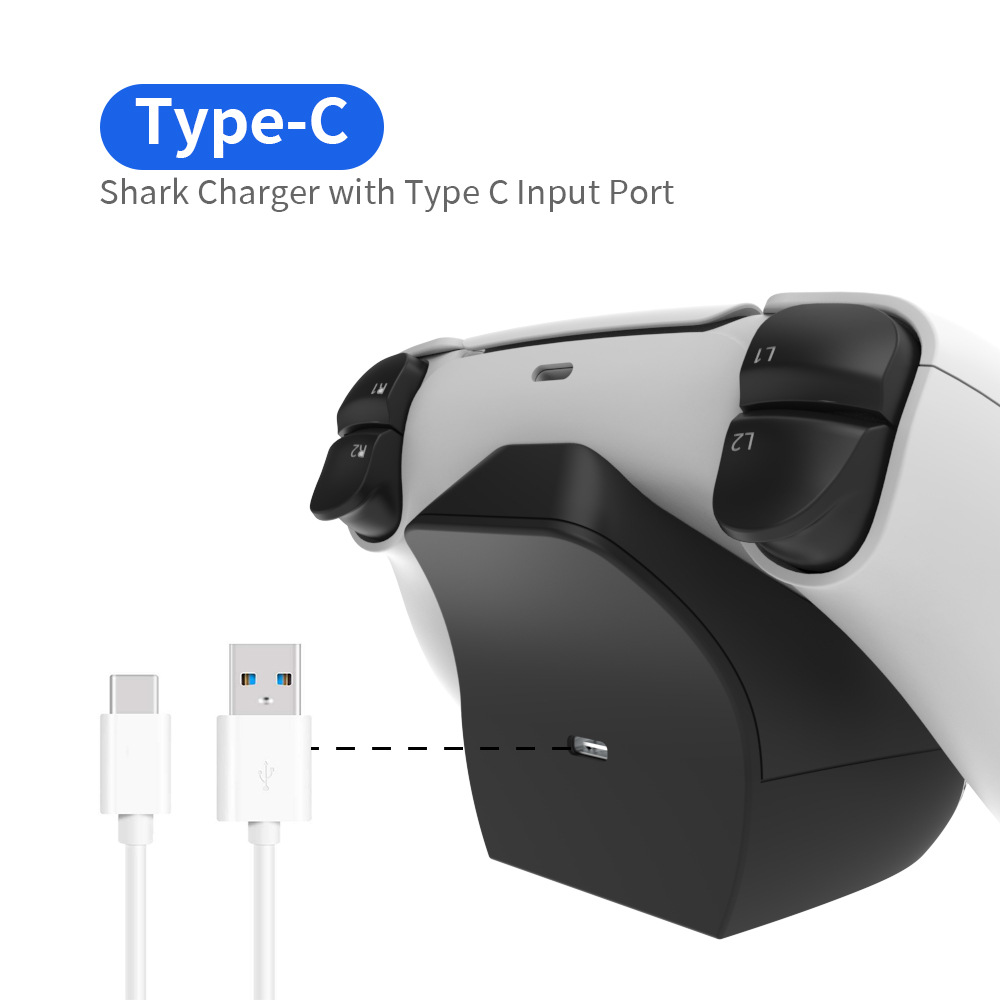
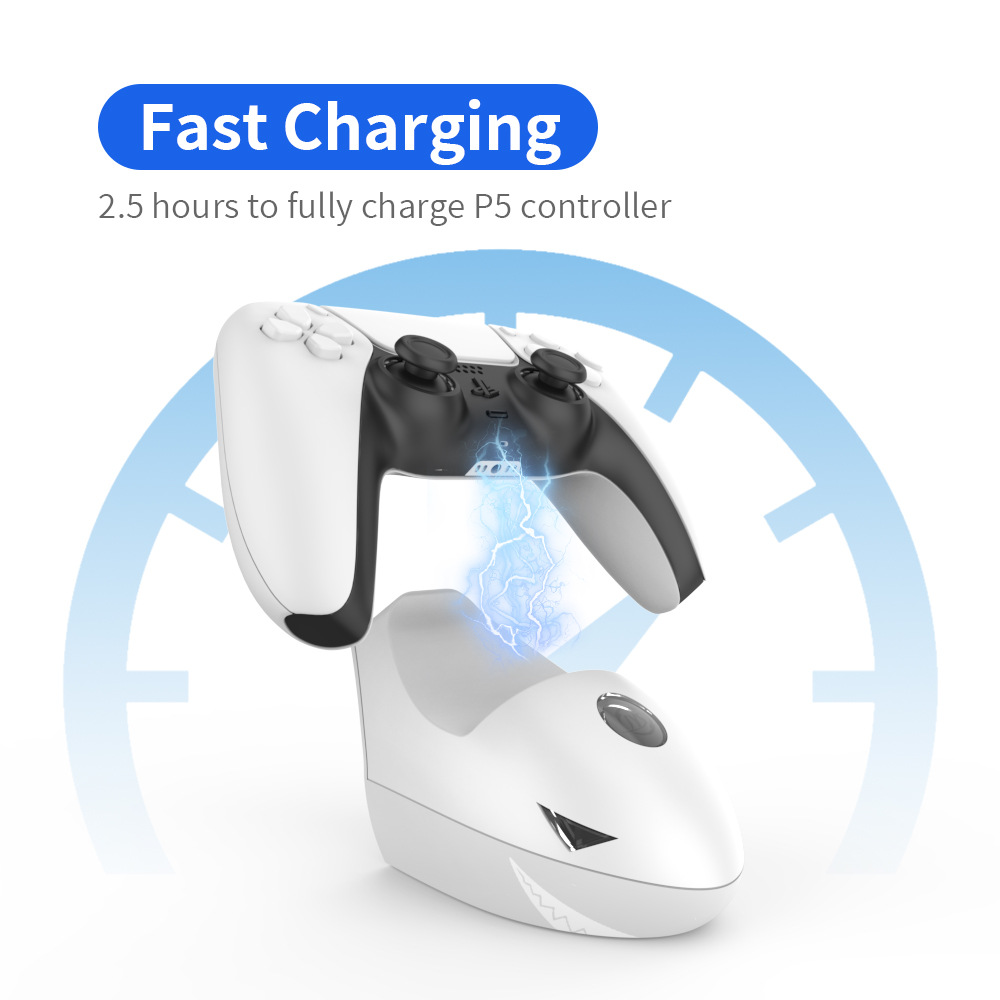
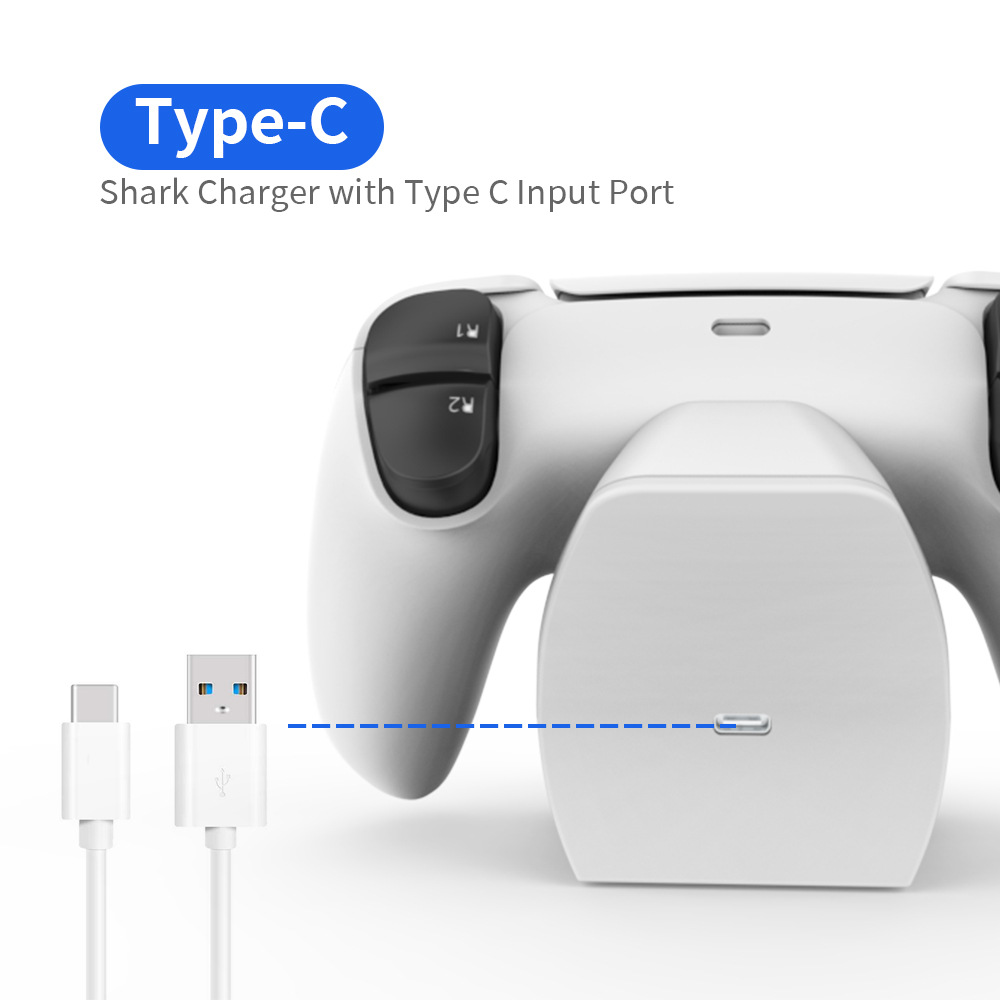
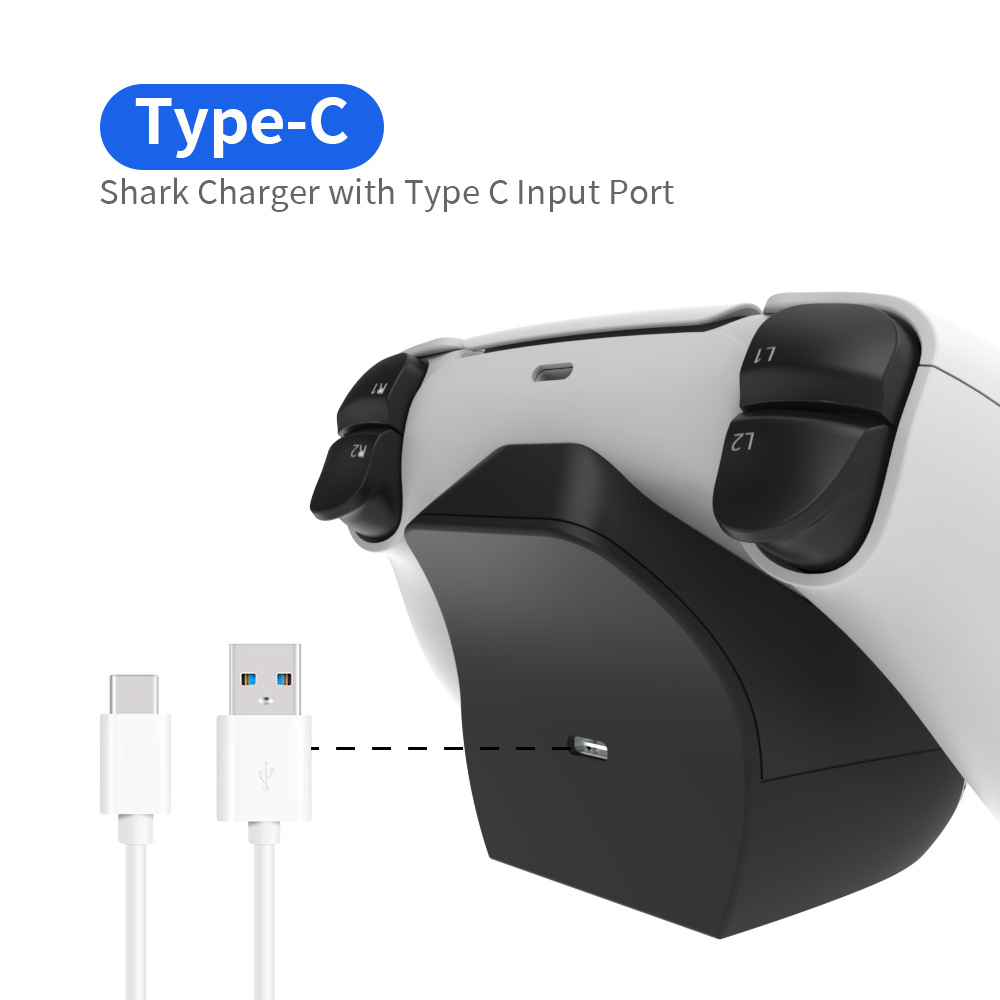
1. Use the Type C charging cable provided in the packaging to insert it into the USB-A port of the PS5 console and the USB-C port of the stand charger, to power on the stand charger (You can also purchase a 5V 1.5A or higher charging adapter to power the stand charger).
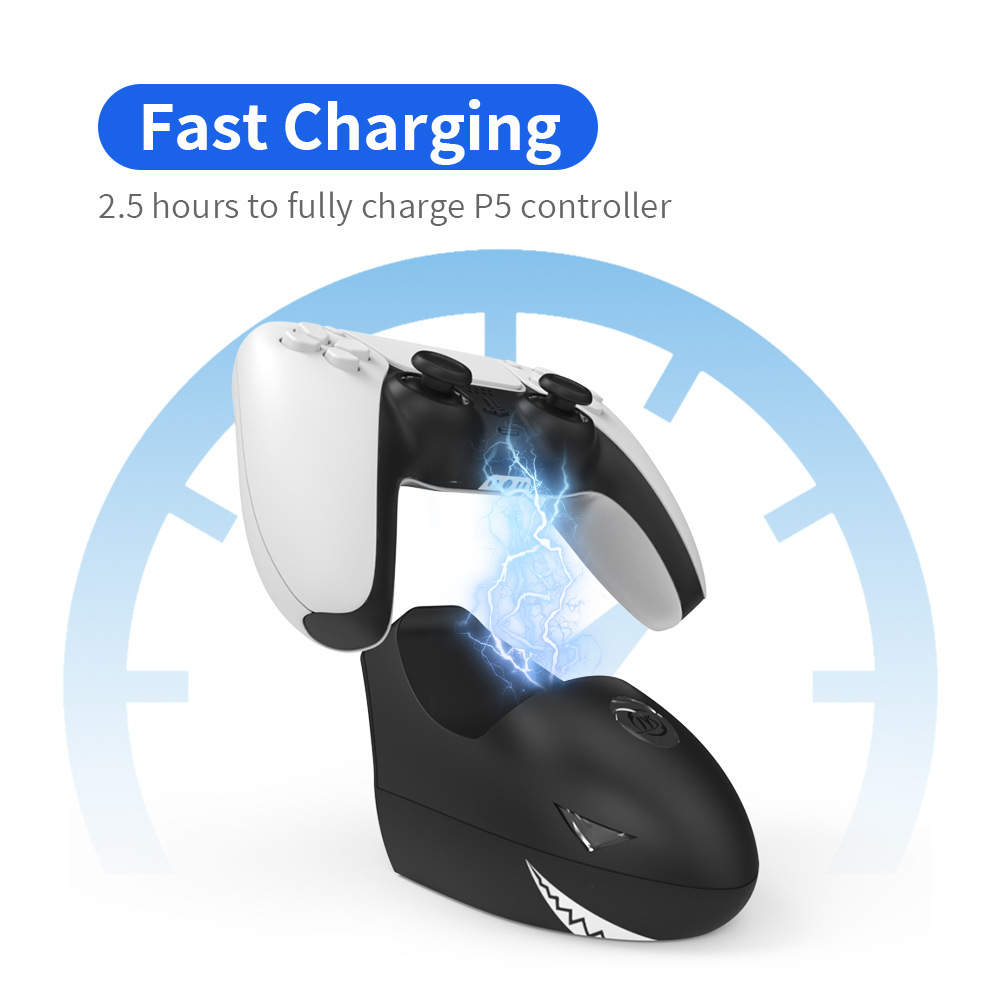
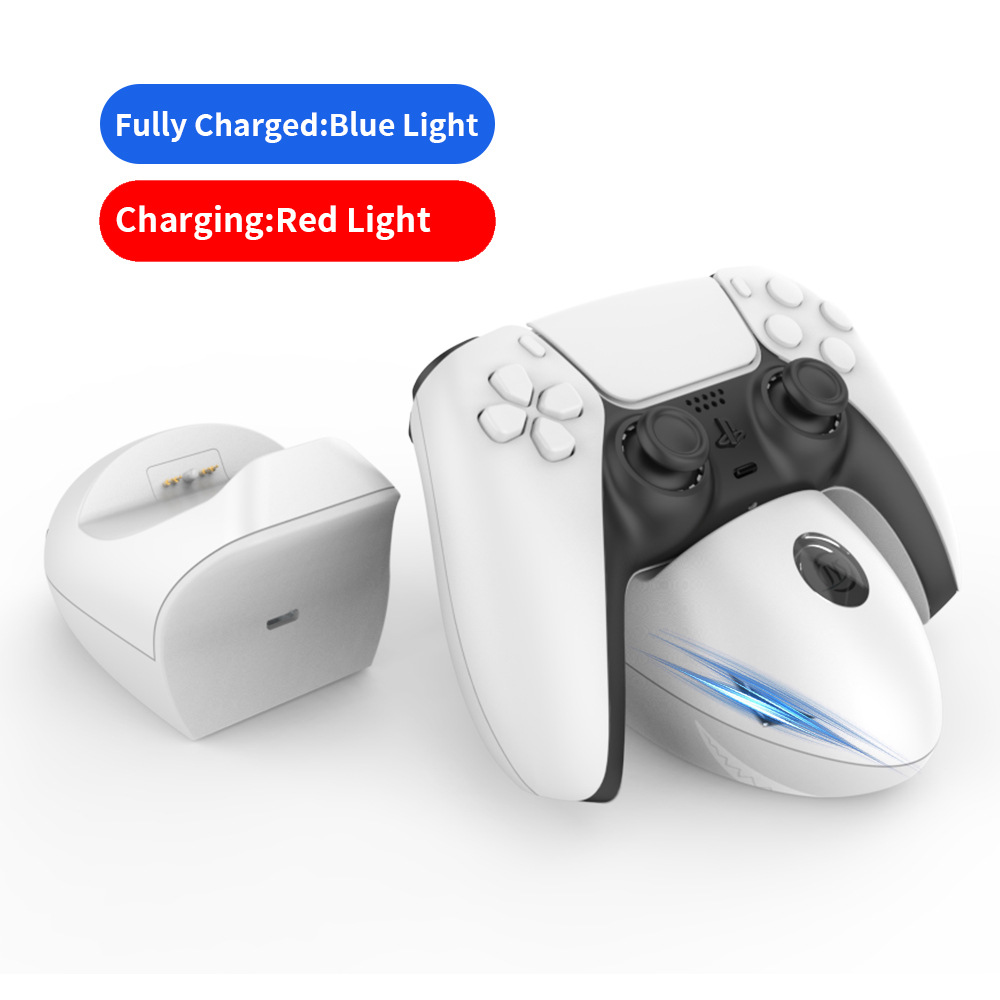
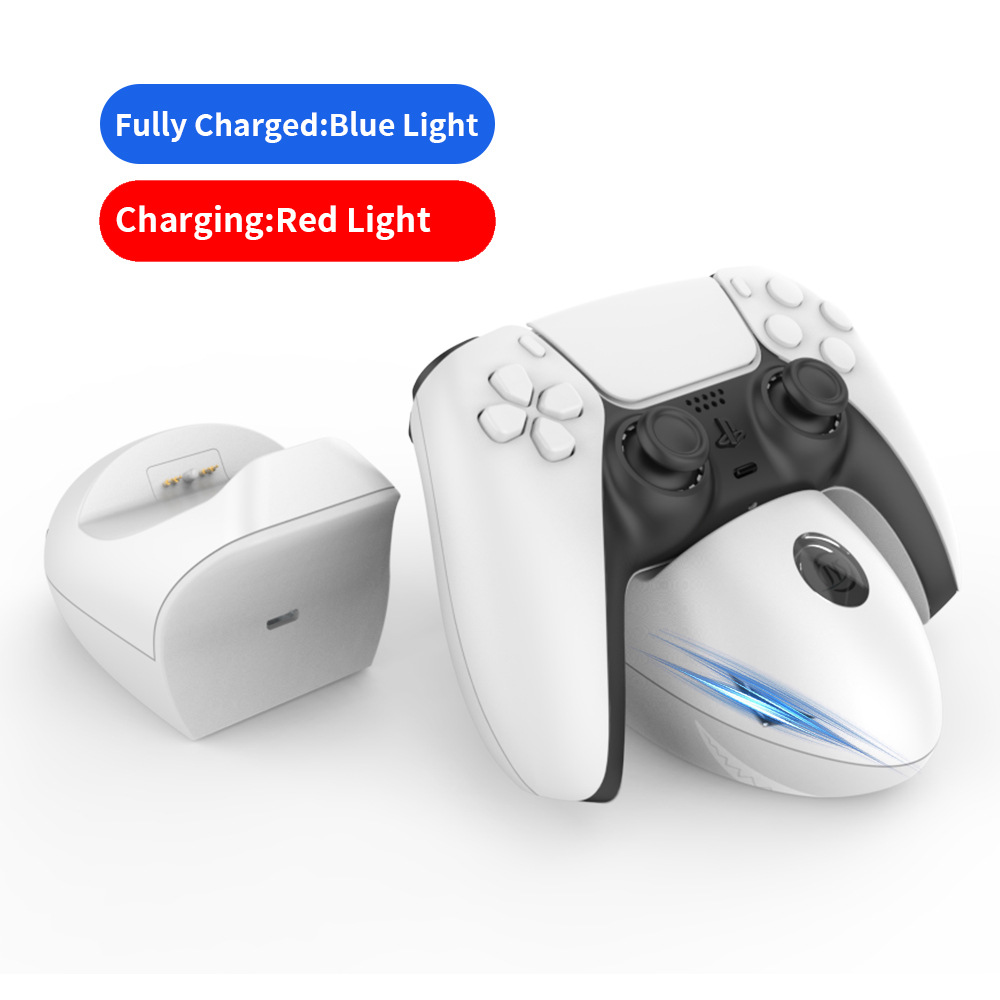
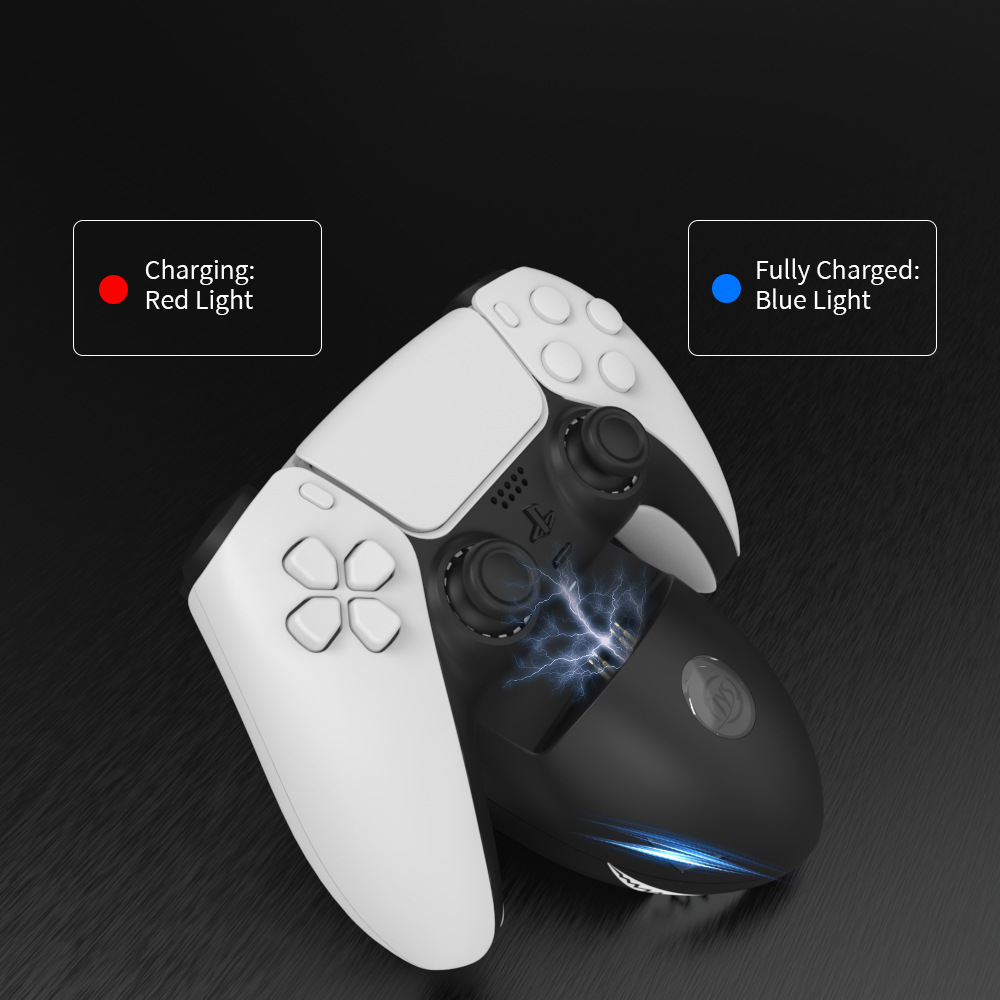
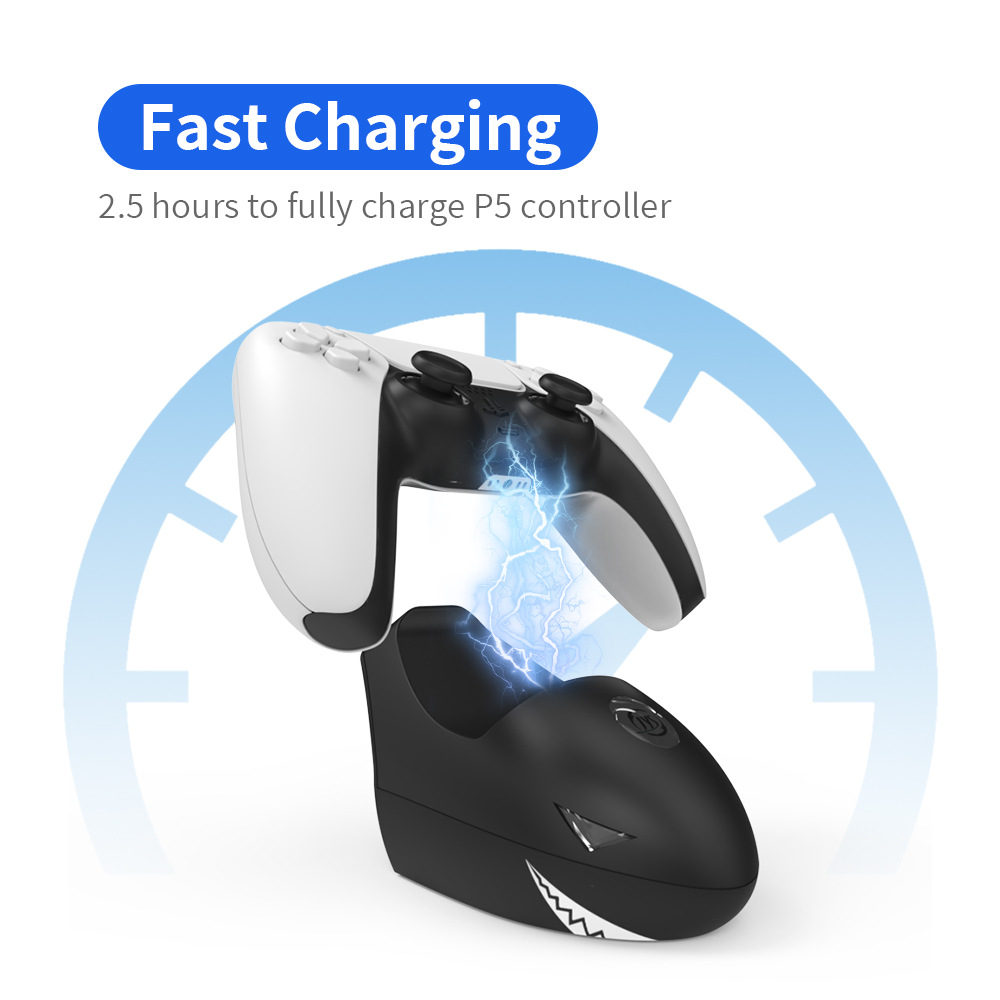
2. Place your controller on the charging position of the seat charger, and when the contact is good, the charging indicator light turns red, and it turns blue when fully charged.
Packing Contents
Charging Dock X 1
Charging cable X 1
Instruction Manual X1
Specification
Power adapter: DC 5V 1.5A
Output Charging Base: DC 5V, 12A Max
Dimensions: Approx. Length 60X Width 135X Height 75mm

Update time:


TOP