Search history
Clear allSearch by image
XDrag and drop an image here or upload an image
Max 5MB per image
UploadSign In | Join

Search history
Clear allSearch by image
XDrag and drop an image here or upload an image
Max 5MB per image
UploadSign In | Join
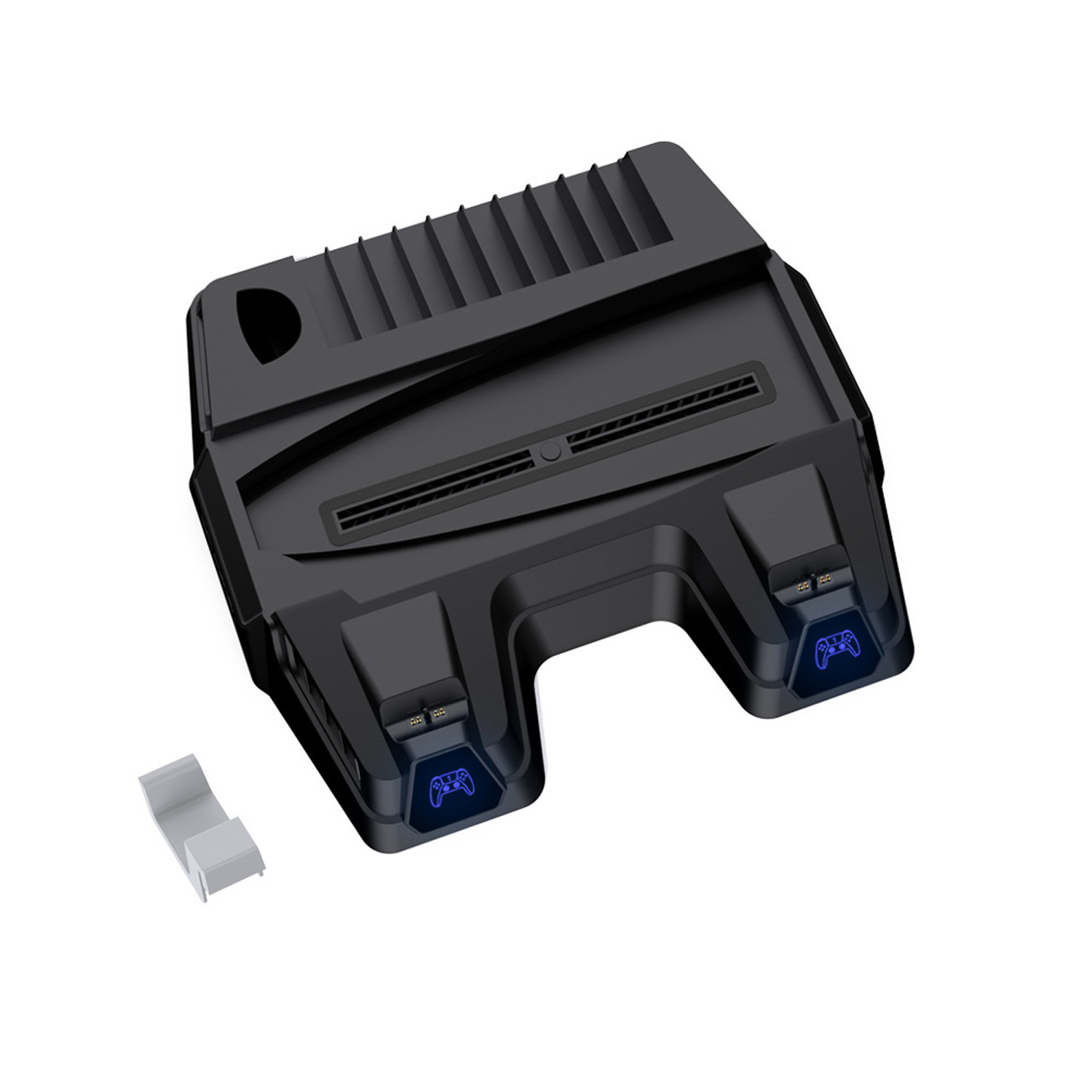 black, without firewood.
黑色不带火牛 |
CN¥ 87.0 |
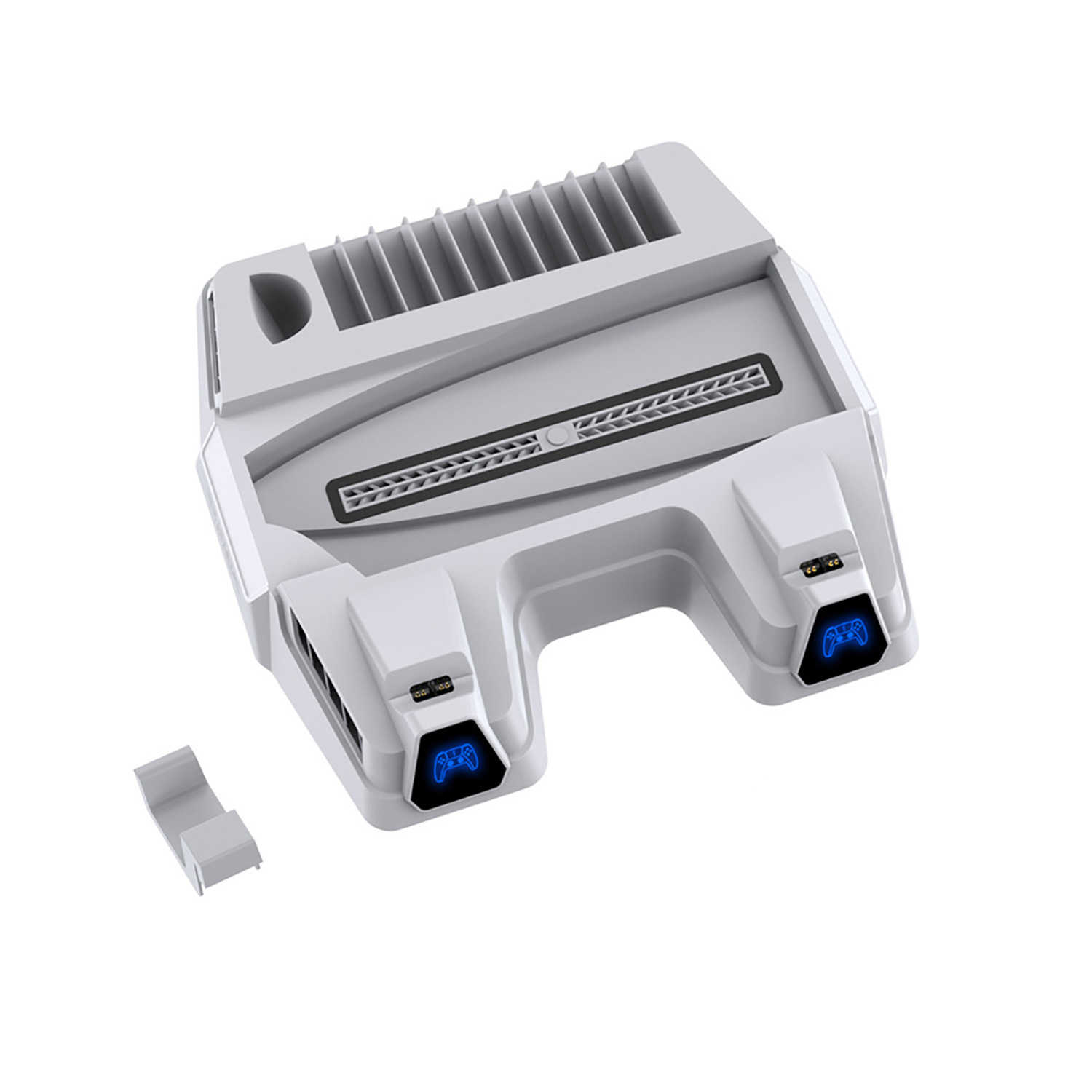 white, without fire ox.
白色不带火牛 |
CN¥ 87.0 |
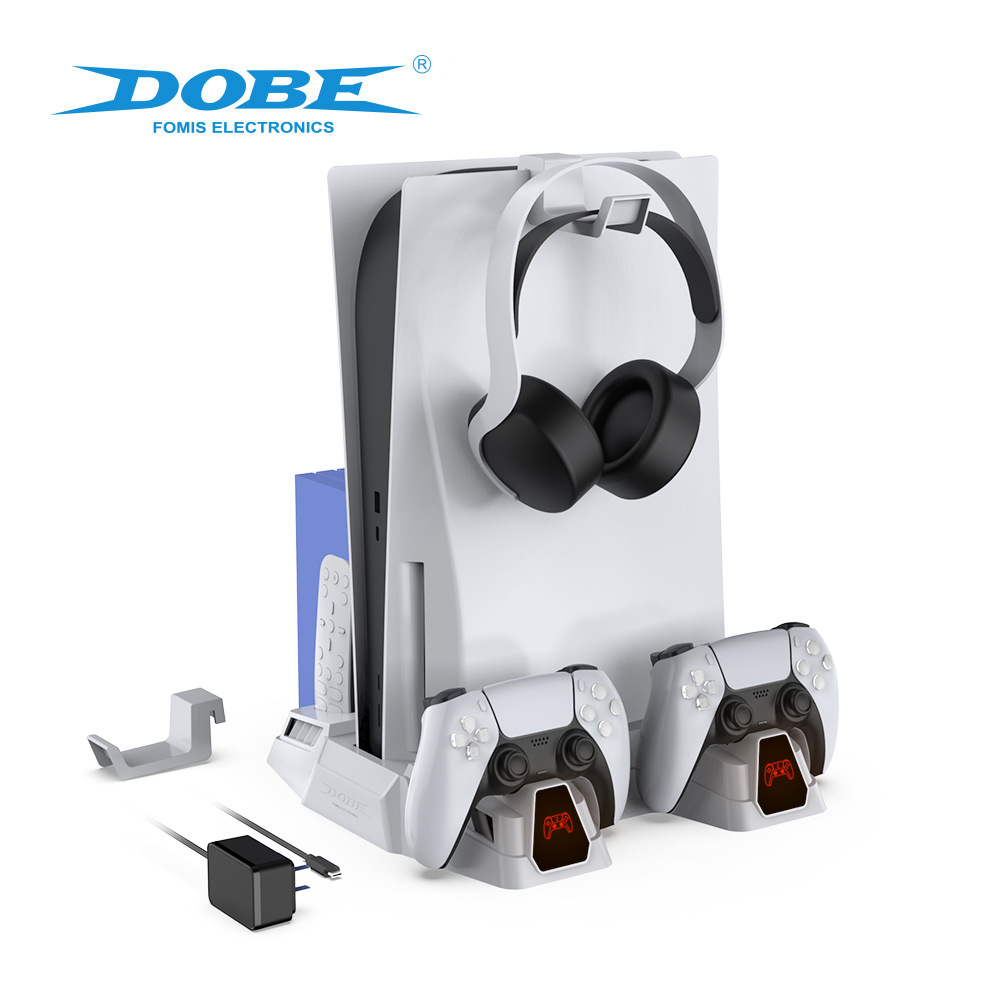
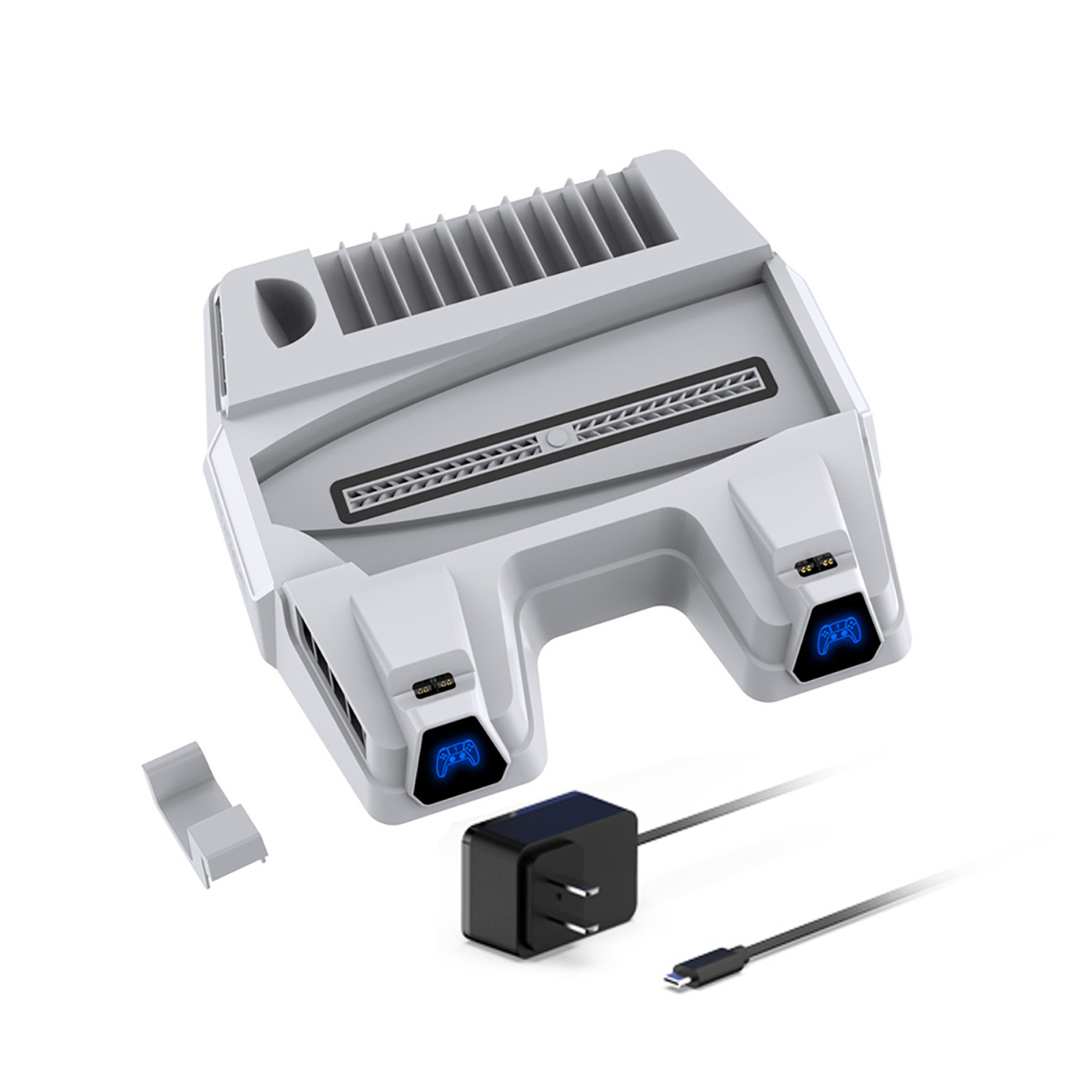 us-spec white with fire ox
美规白色带火牛 |
CN¥ 108.0 |

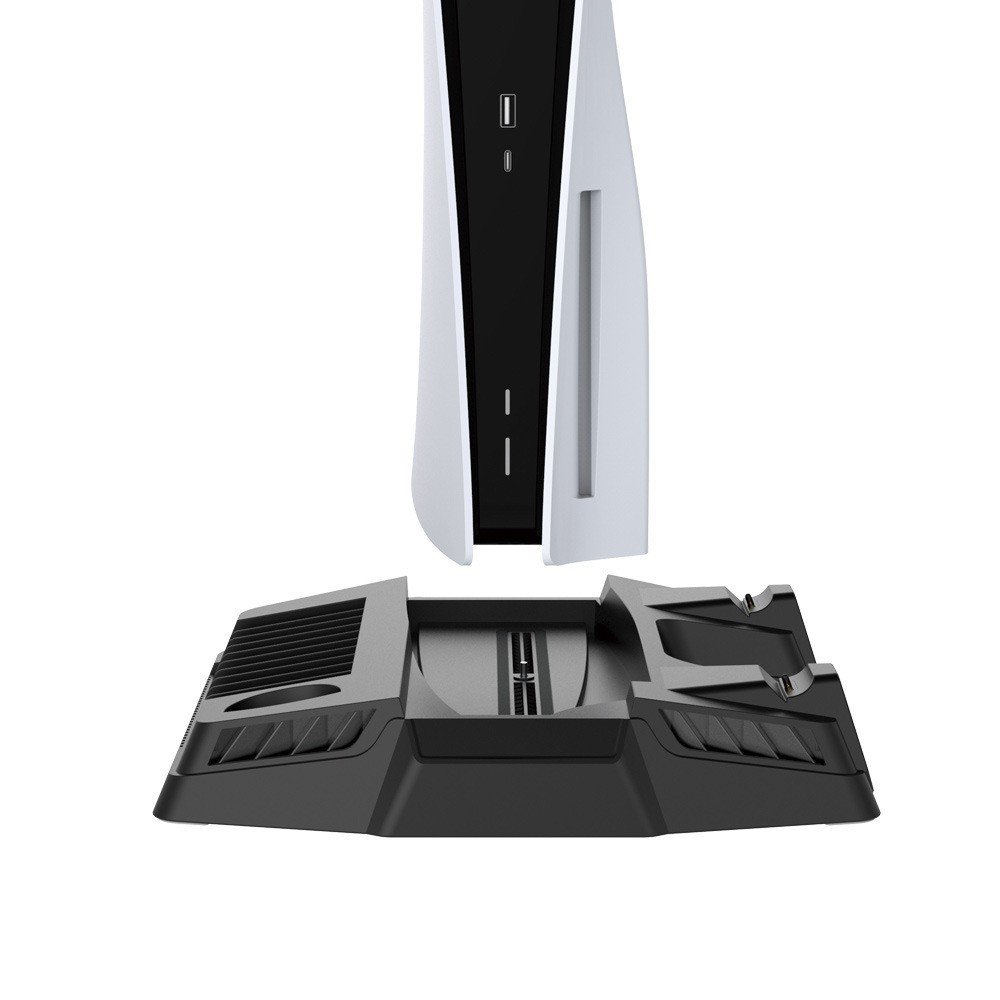
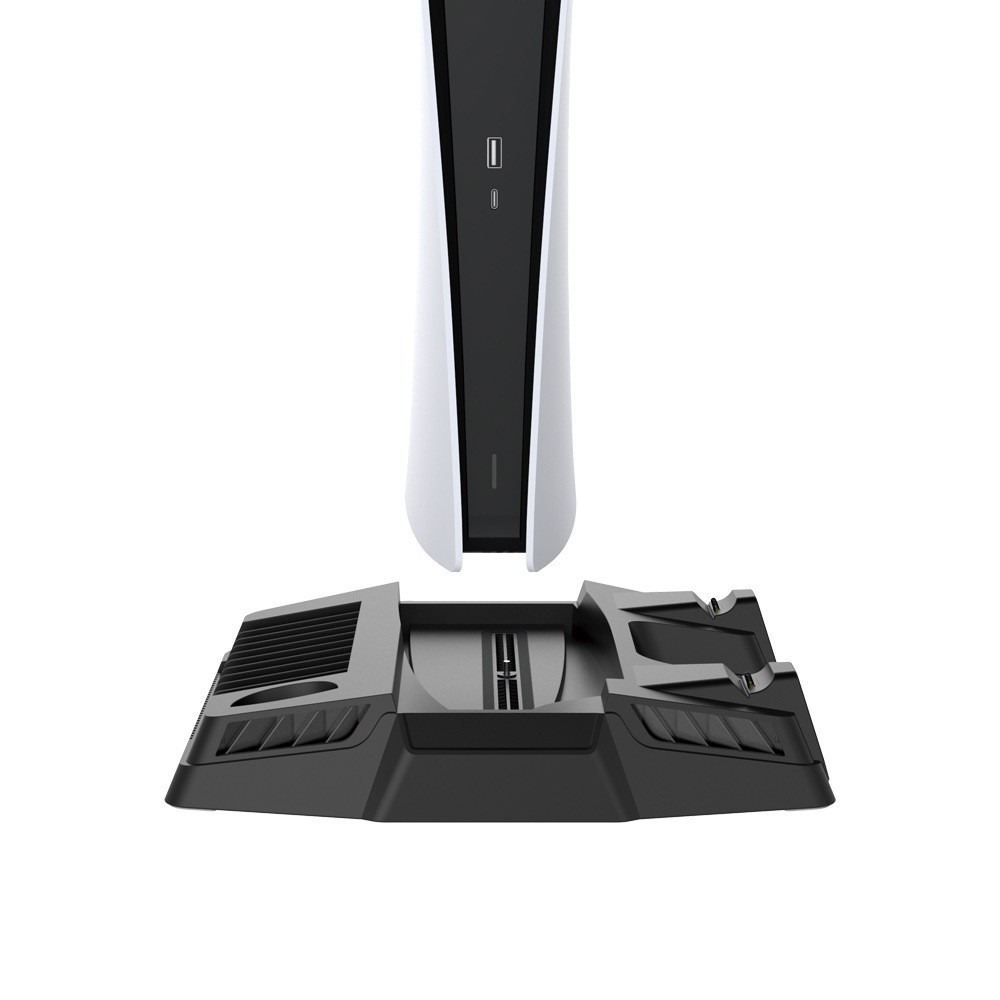
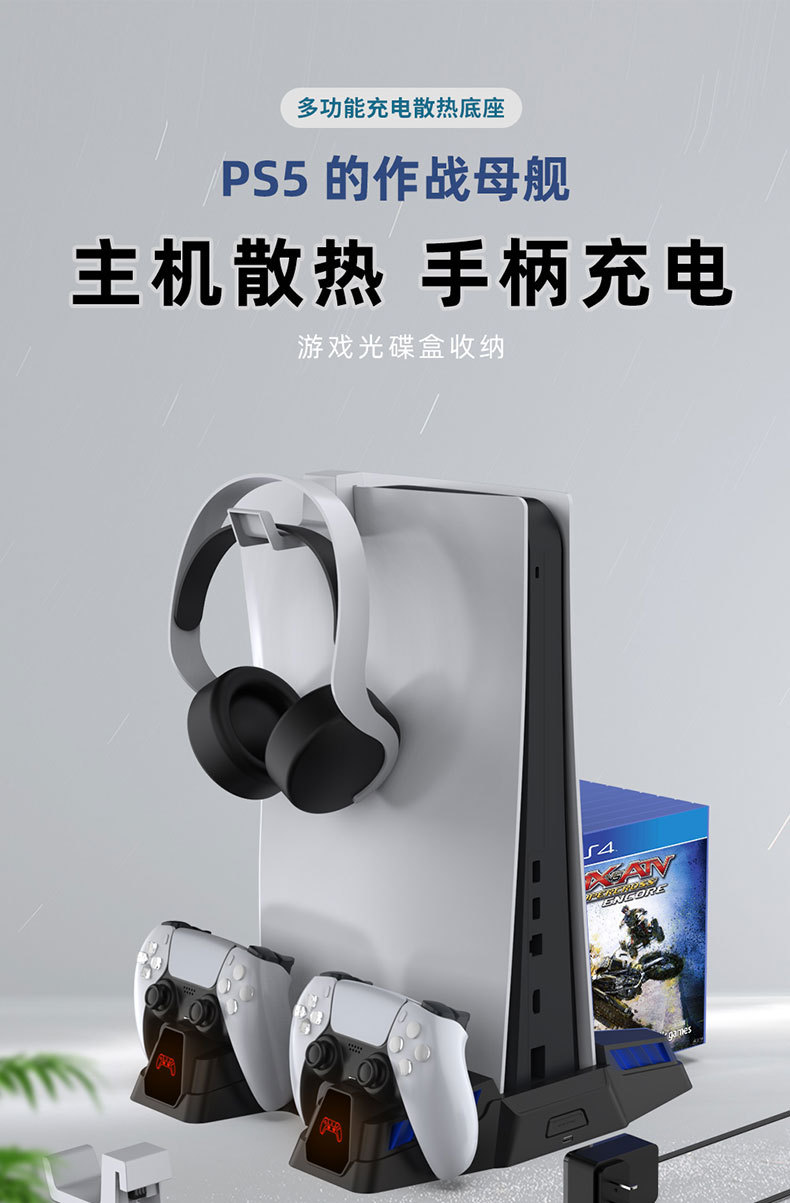
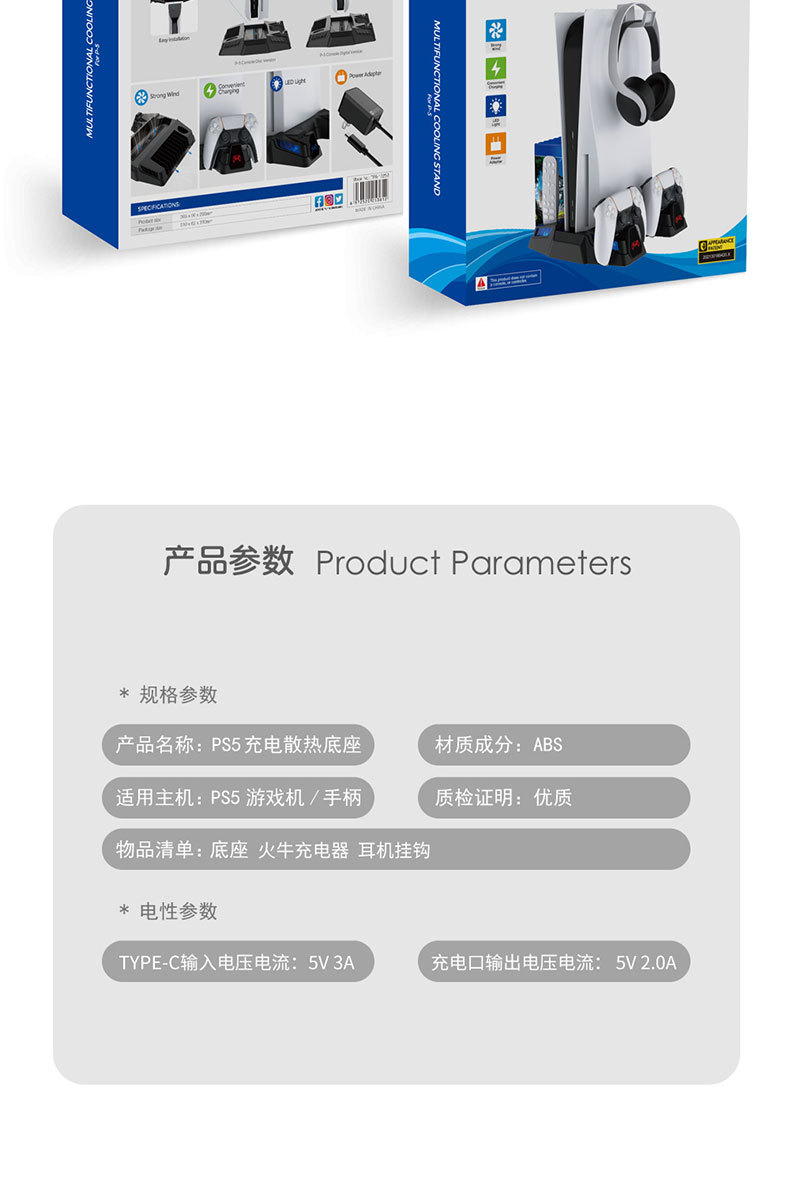
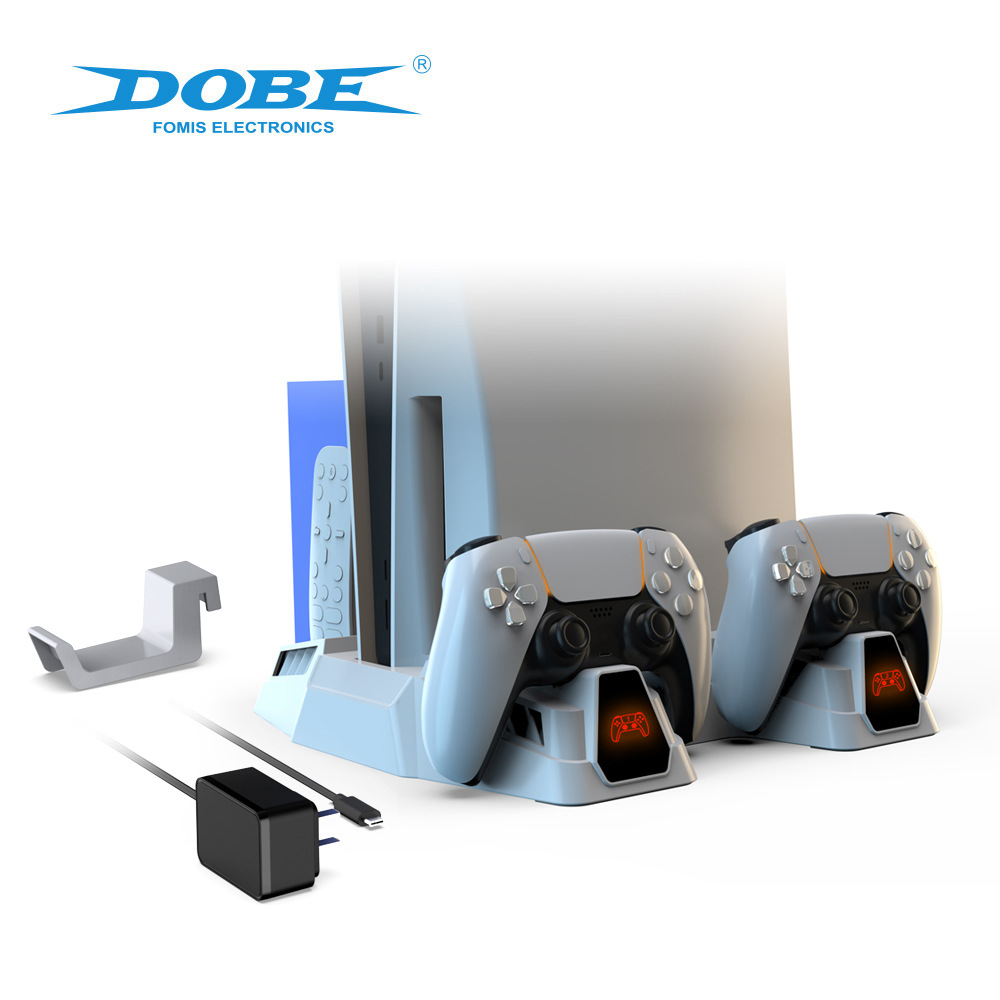
Function Description:
Function description
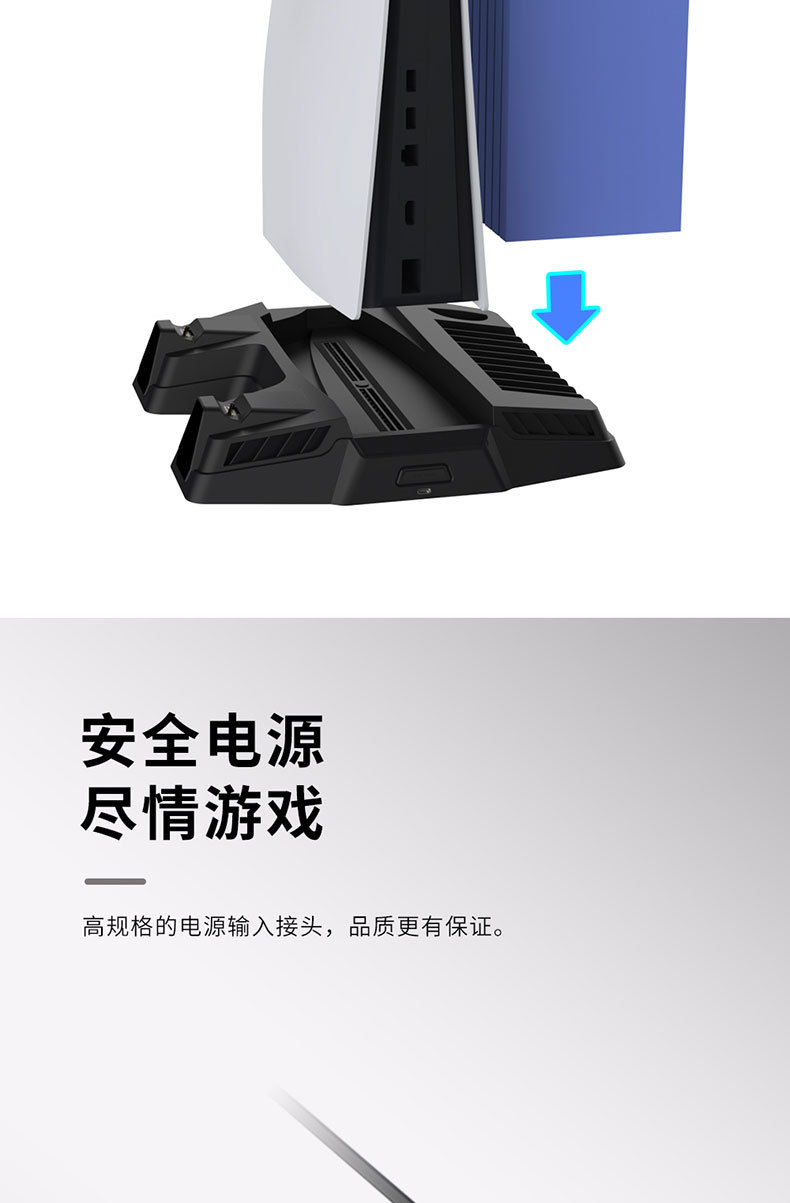
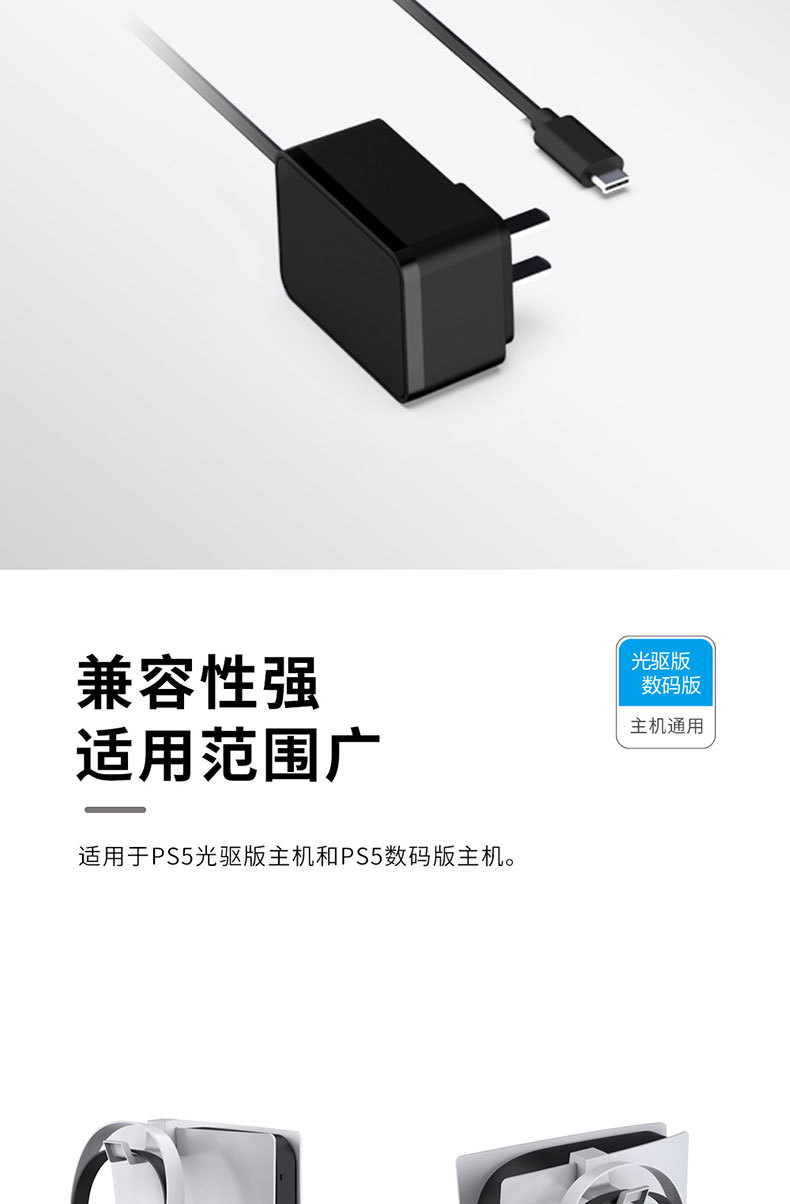
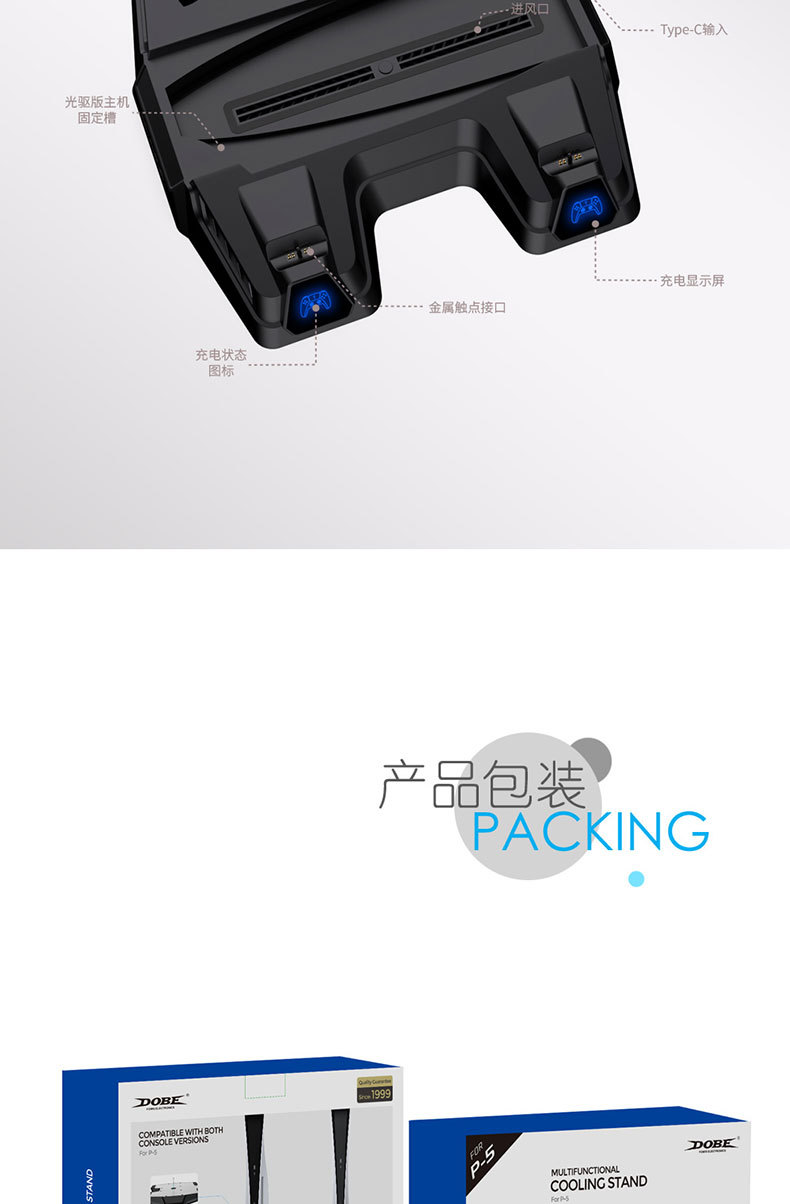
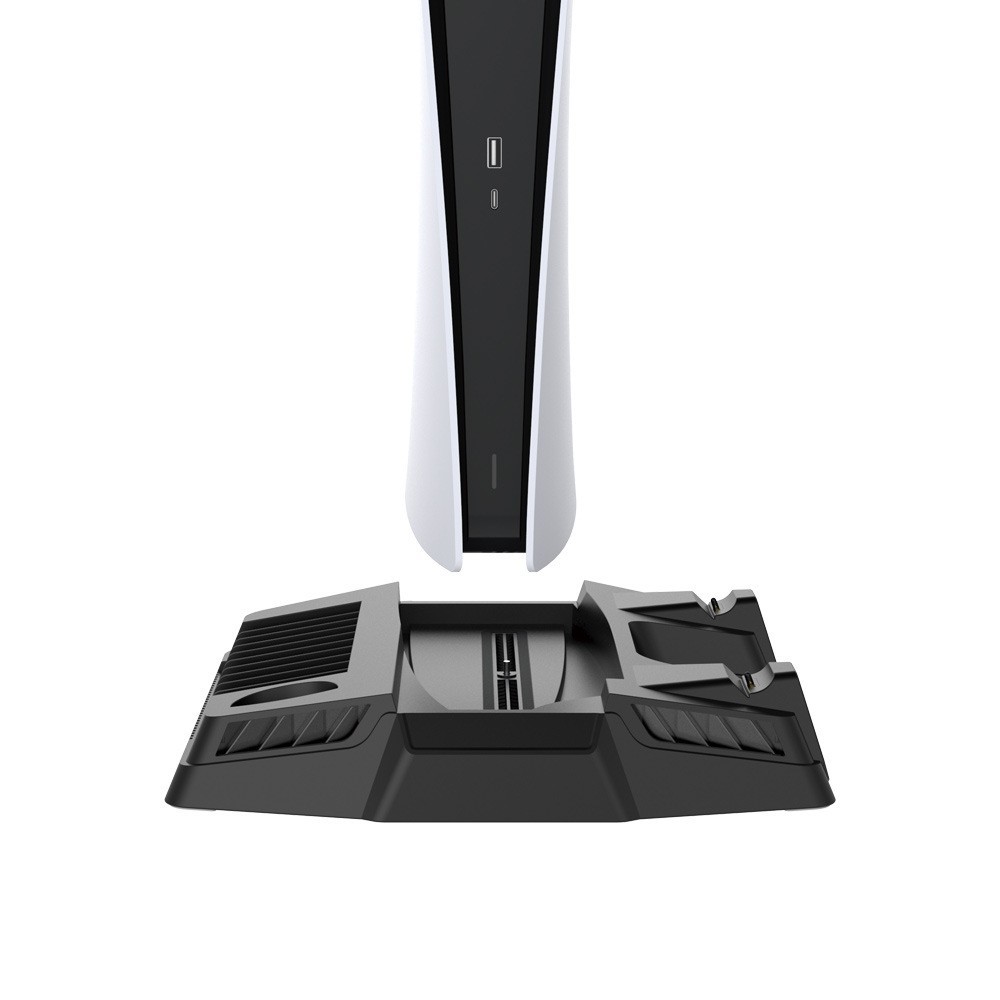
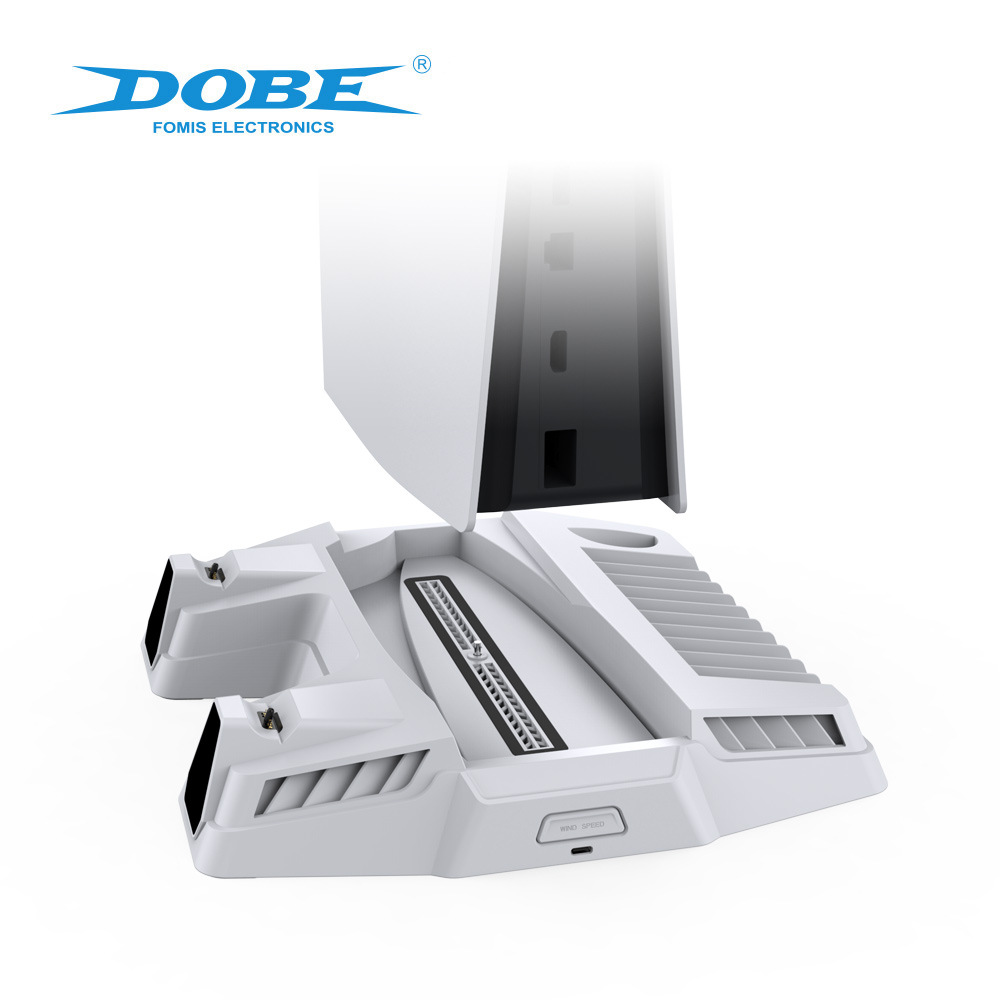
1. TYPE-C input port:
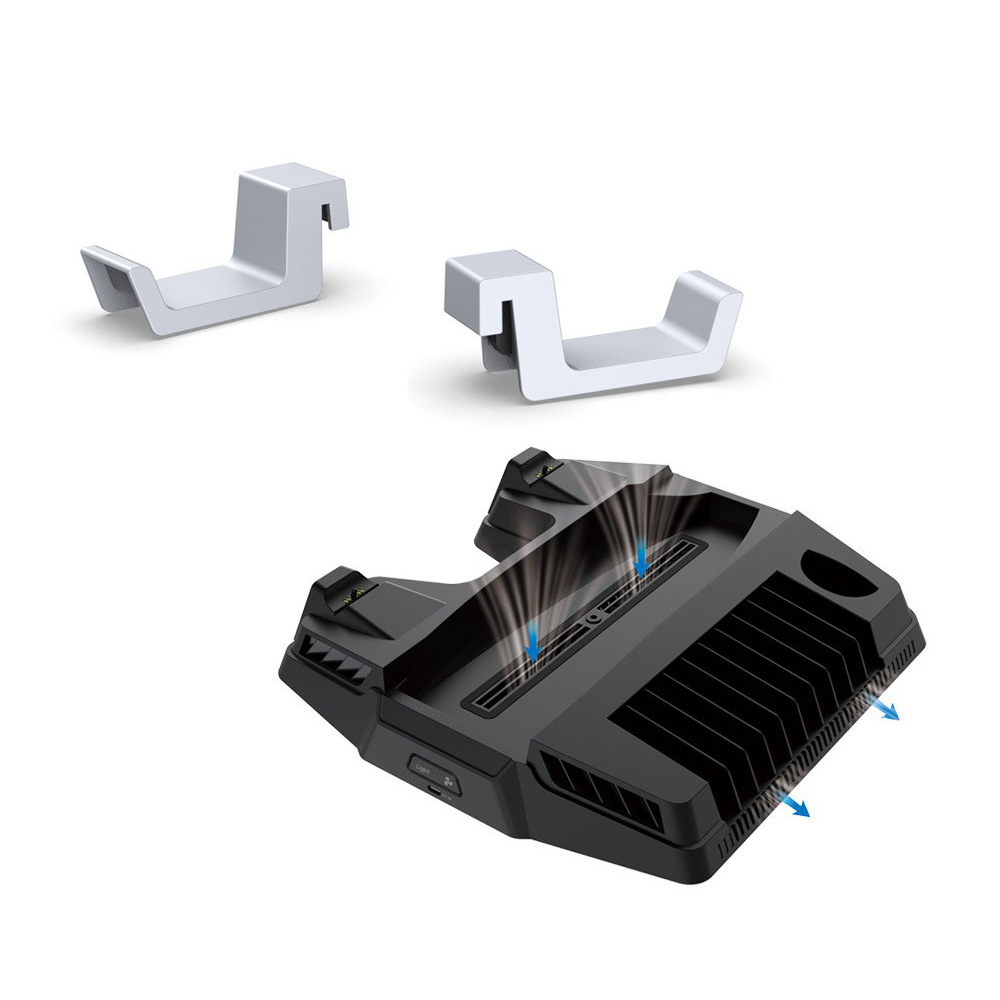
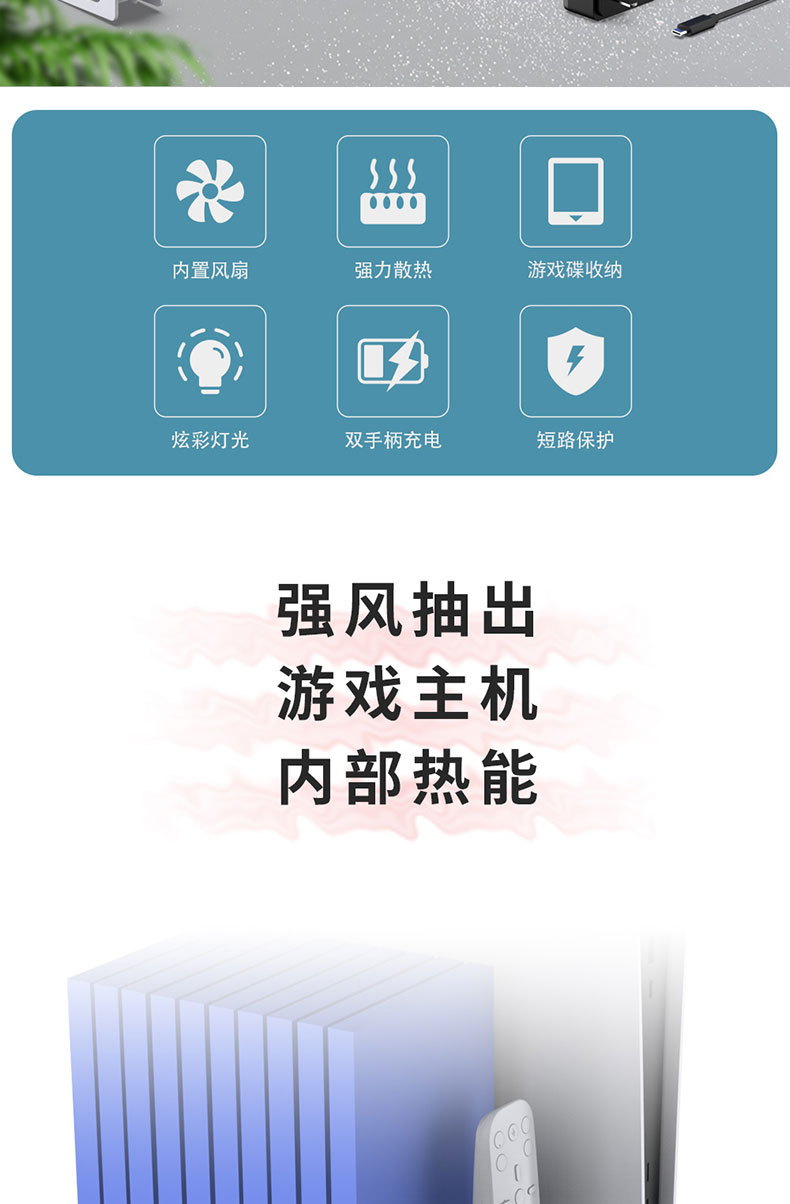
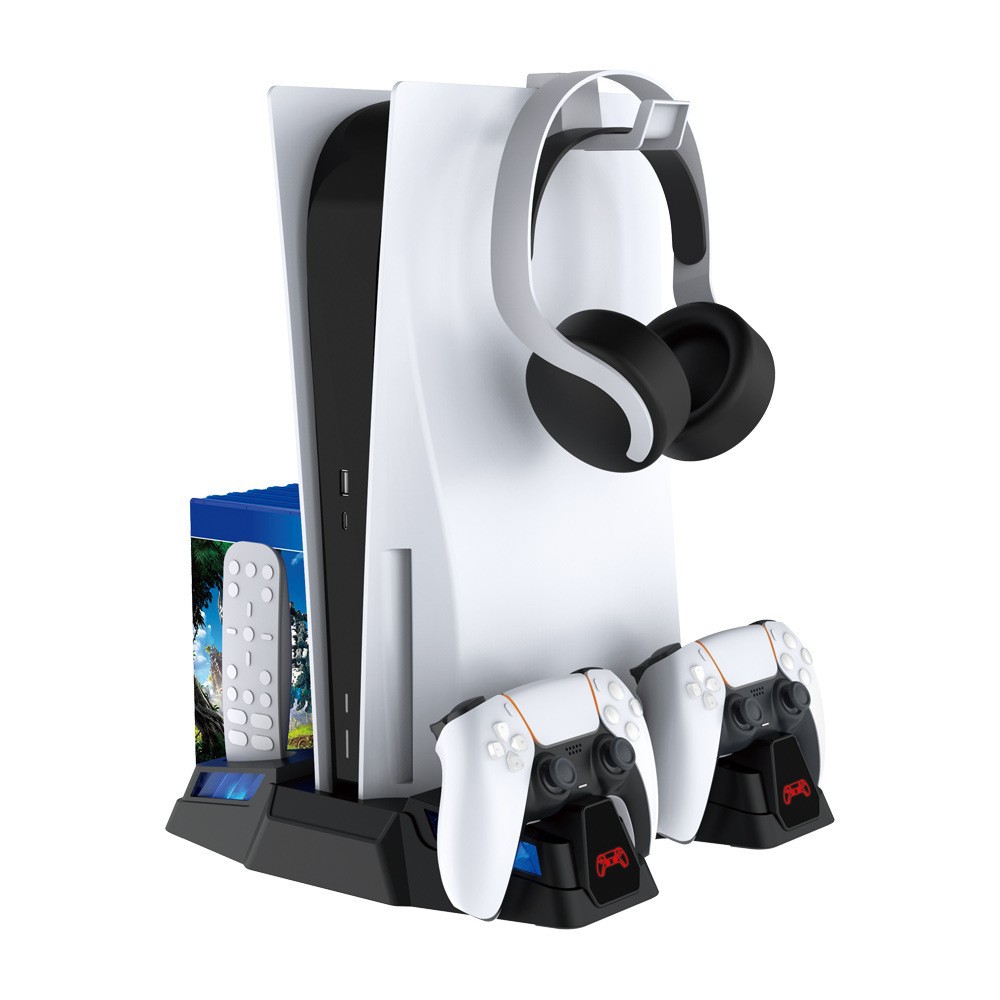
2. Fan and ambient light switches: when the base is powered on, press the switches to turn on and off the fan and ambient light.
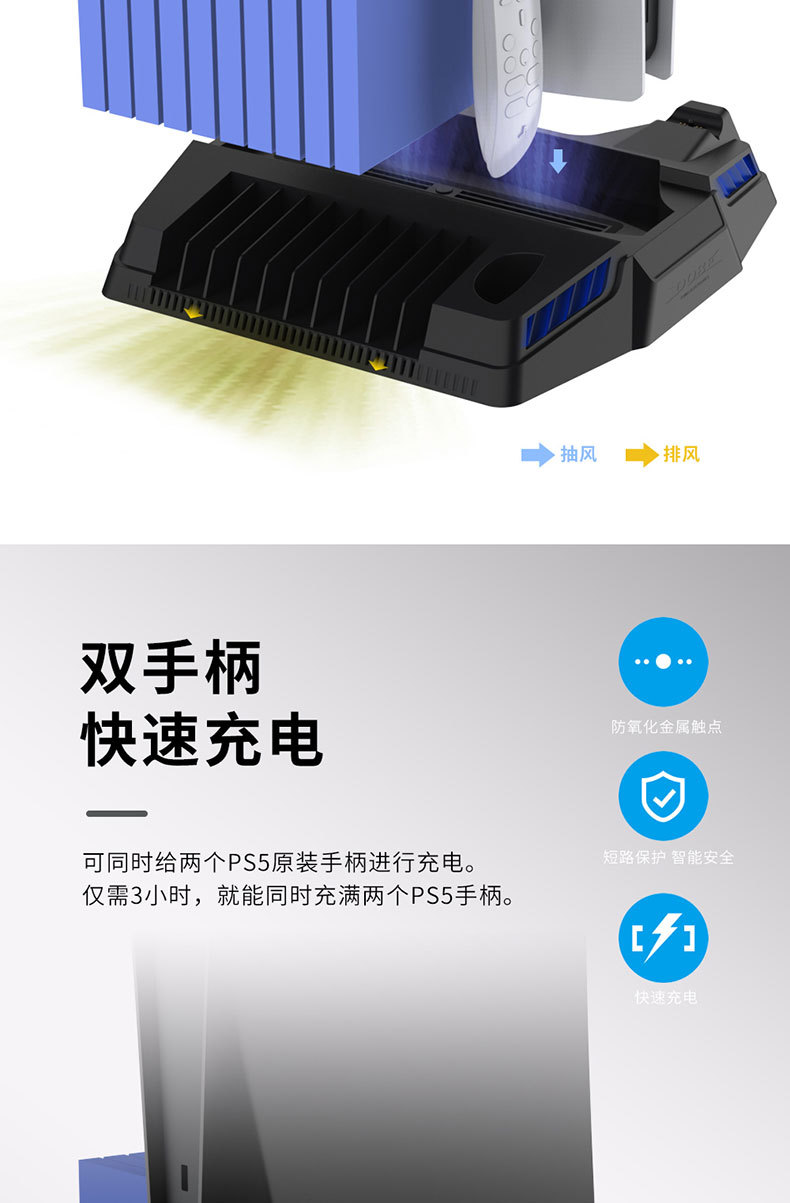
3. Cooling fan: there is a high-speed fan in the back of the base, which can speed up the air circulation inside the host to achieve the purpose of heat dissipation.
4. Ambient light: there are ambient lights around the base, which work synchronously with the fan. When the fan is started, the ambient lights are turned on; when the fan is stopped, the ambient lights are turned off.
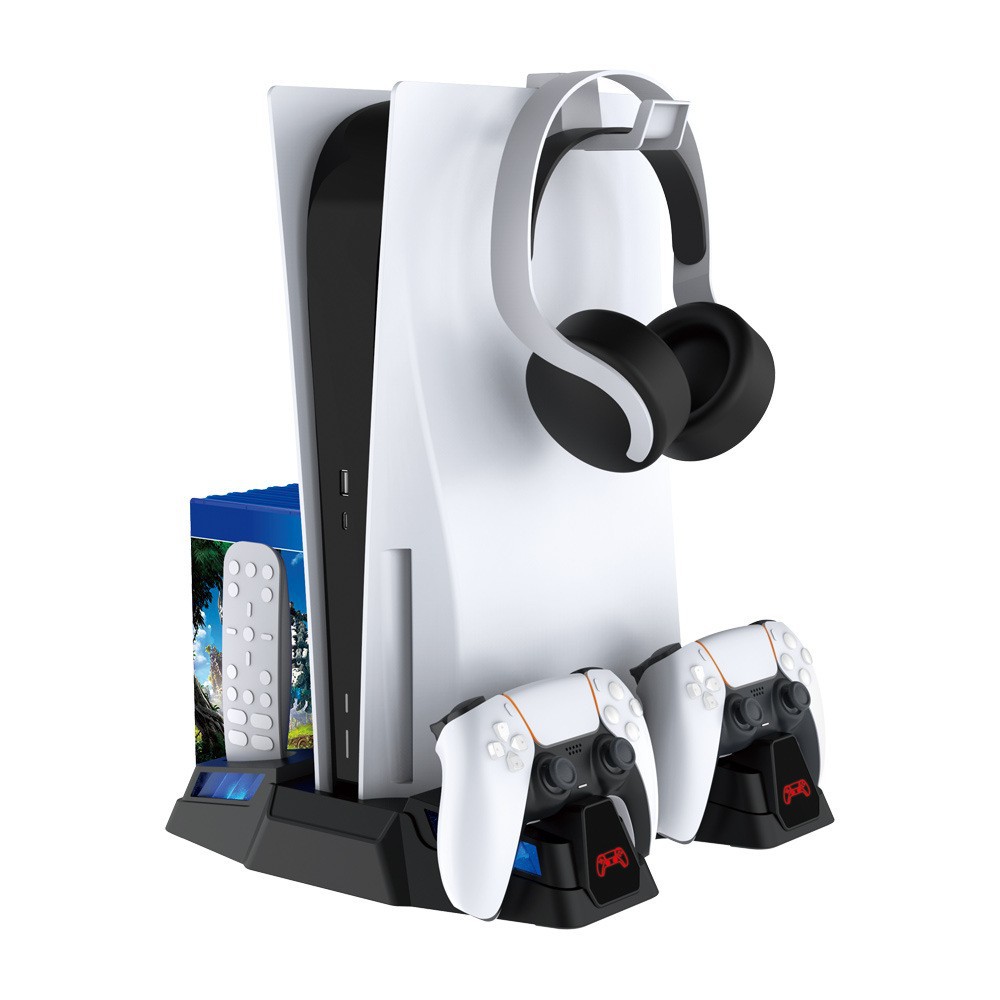
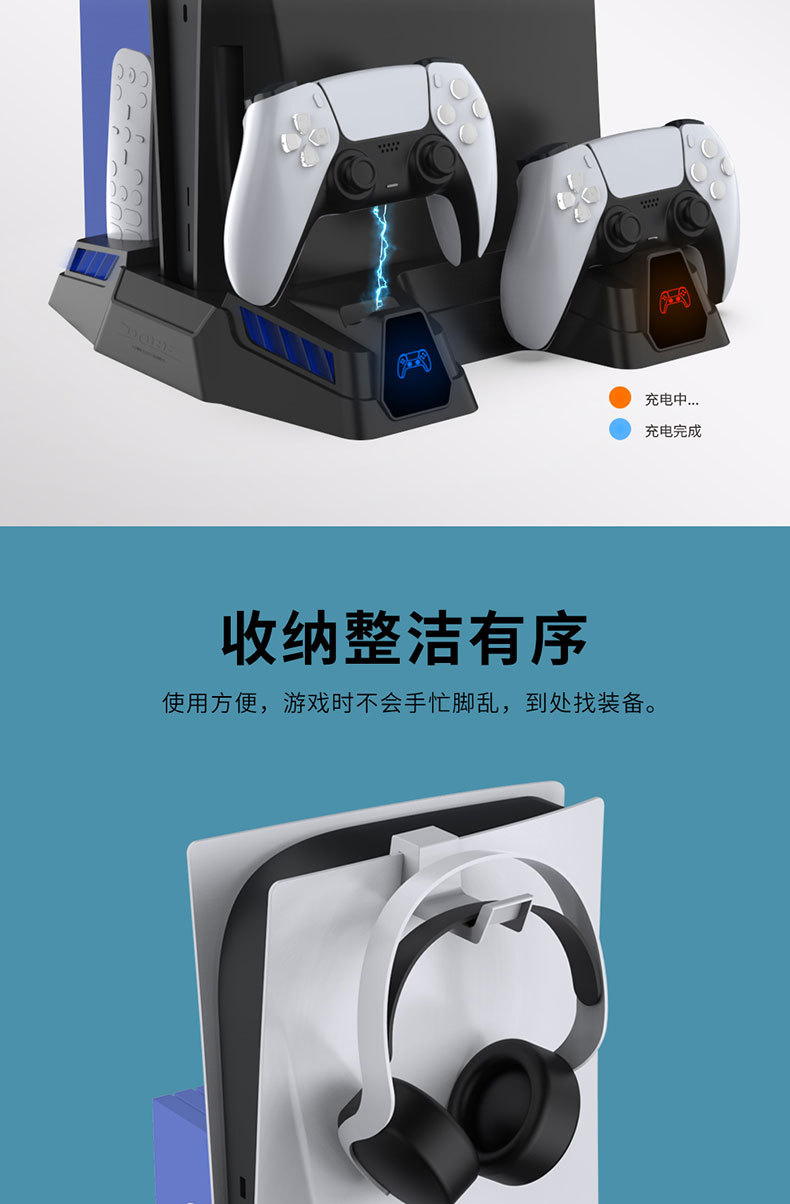
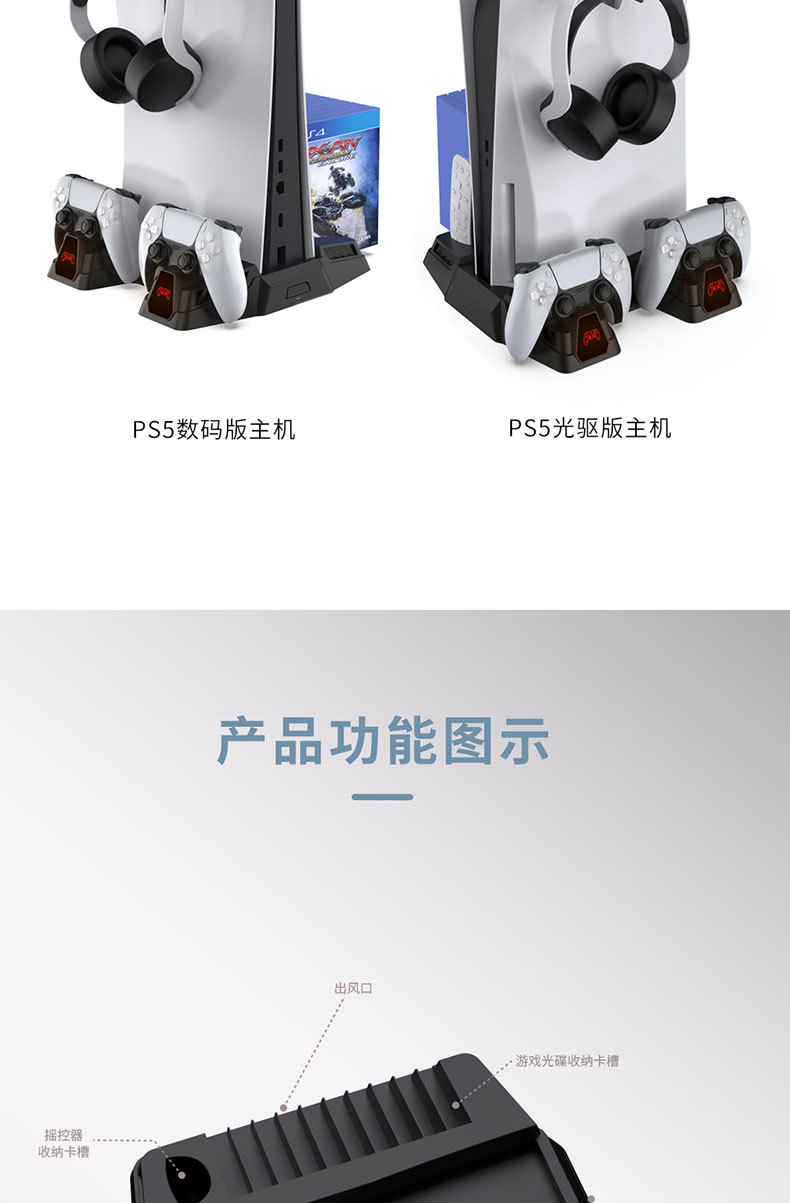
5. Charging dock: It can be used to charge two original PS5 controllers at the same time; charging can be realized by inserting the PS5 controller to the left (right) charging dock according to the drawing.
6. Charging display window: The controller's charging display window can display the charging status of the controller:
6.1. After the product is powered on, the handle icons on the product display will be displayed in blue. Place the handle into the left (right) handle charging socket for charging, and the corresponding left (right) handle display will immediately turn red. When charging is complete, the display will return to blue.





Update time:


TOP