Search history
Clear allSearch by image
XDrag and drop an image here or upload an image
Max 5MB per image
UploadSign In | Join

Search history
Clear allSearch by image
XDrag and drop an image here or upload an image
Max 5MB per image
UploadSign In | Join
 black
black
黑色 |
CN¥ 0.0 |
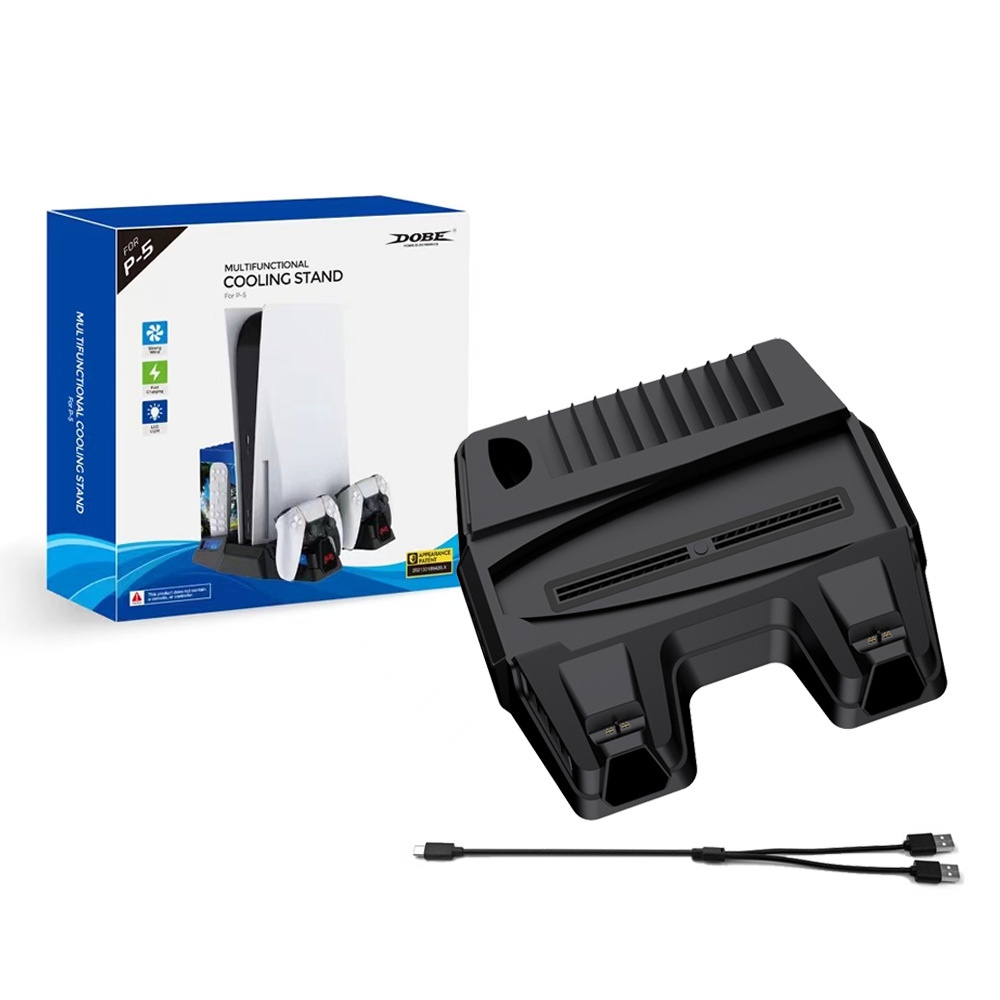
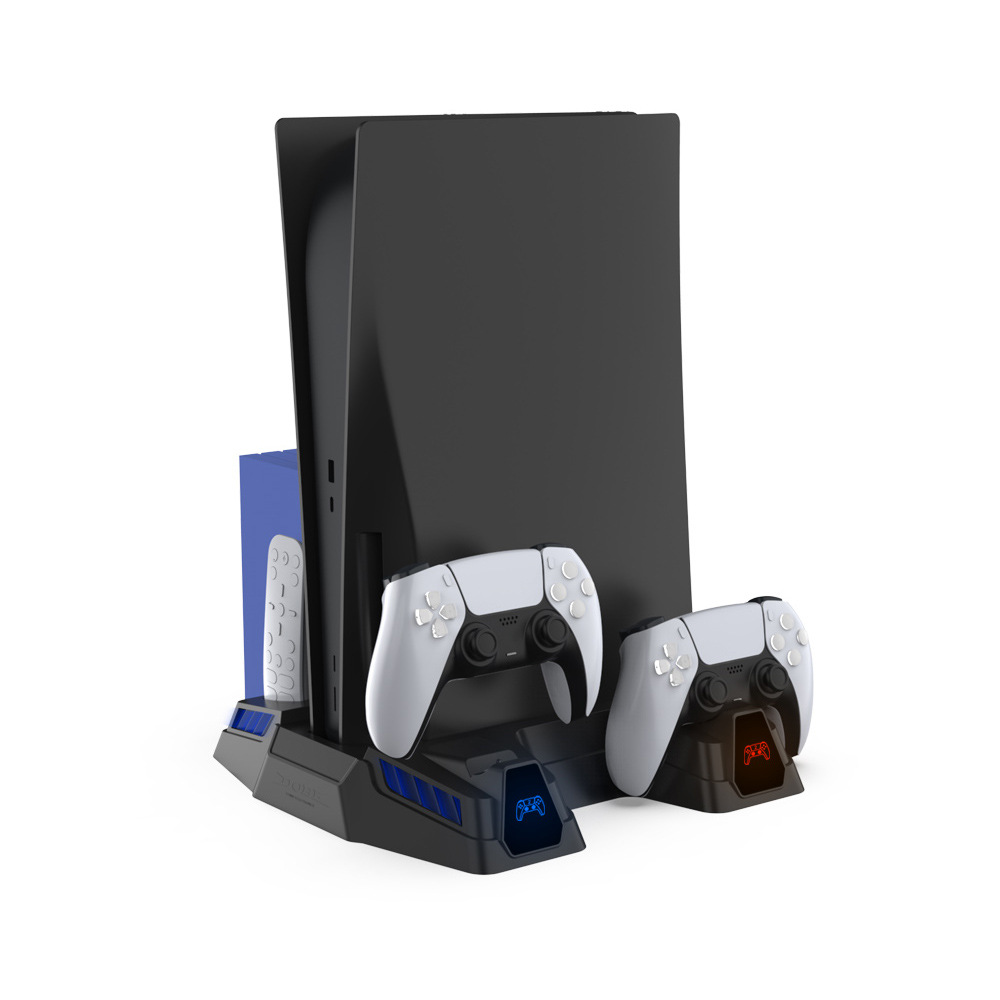
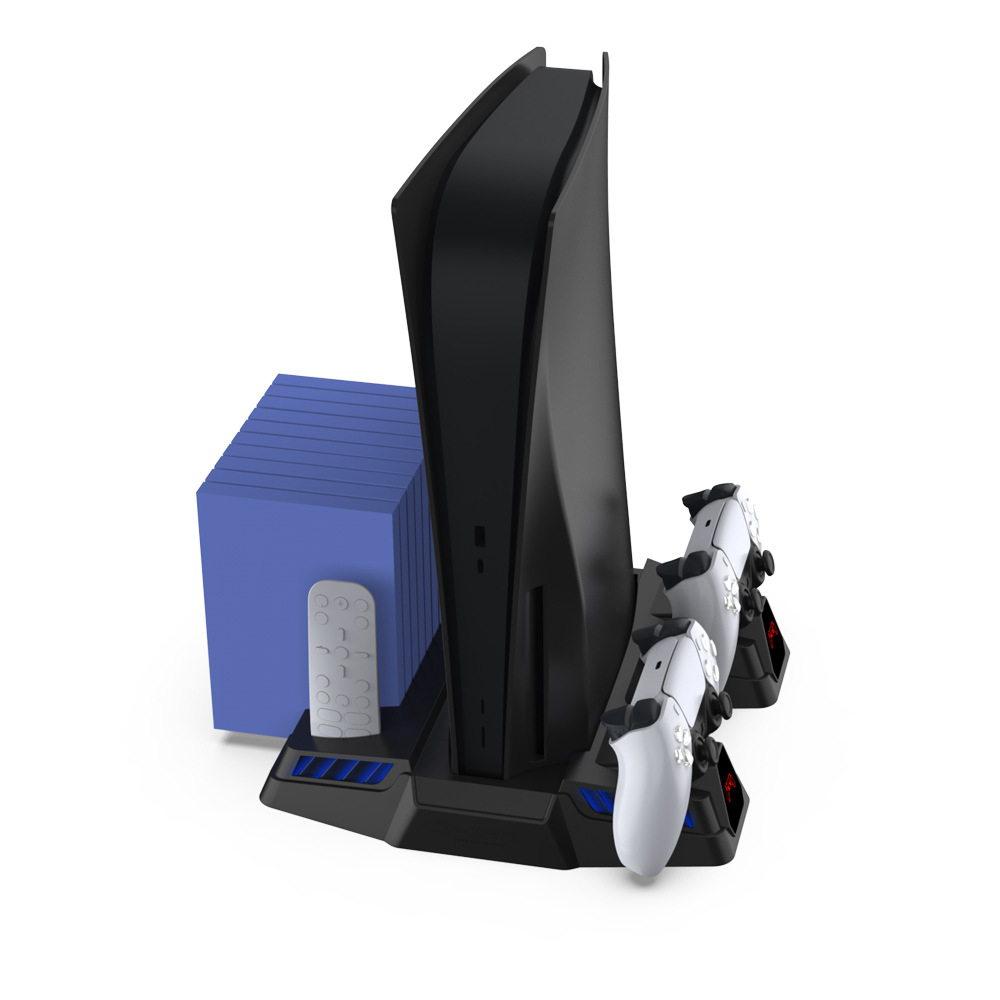
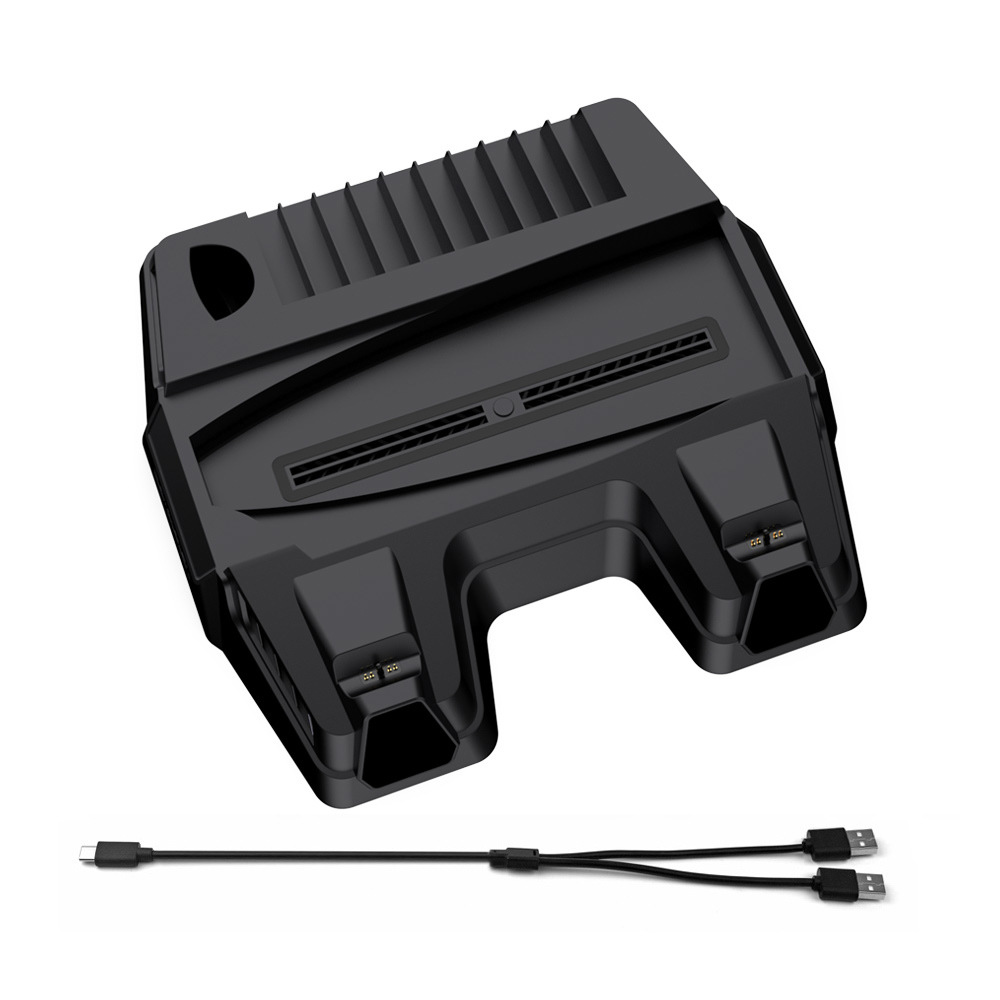
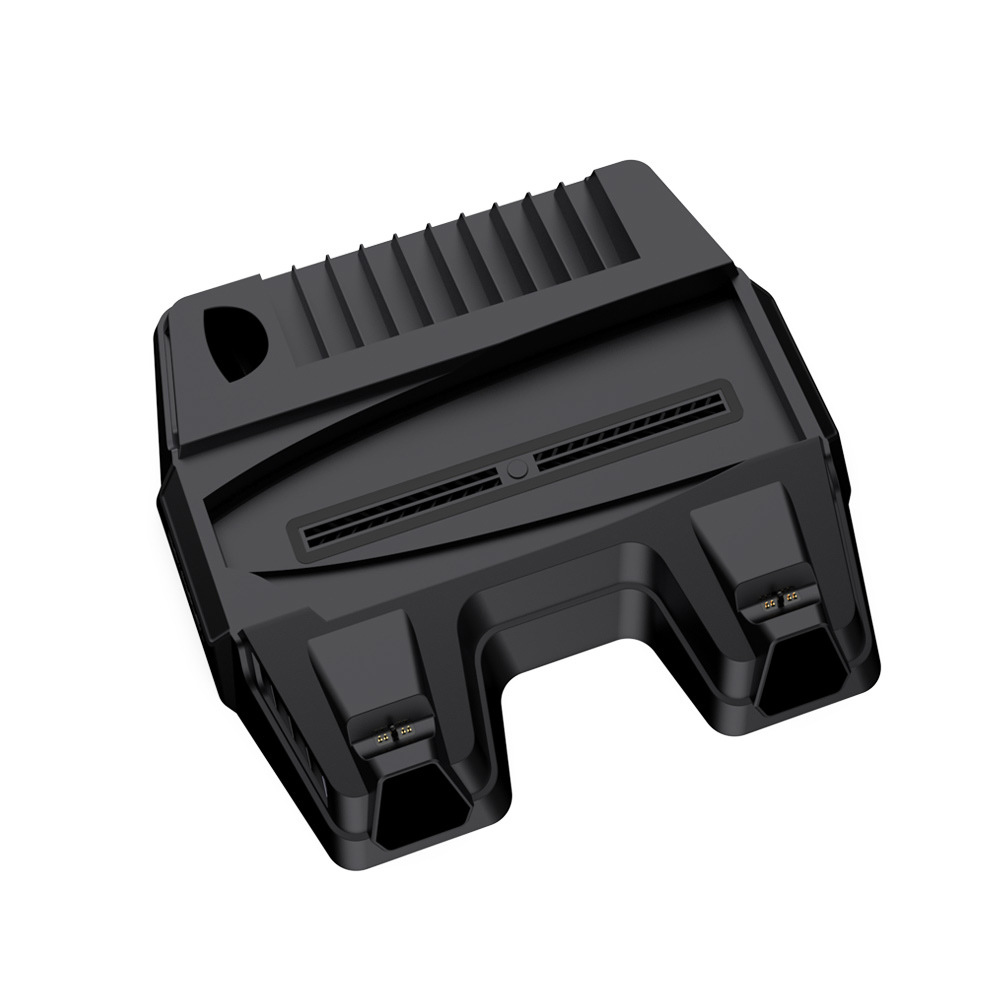
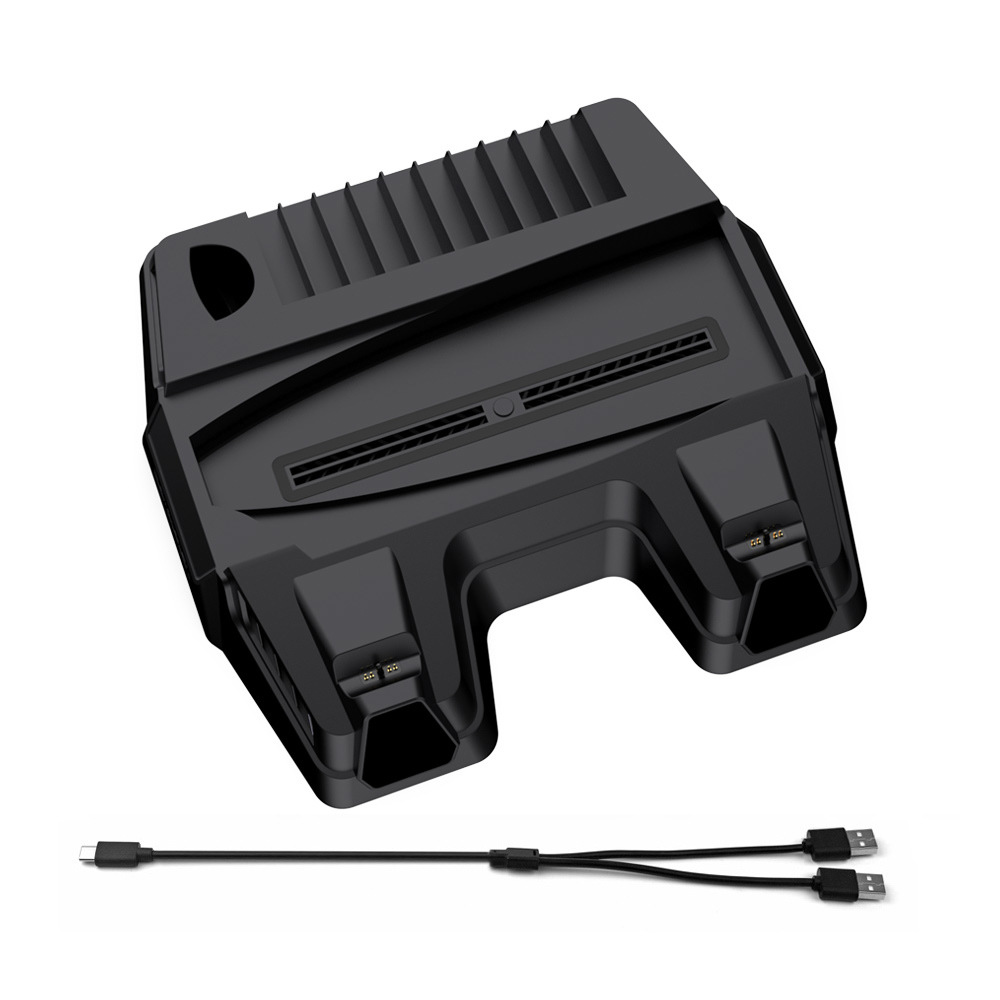
Product Name: PS5 Multi-Function Fan Base - Black TP5-05111
Product size: 303*299*56mm
【Product Features】
1. Type-C input port:
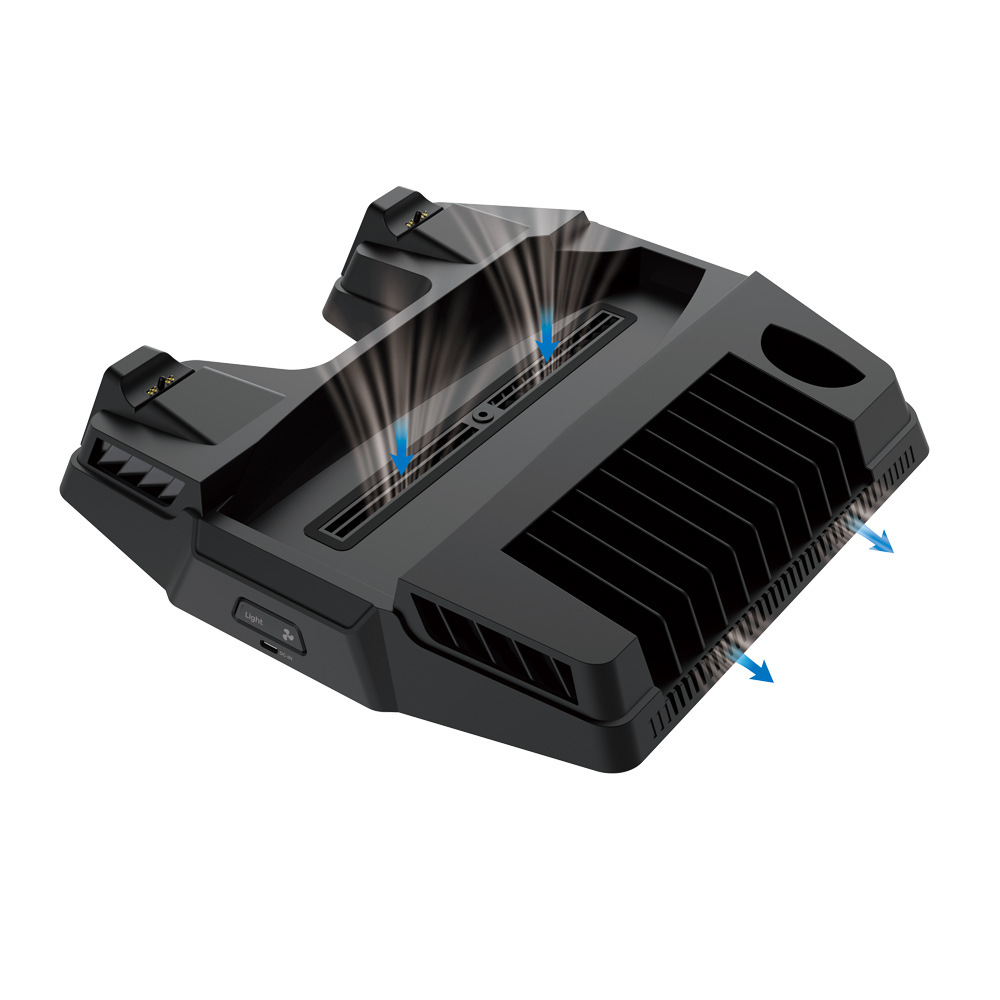
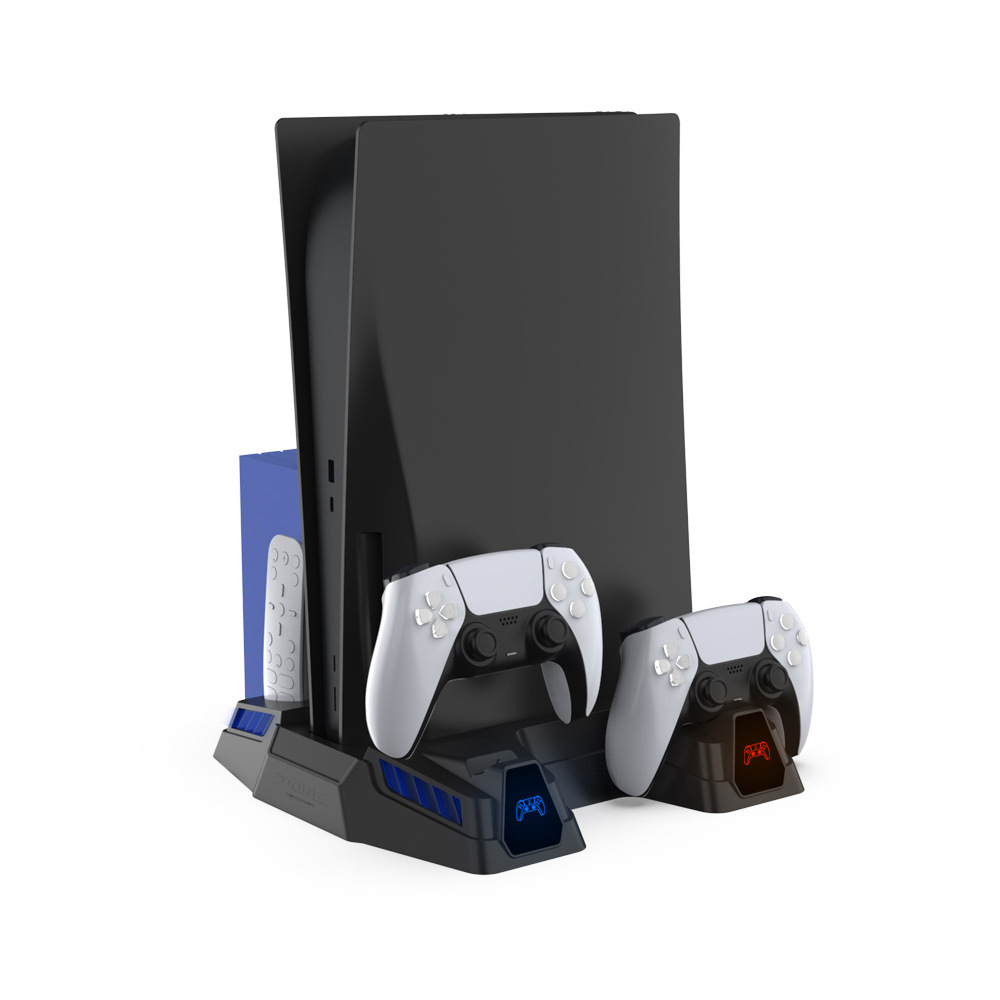
2. Fan and Ambient Light Switch: After the product is powered on, press the switch to turn on and off the fan and ambient light.
3. Cooling Fan: The product is equipped with a high-speed fan that can accelerate the air circulation within the main body to achieve the purpose of heat dissipation.
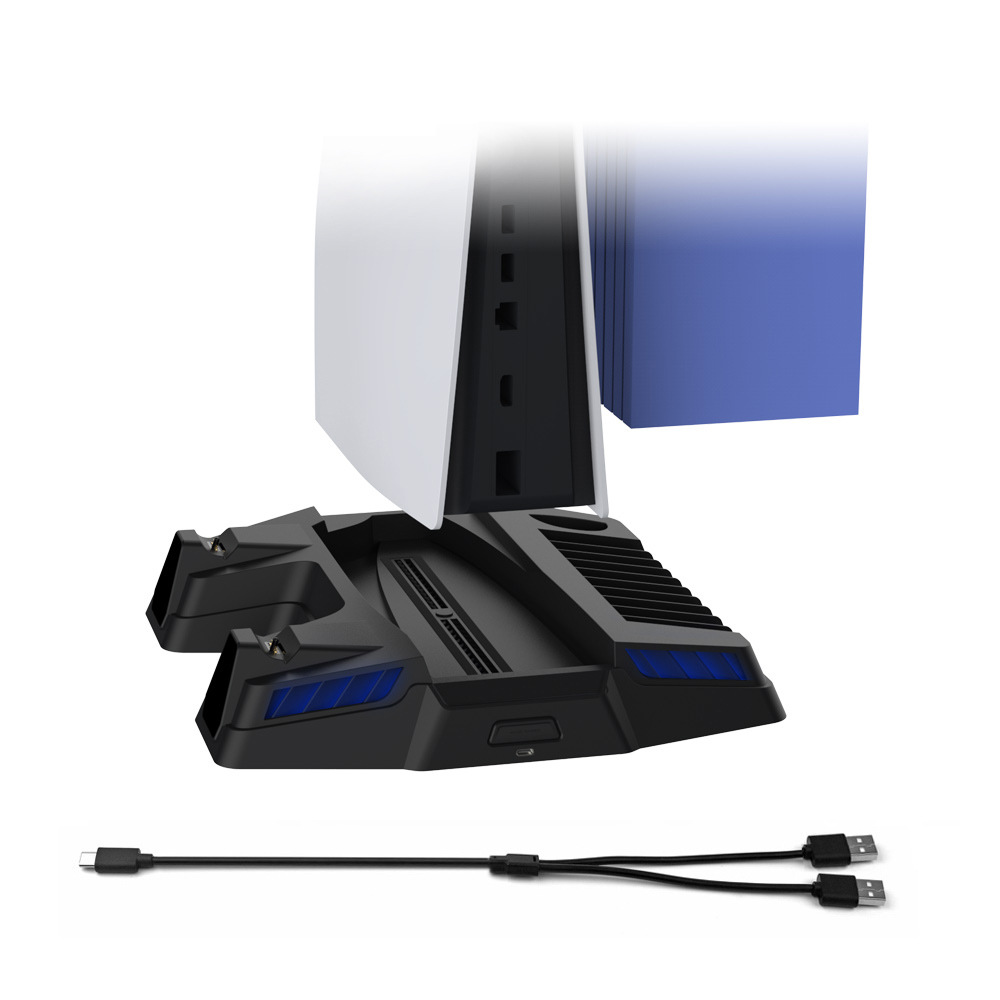
4. Ambient lighting: The product is surrounded by ambient lighting, which synchronizes with the fan. When the fan is turned on, the ambient lighting is lit, and when the fan is turned off, the ambient lighting is turned off.
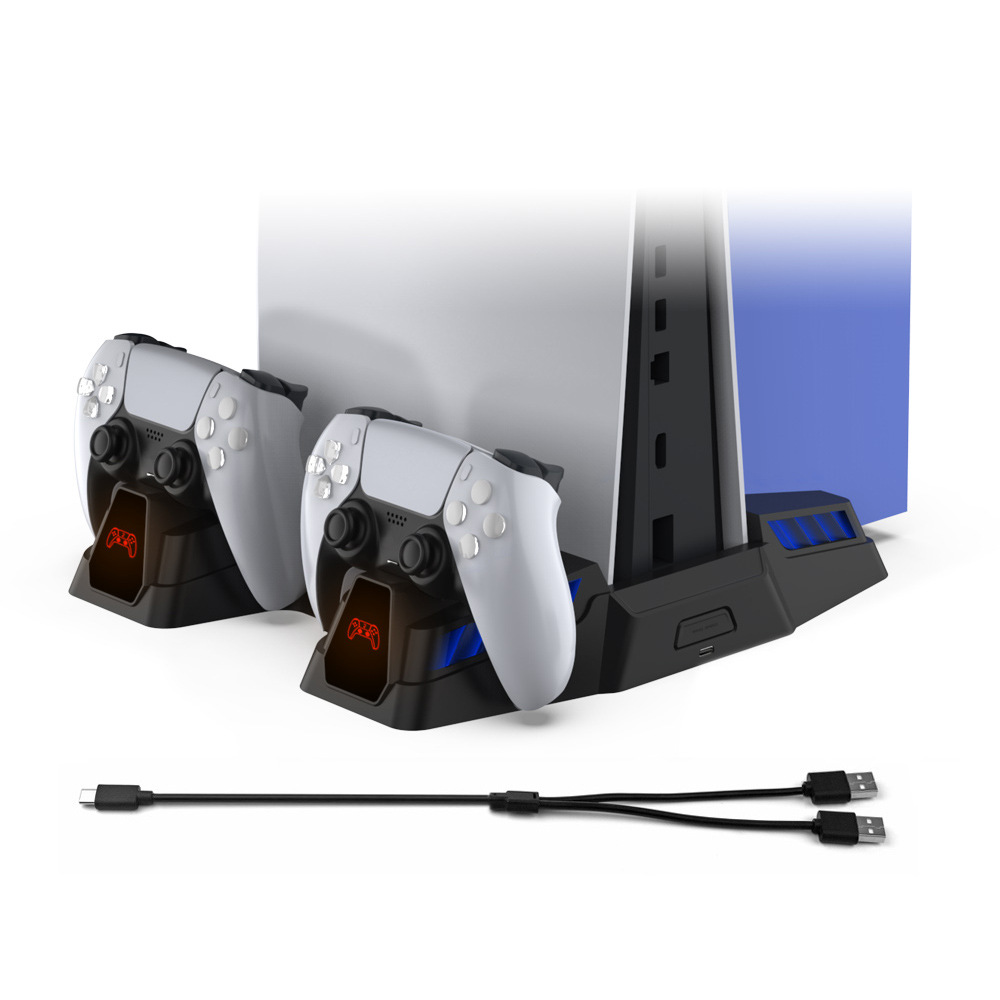
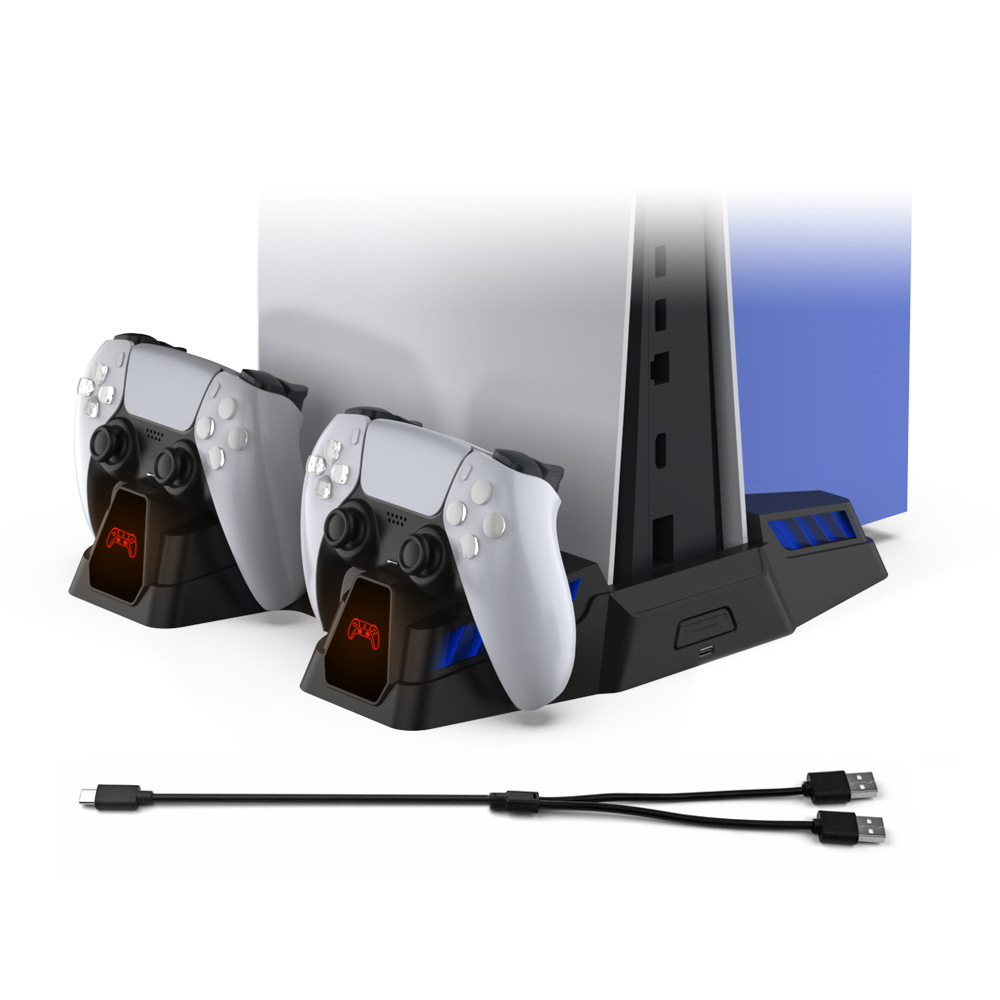
5. Charging Docking Station: Can charge two original PS5 controllers simultaneously. Simply plug the PS5 controller into the left (or right) charging dock as shown in the diagram to begin charging.
6. Charging Display Window: The handle charging display window can show the charging status of the handle:
After the product is powered on, the handle icons on the display window of this product will be displayed in blue. Place the handle into the left (right) charging socket for charging, and the corresponding left (right) display window will immediately turn red. When charging is complete, the display window will return to blue.
6 (2) PS5 controller not connected to the console for charging: The charging indicator light on the controller is blinking orange; when charging is complete, the indicator light turns off.
The PS5 controller successfully connects to the console for charging: The charging indicator light on the controller is white and stays on continuously, and if you charge the controller while it's in the middle of a game, the controller will glow blue and white continuously.
When the PS5 controller's charge reaches about 80% or more, if you unplug the controller and then plug it back in, the battery protection function of the controller may prevent it from charging; it will only continue charging when the battery level is below 80%.
Charging time: The handle takes about 3 hours to fully charge.
8. Product Material: ABS.
9. Product Accessories: 1 USB A male to Type-C charging cable, 1 set of PS5 main unit fixing screws.



Update time:


TOP