Search history
Clear allSearch by image
XDrag and drop an image here or upload an image
Max 5MB per image
UploadSign In | Join

Search history
Clear allSearch by image
XDrag and drop an image here or upload an image
Max 5MB per image
UploadSign In | Join
|
c9345 maintenance kit with chip
C9345维护箱含芯片 |
CN¥ 20.0 |
|
disposable chip
一次性芯片 |
CN¥ 6.0 |
|
c9345 maintenance box chip decoder
C9345维护箱芯片解码器 |
CN¥ 85.0 |
guangzhou yuelule computer co., ltd. 1yr.
Contacts Miss ling Chat
yuelule

WhatsApp 8613724093988
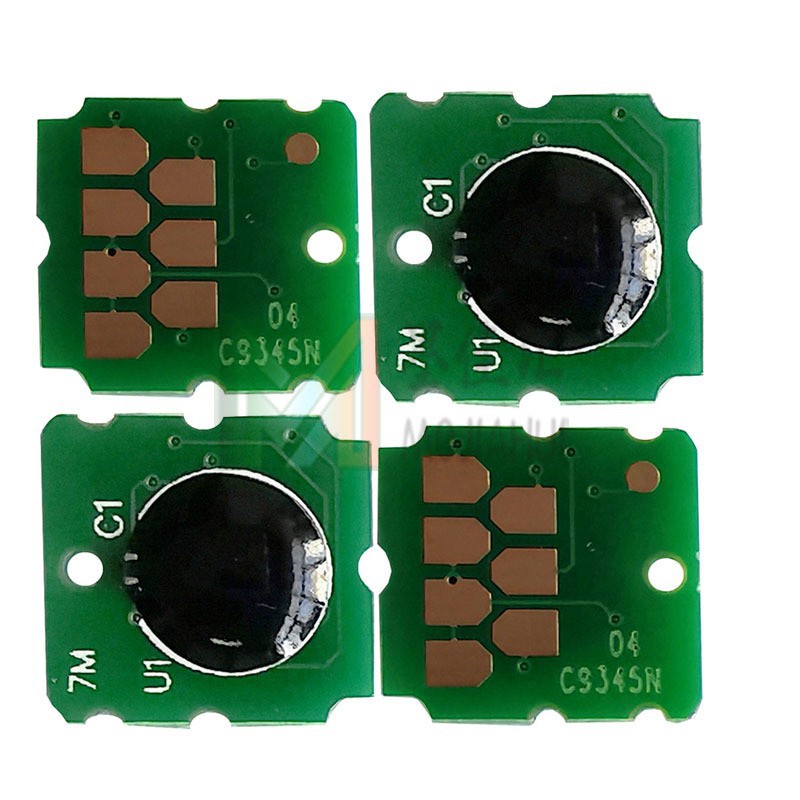
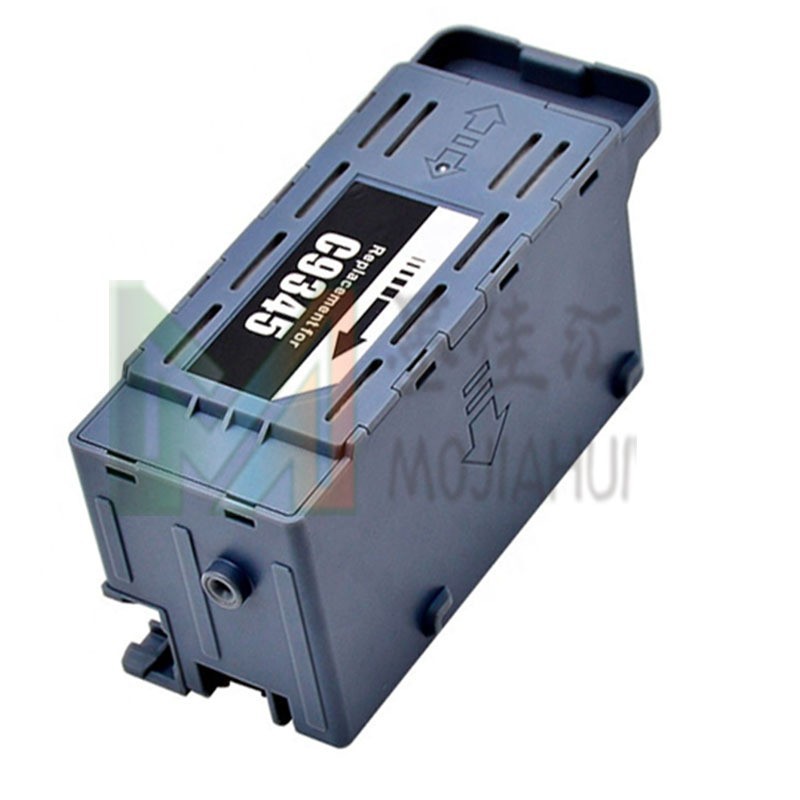
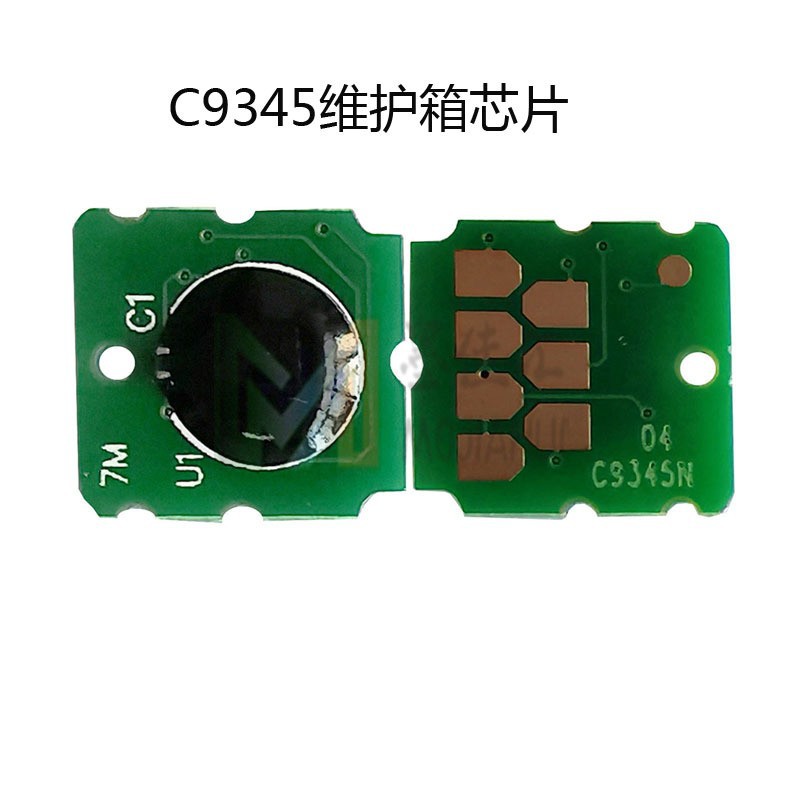
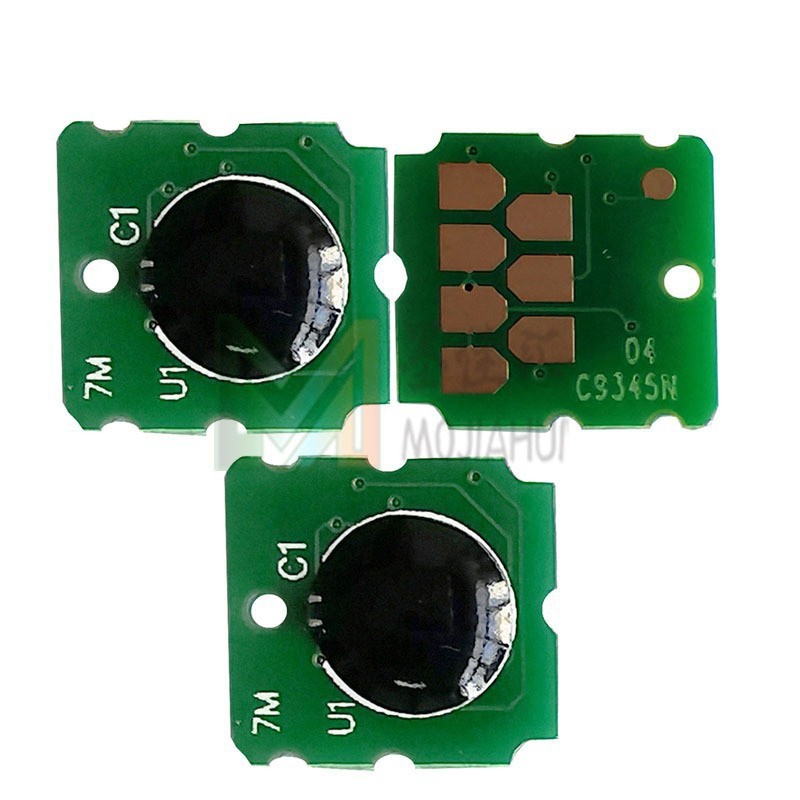
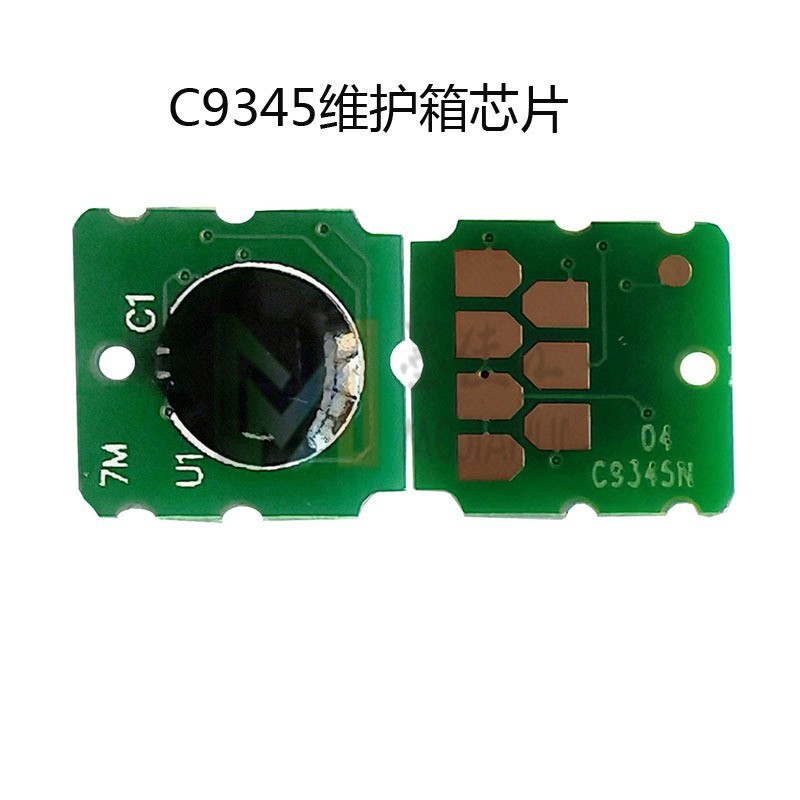
C9345 maintenance box chip suitable for EPSON EPS L8058, L8058, L18050, L18058 waste ink cartridge reset chip
Applicable models:
EcoTank Pro ET-5800/ET-5850/ET-5880/ET-16600/ET-16650/ET-16600,Ecotank L15150/L15158/L15160/L15168,WorkForce Pro WF-7820/WF-7830/WF-7840/WF-7845,ST-C8000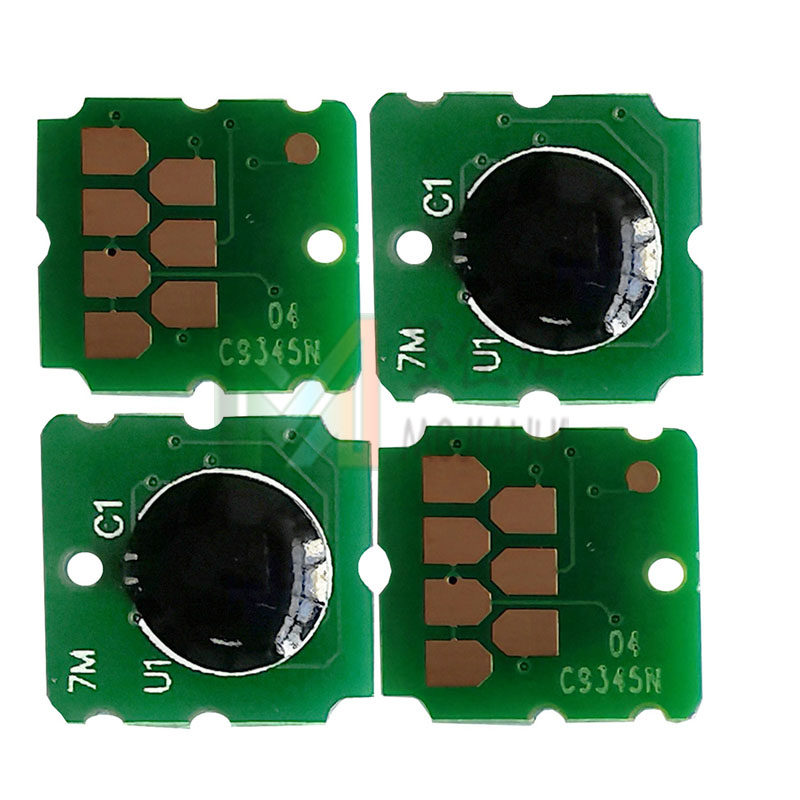
Product Parameters
Product Name: C9345 Maintenance Box Ink Cartridge Chip
Product number: C9345
Compatible Models: For Epson L15158, 15168, 15150, L15160, WF-7820, 7840, 6558, WorkForce EC-C7000, ST-C8000
WF-7840 WF-7820 ET-16600 ET-16650 ET-5880 ET-5850 ET-5800 ET-16600 ST-C58000 EC-C7000 ET-5850 5800 5880 ET-16600 ST-C58000 EC-C7000 ET-5850 5800 5880
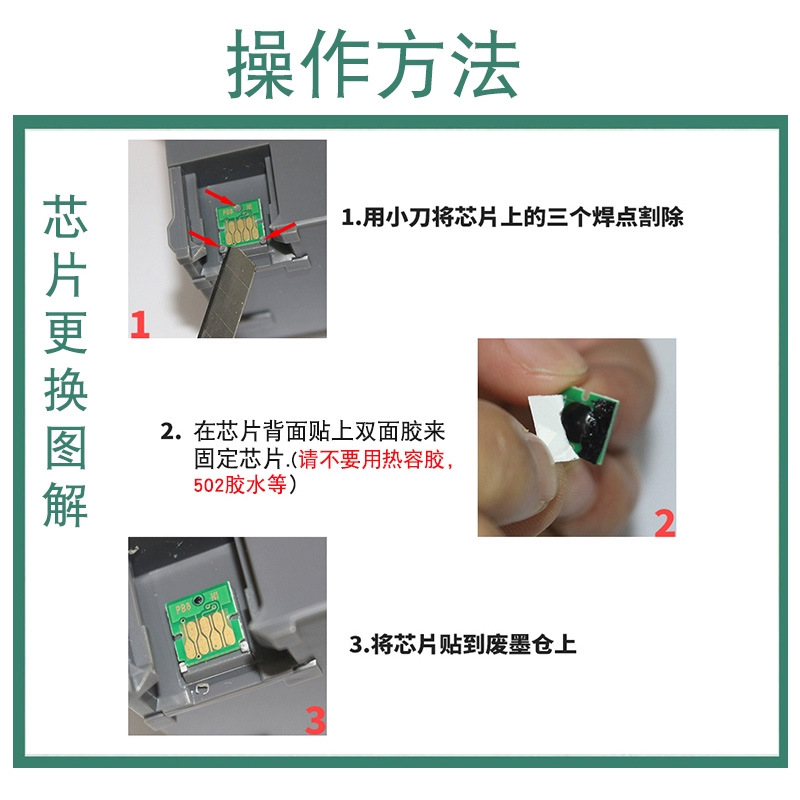
Installation instructions: Use a poster knife or a sharp object to pry off the original printer ink cartridge chip, then apply a layer of double-sided tape to the back of the chip you purchased. Adhere it back to the original chip's location.
For printers, there are two locations where chips are needed, one is for the ink cartridge chip, and the other is for the waste ink tank chip. When the ink level is about to run out on the ink cartridge chip, the machine will prompt low ink level, and the ink light will turn red. At this time, the machine is just a warning that the ink level is low and will soon run out. If you continue to use the machine, when it thinks the ink level is exhausted, the corresponding color ink cartridge will flash, and the machine will stop working. The maintenance box (waste ink tank) chip is the same; if it is full, the machine will not print either. Therefore, chips are essential parts for Epson machines!
Update time:


TOP