Search history
Clear allSearch by image
XDrag and drop an image here or upload an image
Max 5MB per image
UploadSign In | Join

Search history
Clear allSearch by image
XDrag and drop an image here or upload an image
Max 5MB per image
UploadSign In | Join
 philips 7347 battery-powered black
飞利浦7347 电池版 黑色 |
CN¥ 16.2 |
 patriot q710 battery-powered black
爱国者Q710 电池版 黑色 |
CN¥ 11.76 |
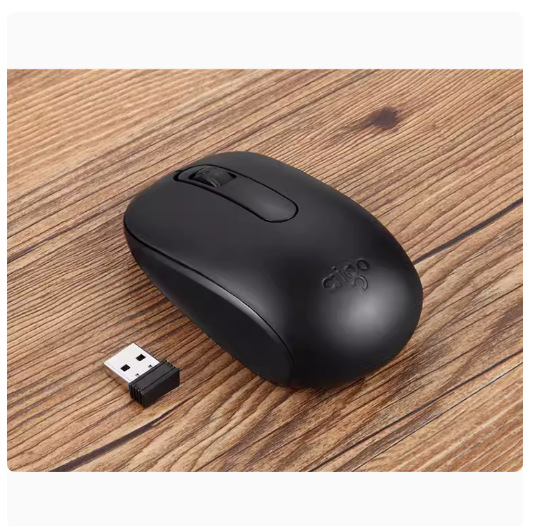
 patriot q706 battery-powered black
爱国者Q706 电池版 黑色 |
CN¥ 18.0 |
 patriot q706 battery-powered white
爱国者Q706 电池版 白色 |
CN¥ 18.0 |
 patriot q702 battery-powered black
爱国者Q702 电池版 黑色 |
CN¥ 21.6 |
 hp s1000 battery version black
惠普S1000 电池版 黑色 |
CN¥ 30.0 |
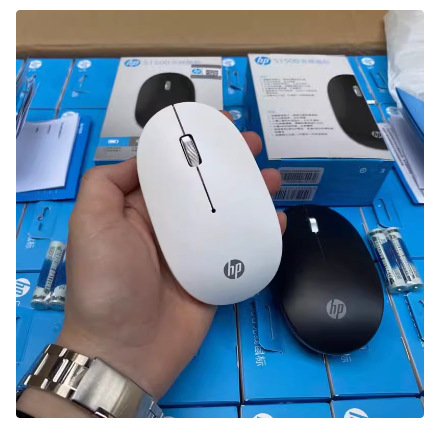
 hp s1500 battery-powered black
惠普S1500 电池版 黑色 |
CN¥ 26.4 |
 hp s1500 battery-powered white
惠普S1500 电池版 白色 |
CN¥ 26.4 |
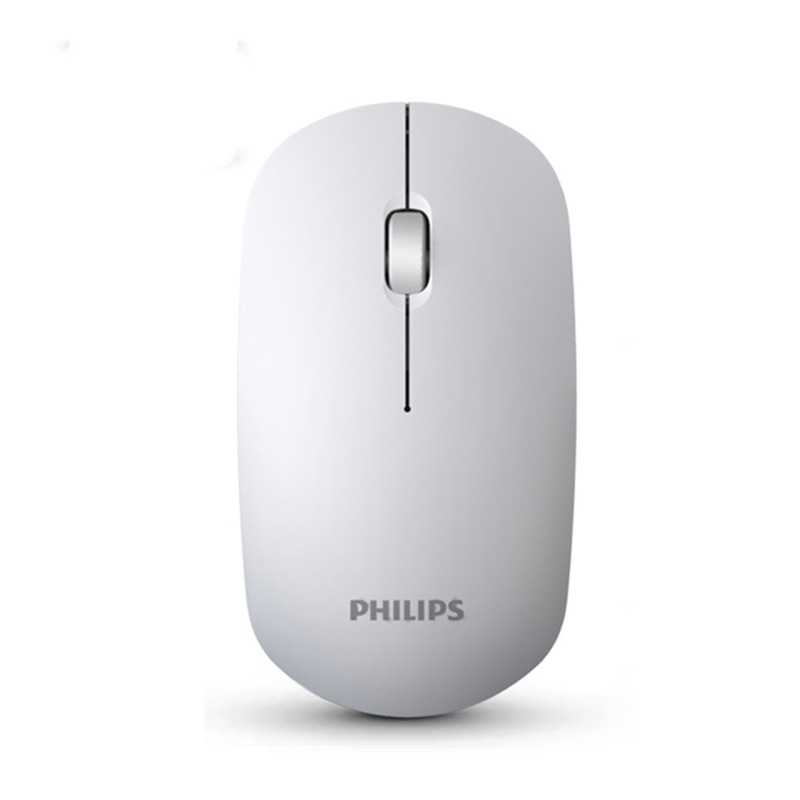
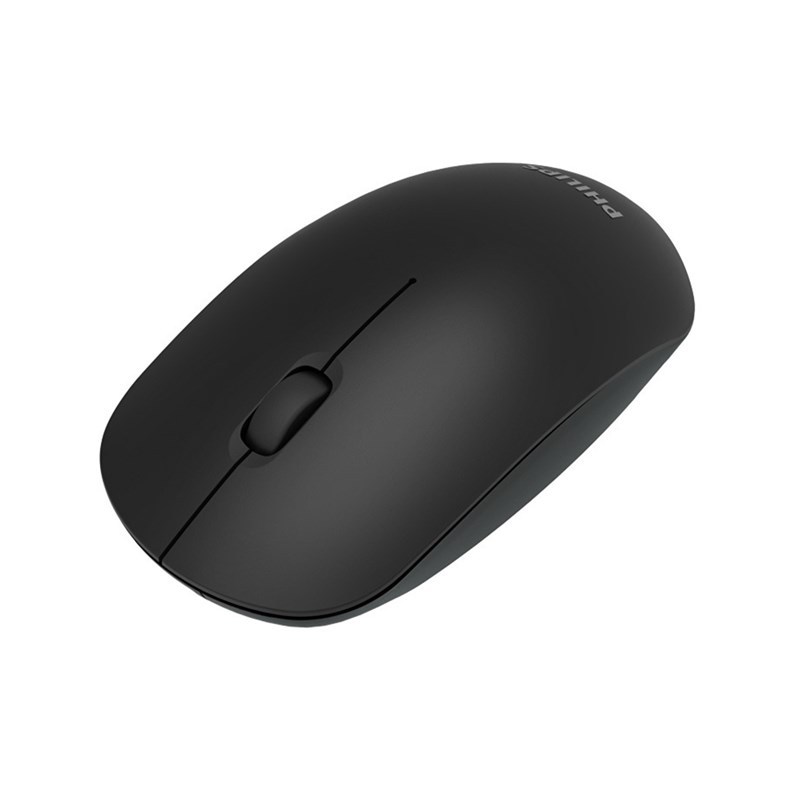
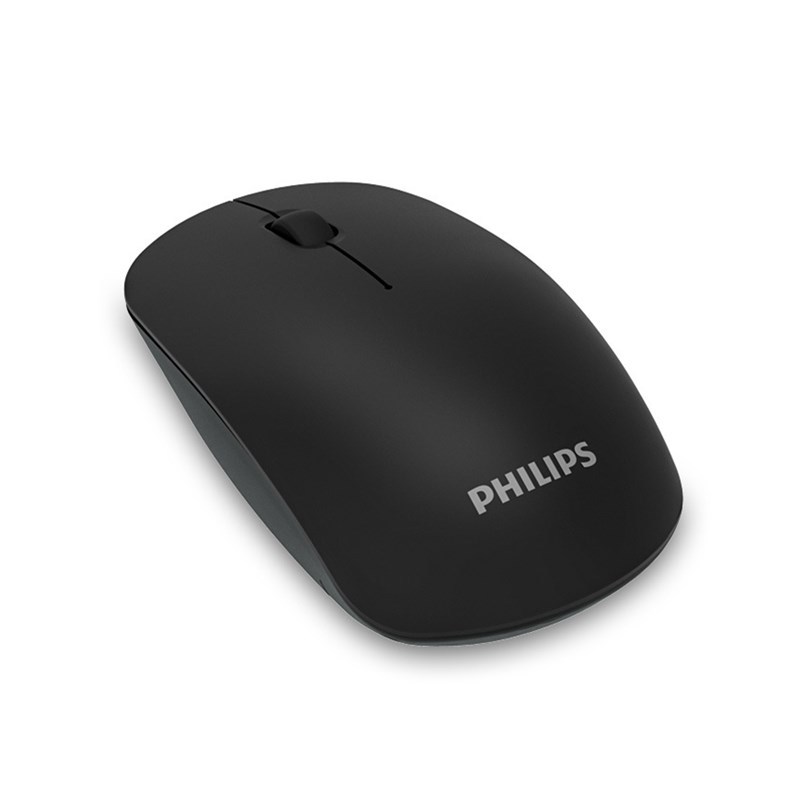
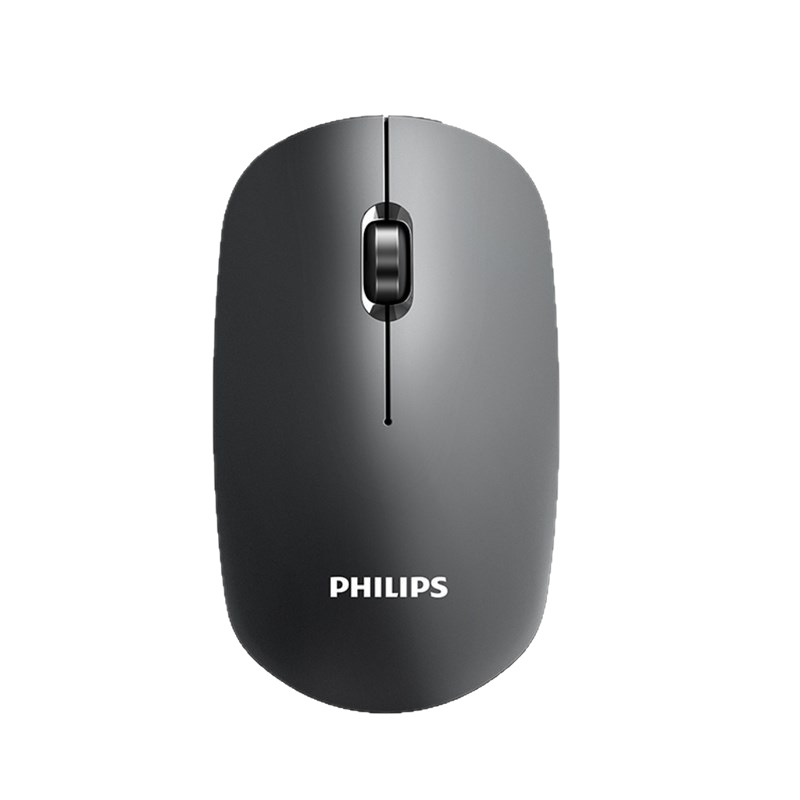
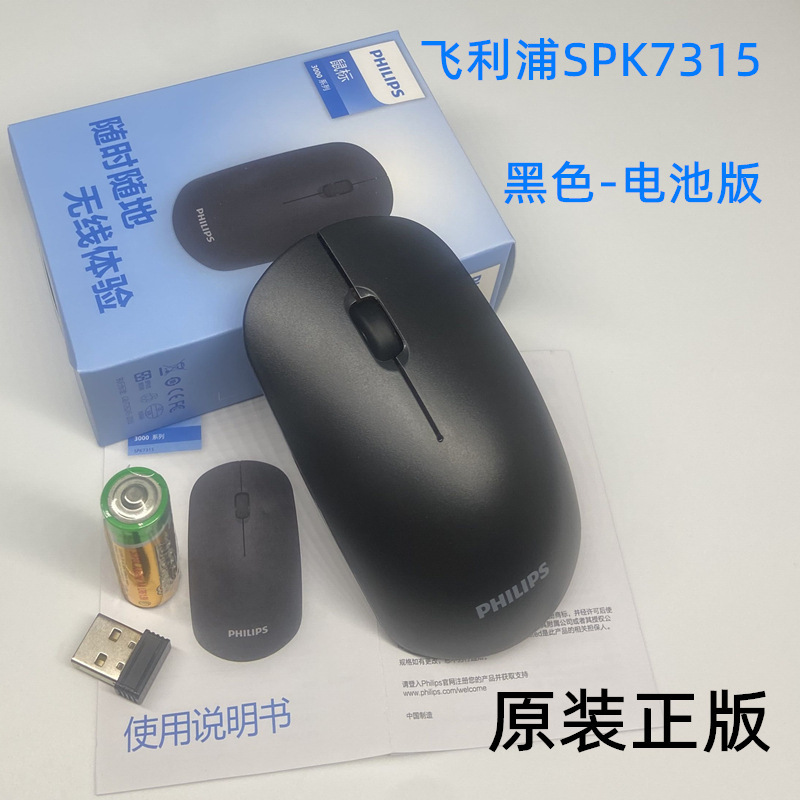
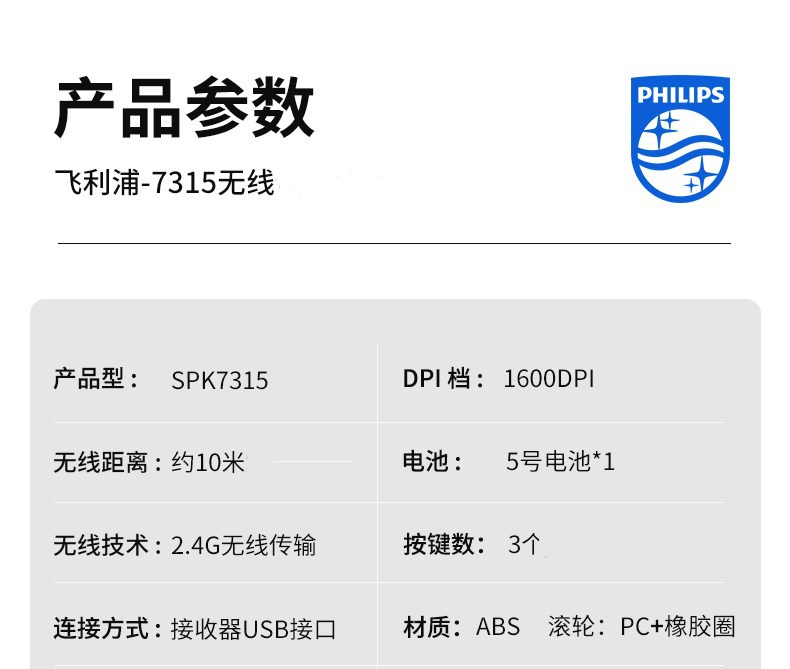
 philips spk7315 battery-powered black
飞利浦SPK7315电池版 黑色 |
CN¥ 19.8 |
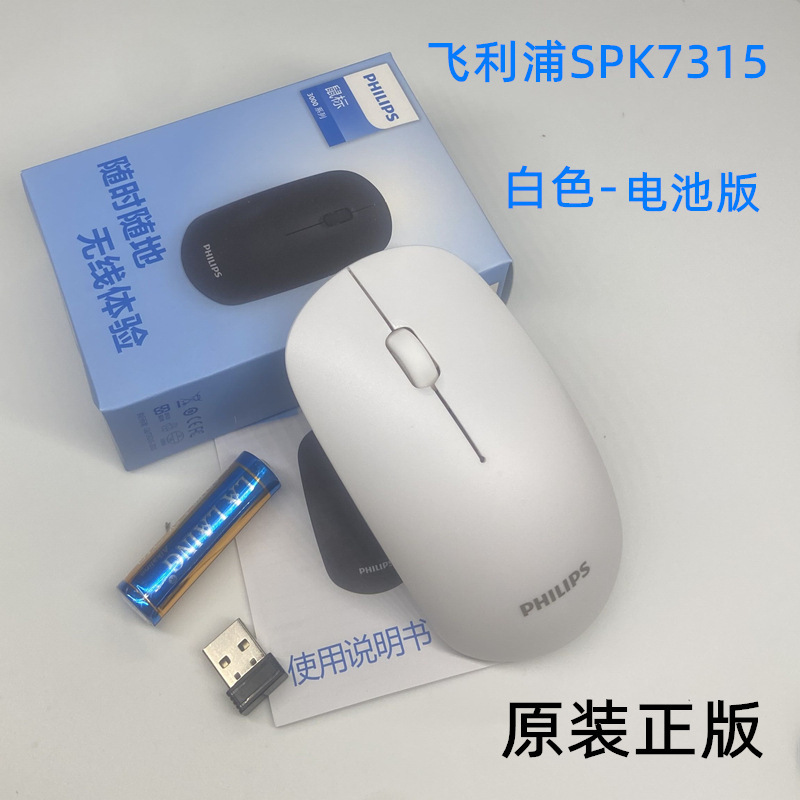
 philips spk7315 battery-powered white
飞利浦SPK7315电池版 白色 |
CN¥ 19.8 |
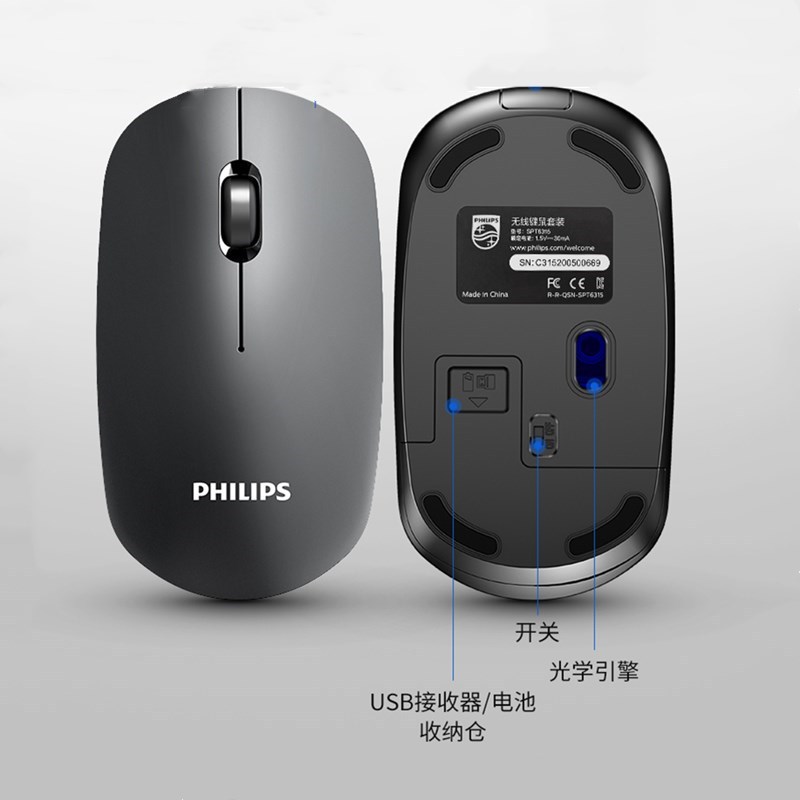
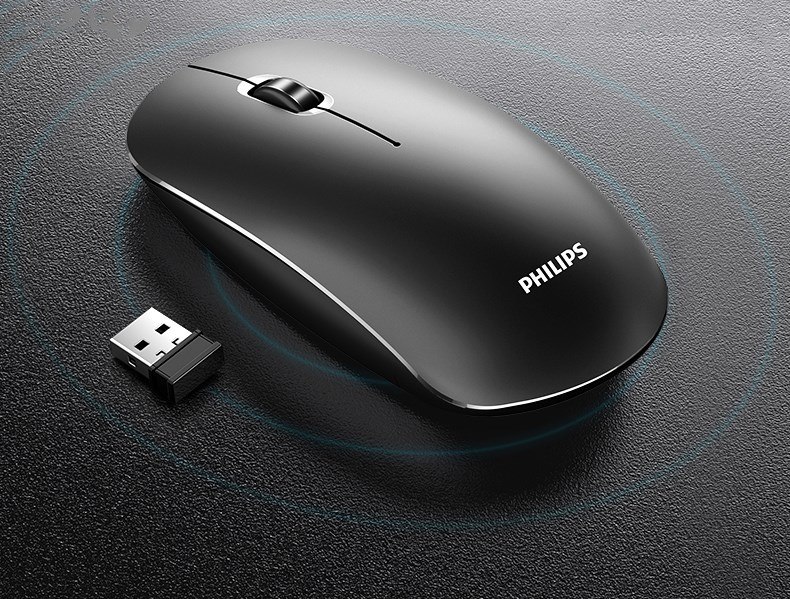
The USB receiver is located at the bottom of the mouse. You can see it by opening the battery cover. The picture below has a hint.
First, insert the receiver into the computer, plug it into the USB port several times or try a different one, and then make sure the positive and negative poles of the battery are correctly installed.
Automatic updates take 5-10 seconds to activate, and some computers may need to reboot to function normally.
The 7315 mouse has low-tone designs for its left and right buttons. When the battery is connected, the light at the bottom will blink once, and it should remain dark when in normal use.





Update time:


TOP