Search history
Clear allSearch by image
XDrag and drop an image here or upload an image
Max 5MB per image
UploadSign In | Join

Search history
Clear allSearch by image
XDrag and drop an image here or upload an image
Max 5MB per image
UploadSign In | Join
 zigbee
|
CN¥ 0.0 |
Yiwu Umi Smart Home 3yr.
Contacts May(FF) Lee Chat
Mobile 17357995021
17357995021

WhatsApp +86 15392033619
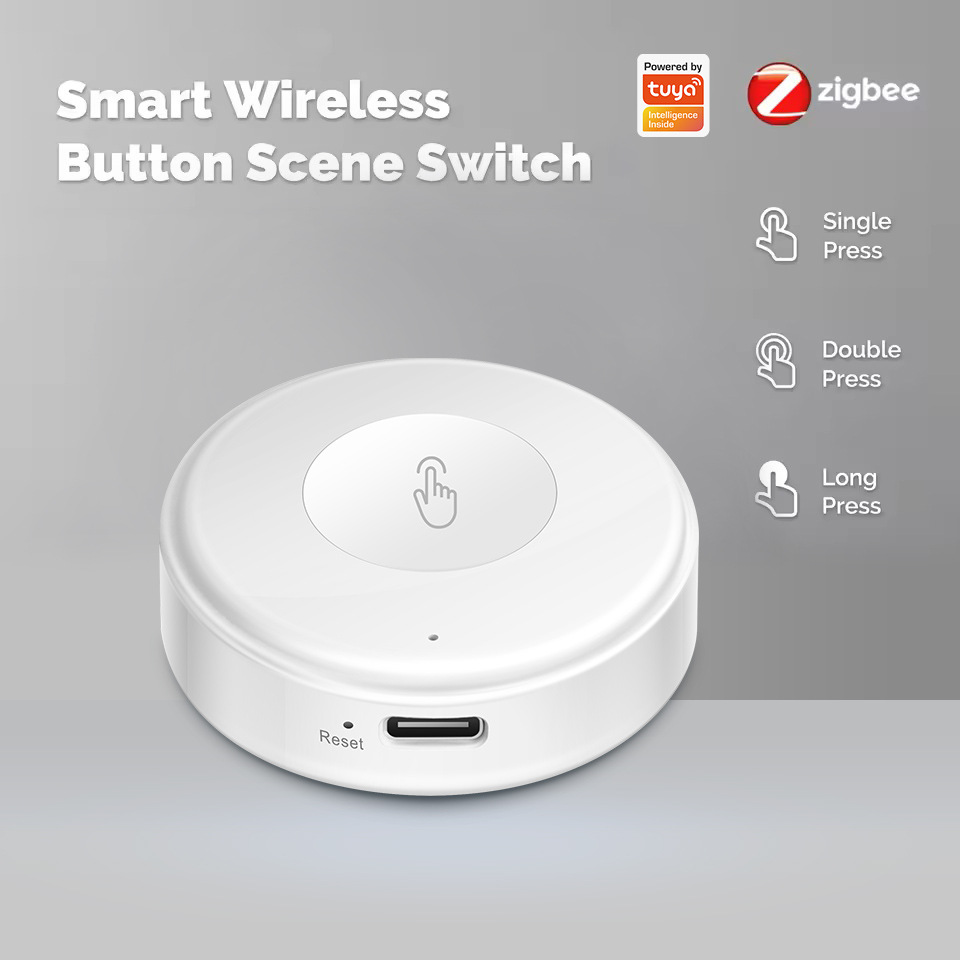
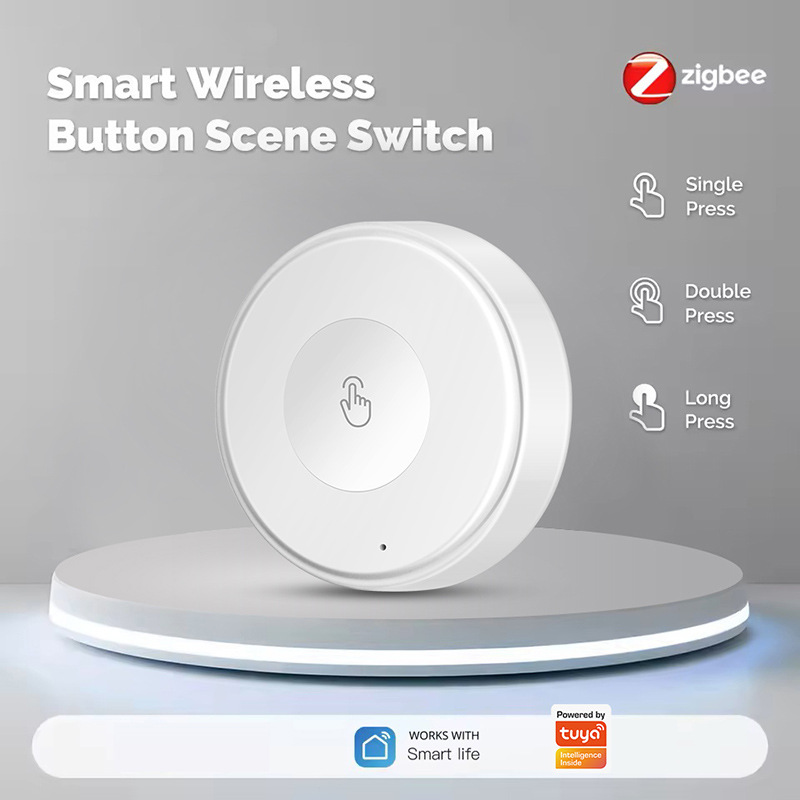
Button 1 (Master Control Key):
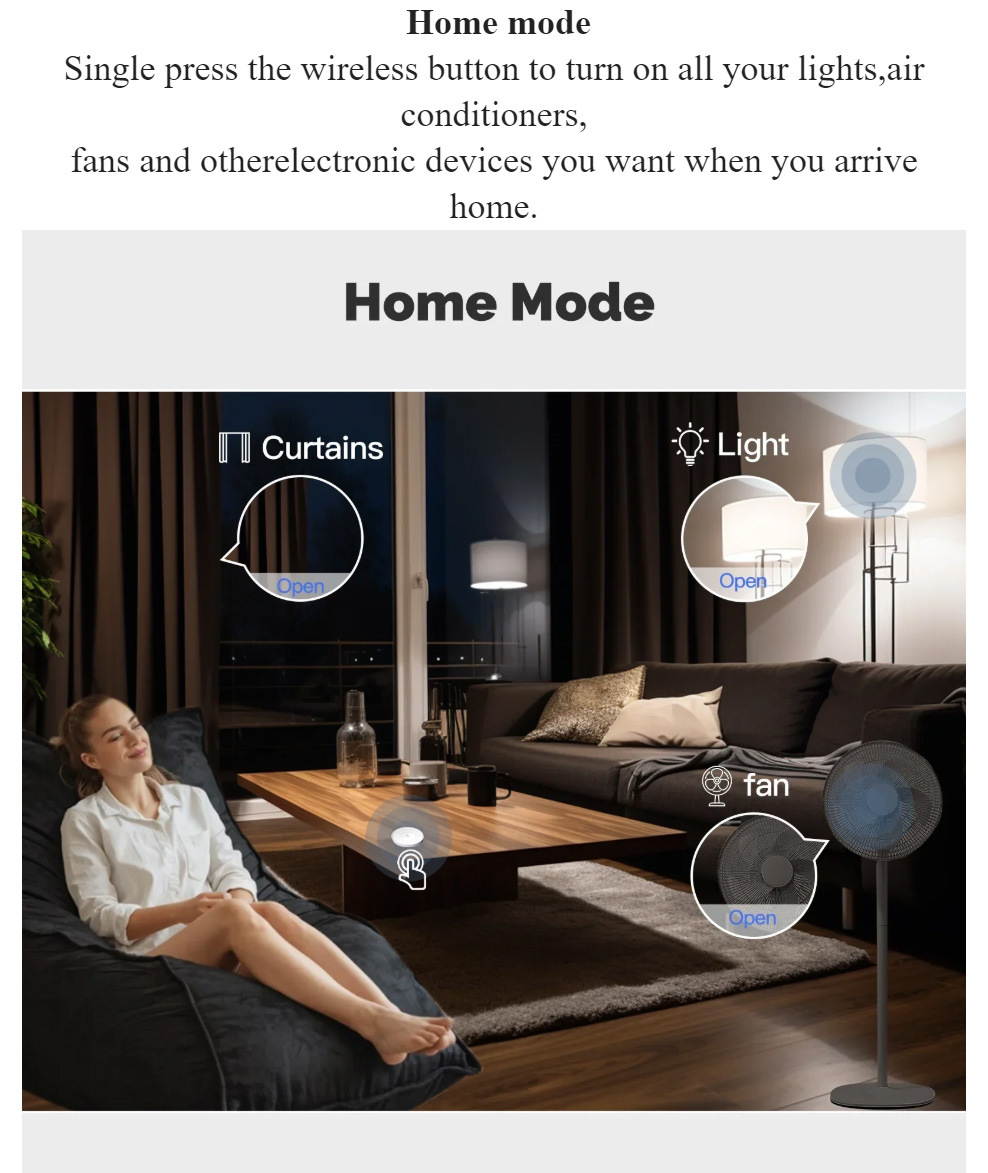
Short press: Switch to the "All Open/All Closed" mode.
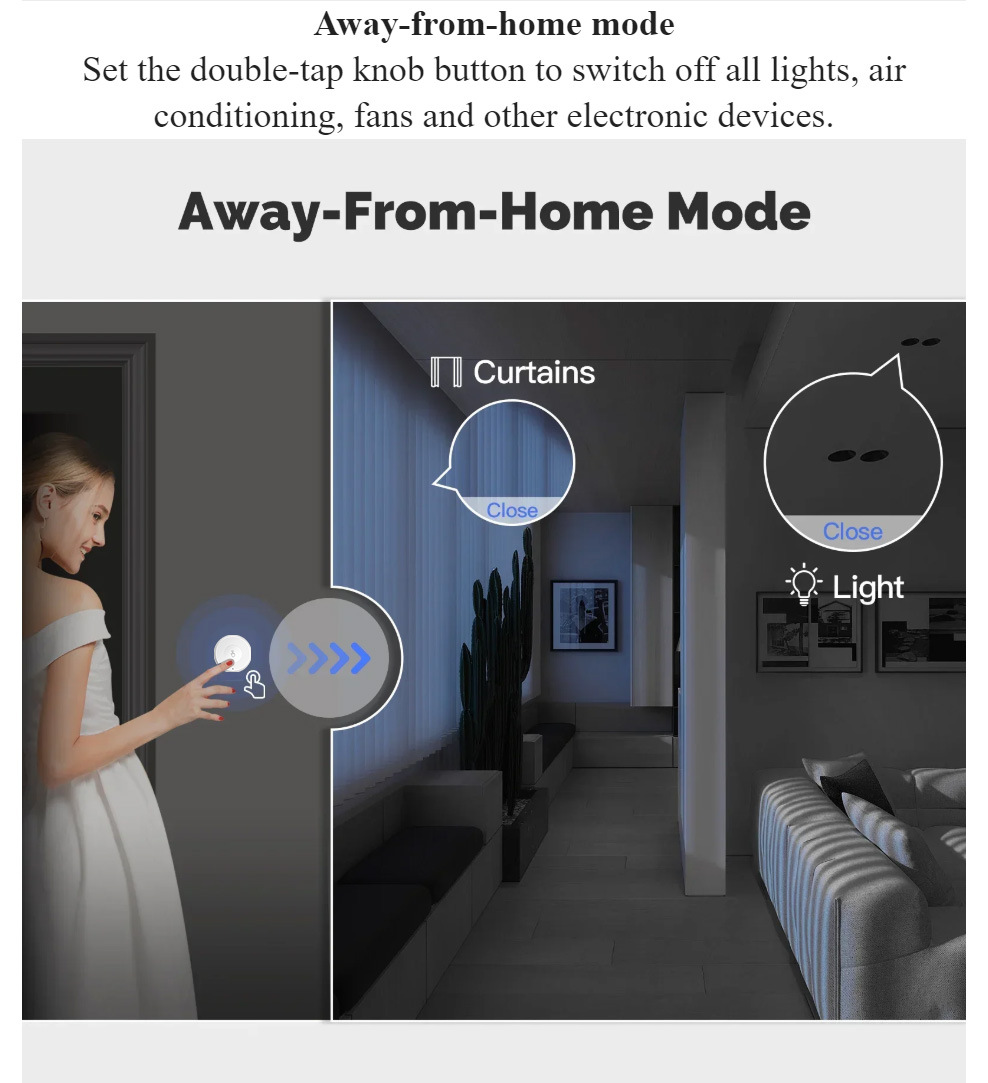
Long press: Activate 'Do Not Disturb' mode (turn off all lights, door indicator light turns red).
Double-click: One-click call to front desk service.
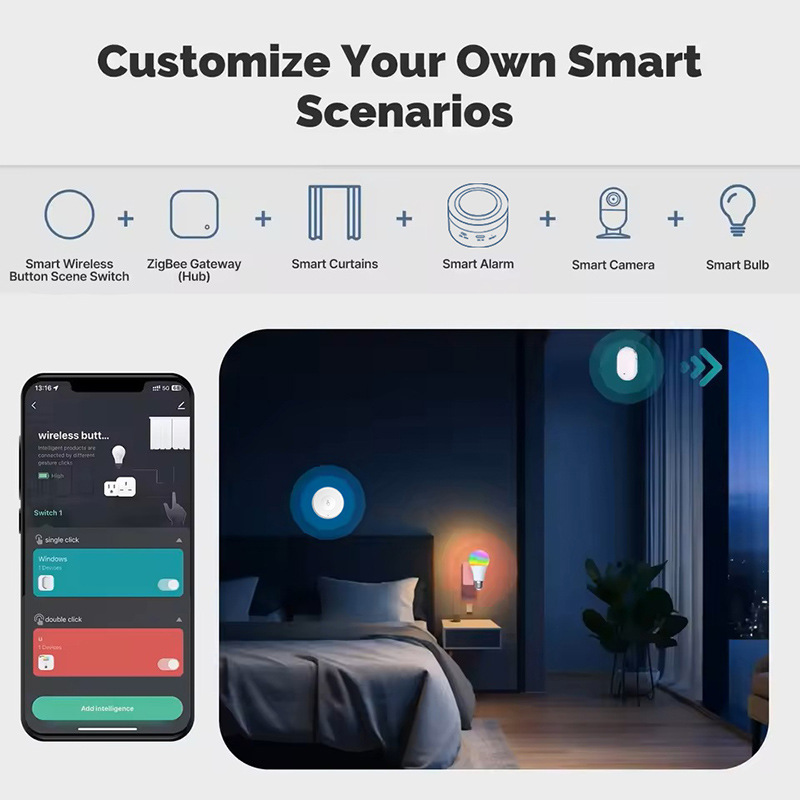
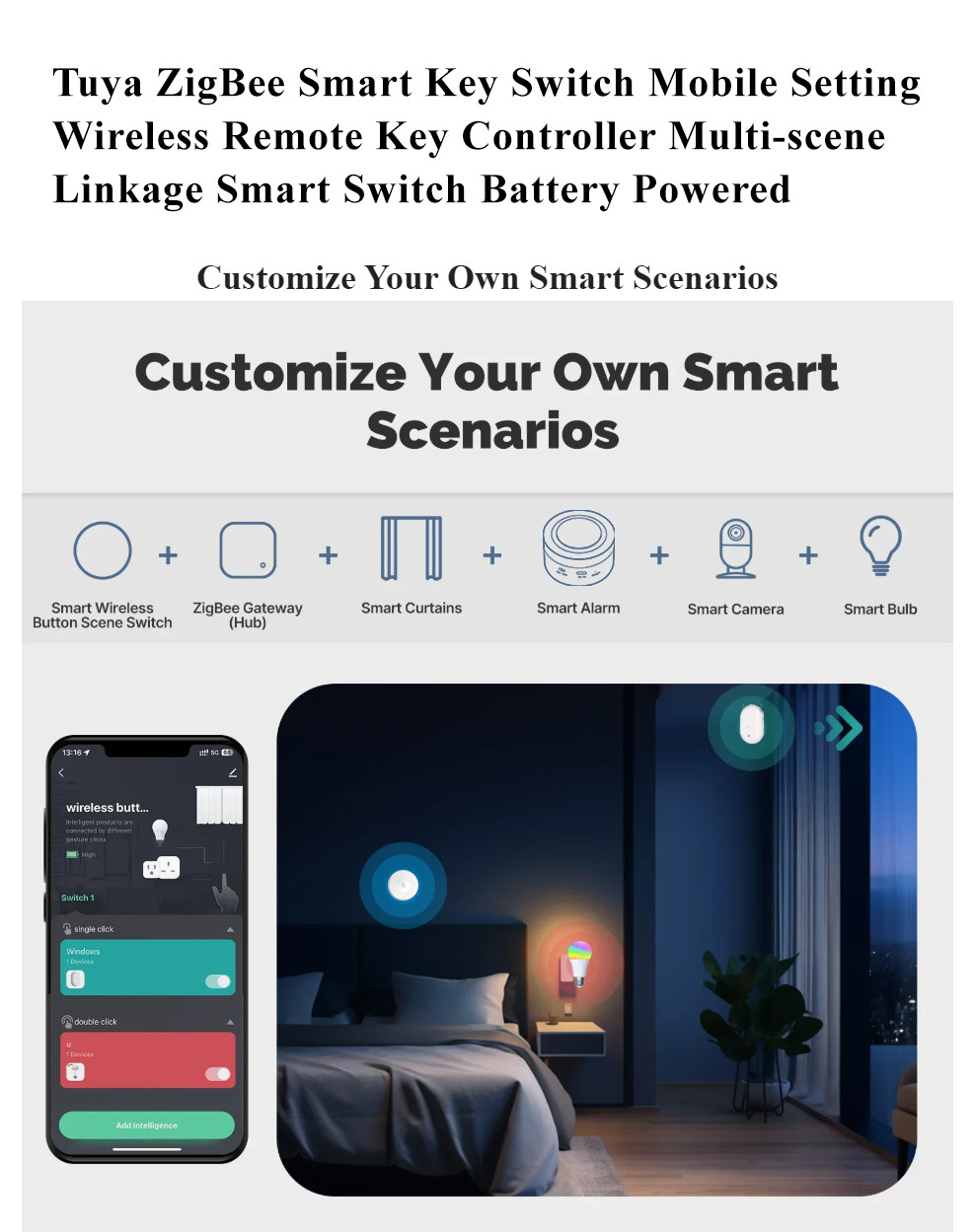
Press button 2 (Scenario key):
Short press: Switch to 'Reading Mode' (only turns on the bedside reading light).
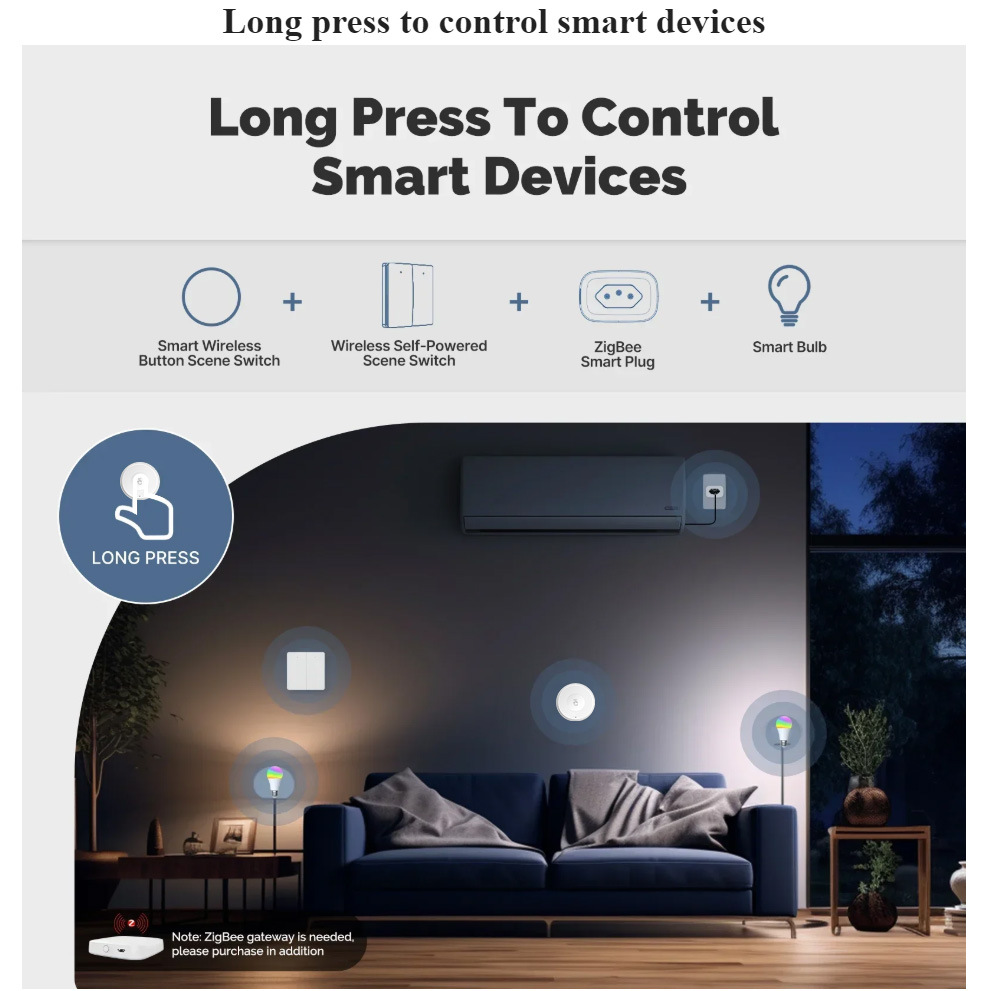
Long press: Switch to "Sleep Mode" (turn off all lights, close curtains, and set the air conditioner to 26°C).
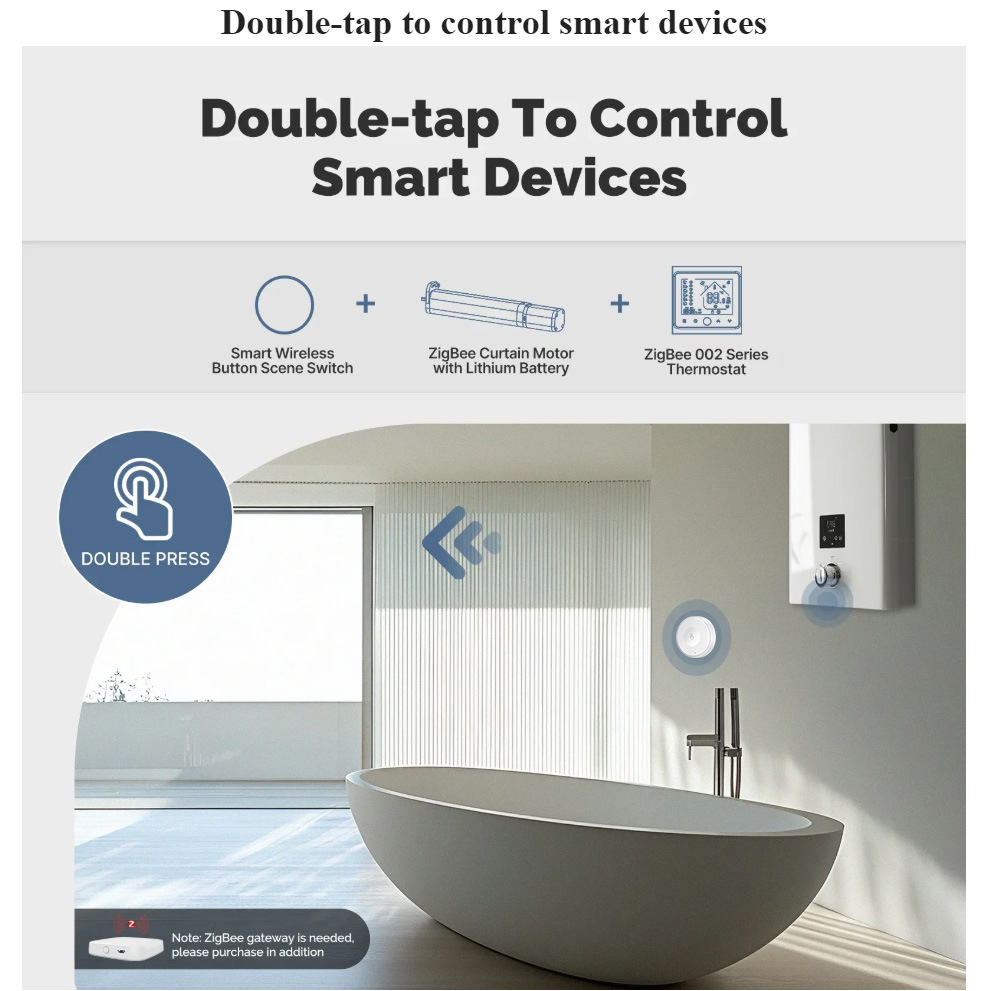
Double-click: Switch to "Night-time Mode" (dim bedside light strip and bathroom small light).
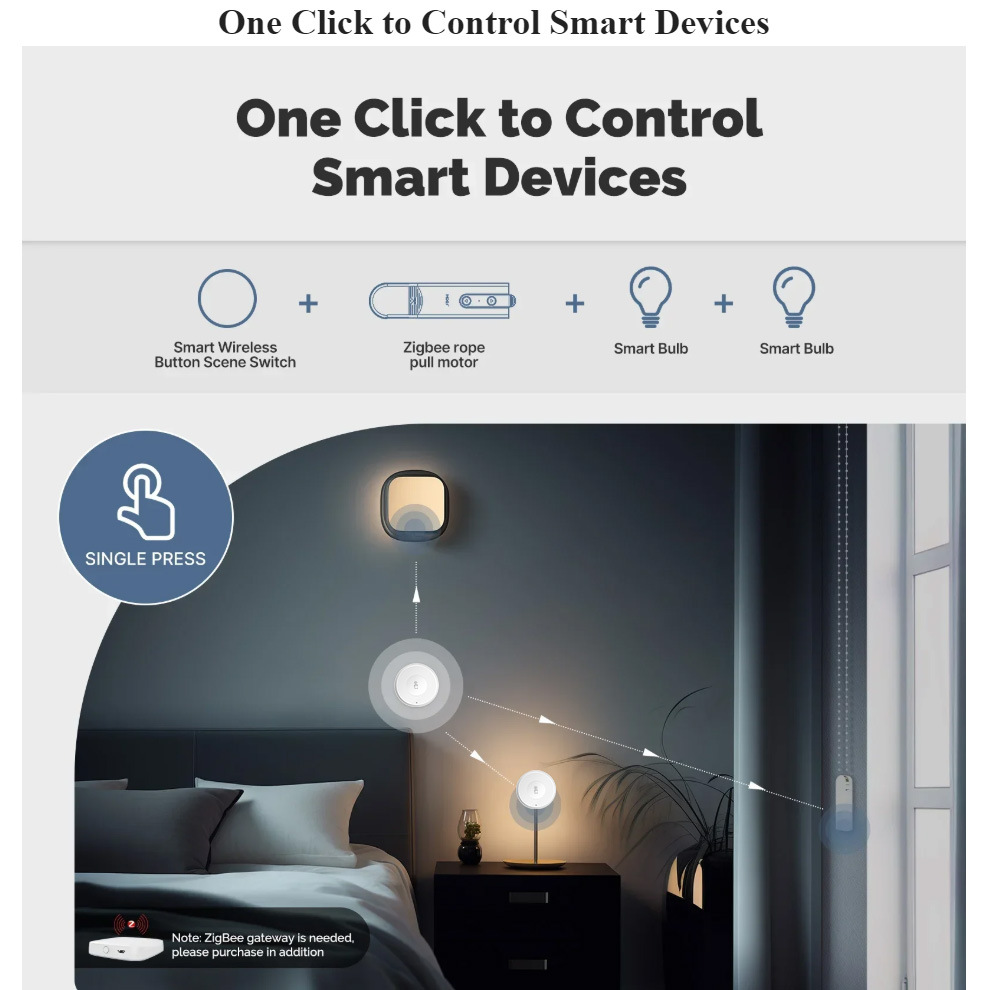
The suggested illustration shows two buttons on the bedside panel, with arrows indicating the different scenarios corresponding to three types of operations.
Button 1 (Light):
Short press: turn on/off the main light.
Long press: Enter the main light brightness adjustment mode (followed by a short press for dimming).
Double-click: Turn on all the lights in the living room (main lights + light strips + spotlights).
Button 2 (Audio and Video):
Short press: turn on/off the TV.
"Long press: Start the cinema mode" (dim the lights, close the curtains, lower the projector screen, and turn on the sound system).
Double-click: Start" Music Mode" (Turn on background music, adjust the lights to a soft glow).
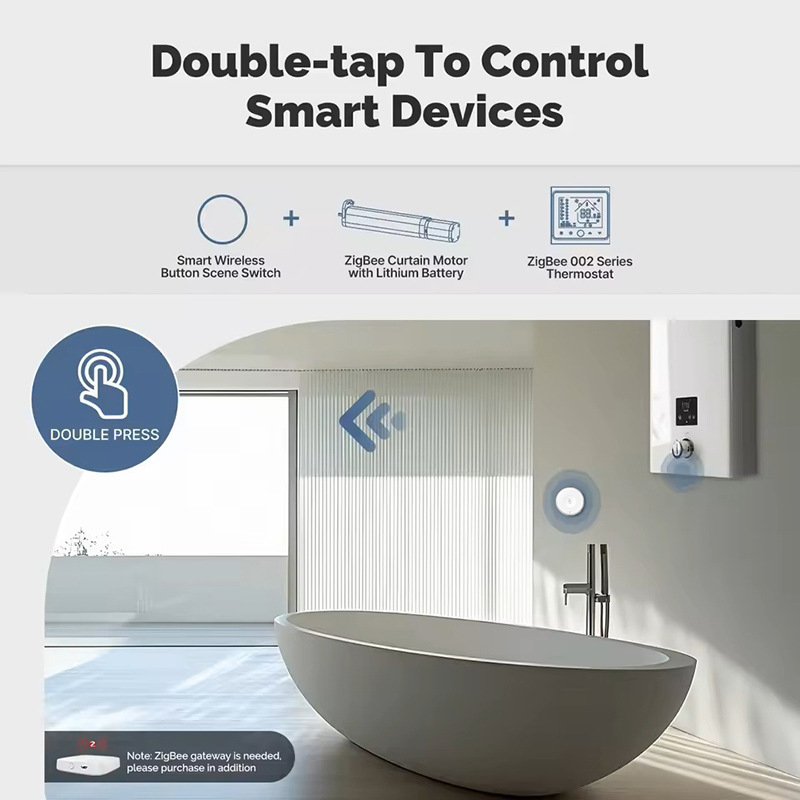
Button 3 (Curtain):
Short press: switch curtains.
Long press: Adjust the percentage of curtain opening and closing.
Double-click: Switch the angle of the blinds.
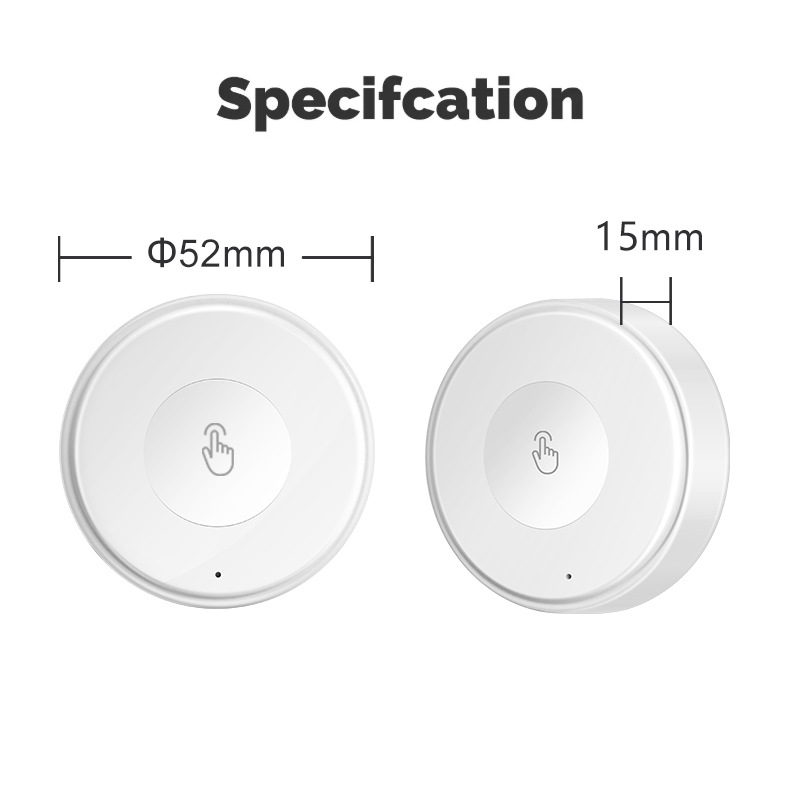
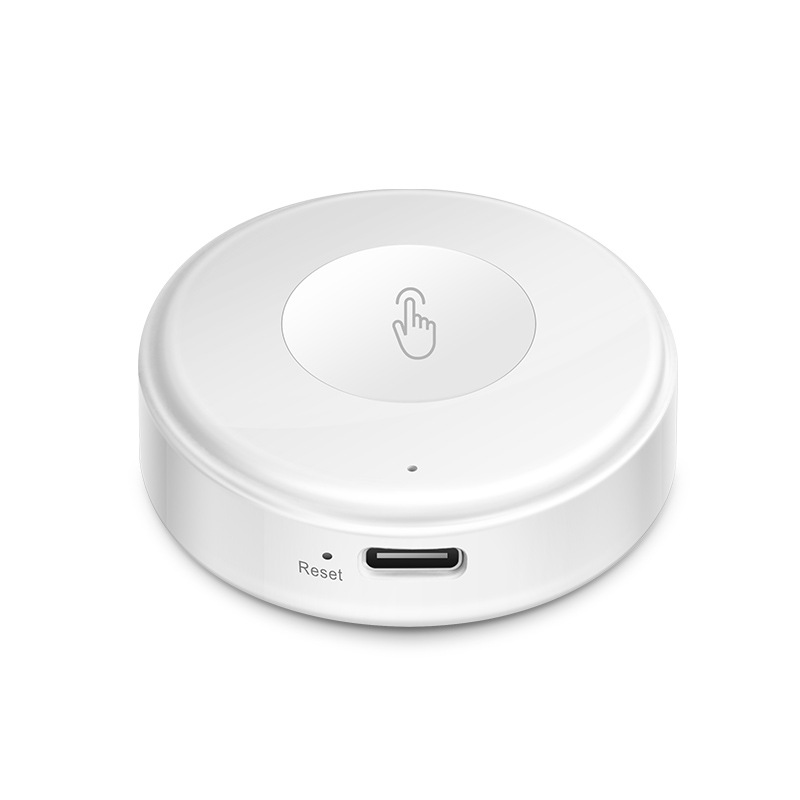
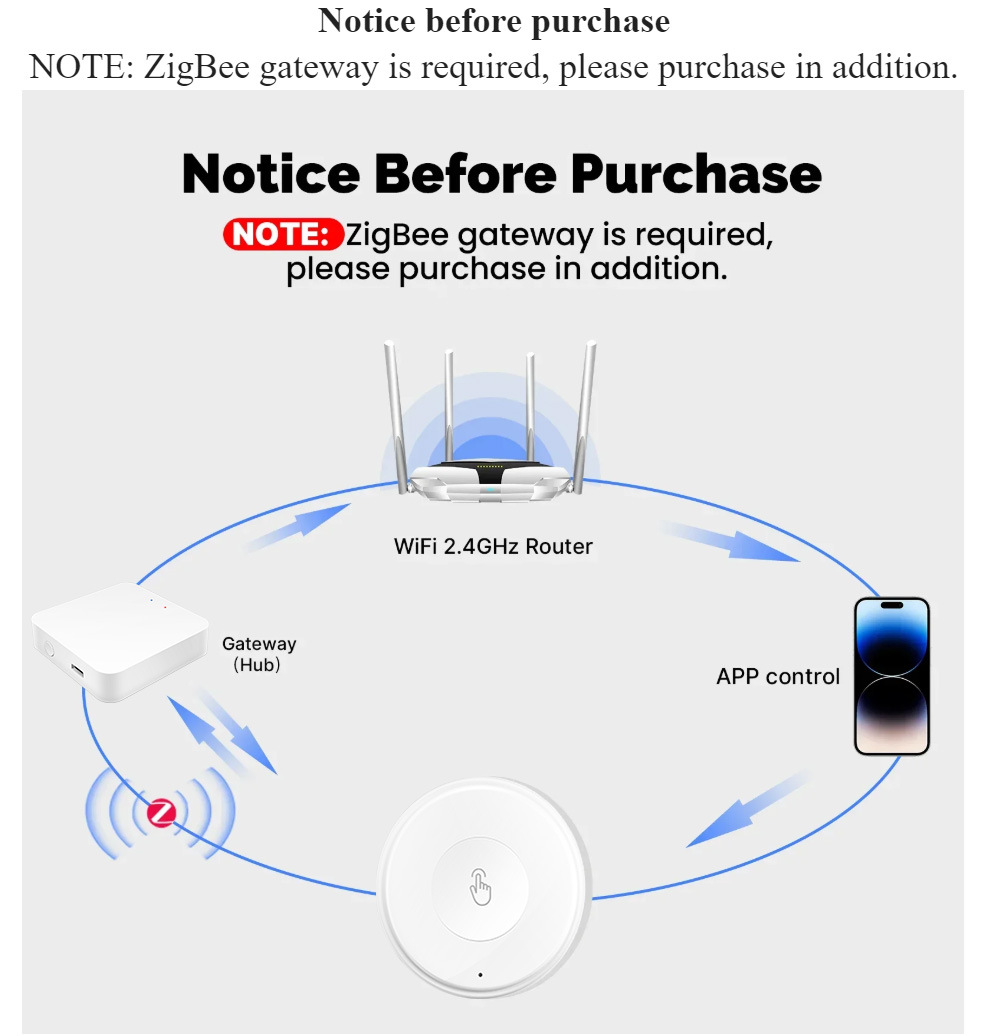
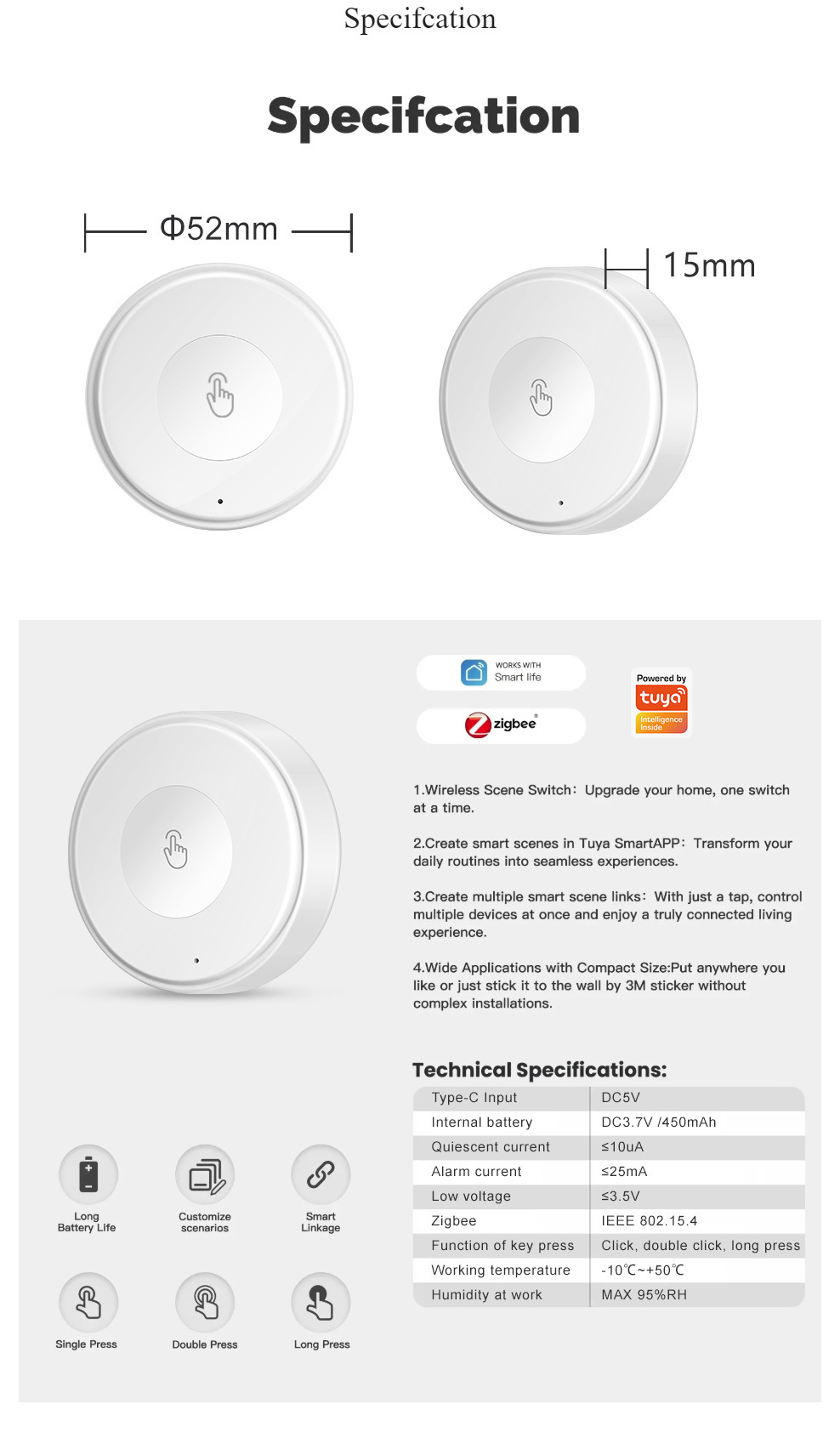
Communication Protocol: Zigbee 3.0
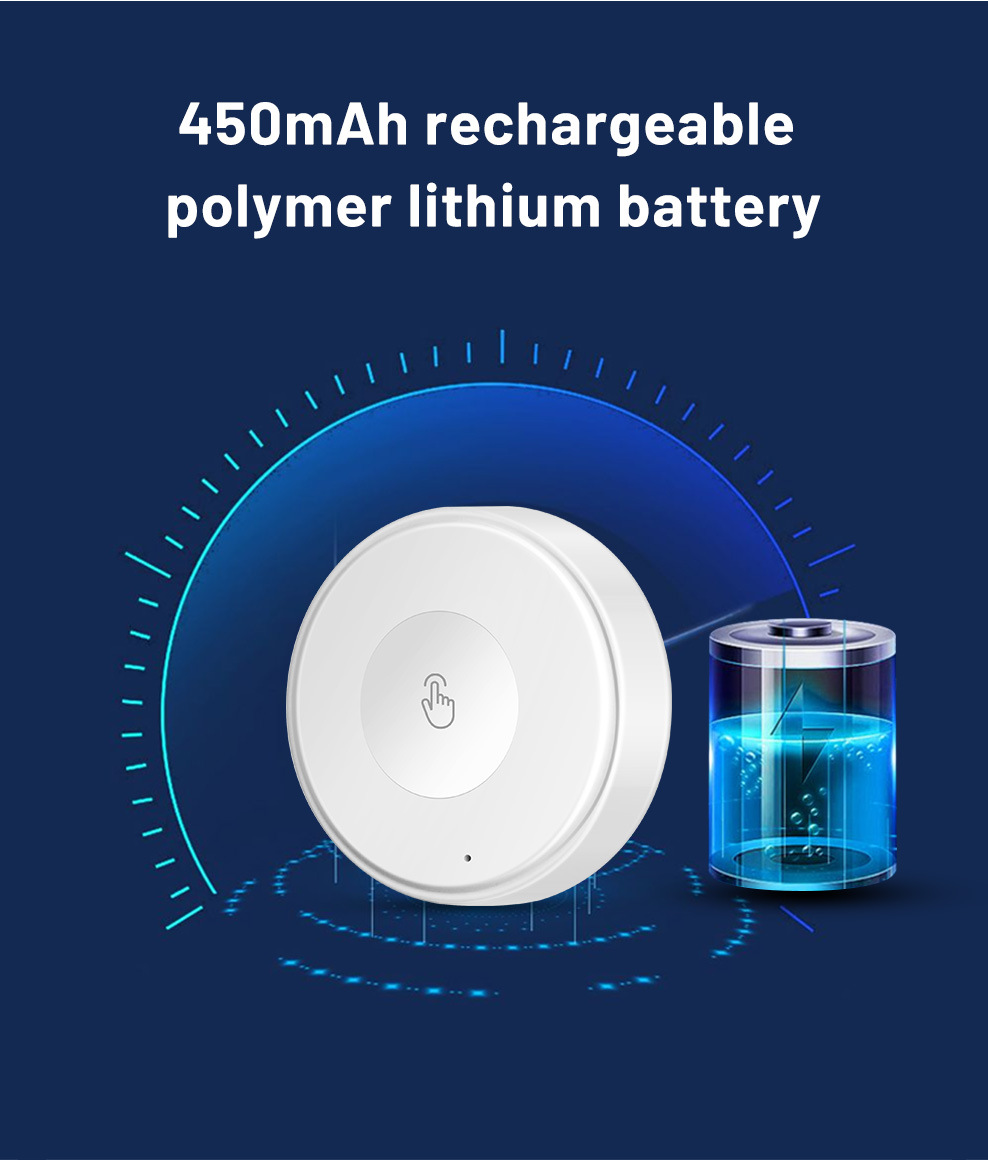
Power supply: Battery powered (450mA lithium battery)
Working environment: temperature -10—55℃, humidity
Update time:


TOP