Search history
Clear allSearch by image
XDrag and drop an image here or upload an image
Max 5MB per image
UploadSign In | Join

Search history
Clear allSearch by image
XDrag and drop an image here or upload an image
Max 5MB per image
UploadSign In | Join
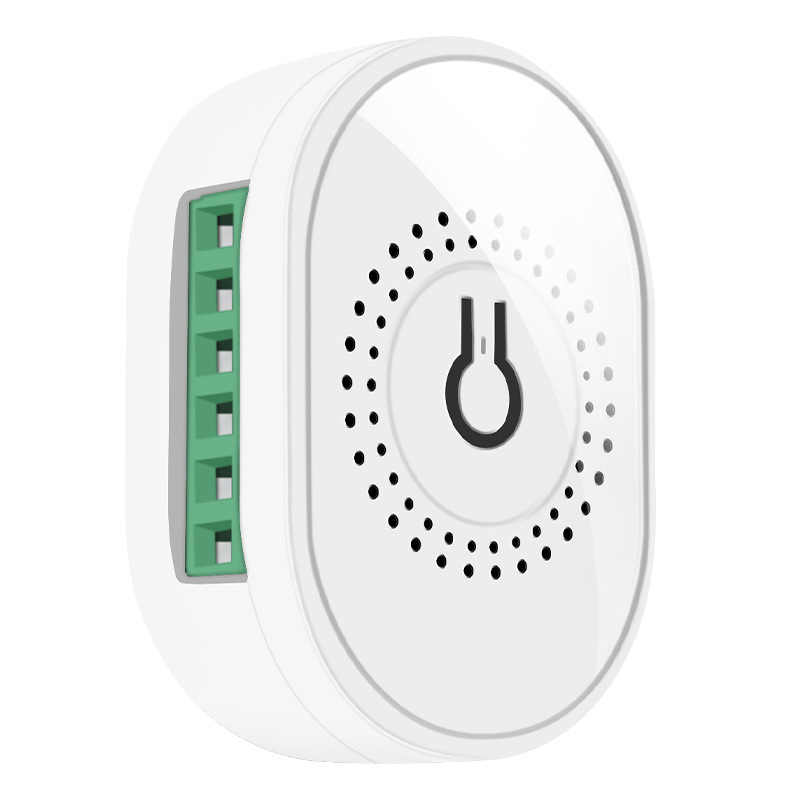
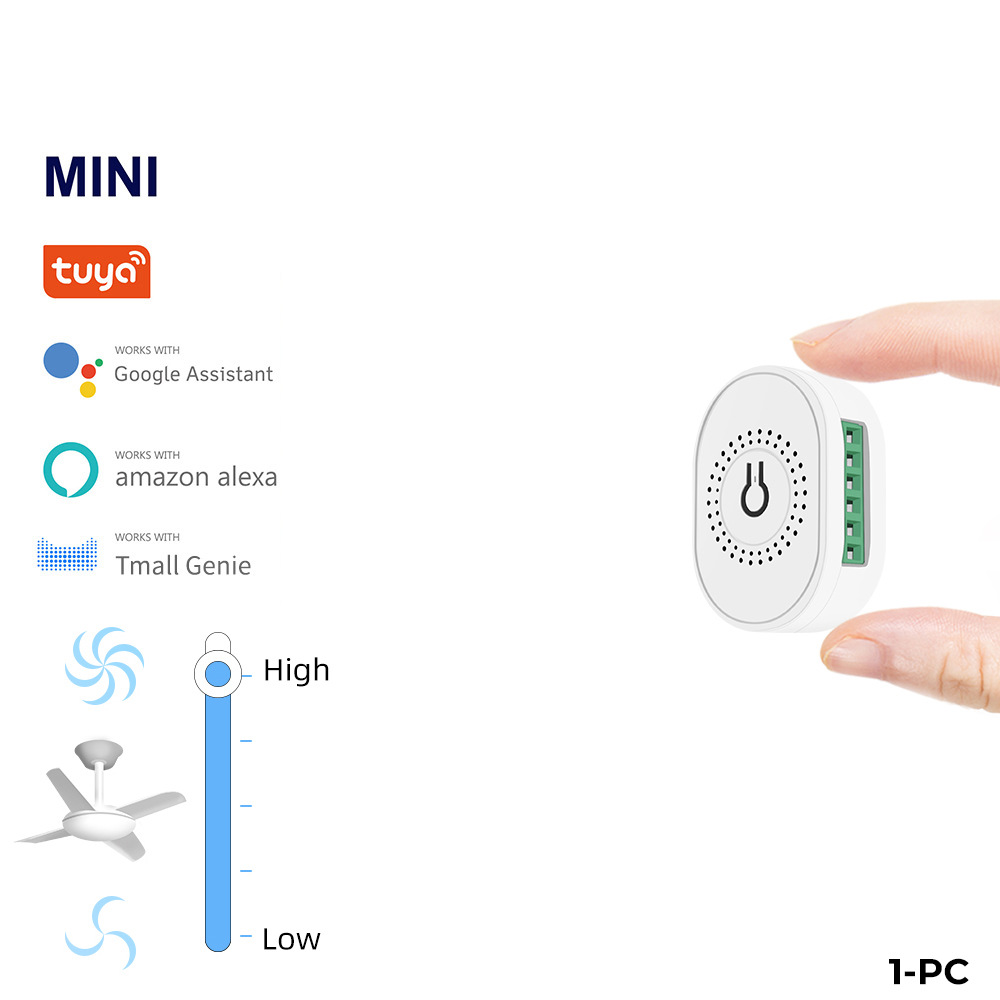 tuya wifi fan on/off switch-white
tuya-WiFi-风扇通断器-白 |
CN¥ 0.0 |
Rongyue beauty tools 3yr.
Contacts Lee Chat
Mobile 13305891974
WeChat 13362998253
WhatsApp 8615392033619
86 + 15392033619
WeChat: 15355350932
17357995021
Shop address: 2nd Floor, Door 22, No. 9 Street, Area F2-13554, Yiwu International Commerce City, Yiwu City, Jinhua City, Zhejiang Province
Miss Li 18958493554
New store address: Yiwu Global Digital Trade Center
Yiwu Six District Market, 3rd Floor, 2nd Street, Unit 4
Shop 73734 (Yunkong Zhichuang) Door 153
Shop 73753 (YiShuYun) No. 153-1
Mr. Jing 15392033619
Ms. Mei 17357995021
Selling point:
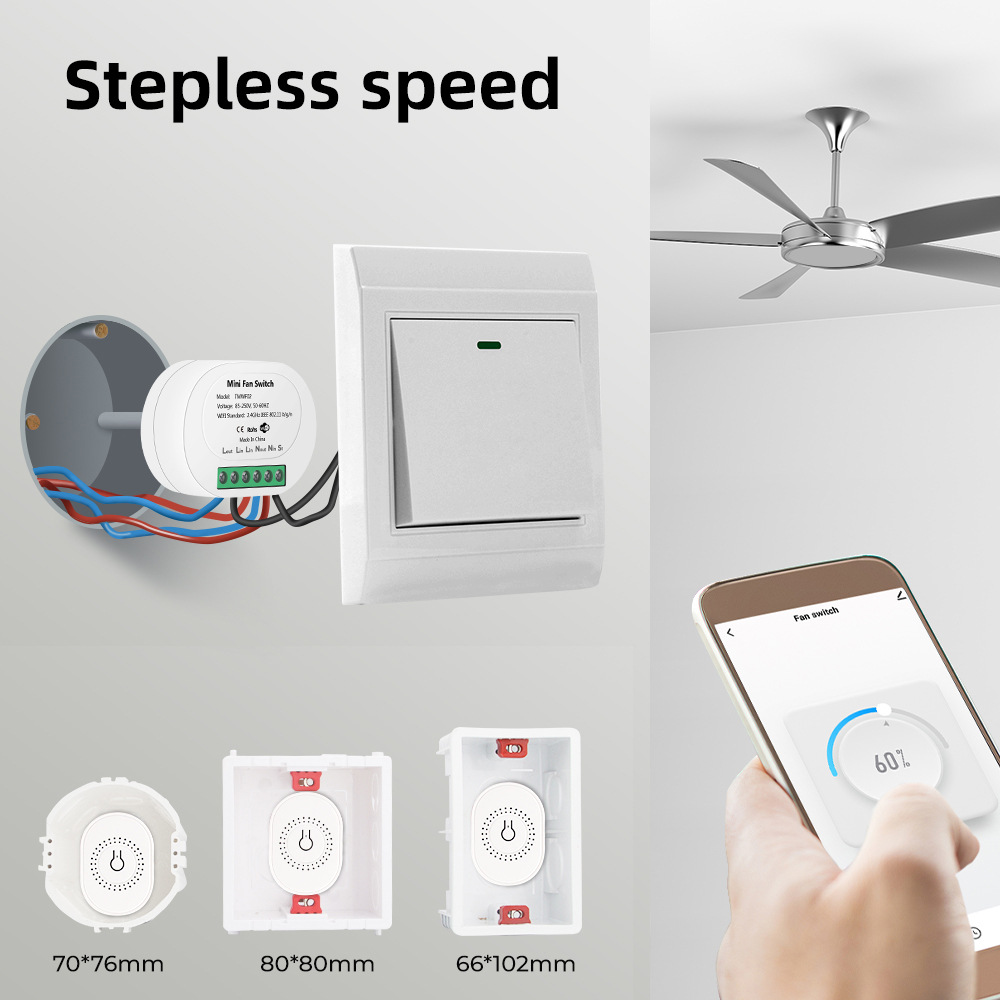
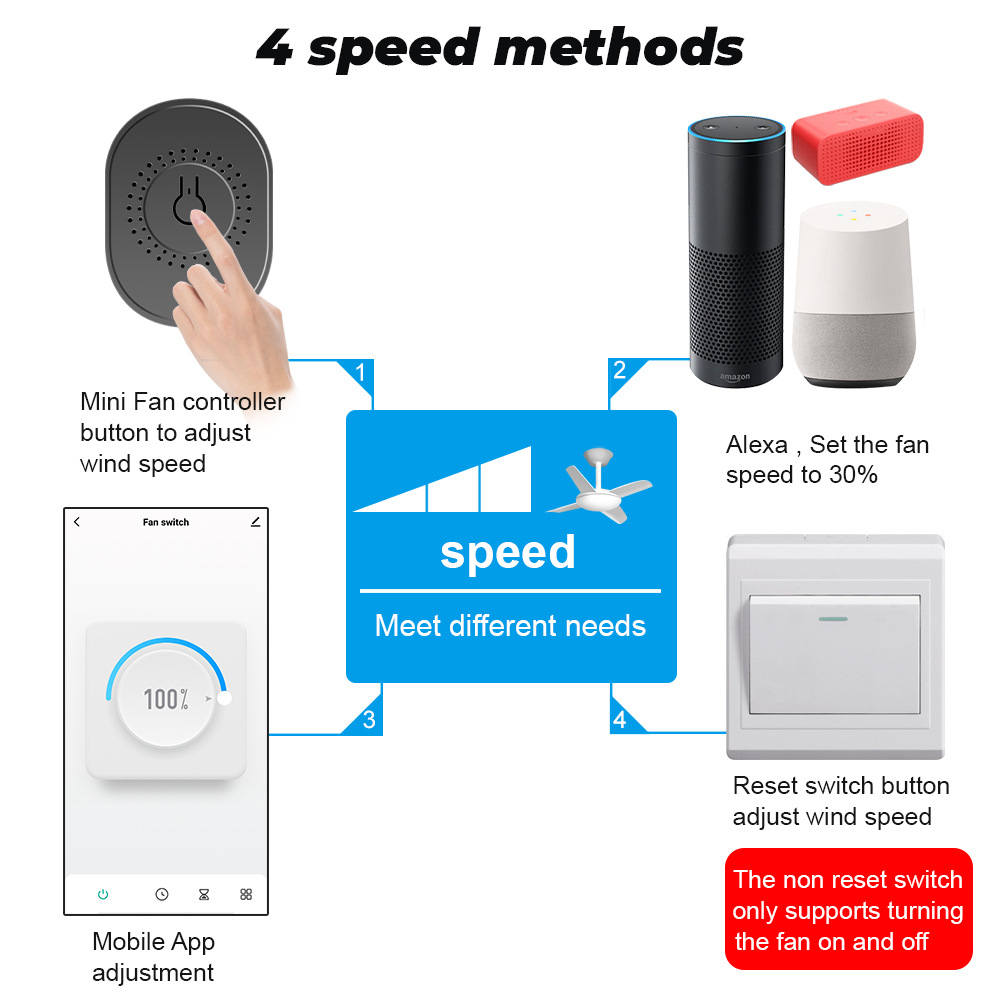
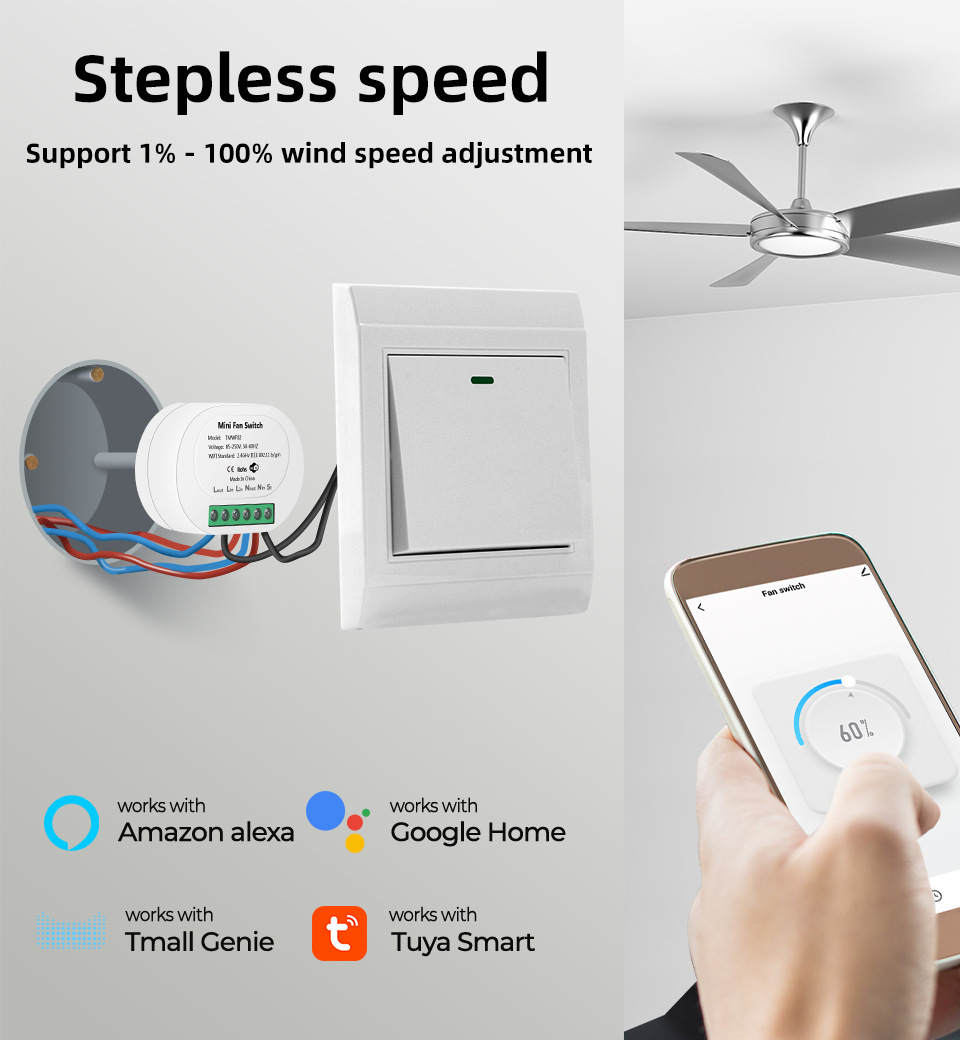
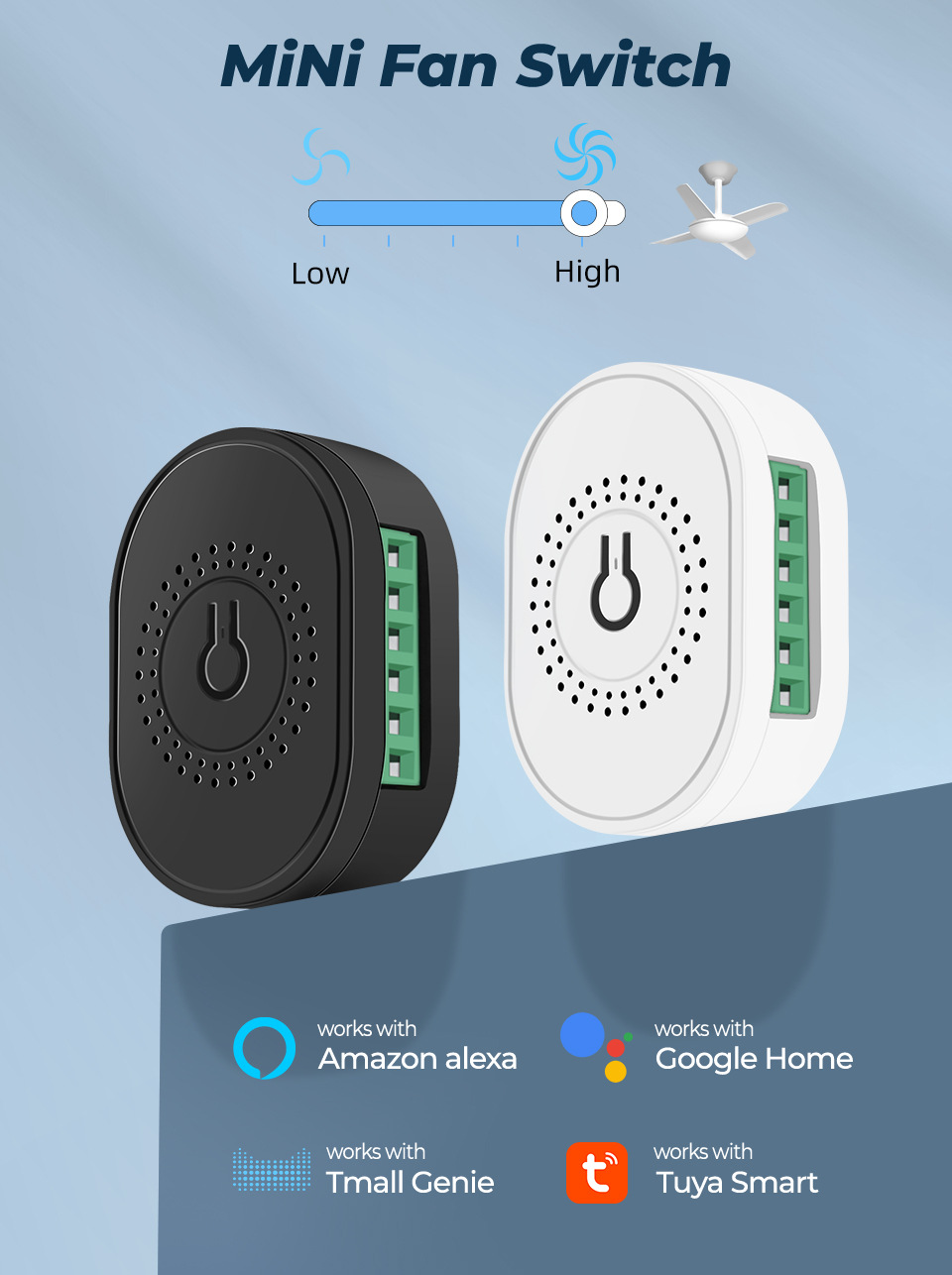
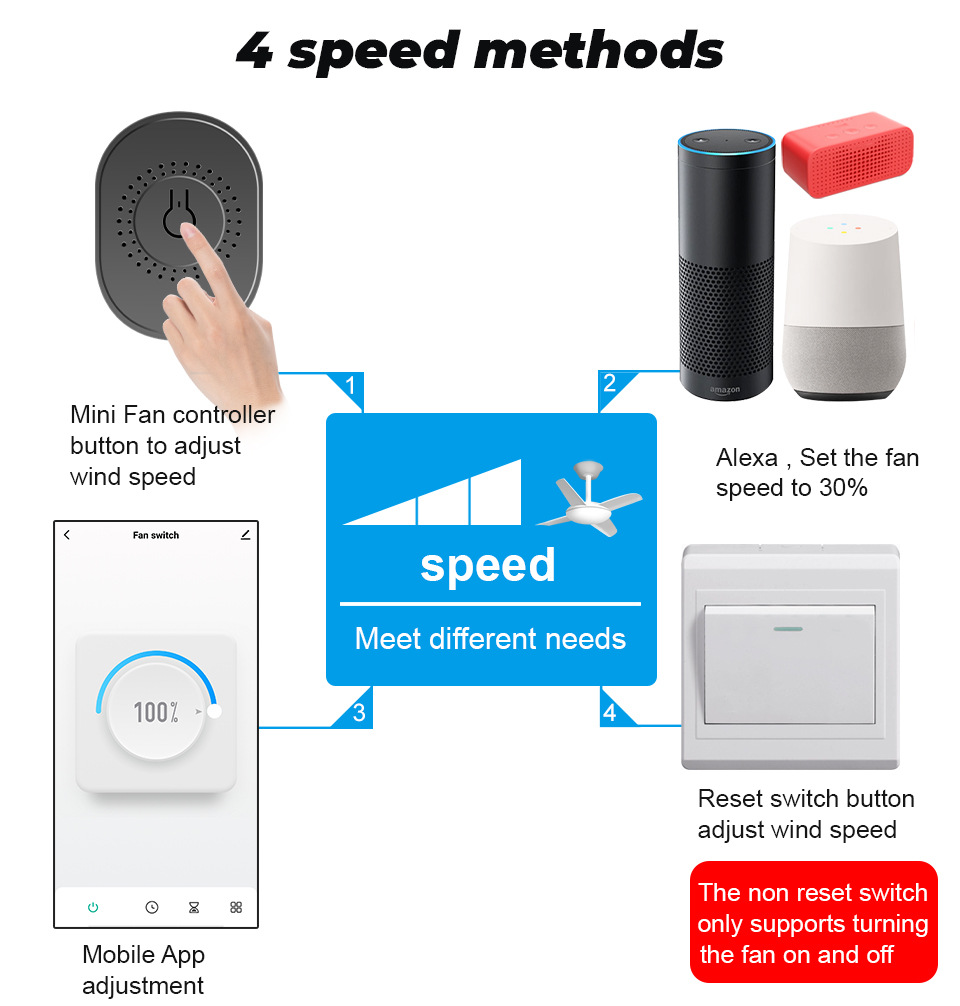
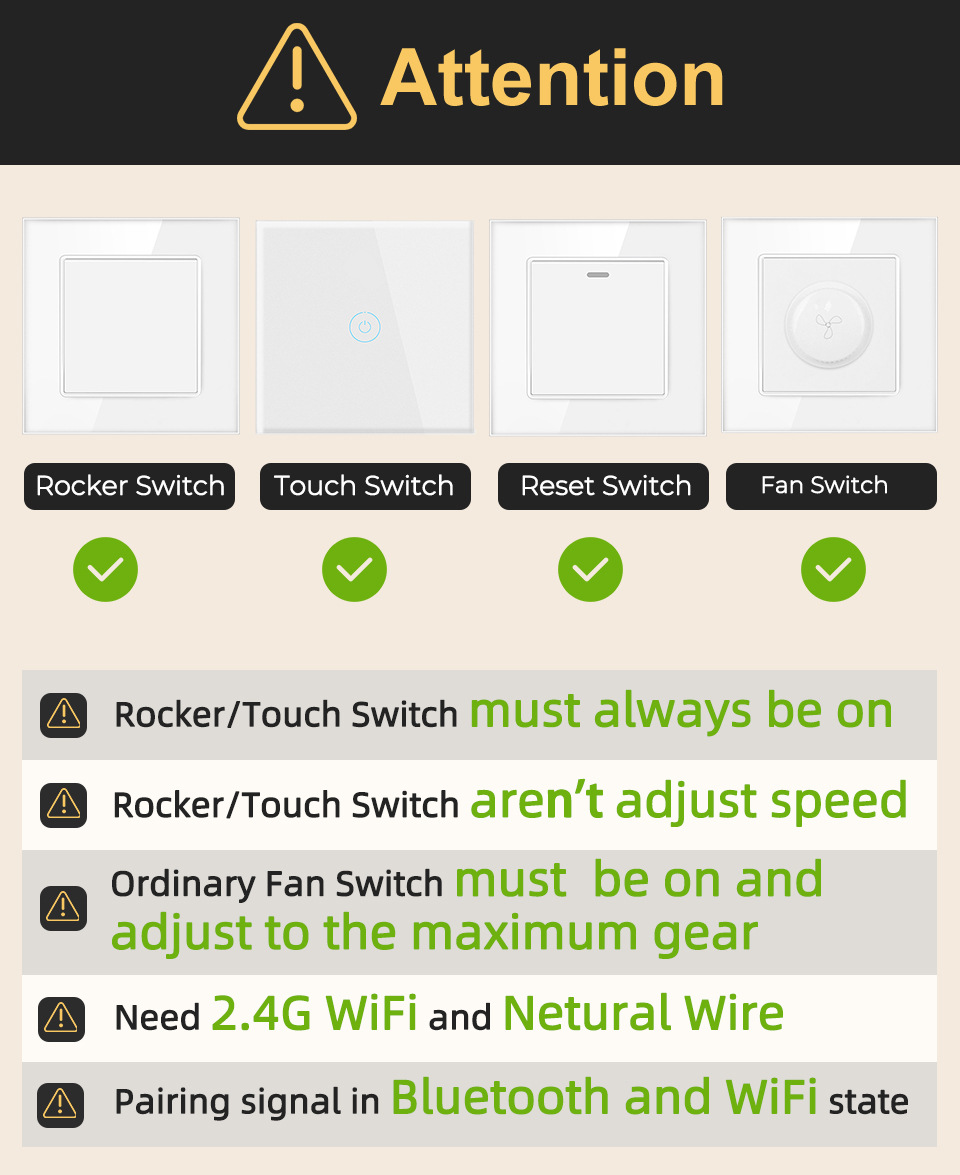
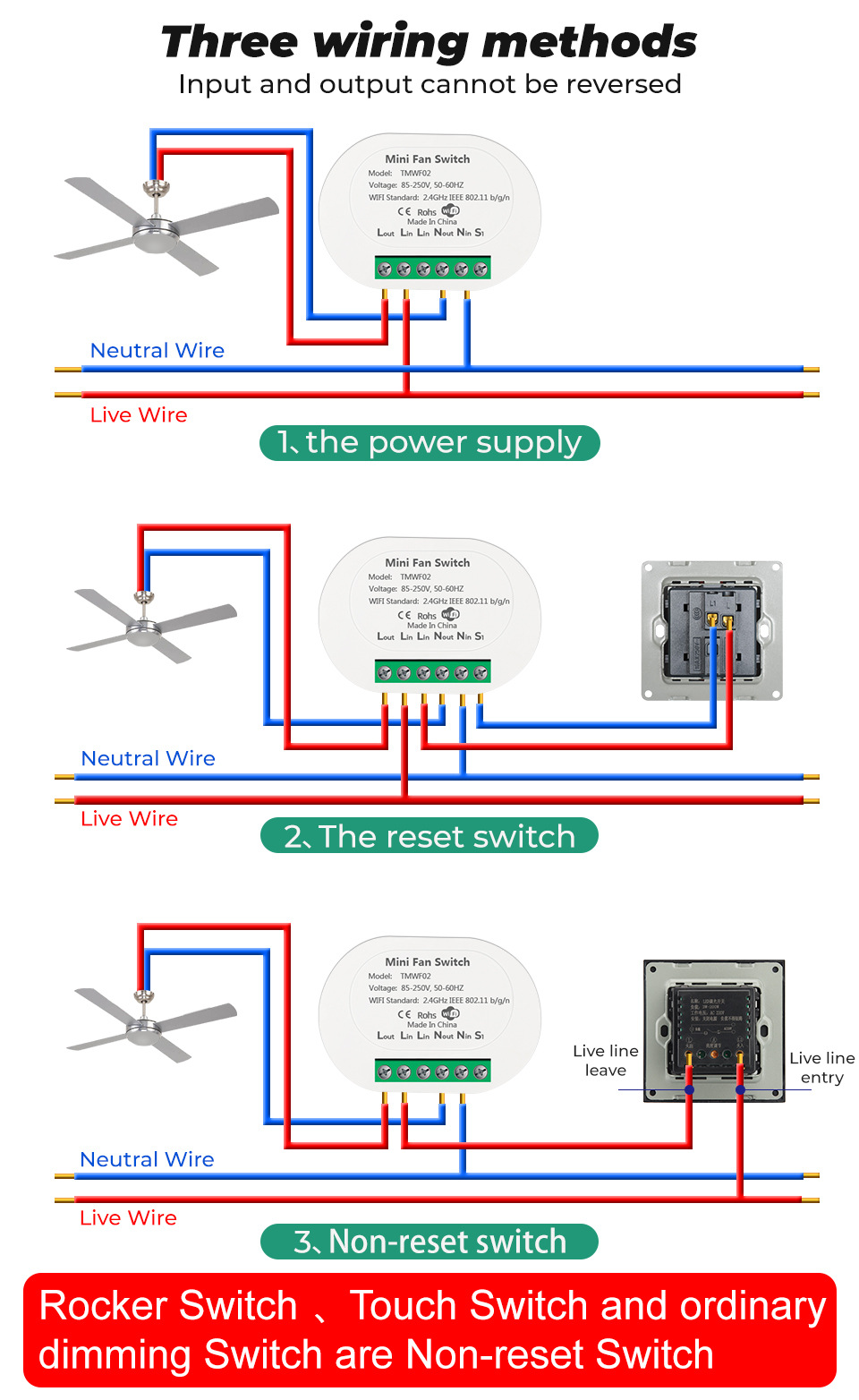
1. Support reset switch, touch switch, mechanical switch, and speed control switch.
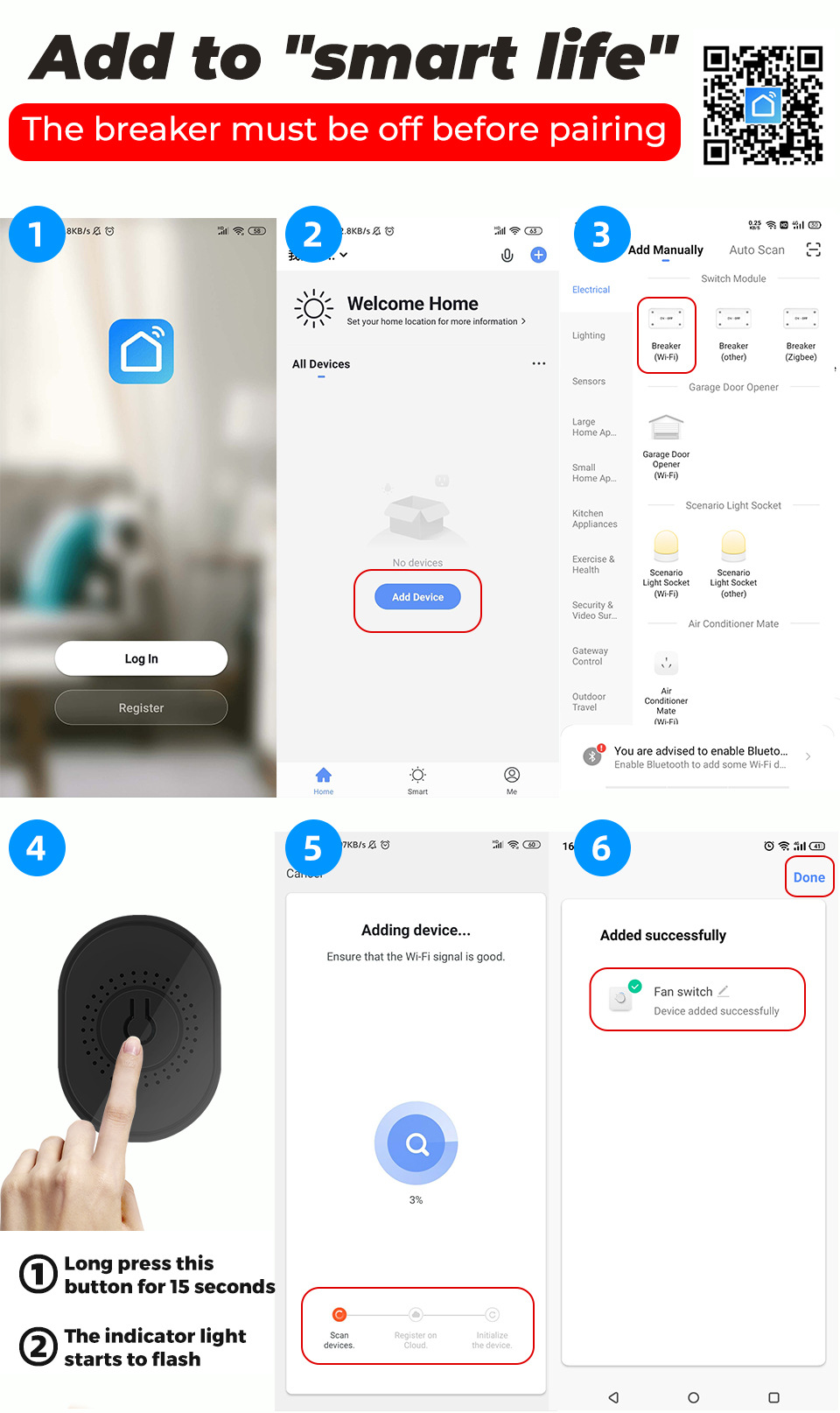
2. Dual-mode WiFi+Bluetooth for faster and more stable network setup
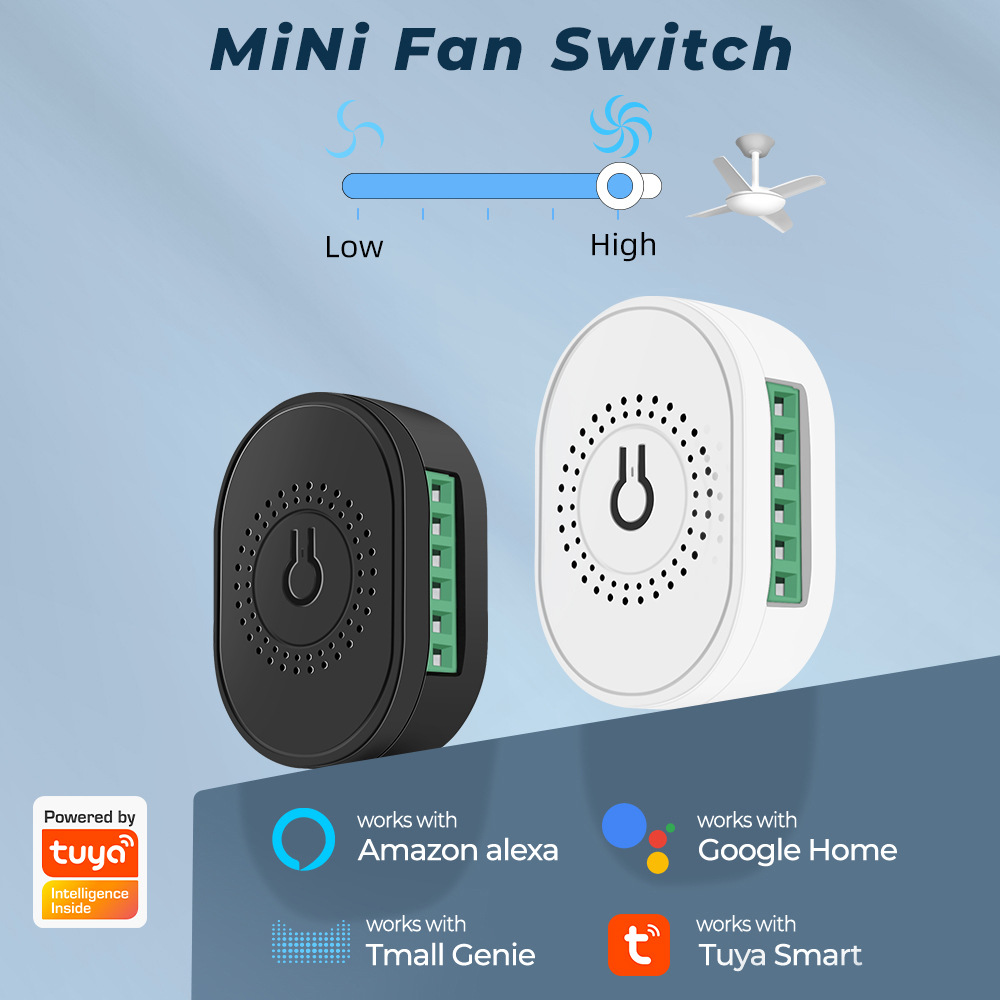
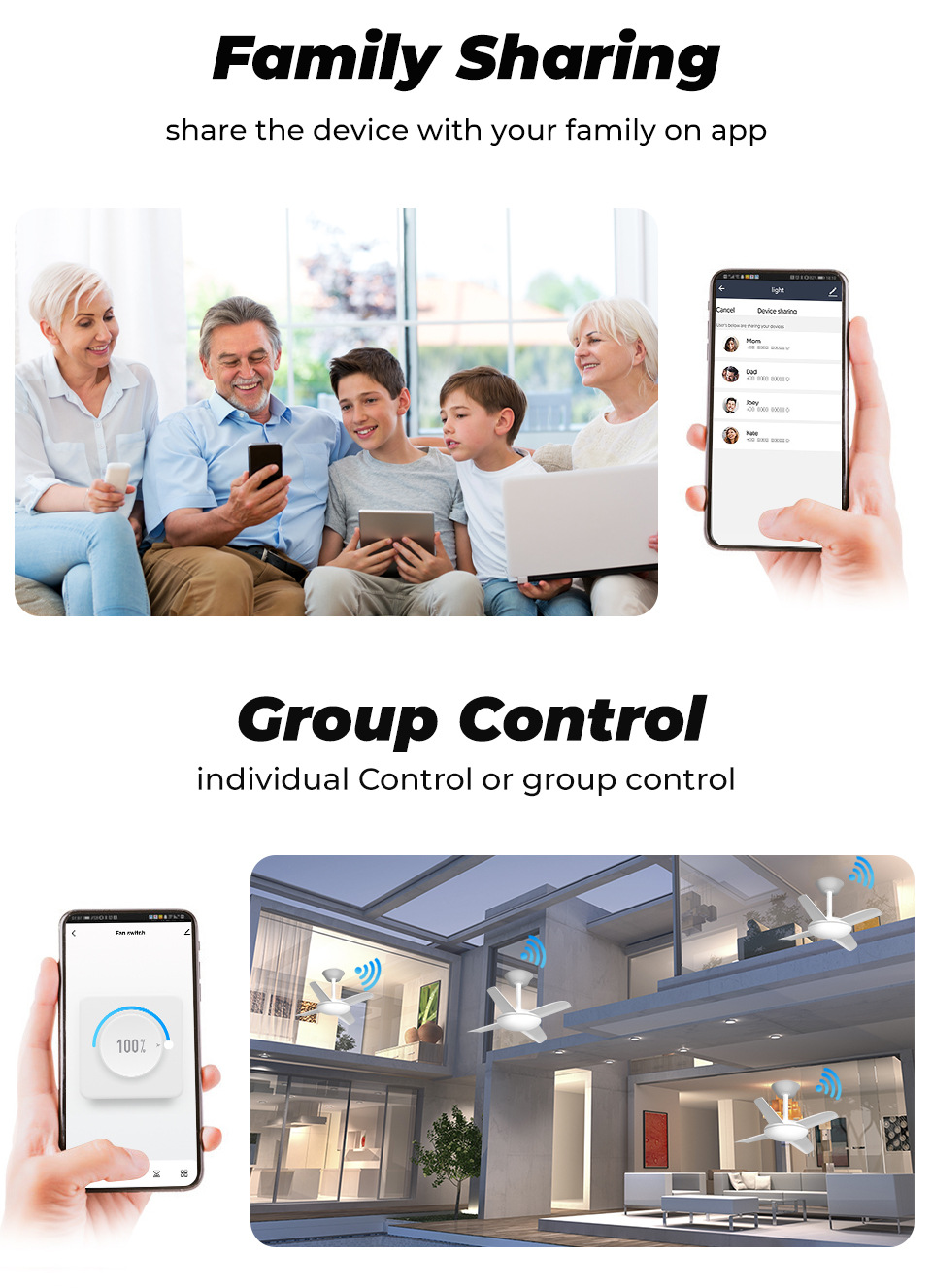
3. Graffiti Scheme, supports Amazon speakers, Google speakers, Tmall Genius, can adjust the speed by voice.
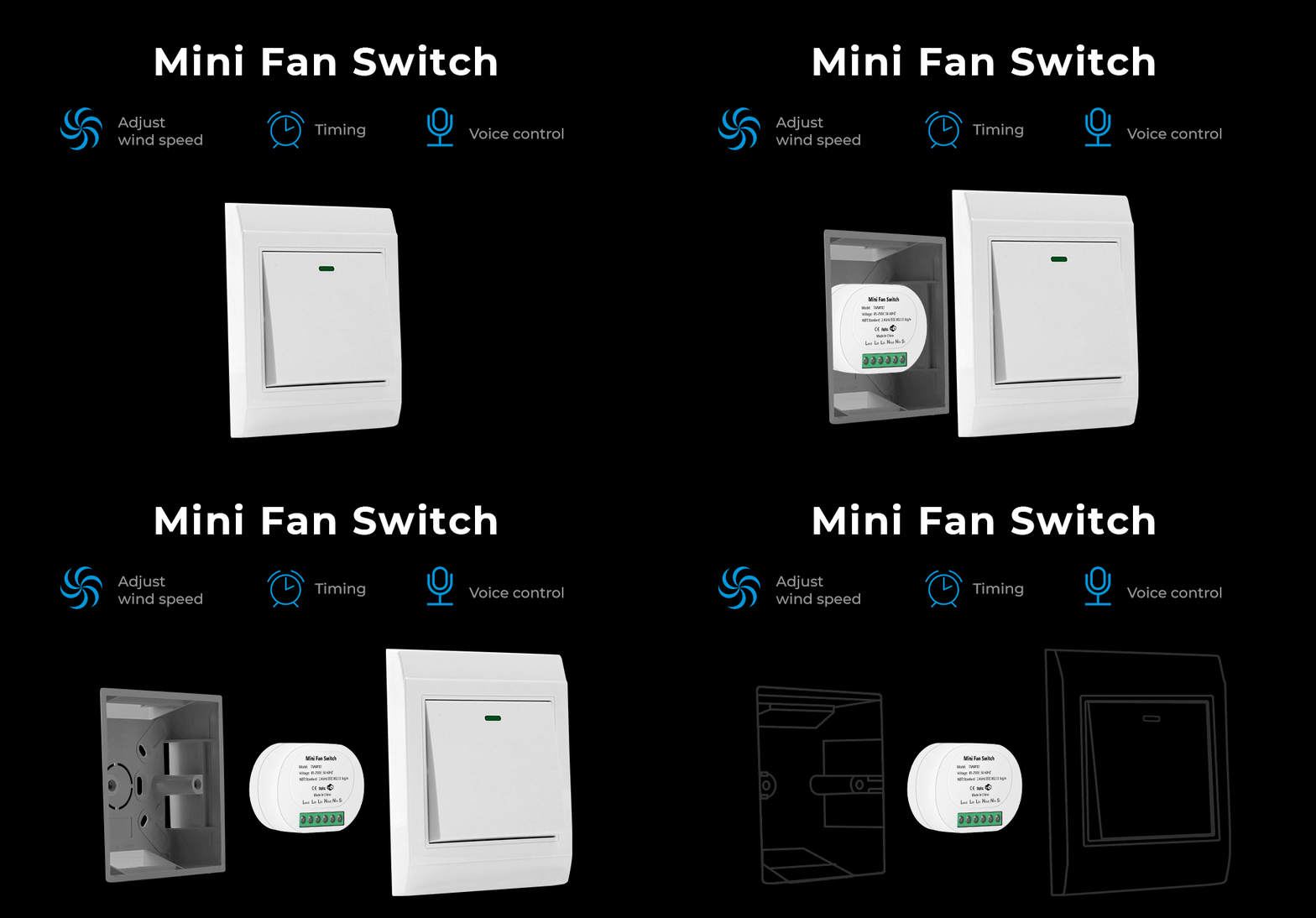
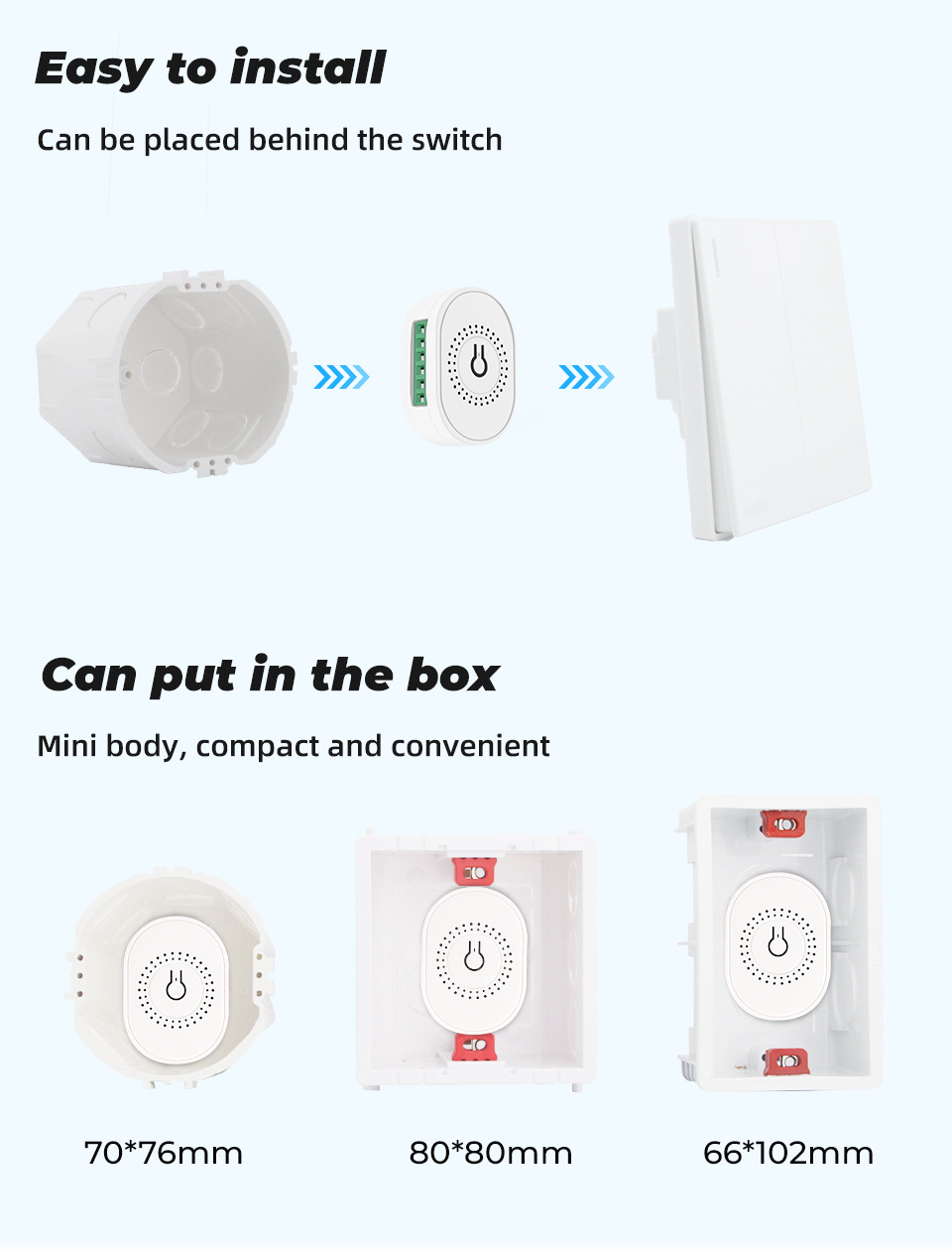
4. Miniature size, can be placed in the base box, installation is more convenient
5. After the network is cut off, once the WIFI is reactivated, the devices connected to the module will automatically connect to your WIFI network.
Parameter:
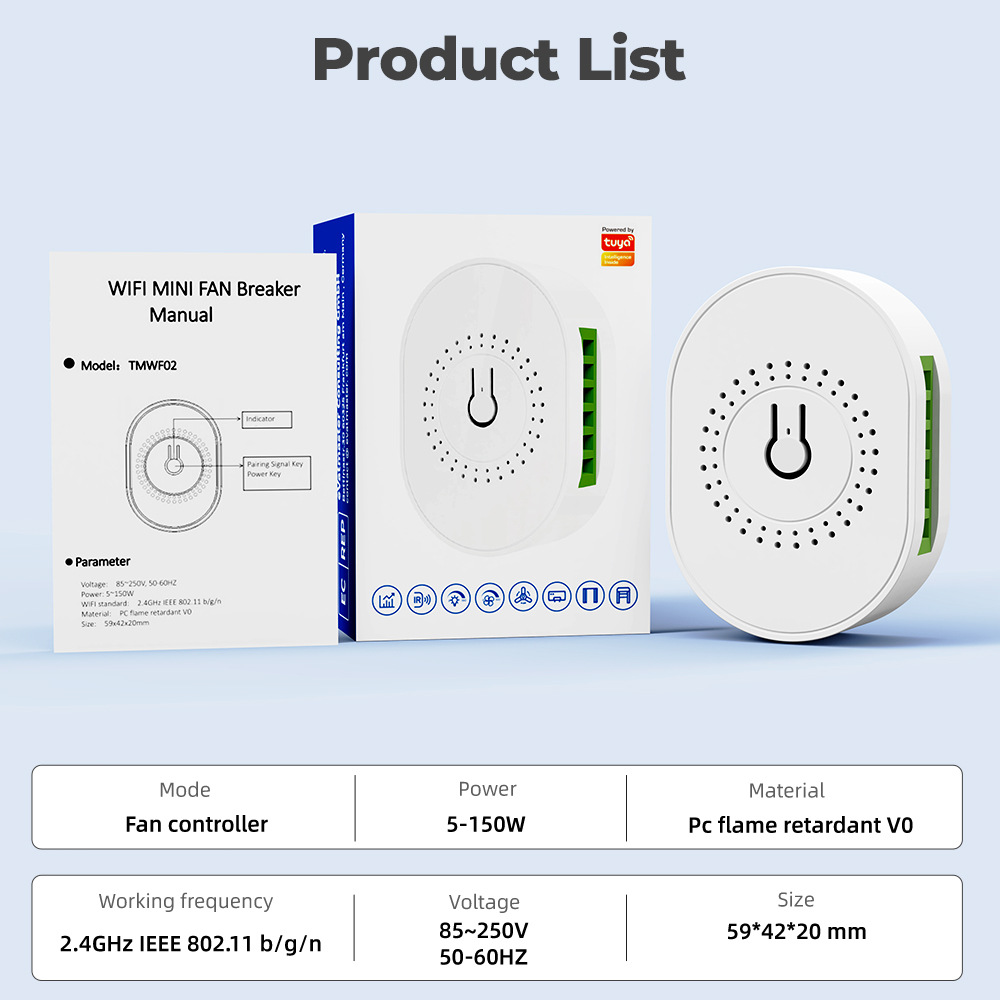
Voltage: 85~250V, 50-60Hz
Power: 5 to 150W
WIFI Standard: 2.4GHz IEEE 802.11 b/g/n
Material: PC Flame Retardant V0
Size: 59x42x20mm
Attention:
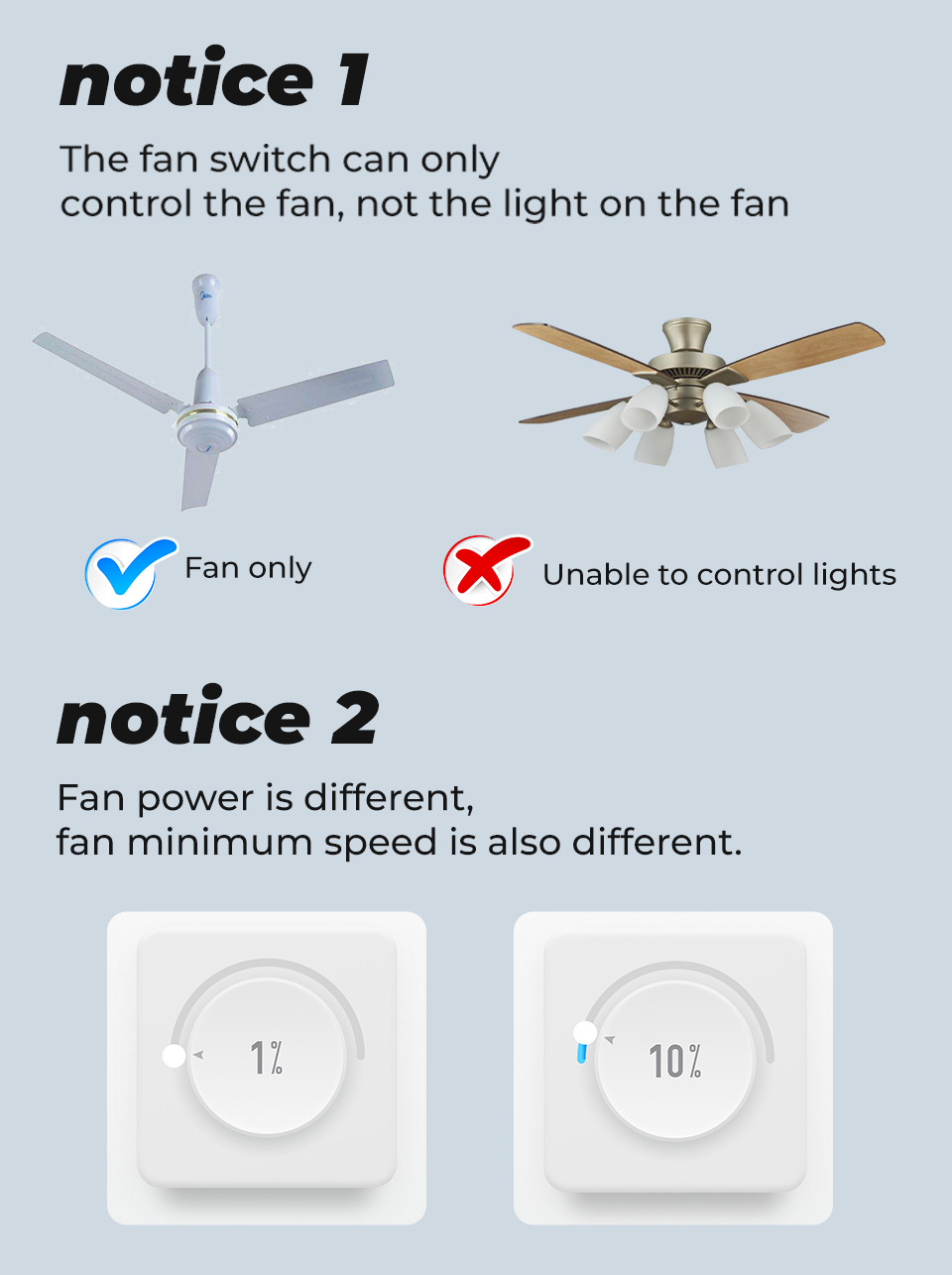
1.This product only supports ceiling fans and does not support fan lights.
2. When connecting to the power grid, please operate under the condition of the circuit breaker being off.
3. Long-press the reset switch to directly adjust the speed. When adjusting faster or slower, please release the switch and then operate.
4. Touch switches and other mechanical switches can only operate in the on and off positions and cannot support speed adjustment. It is essential to ensure that the switch is in the open position for the circuit breaker to operate.
5. If the fan does not work after adjusting the speed, please adjust the fan to the lowest speed.
6.Due to the different compatibility and quality of different fans, the lowest speed can be different.
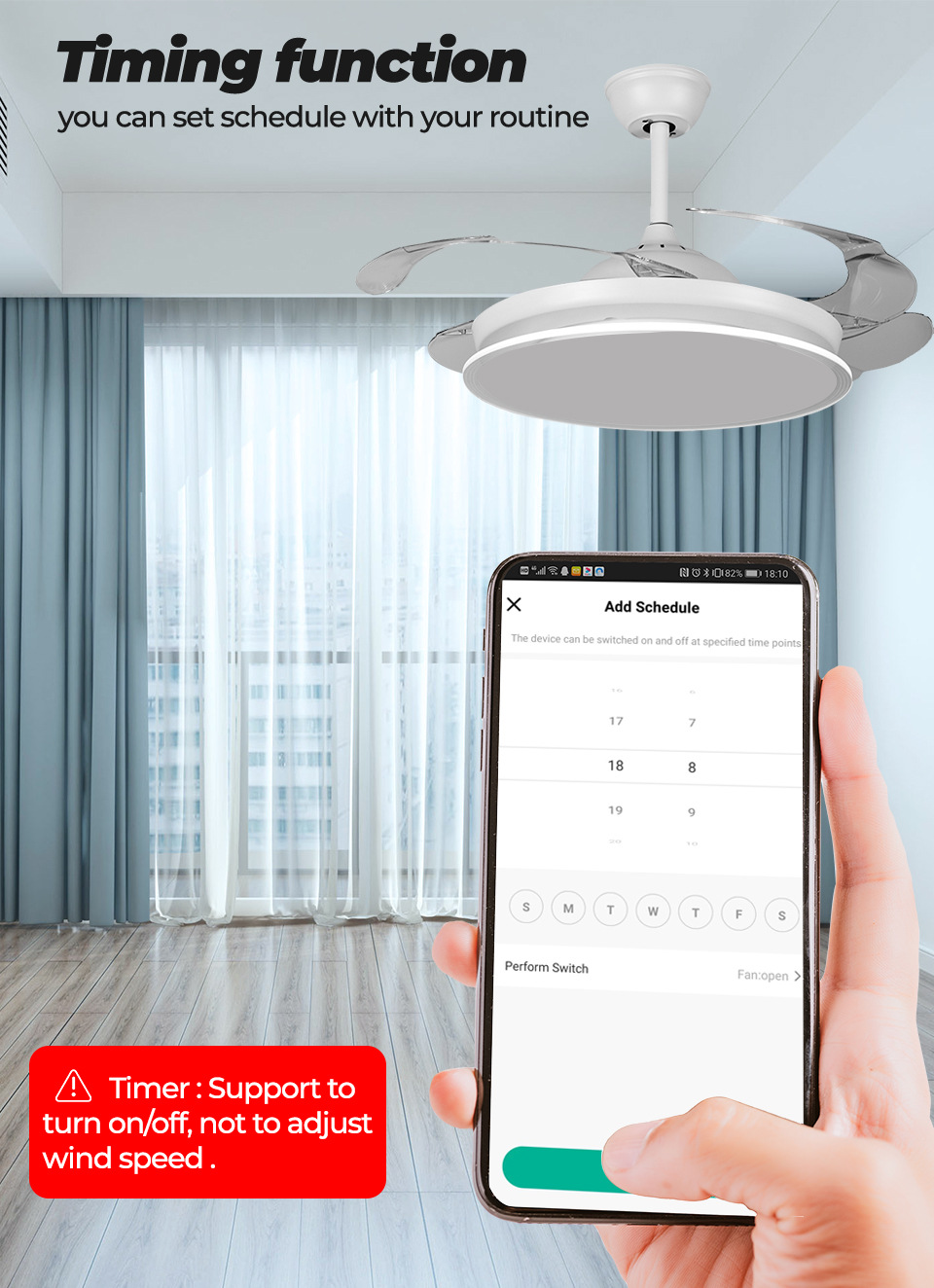
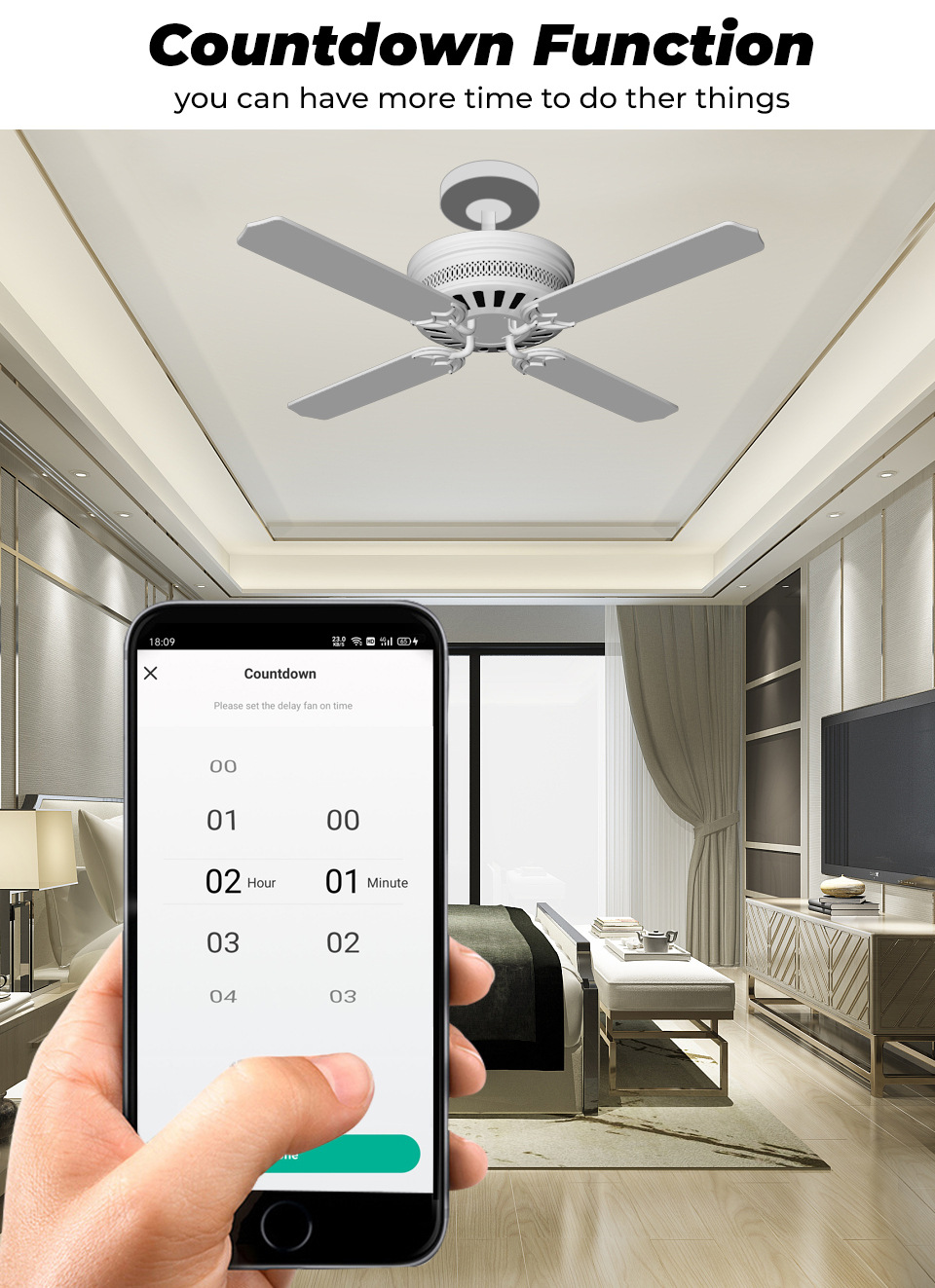
7. Timer function only supports the on and off timing for fans, not the speed.
8. When connecting to a Wifi signal, please turn on Bluetooth and WIFI, which will make the connection speed faster.

Update time:


TOP