Search history
Clear allSearch by image
XDrag and drop an image here or upload an image
Max 5MB per image
UploadSign In | Join

Search history
Clear allSearch by image
XDrag and drop an image here or upload an image
Max 5MB per image
UploadSign In | Join
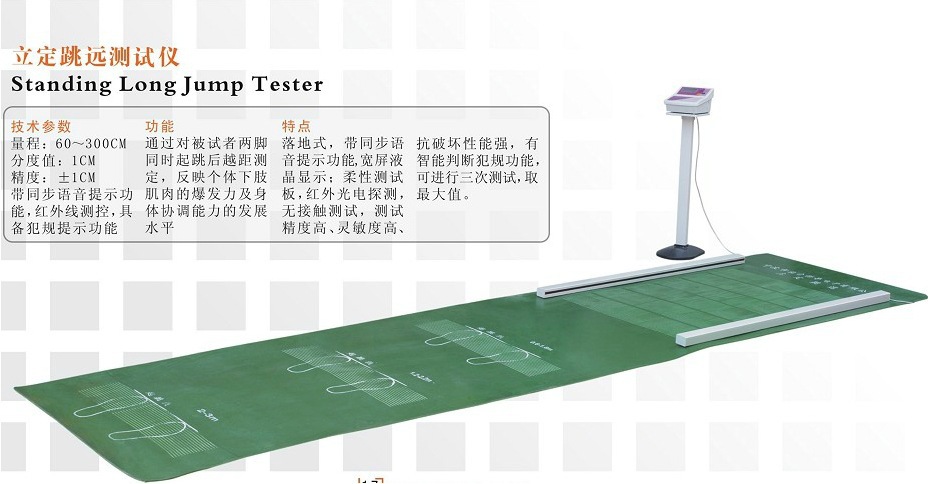
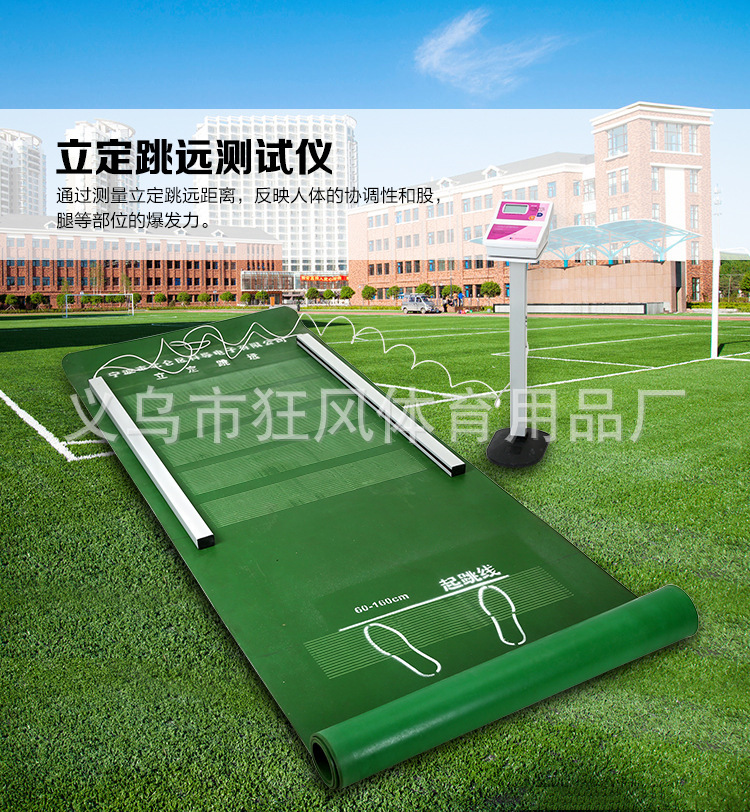
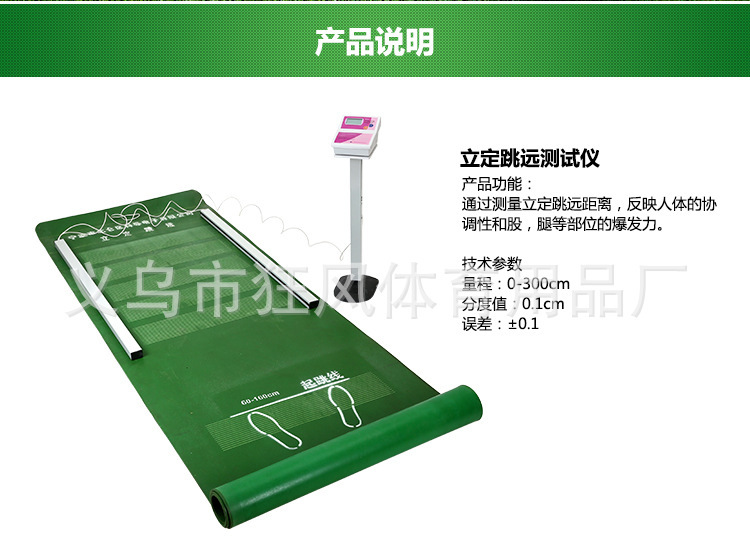

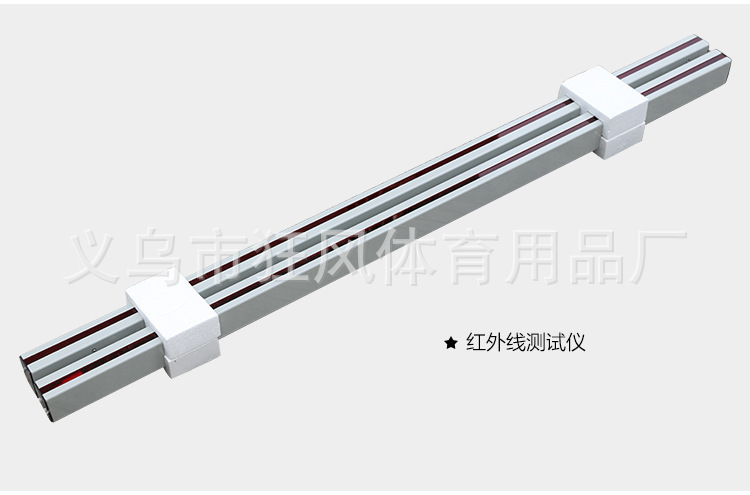
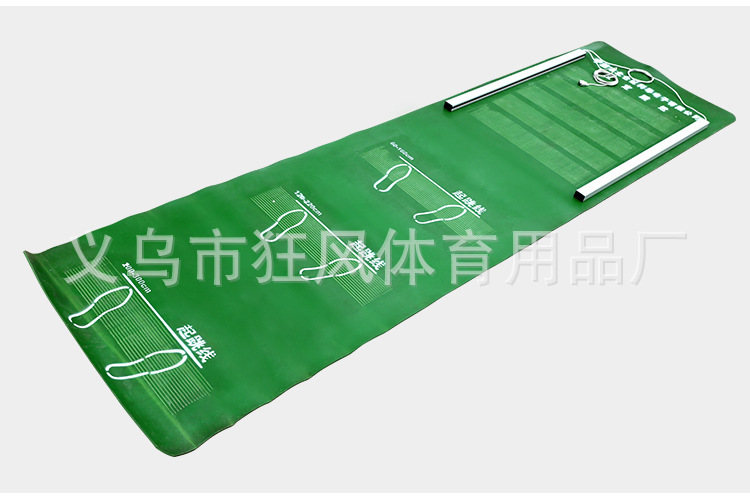
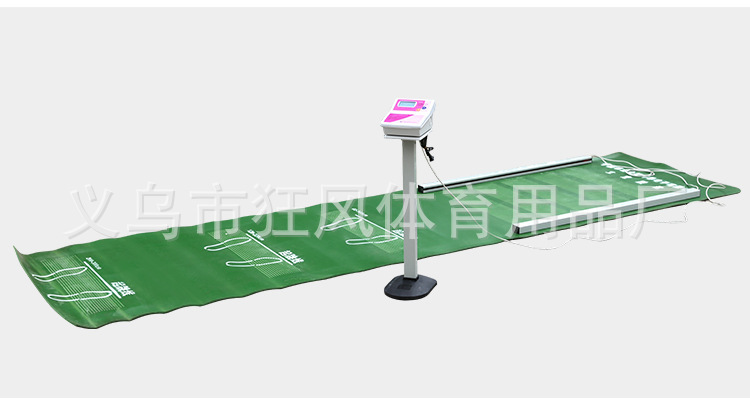
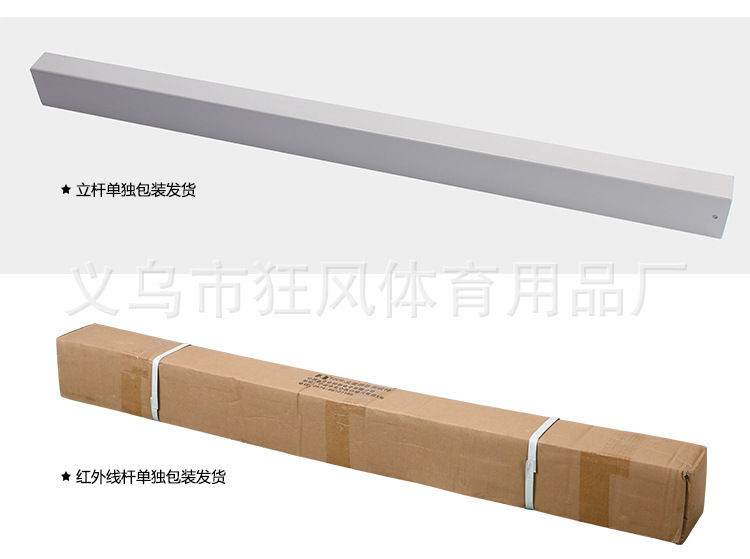
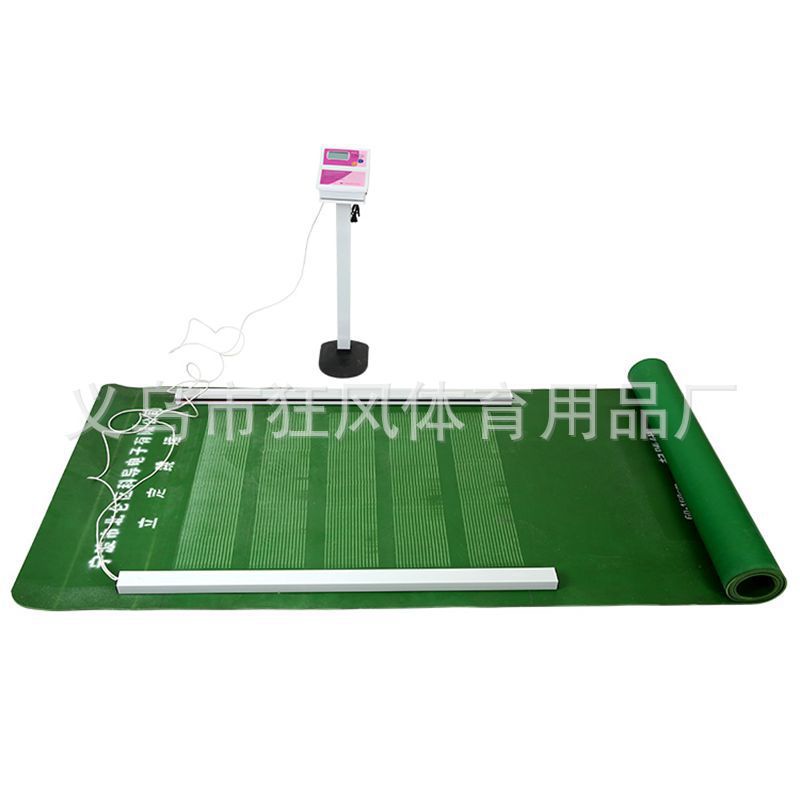
Instructions Manual for the Standing Long Jump Meter
(TZCS-3)
1, Feature Introduction
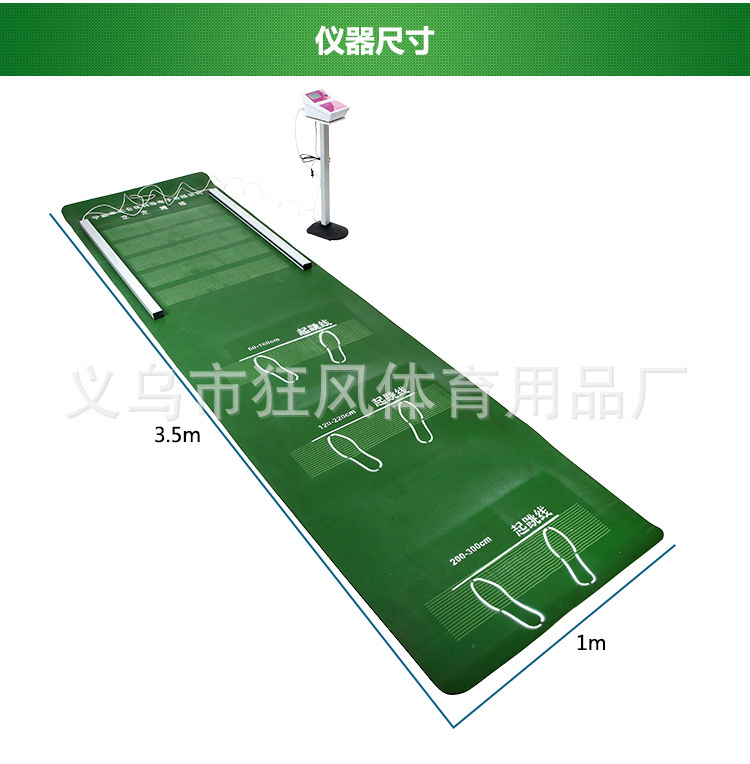
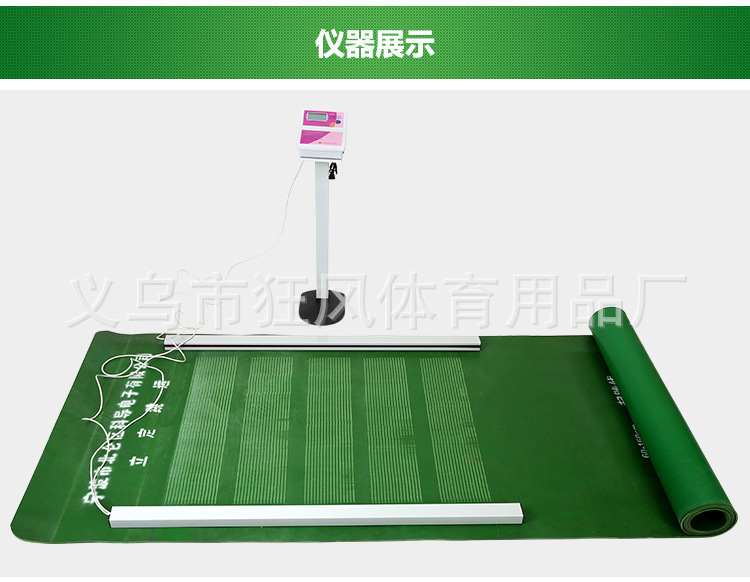
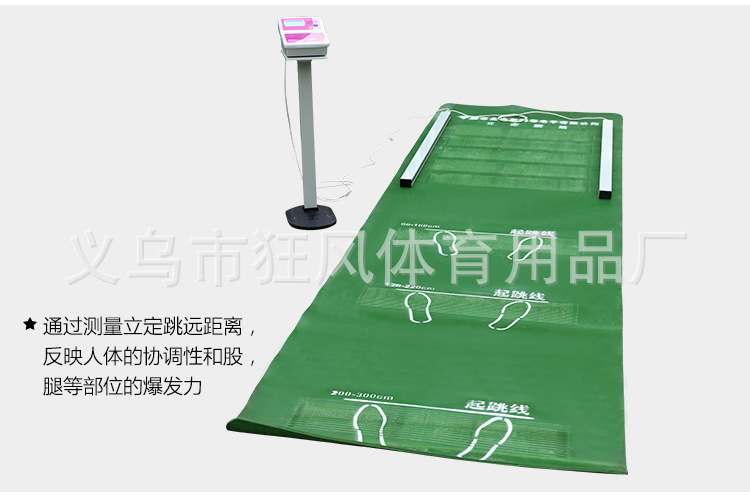
By measuring the standing jump distance, the coordination of the body and the explosive power of the legs and lower body are reflected.
2, Instrument Features
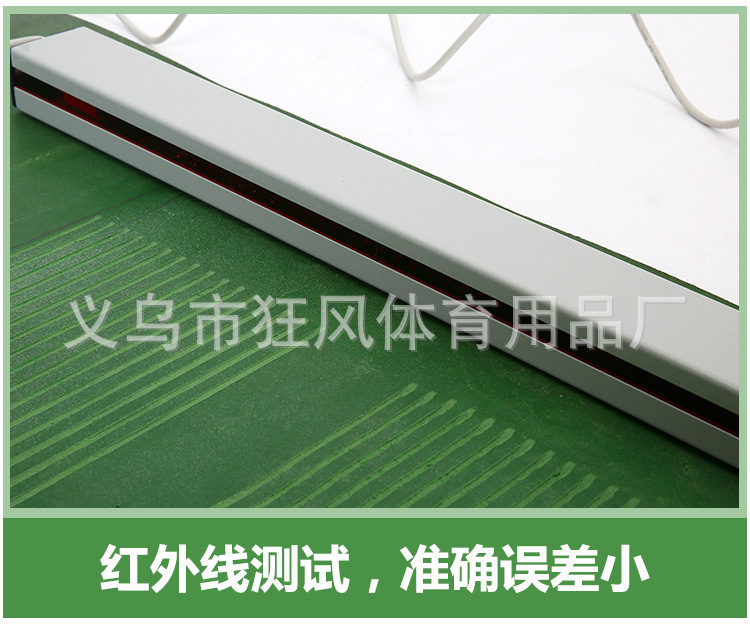
Floor-standing, easy to operate, high precision; includes violation alerts and anti-cheat features.
3, Instructions for Use
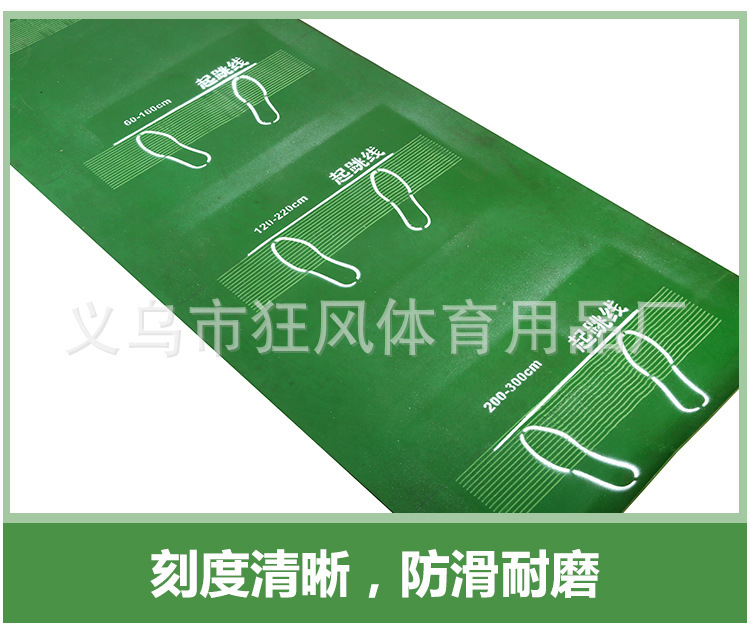
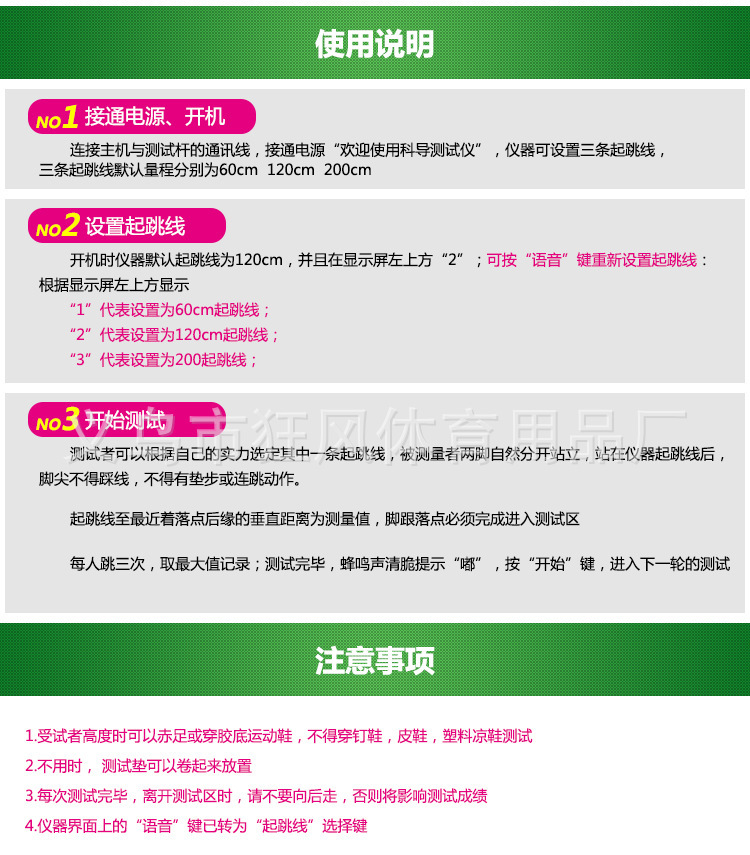
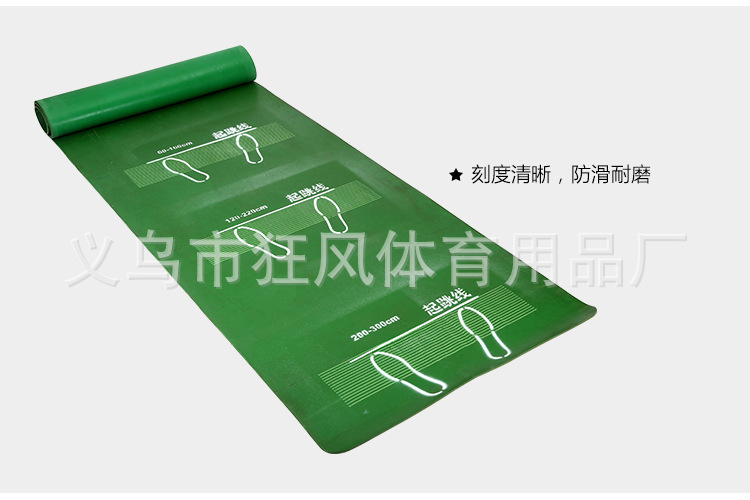
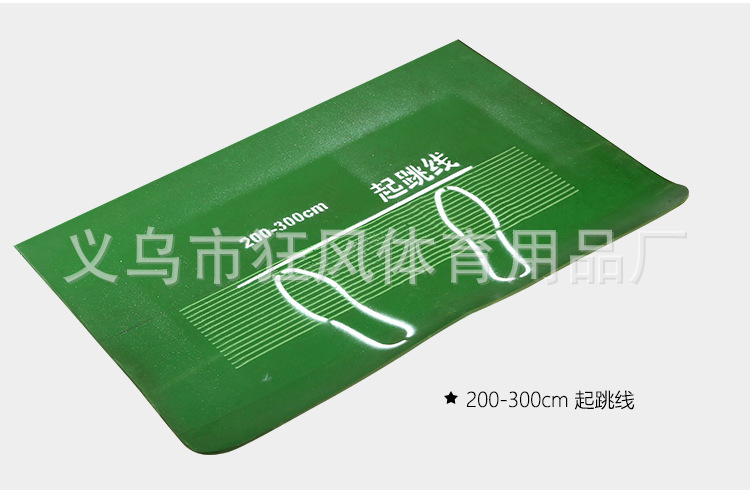
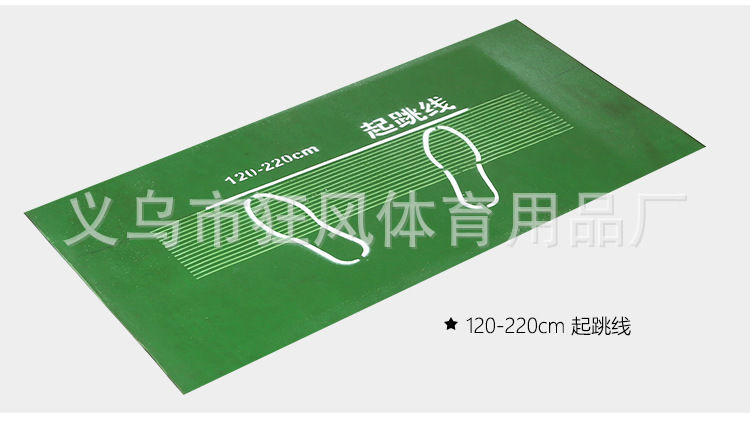
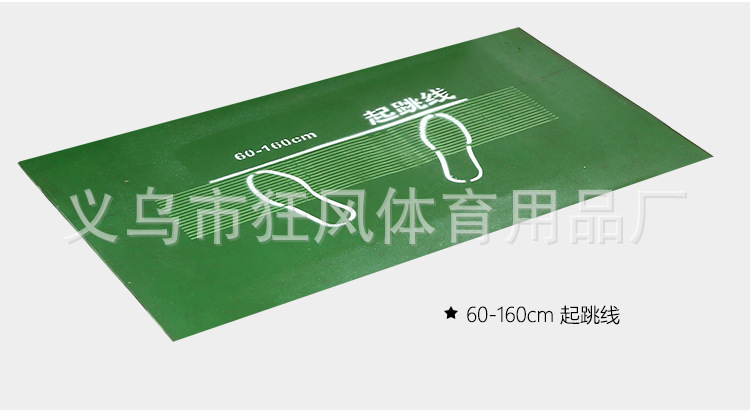
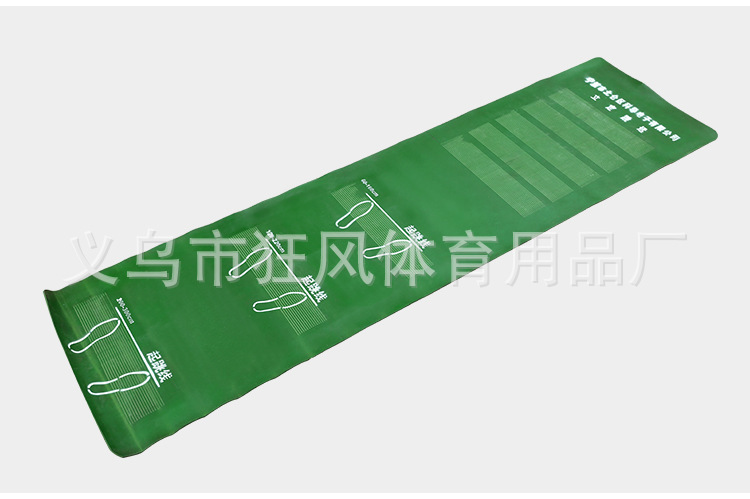
The communication cable connecting the host and the test stick must be powered on. The device displays “Welcome to KEDU tester”. Press the “Start” button, followed by a beep sound indicating “beep”. Before jumping, the tester should select one of the jump lines based on their own ability. The subject stands with feet slightly apart, behind the instrument’s jump line, without stepping on the line—otherwise, the instrument will continuously alert with a beep indicating “beep…”. If testing continues, the result will be considered invalid. Once all preparations are correct, a clear “beep” sound indicates completion. Jump in place without any padding or consecutive jumps. The vertical distance from the jump line to the farthest landing point is the measured value; the heel must fully enter the testing area, otherwise, a continuous beep alert will occur. Each person jumps three times, and the highest value is recorded. After testing, a clear “beep” sound indicates completion. Press the “Start” button to proceed to the next round of testing.
4, Precautions
a) During the test, participants may wear bare feet or rubber-soled sneakers; shoes with spikes, leather shoes, or plastic sandals are not allowed.
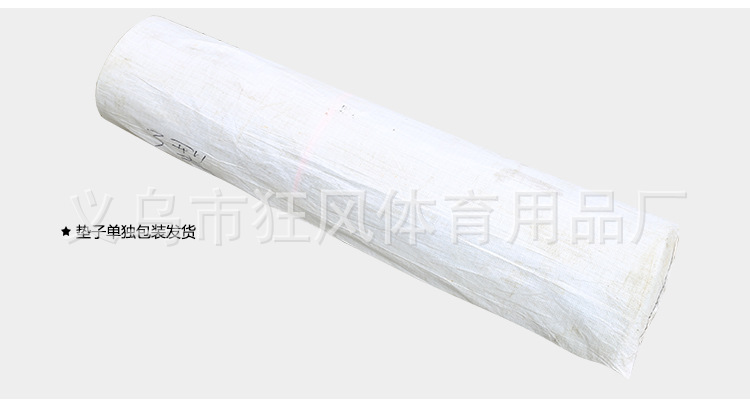
When not in use, the test pad can be rolled up and stored.
After each test, the tester must immediately leave the testing area; otherwise, an appointment...5secondThe instrument will automatically perform the next test, and the data will be locked; this affects the test results.
After each test, when leaving the testing area, please do not walk backward, otherwise it will affect your test score.
If the "Start" button is pressed but no test is conducted,4minutesAfter the buzzer emits a long sound, the instrument will automatically turn off the power supply of the test rod, preventing further testing. You must press the “Start” button again to continue the test.
60 cmThe takeoff line does not emit any alarm sound; please rely on visual assessment by the instructor during the test.
You can turn the voice on and off by pressing the "Voice" button.
5, Technical parameters
Range: 90—300 cm
Division value:0.1 cm
Error: ±0.1 cm
Update time:


TOP