Search history
Clear allSearch by image
XDrag and drop an image here or upload an image
Max 5MB per image
UploadSign In | Join

Search history
Clear allSearch by image
XDrag and drop an image here or upload an image
Max 5MB per image
UploadSign In | Join
Shenzhen Lexiangyue Electronics Technology Co.,ltd 12yr.
Contacts YinJunHui Chat
Mobile 13828827725
WeChat 13828827725
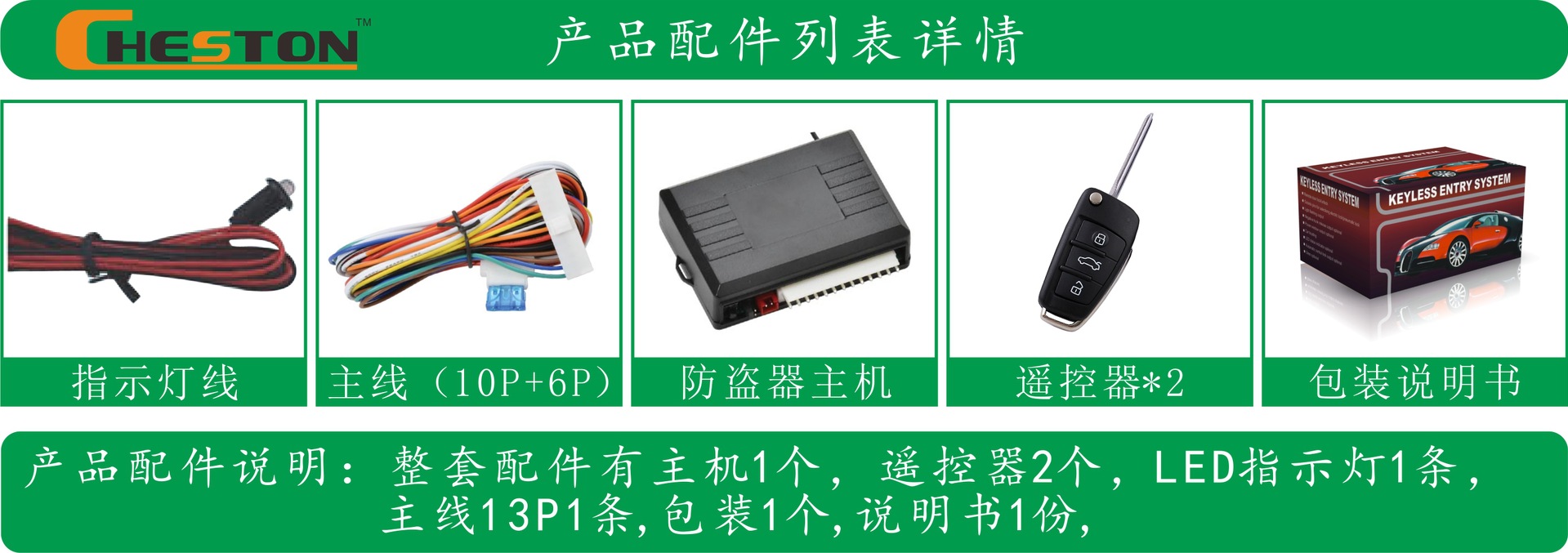


LOCK
Press Lock on the remote control. The direction light will flash once, and the door will be locked. The LED indicator will begin to flash.
Note: When the power window signal is programmed as Siren Output, the siren will sound once after the door is locked.
UNLOCK
Press Unlock on the remote control. The direction light will flash twice, and the door will be unlocked.
Note: When the power window signal is programmed as Siren Output, the siren will sound twice after the door is unlocked.
TRUNK RELEASE
Hold the Trunk button on the remote control for 3 seconds; the direction light will flash twice, and the trunk will be released.
Hold the Unlock button on the remote control for 3 seconds; the direction light will flash twice, and the trunk will be released.
CAR FIND
A. Press the Car Find button, and the direction light will flash. Press any button to exit Car Find mode. Press the Unlock button to deactivate the system (the 3-button remote control does not have this function.)
B: Press the LOCK button, then after 4 seconds press it again; the system will enter Car Find mode.
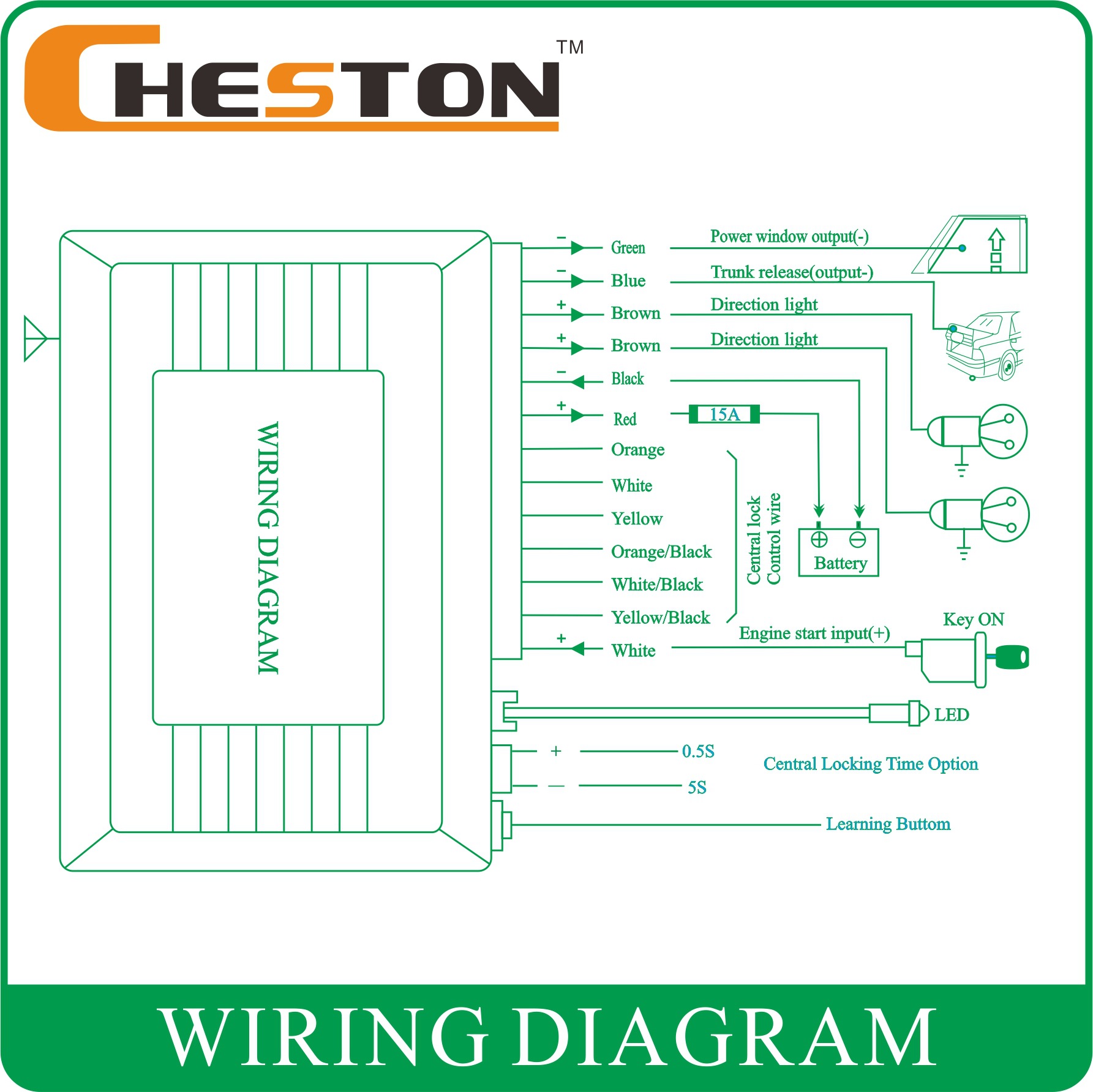
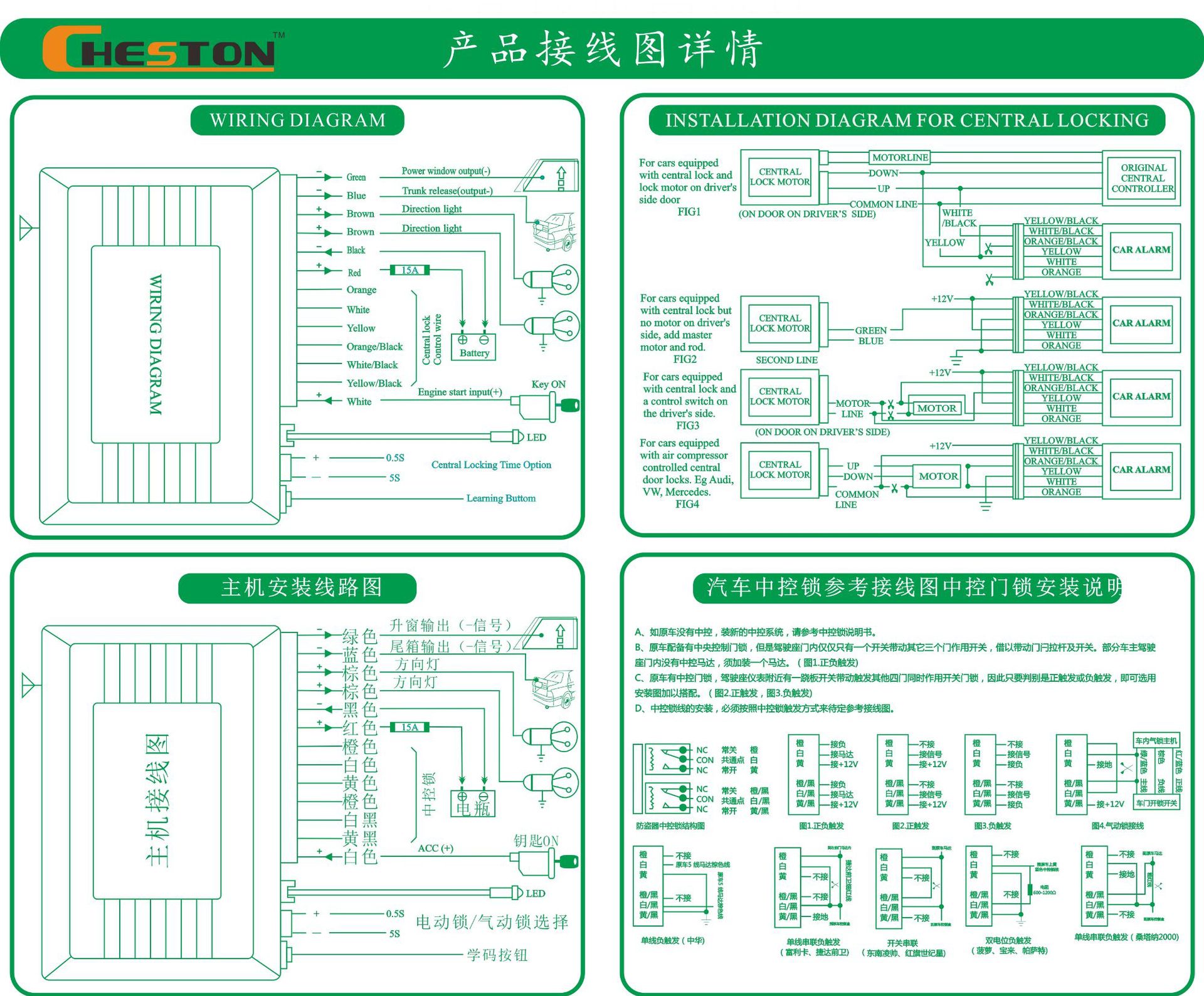
Electronic / Vacuum Central Lock Option
The electronic central lock takes 0.5 seconds, while the vacuum central lock takes 5 seconds.
The factory default setting is an electronic central lock.
POWER WINDOW
Press the LOCK button on the remote control; the main unit will send a 2.5-second negative signal to raise the windows.
Auto Central Lock
ACC turns on: the central lock will lock automatically.
ACC turns off: the central lock will unlock automatically.
The ACC turns on, and press the LOCK button on the remote control: the central lock will lock automatically.
The ACC turns on, press the UNLOCK button on the remote control: the central lock will unlock automatically.
Learning Code
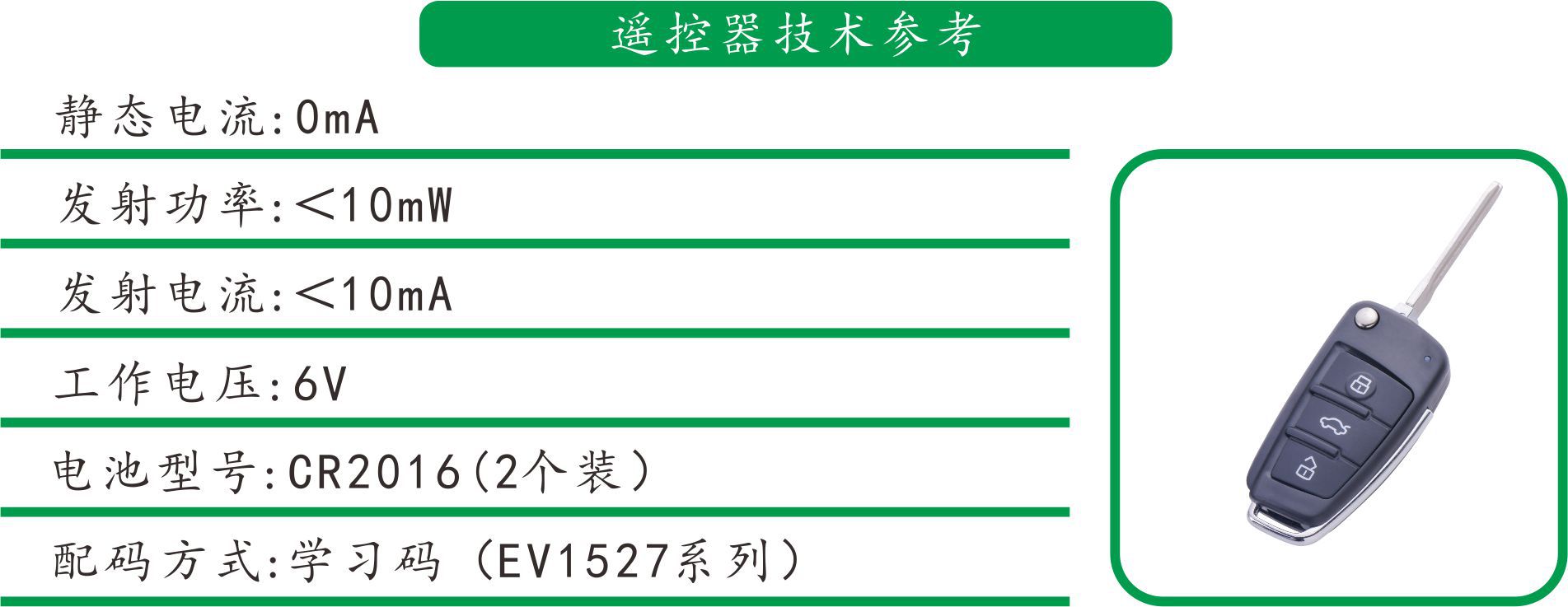
Press the learning button inside the main unit; the direction light will turn on, and then it will enter learning mode.
Press any button on the first remote control; the direction light will flash once, indicating that the learning code was successful.
Press any button on the second remote control; the direction light will flash once, indicating that the learning code was successful.
After two remote controls are successfully learned, the system will automatically exit the learning mode.
PROGRAMMING
1. Power window / Siren signal feature programming
Within 10 seconds of the main unit being connected to power, hold and press the LOCK or UNLOCK button on the remote control to program the features.
Lock: Power window is set to negative by default
Unlock: Siren negative
2. Auto central lock programming
Within 10 seconds after the main unit is connected to power, turn ACC to ON, hold and press the LOCK and UNLOCK buttons for 2 seconds, the direction light will turn on, and then press the remote control button to program:
Press the LOCK button: The ACC will turn on, and the door will lock automatically

Update time:


TOP