Search history
Clear allSearch by image
XDrag and drop an image here or upload an image
Max 5MB per image
UploadSign In | Join

Search history
Clear allSearch by image
XDrag and drop an image here or upload an image
Max 5MB per image
UploadSign In | Join
Yiwu Conor medical equipment Co., LTD 2yr.
Contacts Amina Chat
Mobile 15058651598
C19519879654

WhatsApp 19519879654
Boxed quantity: 180 pcs
Size: 55*48*39 cm
Gross weight: 16.5 kg, net weight: 15.5 kg
30 pieces per small box, double-punched corrugated paper
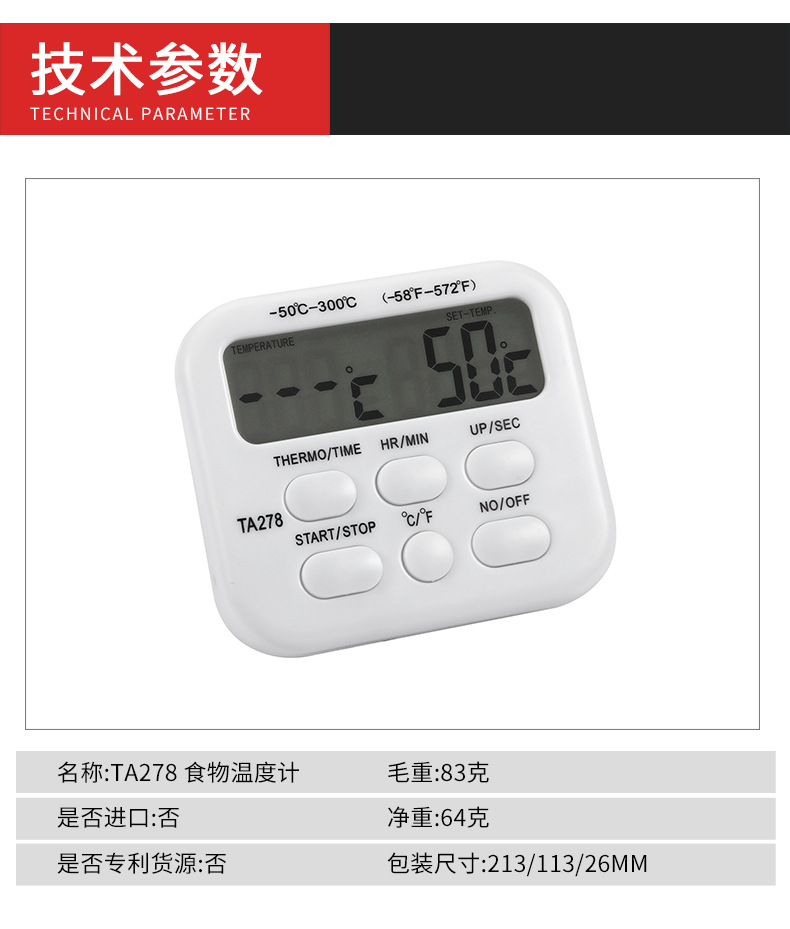
Weight per unit: 8.3 grams
Net weight: 64 grams
Packaging dimensions: 21.3 * 11.3 * 2.6 MM
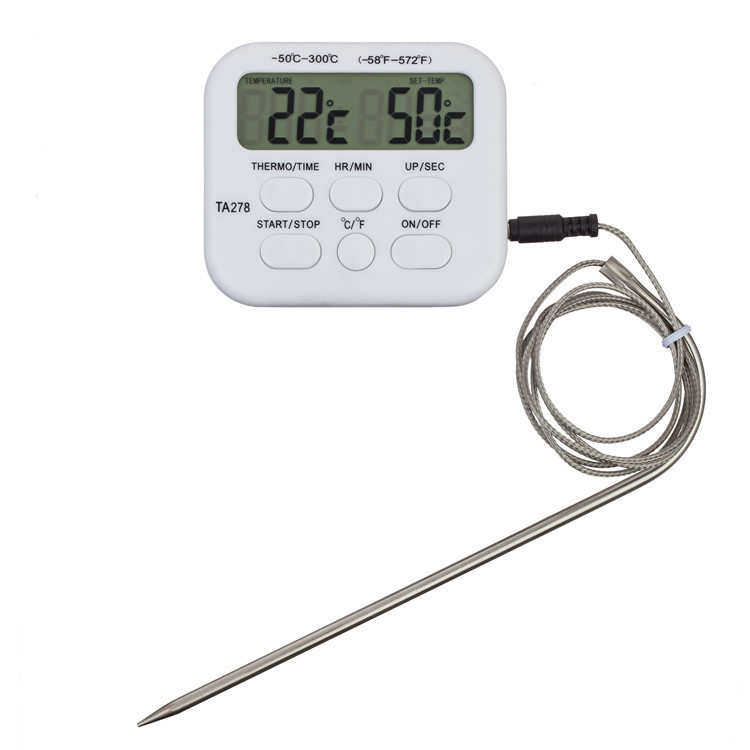
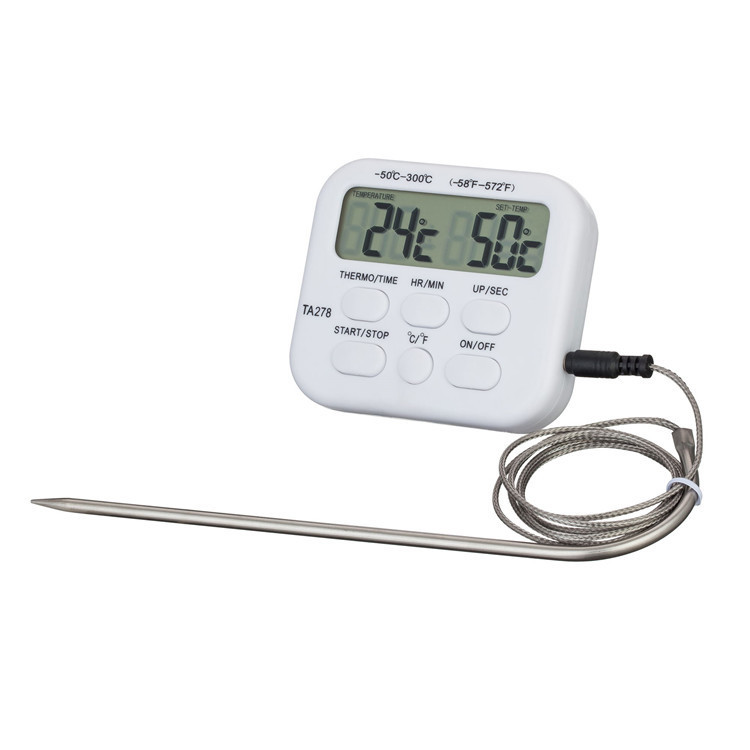
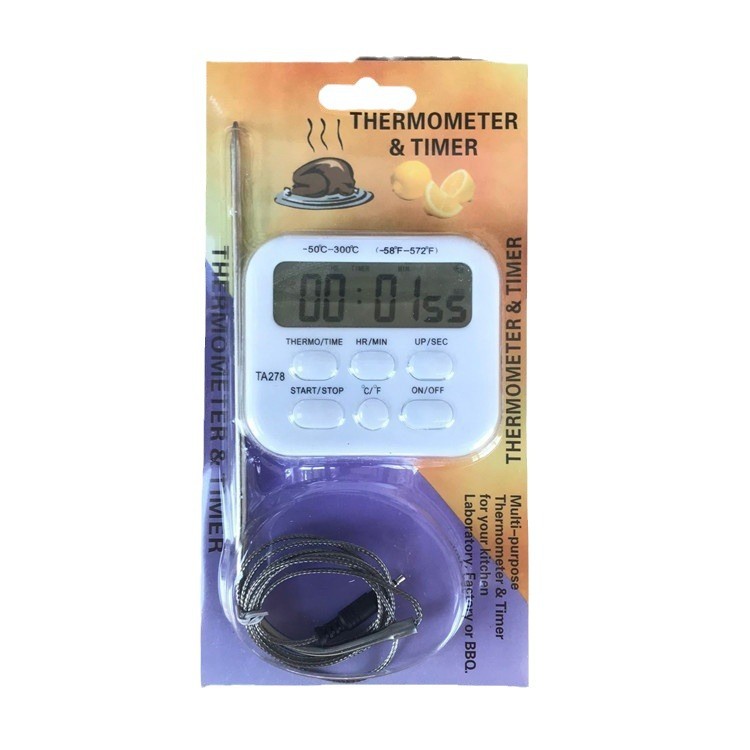
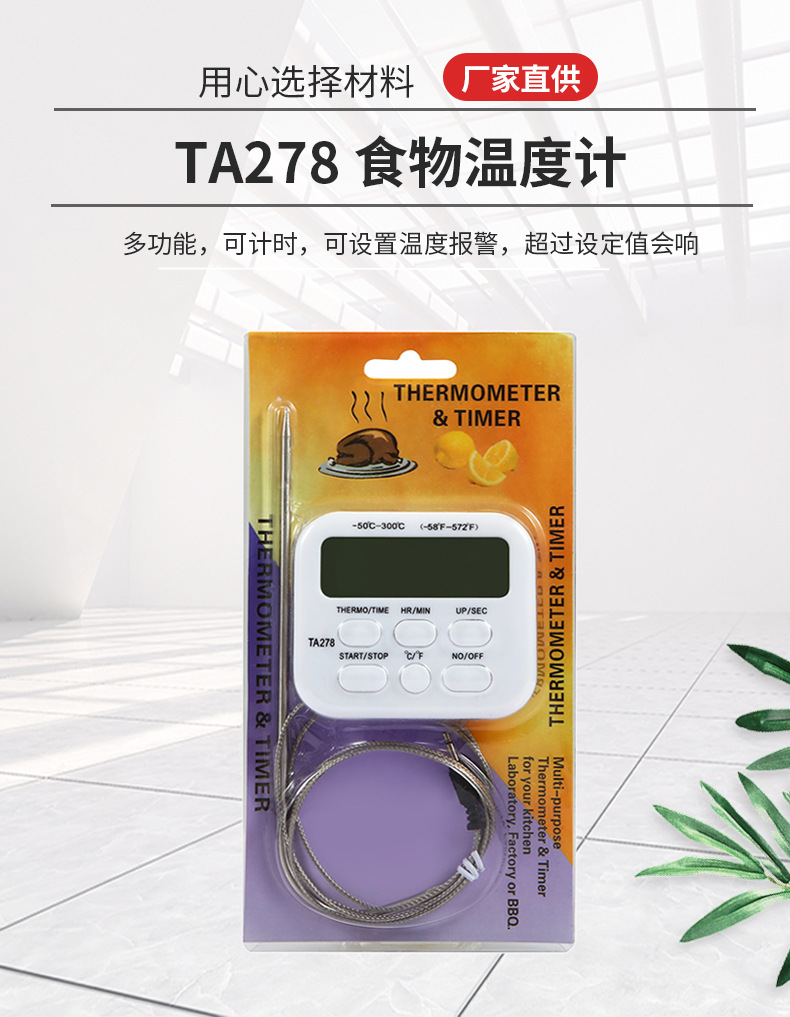
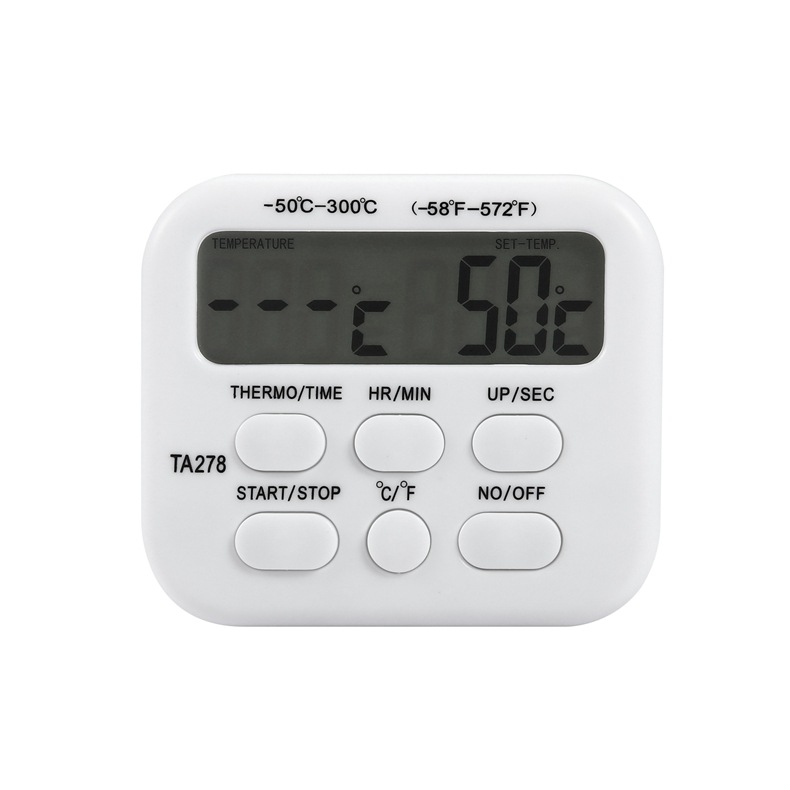
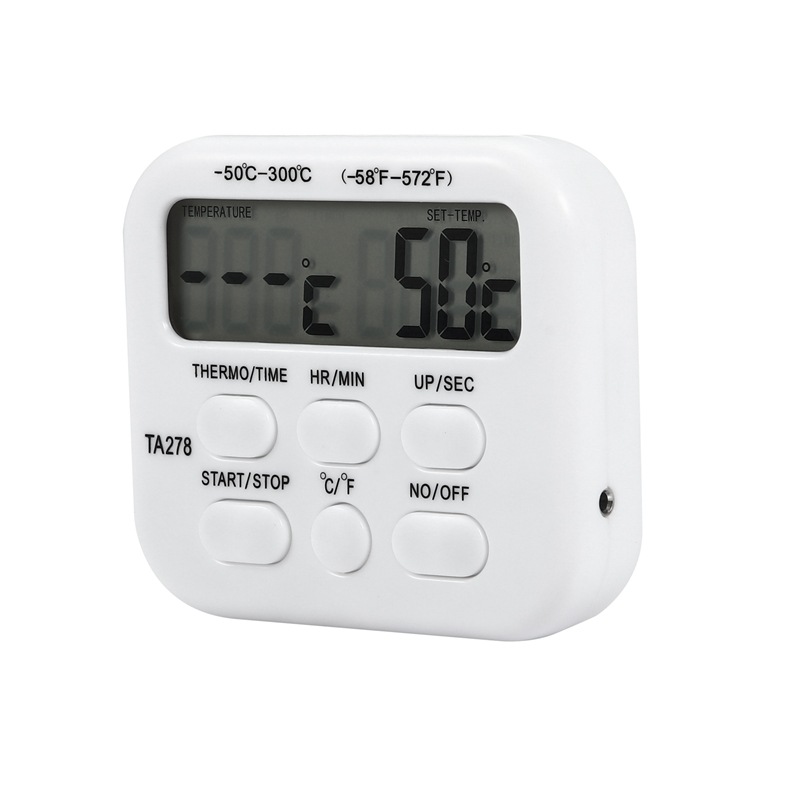
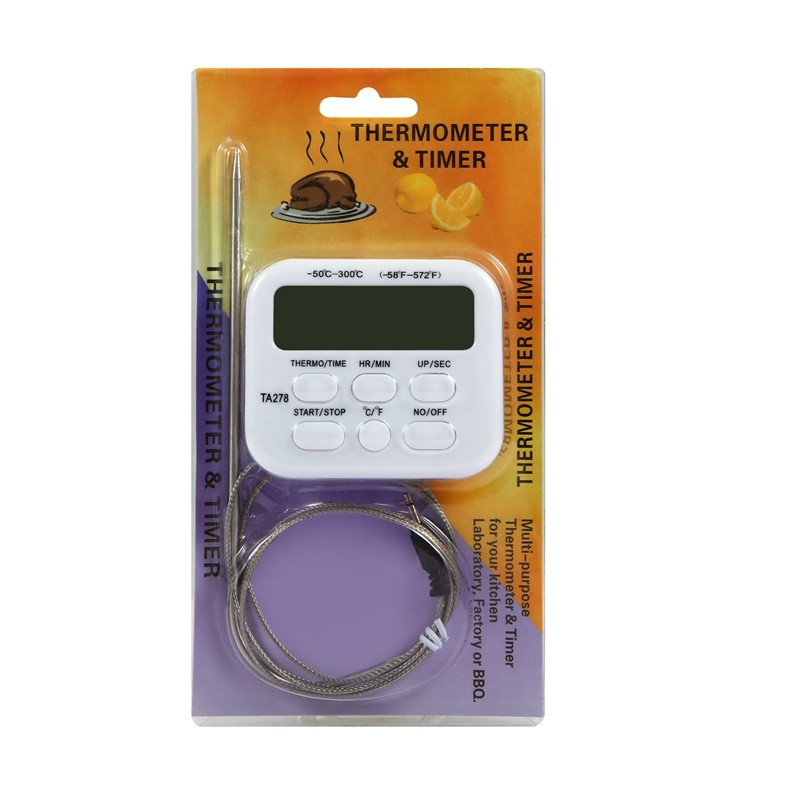
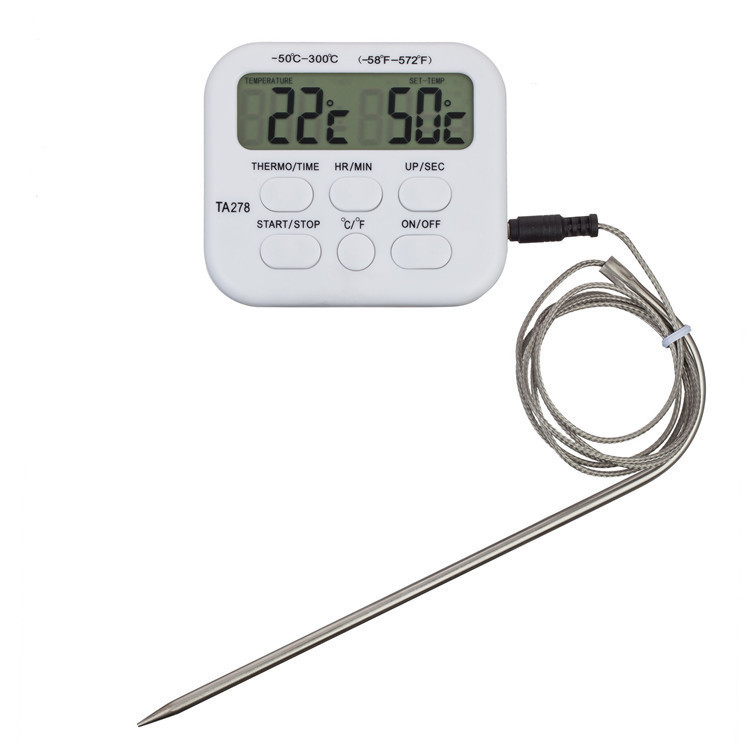
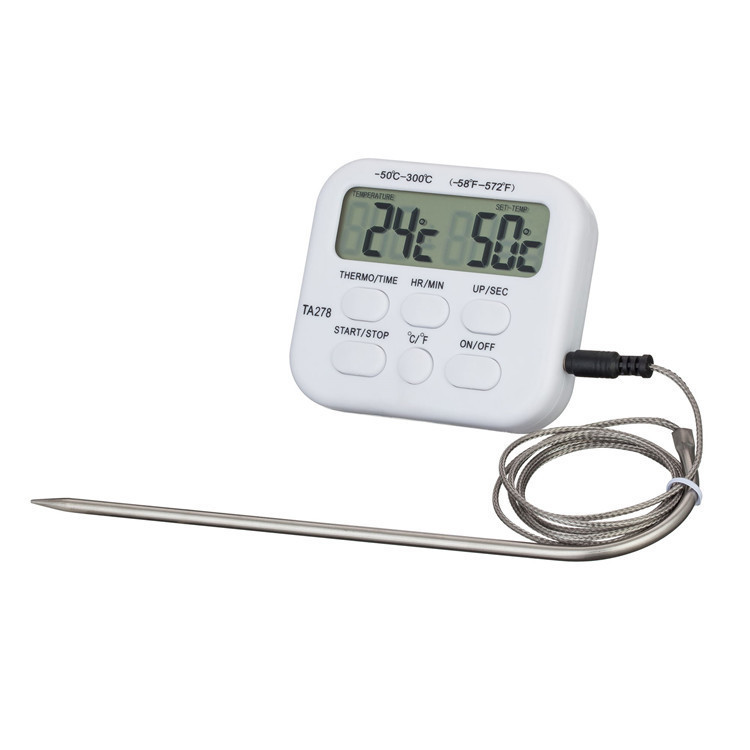
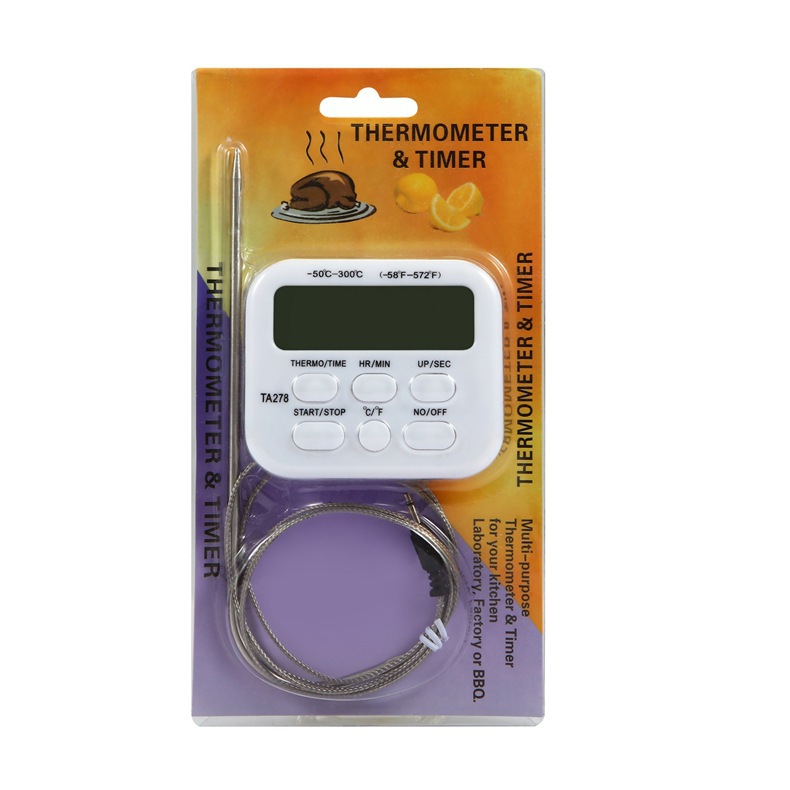
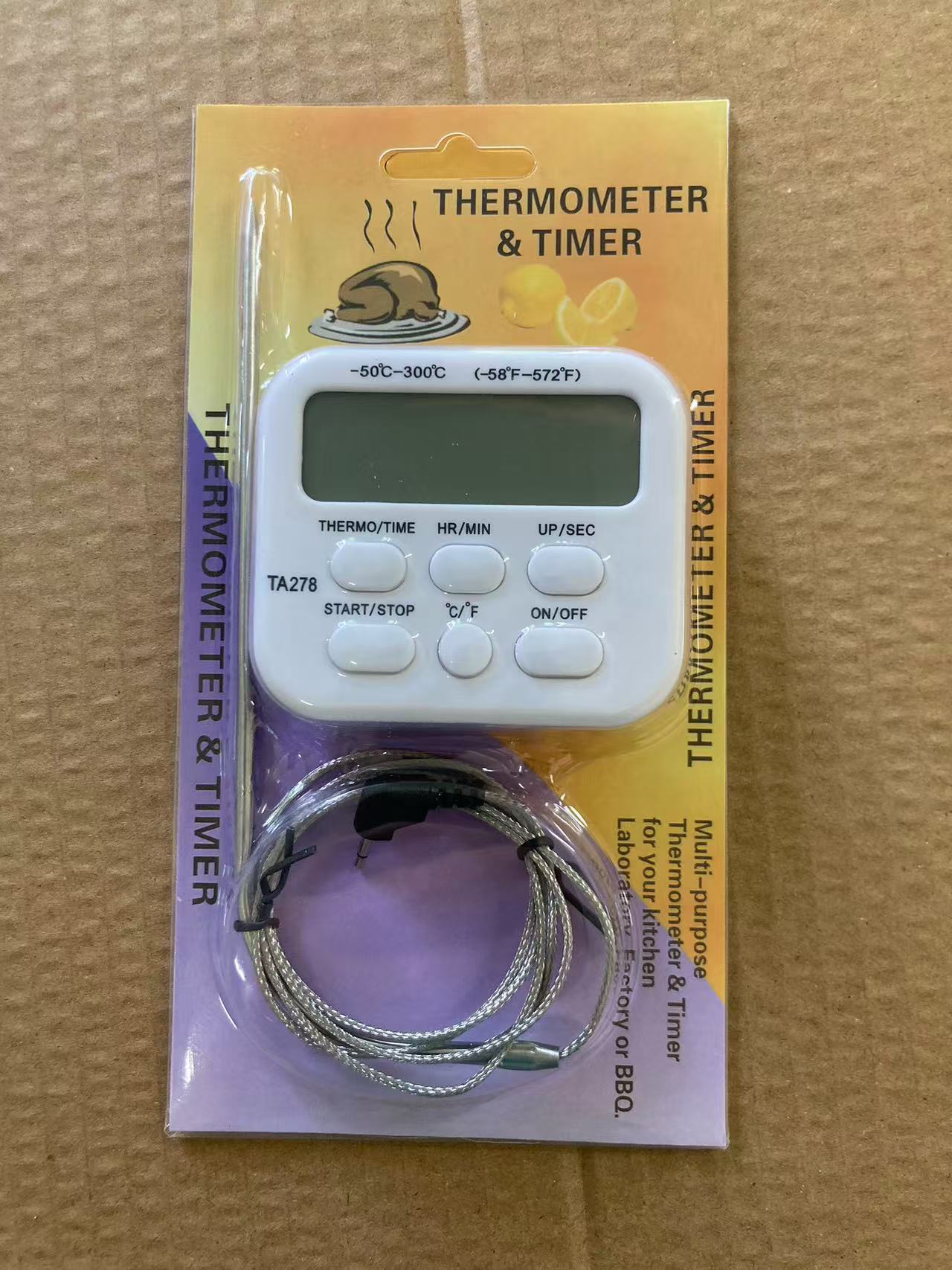
Thermometers and timers can be used in kitchens, laboratories, and factories. They have an ALARM function.
Temperature gauge range: -5°C to 300°C.
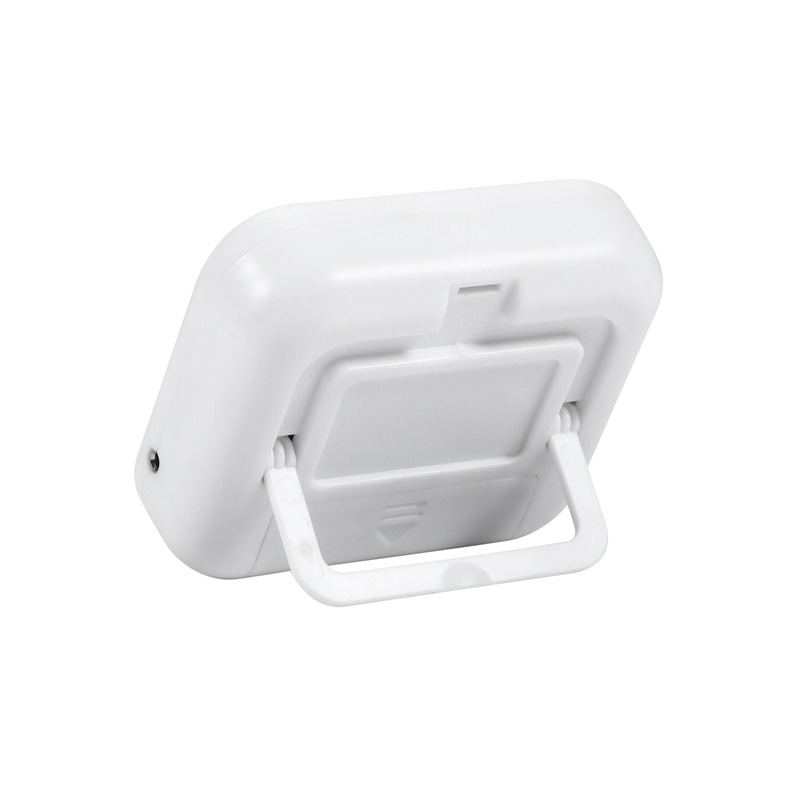
1: Install a 7-volt battery (AAA, 1.5VDC).
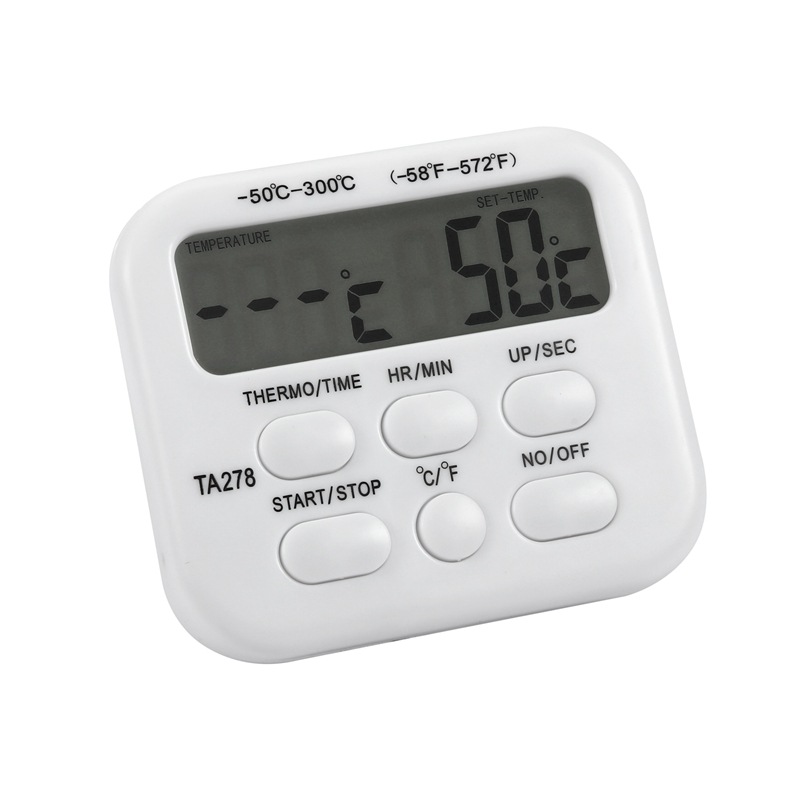
2: Move the TIMER-THERMO switch to the THERMAL position. The current temperature and the set alarm temperature will be displayed.
2 5℃← Current temperature
5 0℃← Set Mode
3: The built-in alarm temperature is 50°C; use the UP-DOWN buttons to set the appropriate temperature.
Press the UP key to increase the temperature value, and press the DOWN key to decrease it. Holding the UP or DOWN key allows for quick adjustments to either increase or decrease the temperature.
4: If an incorrect temperature is set, it can be reset by pressing the UP and DOWN keys simultaneously.
Note: Do not press the TIME—THERMO button once the thermometer has a set temperature, otherwise the set temperature will be canceled.
5: Press the START button once, and the alarm preparation mode will replace the set mode.
6: When the current temperature reaches the set value, the alarm sound will play. Press the STOP button once, and the alarm sound will stop.
Usage of the timer:
This timer can be set for hours, minutes, and seconds. The maximum setting is 99:59:59.
1: Move the TIME key to the TIME position, and the selected mode will be displayed as:
00:00 00←Set mode
2: Pressing MIN and SEC simultaneously allows for resetting the timer value (repeating the above operation can stop or reset the setting)
3: Set the interval using the MIN and SEC keys.
Set the minutes and hours according to the MIN value, and the seconds according to the SEC value.
If the SEC or MIN is held down, the corresponding value increases rapidly. When the minute value reaches 60, the hour value automatically increases by 1.
4: When you set an incorrect time, resetting allows you to reconfigure it (refer to step 2).
5: When you have set the correct time, press the START button once.
Note: Once the timer is set, do not press the TIMER—THERMO button, otherwise the scheduled time will be canceled.
6: When the alarm standby mode replaces the set mode, the timer begins the countdown.
7: Alarms will start when the countdown reaches 00:00 00:00 00:00.
8: Press STOP once at this time to stop the alarm.
9: Press Reset to return the timer to its initial setting mode.
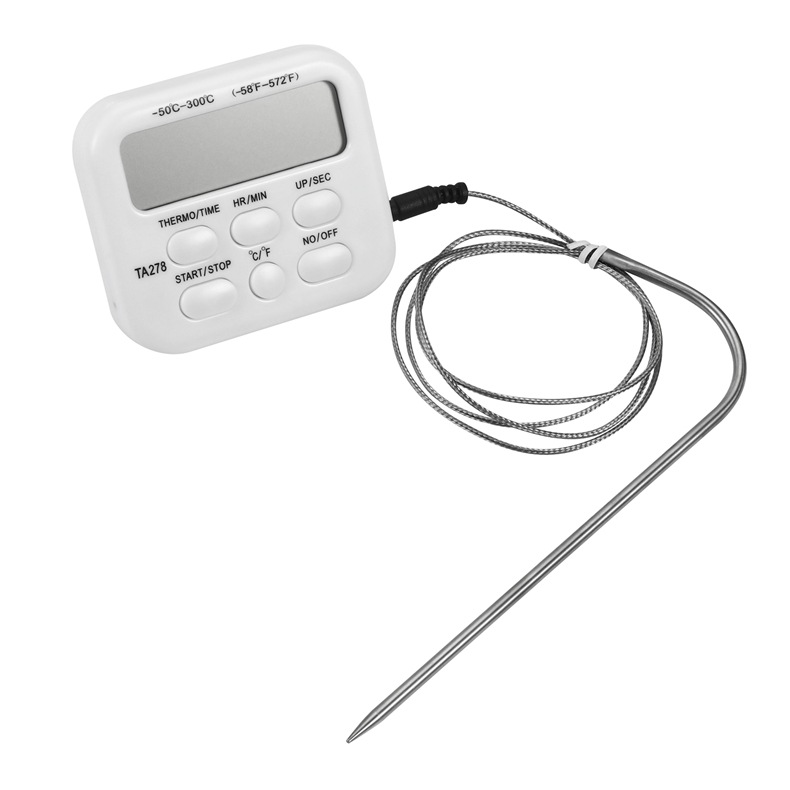
10: Includes a 1.1-meter sensing cable. (Do not use this product to test objects above 300°C.)





Update time:


TOP