Search history
Clear allSearch by image
XDrag and drop an image here or upload an image
Max 5MB per image
UploadSign In | Join

Search history
Clear allSearch by image
XDrag and drop an image here or upload an image
Max 5MB per image
UploadSign In | Join
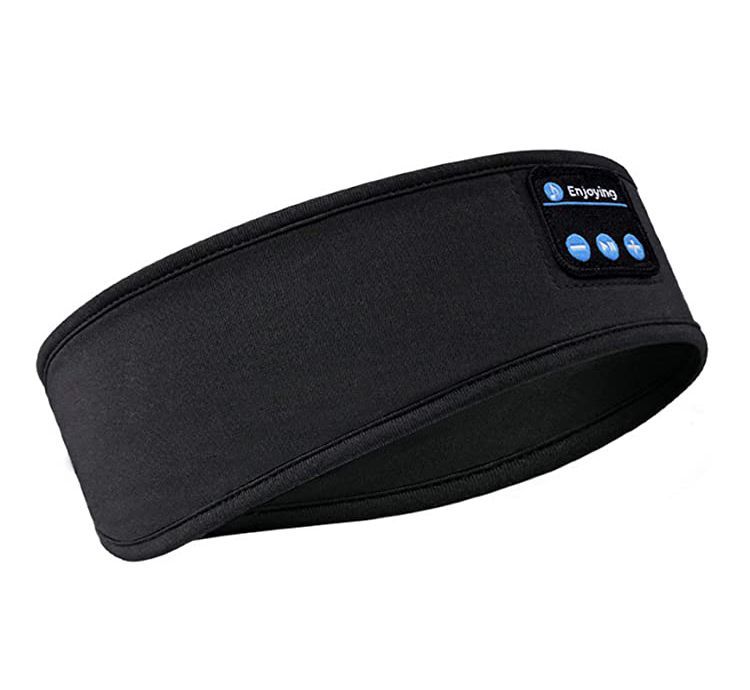
 black
black
黑色 |
CN¥ 0.0 |
 heather gray
麻灰 |
CN¥ 0.0 |
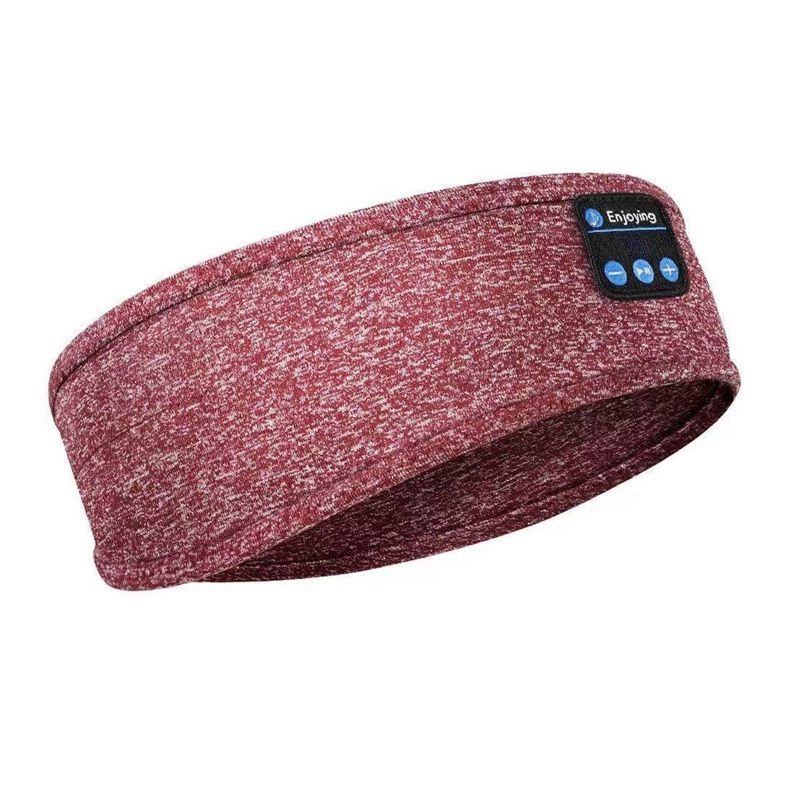
 red
red
红色 |
CN¥ 0.0 |
 blue
blue
蓝色 |
CN¥ 0.0 |
Hardware tools Power tools 003 15yr.
Contacts yu she wu jing 03 Chat
Mobile 18979845276
18979845276

WhatsApp +86 19198377156
Precautions
1.Please avoid using and storing items that are acidic, alkaline, or have sharp edges.
2.Please keep the device dry
3.Please keep your device clean and store it with a desiccant after use.
4.Please take out the headphones before washing up.
5.Do not disassemble, modify, or alter the device individually
6.Please do not throw or drop it
FunctionIntroduction
WillmicroofUSBInsert the port into the headset, and thenUSBdata cableUSBThe port is connected to the computer, at this timeLEDThe light will turn red, whenLEDWhen the light turns blue, it indicates that the Bluetooth headset is fully charged. Please unplug the data cable.
Power on
Press the power on button2-3Second, Bluetooth headphonesLEDThe red and blue lights flash alternately.
Shut down
In power-on mode, press the power on button2-3Second, whenLEDRed light flashing3After turning off, the red light goes out, and the Bluetooth earphones turn off.
Bluetooth Hat Bluetooth Connection Instructions:
Power on and Bluetooth connection
Automatic pairing
Pause and Playback
Bluetooth hat technical specifications:
Bluetooth Version:5.0
BluetoothPair Name:BT-03S
Bluetooth Solution: Lanxun
Bluetooth transmission range:10rice
Headphone channel: Stereo(2.0)
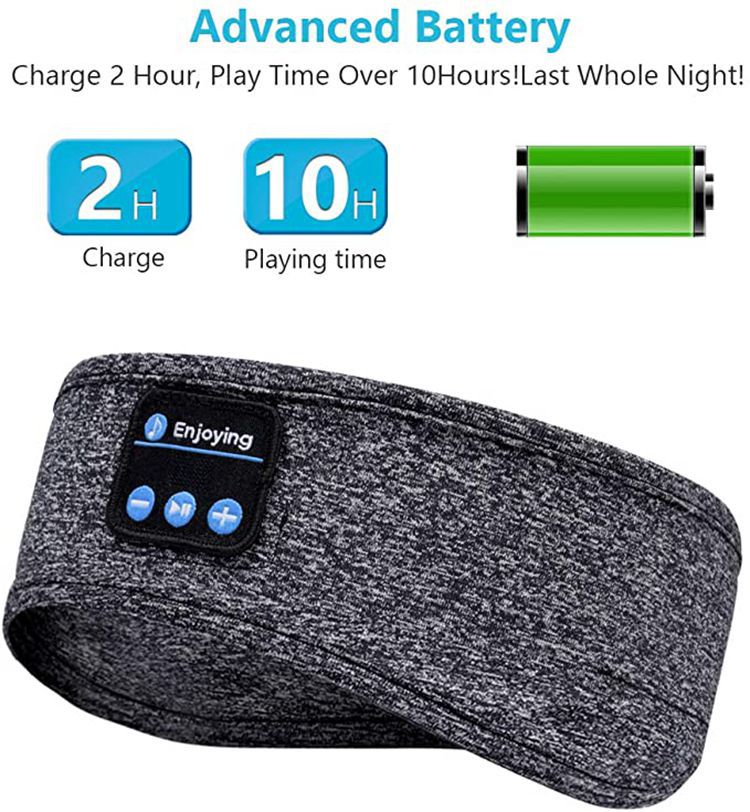
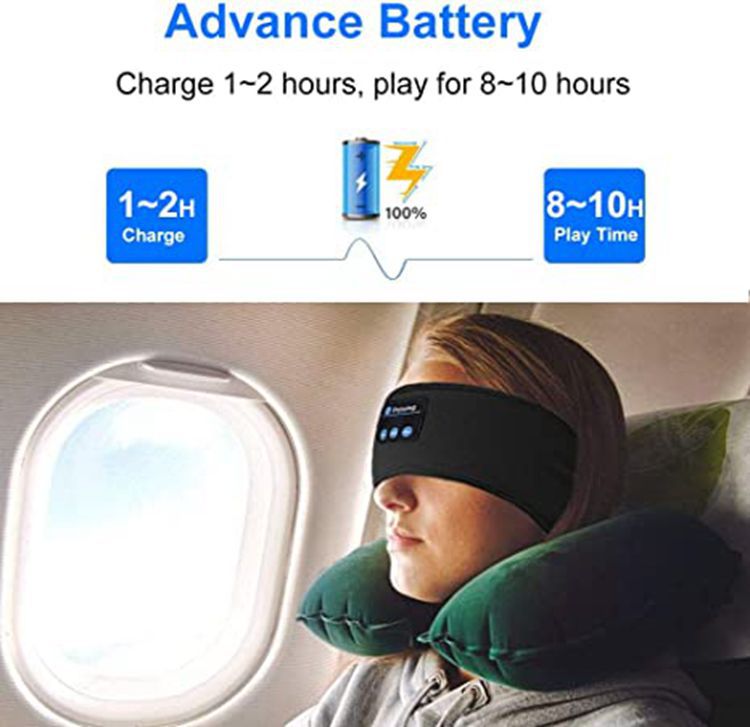
Music playback level: Maximum volume7H,Medium volume10hour
Microphone distance:1rice
Bluetooth standby time:72H
Battery capacity:150 mAh/h
Battery Power:0.55W
Speaker impedance:32Ohm
Speaker power:0.02W
Frequency Range<t_XXXXXXXXX> <t_XXXXXXXXX>2.4 – 2.4835 GHz
Charging Time:1-2hour
Maximum input voltage:DC 5V
Maximum input current:1 50mAh
Maximum Input Power:0.55W













Update time:


TOP