Search history
Clear allSearch by image
XDrag and drop an image here or upload an image
Max 5MB per image
UploadSign In | Join

Search history
Clear allSearch by image
XDrag and drop an image here or upload an image
Max 5MB per image
UploadSign In | Join
 black
black
黑色 |
CN¥ 0.0 |
Product Features:
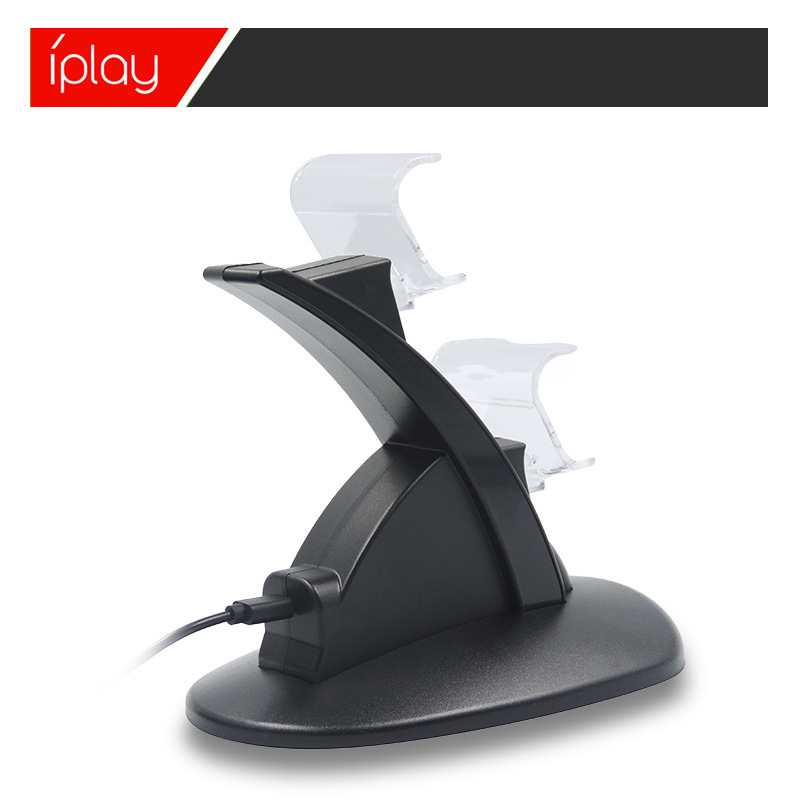
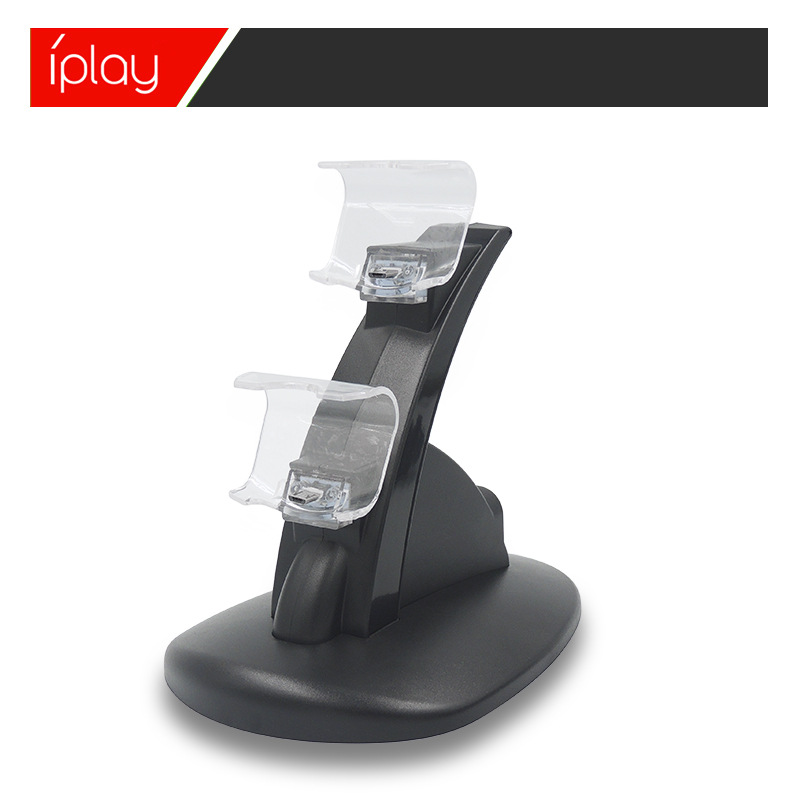
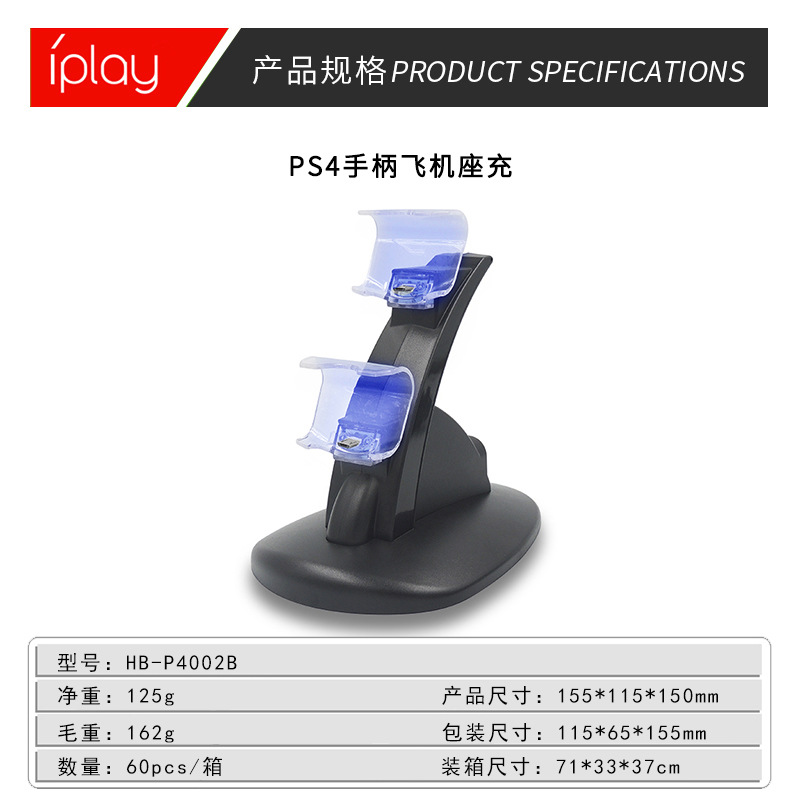
With blue lights, it automatically turns off after being fully charged to protect the handle.
Product Instructions:
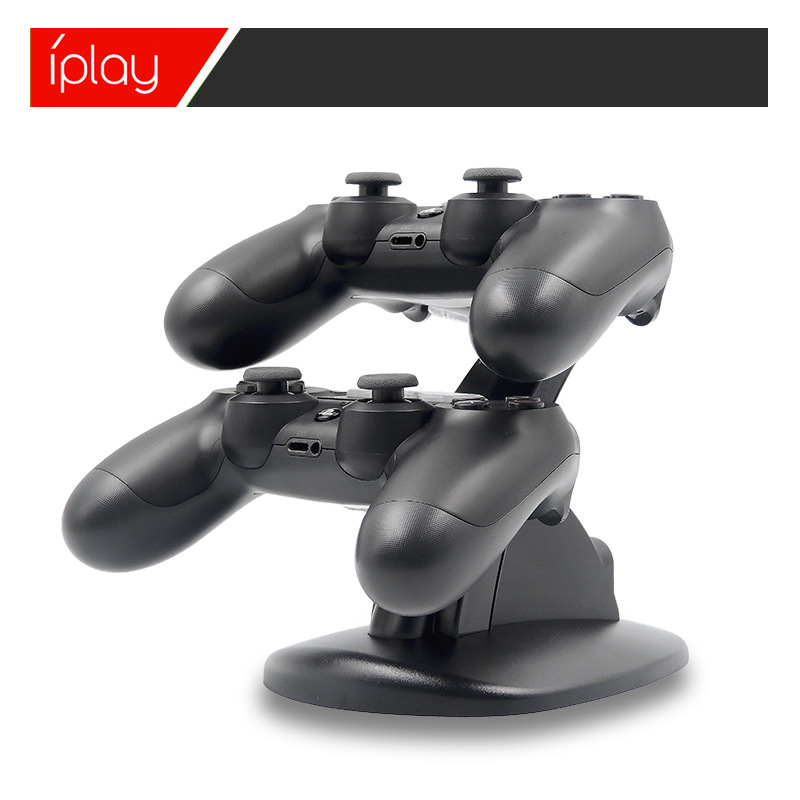
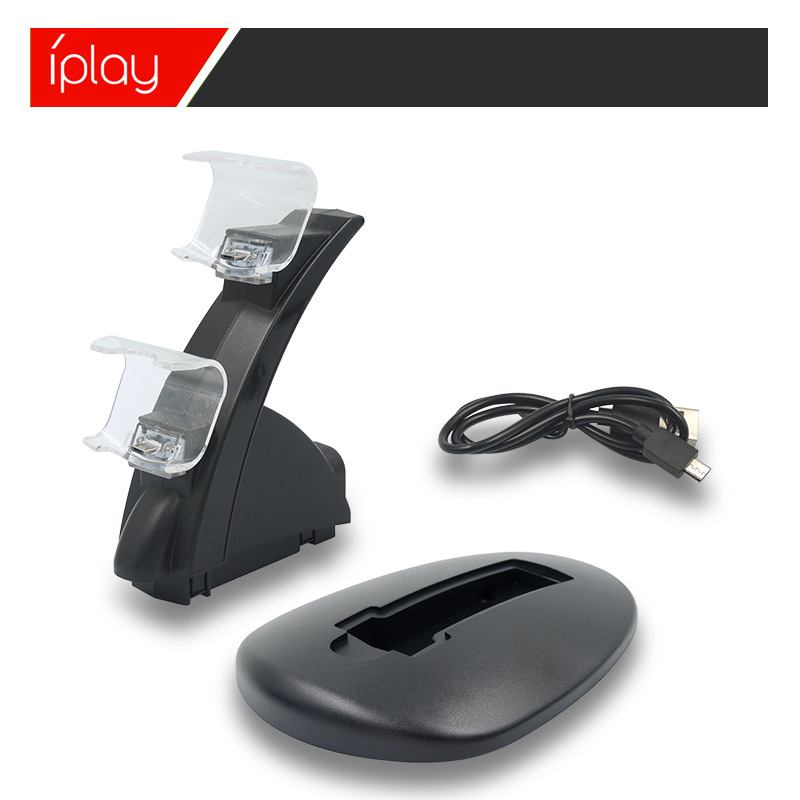
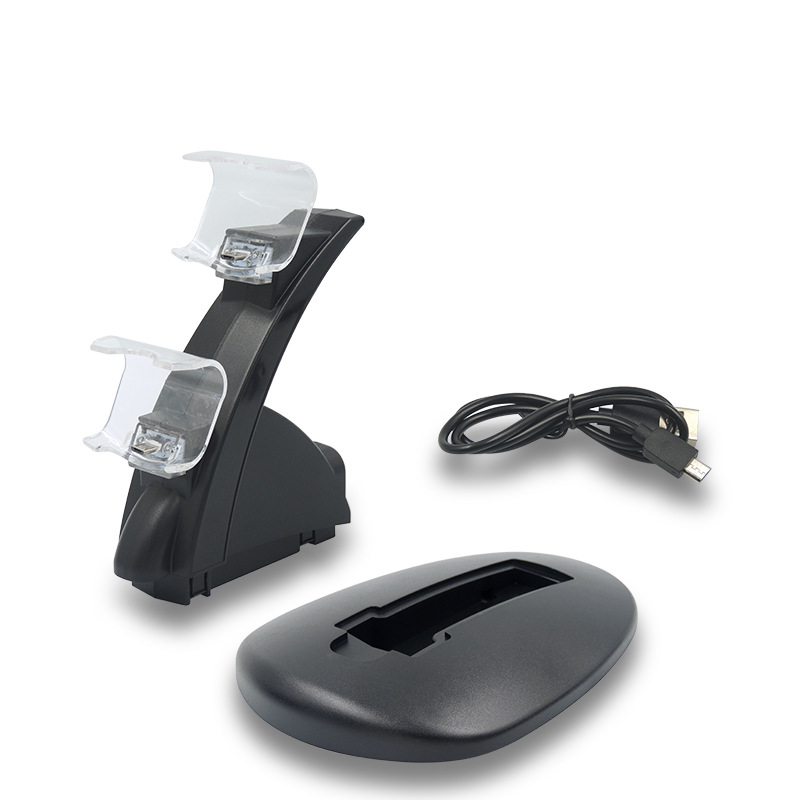
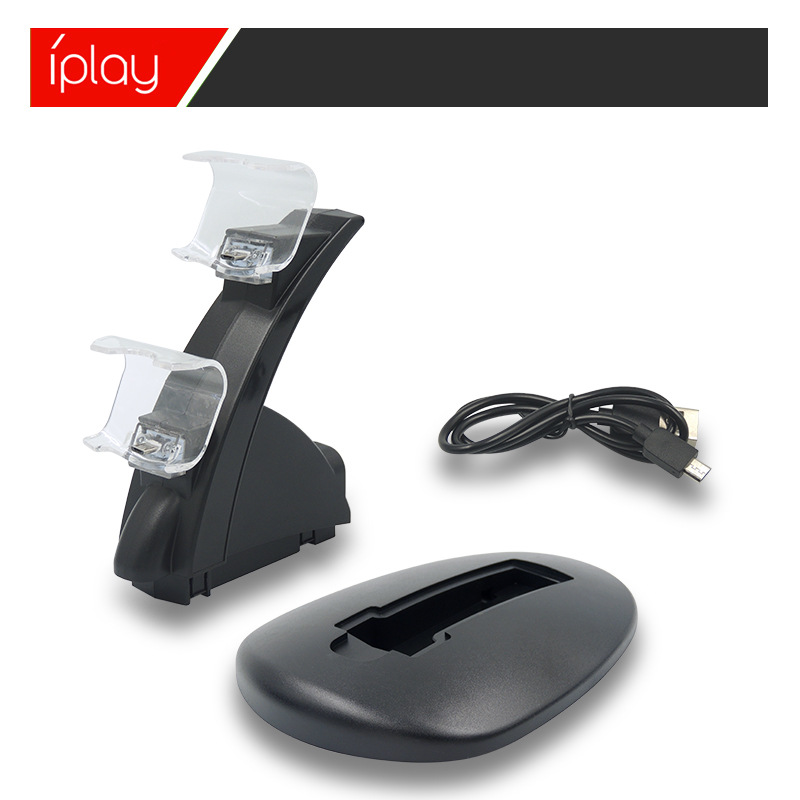
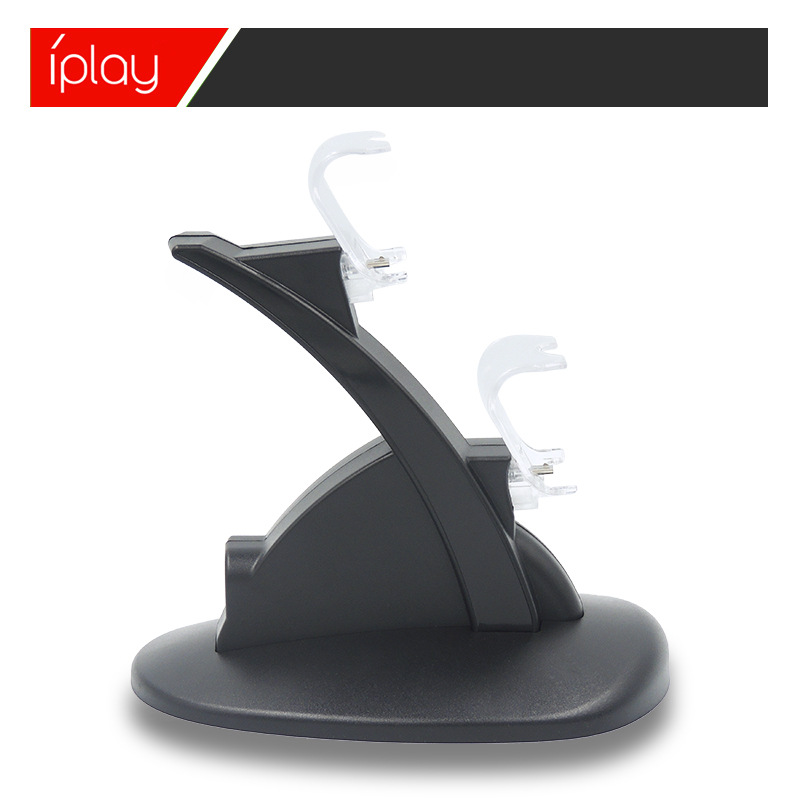
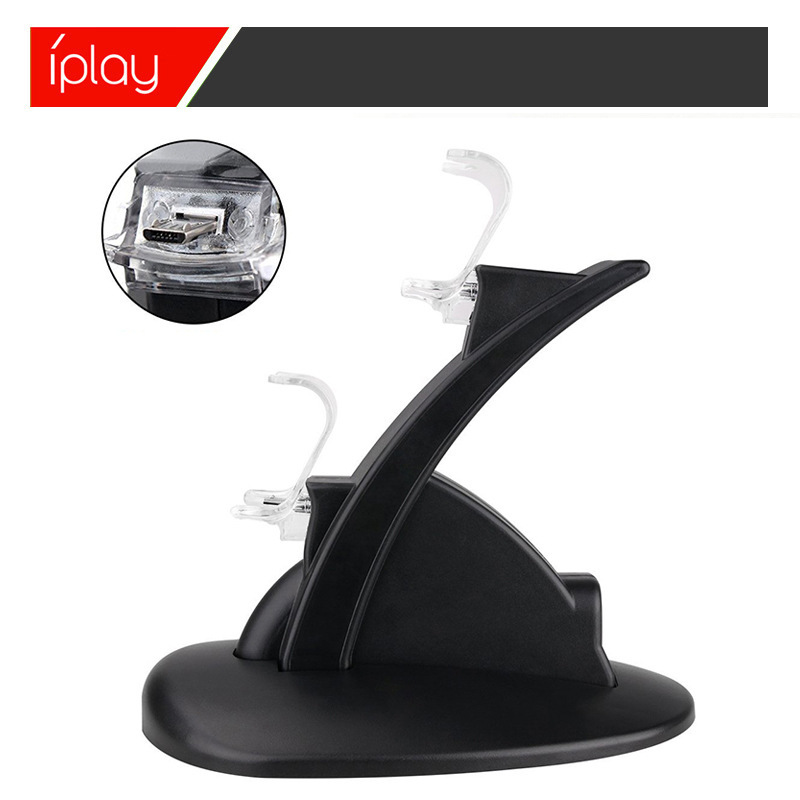
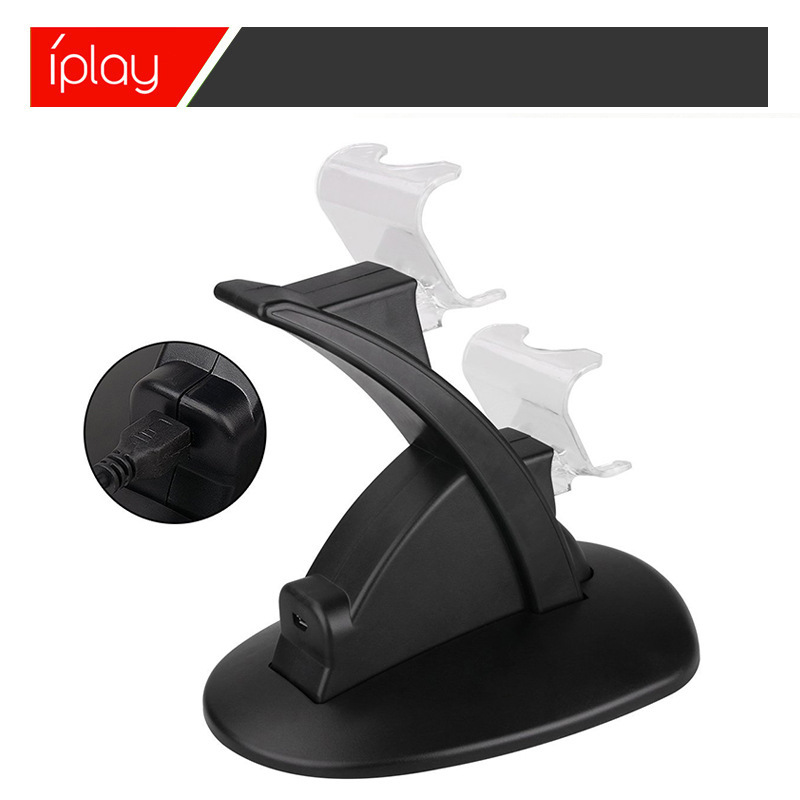
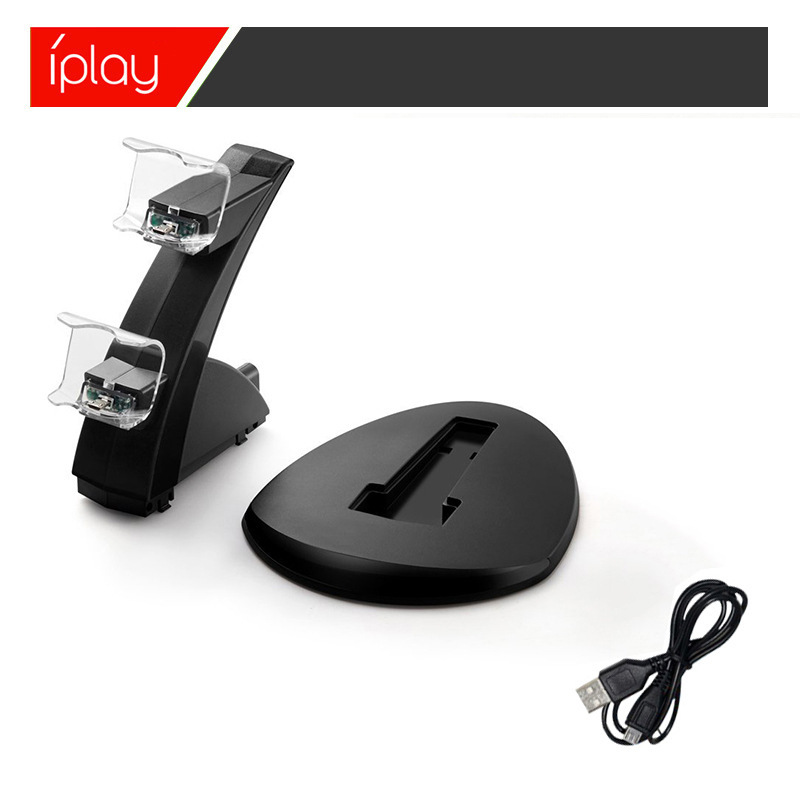
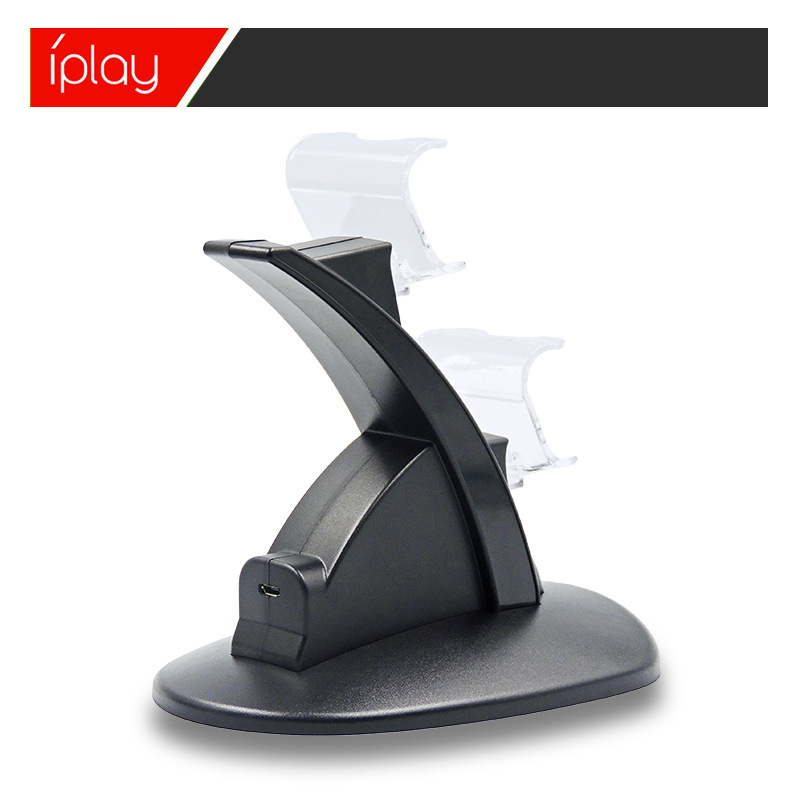
1. Insert the USB plug of the product charging cable into the PS4 console, or into the USB port of a computer and other standard DC5V power adapter. Plug the MICRO male end of the charging cable into the MICRO female end of the product charging port to begin powering the product.
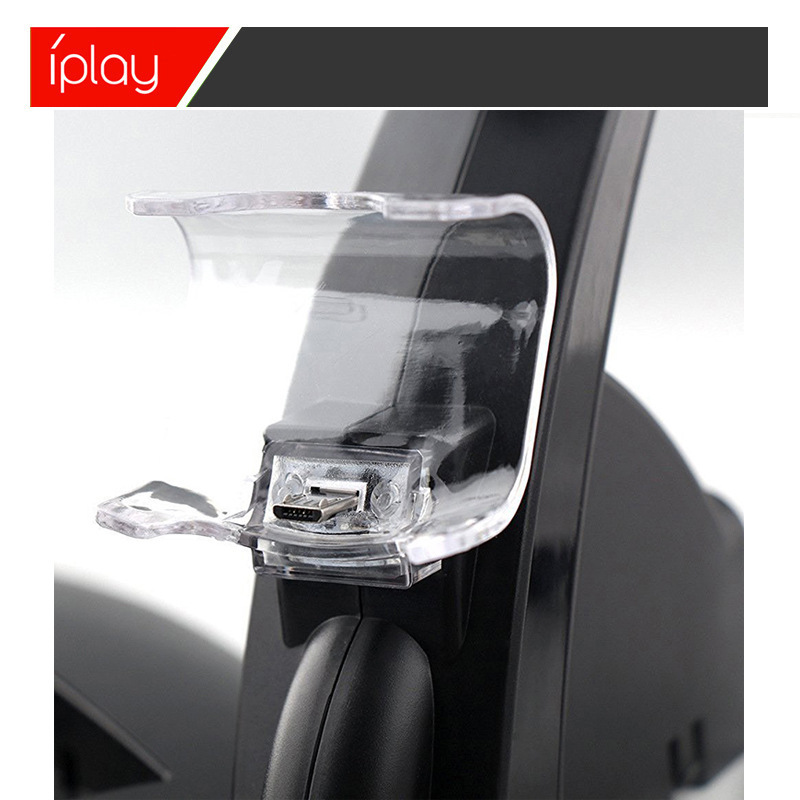
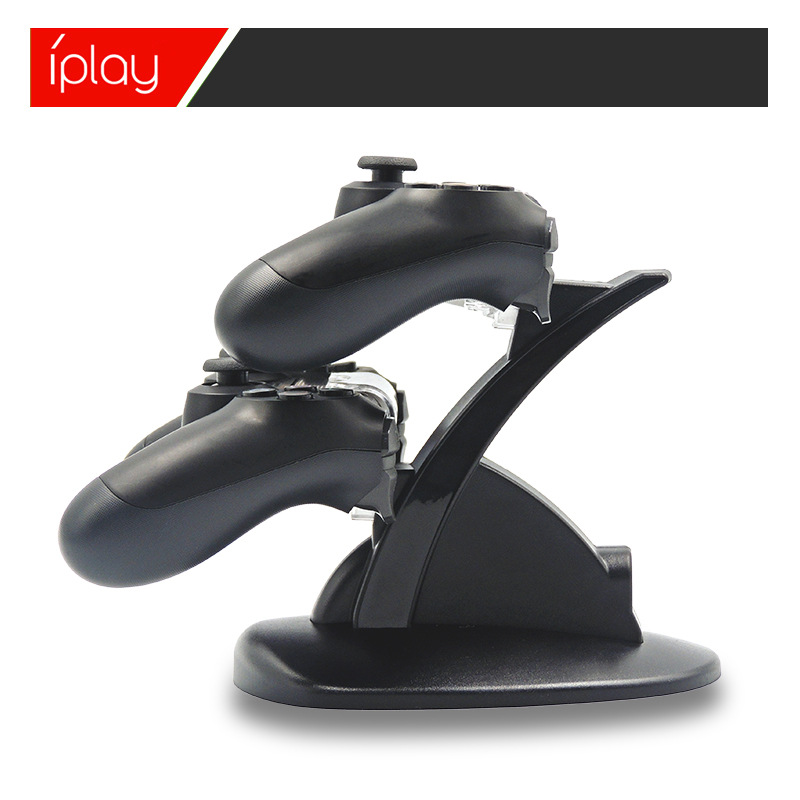
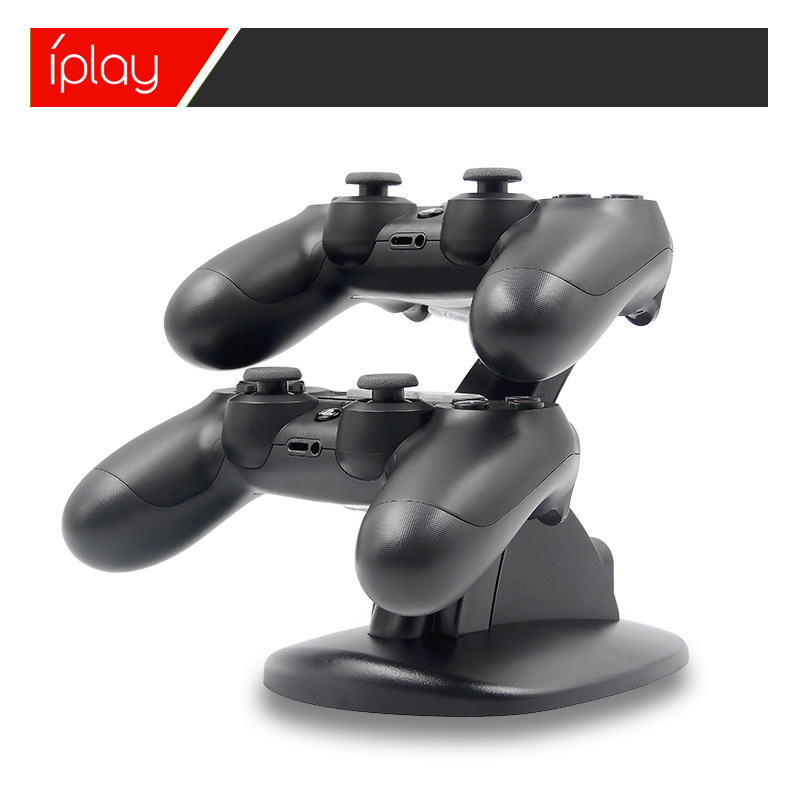
2. Install the PS4 controllers in an inverted position on the product, ensuring the MICRO port is inserted correctly into the charging slot to charge the device; both controllers can be charged simultaneously. The charging slot can indicate the charging status of the controller lights, and when the charging lights on the controllers are on, it means the product is charging the battery pack.
3. When the PS4 controller is charging, the charging indicator light is blue. The PS4 controller can control its charging status independently; it automatically charges if the battery level is low, and turns off automatically once fully charged to protect the controller.


Update time:


TOP