Search history
Clear allSearch by image
XDrag and drop an image here or upload an image
Max 5MB per image
UploadSign In | Join

Search history
Clear allSearch by image
XDrag and drop an image here or upload an image
Max 5MB per image
UploadSign In | Join
 black
black
黑色 |
CN¥ 0.0 |
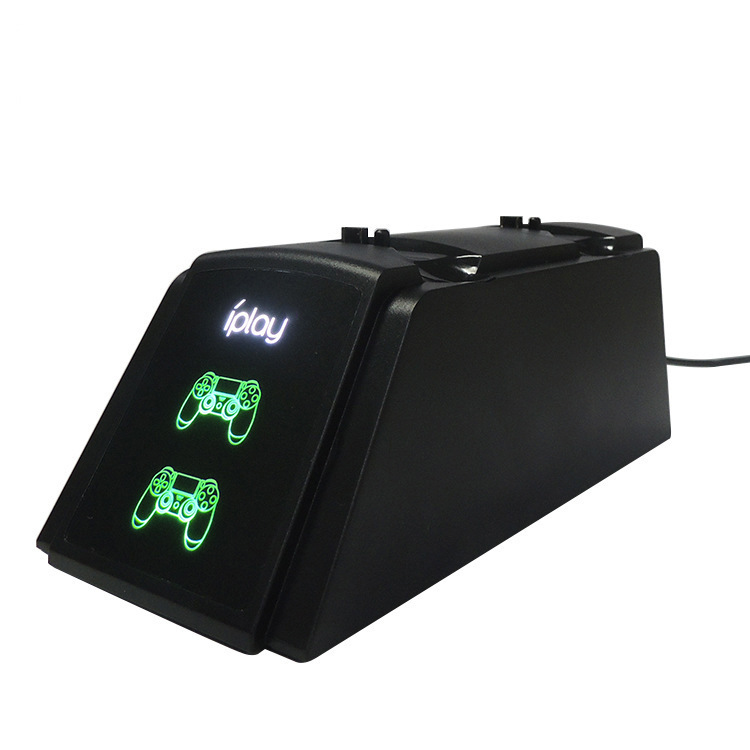
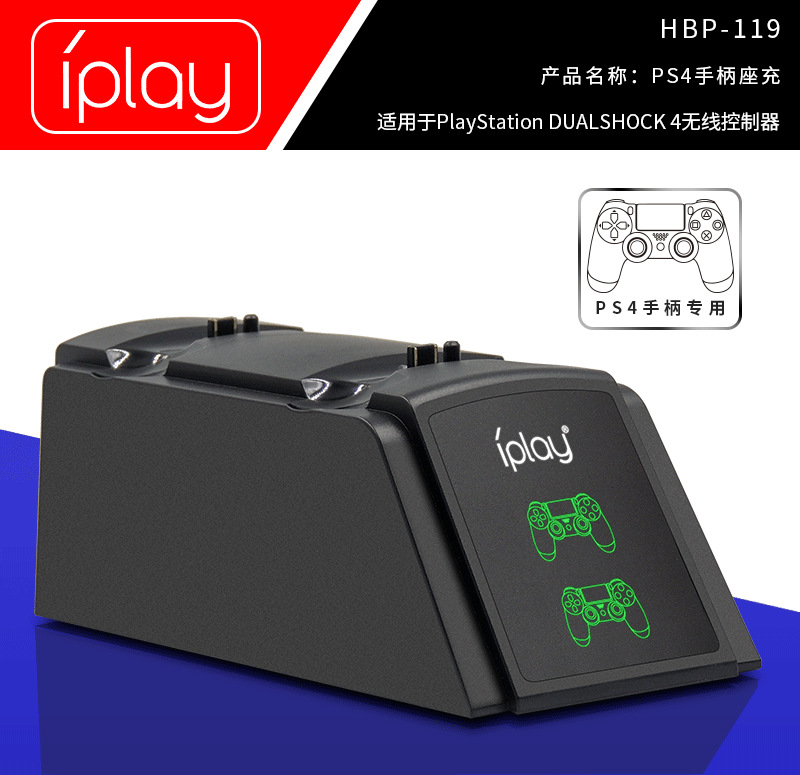
Product Brand: IPLAY
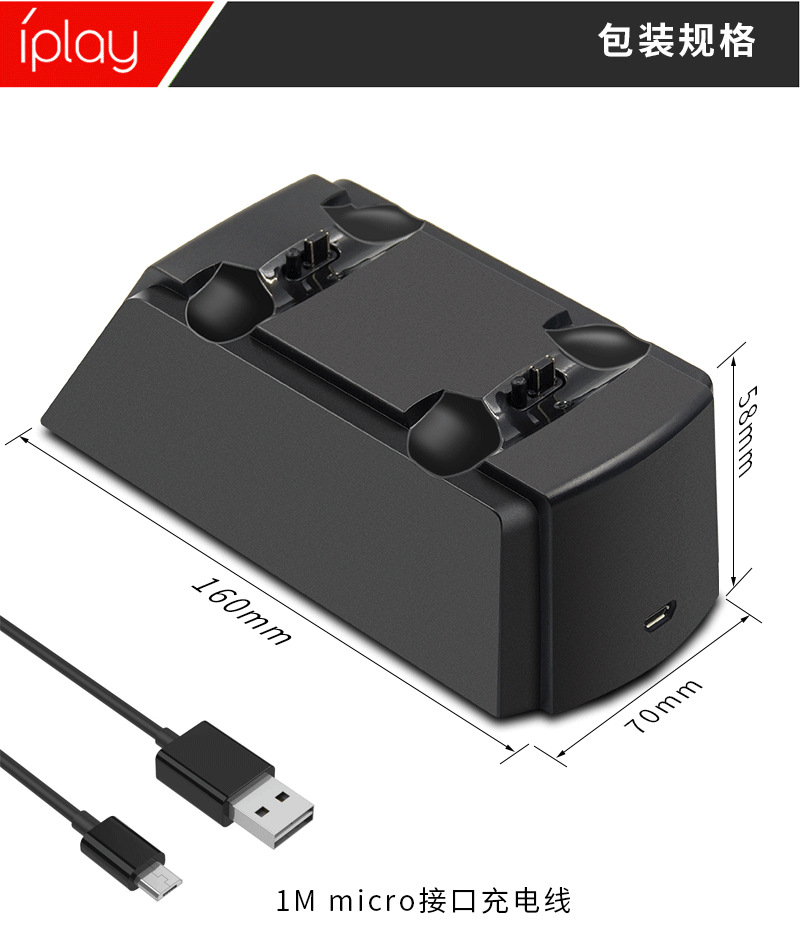
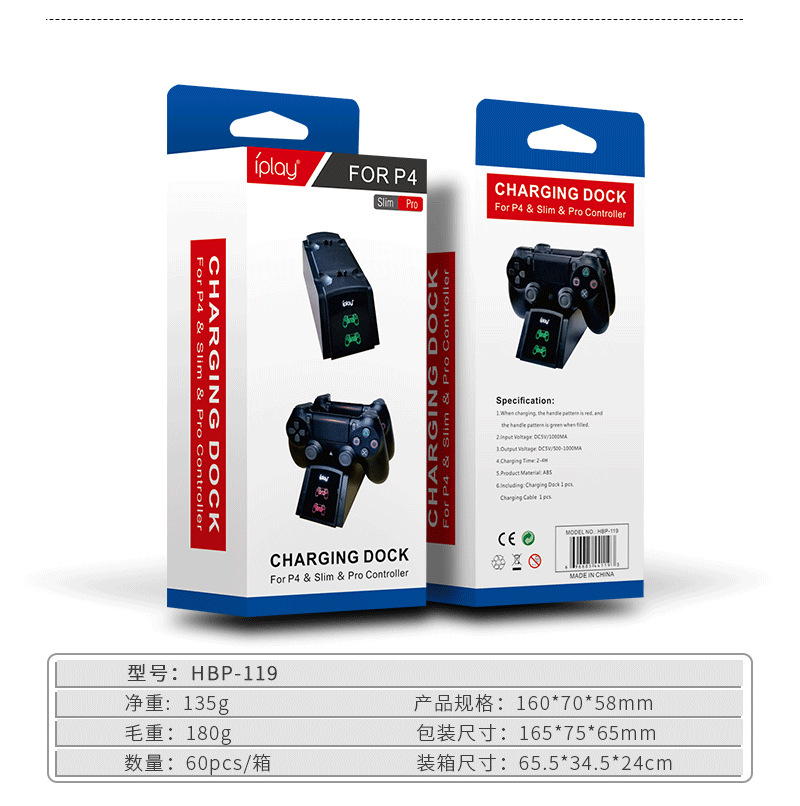
Product net weight: 135g
Weight of the product: 180g (stand charging, charging cable, colored box)
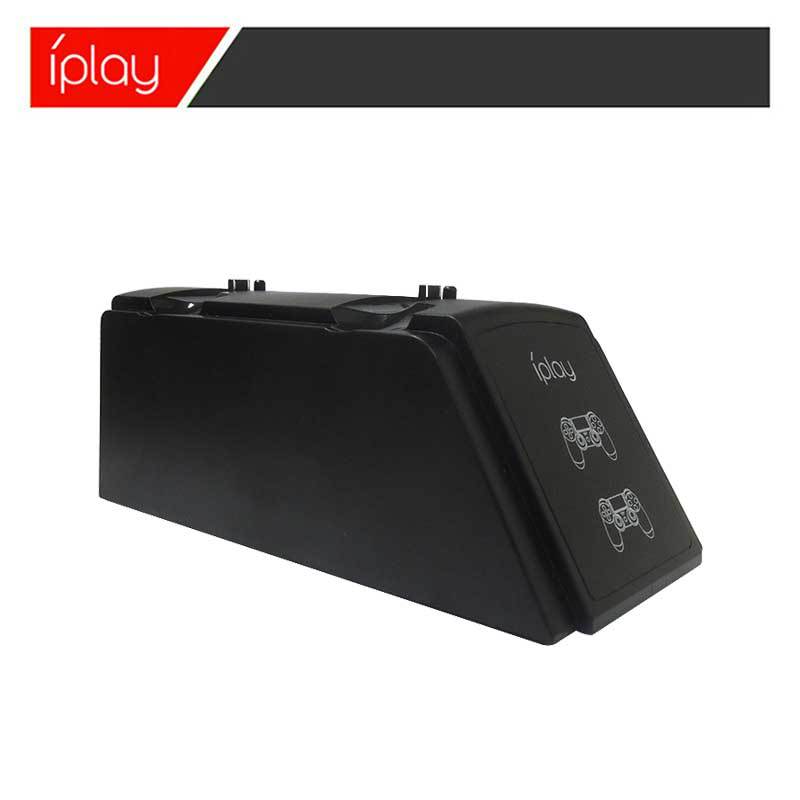
Product dimensions: 160*70*58 mm
Packaging dimensions: 165*75*65 mm
Packaging quantity: 60 pcs per box
Packaging weight: 11.5 kg
Packaging dimensions: 65.5 * 34.5 * 24 cm
Product material: ABS
Additional Features: One with Two
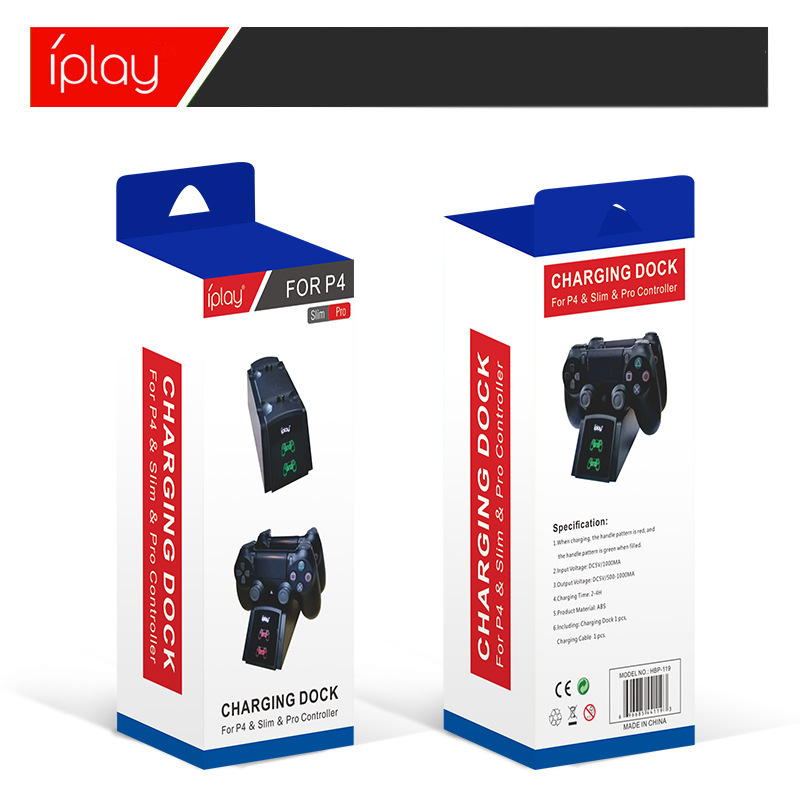
Input Voltage: DC5V/1000MA
Output voltage: DC5V/500-1000mA
Charging time: 2-4 HOURS
Package List: Charging Case *1 + Charging Cable *1
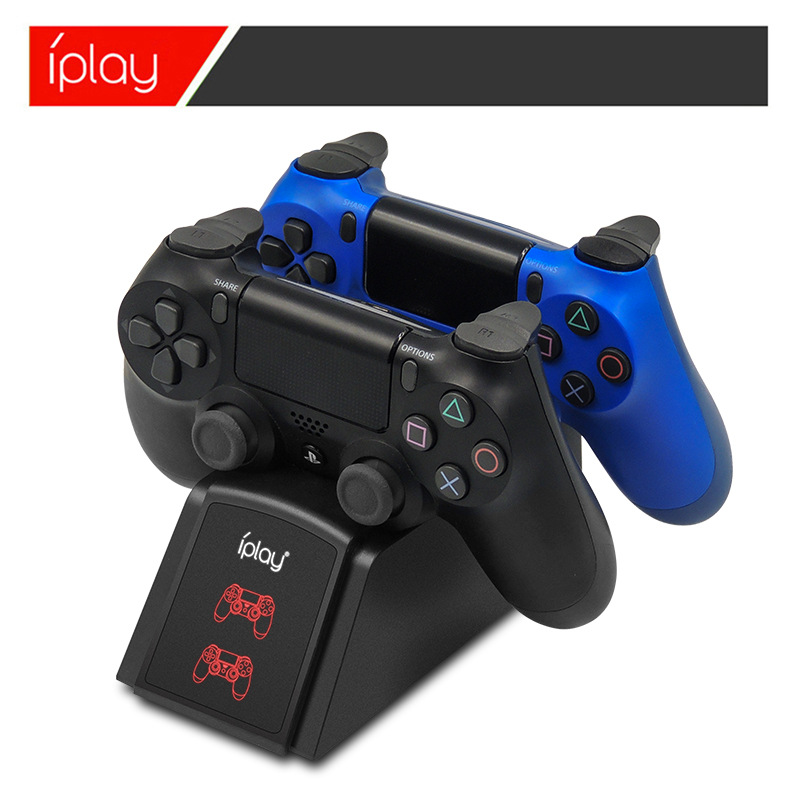
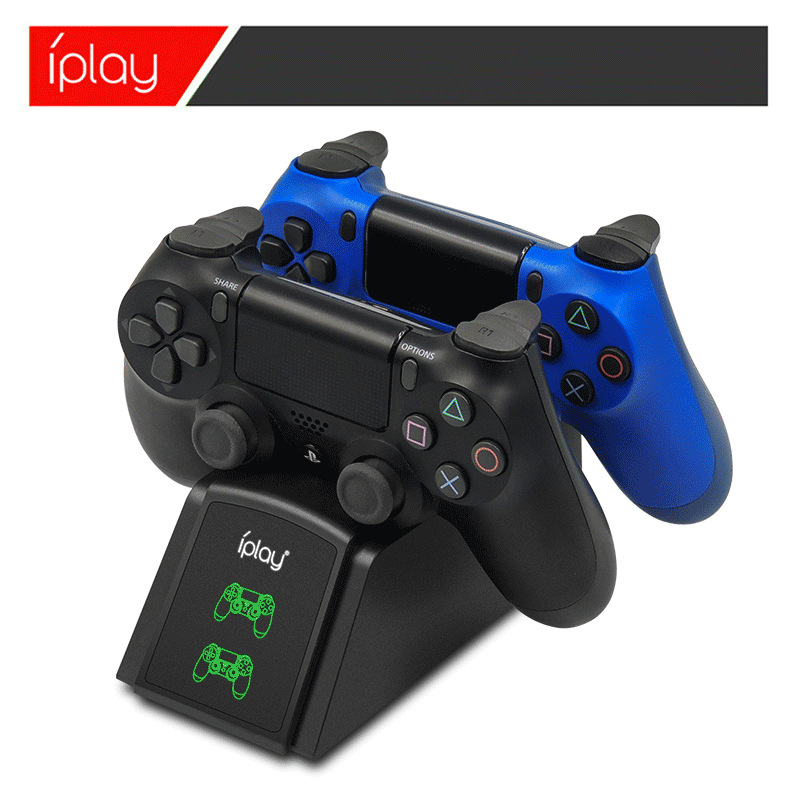
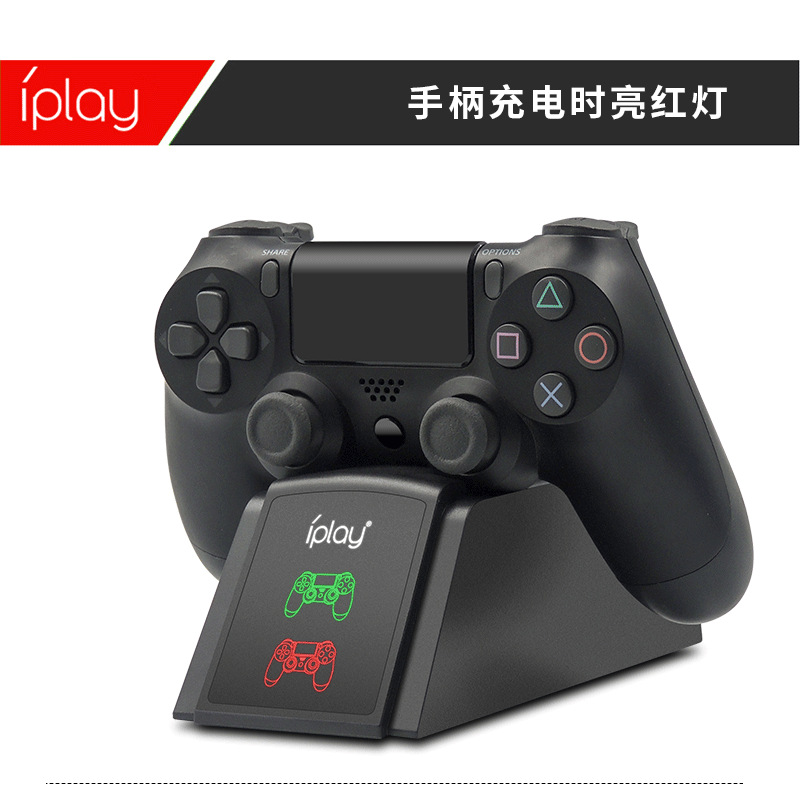
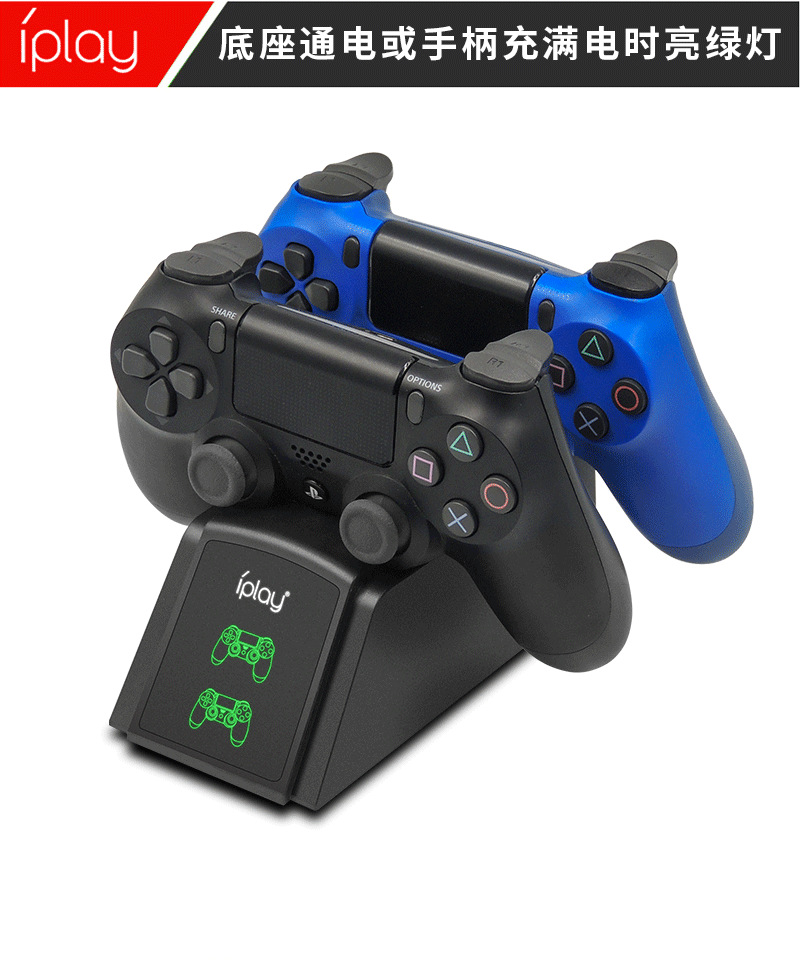
Product features: Red light during charging, green light after full charge, automatically turns off after full charge to protect the handle
Product Introduction:
1. Insert the USB plug of the product charging cable into the USB socket of the DC5V power adapter with a charging current greater than 1A, and insert the MICRO male end of the charging cable into the MICRO female port of the product charging port to begin powering the product.
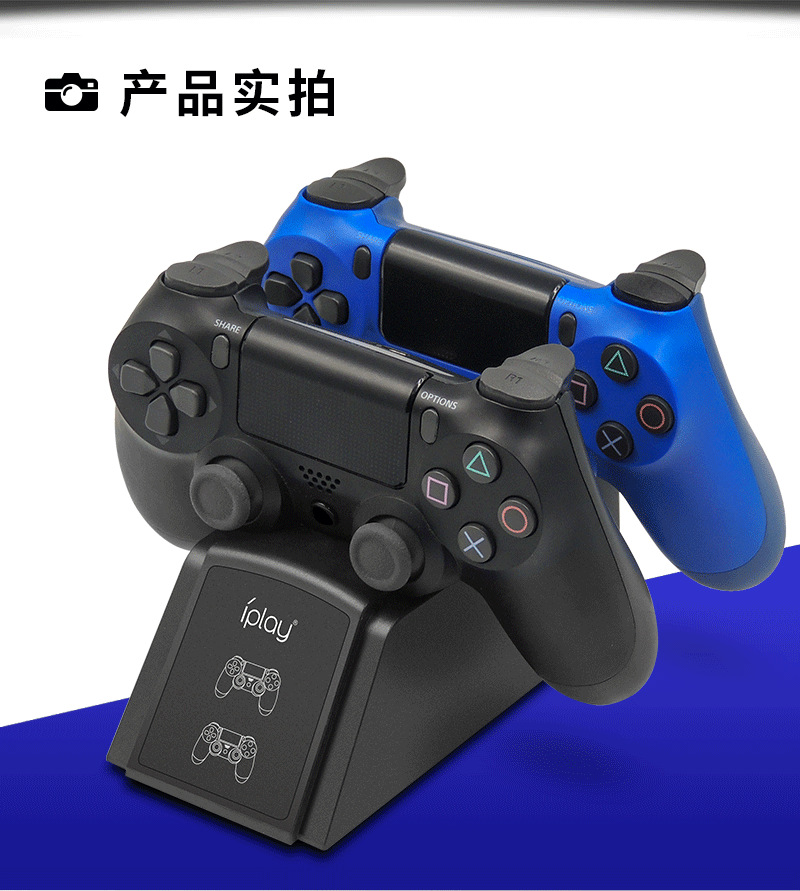
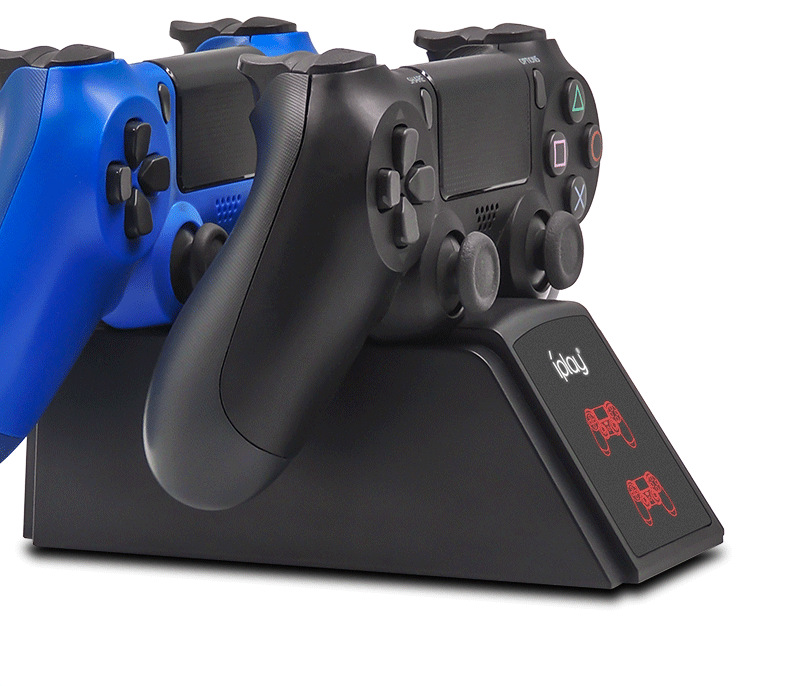
2. Install the PS4 controllers onto the product, and insert their charging ports into the charging slots in the correct manner to charge them. Both PS4 controllers can be charged simultaneously. The charging slots on the product can reflect the charging status of the controller indicators; when the charging lights on the controllers are on, it indicates that the product is charging the battery pack.
3. When the PS4 controller is charging, the charging indicator light is red. After it is fully charged, the light turns green. The PS4 controller can control its charging status itself—it automatically charges when the battery level is low, and turns off automatically when fully charged to protect the controller.
Precautions
1. When placing the PS4 controller in the charging stand, please insert it in the correct direction.
2. If you need to clean the charging stand, use a dry cloth for wiping; do not use chemical solvents.
3. Do not place this charging stand near metal objects.
4. Do not use a microwave oven or external heating devices to dry the charging stand.
5. Do not place this charging stand in direct sunlight, high temperatures, or humid environments.
6. Do not disassemble this charging stand without permission.
Update time:


TOP