Search history
Clear allSearch by image
XDrag and drop an image here or upload an image
Max 5MB per image
UploadSign In | Join

Search history
Clear allSearch by image
XDrag and drop an image here or upload an image
Max 5MB per image
UploadSign In | Join
|
chinese version
中文版 |
CN¥ 0.0 |
|
english version
英文版 |
CN¥ 0.0 |
Yiwu Small Commodity Supermarket Wholesale 2yr.
Contacts Dou Chat
Mobile 13372501469
13372501469

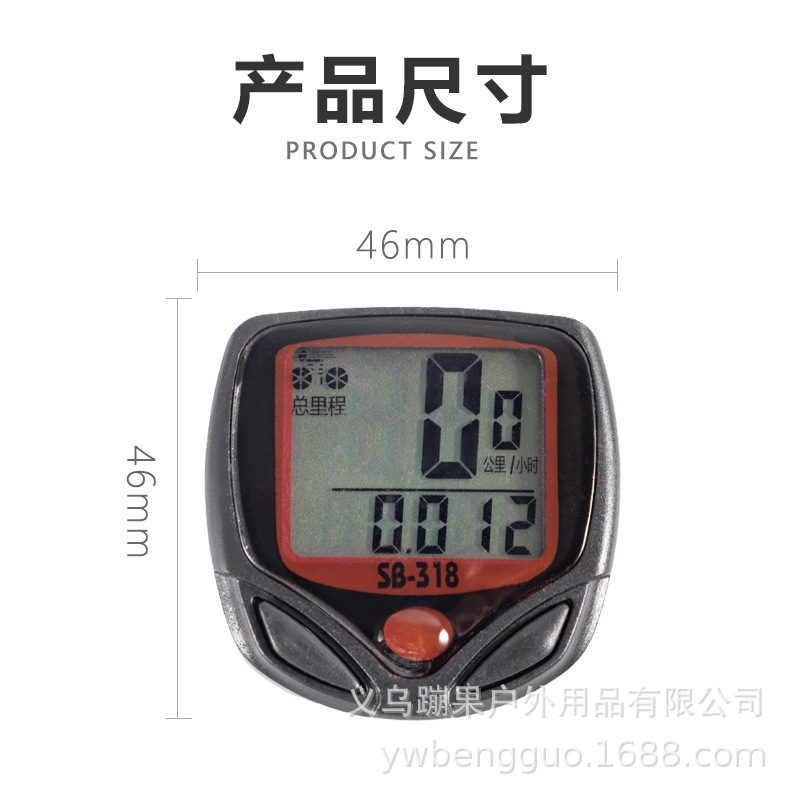
Product details: single unit weight; 64g, bare weight: 50g
Packaging dimensions: 17.5 * 10 * 2 CM
Item: 200 pcs, outer box dimensions: 46.5*42*39.7, total weight: 15 kg.
Large quantity, better price

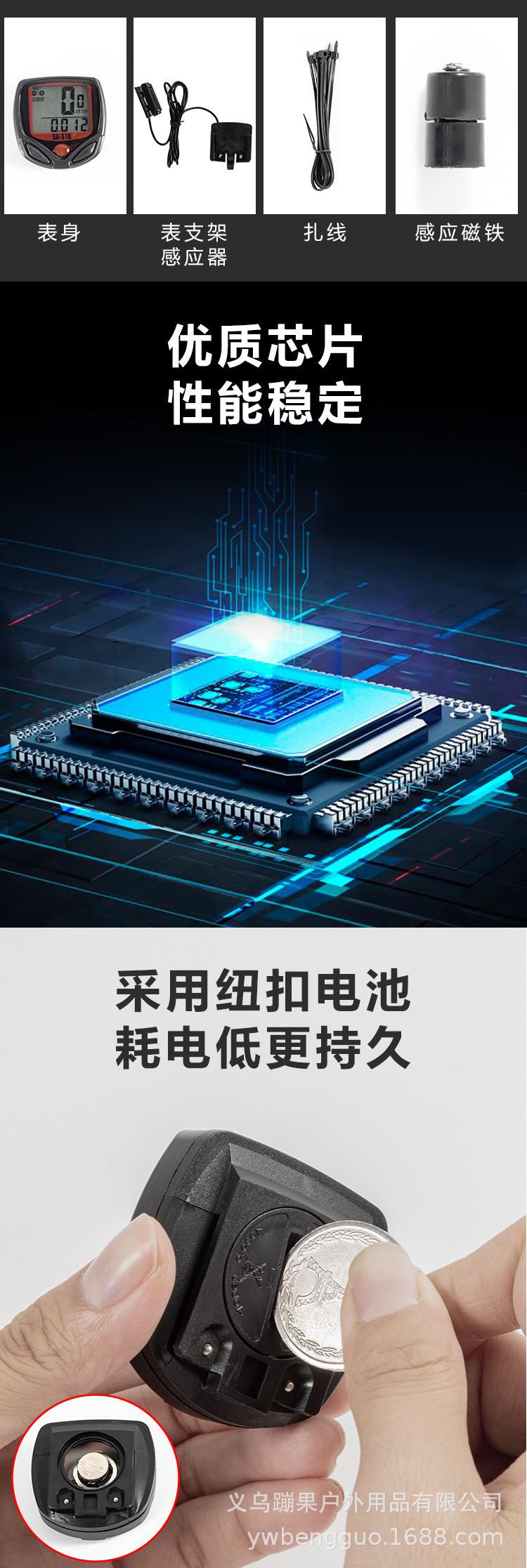


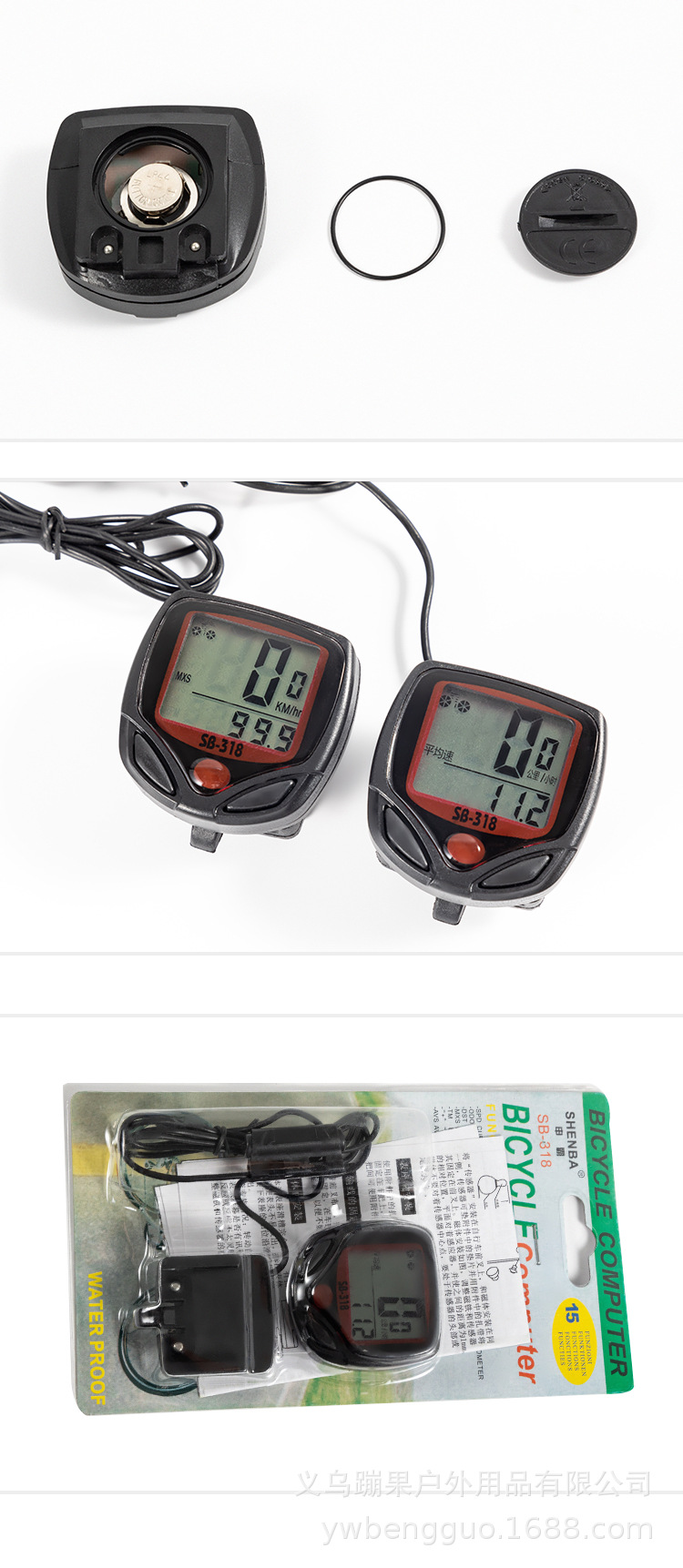
1.5 Features:
1. Record driving speed (SPD)
2. Record the total driving distance (ODO)
3. Record the single driving distance (DST)
4. Display Maximum Speed on the Road (MXS)
5. Display average driving speed (AVS)
6. Display driving time (TM)
7.12/24-Hour Clock (CLK)
8. Auto-loop function (SCAN)
9. Comparison prompts (“+”“-”)
10. km or miles setting (KM/hr, M/hr)
1. Tire circumference setting (SET)
12. Initial setting of total mileage (SETTING TYRE CIRCUMFERENCE)
1.3. Driving Data Sampling Function (FREEZE FRAME MEMORY)
1.4. Maintenance Alert Function
15. Power on/off (AUTO ON/OFF)
Installation instructions:
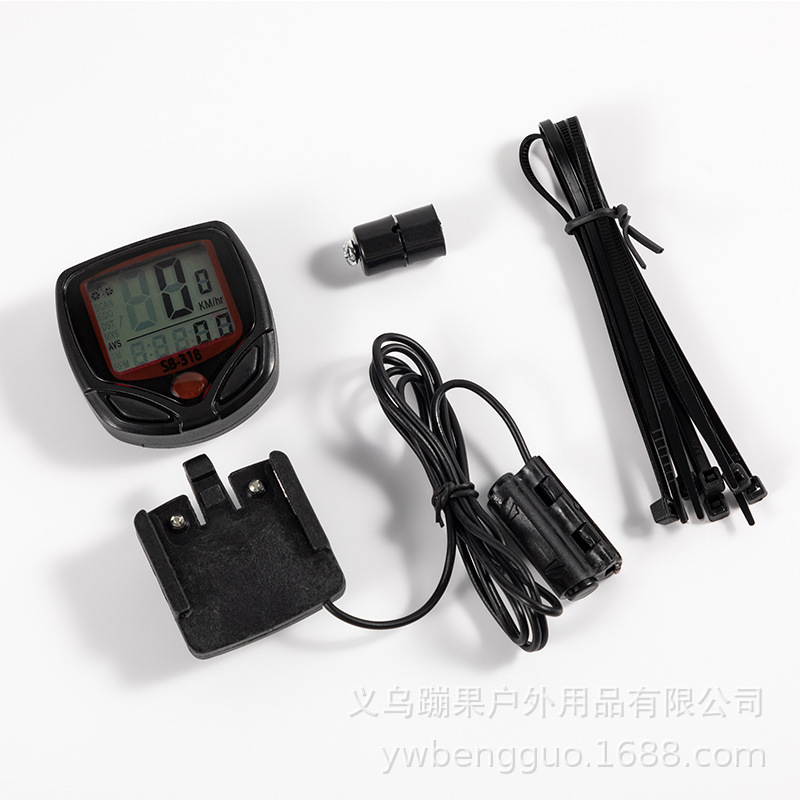
1. Install the header seat onto the handlebar;
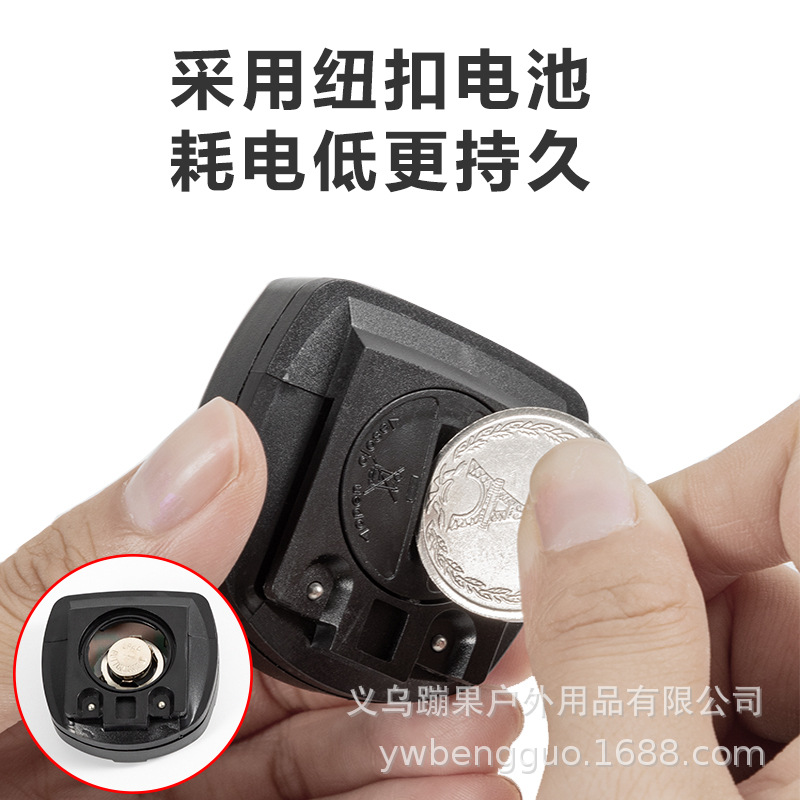
2. Insert the AG13 button battery into the battery compartment on the back of the meter.
3. Initialize the code table data; generally, setting just one parameter for tire circumference is sufficient for normal operation.
3. Insert header into the header seat chute;
4. Install the sensor on the front wheel hub, ensuring the sensing head faces directly toward the spokes;
5. The induction magnet is installed on the spoke, aligned with the induction head, at a distance of approximately 5 millimeters;
6. Secure the cables with nylon straps;
7. Check whether the above header seats, sensors, and induction magnets are installed firmly. This package includes necessary rubber gaskets and detailed Chinese and English instructions to ensure successful installation.
8. For more features, please refer to the manual settings
Set Function
1. Install the battery into the battery compartment on the back of the meter head;
2. Within 15 seconds, right-click to enter the tire circumference settings;
3. Refer to the wheel diameter and circumference comparison table. For example, for a 28 model, the wheel circumference is 224 cm. Press the left button to set the three-digit value to 224 (the machine is preset at 208 cm).
4. Right-click and confirm;
5. For more features, please refer to the manual settings.
Update time:


TOP