Search history
Clear allSearch by image
XDrag and drop an image here or upload an image
Max 5MB per image
UploadSign In | Join

Search history
Clear allSearch by image
XDrag and drop an image here or upload an image
Max 5MB per image
UploadSign In | Join
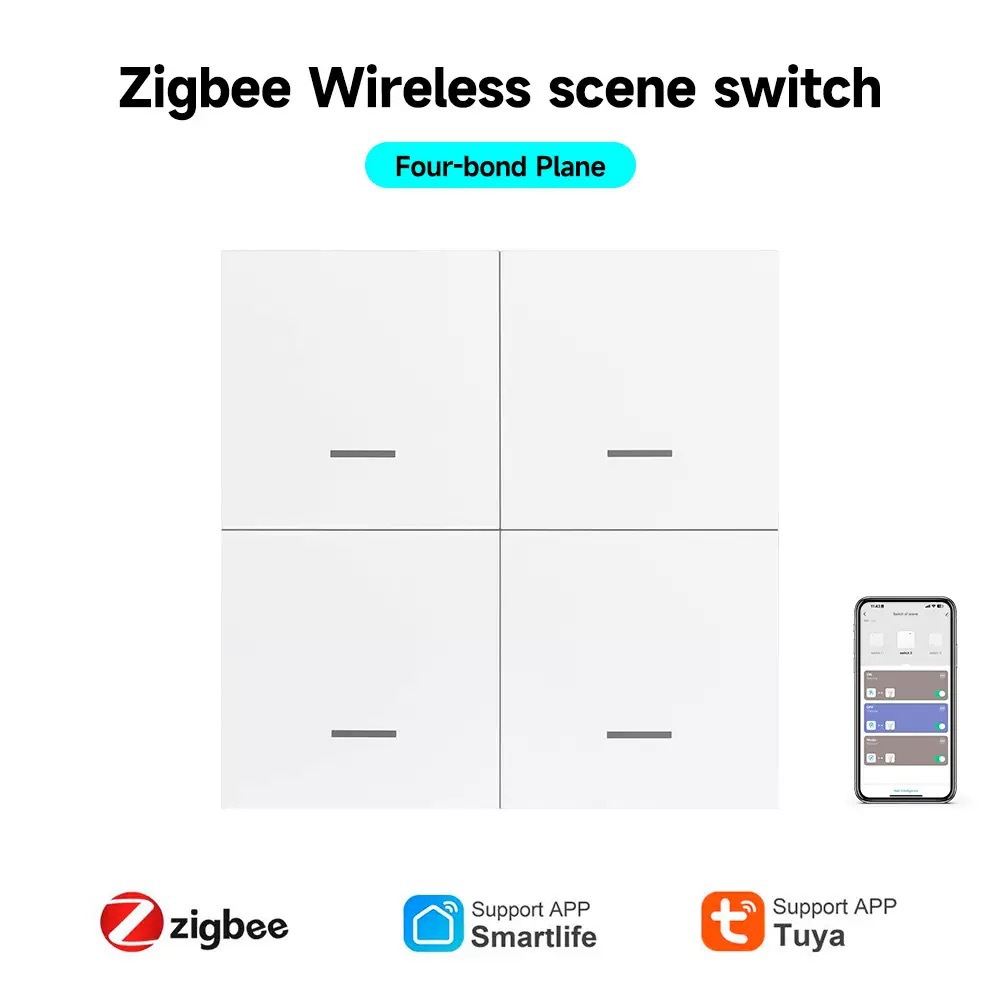
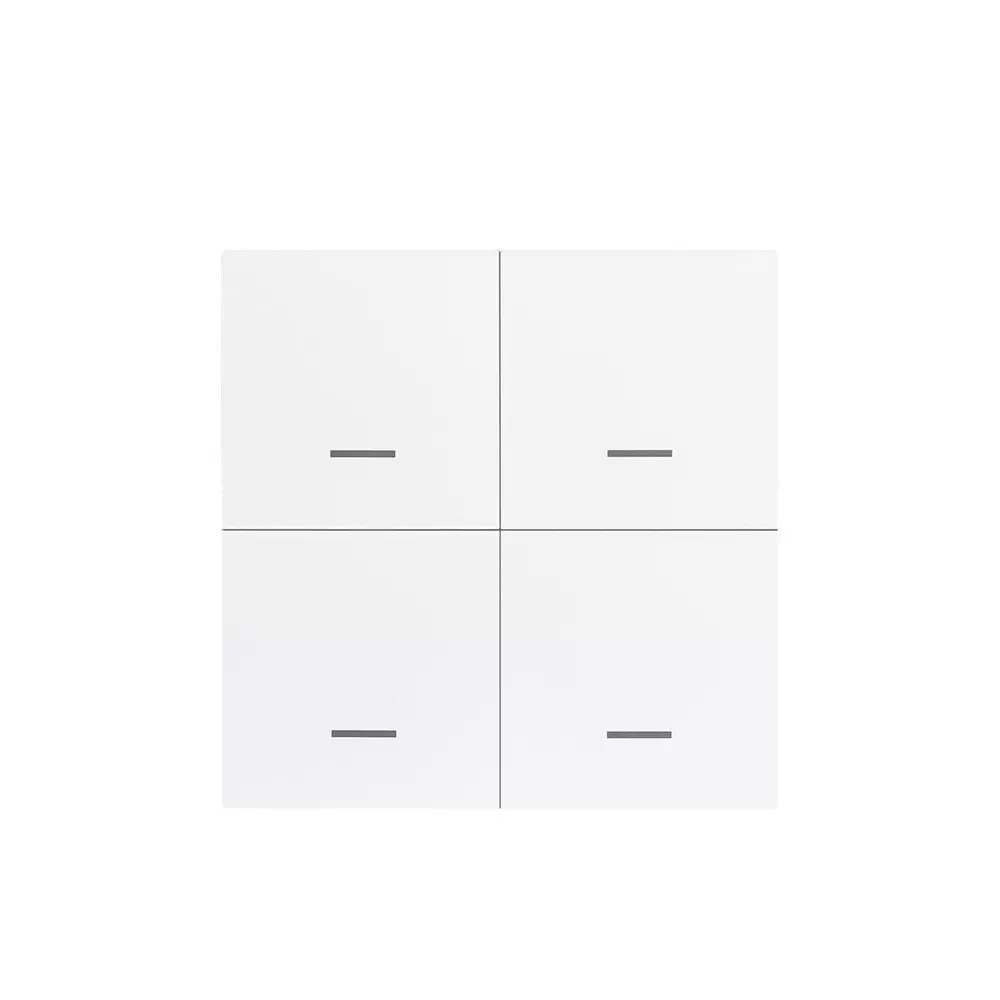
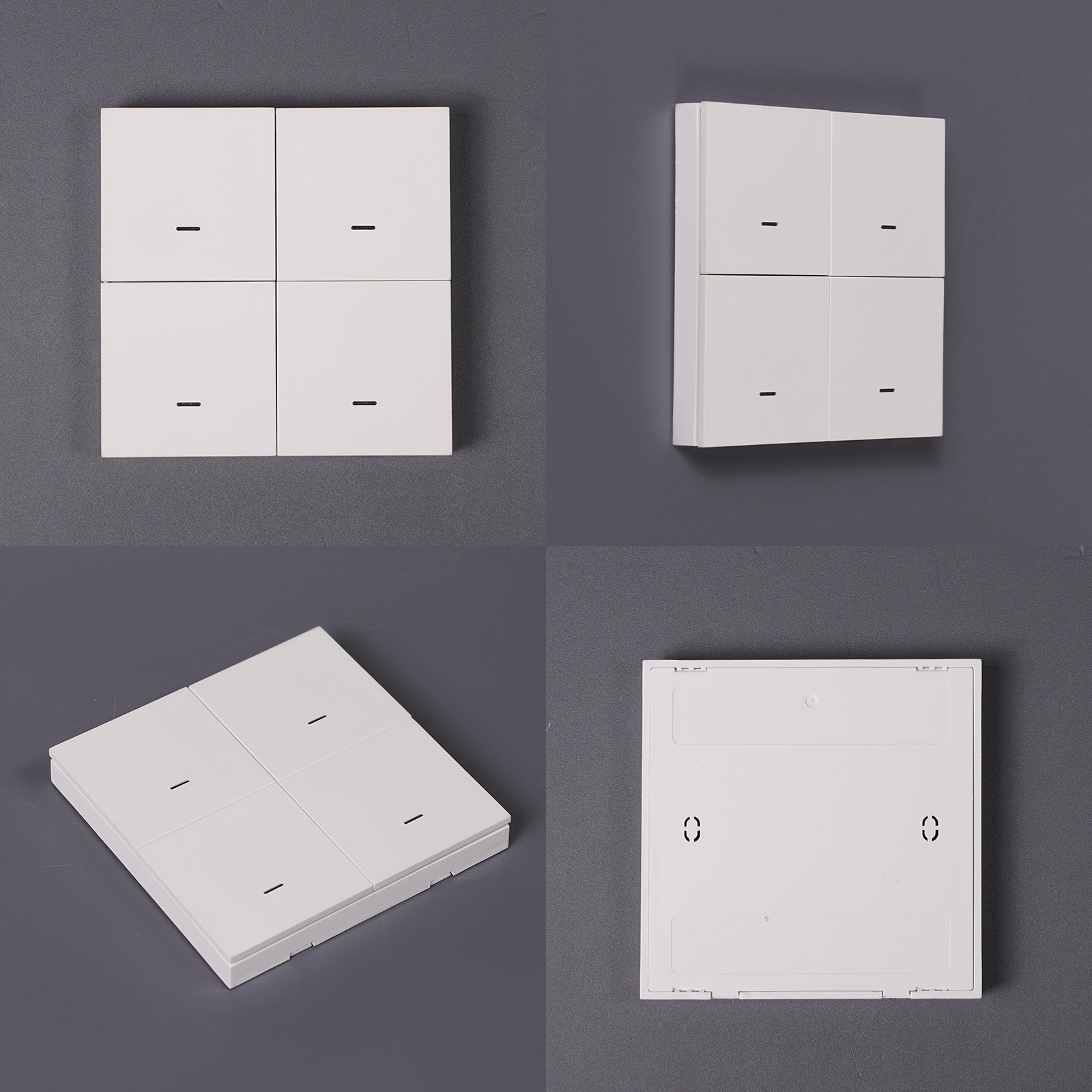
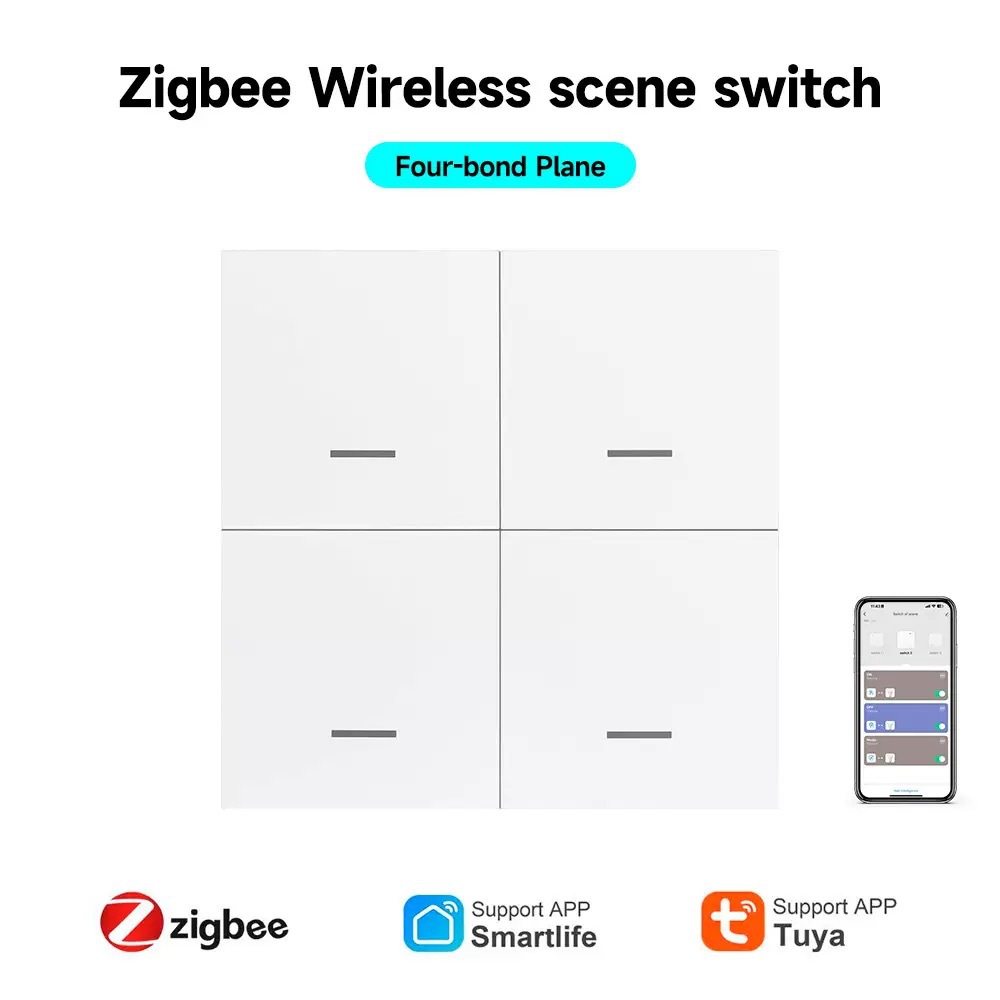
 graffiti zigbee four-button scene switch 涂鸦Zigbee四键场景开关 |
CN¥ 35.0 |
Qivi Digital 2yr.
Contacts Lee Chat
Mobile 15392033619
WeChat 13362998253
WhatsApp +86 15392033619
What is 8.6 + 1,539,203,619?
WeChat: 1 5355 3509 32
WeChat: 13305891-74
WeChat: 1 7357 9 5 0 2 1
WeChat: 1 3055 2273 9
Shop address: 2nd District, Yiwu International Trade City, Yiwu, Jinhua, Zhejiang Province, F2-13554, 9th Street, No. 22 Gate, 2nd Floor
1 89 58 49 35 35 4 Miss Li
New store address: Yiwu Global Trade Center
Unit 4, 3rd Floor, Street 2, Yiwu Six District Market
7733 Store (Yunding Zhichuang) Gate No. 153
77753 Store (Yishu Yun) Room 153, Door 1
Mr. Jing 1 5392 0 3 6 1 9
Ms. Mei 1735 799 5021
Precautions:
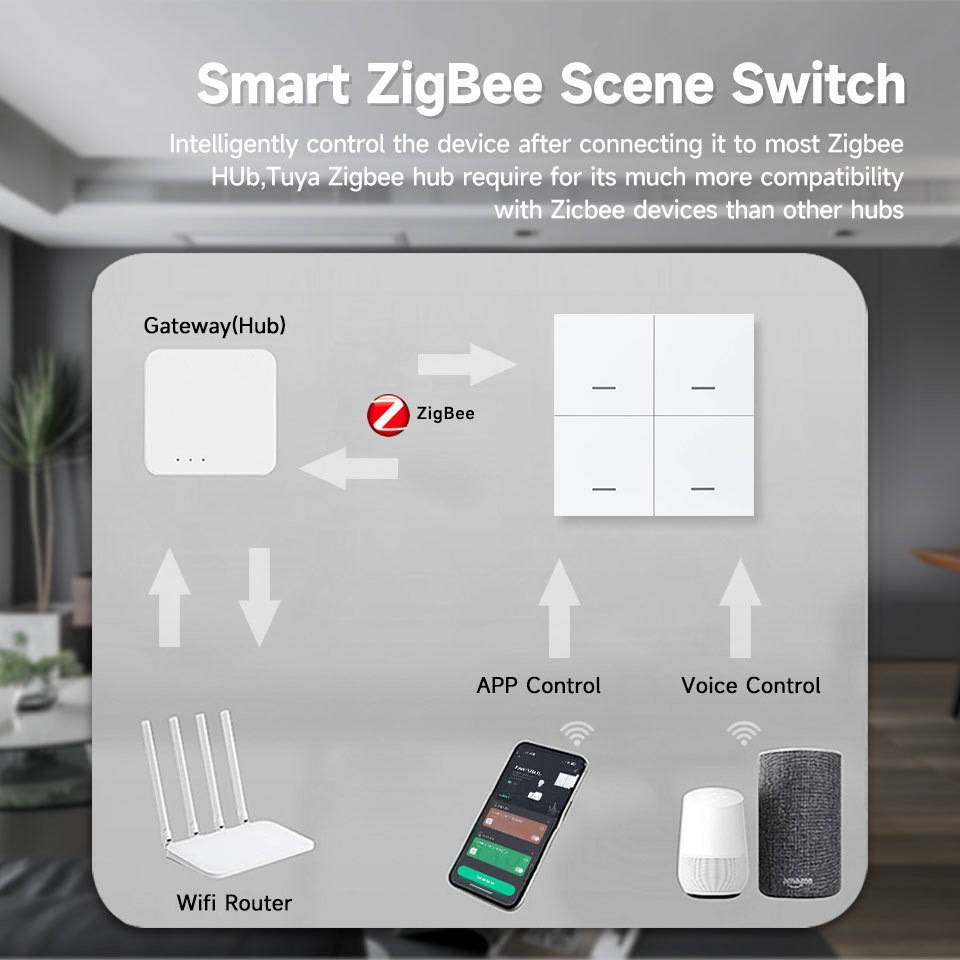
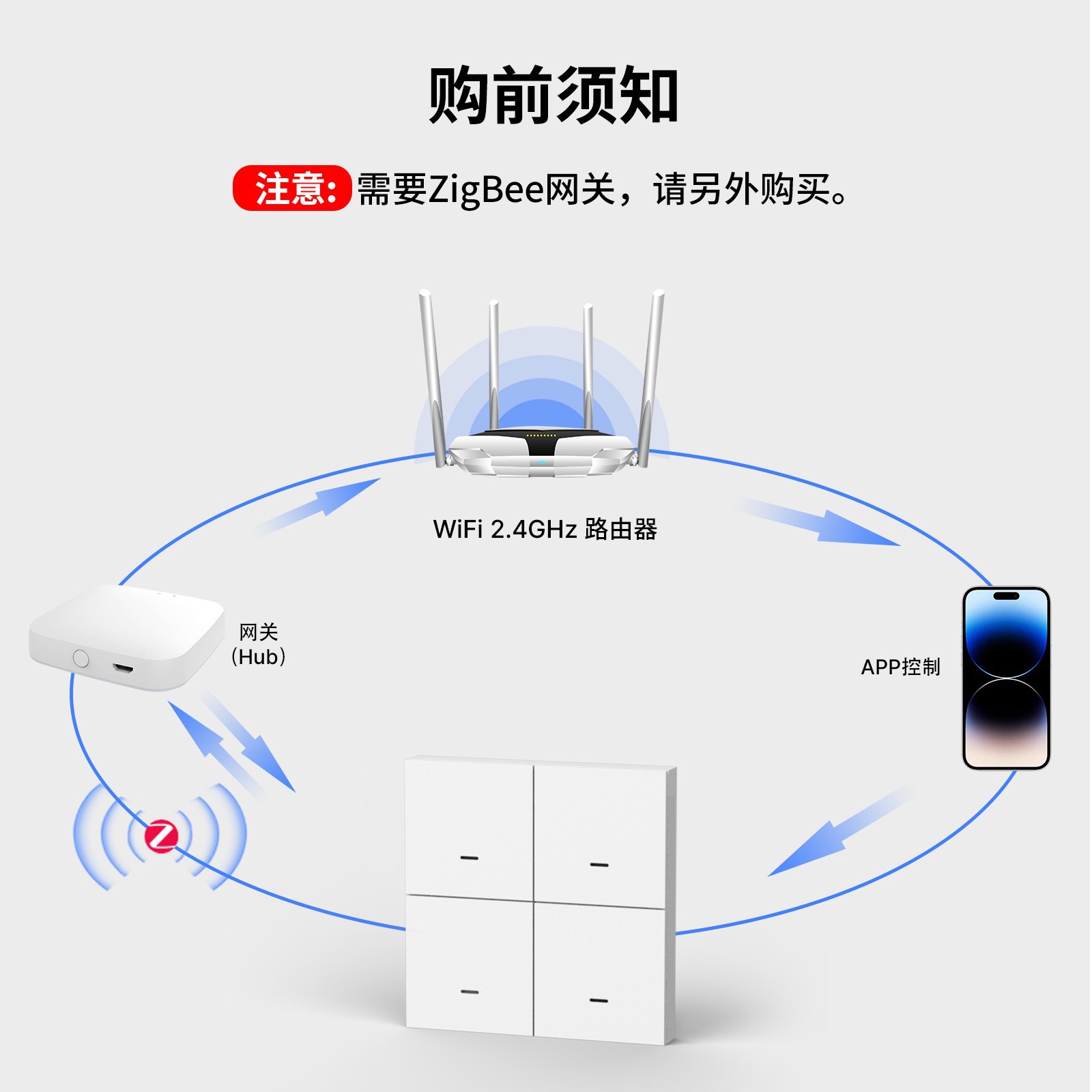
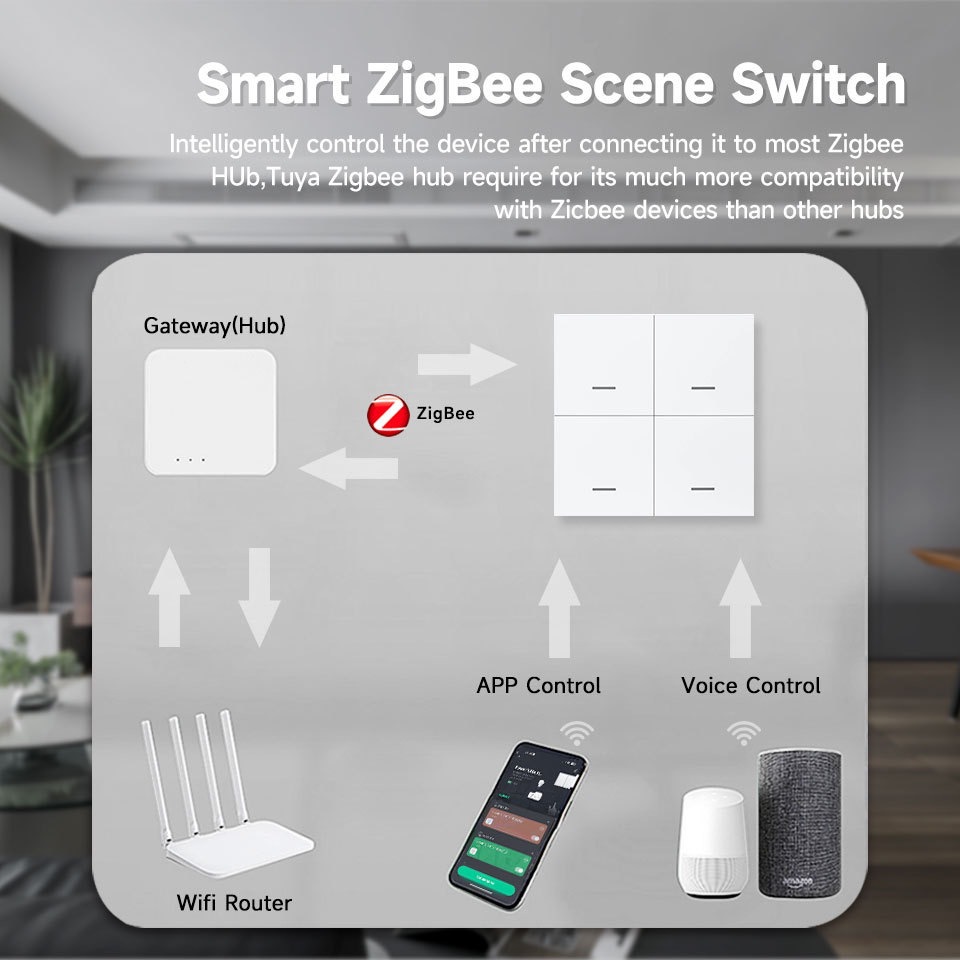
1.A graffiti-covered ZigBee hub is required; hubs from other brands are not supported.
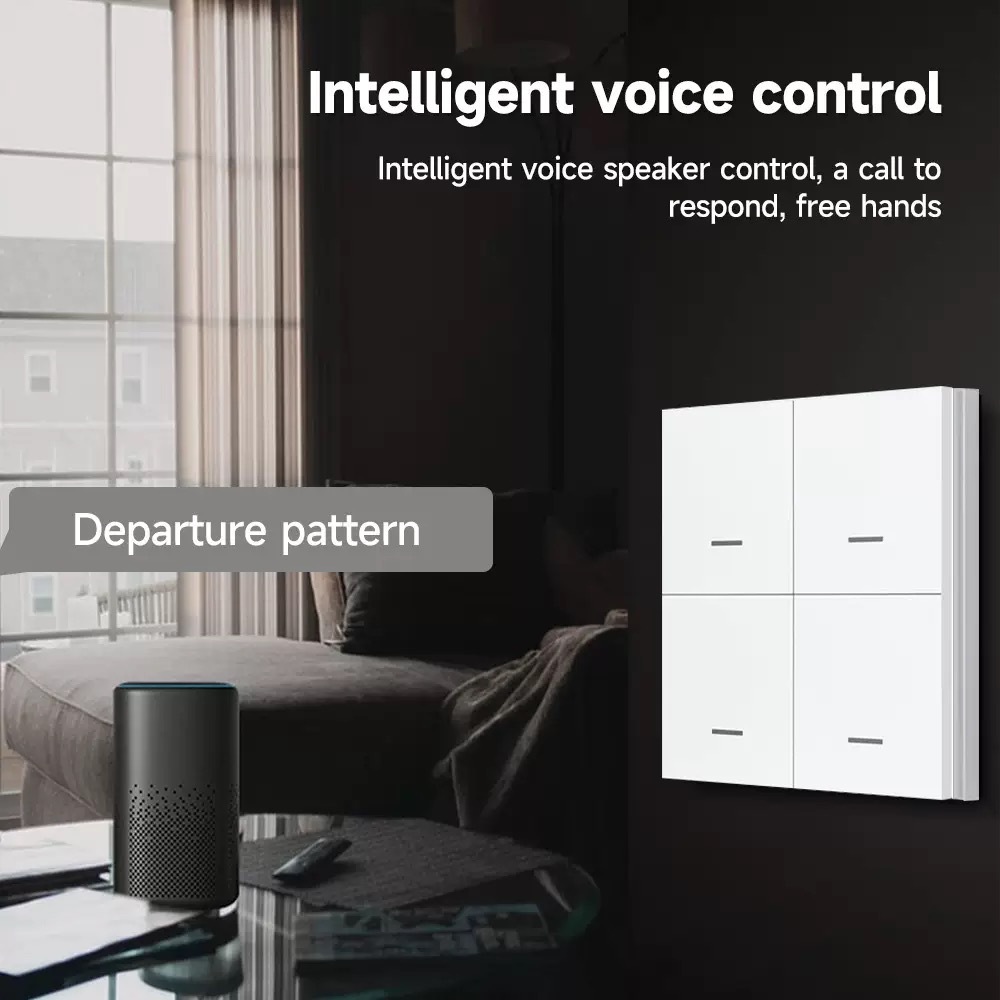
2. This product does not support voice control.
3. This product supports Zigbee2mqtt, but is not fully compatible with Zigbee2mqtt. It does not support ZHA control.
4. The smart graffiti smart devices are intended for normal use only, and cannot be used independently without the presence of the graffiti smart device.
Features:
• Graffiti ZigBee connection: Connect via ZigBee to your home network, allowing seamless integration with your existing smart home systems.
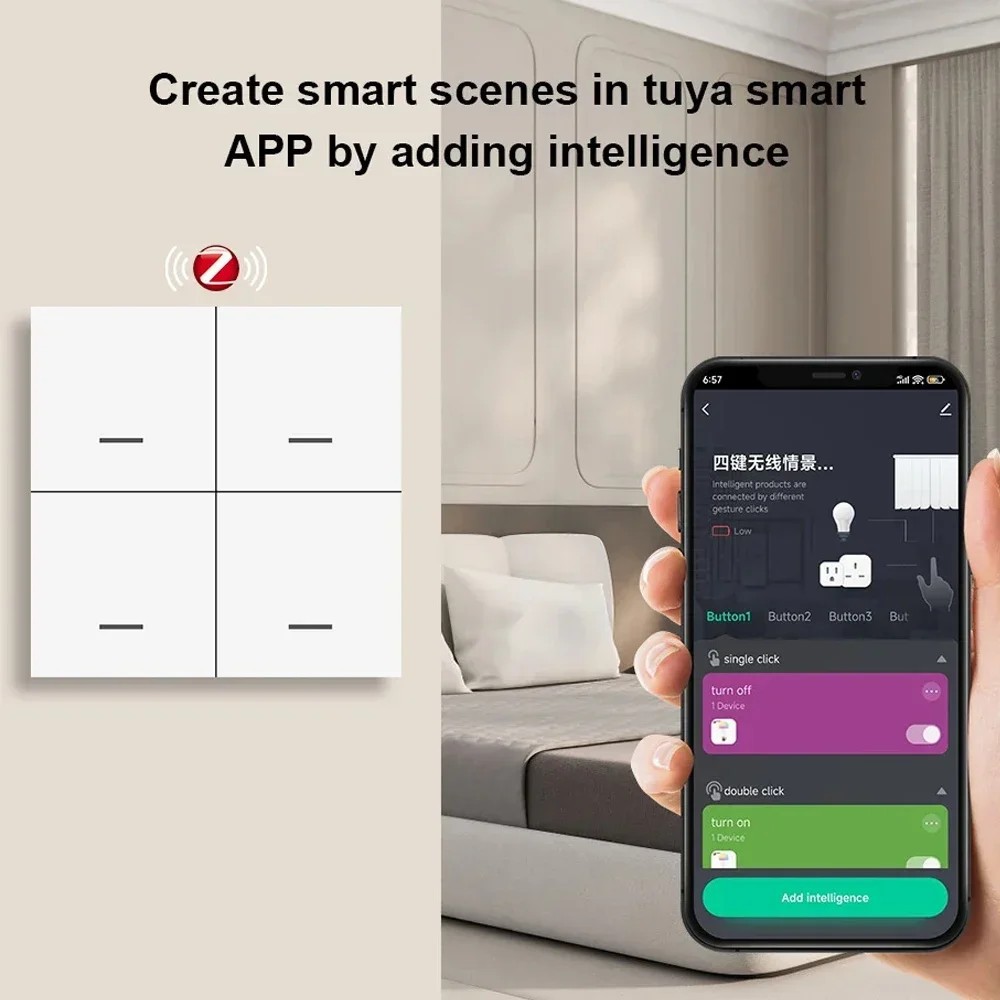
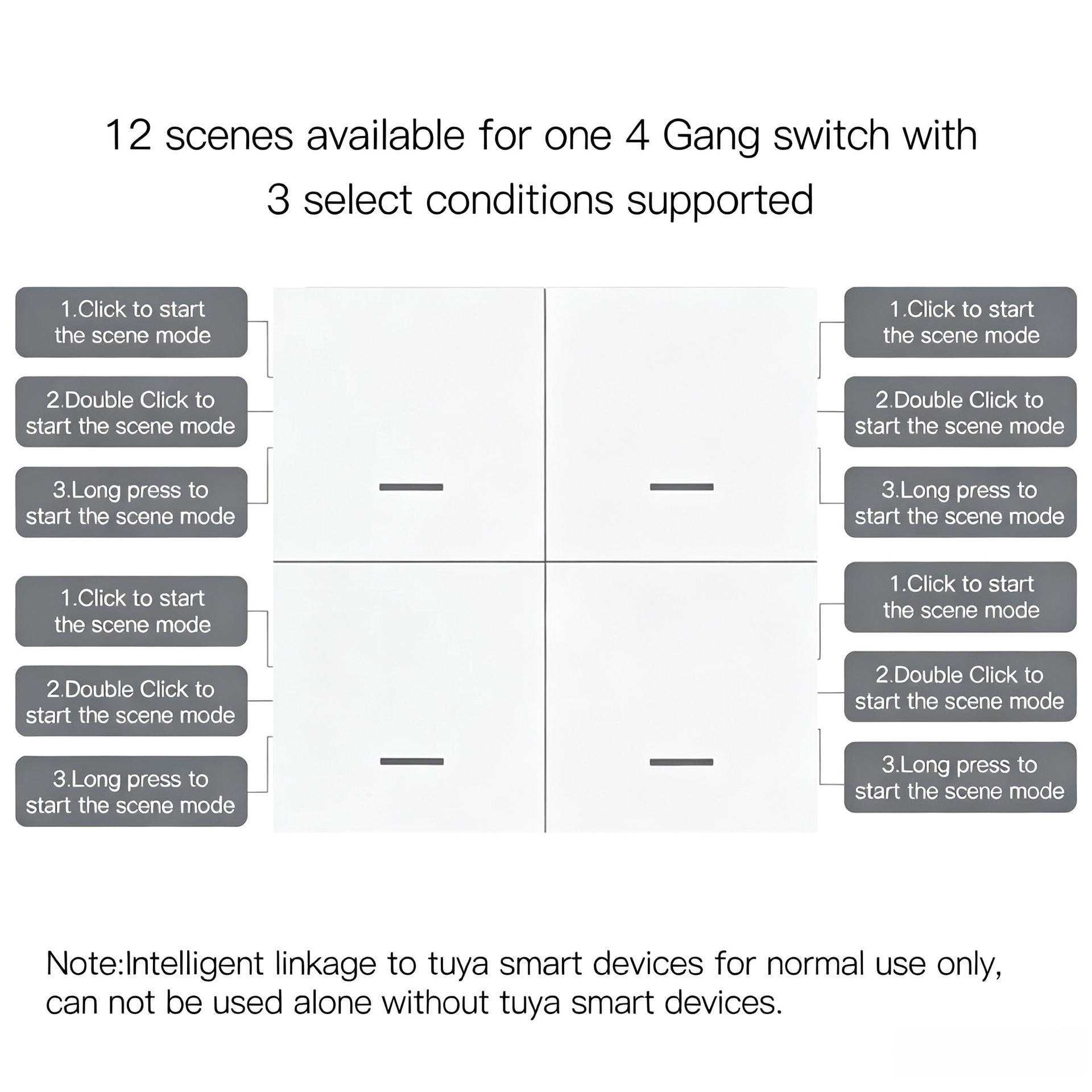
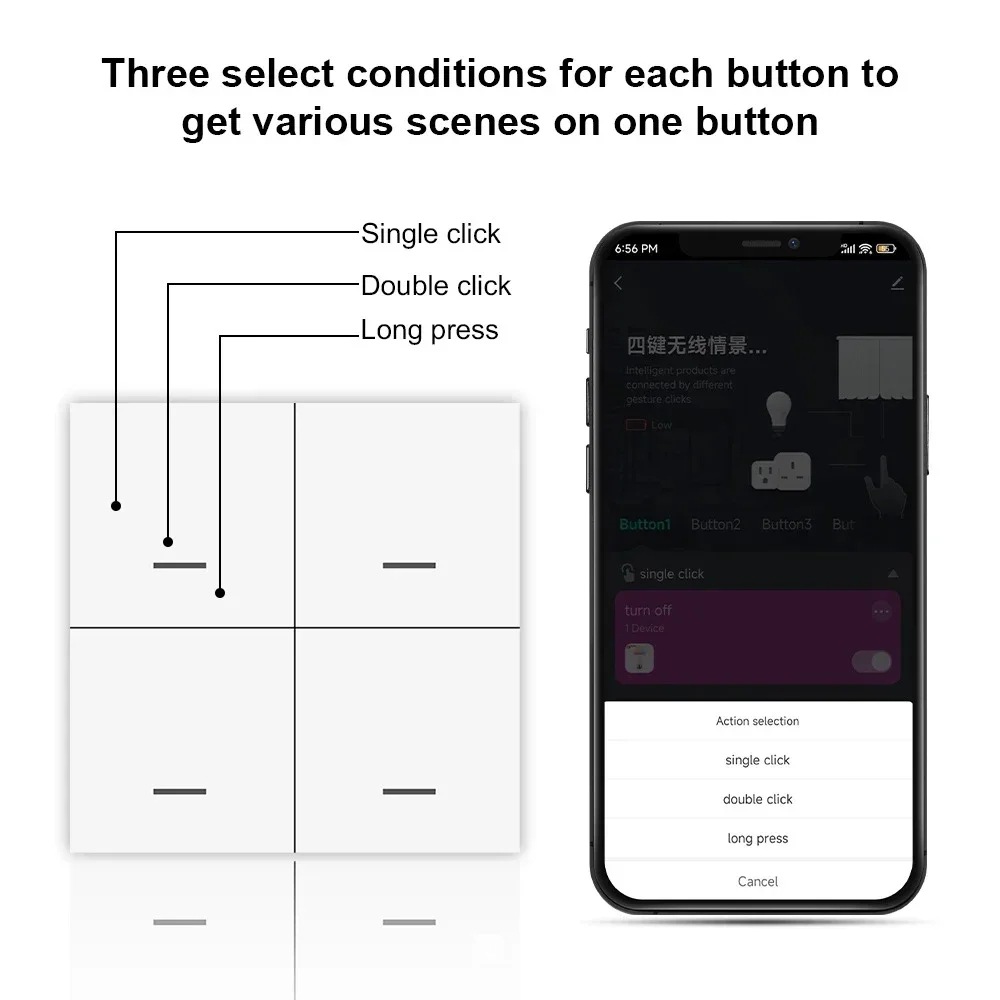
• 12 scene modes: Easily control up to 12 different scenes in your home, perfect for those who want to customize their smart home experience.
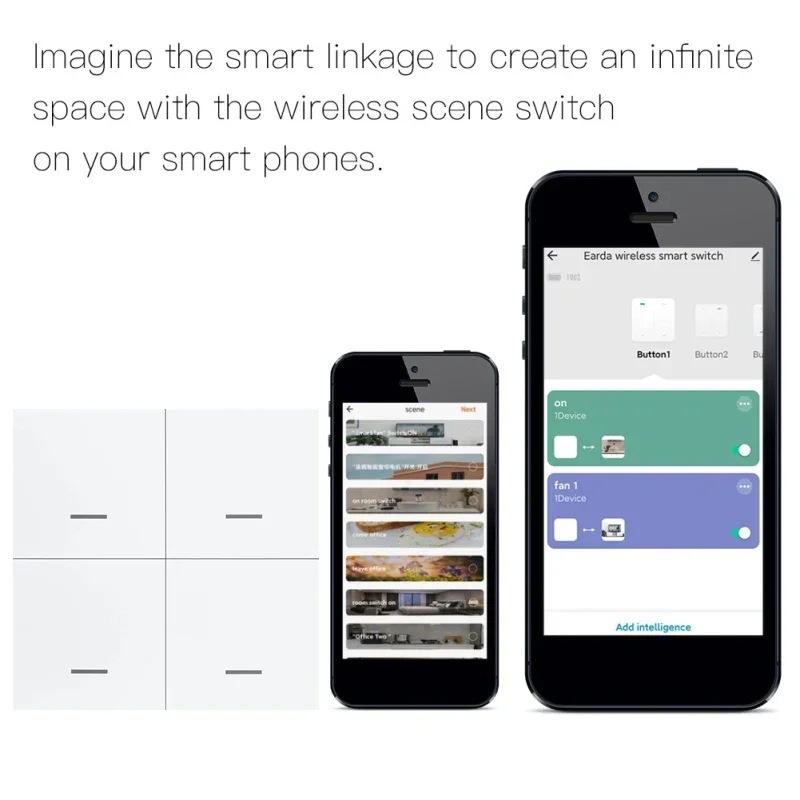
• Compatibility with smart home applications: Compatible with smart home apps, allowing you to control the switch anytime and anywhere.
• 4 design sets: The 4 design sets are easy to install and integrate with your existing electrical system.
Specifications:
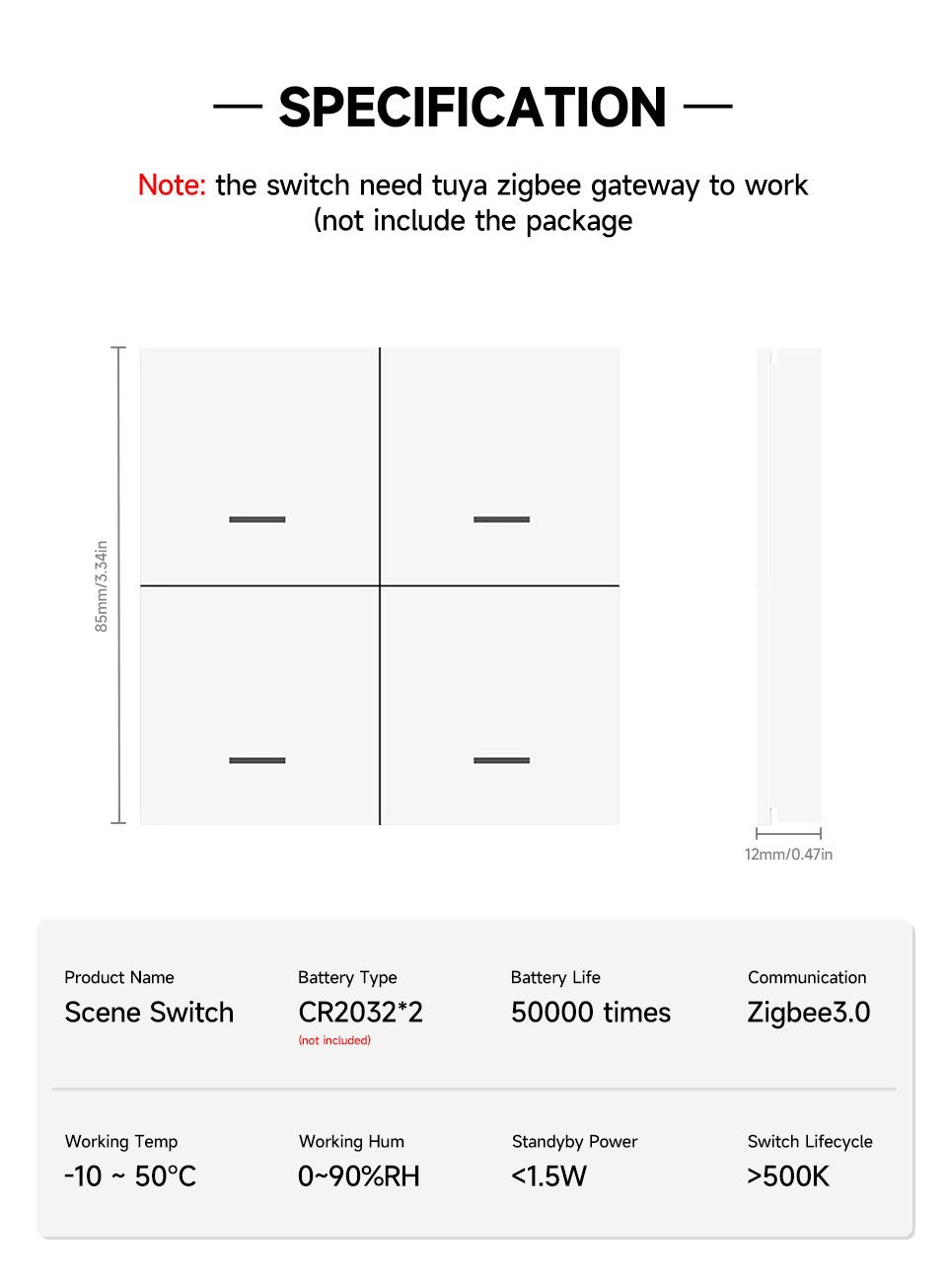
Input Power: CR2032 3V *2 (excluded)
Communication: Zigbee 3.0
Working temperature: -10℃ to 55℃
Work humidity: <9.5%
Keystroke life: 5000 times
Size: 86*86*13 mm
Tuya Zigbee Hub: Required APP: Tuya Smart/Smart Life
Contents in the package:
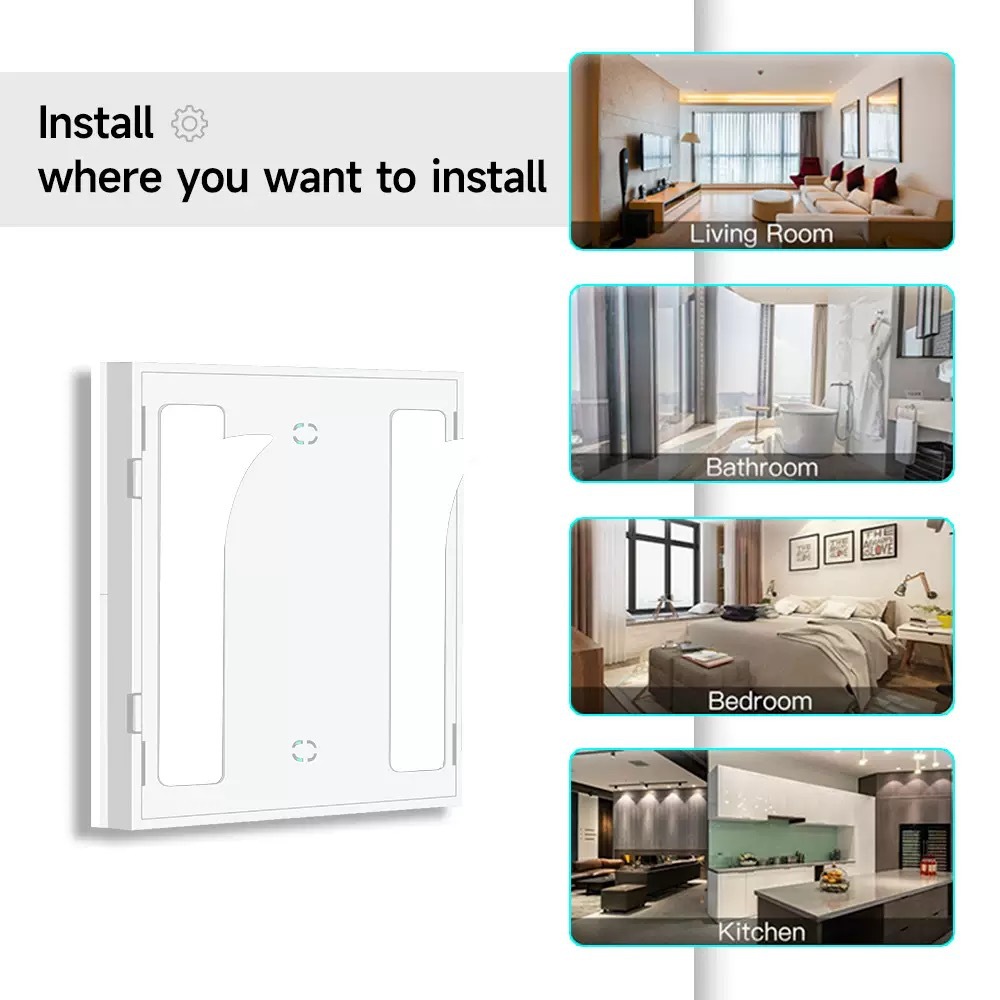
Switch*1 User Manual*1 Stickers*2
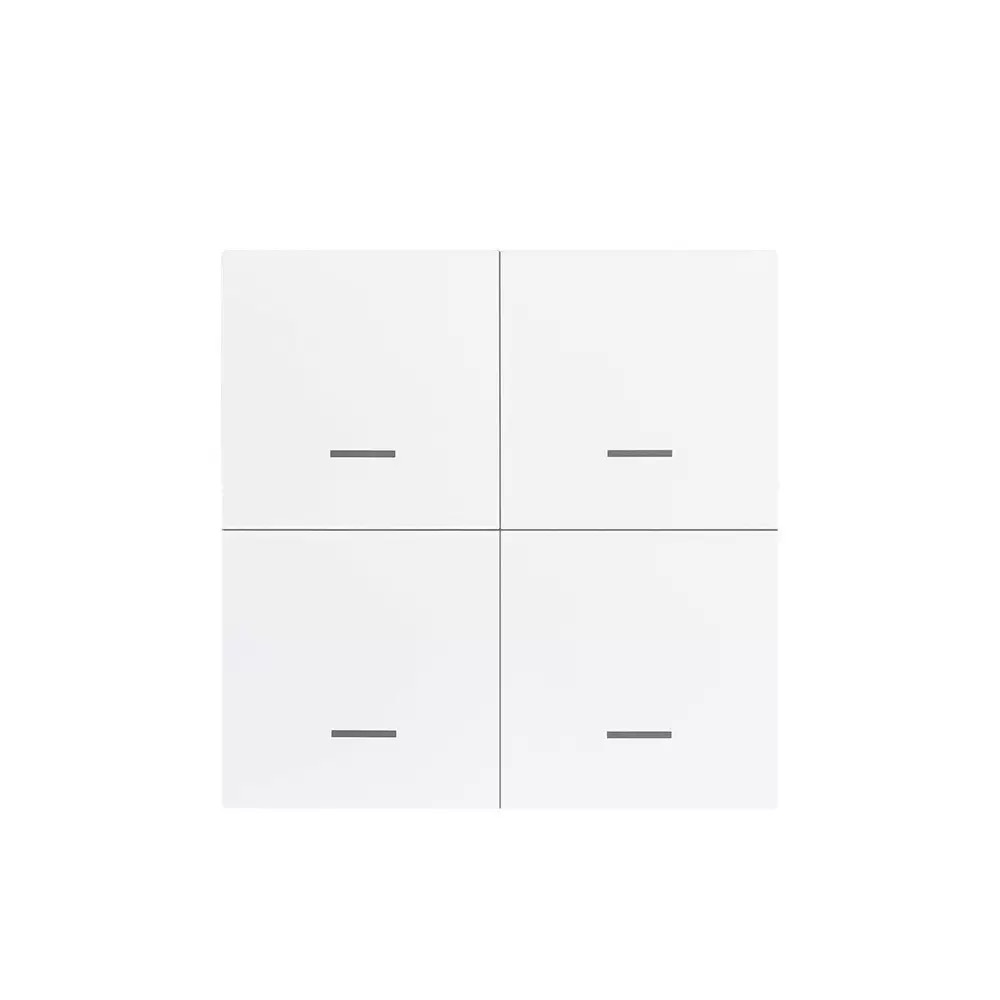
A four-side switch allows setting of 1–2 scenario modes, and supports 3 trigger operation methods.
Left side button (upper left)
1. Click: Enable scene mode
2. Double-click: Activate scene mode
3. Long press: Activate scene mode
Right side button (upper right)
1. Click: Enable scene mode
2. Double-click: Activate scene mode
3. Long press: Activate scene mode
Left side button (bottom left)
1. Click: Enable scene mode
2. Double-click: Activate scene mode
3. Long press: Activate scene mode
Right side button (bottom right)
1. Click: Enable scene mode
2. Double-click: Activate scene mode
3. Long press: Activate scene mode
Note: It can only be used normally in conjunction with the Graffiti smart device; it cannot operate independently without the Graffiti smart device.

Update time:


TOP