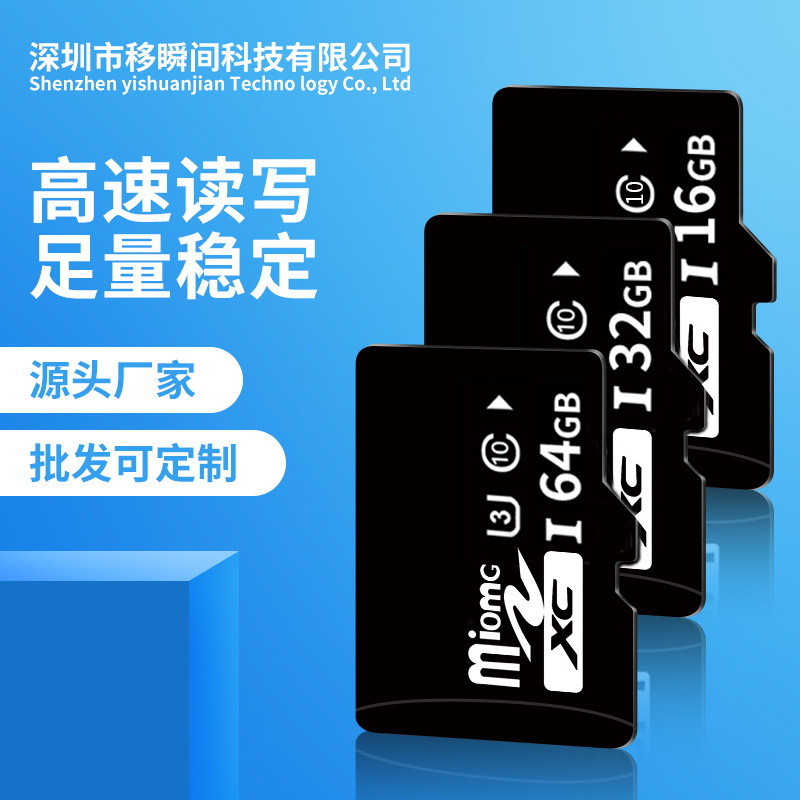
Search history
Clear allSearch by image
XDrag and drop an image here or upload an image
Max 5MB per image
UploadSign In | Join

Search history
Clear allSearch by image
XDrag and drop an image here or upload an image
Max 5MB per image
UploadSign In | Join
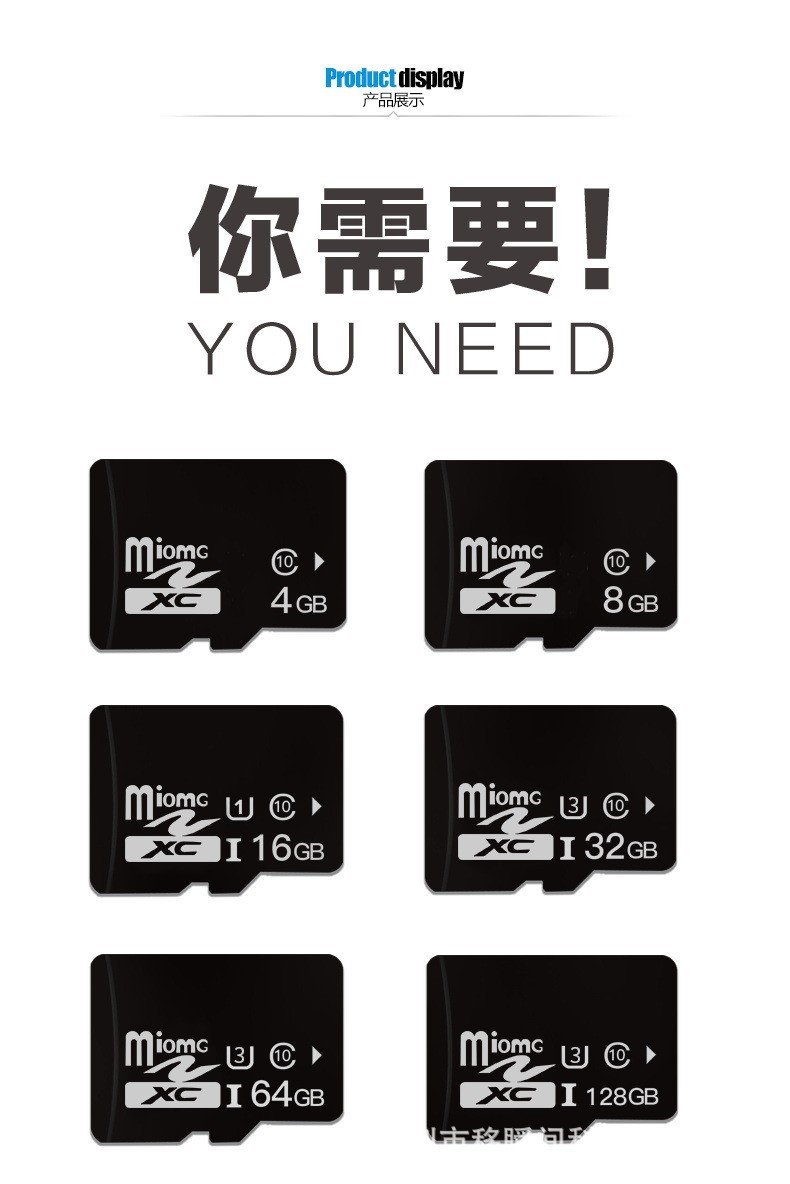
| 1gb | CN¥ 13.21 |
| 2gb | CN¥ 16.64 |
| 4gb | CN¥ 18.42 |
| 8gb | CN¥ 22.23 |
| 16gb | CN¥ 26.54 |
| 32gb | CN¥ 34.16 |
| 64gb | CN¥ 49.28 |
| 512mb | CN¥ 12.83 |
| 256mb | CN¥ 8.13 |
| 128mb | CN¥ 7.49 |
|
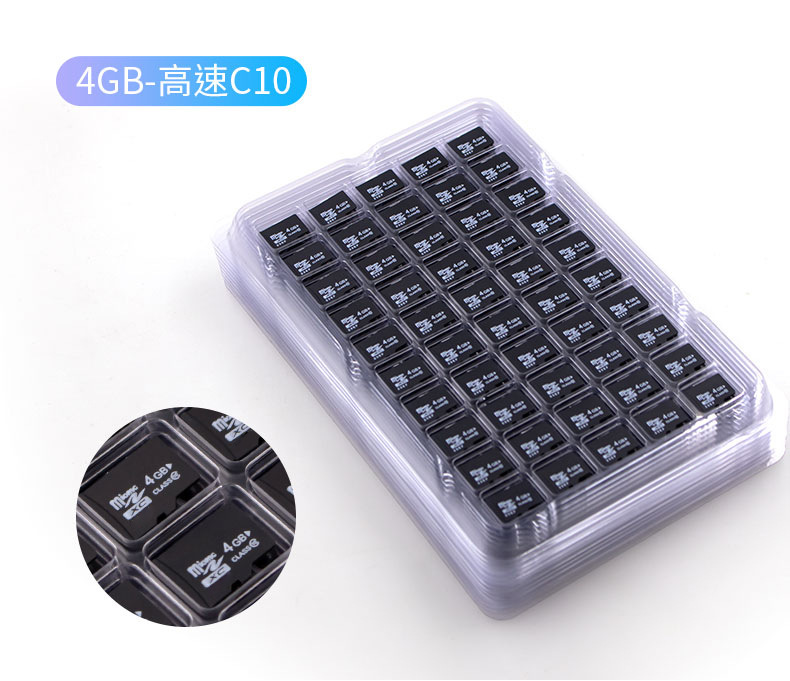
4g- c10 high speed card
4G- C10高速卡 |
CN¥ 18.42 |
|
8g-c10 high speed card
8G-C10高速卡 |
CN¥ 22.23 |
|
16g-c10 high speed card
16G-C10高速卡 |
CN¥ 26.16 |
|
32g-c10 high speed card
32G-C10高速卡 |
CN¥ 34.16 |
|
64g-c10 high speed card
64G-C10高速卡 |
CN¥ 49.28 |
|
4gb-high speed c10-premium edition
4GB-高速C10-优质版 |
CN¥ 20.7 |
|
8gb-high speed c10-u3 premium edition
8GB-高速C10-U3优质版 |
CN¥ 24.64 |
|
16gb-high speed c10-u3 premium edition
16GB-高速C10-U3优质版 |
CN¥ 31.75 |
|
32gb-high speed c10-u3 premium edition
32GB-高速C10-U3优质版 |
CN¥ 42.93 |
|
64gb-high speed c10-u3 premium edition
64GB-高速C10-U3优质版 |
CN¥ 66.04 |
|
128gb-high speed c10-u3 premium edition
128GB-高速C10-U3优质版 |
CN¥ 134.62 |
|
256gb-high speed c10-u3 premium edition
256GB-高速C10-U3优质版 |
CN¥ 285.75 |
|
512gb-high speed c10-u3 premium edition
512GB-高速C10-U3优质版 |
CN¥ 647.7 |
|
1tb-high-speed c10-u3 premium edition
1TB-高速C10-U3优质版 |
CN¥ 1381.76 |
Yiwu Xiqing Daily Necessities Factory 9yr.
Contacts tangelo Chat
Mobile 17280520634
17280520634




Warm reminder: Due to the high variability in memory card prices, customers ordering in bulk are encouraged to add friends on Wangwang. We will serve you sincerely.
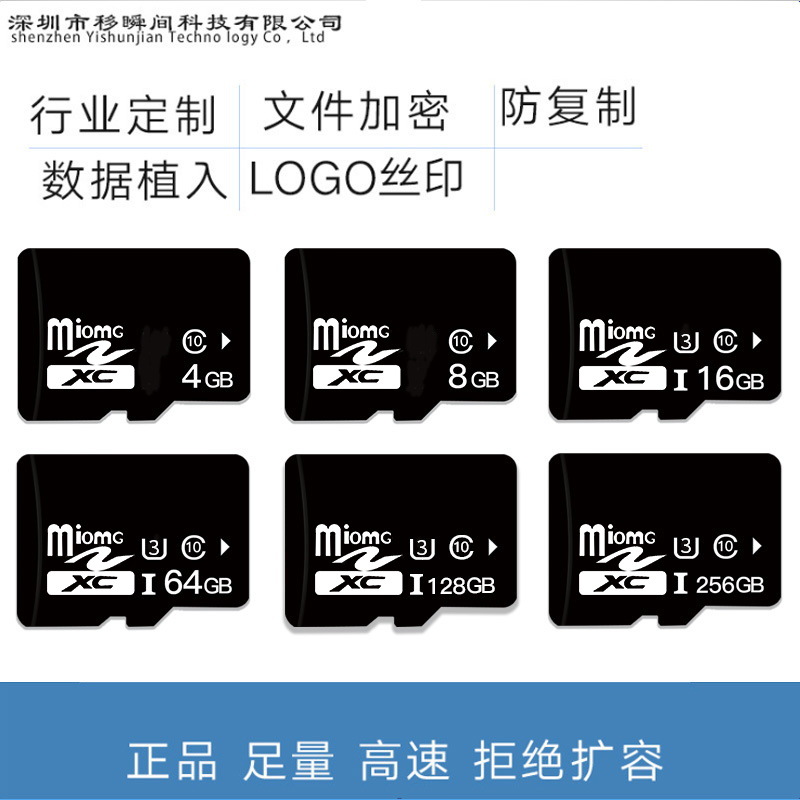
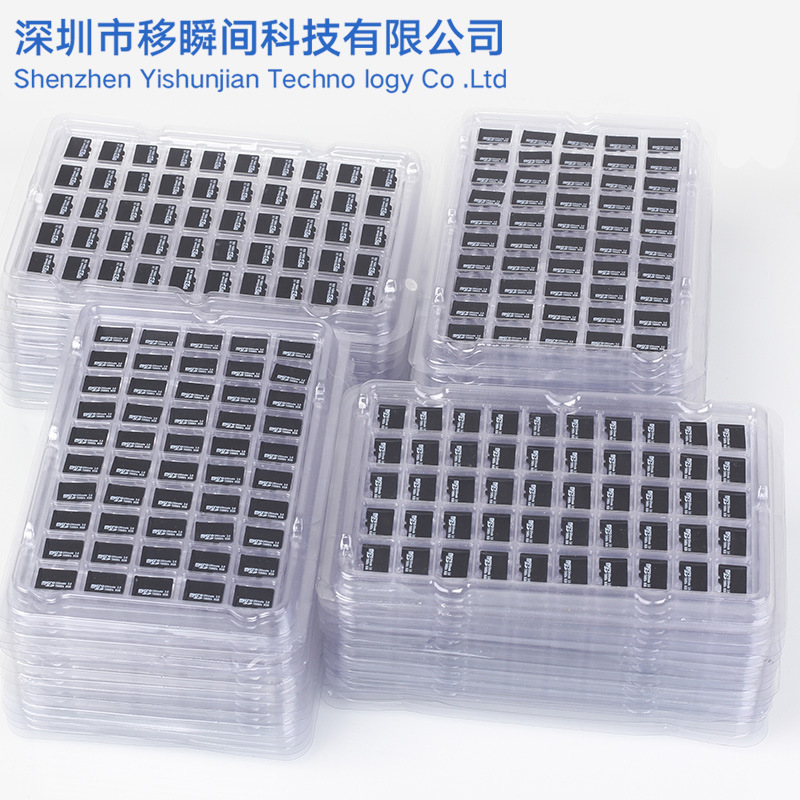
All the above prices refer to the bare card version. If you need packaging, card sleeves, silk printing of logos, mold fabrication, or data copying, additional costs will apply!
Packaging and accessory connection:https://ysjszs.1688.com/page/offerlist_65977097.htm
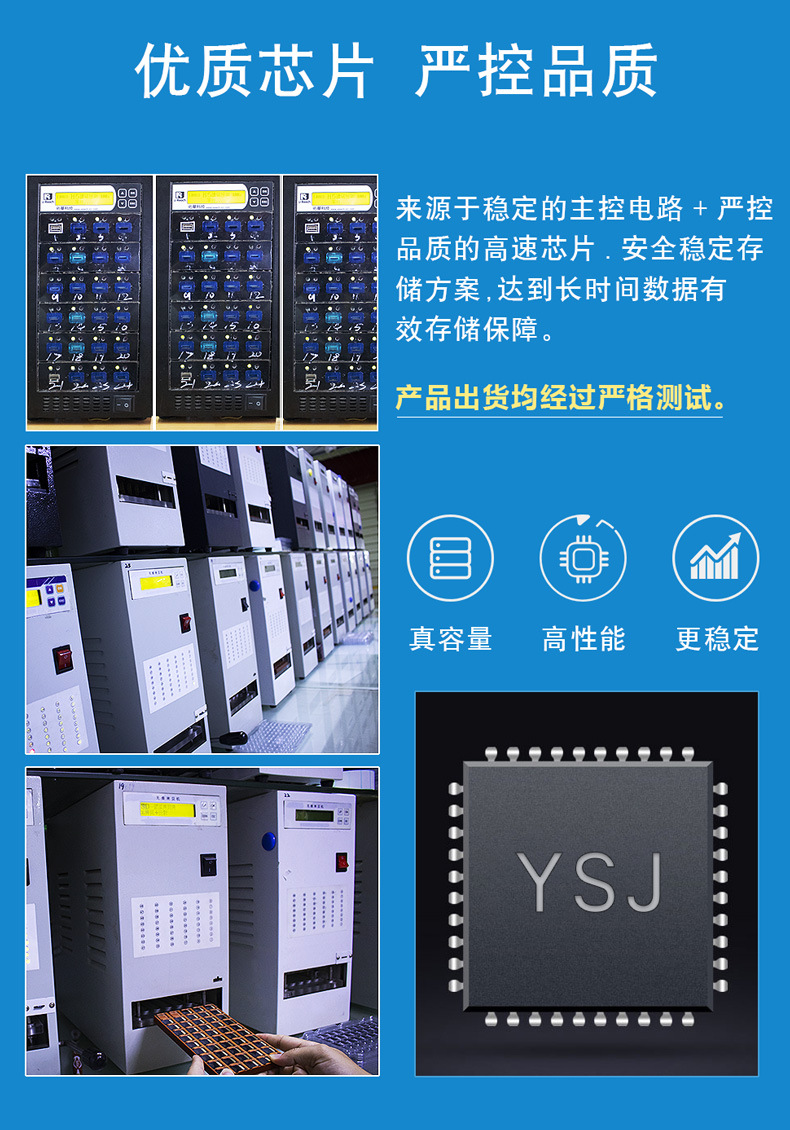
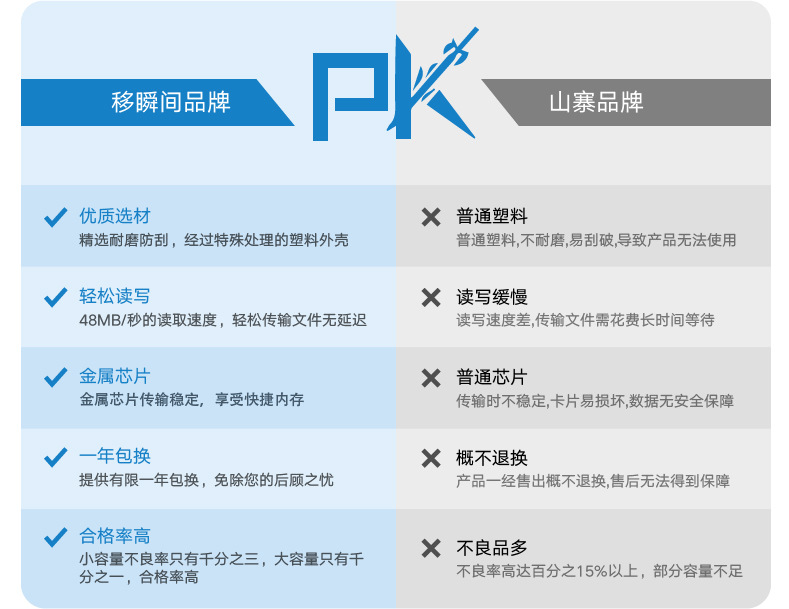
Our company only sells well-known versions in the industry; the defect rate for small capacities is approximately three per thousand! The defect rate for large capacities is approximately one per thousand!
All products sold are compatible with all available testing software. It is recommended to use the authoritative disk testing tool "H2testw" for inspection, ensuring that upgrade cards have no place to hide, and eliminating any concerns regarding product quality.
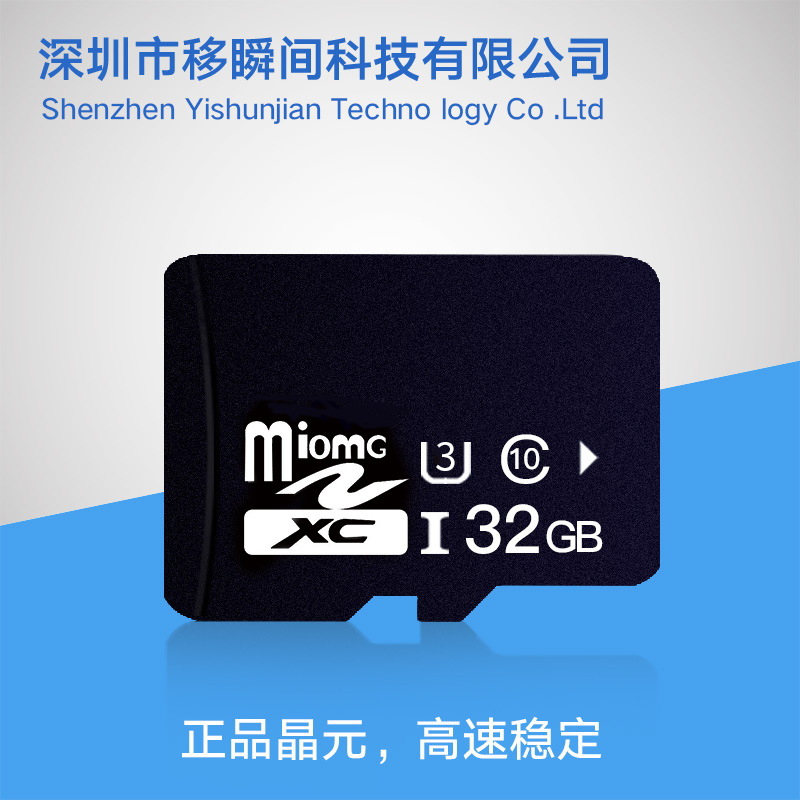
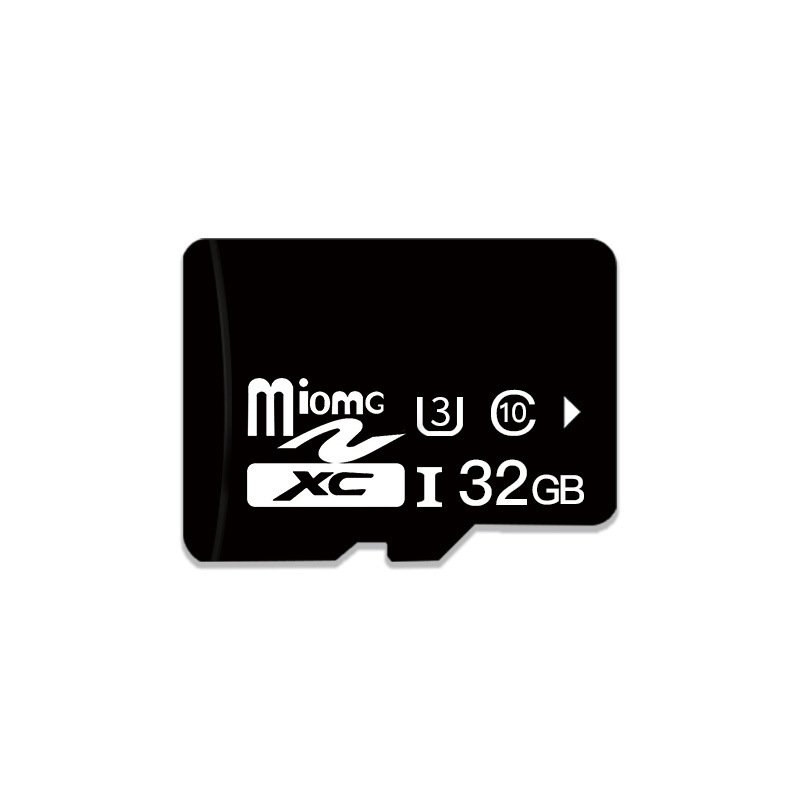
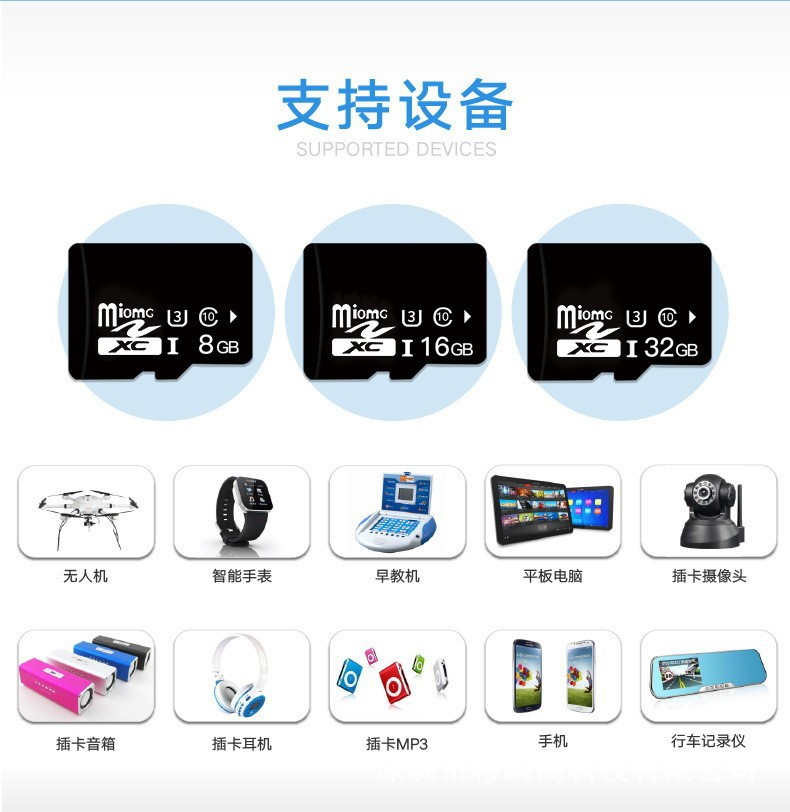
A memory card is a very small flash memory card, primarily used in mobile phones. However, due to its tiny size and increasing storage capacity, it is now also used in GPS devices, portable music players, and some hard drives. It has a size of 15mm x 11mm x 1mm, which is roughly the size of a finger, making it the smallest flash memory card currently available. It can also be connected to a slot using an adapter.
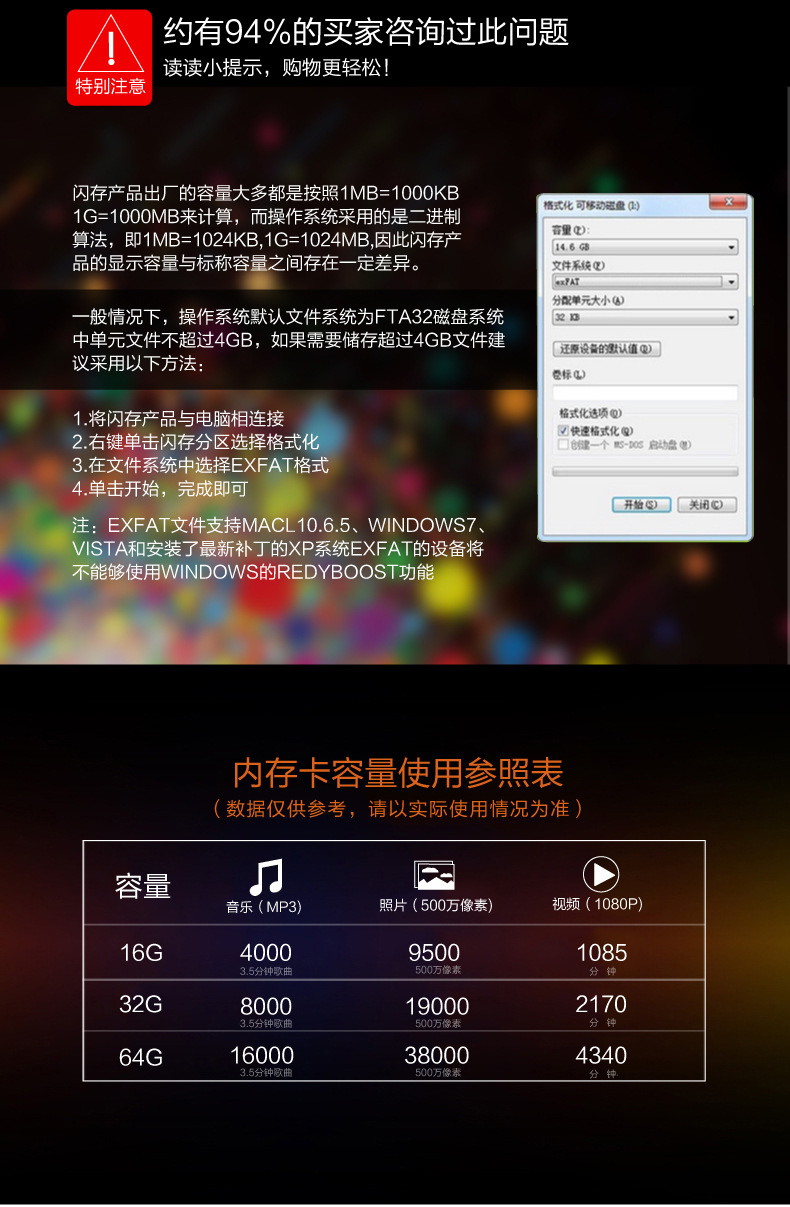
*If a 3.0 card reader and 3.0 interface are used, the test results will be better. The actual speed depends on the device used and the size of the document, etc.
How to test the storage card capacity
Many expansion cards are available on the market currently
Expansion means increasing the capacity from 1G or 2G (or 1.28M, 2.56M) to 4G, 8G, 16G, 32G, etc.
The actual capacity is still 1G or 2G; buyers cannot determine whether an expansion has been done via computer.
Testing must be conducted using software!
A simple way to test if the data is sufficient is: copy approximately 14G of data from a card with a capacity of 1.49G.
(<t_file>, <t_song>, <t_movie>), then remove the card reader from the bottom right corner of the computer.
If the instructions can be read, it indicates that the actual capacity has been reached.
The expanded capacity can be used, but the data copied later is damaged and cannot be read!
Many expansion cards are available on the market currently
Expansion means increasing the capacity from 1G or 2G (or 1.28M, 2.56M) to 4G, 8G, 16G, 32G, etc.
The actual capacity is still 1G or 2G; buyers cannot determine whether an expansion has been done via computer.
Testing must be conducted using software!
A simple way to test if the data is sufficient is: copy approximately 14G of data from a card with a capacity of 1.49G.
(<t_file>, <t_song>, <t_movie>), then remove the card reader from the bottom right corner of the computer.
If the instructions can be read, it indicates that the actual capacity has been reached.
The expanded capacity can be used, but the data copied later is damaged and cannot be read!
How to test the storage card capacity
Many expansion cards are available on the market currently
Expansion means increasing the capacity from 1G or 2G (or 1.28M, 2.56M) to 4G, 8G, 16G, 32G, etc.
The actual capacity is still 1G or 2G; buyers cannot determine whether an expansion has been done via computer.
Testing must be conducted using software!
A simple way to test if the data is sufficient is: copy approximately 14G of data from a card with a capacity of 1.49G.
(<t_file>, <t_song>, <t_movie>), then remove the card reader from the bottom right corner of the computer.
If the instructions can be read, it indicates that the actual capacity has been reached.
The expanded capacity can be used, but the data copied later is damaged and cannot be read!
Many expansion cards are available on the market currently
Expansion means increasing the capacity from 1G or 2G (or 1.28M, 2.56M) to 4G, 8G, 16G, 32G, etc.
The actual capacity is still 1G or 2G; buyers cannot determine whether an expansion has been done via computer.
Testing must be conducted using software!
A simple way to test if the data is sufficient is: copy approximately 14G of data from a card with a capacity of 1.49G.
(<t_file>, <t_song>, <t_movie>), then remove the card reader from the bottom right corner of the computer.
If the instructions can be read, it indicates that the actual capacity has been reached.
The expanded capacity can be used, but the data copied later is damaged and cannot be read.
Update time:


TOP