Search history
Clear allSearch by image
XDrag and drop an image here or upload an image
Max 5MB per image
UploadSign In | Join

Search history
Clear allSearch by image
XDrag and drop an image here or upload an image
Max 5MB per image
UploadSign In | Join
SHUOFENG ELECTYONIC TECHNOLGY CO.LTD 12yr.
Contacts Diana Chat
Mobile 18358005552
1048612396

WhatsApp 8618358005552
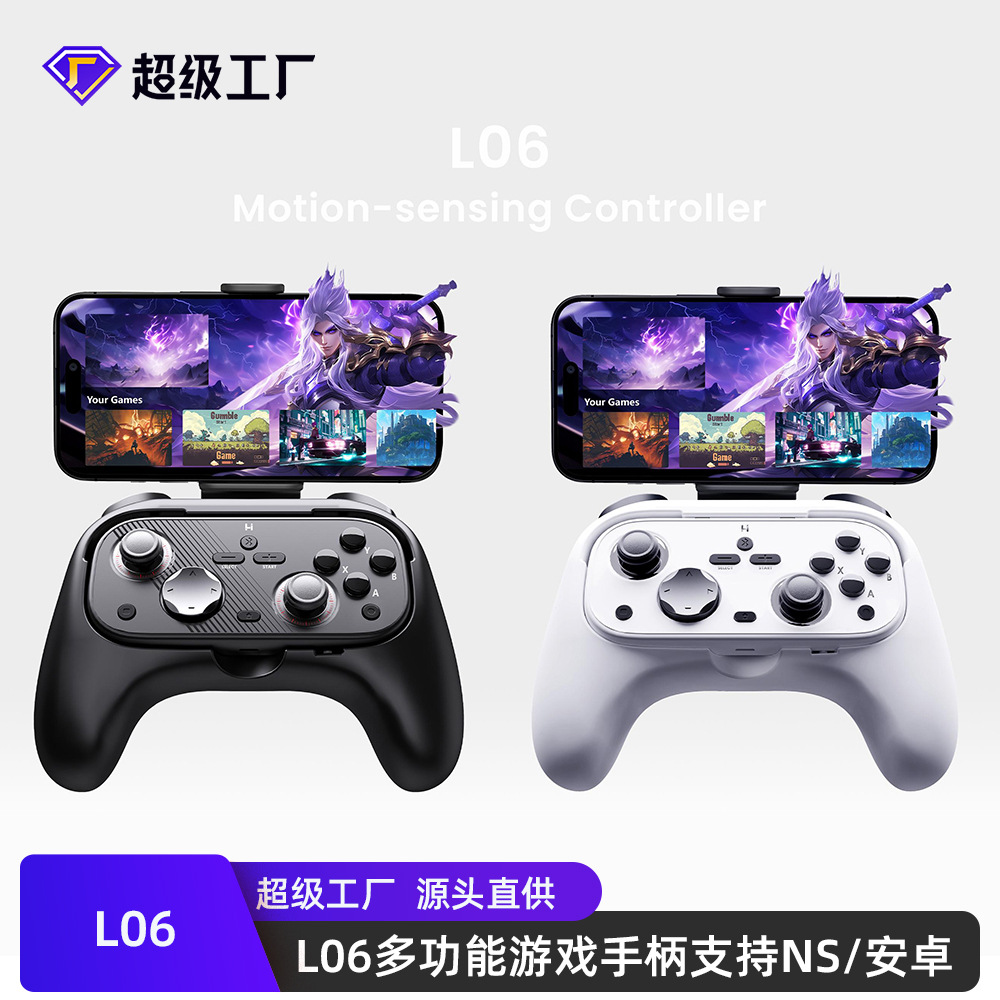
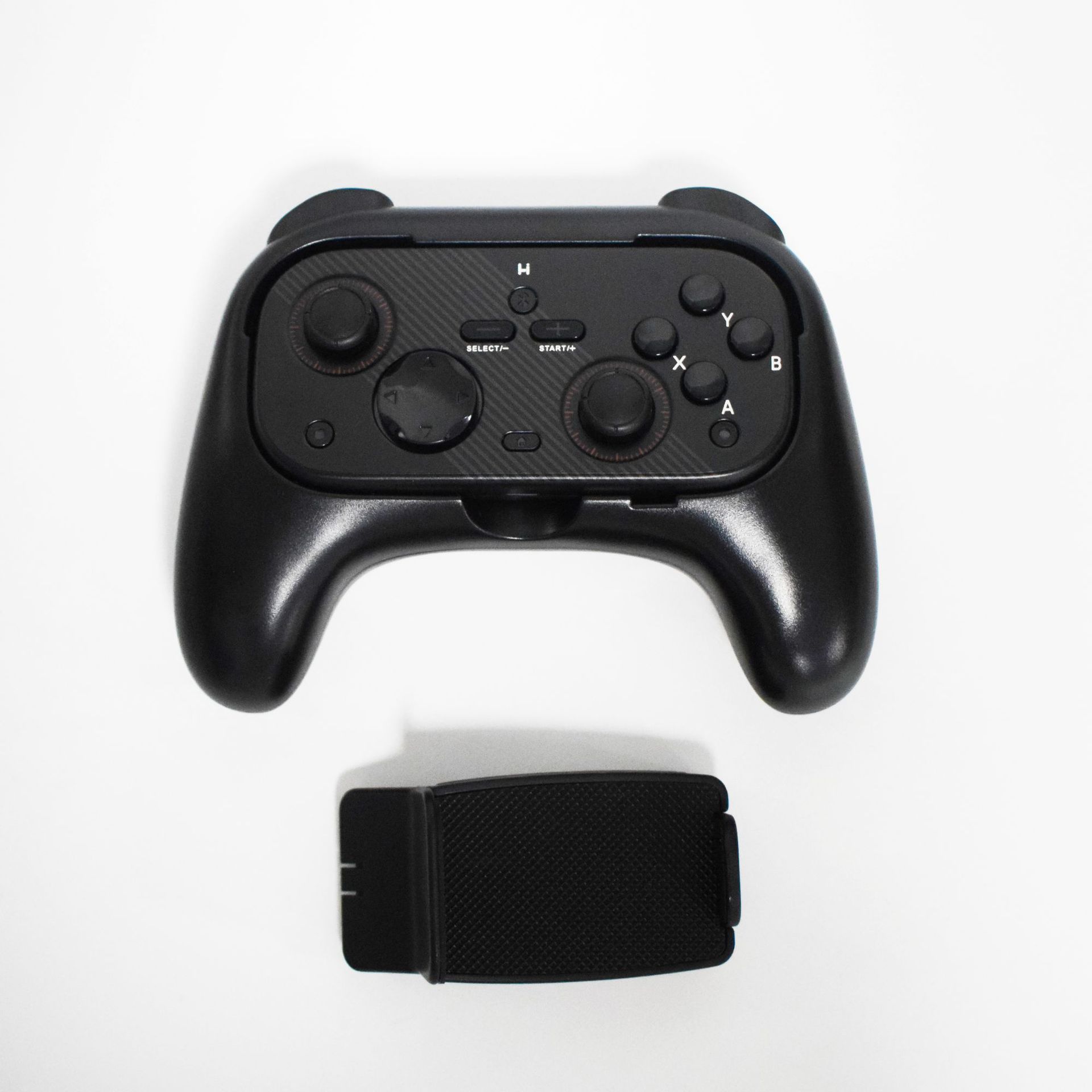
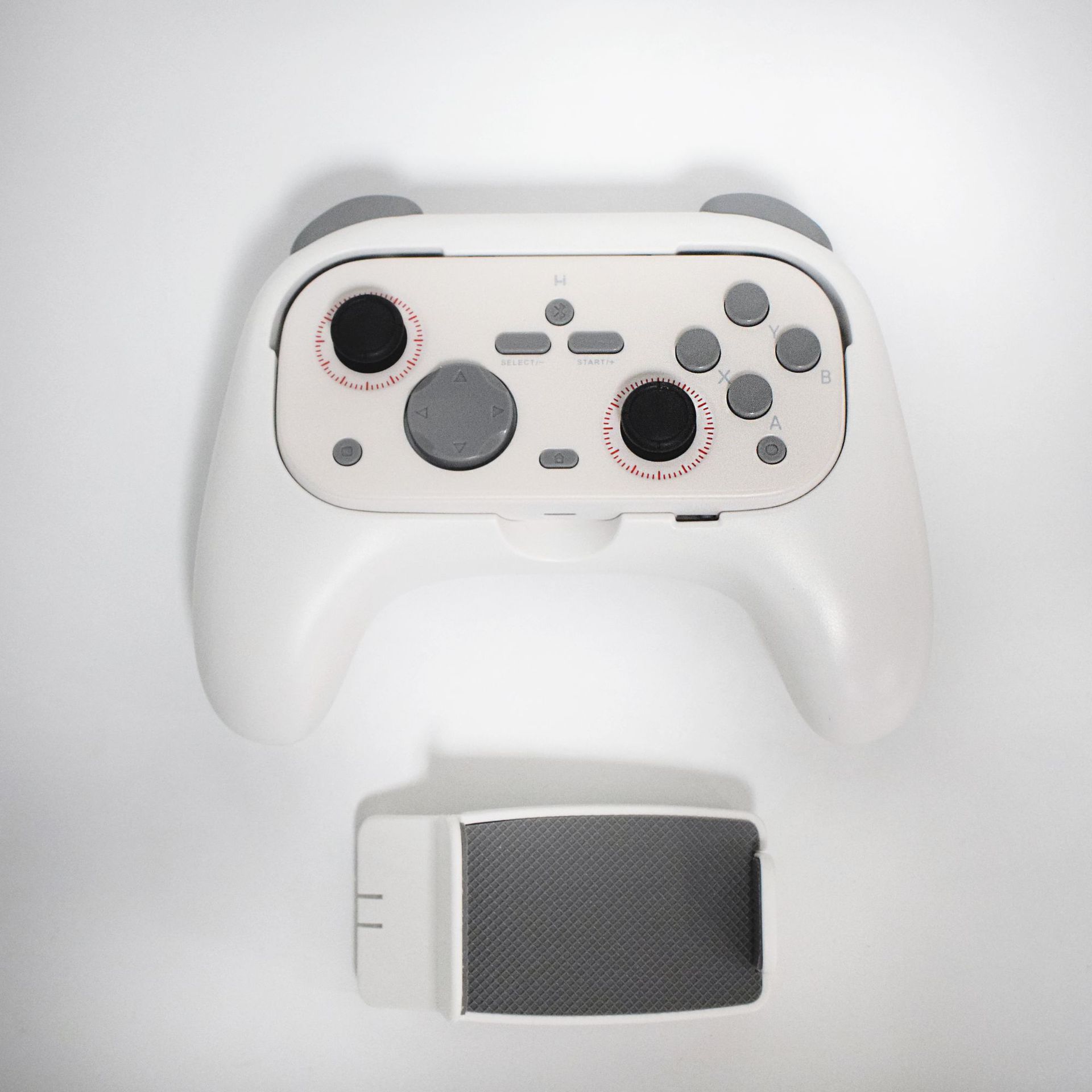
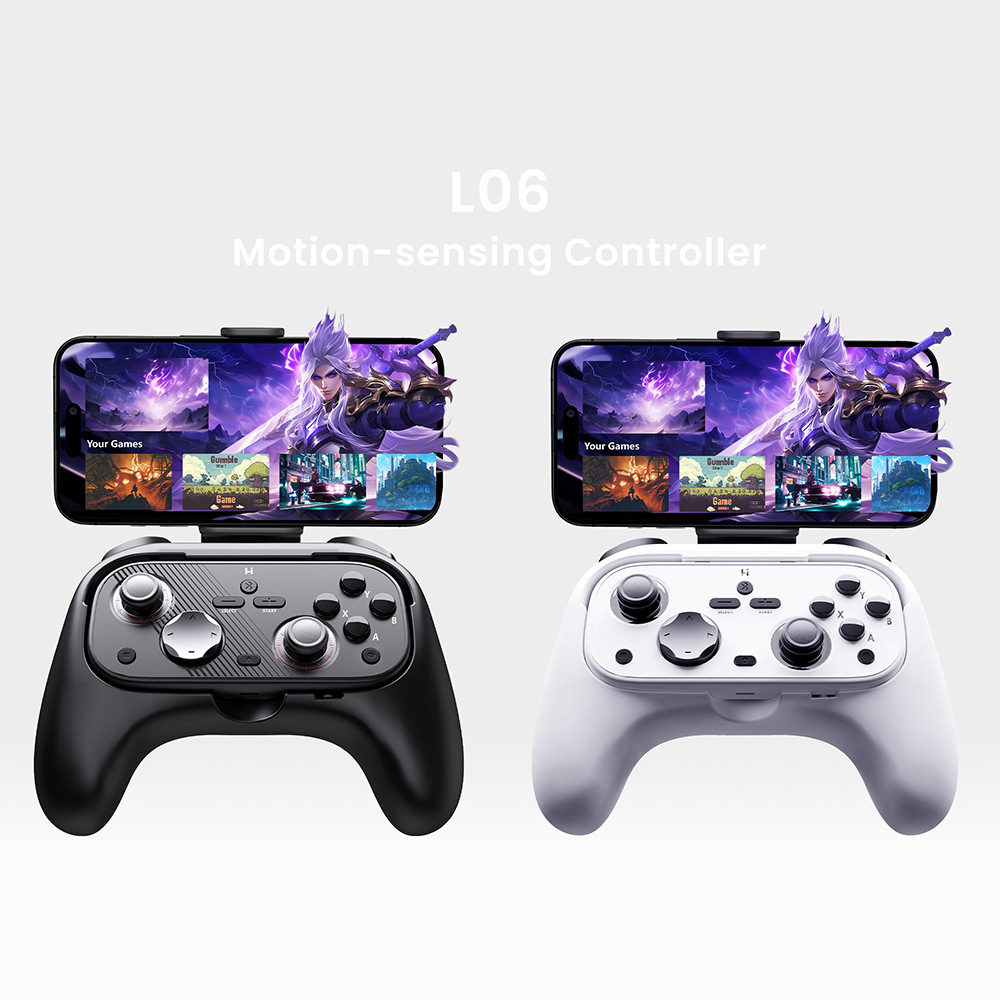
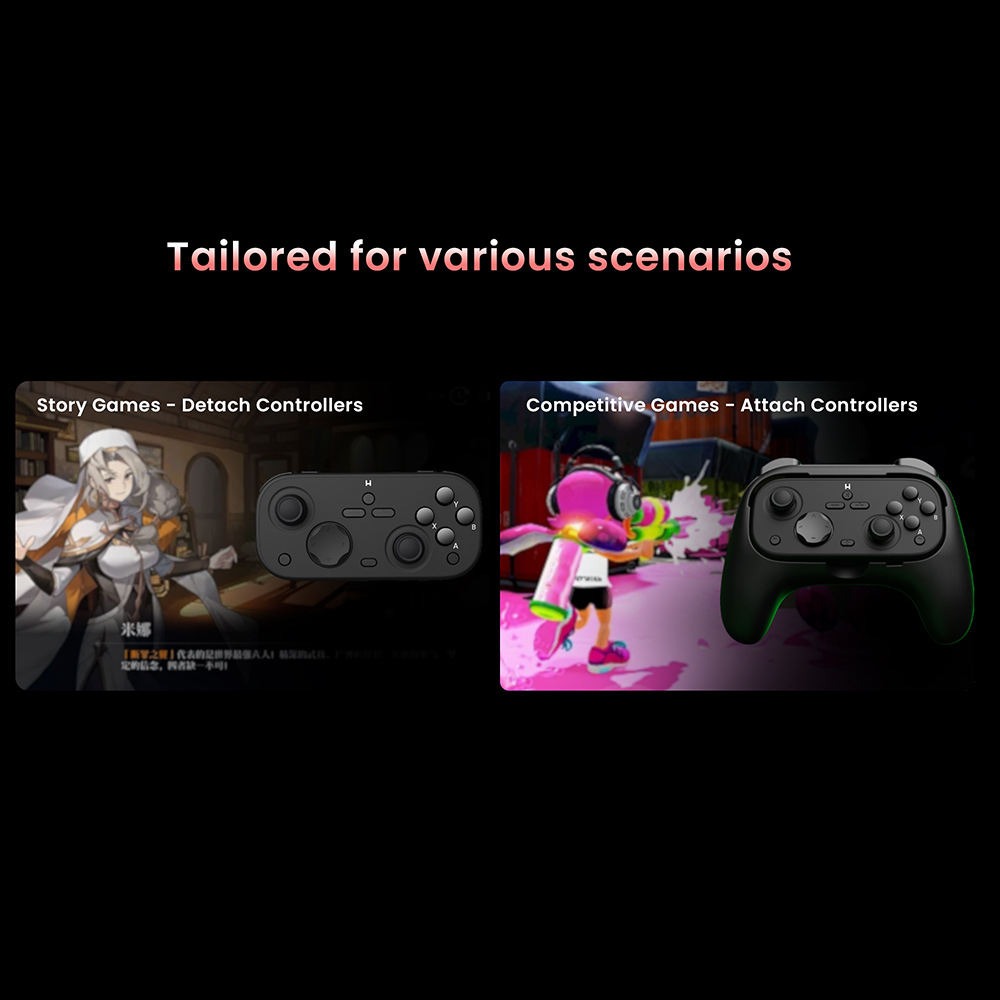
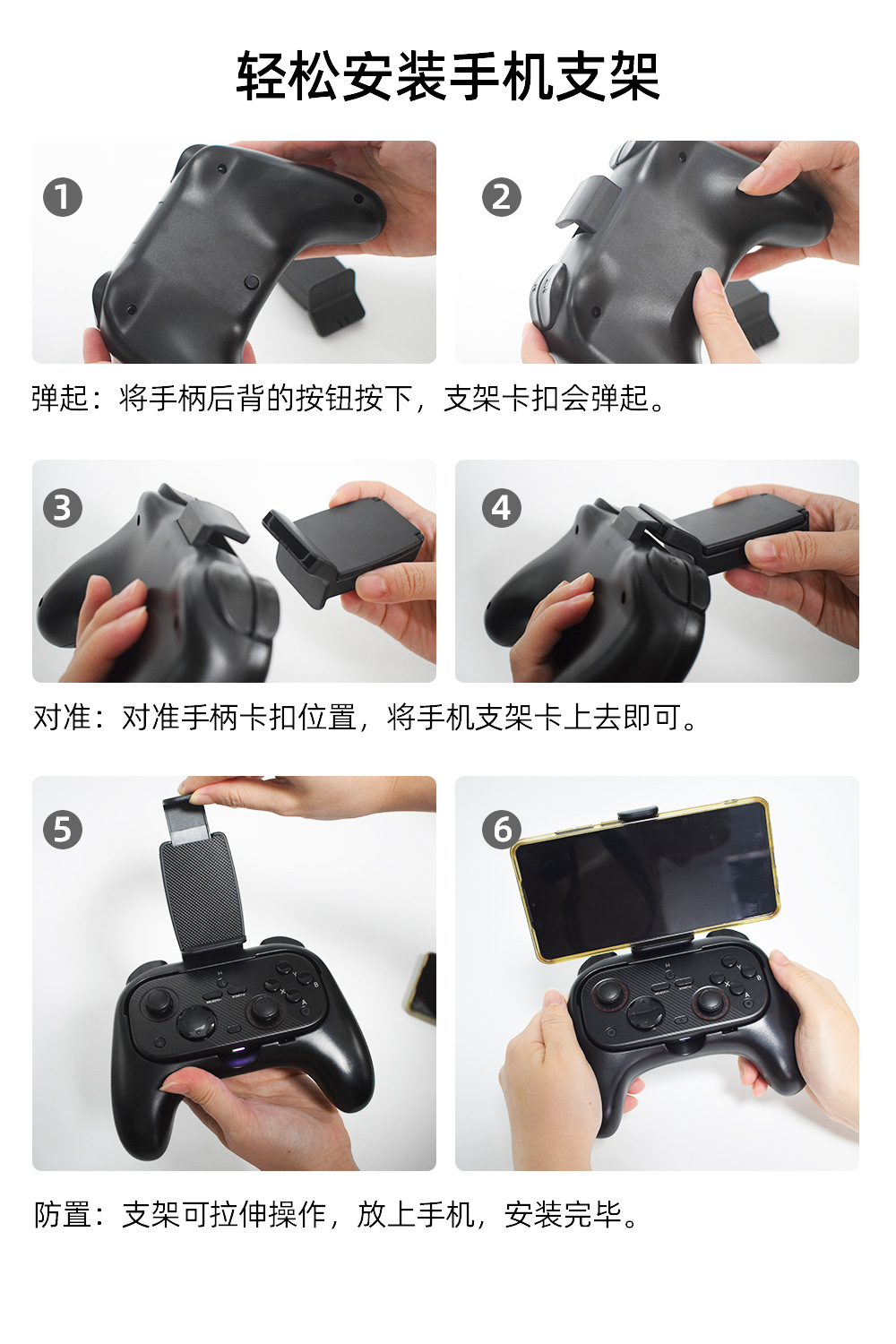
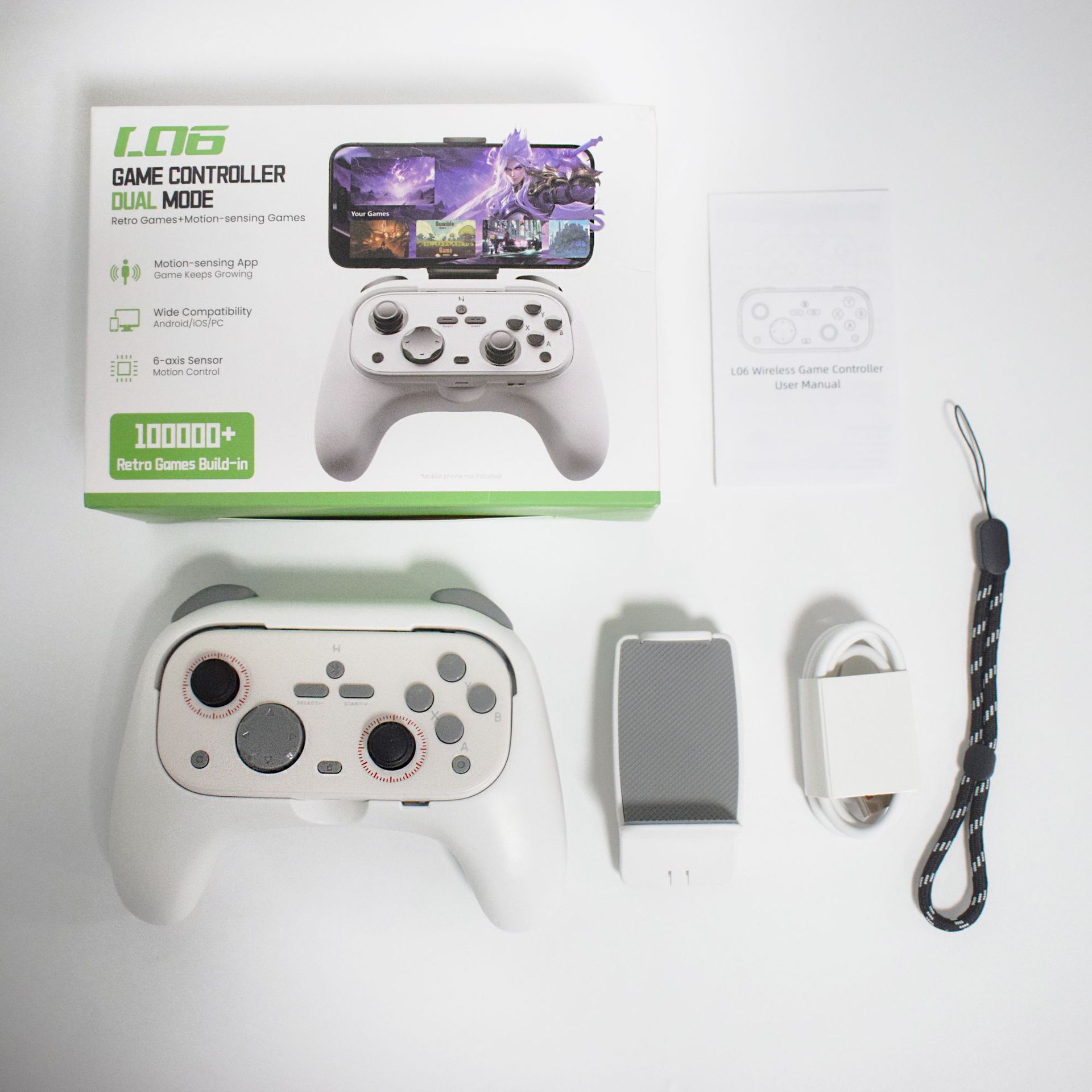
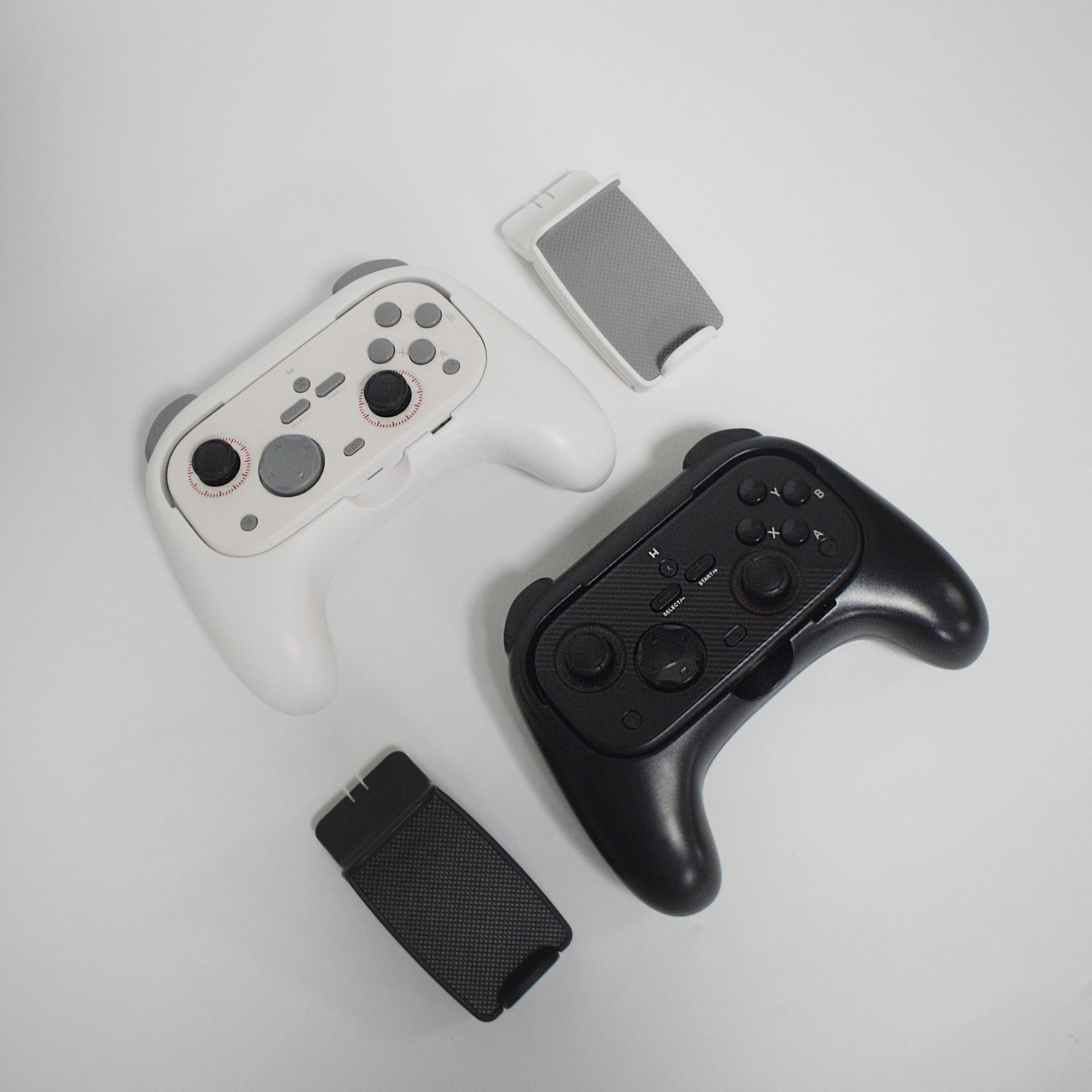
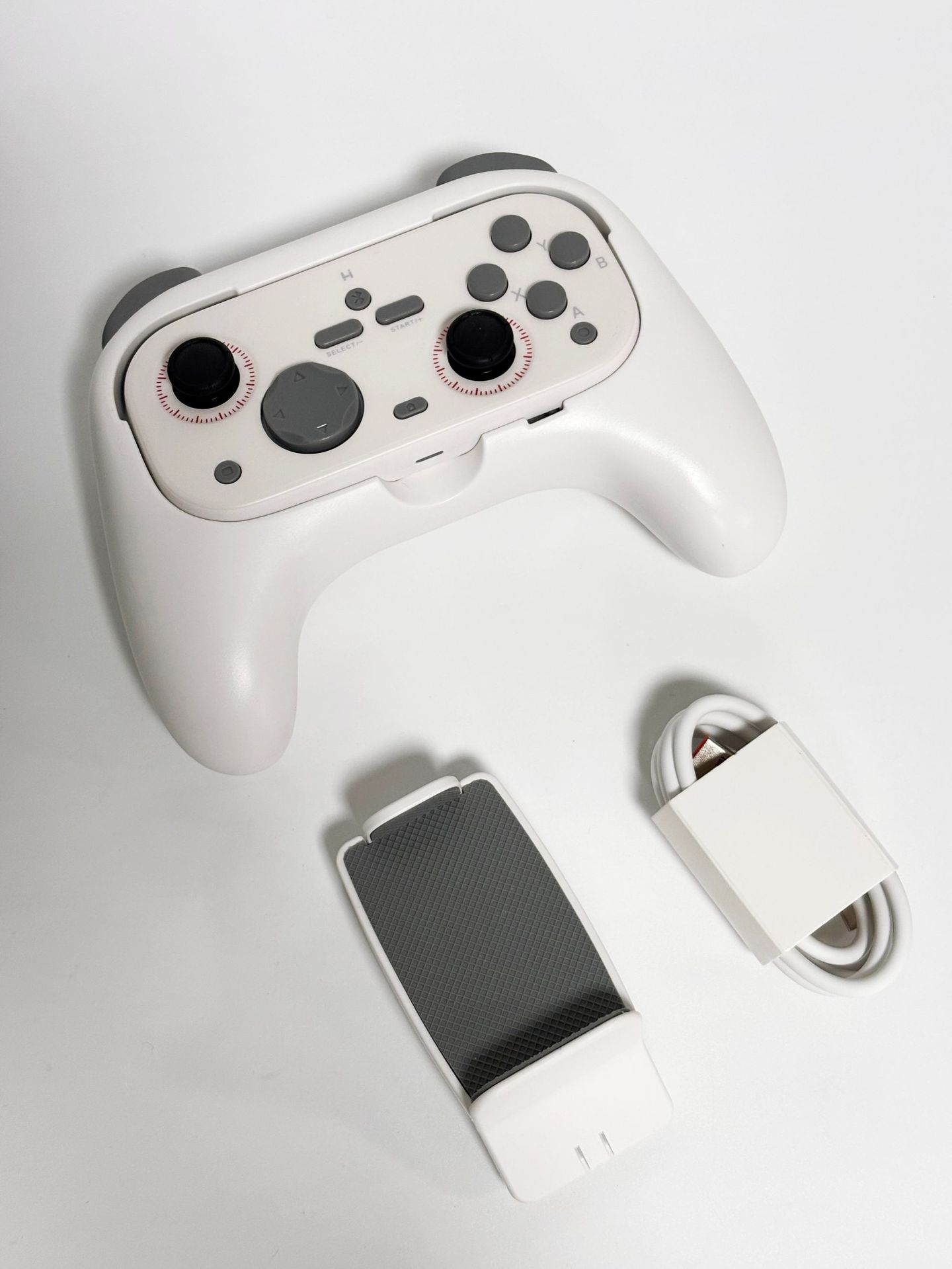
L06 Multi-functional Game Controller
【Product Specifications】
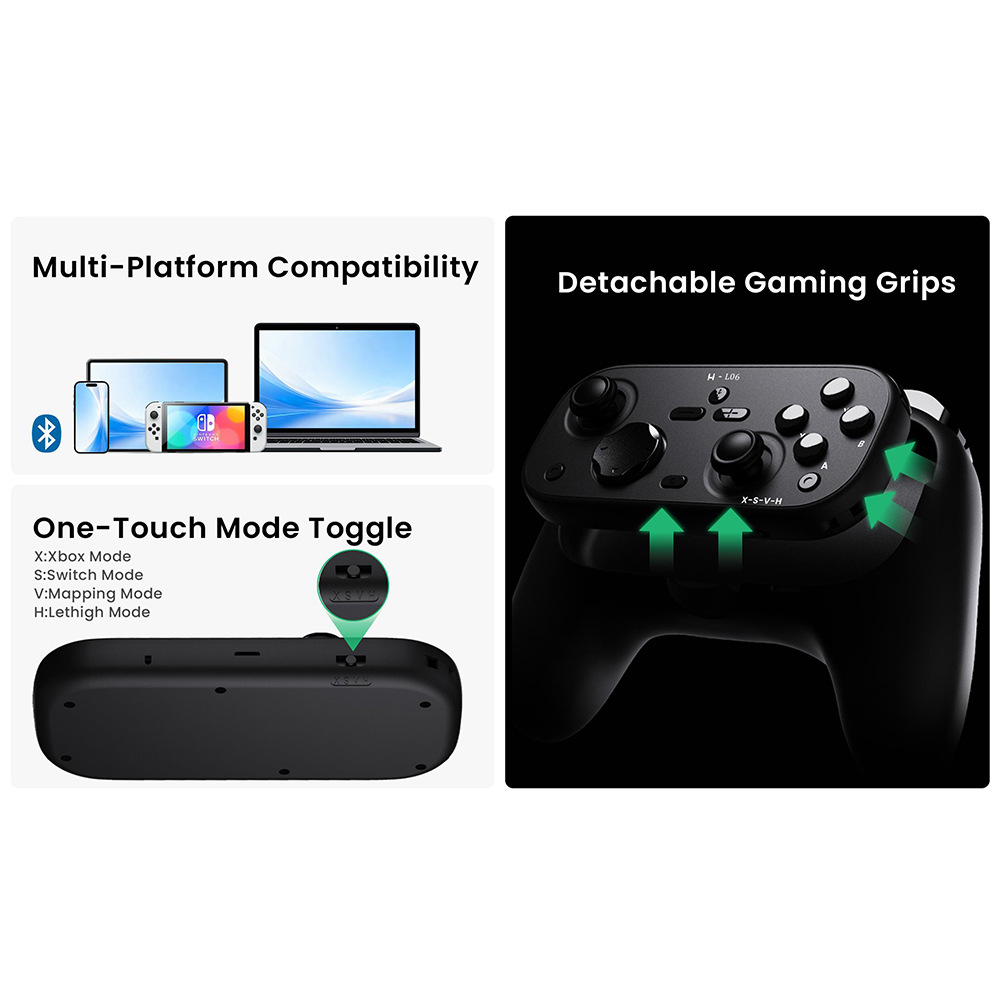
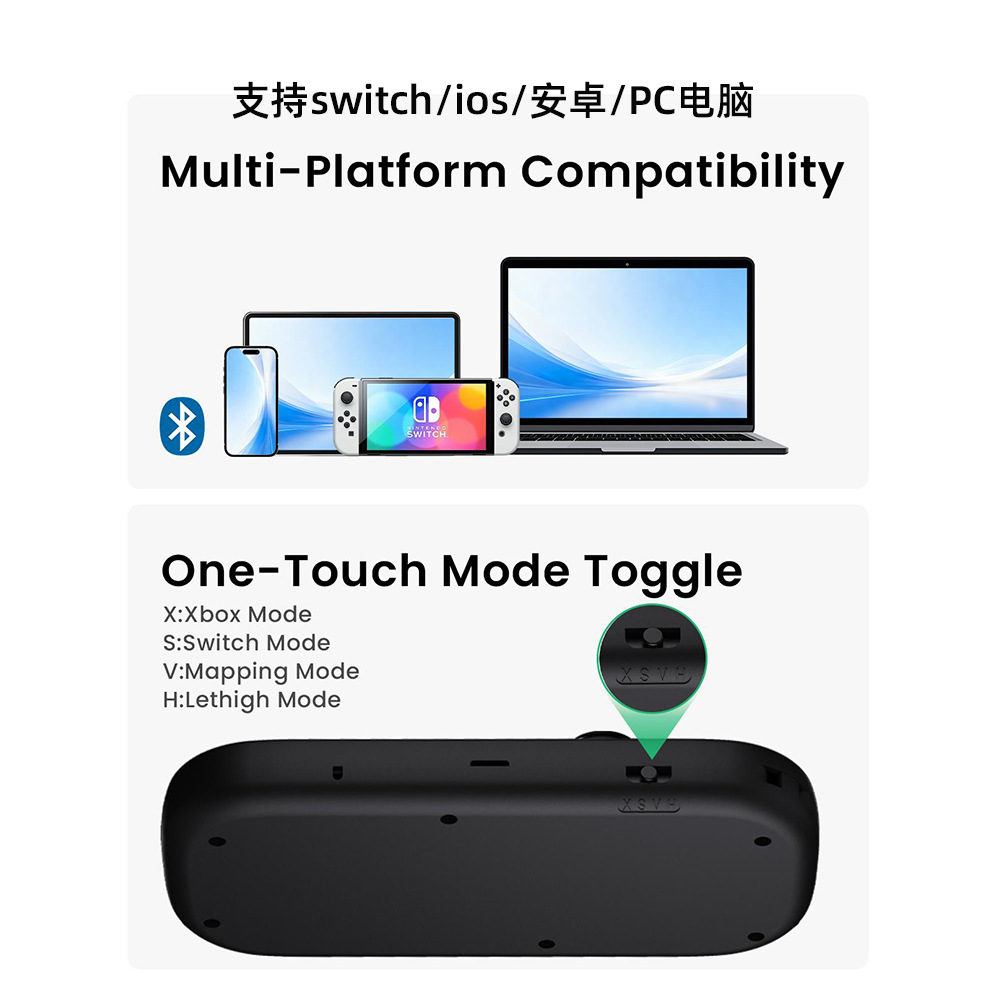
Supports Switch consoles, Android phone V3, iOS phones, and PC gaming platforms
Supports switching between 4 handpiece modes (X, S, V, H).
Built-in motor in the handle
Special APP for compatible retro games (<t_XXXXXXXX>): need to download the app separately on your phone, then switch to Mode X
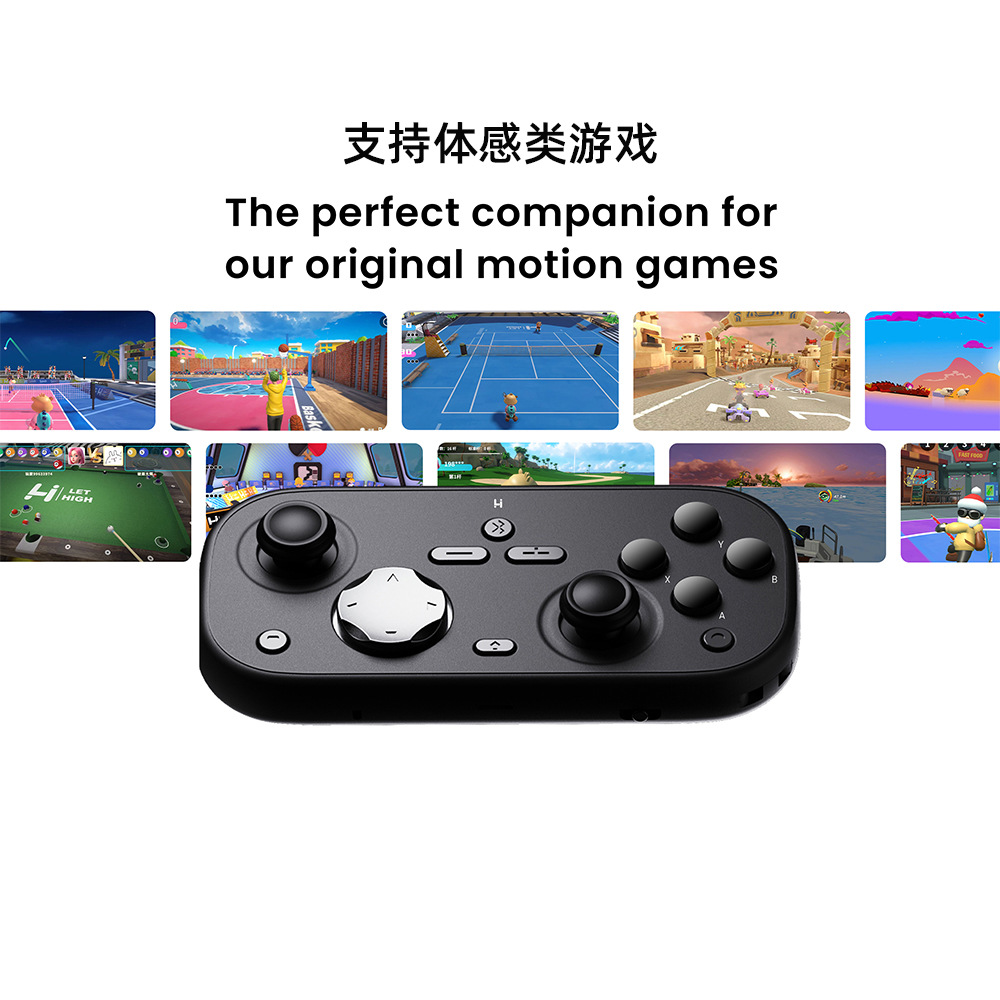
Special APP for haptic games (needs to be downloaded separately on the phone), switch to H mode
【Product Dimensions】18*7.5*12.5 cm
【Product Weight】312g
【Usage Description]
Bluetooth connection settings (7 connection modes)
1. Switch to host mode
Open the Switch console settings, go to "Controller and Sensors," then select "Grip/Order" to slide the side switch to the S position.
First pairing: Press the pairing button, and the red light flashes rapidly; subsequent startup requires simply pressing the Home button to reconnect automatically.
The host interface recognizes the L+R buttons. After it is ready, press the A button to complete pairing, and dual players can play simultaneously.
2. X-box Mode
Slide to Gear X
First pairing: Press the pairing button briefly, and the white light will flash rapidly; to reconnect, press the Home button
Phone / Computer: Enable Bluetooth, search for the device "X-box Wireless Controller" and connect.
3. Switch Pro Controller General Mode
Shifted smoothly to the S gear
First pairing: Press the pairing button briefly, and the red light flashes; to reconnect, press the Home button briefly
Bluetooth search for "Pro Controller" has completed pairing; compatible with phones and computers
4. Android key mapping mode
Search and download the "ShootingPlus V3" app from the app store
Slide to the V gear position
First pairing: Press the pairing button briefly, and the green light flashes; press the Home button to reconnect.
Phone Bluetooth searching for "L06-V" connection
5. Android Native HID General Mode
Slide to the V gear, and while the handle is off, hold down the Home + A button until the purple light flashes rapidly; then press the Home button to reconnect.
Device Bluetooth search for pairing with «L06-A»
6. Immersive Game Mode
Slide the gearshift to the H position
First pairing: Press the pairing button briefly, and the blue light flashes; press the Home button to reconnect.
Open the downloaded motion-sensing app, click on Bluetooth scanning, and connect to the device "L06".
For first use, you need to enter the activation code to complete binding and activation. The activation code is listed on the activation code page of this manual.
Customer Support Email: support@lethigh.com
7. Retro game gameplay methods
Scan the QR code on the manual to access game resources and operation tutorials
Retro games require switching the controller to Xbox mode or Switch Pro mode
Android users: Install the corresponding game app directly. If activation is required, enter the activation code provided in the manual.
iOS users: Download the app according to the tutorial, import it into the game, and fill in the activation code as needed.
Update time:


TOP