
Search history
Clear allSearch by image
XDrag and drop an image here or upload an image
Max 5MB per image
UploadSign In | Join

Search history
Clear allSearch by image
XDrag and drop an image here or upload an image
Max 5MB per image
UploadSign In | Join
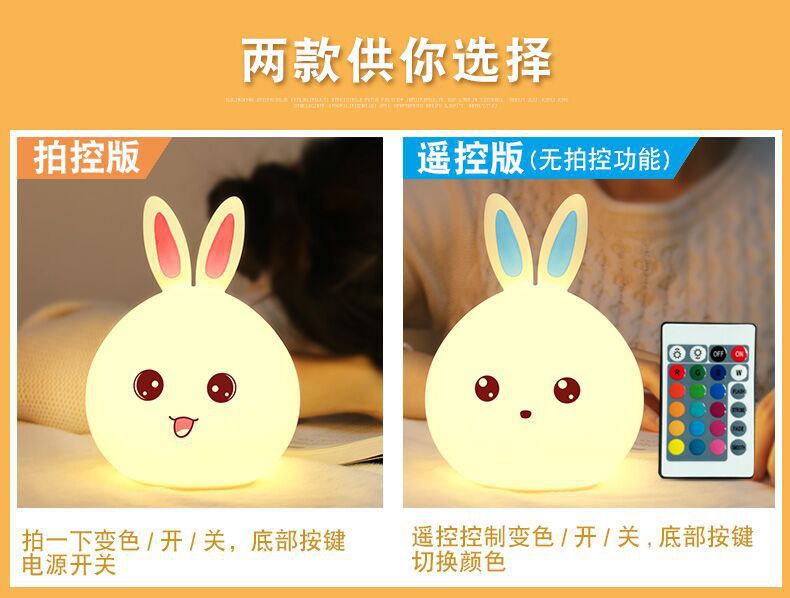
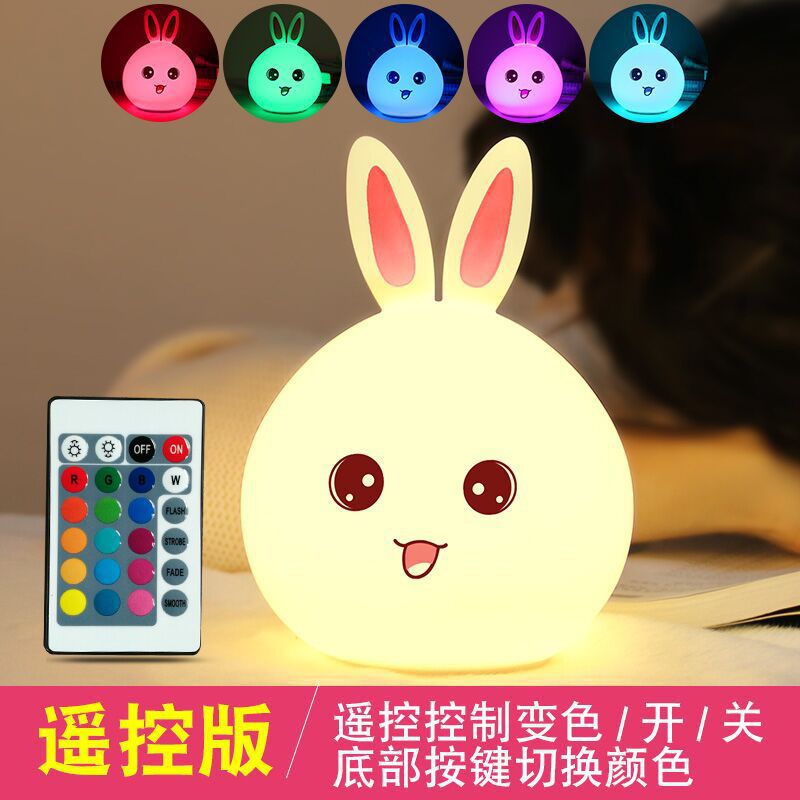
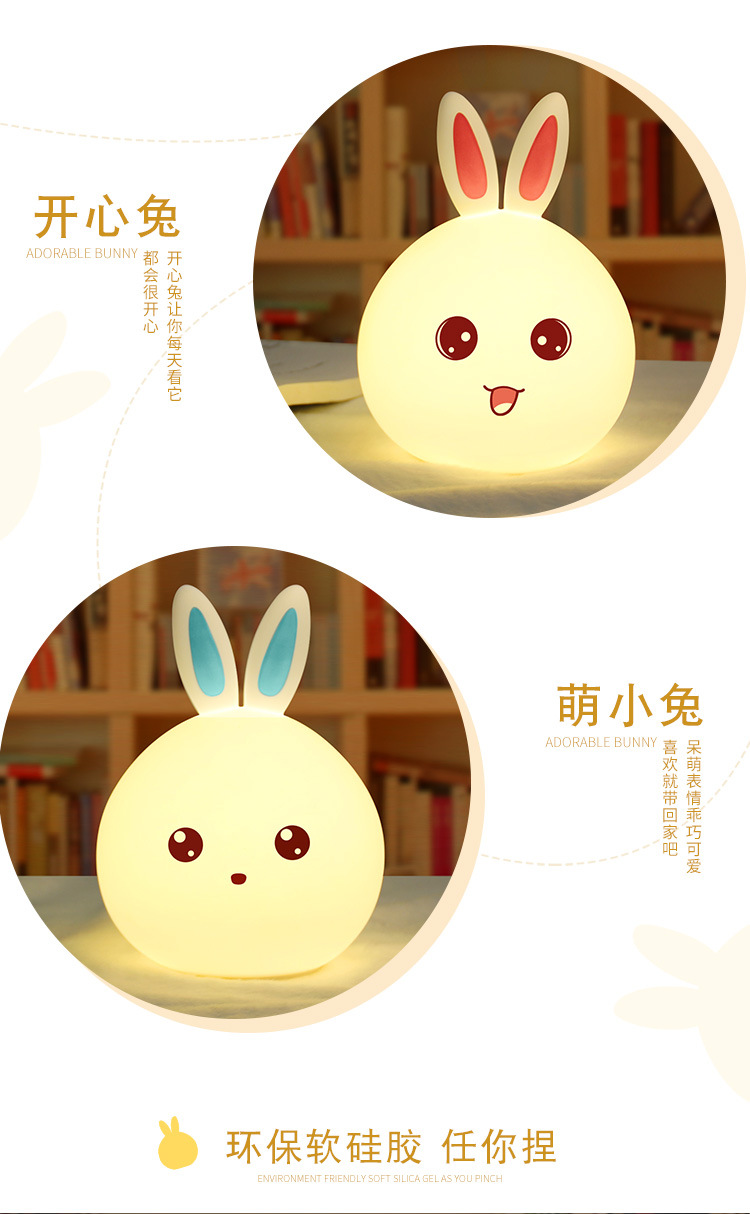
 cute rabbit night light remote control + racket blue: colorful 可爱兔子拍拍灯摇控+拍拍蓝色:七彩 |
CN¥ 30.0 |
 cute rabbit night light blue: colorful 可爱兔子拍拍灯蓝色:七彩 |
CN¥ 27.0 |
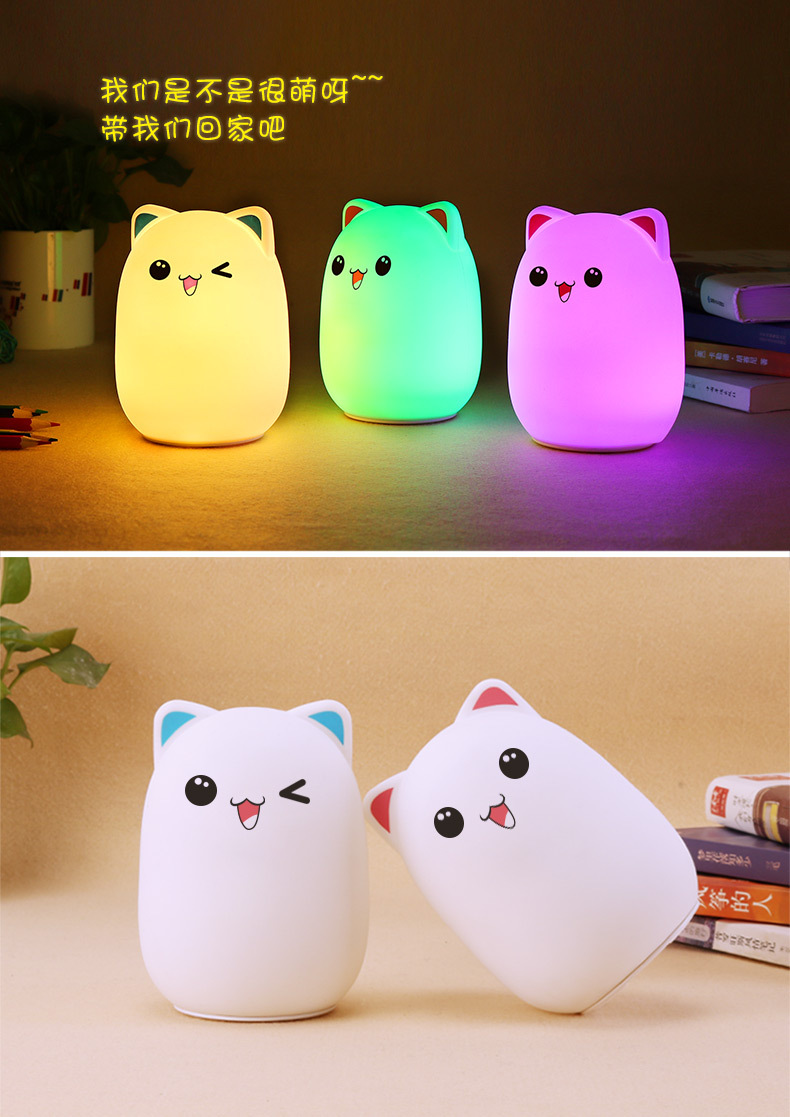
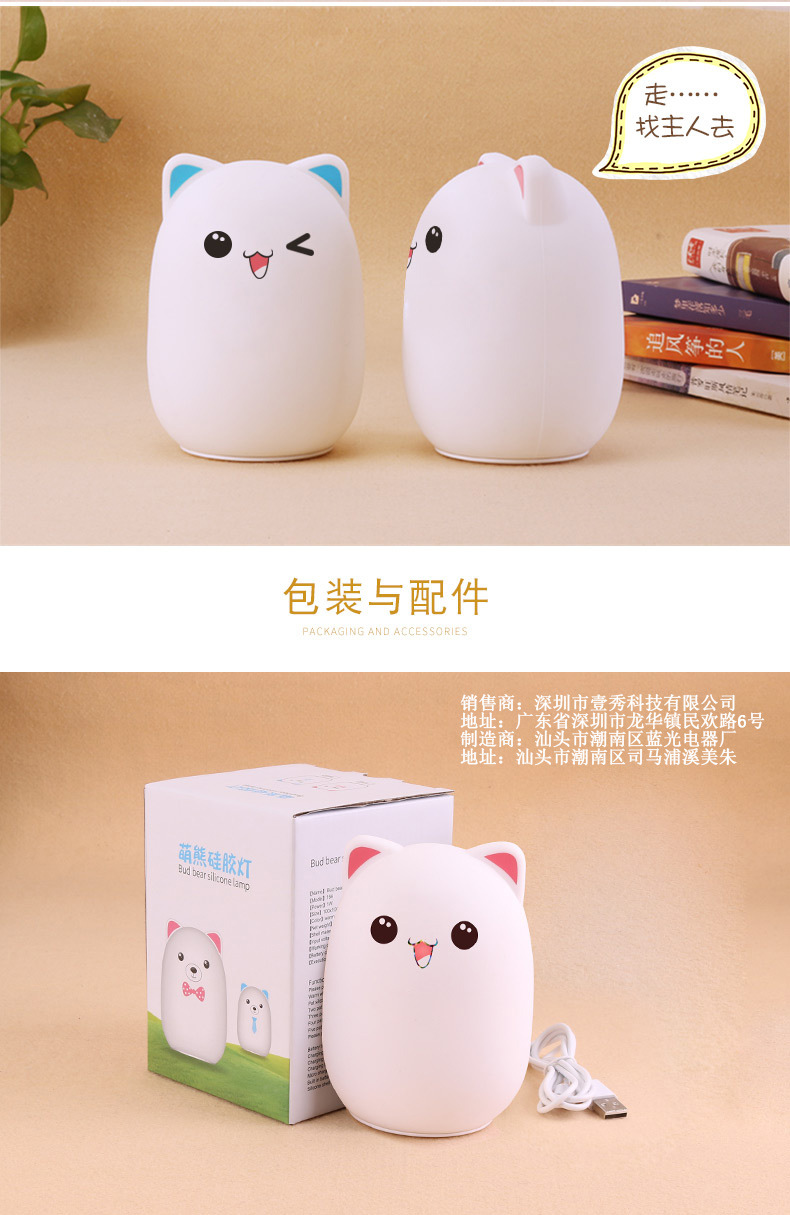
 cute bear silicone pat lamp-pink: colorful 萌熊硅胶拍拍灯-粉色:七彩 |
CN¥ 27.0 |
 cute bear silicone pat lamp-blue: colorful 萌熊硅胶拍拍灯-蓝色:七彩 |
CN¥ 27.0 |
 cute rabbit night light remote control + pat pink: colorful 可爱兔子拍拍灯摇控+拍拍粉色:七彩 |
CN¥ 30.0 |
 cute bear silicone light-blue remote control + racket: colorful 萌熊硅胶灯-蓝色摇控摇控+拍拍:七彩 |
CN¥ 30.0 |
 cute rabbit night light pink: colorful 可爱兔子拍拍灯粉色:七彩 |
CN¥ 27.0 |
 cute bear silicone light-pink remote control + racket: colorful 萌熊硅胶灯-粉色摇控+拍拍:七彩 |
CN¥ 30.0 |
Retail fixed-price PaiPai package: 48, Remote control: 58
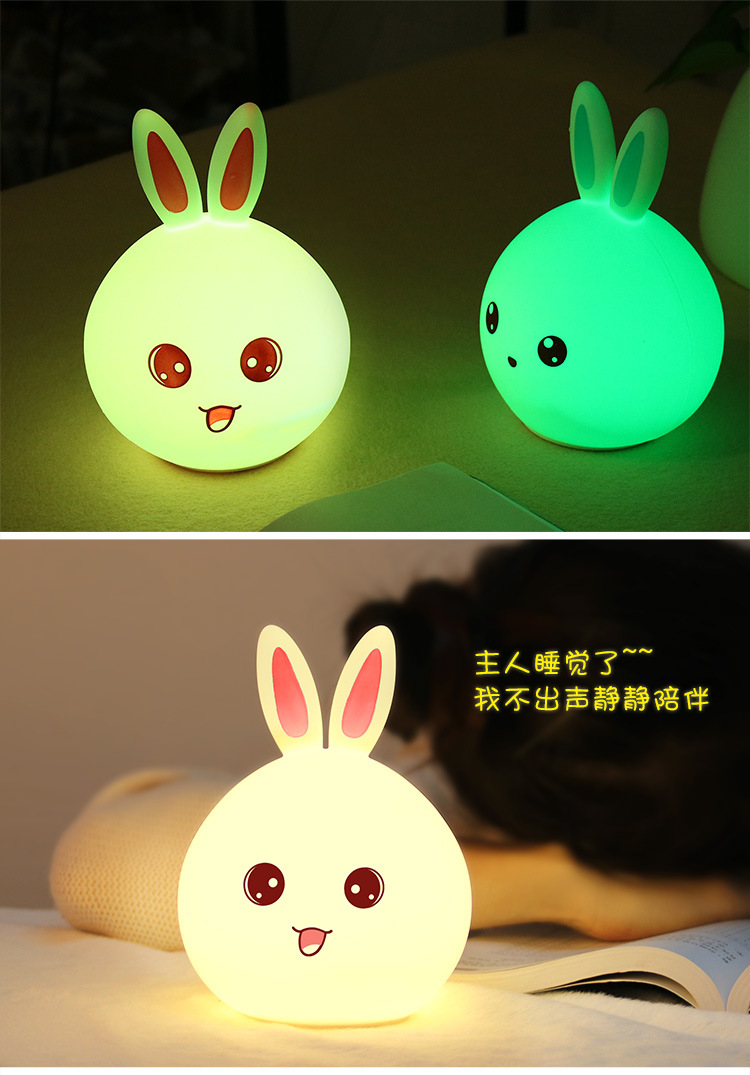
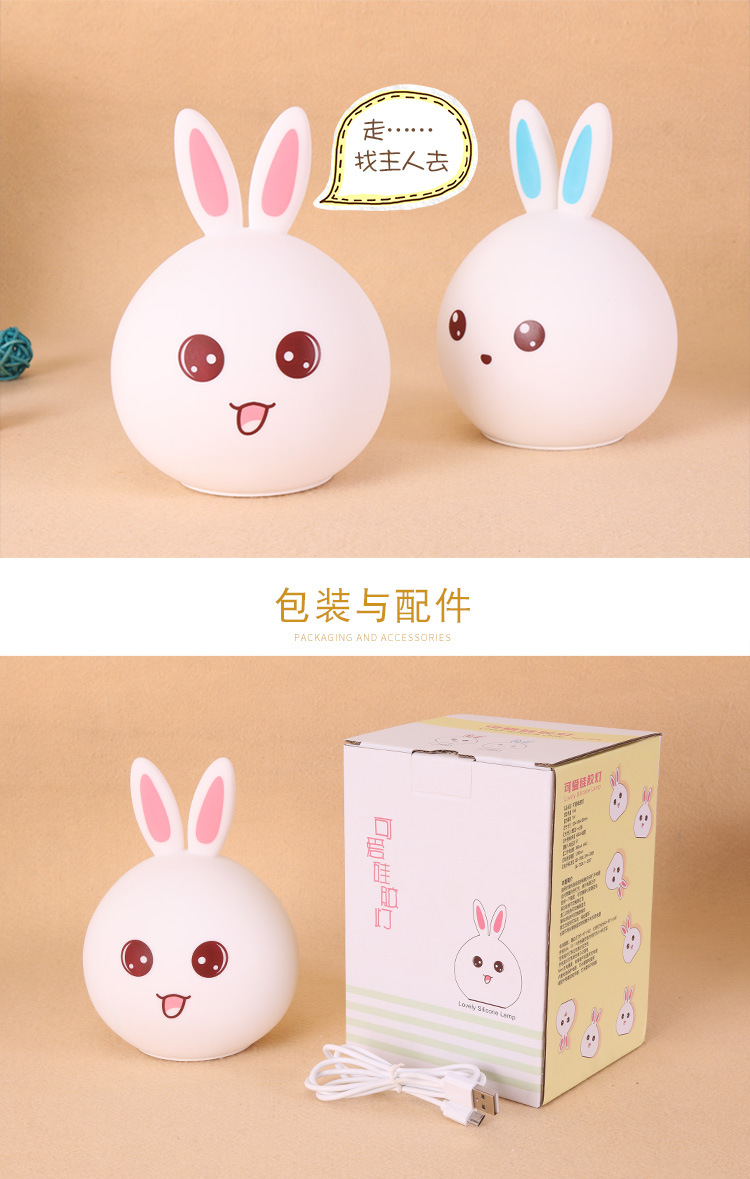
Rabbit Collection:
Product Model: 1 6 4
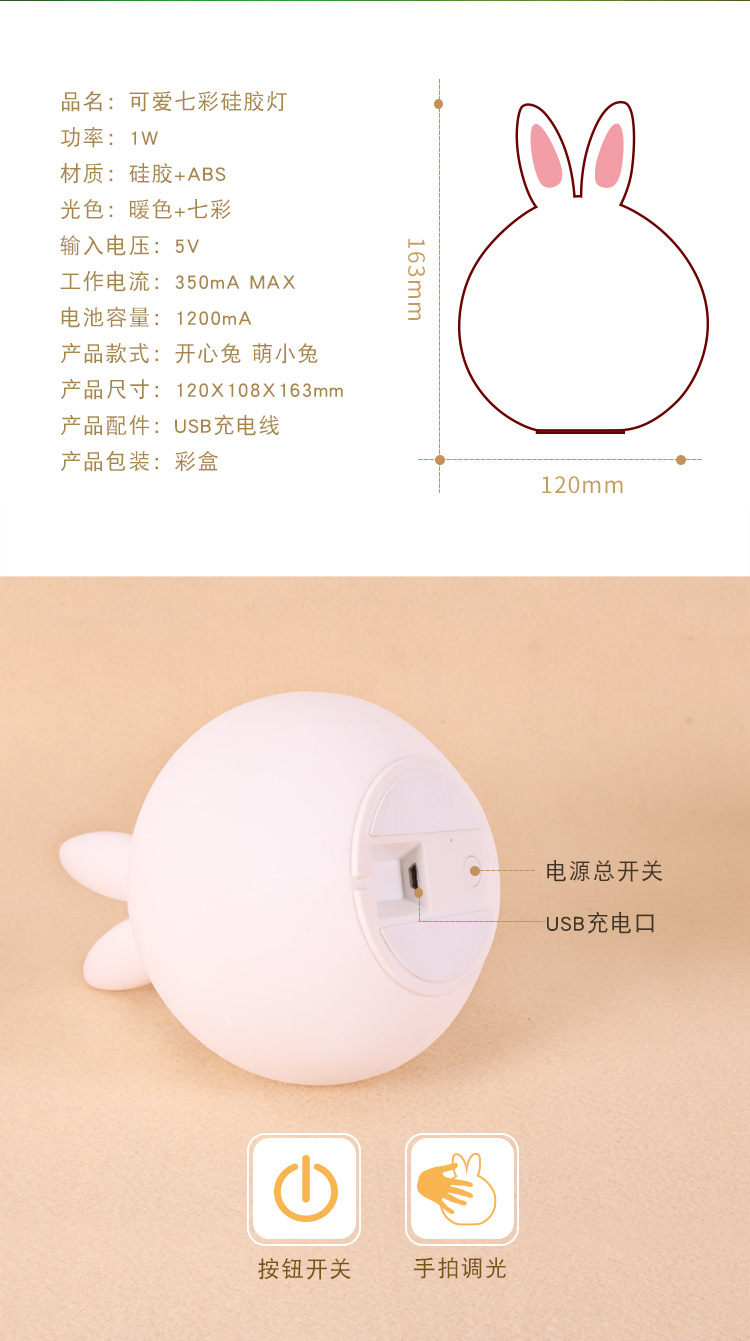
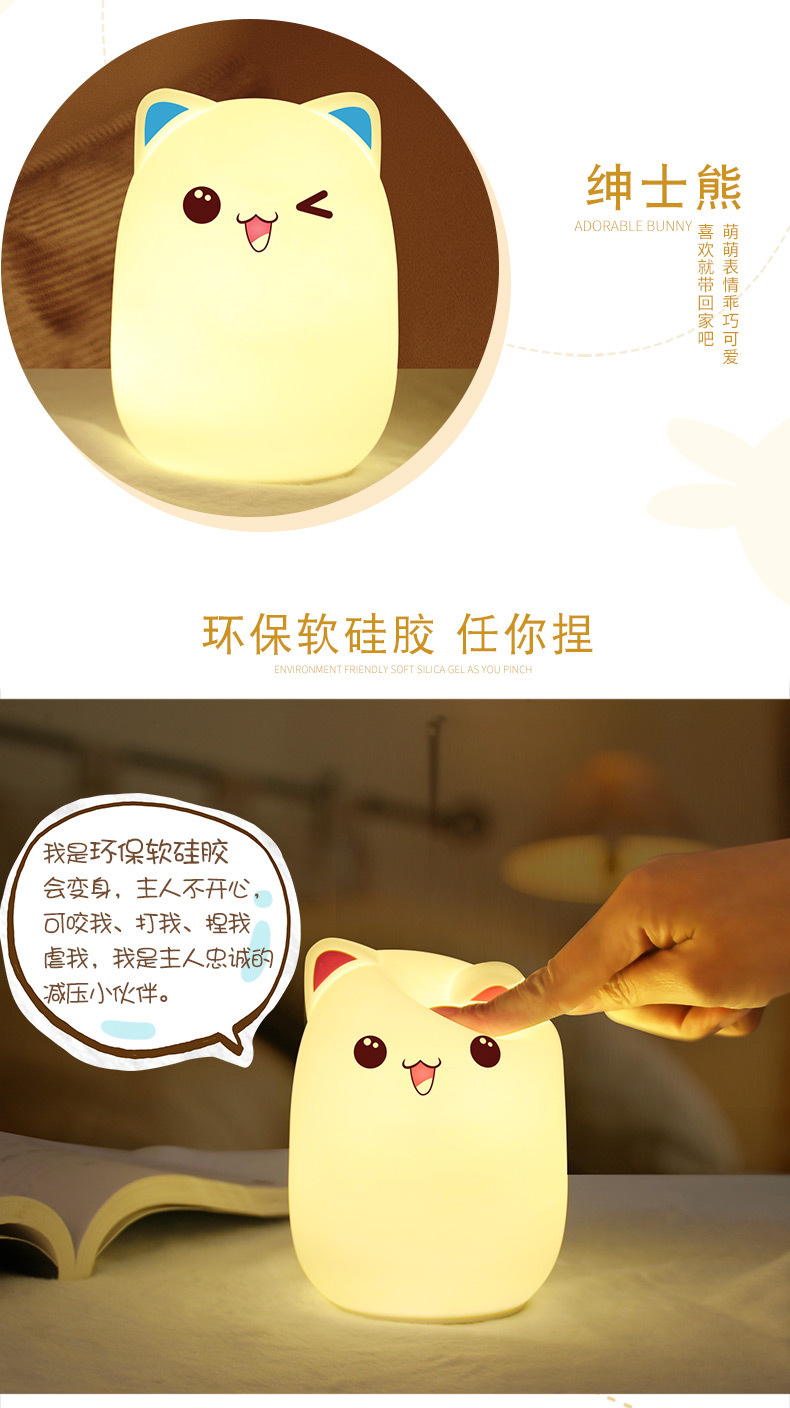
Product material: silicone + ABS + electronic components
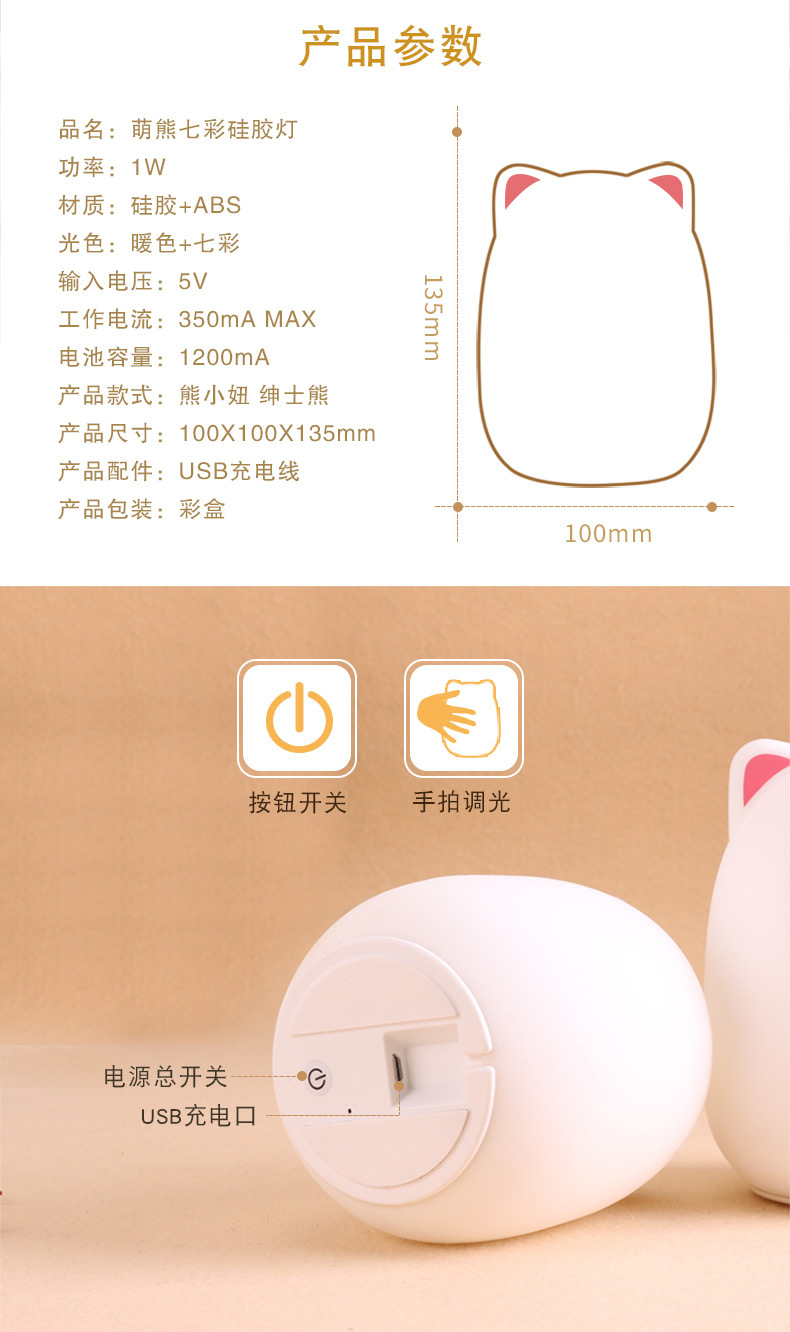
Product power: 1W
Number of lamp chips: 7 pieces
Frequency: 70 Hz
Power consumption: 0.4W
Input Voltage: 5V
Shell material: ABS + silicone
Working current: 350 mA MAX
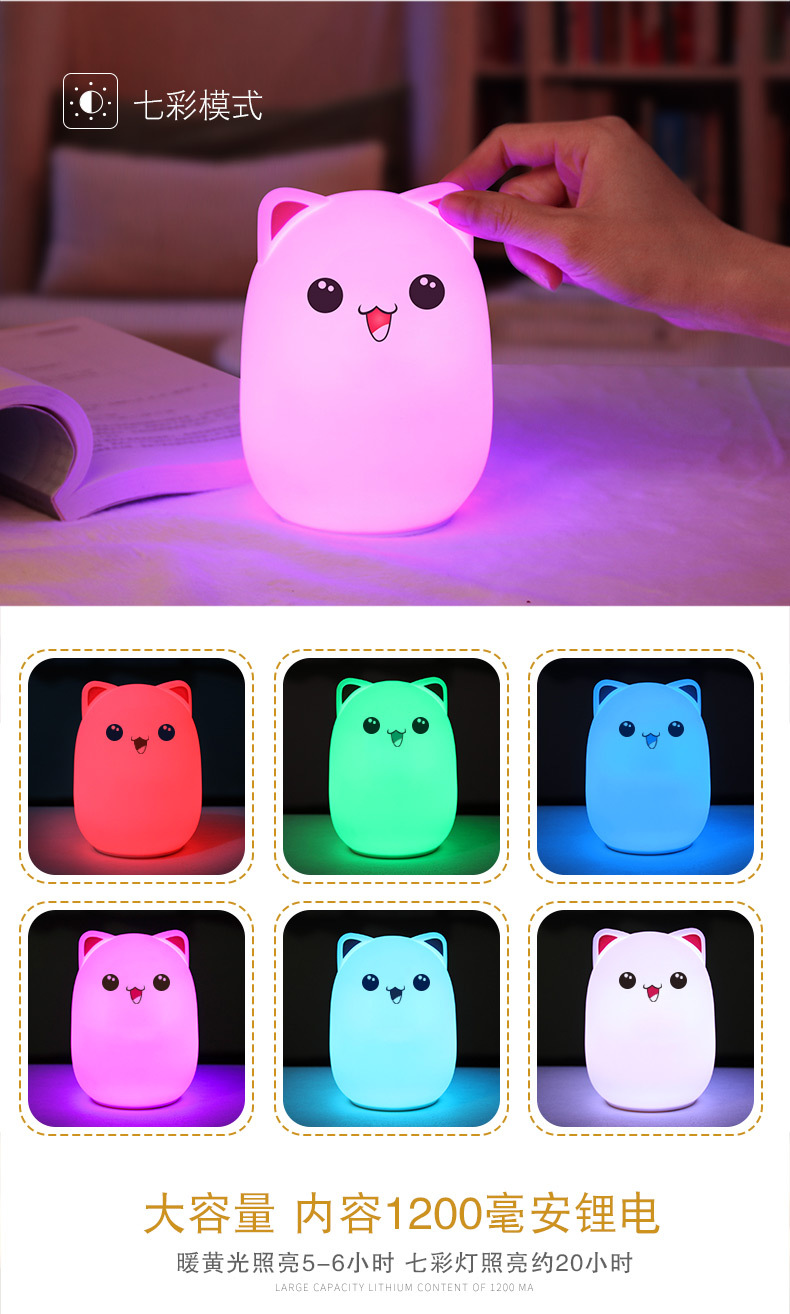
Battery capacity: 1200 mA (1865 lithium battery)
Product configuration: USB data cable, manual (Chinese and English)
Execution standard: GB-7000.204-2008
GB-7000.1-2015
Rabbit style
Product dimensions: 1,20 * 1,08 * 1,63 mm
Color box dimensions: 125*125*165 mm
Product weight: 189g (net), 256g (gross)
Packaging dimensions: 58*50*53 CM
Packaging weight: 14 KG (gross weight)
Packaging quantity: 60 pcs
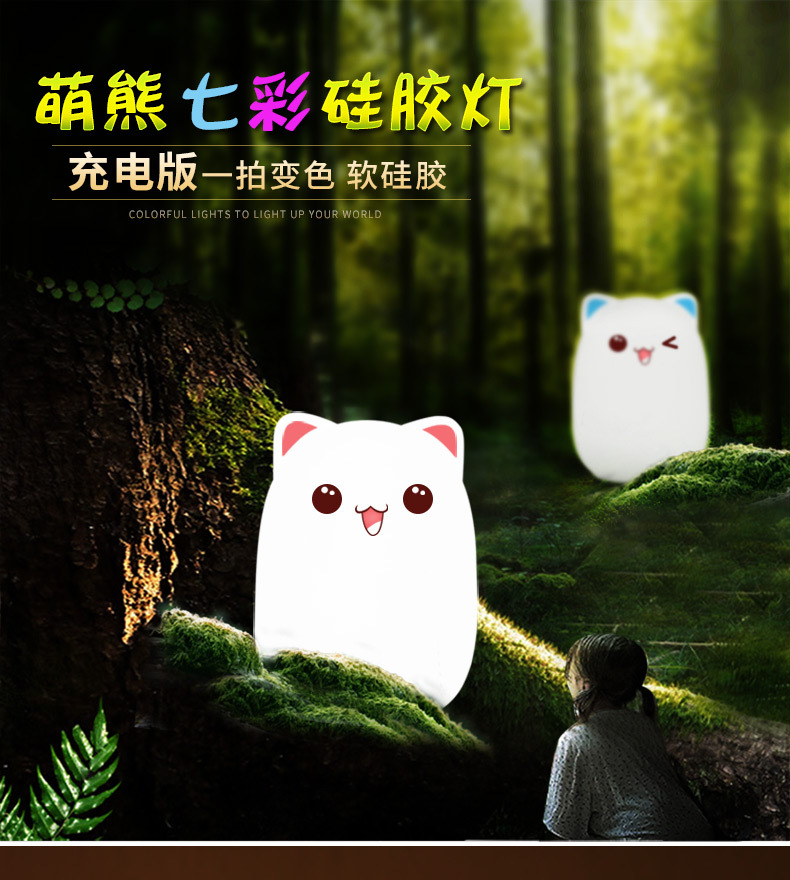
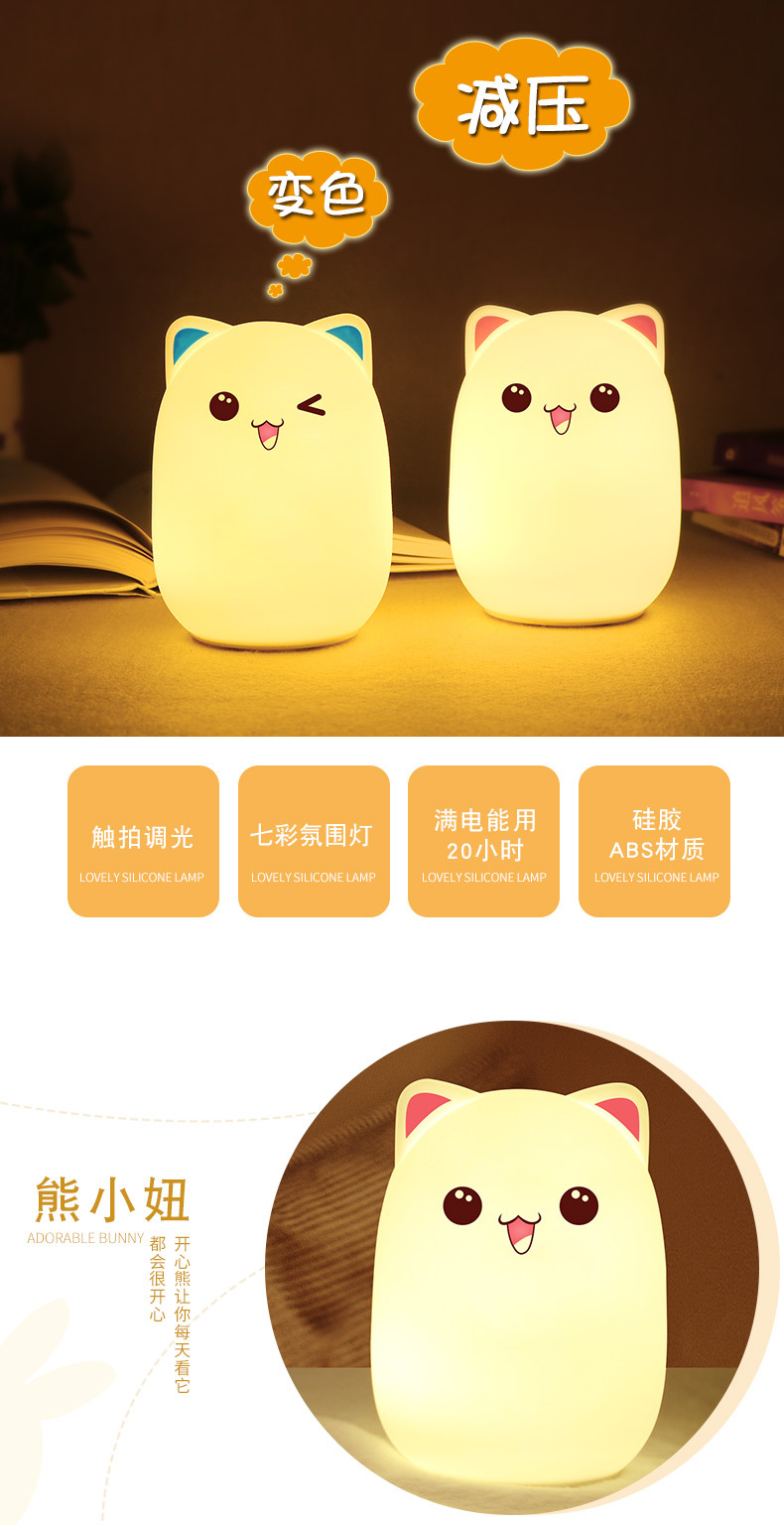
Bunny Design
Product dimensions: 100*100*135 mm
Color box dimensions: 1.0*1.0*14 CM
Product weight: 210 g (net weight)
Outer box dimensions: 52*43*43 CM
Packaging weight: 14 KG (gross weight)
Packaging quantity: 60 pcs
Instructions for Use
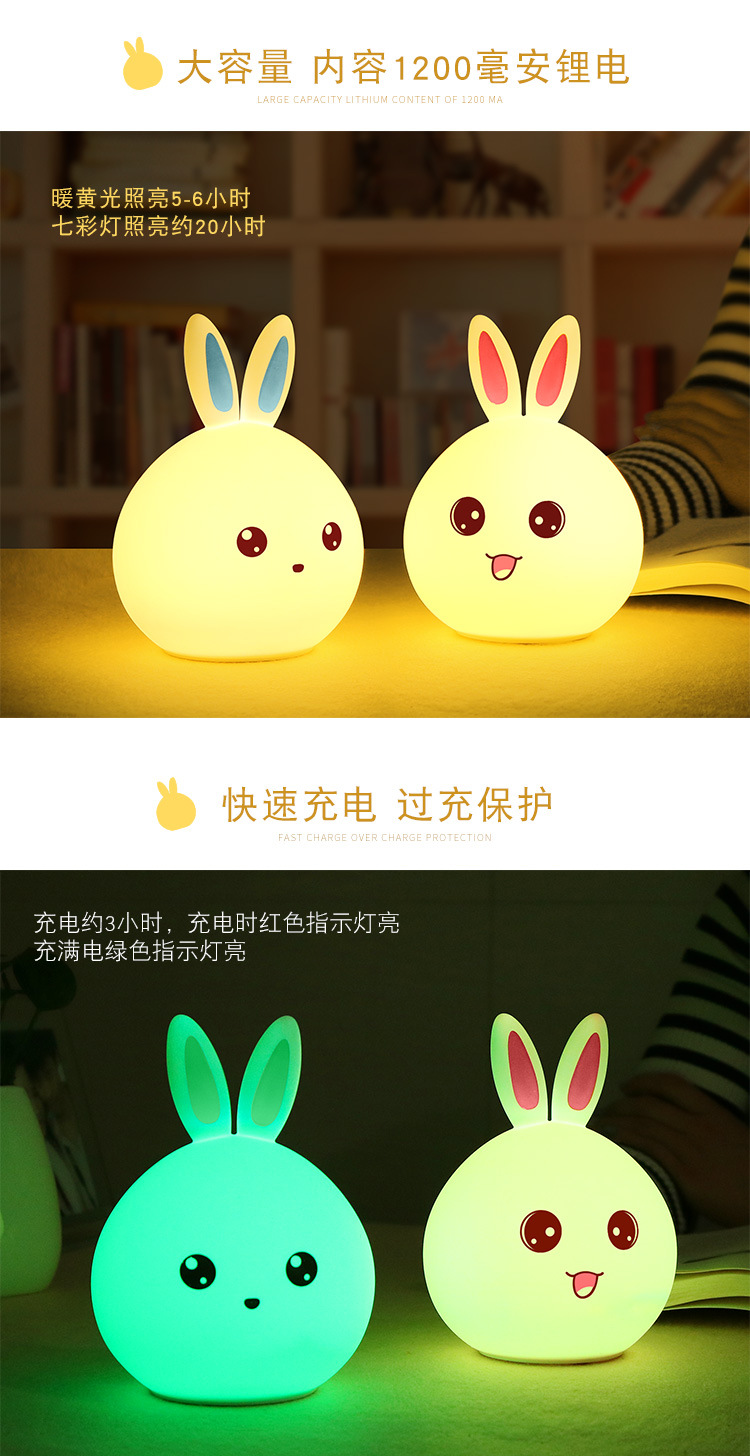
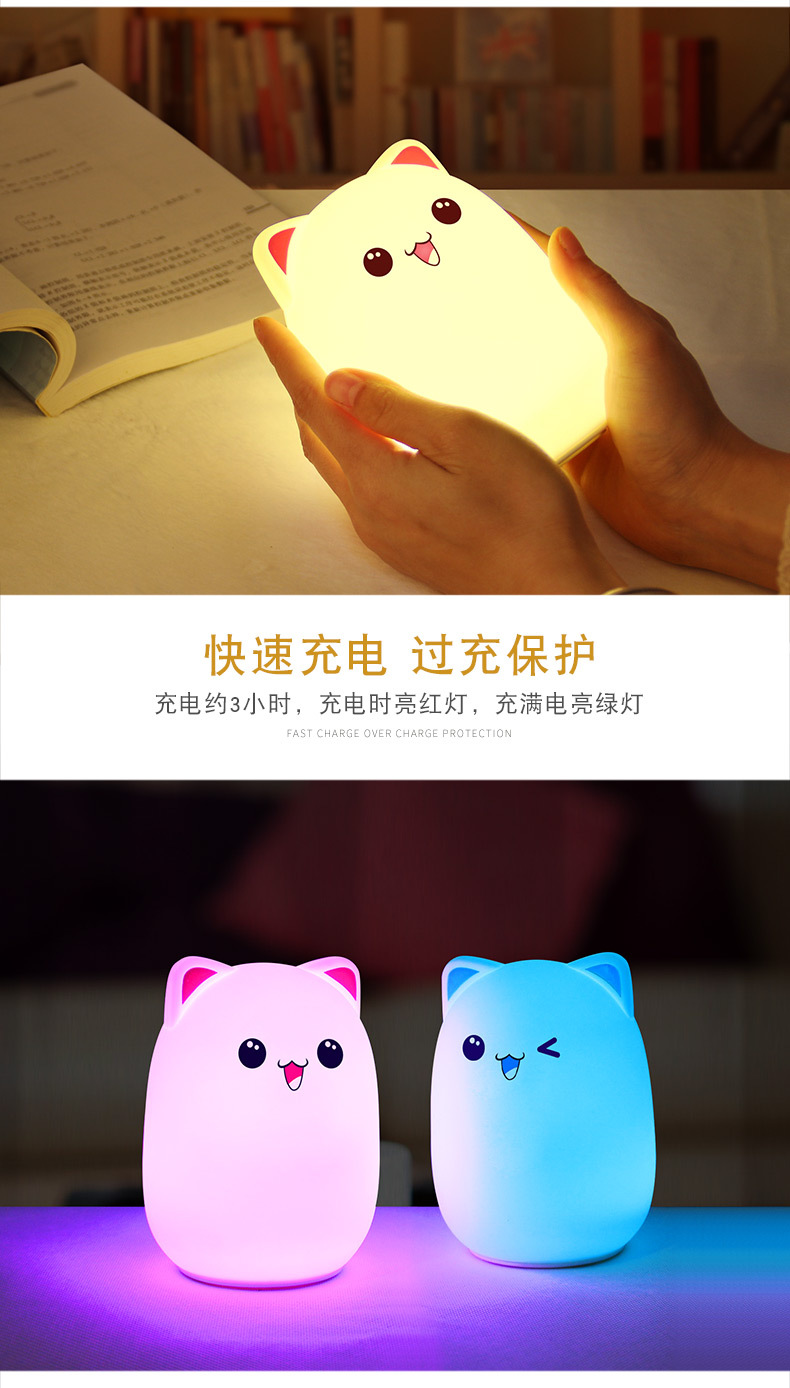
Charging Indicator: Red light (charging), Green light (full charge)
Charging time: Approximately 2 hours
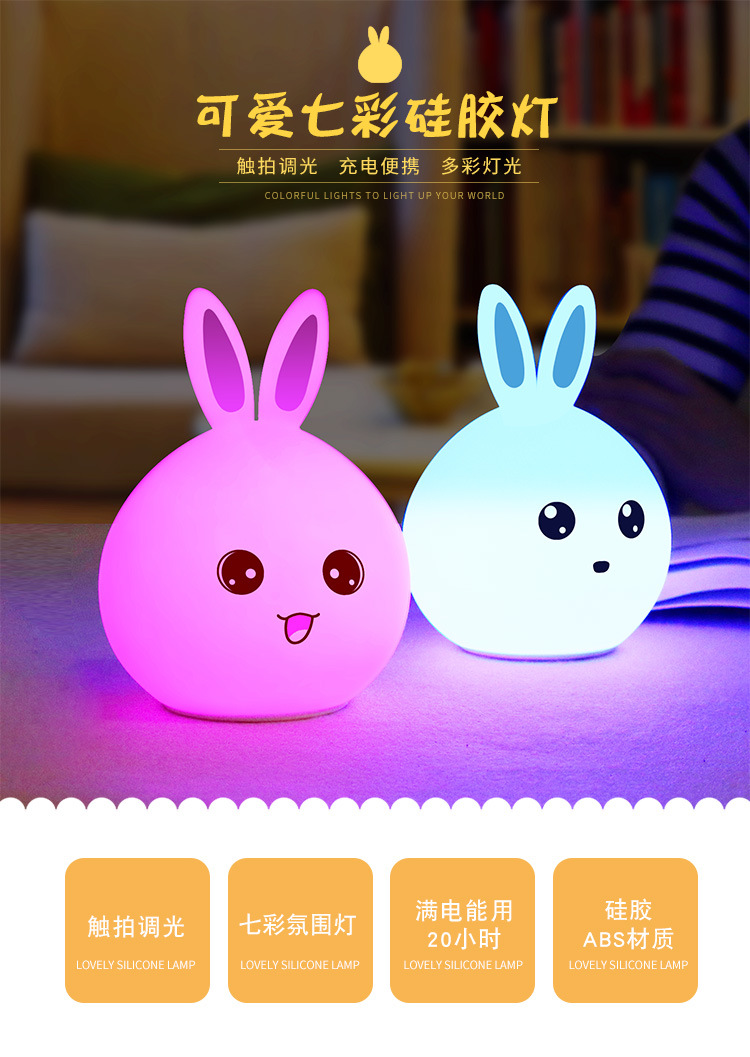
Usage time: The warm white light lasts about 4 hours, while the colorful light lasts about 10 hours.
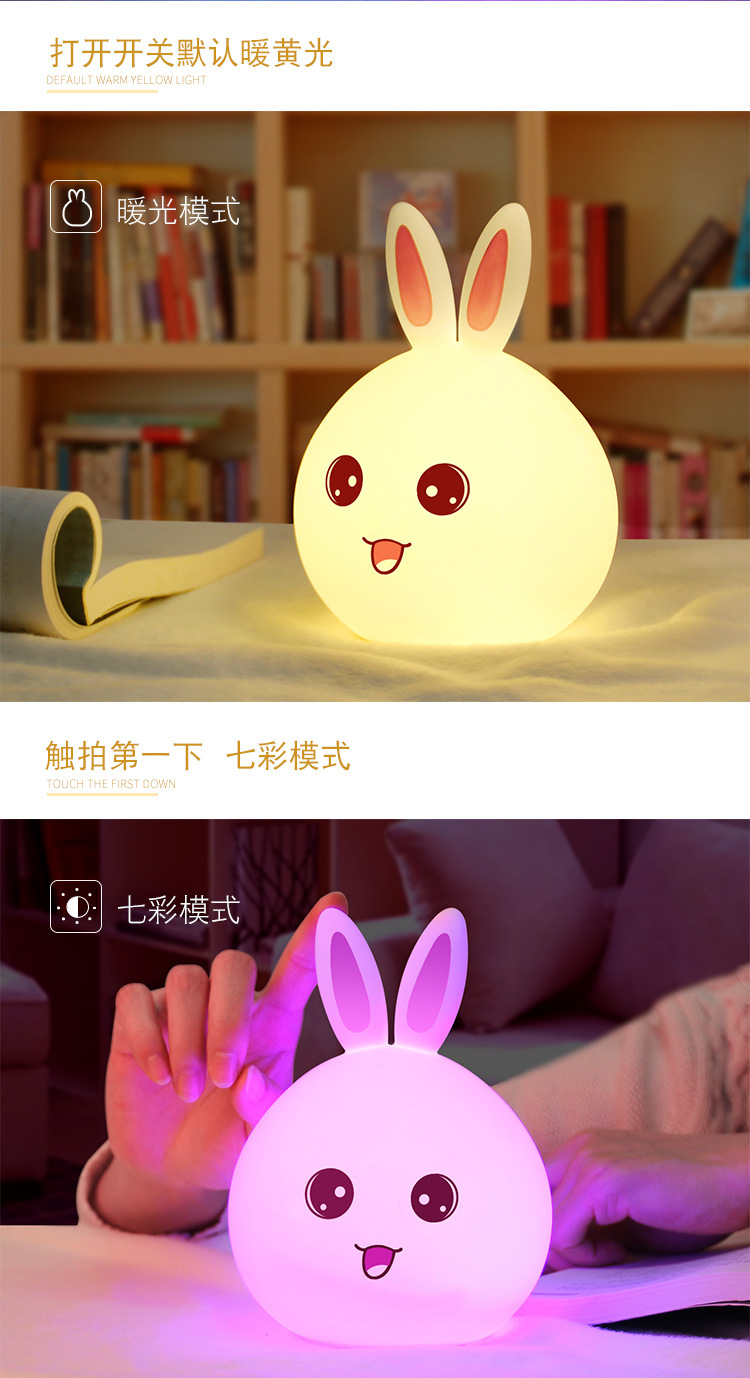
Please press the touch switch at the bottom to turn on the power before use.
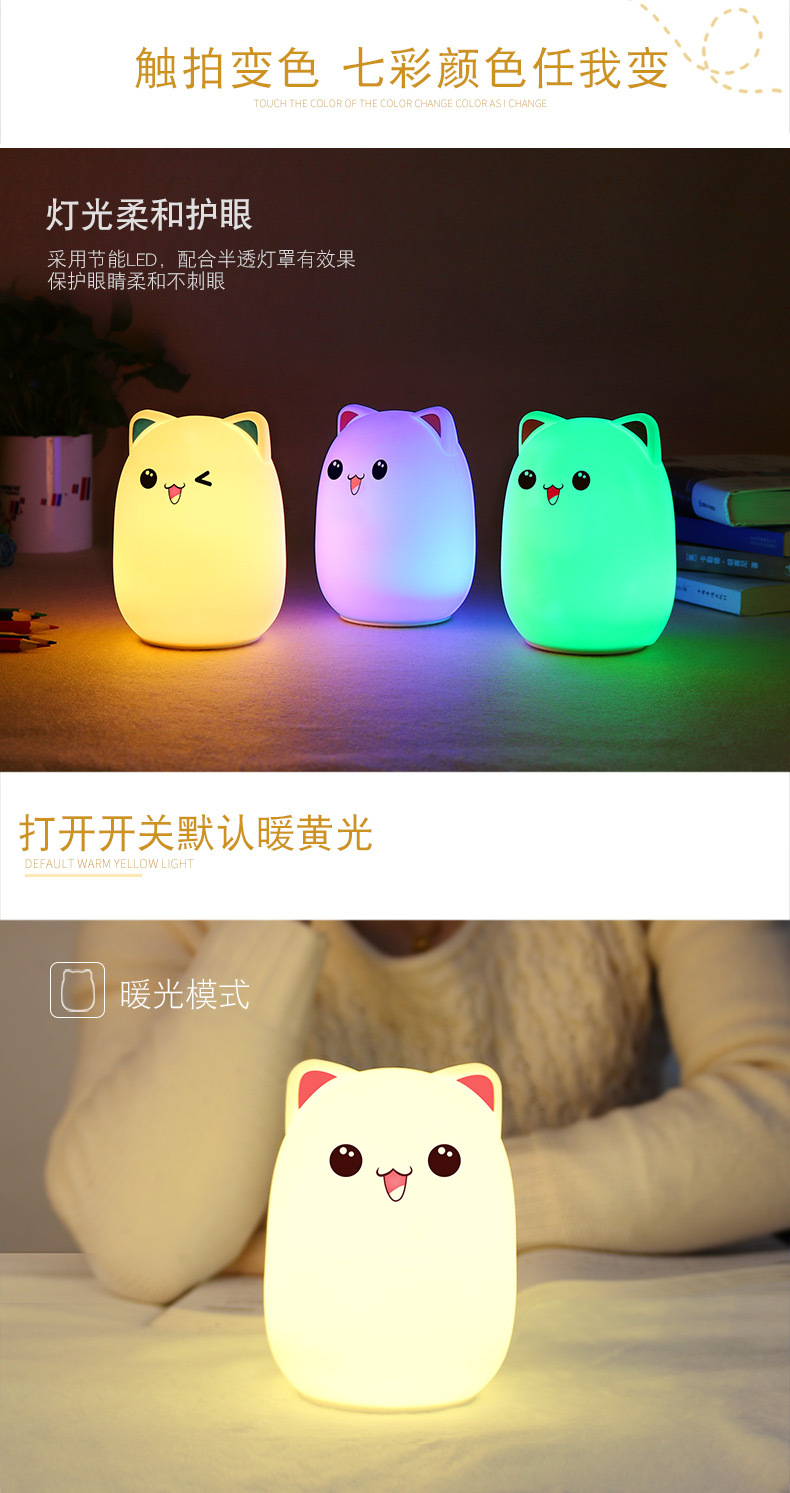
At this time, a warm white light is on, indicating that the power is turned on.
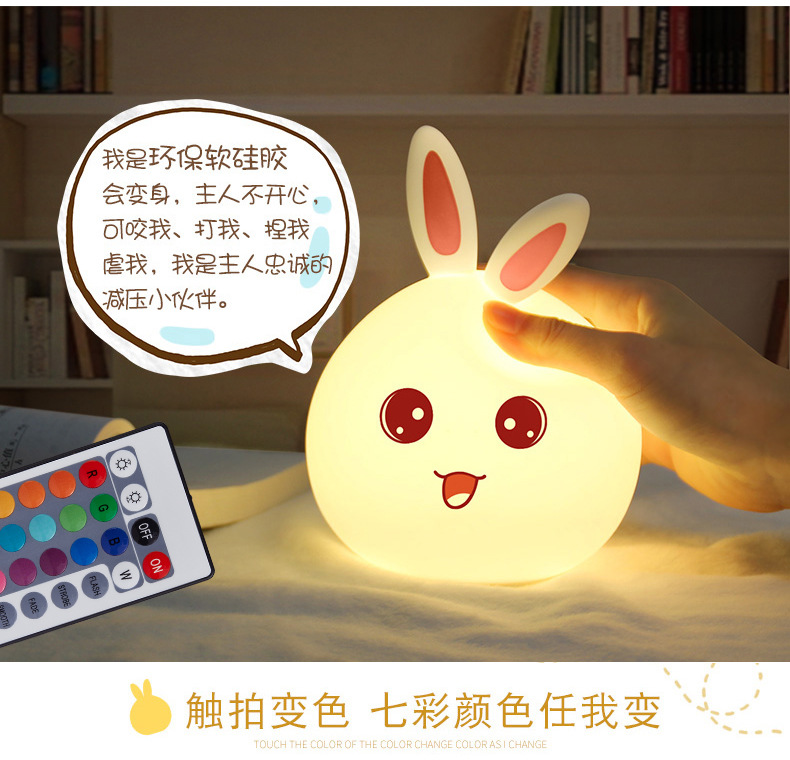
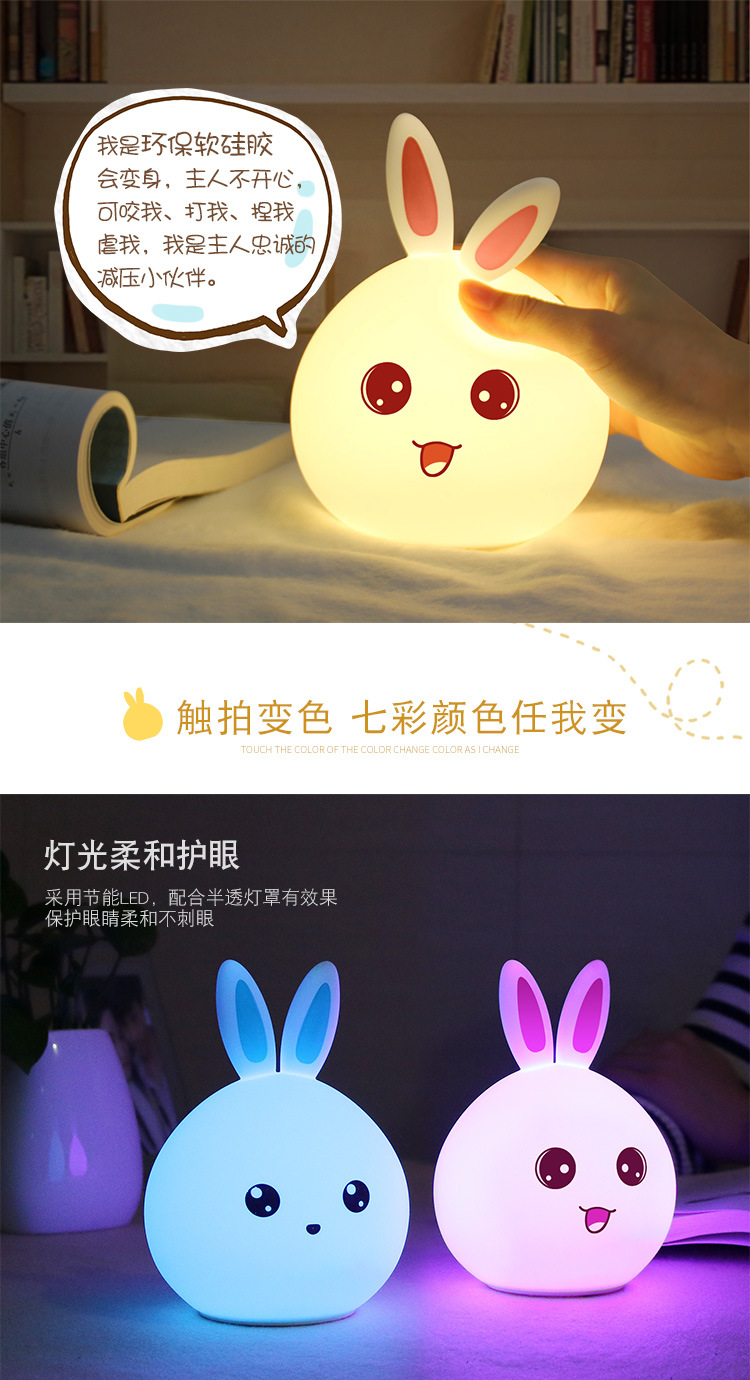
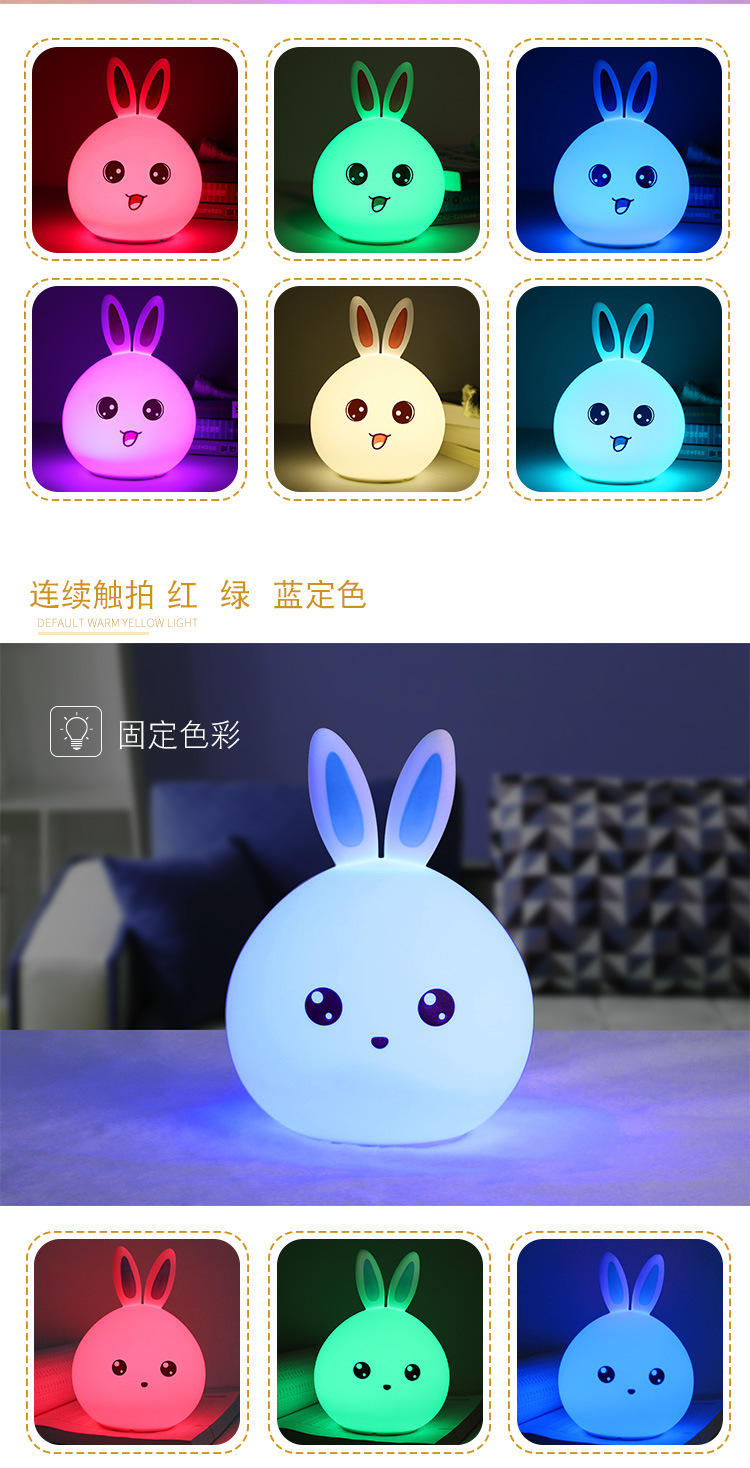
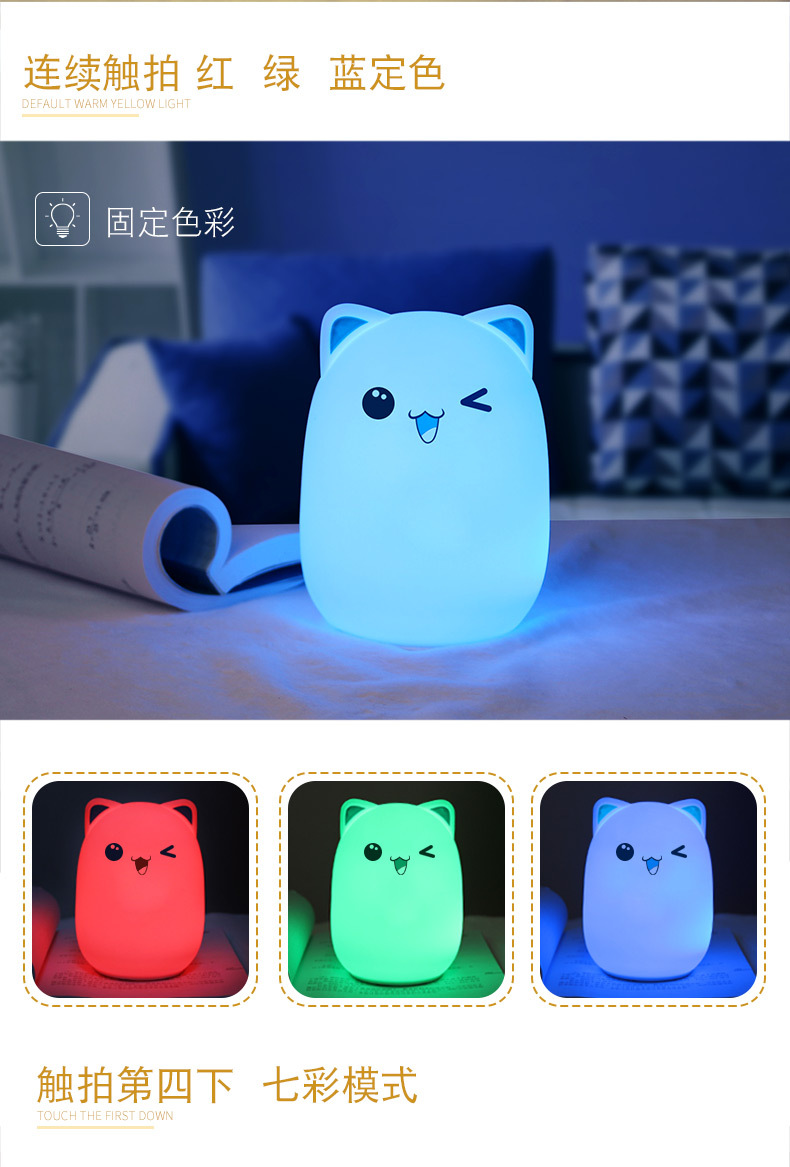
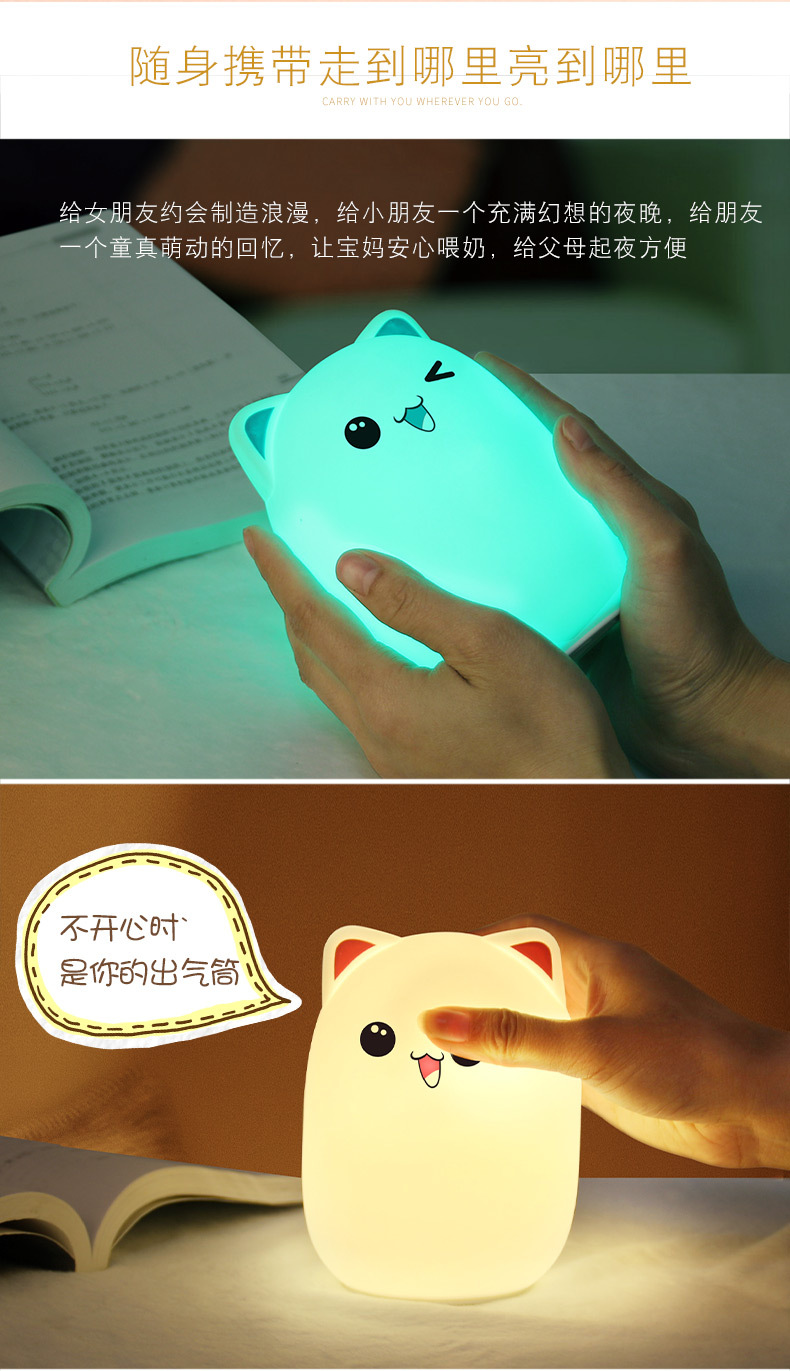
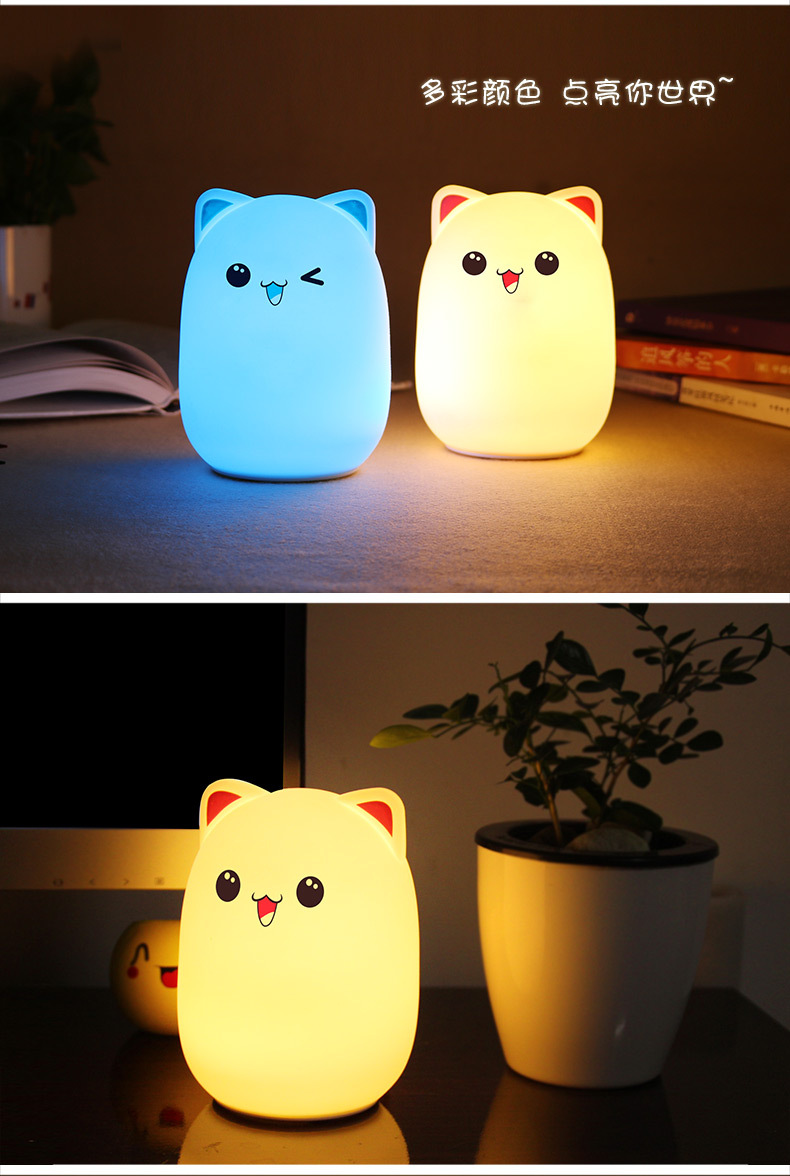
Tap the silicone lightly, then switch to red; tap again to switch to green.
The third light tap will switch to blue.
The fourth light tap allows switching to the colorful gradient color scheme
The fifth light tap can be turned off; repeat this cycle.

Update time:


TOP


