Search history
Clear allSearch by image
XDrag and drop an image here or upload an image
Max 5MB per image
UploadSign In | Join

Search history
Clear allSearch by image
XDrag and drop an image here or upload an image
Max 5MB per image
UploadSign In | Join
SHUOFENG ELECTYONIC TECHNOLGY CO.LTD 12yr.
Contacts Diana Chat
Mobile 18358005552
1048612396

WhatsApp 8618358005552
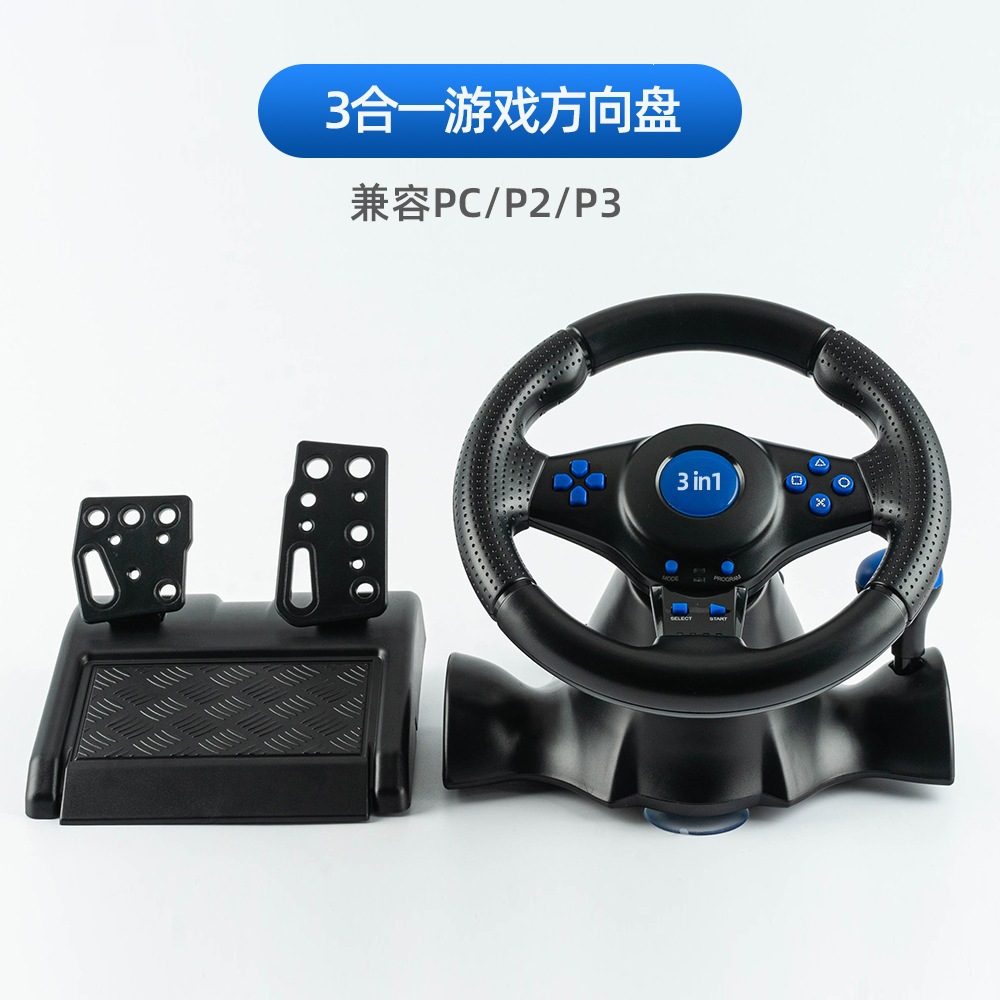
1. Description:
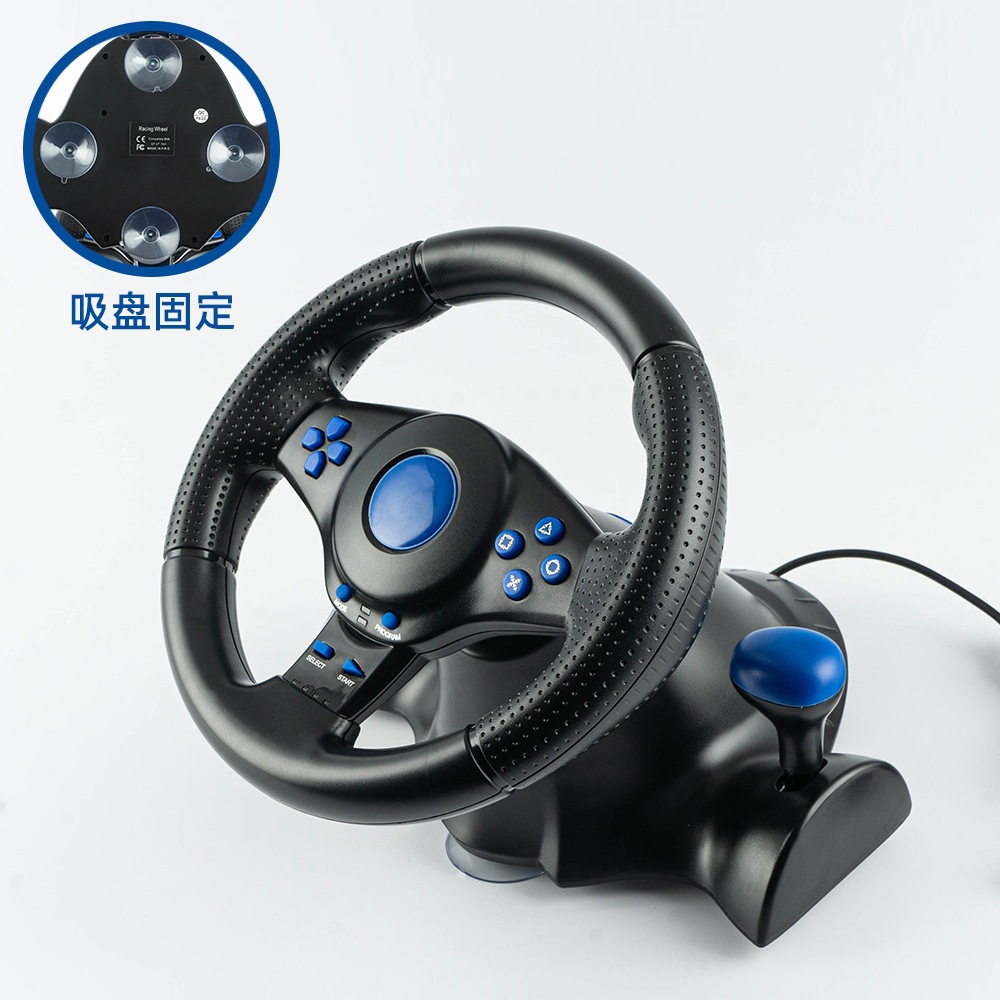
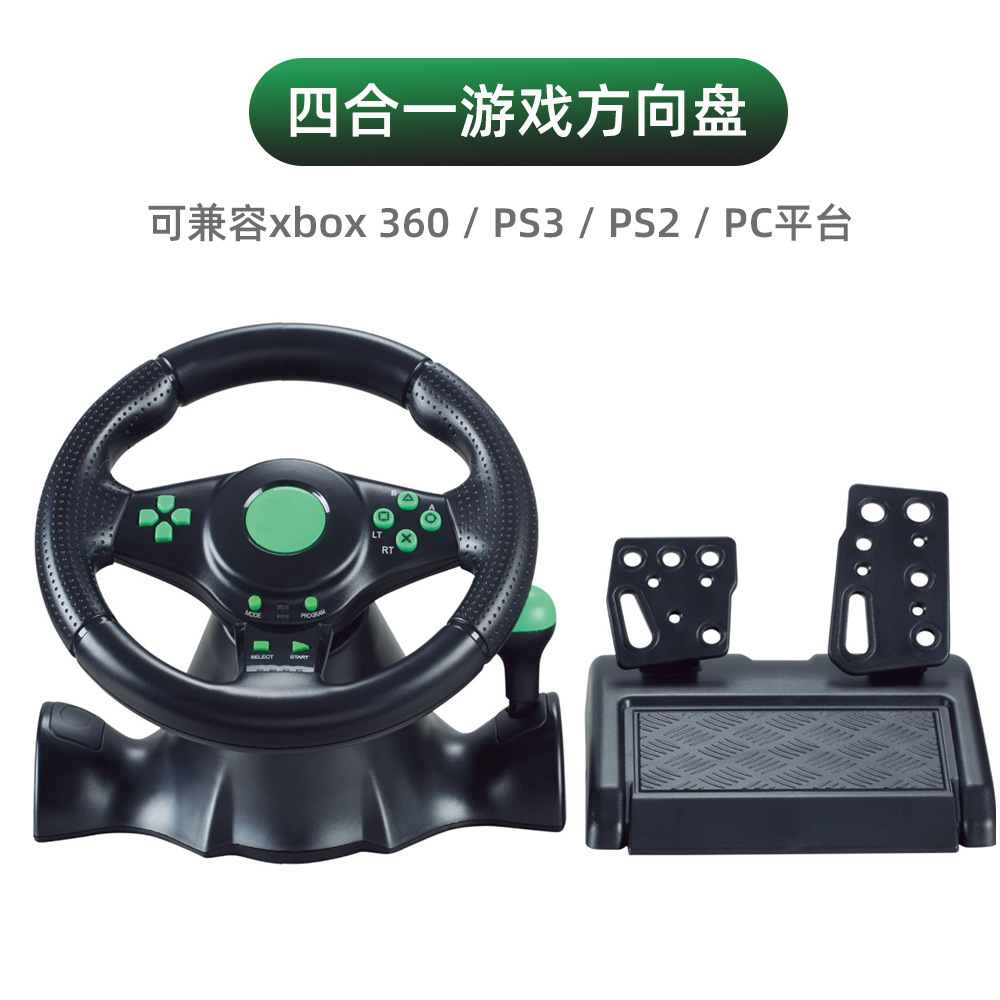
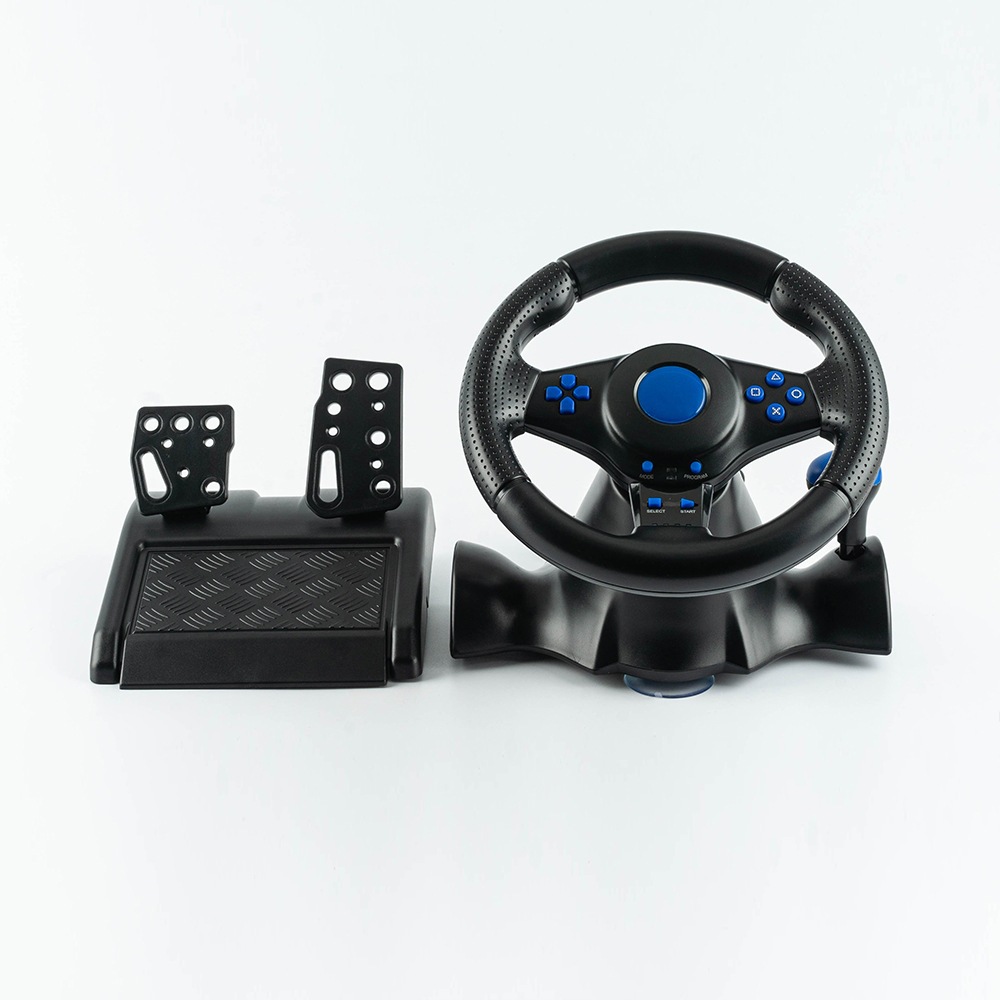
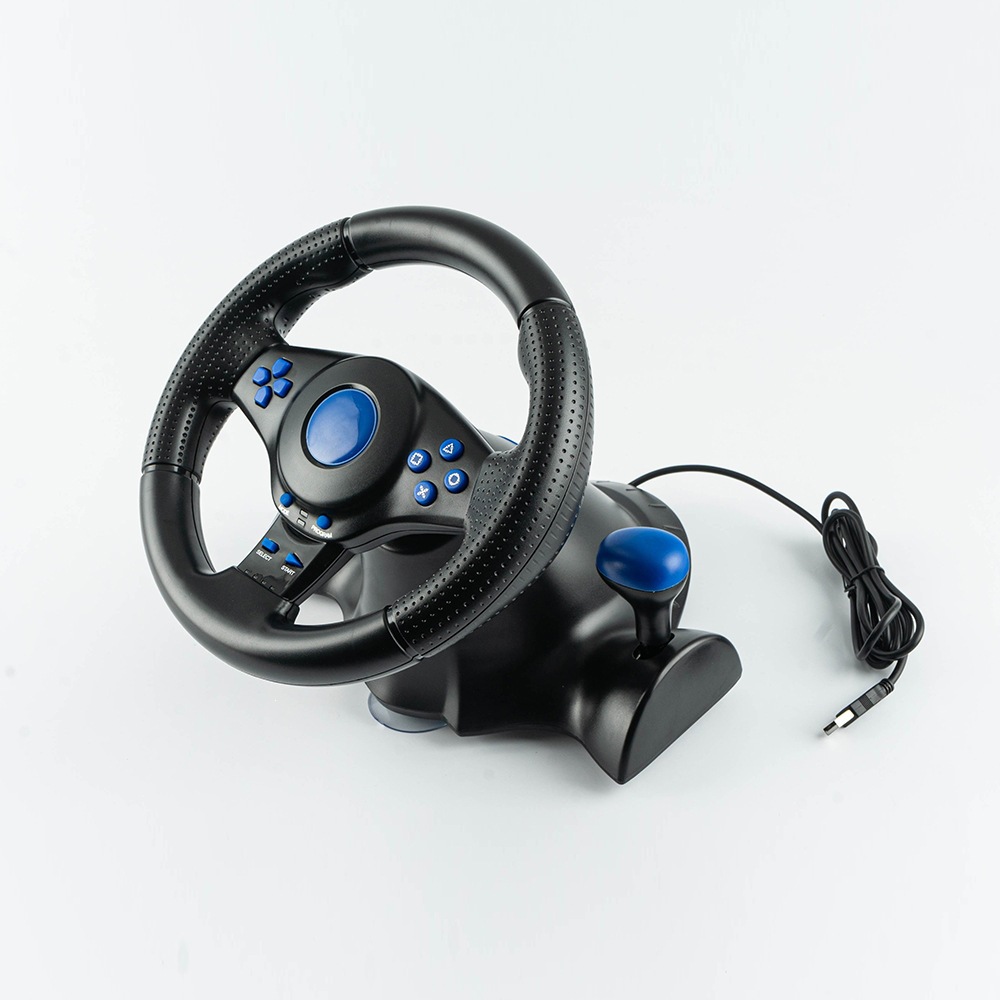
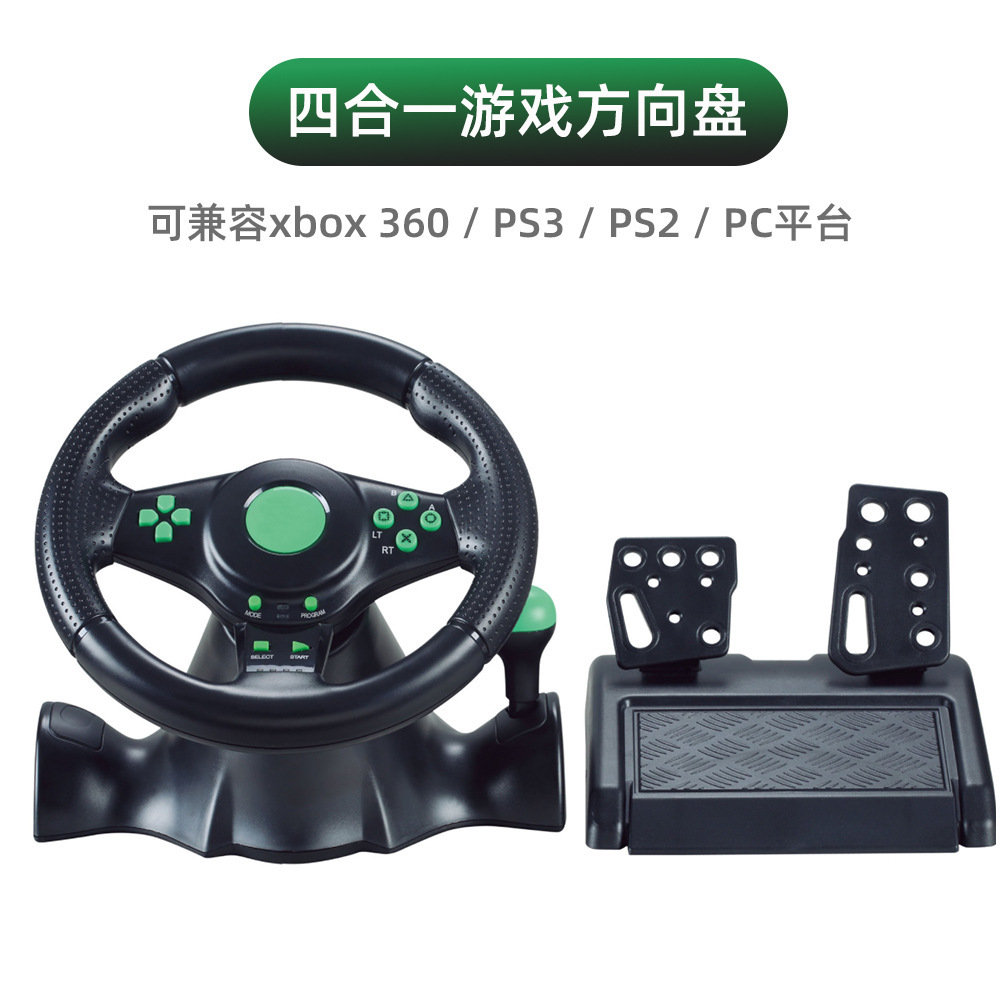
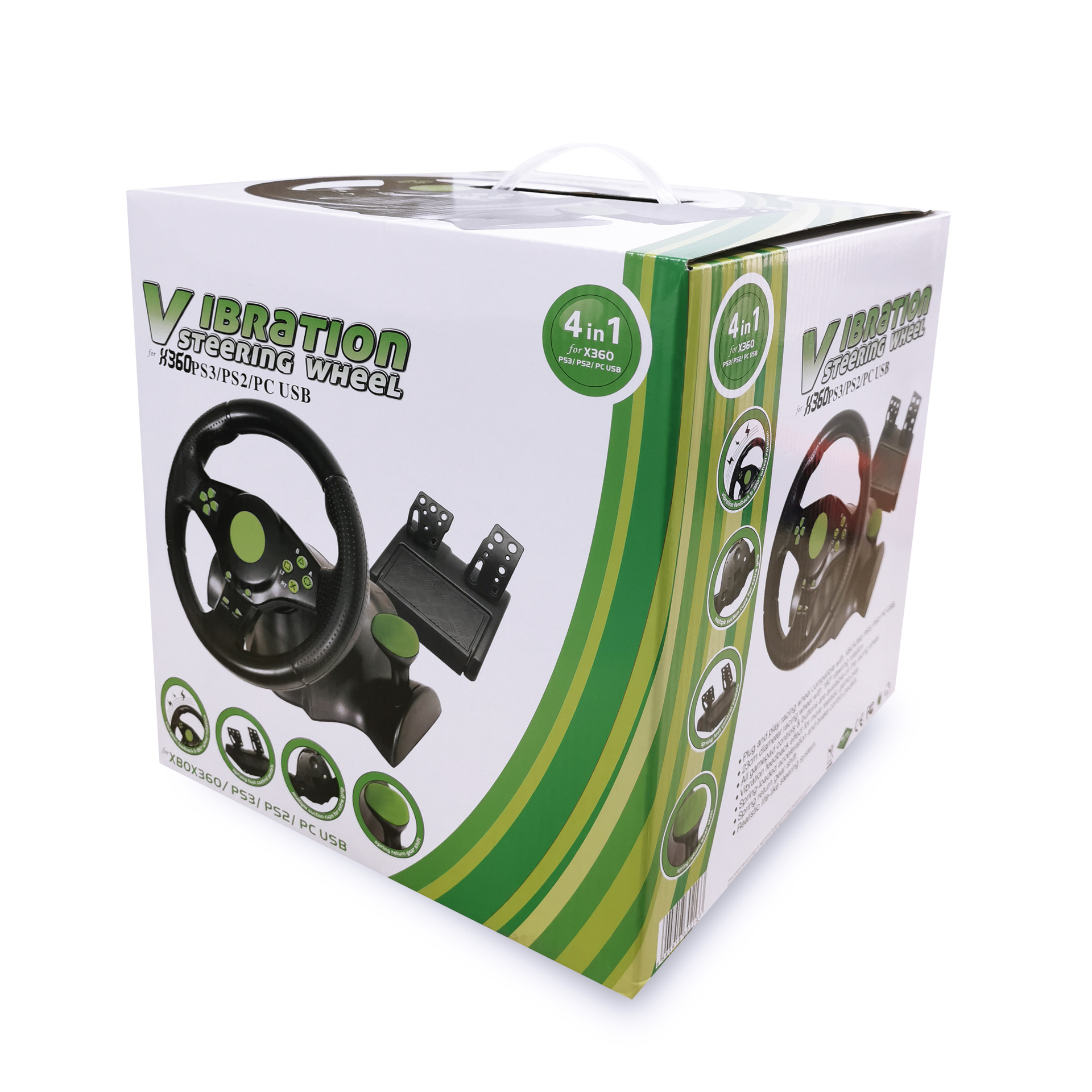
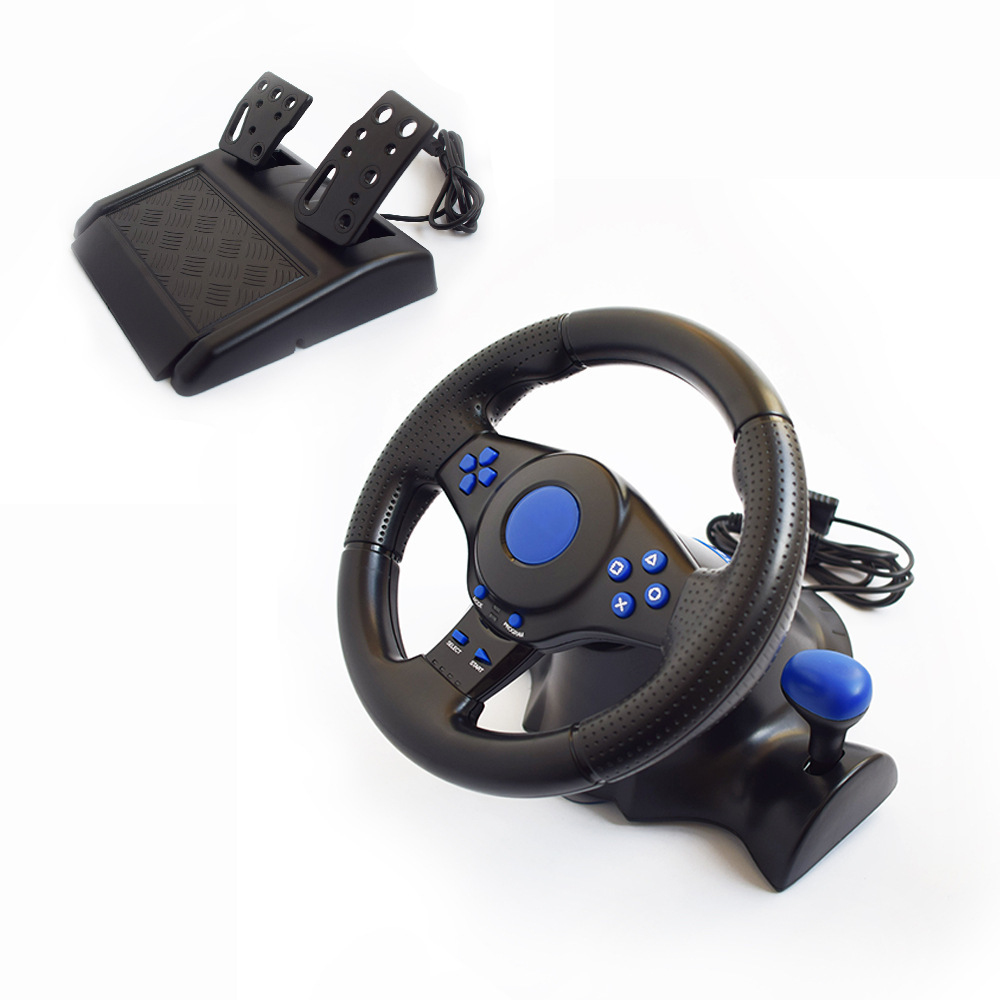
A fully compatible USB-powered multi-format dual-vibration racing wheel with shift and pedal systems brings your racing game experience to the next level. All game controller buttons and controls are sourced from your console. The Turbo GT racing wheel supports digital, analog, steering wheel modes, and vibration functions, and can be connected via USB to PlayStation 3/PlayStation 2 consoles and personal computers.(*4-in-1 steering wheel for controlling Xbox 360 racing games)
2. Product Technical Specifications:
1) 2 axes, D-pad, 10 independent fire buttons.
2) Two built-in motors enhance the control to be more realistic.
3) Three modes are supported: digital and analog mode
4) The rotation angle reaches 180 degrees (90° left turn, 90° right turn)
5) The pedals have analog functionality in digital mode
6) The foot pedals feature spring-loaded acceleration and braking control.
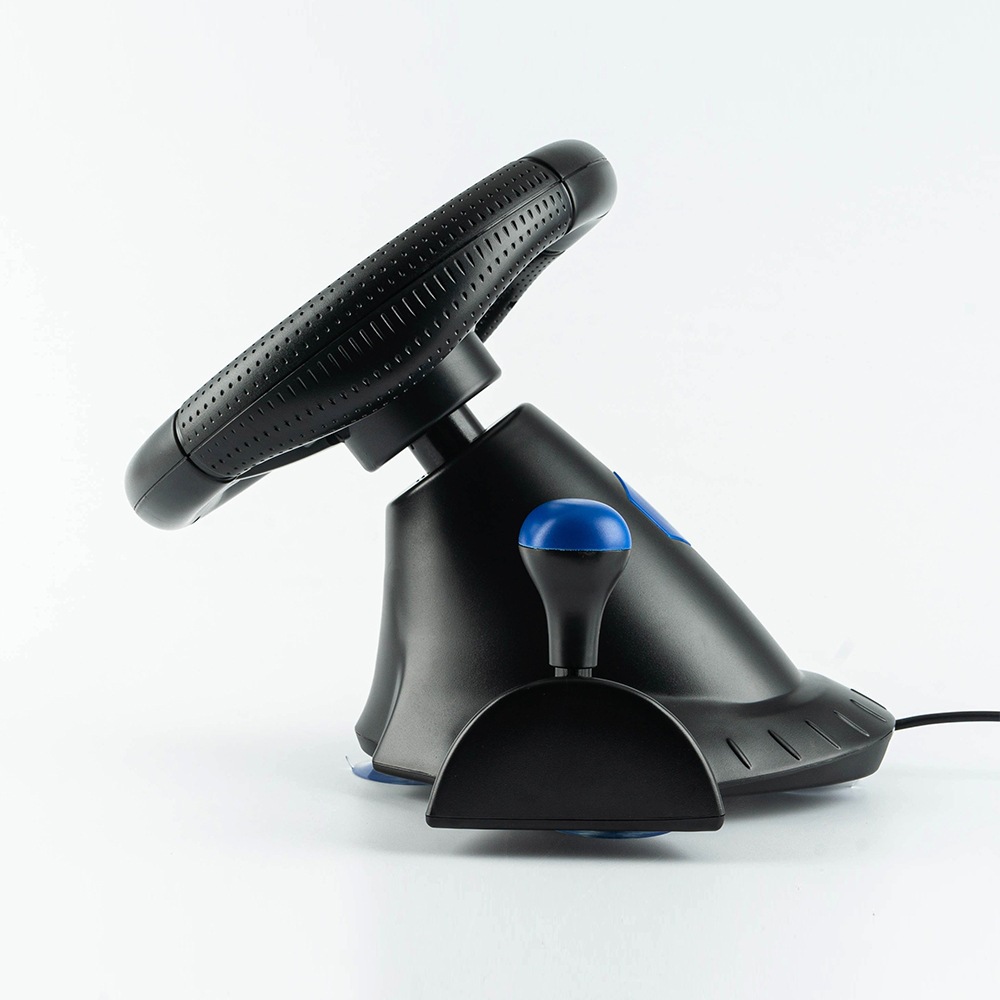
7) It has manual braking and shifting functions.
8) The length of the wheel and foot cables is 1.8m and 1.5m respectively.
【Product Dimensions】: 27*25.5*28.5 cm
【Product Weight】: 1850g
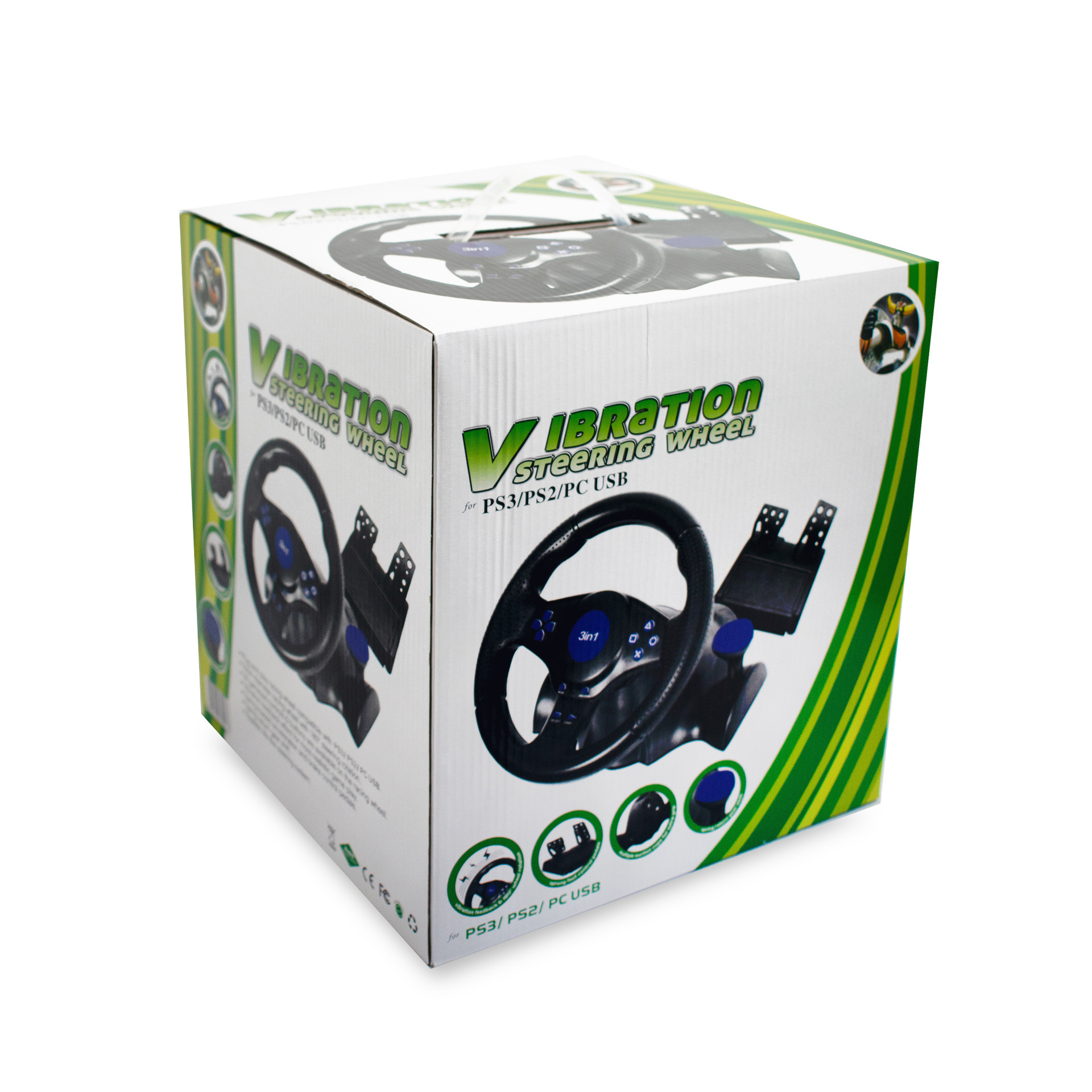
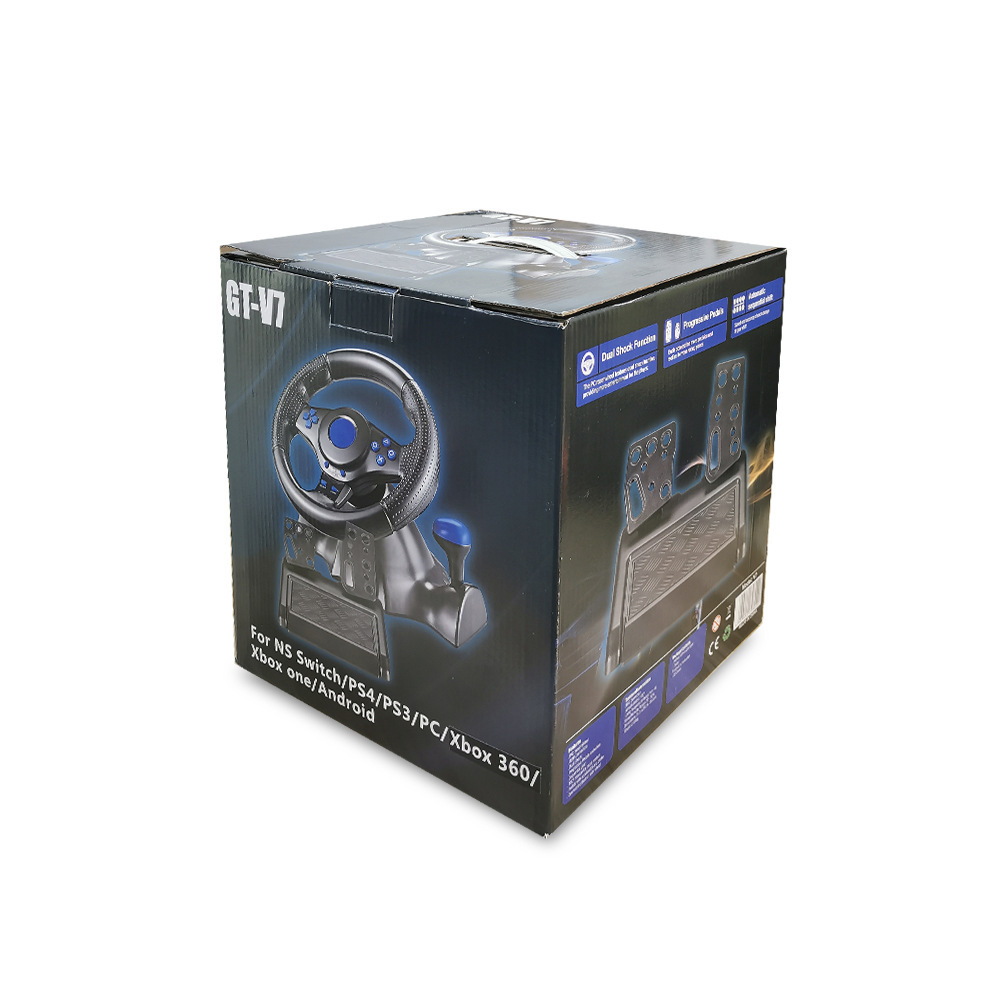
【Specifications and Dimensions】: 55*26.8*58 cm, 4 pieces per box
【Specifications and Weight】: Net weight: 7.3 kg; Gross weight: 8.3 kg
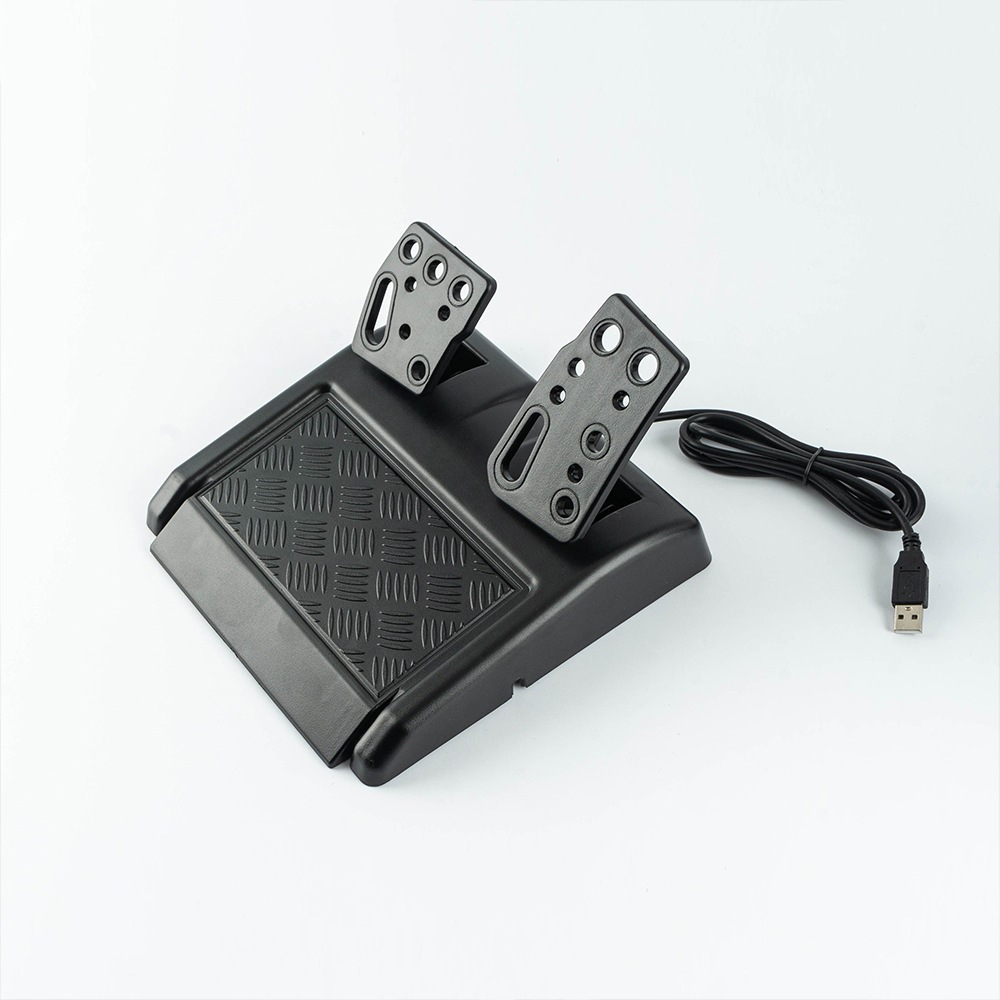
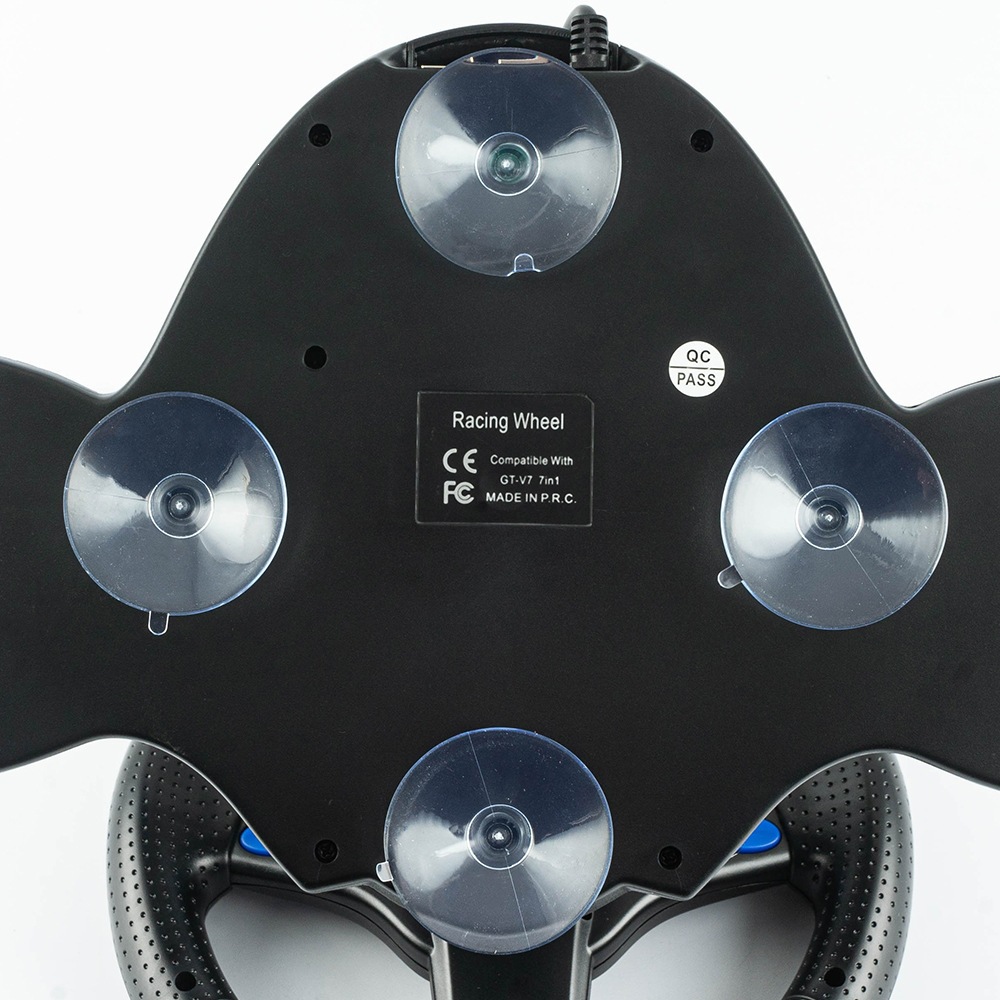
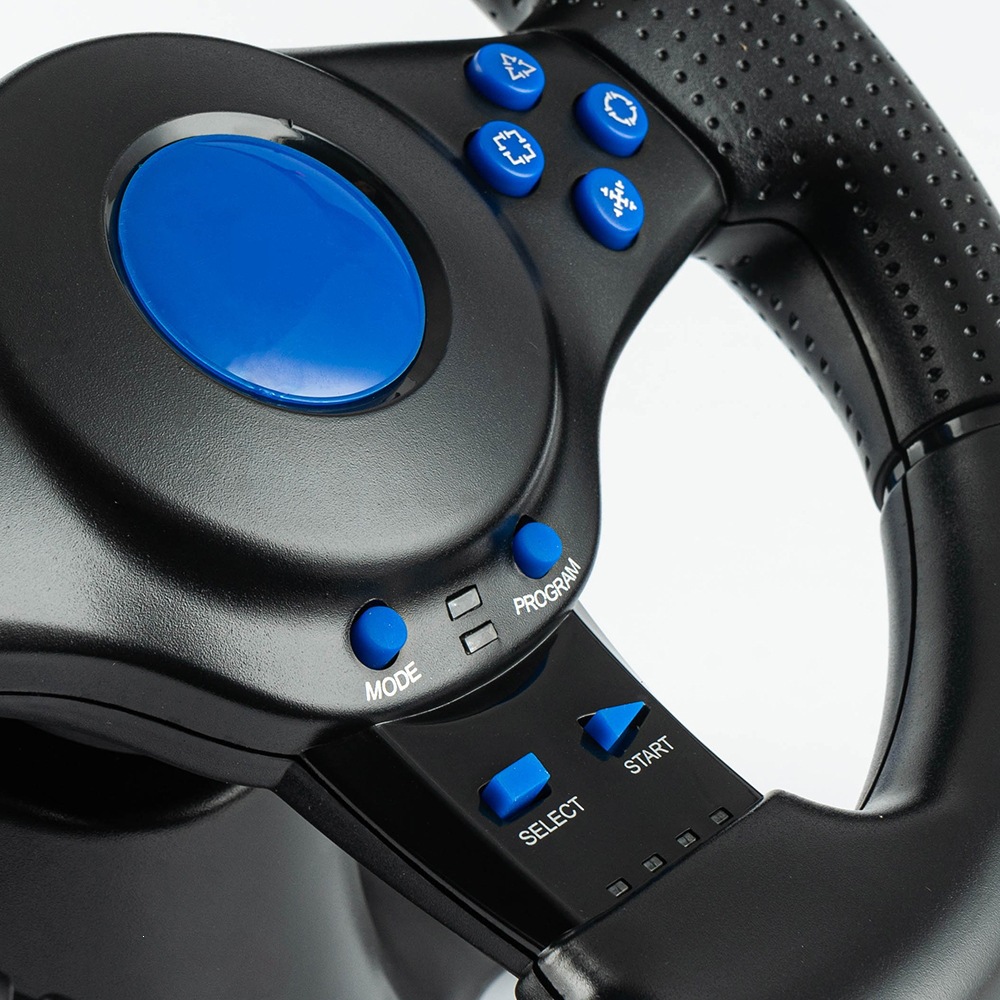
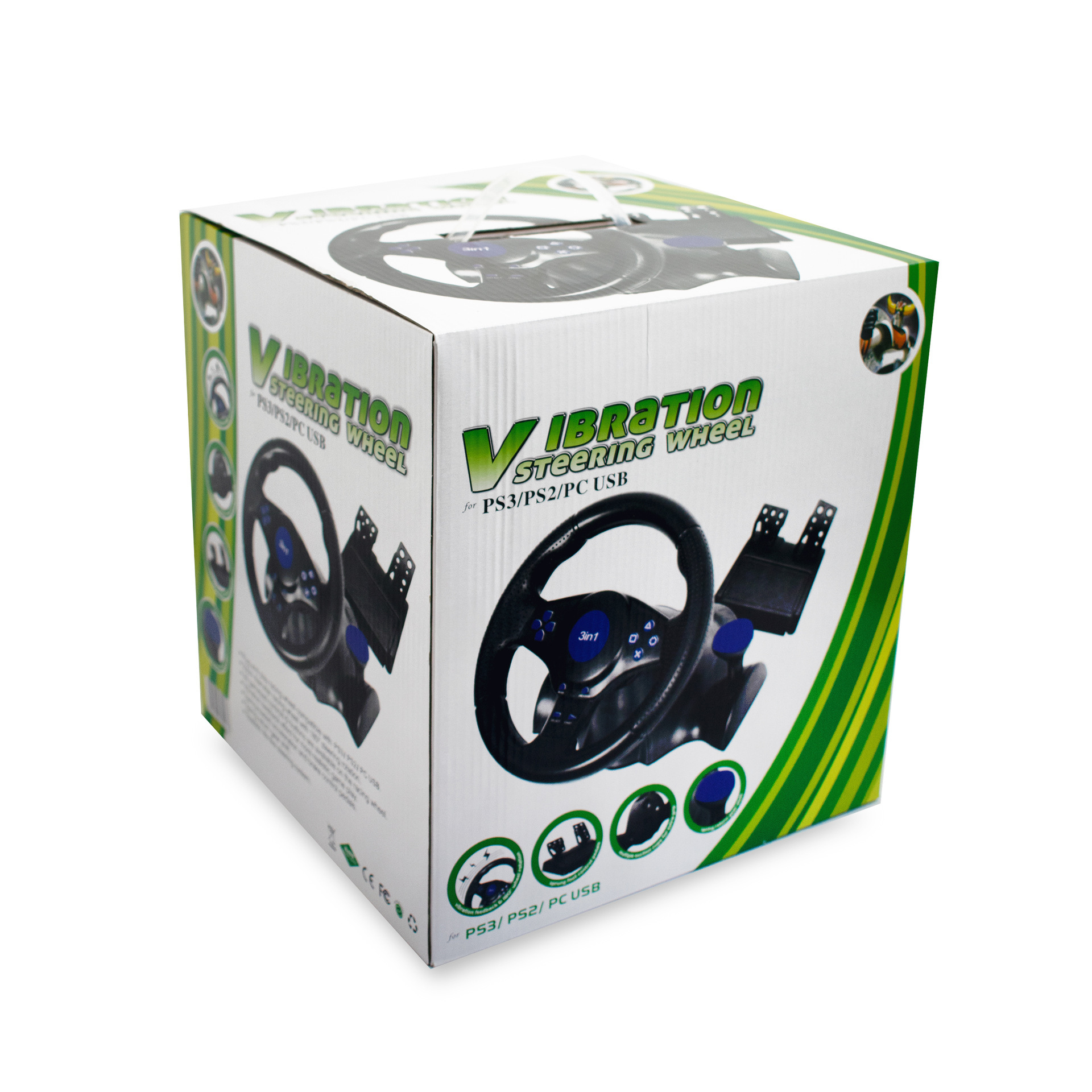
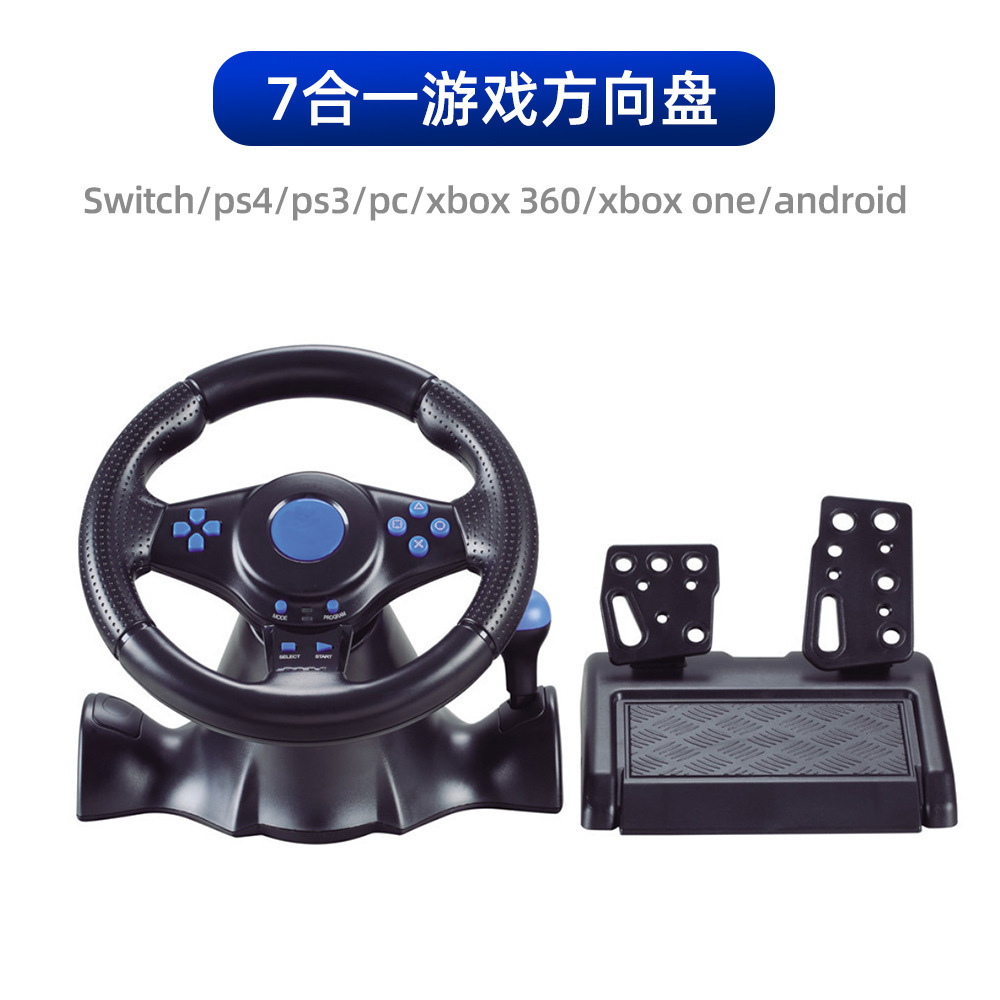
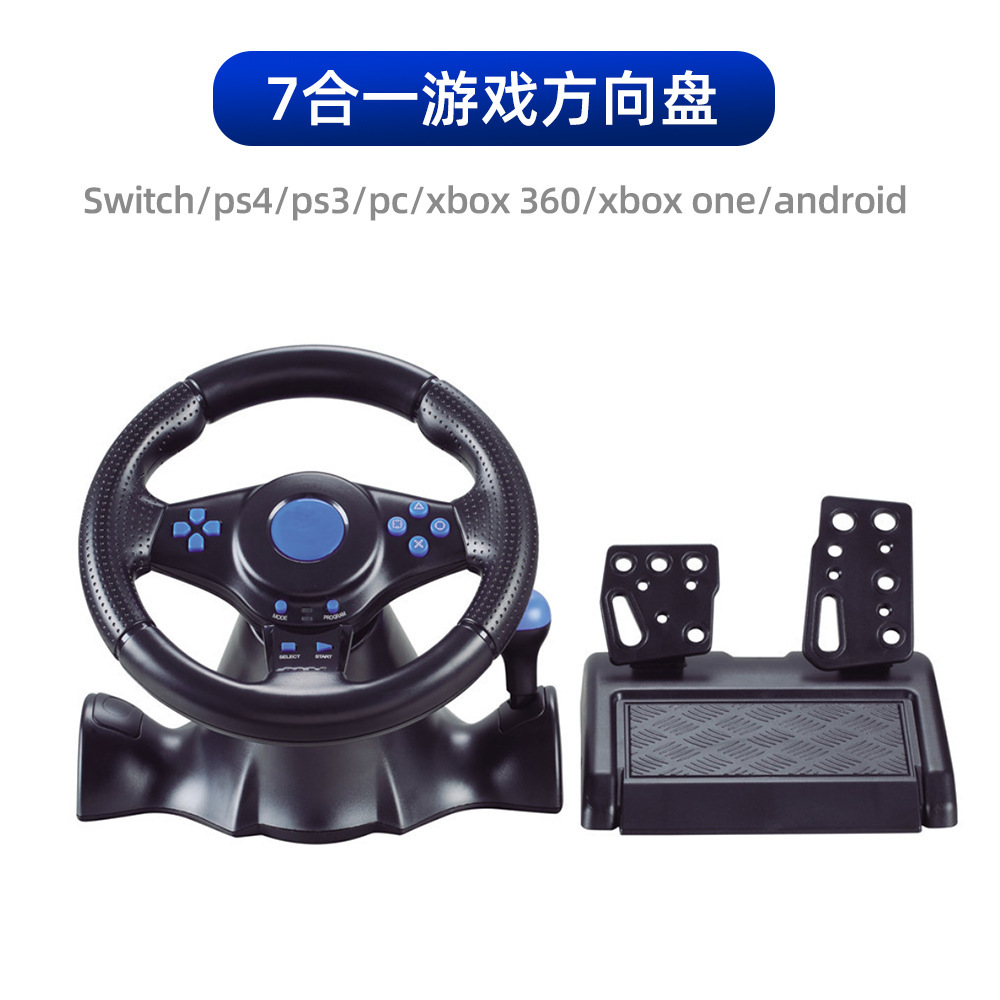
【7-in-1 Racing Game Steering Wheel】
Compatibleswitch/Xbox 360/Xbox One/PC/PS4/PS3/Android
1. Connect to the PC side
a) Plug the USB cable of the steering wheel into the computer.
b) The channel LED on the steering wheel remains illuminated at all times
c) In the PC, the X input is recognized as the default mode.
Press the HOME button for 3 seconds to switch between X input and D input.
d) Installing drivers when using the D input mode
2. Play on a PS3 console
a) Plug the USB cable of the steering wheel into the PS3 console.
b) The function can be used when a red channel LED on the wheel remains lit.
3. Connect to the NS-switch host
a) Plug the USB cable of the steering wheel into the base of the Nintendo Switch, orOTG conversion interface (This product does not include; additional purchase required)Insert the USB cable of the steering wheel into the SwitchTM console.
b) The function can be used when a red channel LED on the wheel remains lit.
4. Use Android TM devices
a) Plug the steering wheel USB cable into your AndroidTM smart TV or set-top box, orOTG conversion interface (This product does not include; additional purchase required)Insert the steering wheel USB cable into the Android smartphone.
b) The function can be used when a red channel LED on the wheel remains lit.
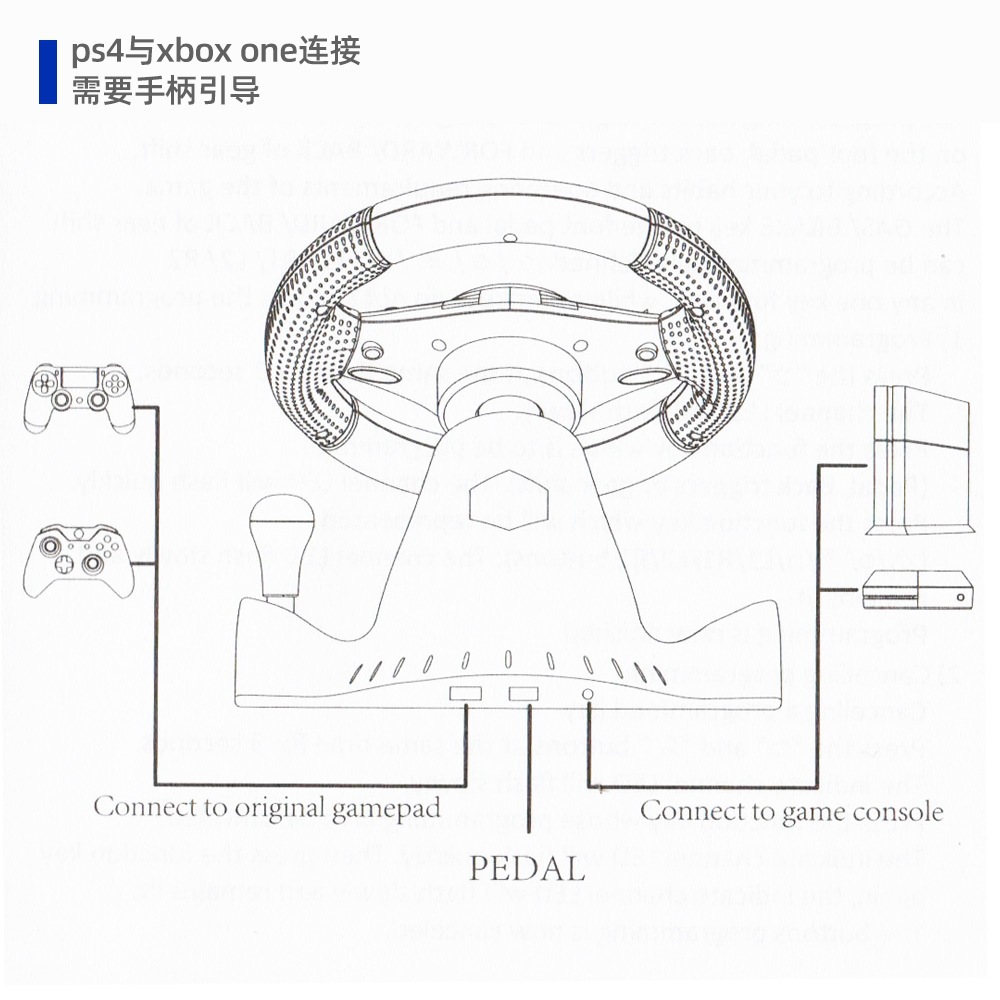
5. Play on PS4 and XBOX One consoles
a) Connect the corresponding original game controller or third-party compatible game controller to port Type A on the rear of the steering wheel
b) Plug the USB cable of the steering wheel into the game console
Update time:


TOP