Search history
Clear allSearch by image
XDrag and drop an image here or upload an image
Max 5MB per image
UploadSign In | Join

Search history
Clear allSearch by image
XDrag and drop an image here or upload an image
Max 5MB per image
UploadSign In | Join
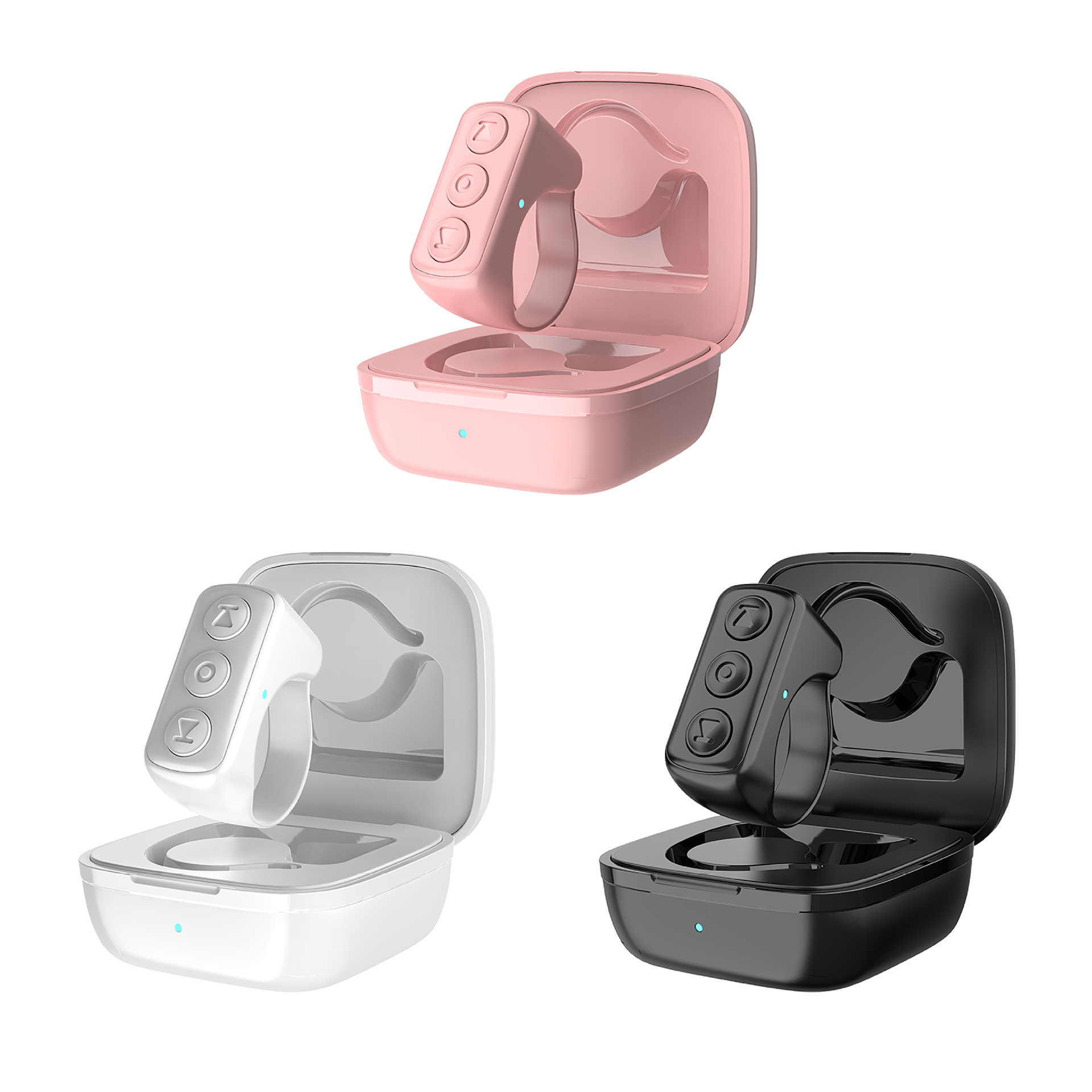
 d0ultra obsidian black D0Ultra曜石黑 |
CN¥ 0.0 |
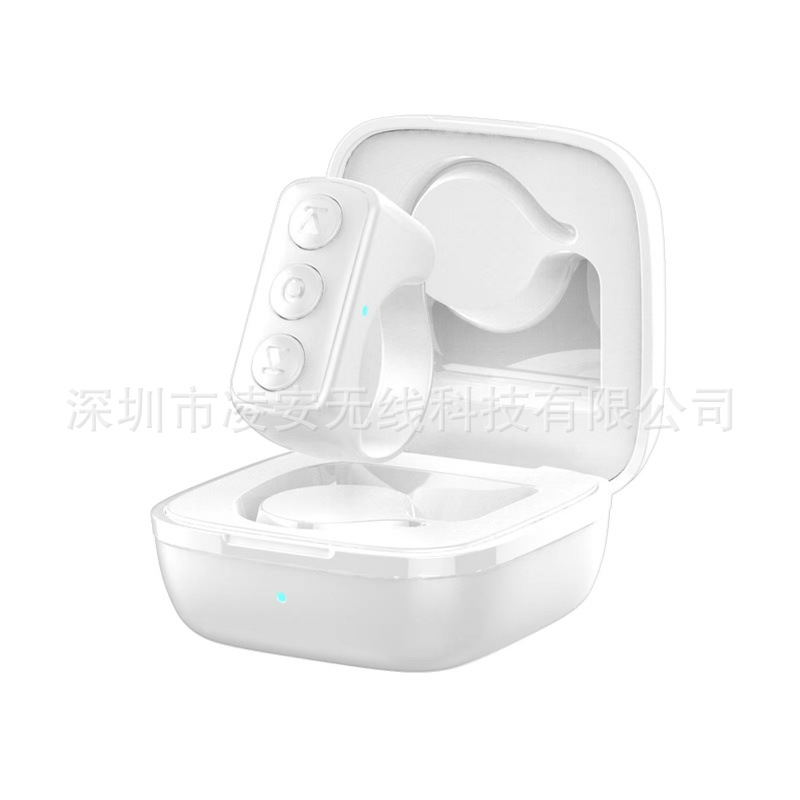 d0ultra elegant white D0Ultra 典雅白 |
CN¥ 0.0 |
 d0ultra sakura pink D0Ultra樱花粉 |
CN¥ 0.0 |
What is 8.6 + 1,539,203,619?
WeChat: 1 5355 3509 32
Shop address: No. 22 Gate 9 Street, F2-13554, Yiwu International Trade City, District 2, Yiwu, Jinhua, Zhejiang Province
1 89 58 49 35 35 4 Ms. Li
New store address: Yiwu Global Trade Center
Unit 4, 3rd Floor, Street 2, Yiwu Six District Market
7733 Store (Yunqiong Zhichuang) Gate No. 153
77753 Store (Yishu Yun) Room 153, Door 1
Mr. Jing 1 5392 0 3 6 1 9
Ms. Mei 1735 799 5021
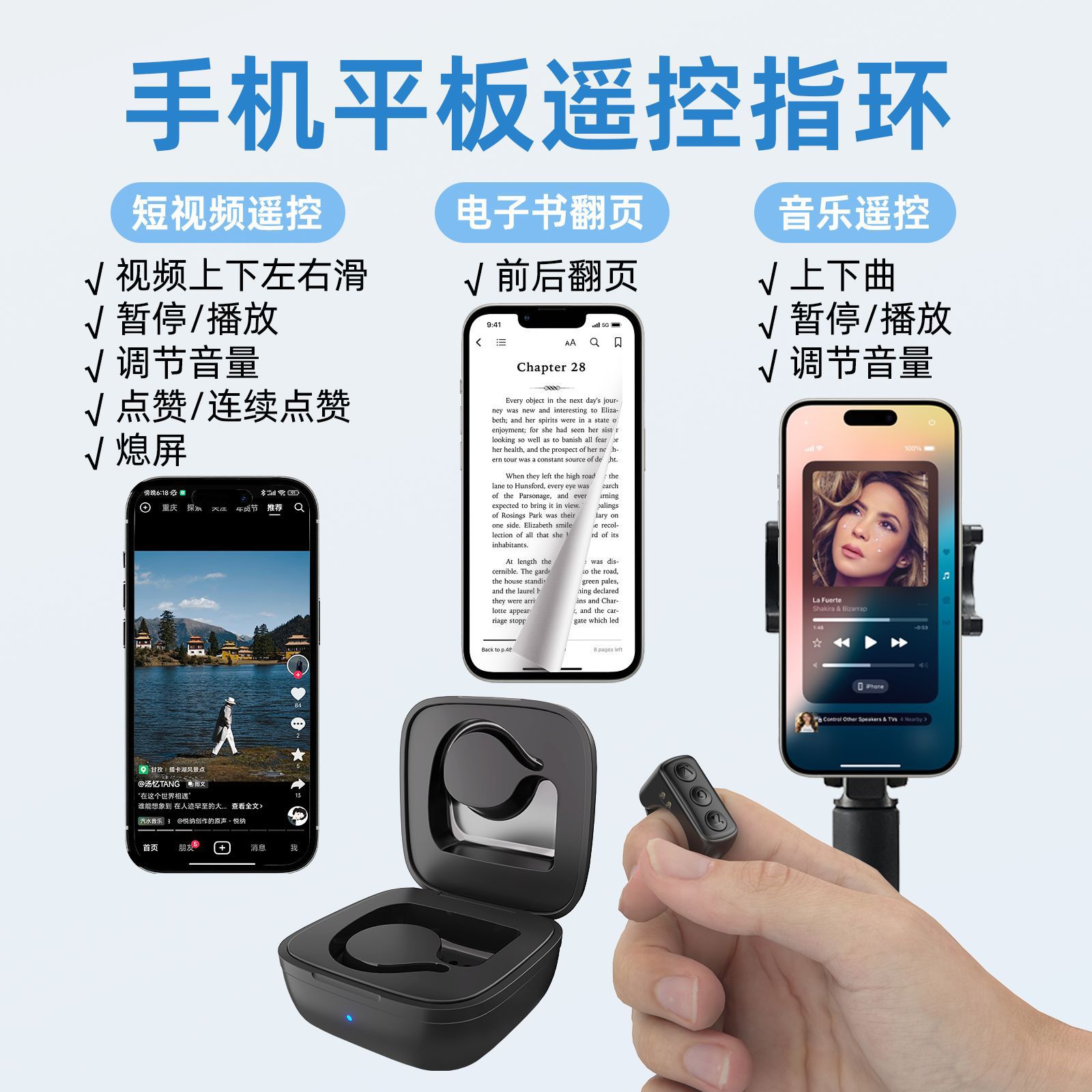
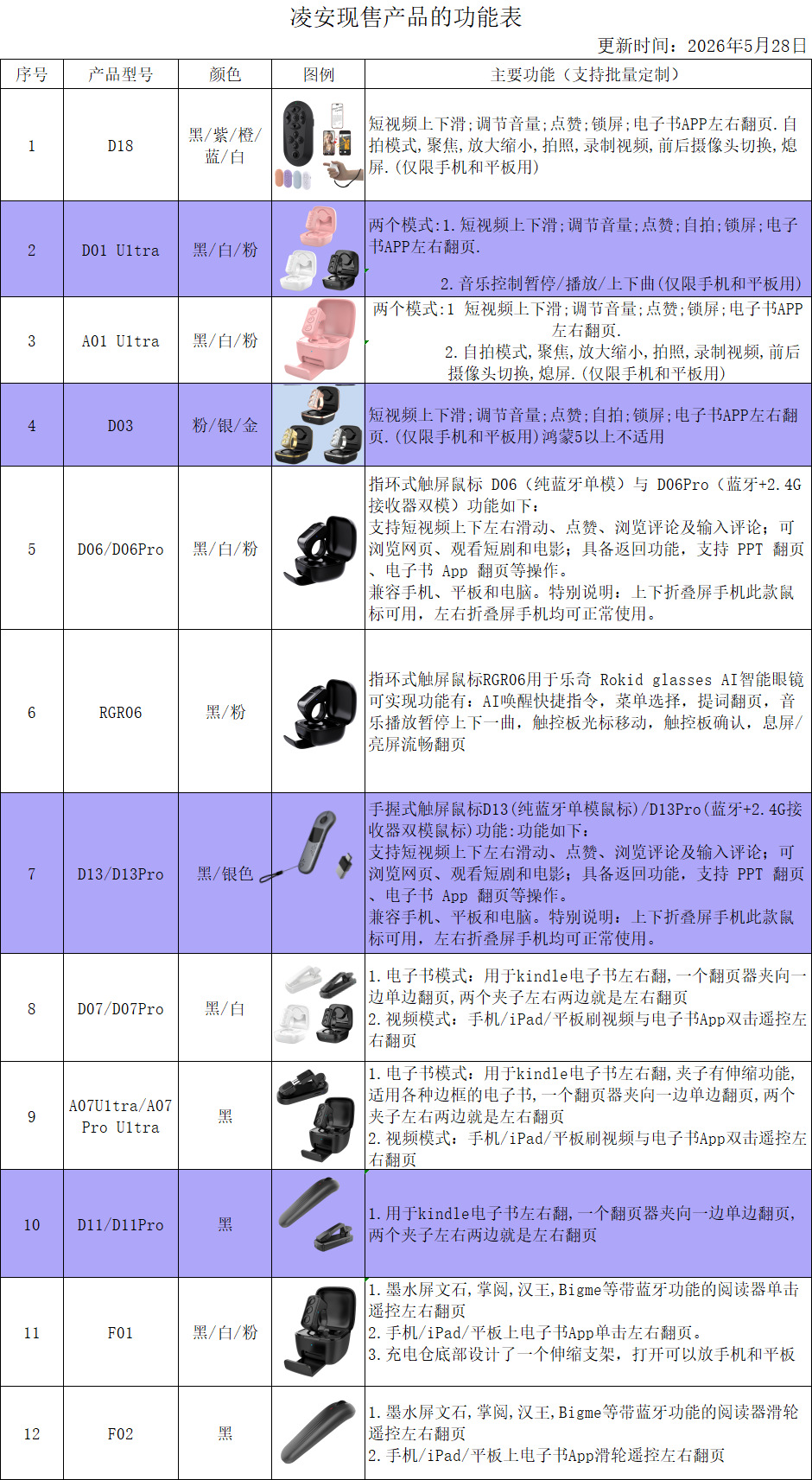
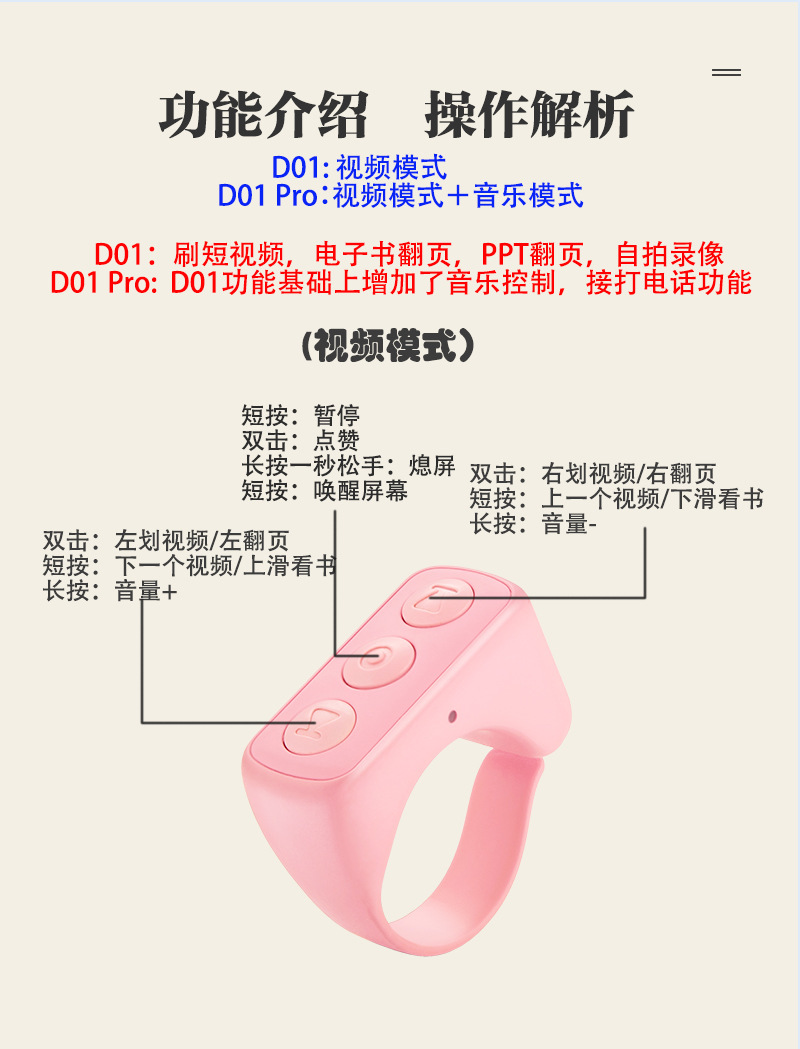
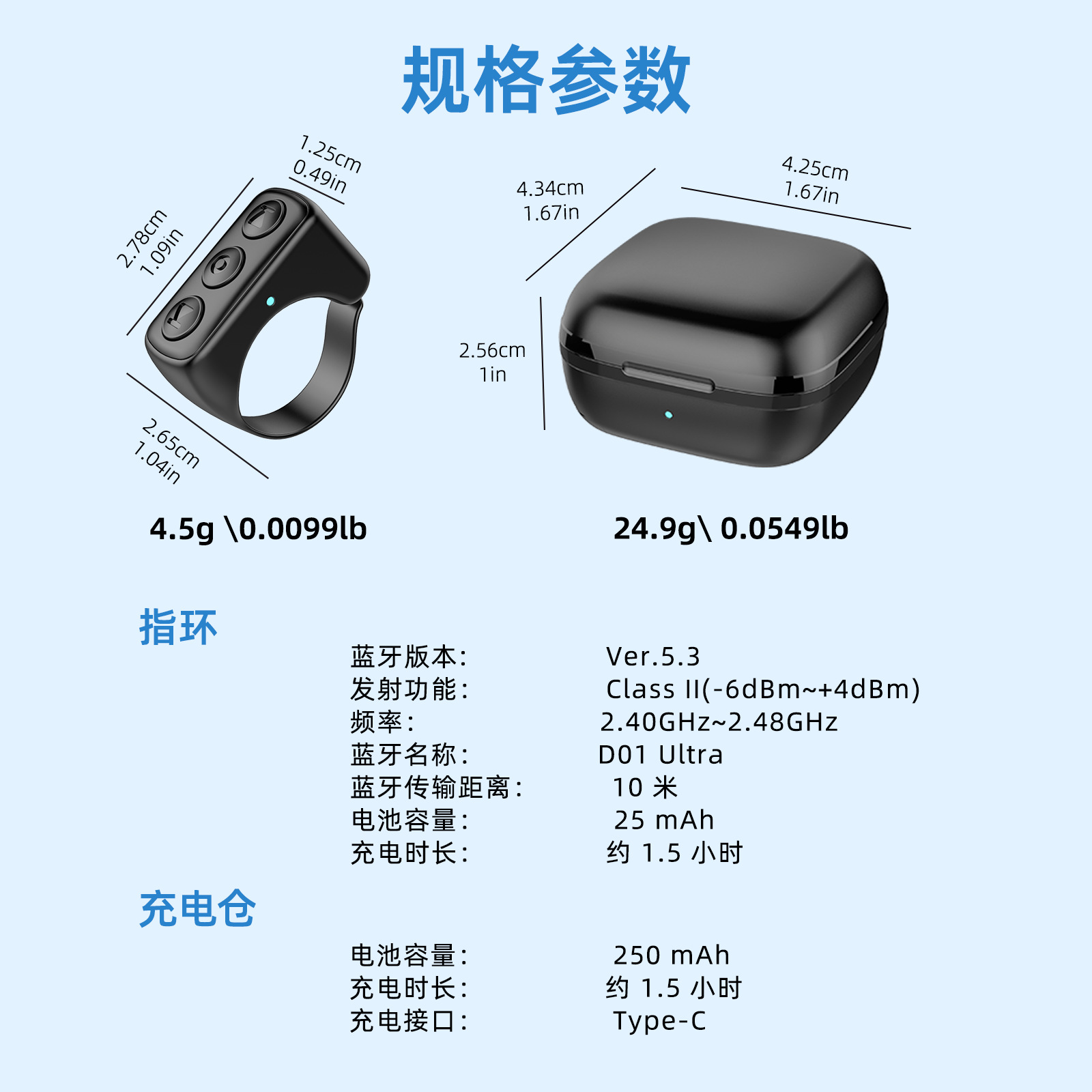
In the table below, item 2 is the D0Ultra Stone Black product. This update adds compatibility with more phones, and the Bluetooth version has been upgraded to 5.3. The electronic functions remain unchanged. Previously, Apple settings allowed turning on touch, but now it turns on zoom functionality instead. There will be no circle on the phone screen.







Common Questions
Question 1: Which phones are applicable? How to connect to a phone or tablet?
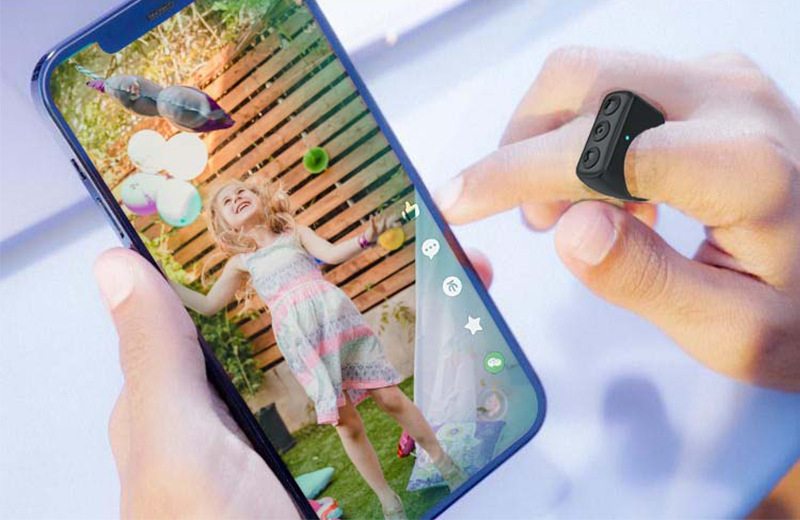
Answer: It applies to most phones on the current market, including those with Android, Apple, and HarmonyOS systems, either as smartphones or tablets.
Step 1: When the remote control is turned off, hold the middle button for one second. When the red and blue indicator lights flash alternately, proceed to pairing.
Status.
Step 2: Turn on the Bluetooth on your phone or tablet and search for devices. The Bluetooth menu list will appear:D01UltraClick when the time is right
Name,
Enter pairing,Complete the connection according to the instructions.
Note: If the D01Ultra cannot be found via the phone search, try turning off the phone’s Bluetooth and re-enabling it until the connection is established.
Question 2: Can Apple phones and iPads be used?
Answer: It is possible, but make sure the system iOS software is version 14.8 or higher, and enable the zoom function.
Question 3.Apple phones and iPadsCan't scroll up and down on the video even when enabling touch, or can only pause? How to fix it?
Answer: Please restart your phone.
Question 4: Can it be connected to a phone along with a Bluetooth headset or speaker?
Answer: They can be used together in connection.
Question 5. Regarding taking photos and recording videos
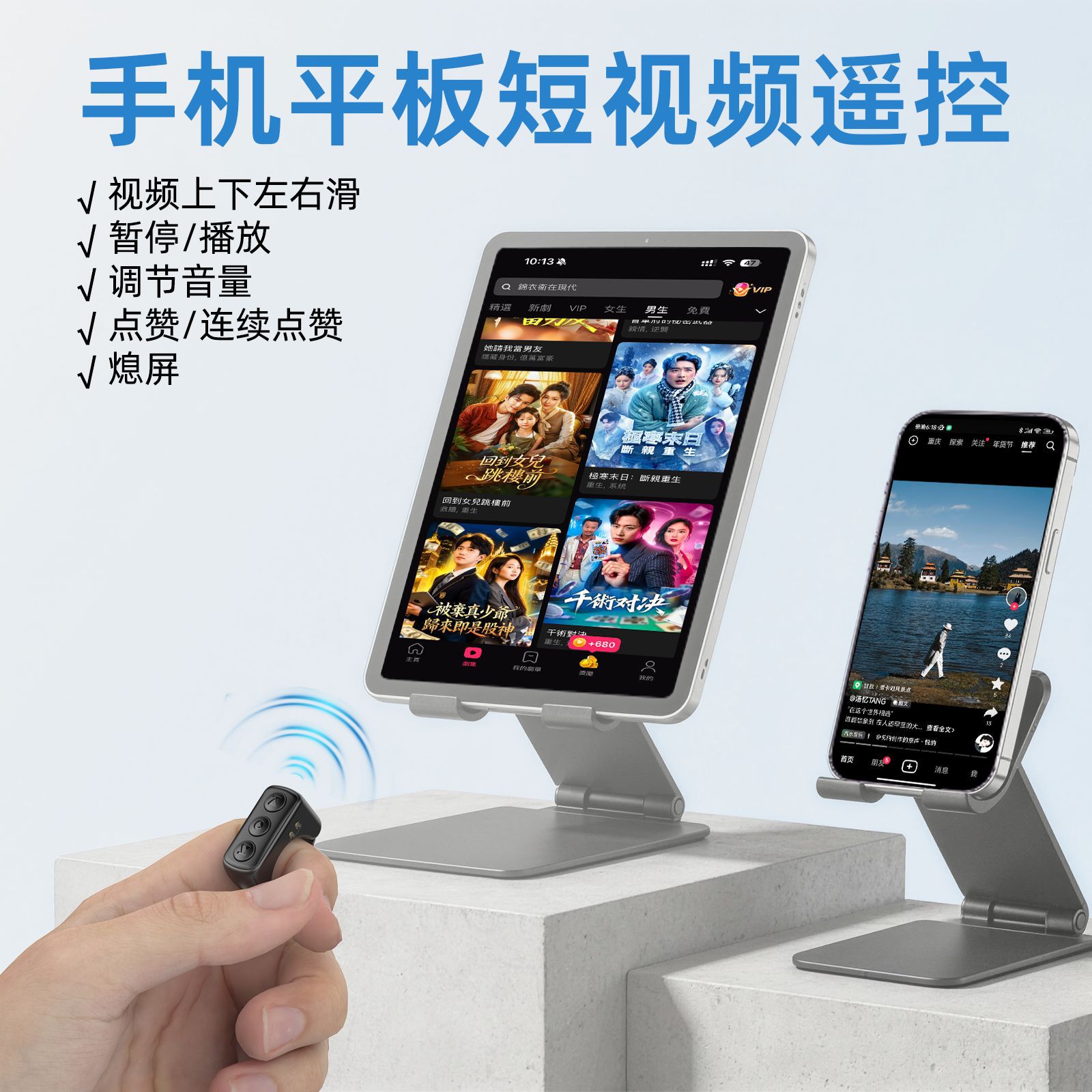
Answer: Currently, only photo taking and video recording via the original camera and various beauty camera apps are supported. Long-press the volume up or volume down button for 1 second and
Let go, and it will be okayTake photos and record videos. Photography and video recording are not supported on popular short-video apps, as these apps include background music functionality.The video and volume adjustment functions conflict with each other.
Question 6. Regarding e-books
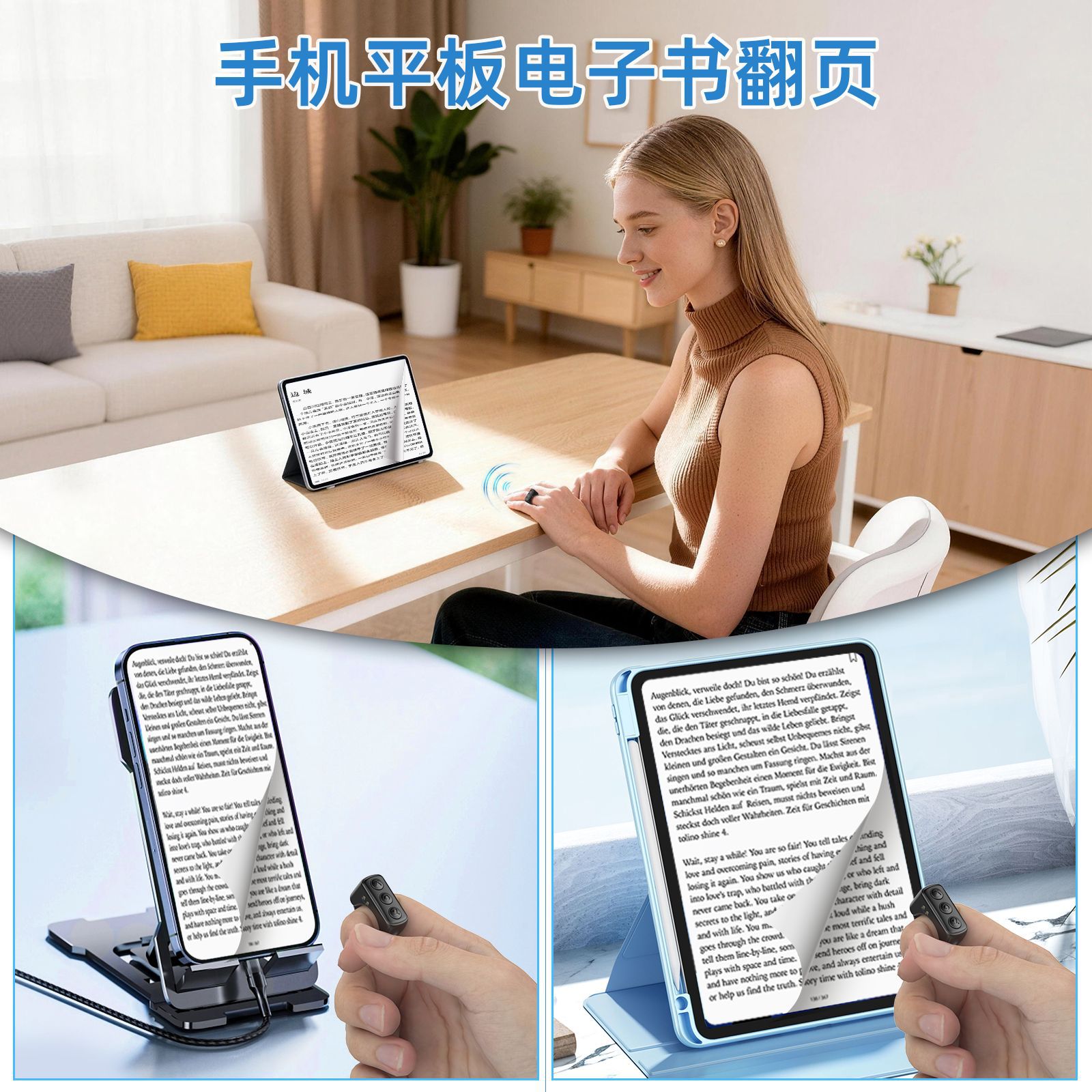
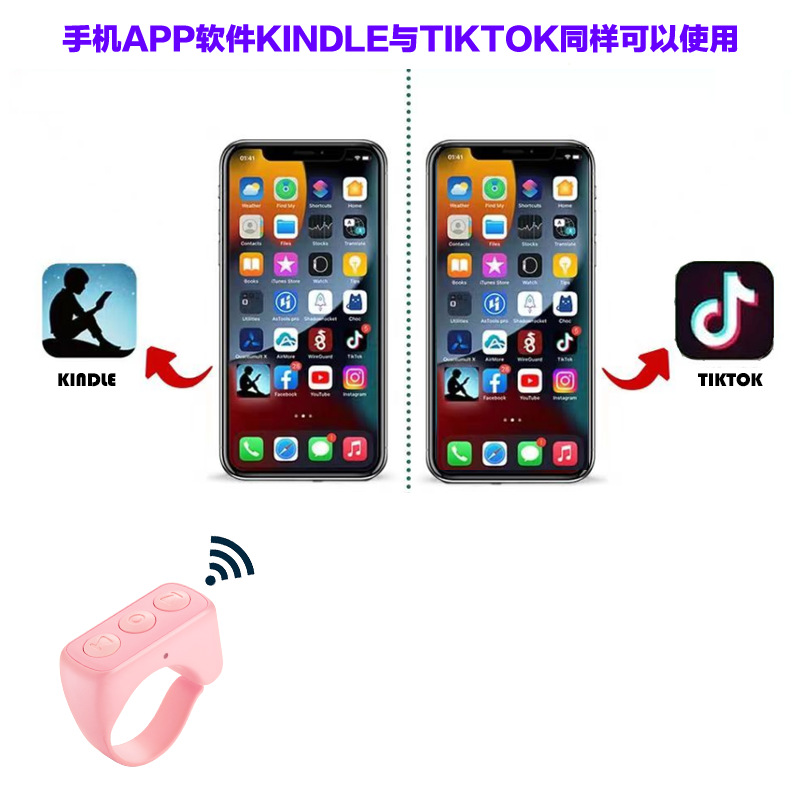
Answer: Support page-turning for most mobile phone, tablet, and e-book apps. When using it, double-click or long-press the “Volume Up” or “Volume Down” button. If it doesn’t work…Implement page flipping,Please locate the corresponding settings in the e-book settings (such as simulation), and it is usually possible to achieve this..If needed
To enable page turning on the Kindle reader, please select our D07 series of products.
Question 7: About charging rings
Answer: When the charging case charges the ring separately, the blue light on the charging case stays on continuously, and the blue light on the ring turns off once it is fully charged. Please be careful when charging the ring.
During charging, be sure toCharging compartment cover.
Question 8: Do the ring and charging case charge together?
Answer: Yes, please cover the charging case. The light in the charging case first turns purple, then red, and finally turns off, so that the ring and the charging case are fully charged together.
Question 9: Is a charging cable available? What type of charging cable is needed? Does it have directional markings?
Answer: The standard packaging includes a Type-C charging cable with no direction specified.
Question 10. Working hours and standby time?
Answer: The ring can operate continuously for about 40 hours by being charged, and it can remain in standby mode for 1 week. The charging case allows the ring to be charged 5 times.
Question 11.D01UltraHow do I switch between video mode and music mode?
Answer: When the ring is connected to the phone, pressing the “Volume +” and “Volume –” keys simultaneously causes the red and blue lights to flash, indicating a switch.
AdditionallyOne mode; performing the same operation returns the original mode.
Update time:


TOP